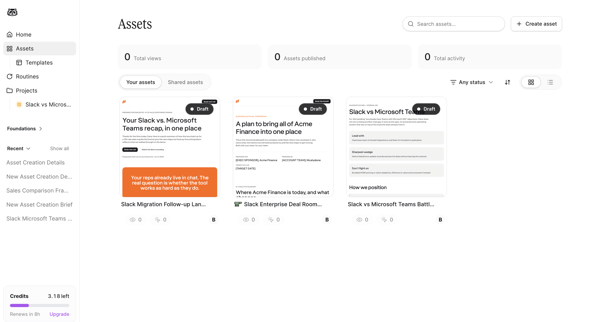
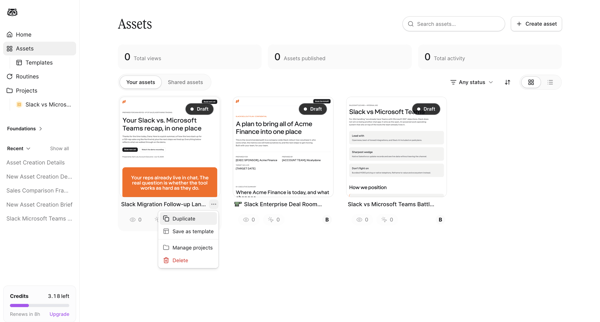
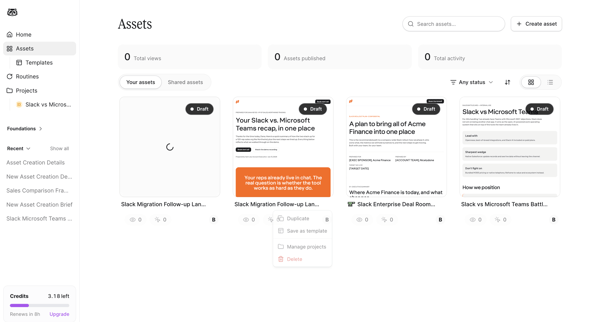
Mutinyhq Flow Example: Organizing assets
Preview this Mutinyhq user flow: Organizing assets. Explore the opening screens.
Preview these flows

Related user flows

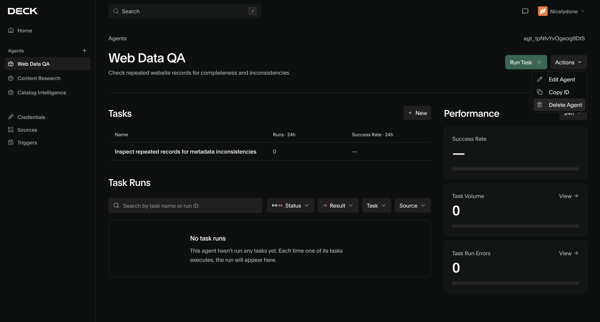

User views agent detail page then opens confirmation modal to delete the Web Data QA agent

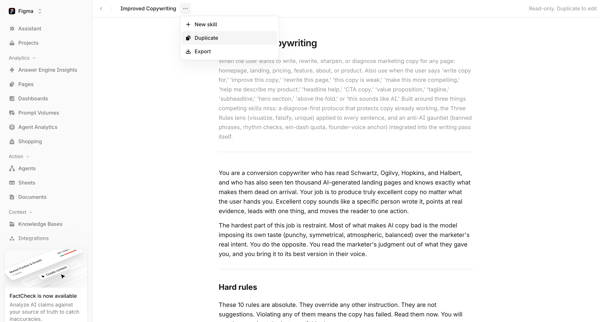
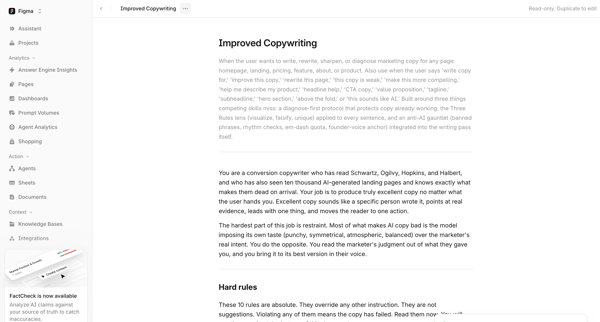
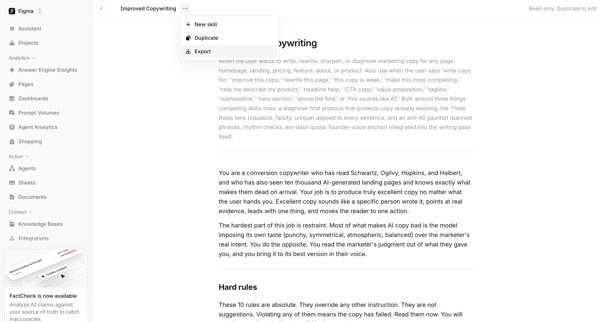
User views read-only AI copywriting skill document in Skill Document View and Skill Detail View then selects Duplicate from context menu resulting in toast confirmation

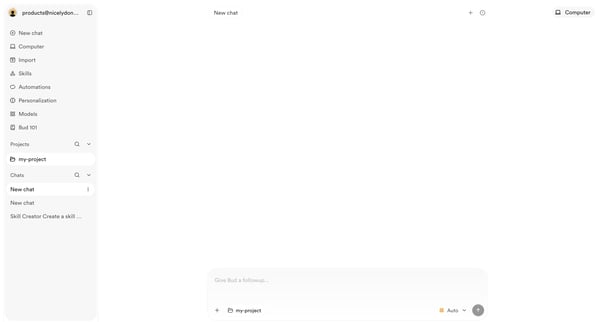
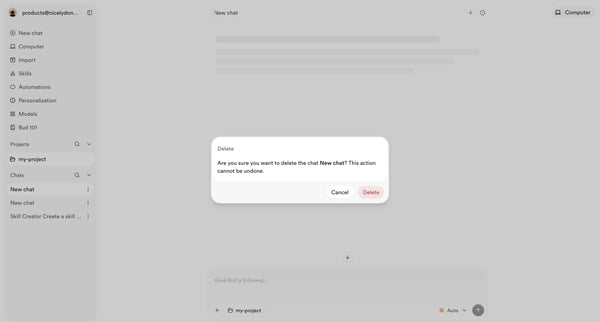
User opens empty AI chat then triggers delete confirmation modal for an existing chat

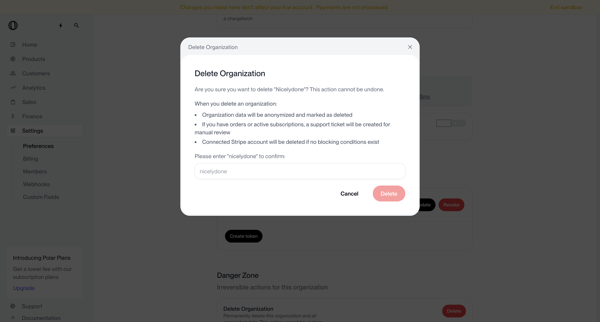
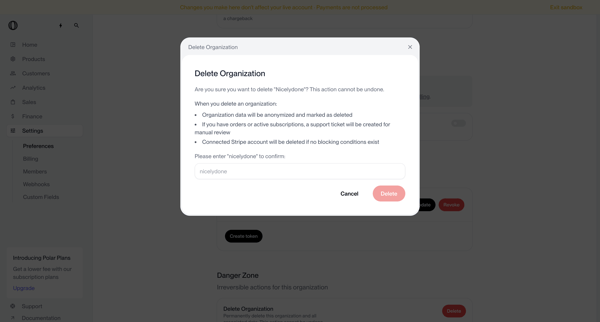
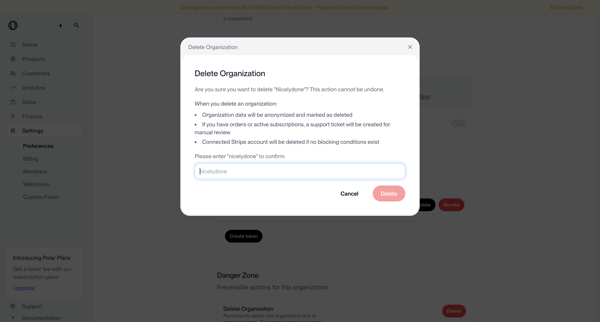
User opens delete organization modal from settings danger zone, types organization name to confirm irreversible deletion, and sees deletion request submitted status requiring manual review

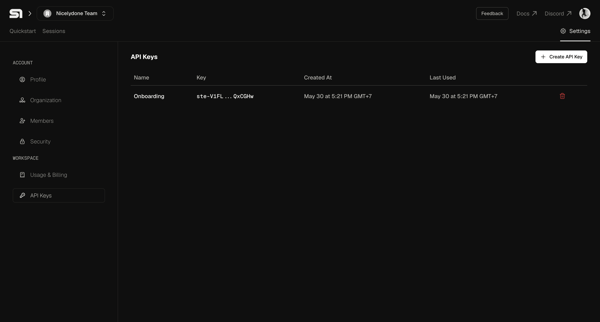
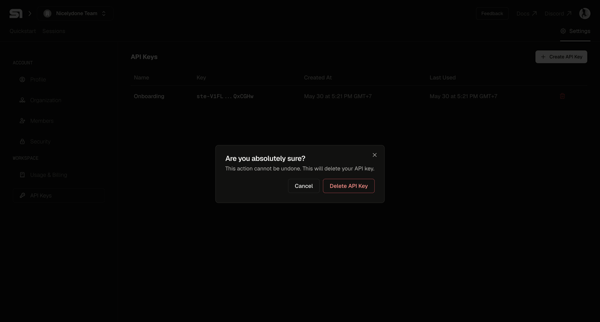
User selects an API key from the settings table and confirms deletion in a modal

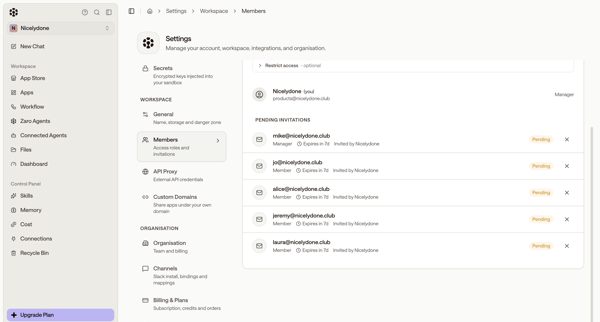
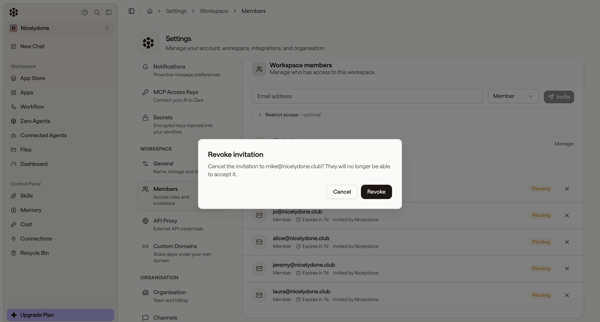
Admin views pending invitations in workspace members settings and opens revoke confirmation modal

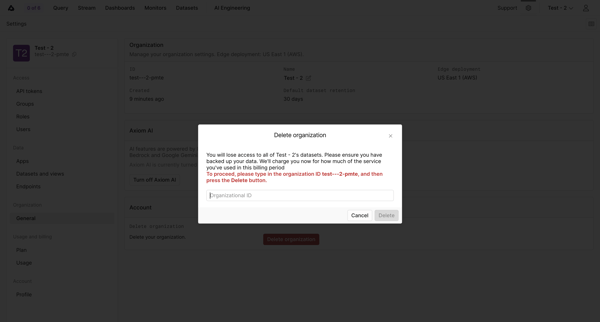
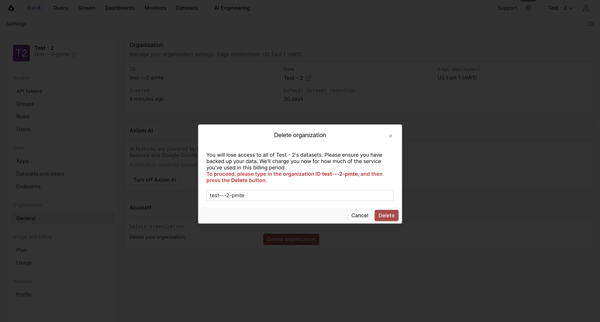
Confirming permanent deletion of an organization by typing its ID in a settings modal

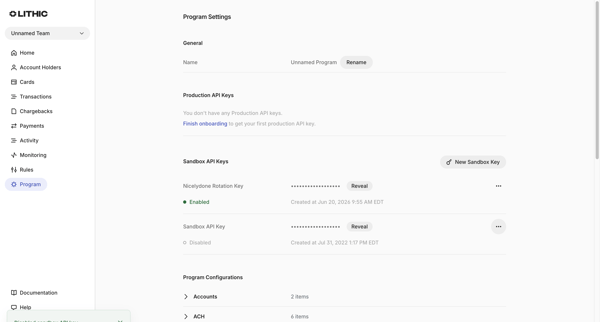
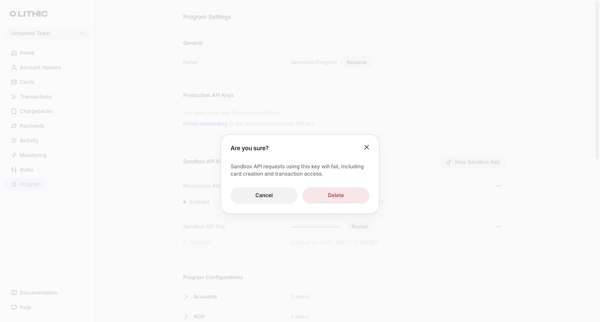
User views sandbox API keys in Program Settings and opens a confirmation modal to delete a selected key

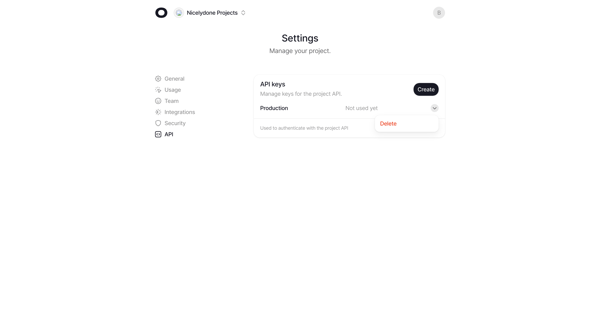
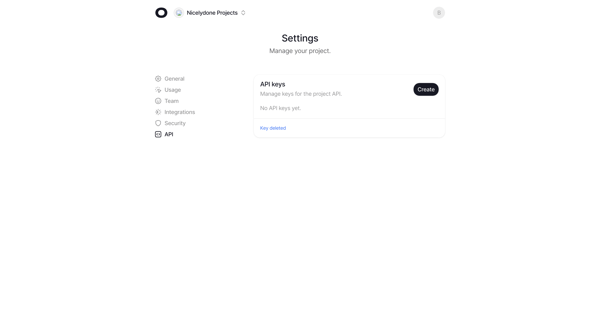
User deletes a production API key from project settings and sees empty state with confirmation

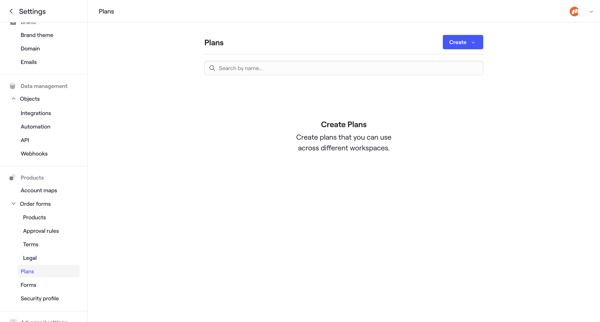
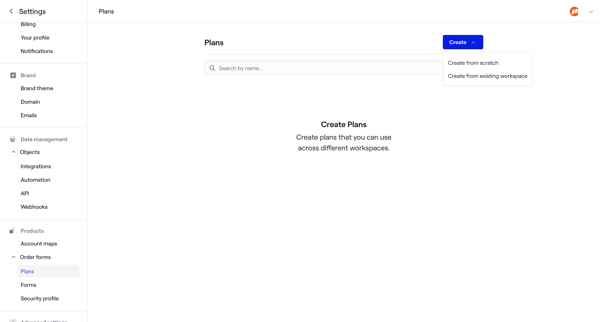
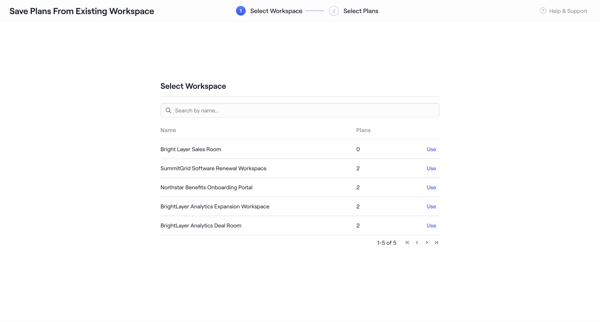
User starts from empty Plans Settings, chooses to duplicate plans from an existing workspace, selects workspace and specific plans via wizard steps, and ends on the plans list with success toast

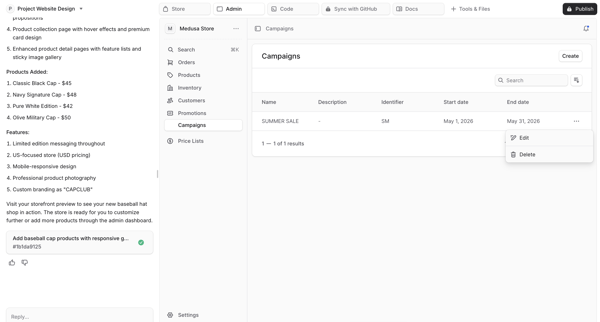
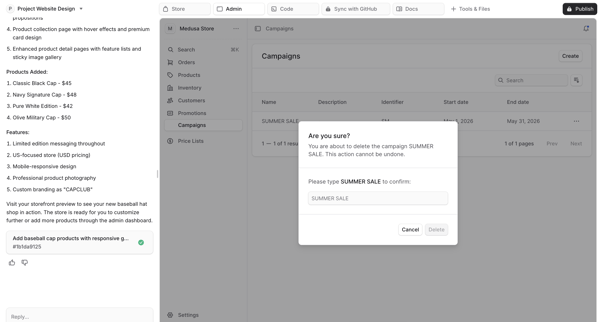
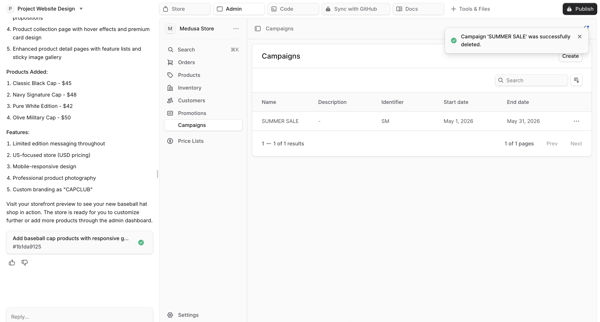
Deleting a campaign from generated ecommerce admin dashboard preview via type-to-confirm destructive modal in AI app builder

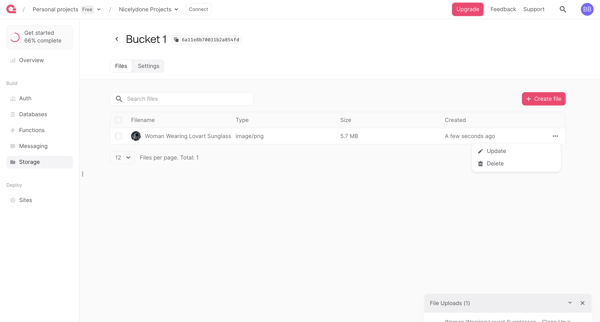
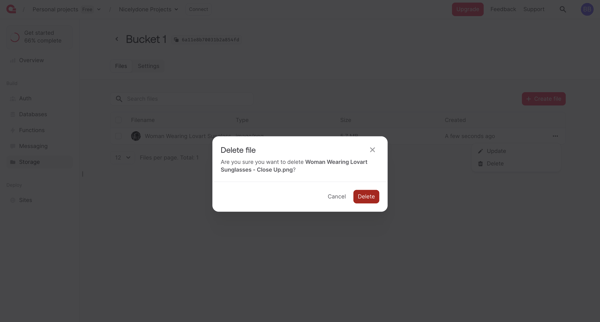
From storage bucket file list with open context menu, user selects Delete and reaches confirmation prompt for the selected image file
Explore the full SaaS flow library
Browse the full SaaS flow library.
Trusted by the best teams







