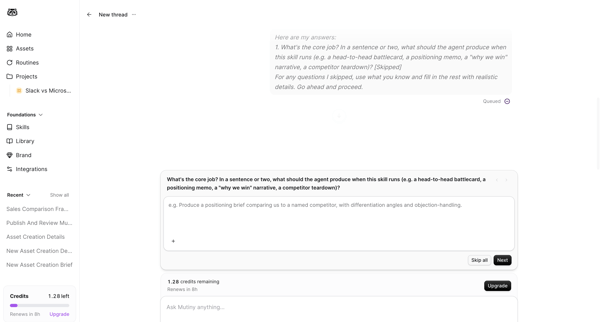
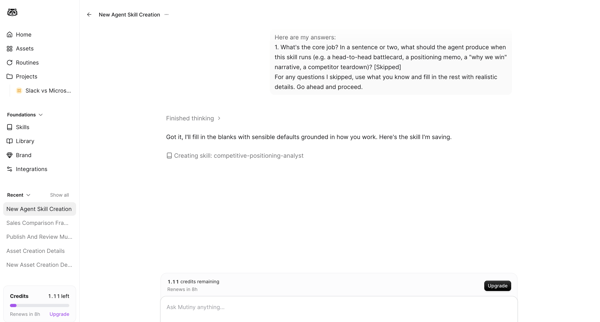
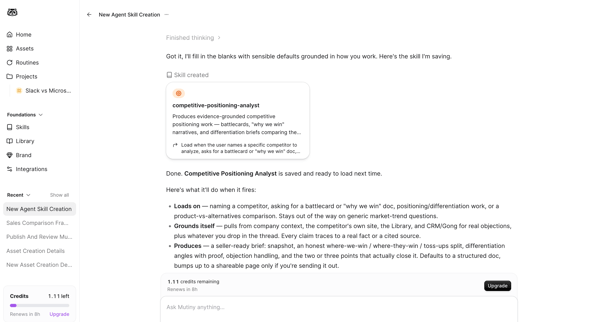
Mutinyhq Flow Example: Creating agent skill
Preview this Mutinyhq user flow: Creating agent skill. Explore the opening screens.
Preview these flows

Related user flows

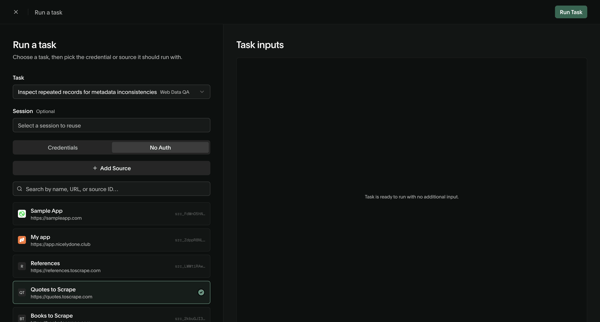
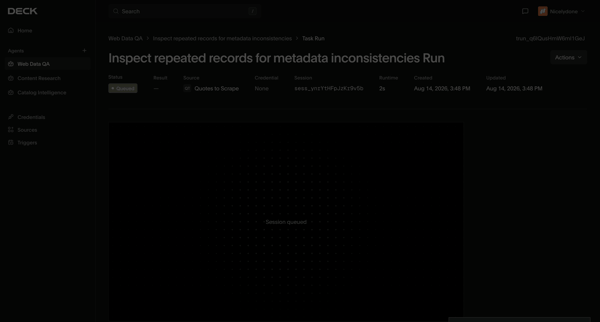
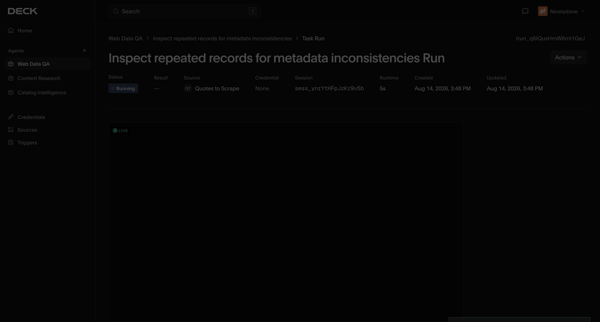

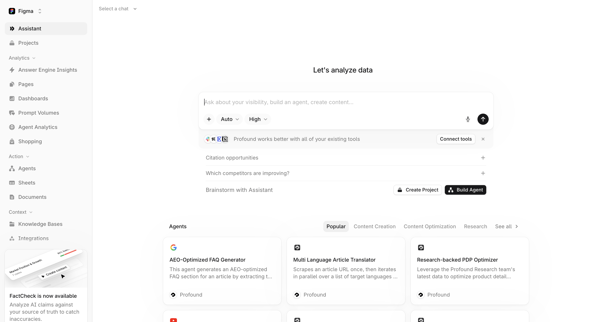
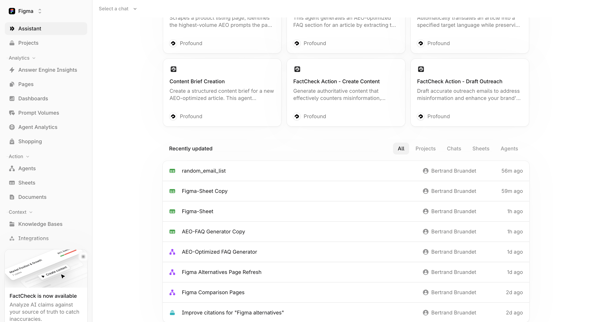
Navigating from AI assistant start screen with prompt library and agent templates to workspace home dashboard displaying agents and recent projects

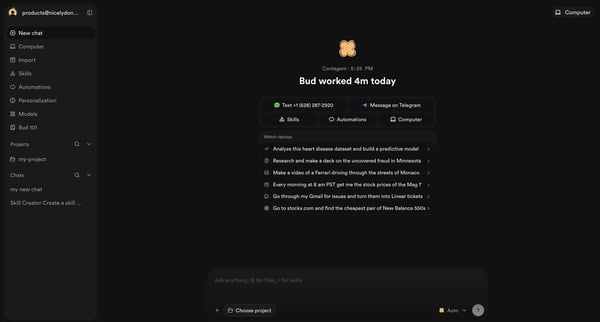
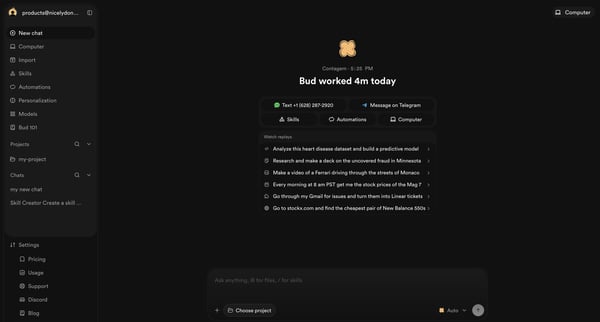
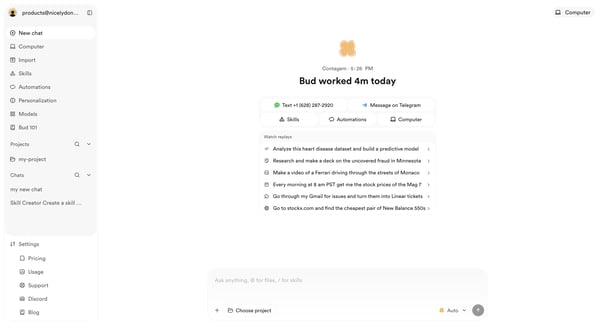
Initiating a new conversation from the AI agent home screen with prompt suggestions and quick actions

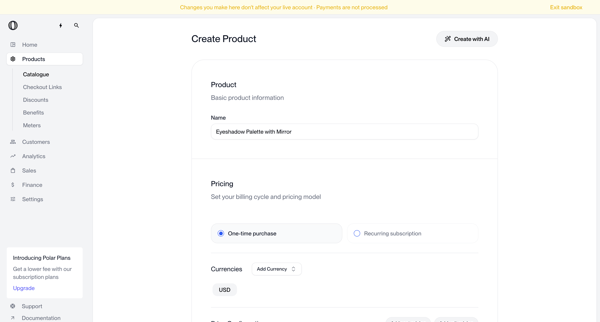
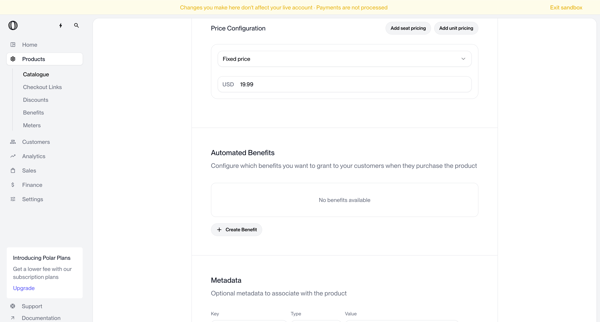
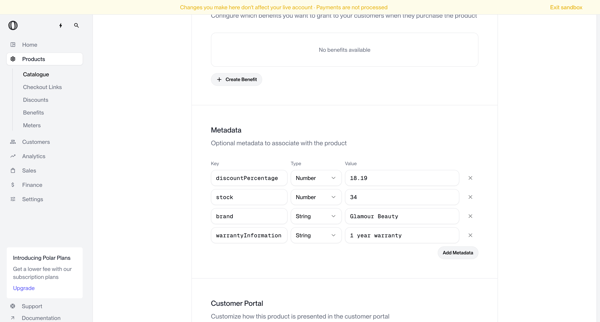
Multi-screen form journey configuring a new product name, pricing model, currencies, benefits, metadata, portal visibility, checkout description, images, and custom fields

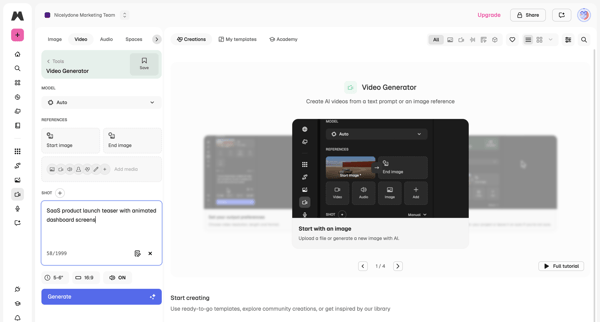
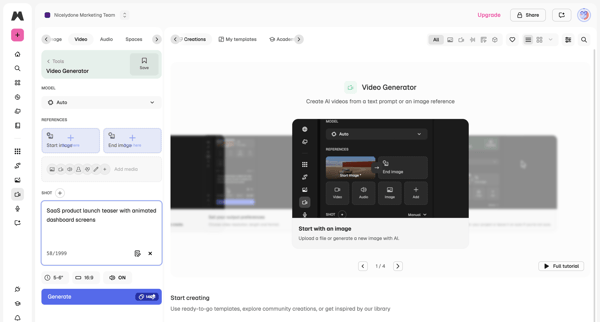
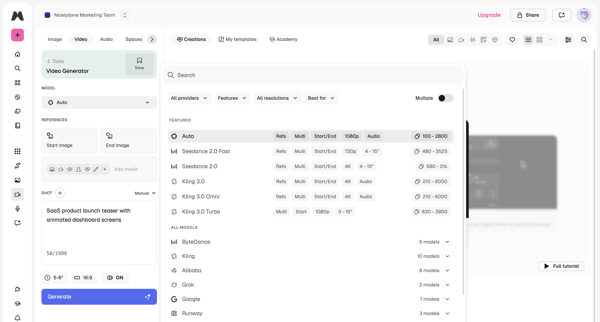
User configures AI model, text prompt, reference images, aspect ratio and duration in workspace then triggers generation and reviews output

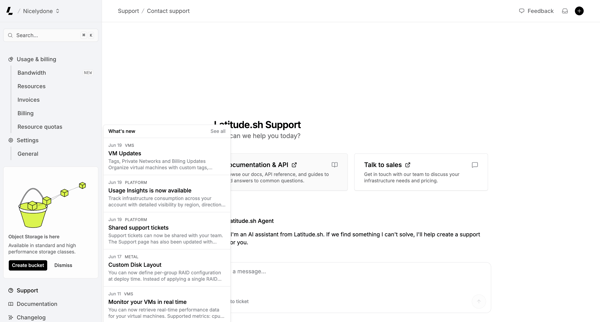
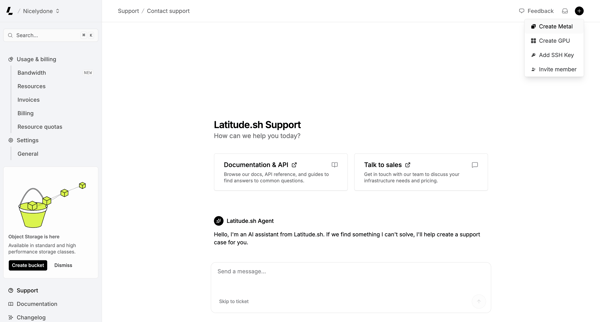
User engages with AI assistant on support page to resolve issues, browse documentation, or contact sales while viewing platform updates

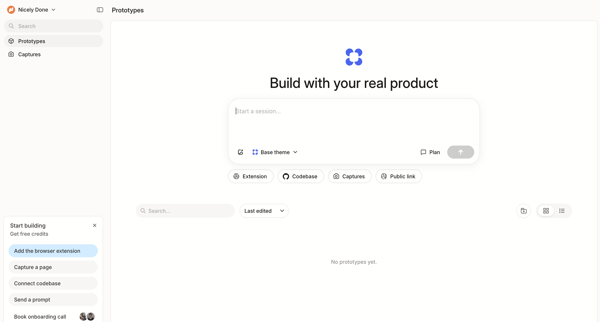
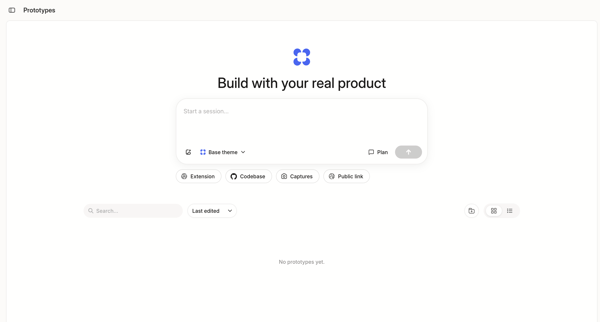
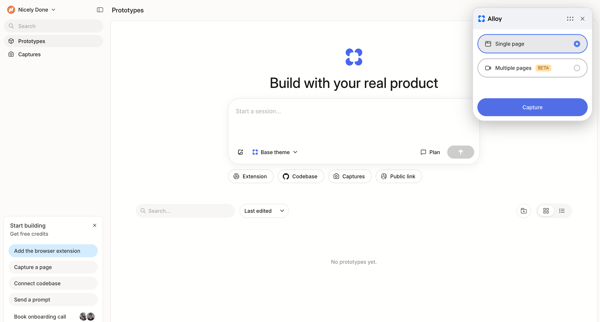
User initiates an AI prototype generation session from empty dashboard and list views using prompts or connected sources

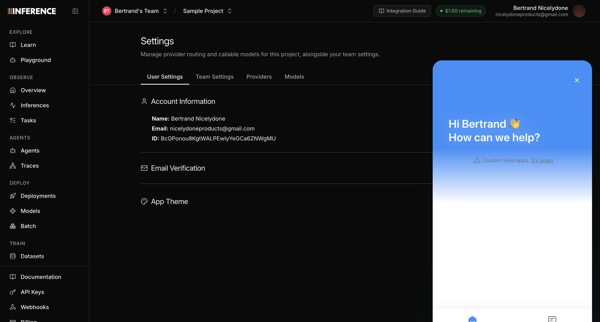
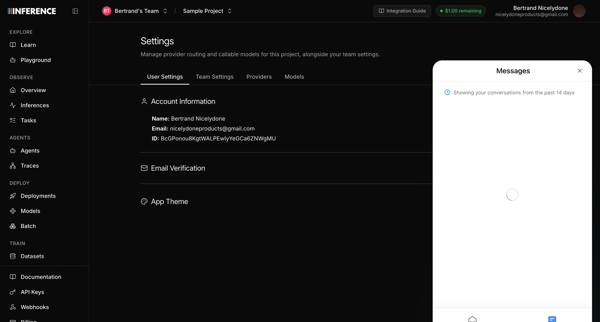
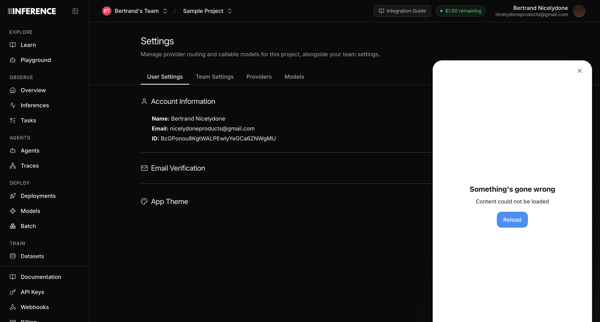
Opening support chat widget from user profile settings page, with messenger attempting to load recent conversations before displaying error states

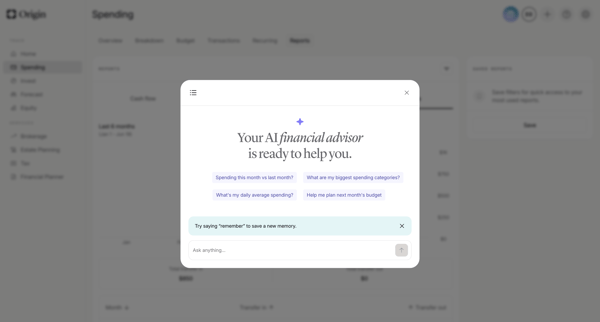
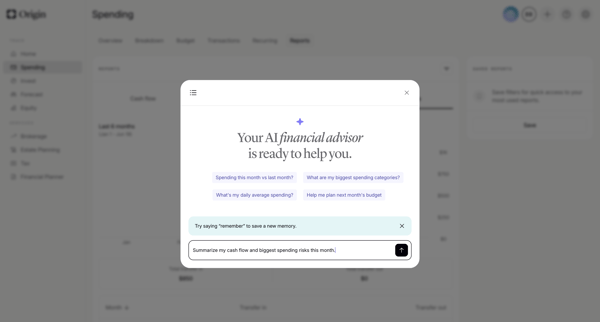
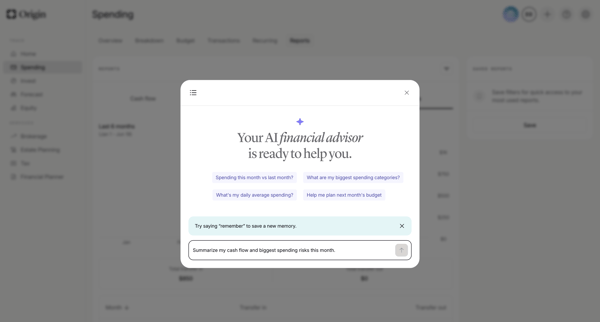
User opens AI advisor modal from dashboard and engages in multi-turn chat to request spending analysis, cash flow summaries, subscription insights, forecasts, and personalized recommendations with generated charts and reasoning steps

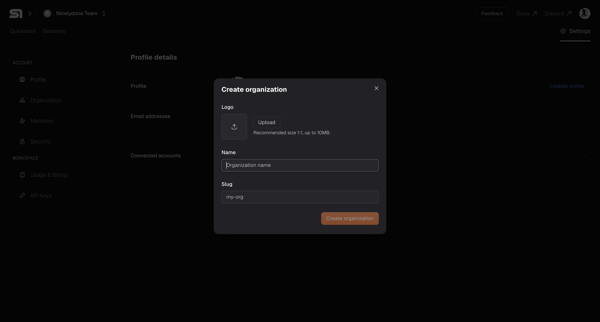
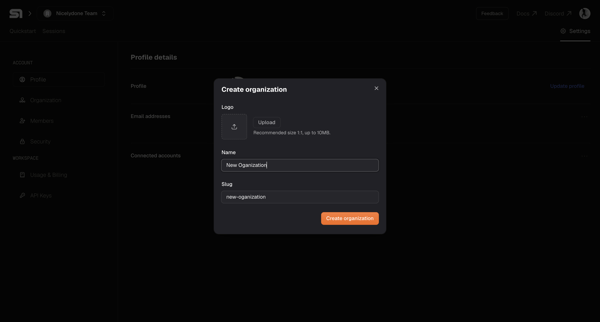
User opens Create Organization modal from settings workspace section and enters logo, name, and slug values

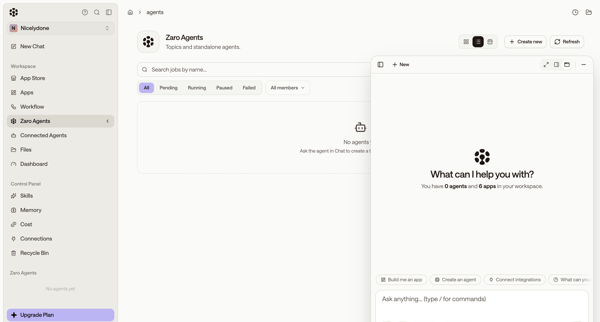
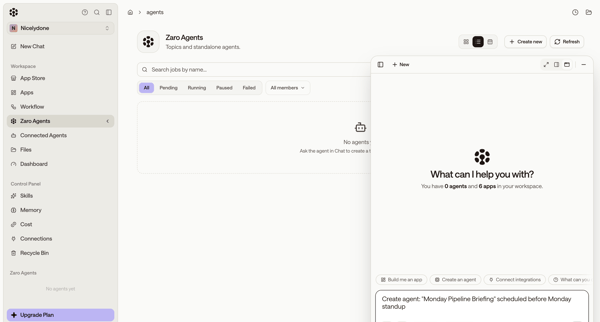
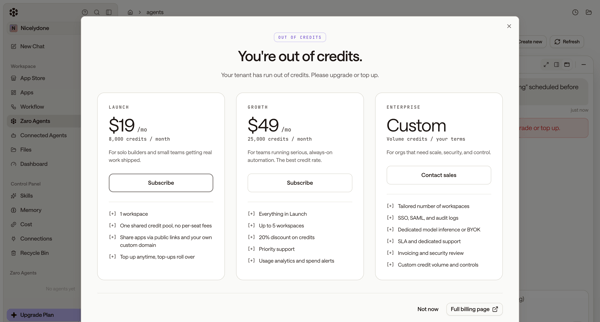
User starts from empty agents list, uses floating AI chat to request agent creation, then encounters out-of-credits paywall and error state

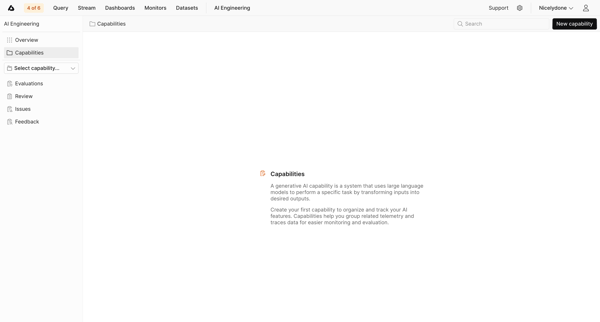
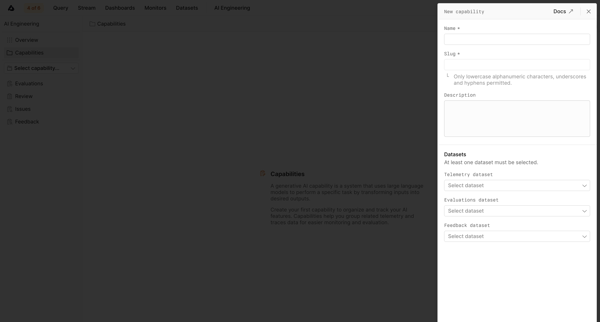
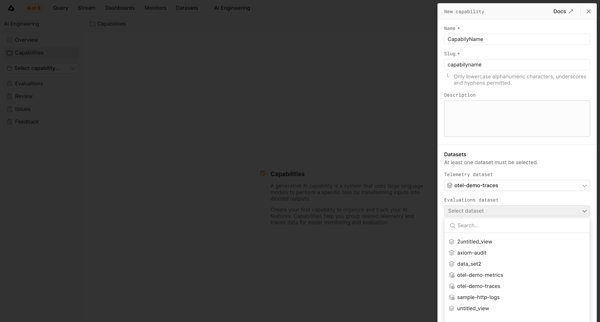
User starts from empty capabilities list and creates a new AI capability via side drawer form by naming it, setting slug and description, then selecting telemetry, evaluations, and feedback datasets.
Explore the full SaaS flow library
Browse the full SaaS flow library.
Trusted by the best teams







