Uploading video
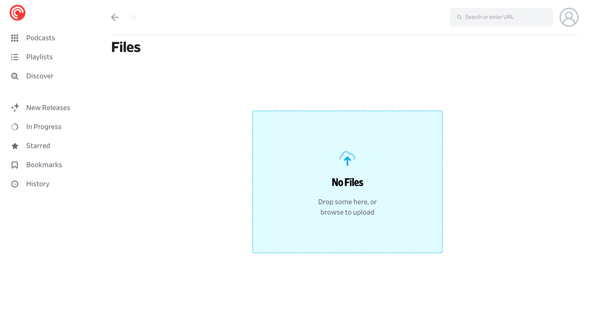
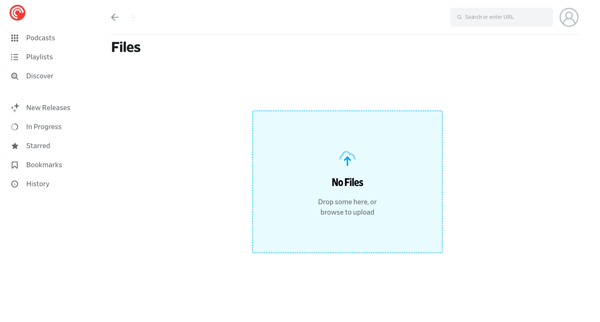
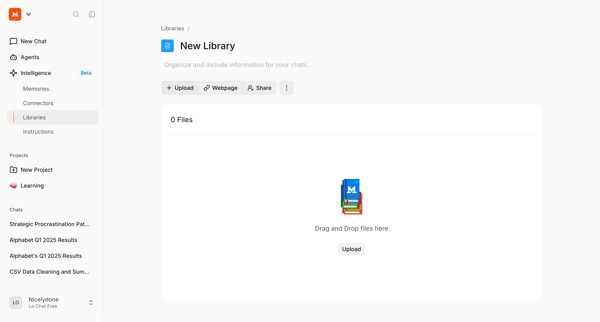
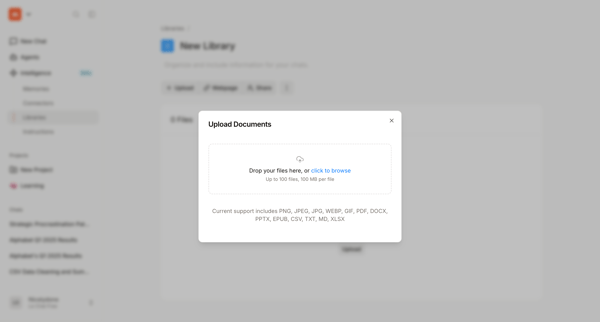
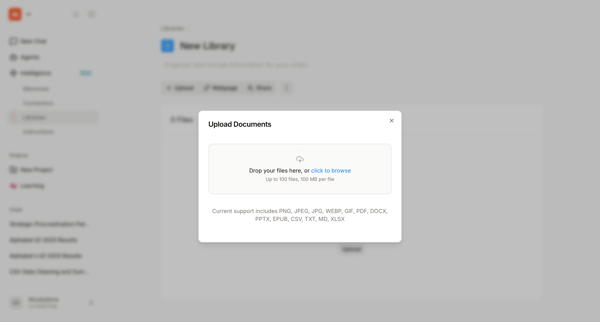
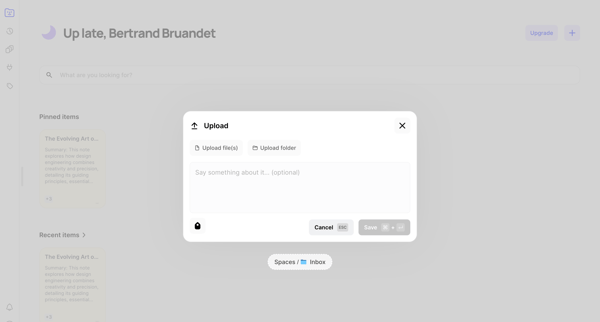
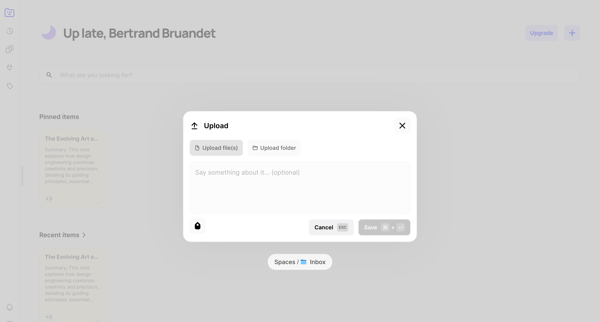
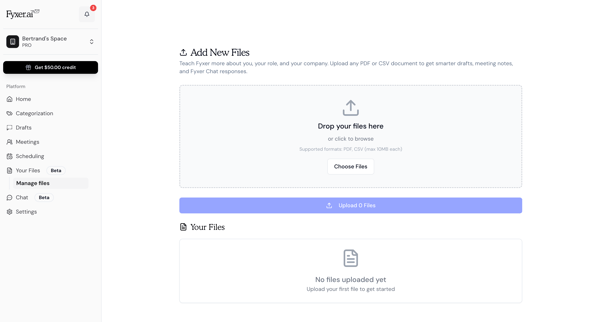
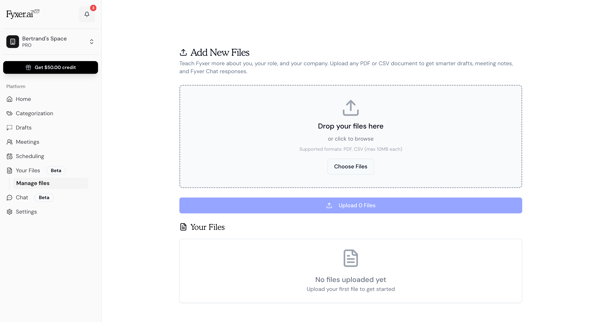
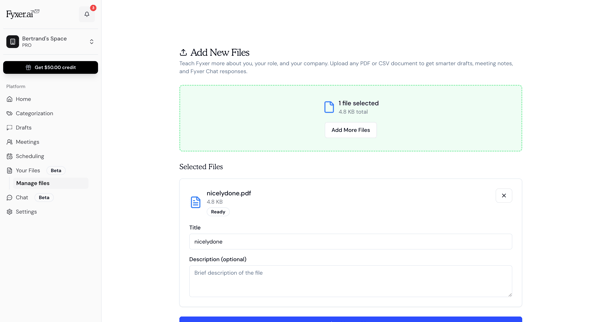
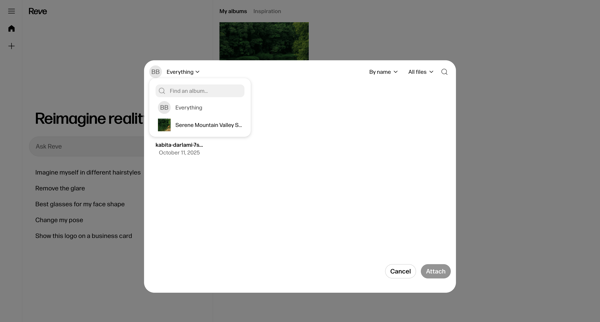
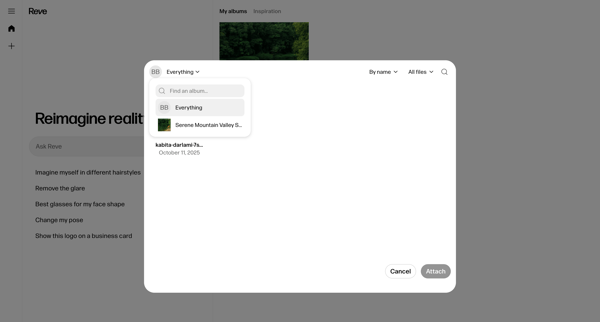
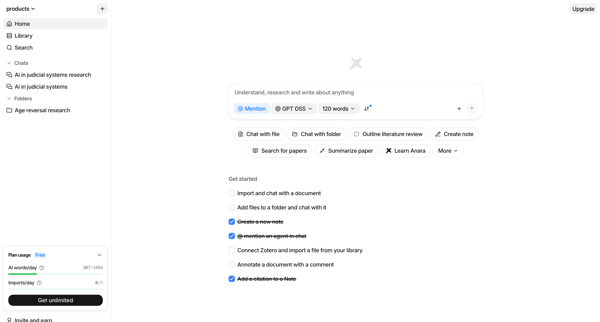
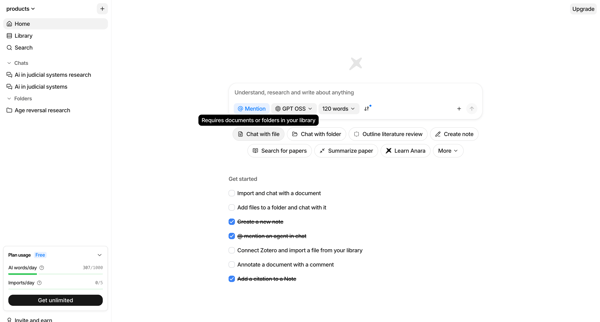
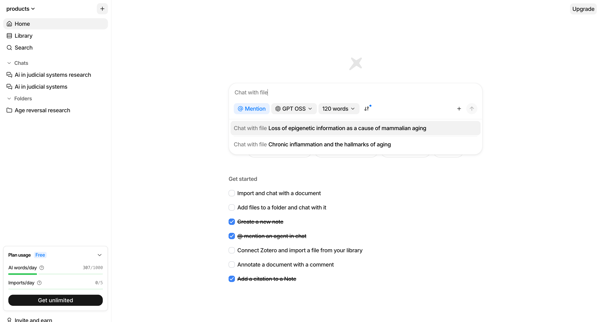
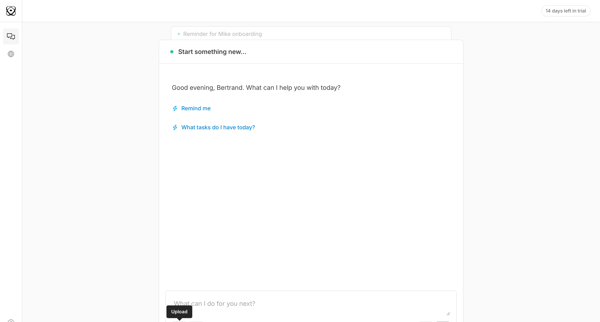
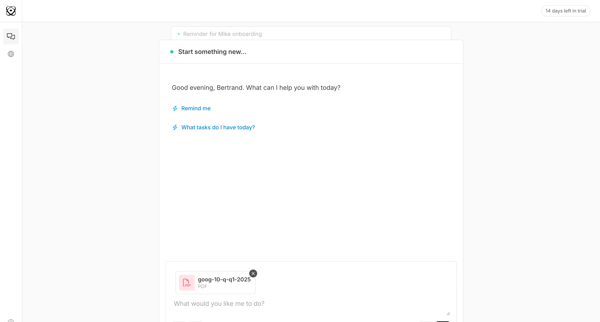
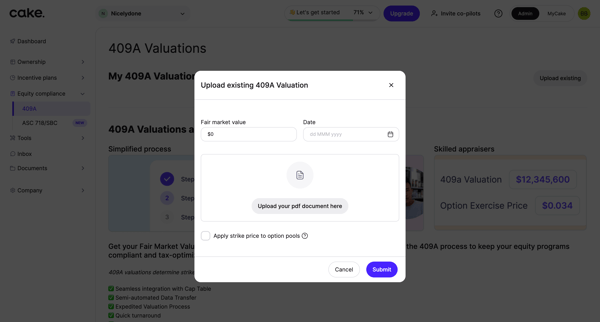
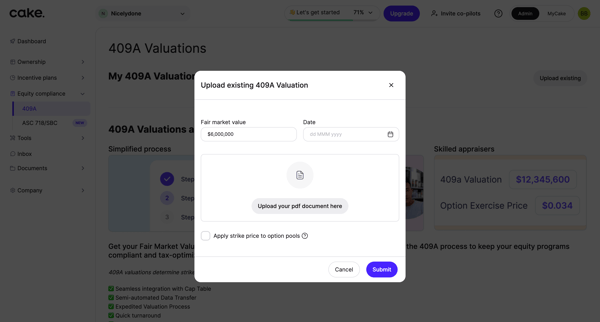
This flow guides a user through the process of uploading a video file to a platform, managing its settings, and confirming successful configuration changes.
Preview these flows

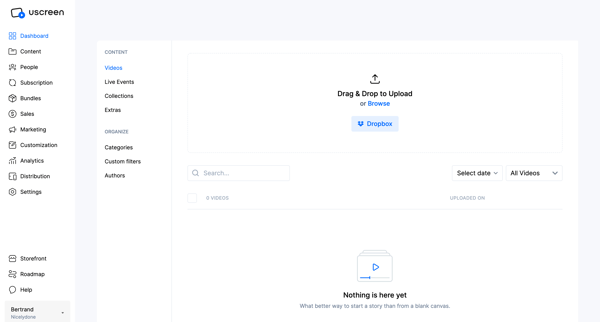
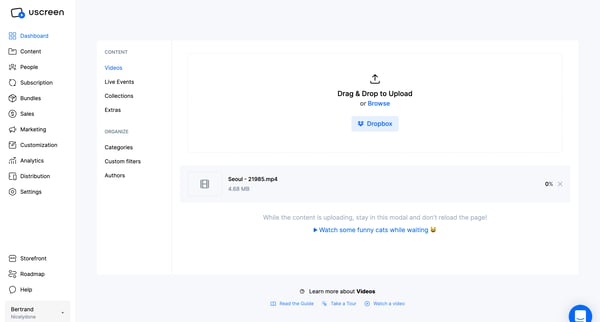
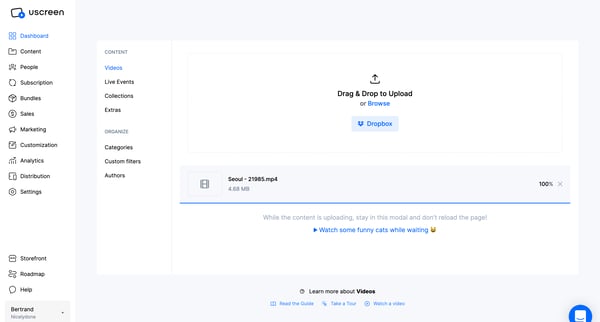
This flow guides a user through the process of uploading a video file to a platform, managing its settings, and confirming successful configuration changes.
Related user flows

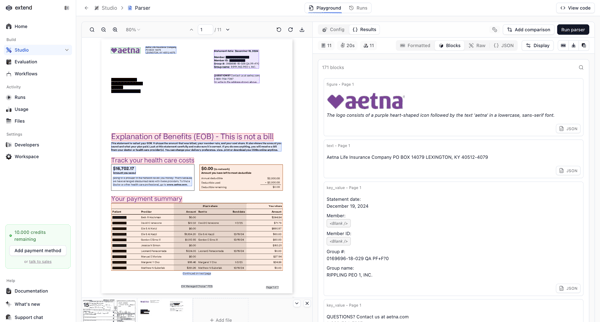
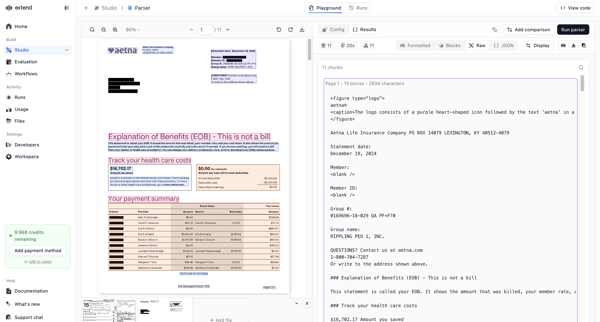
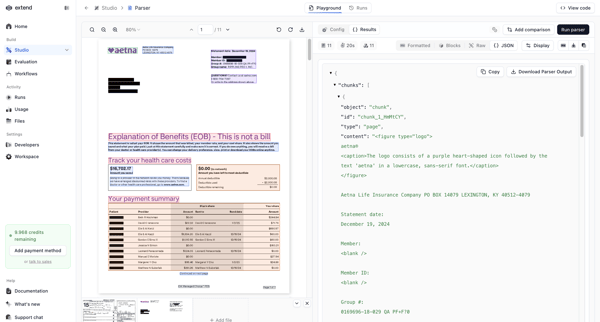
User tests document extraction parsers in a playground by uploading PDFs, switching between design and code editor views, and reviewing bounding boxes with JSON output side-by-side

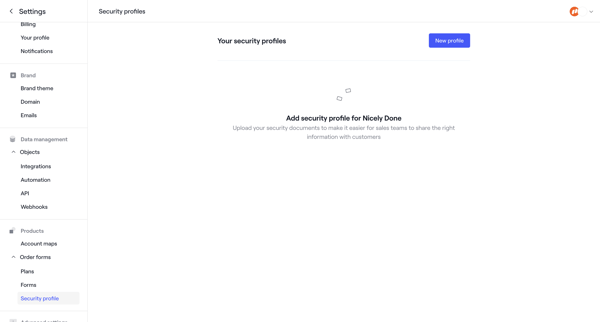
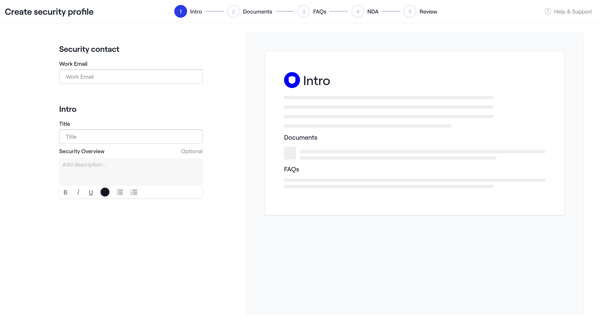
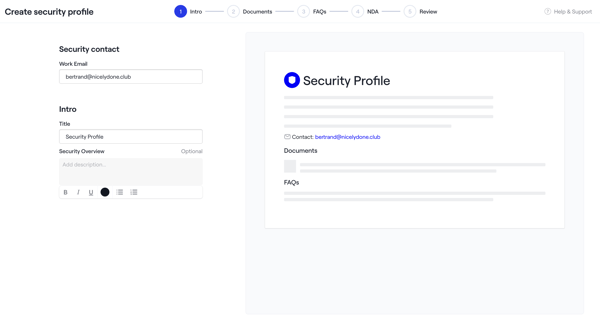
Admin creates a security profile via multi-step wizard starting from empty settings, configuring intro, uploading documents and NDAs, adding FAQs, reviewing, activating, then managing in settings

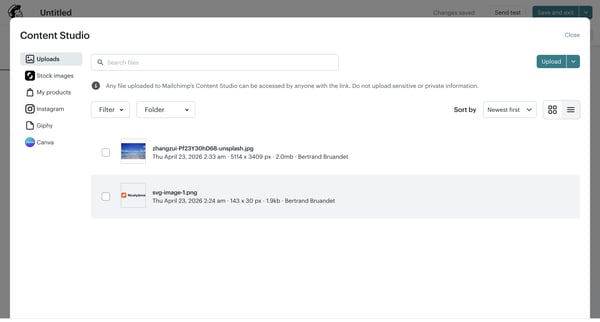
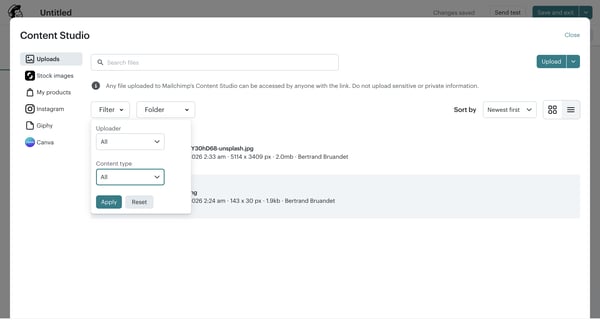
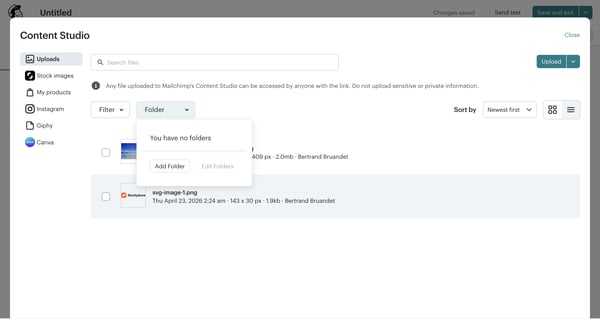

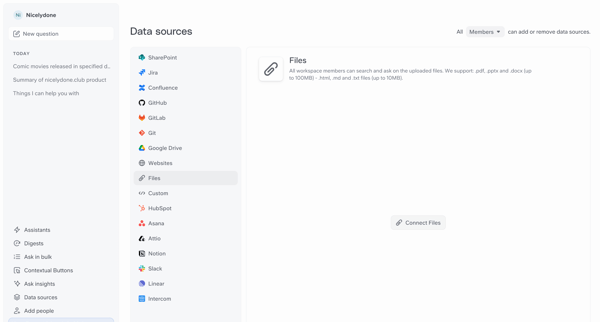
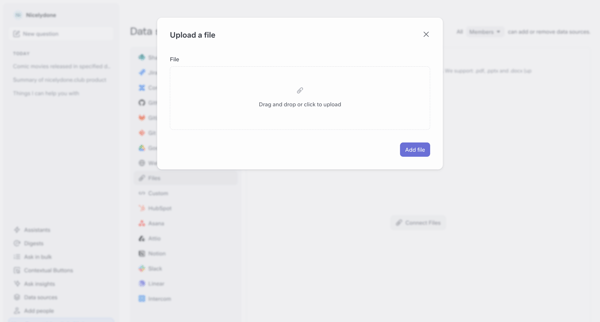
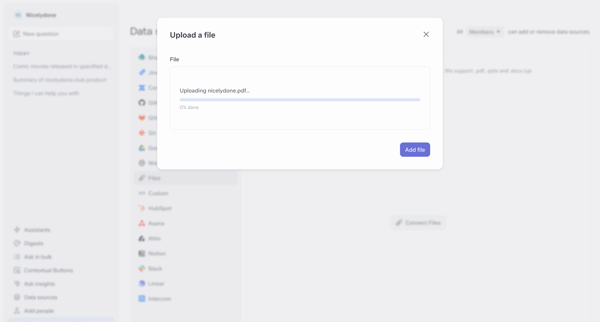
User selects Files integration from Data Sources Settings, opens upload modal, drags or selects a PDF, watches progress complete, then views the file listed in synced sources

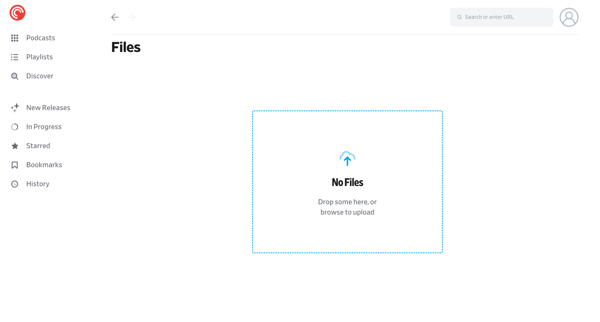








Explore the full SaaS flow library
Browse the full SaaS flow library.
Trusted by the best teams







