Switching to dark theme
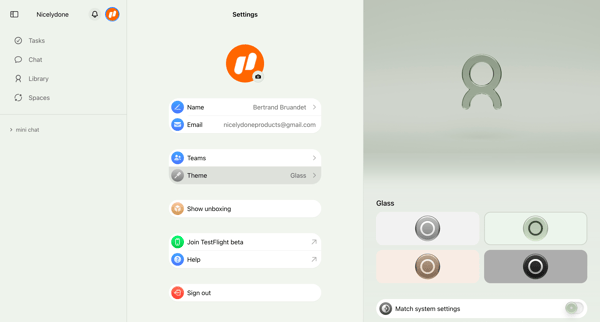
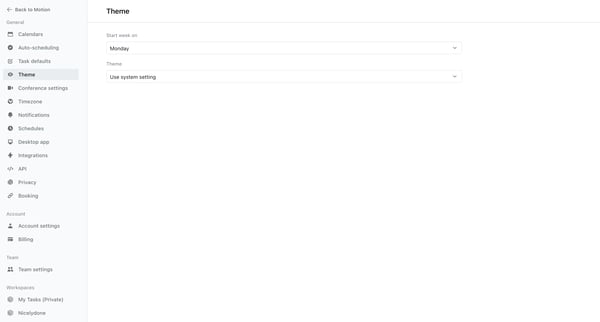
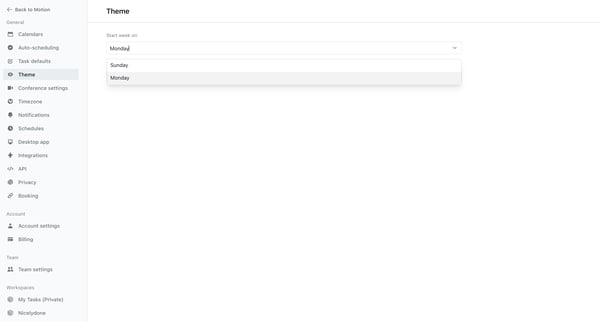
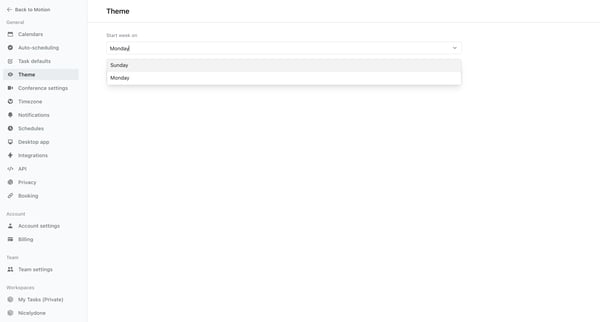
This user flow allows the user to switch their viewing theme preferences between the default system setting and a dark mode, providing visual comfort based on user choice or system settings.
Preview these flows

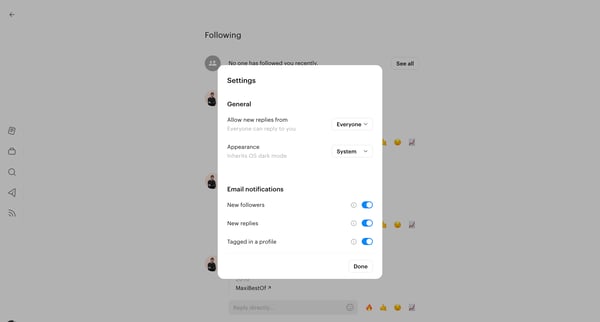
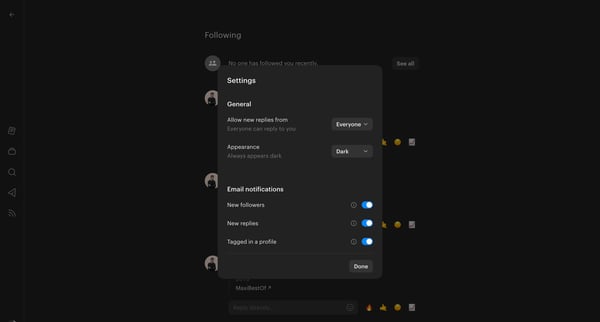
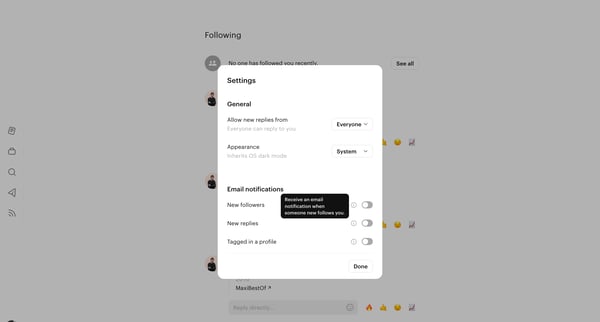
This user flow allows the user to switch their viewing theme preferences between the default system setting and a dark mode, providing visual comfort based on user choice or system settings.
Related user flows

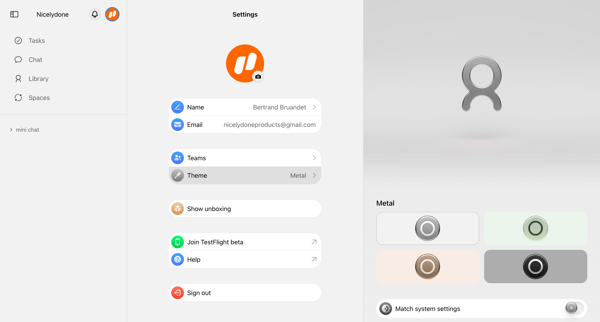



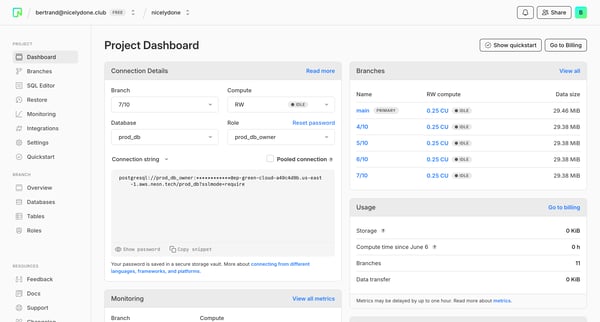
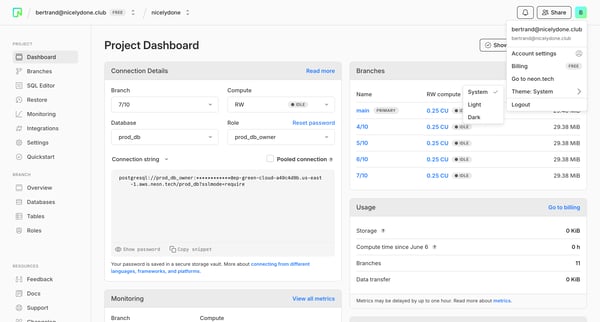
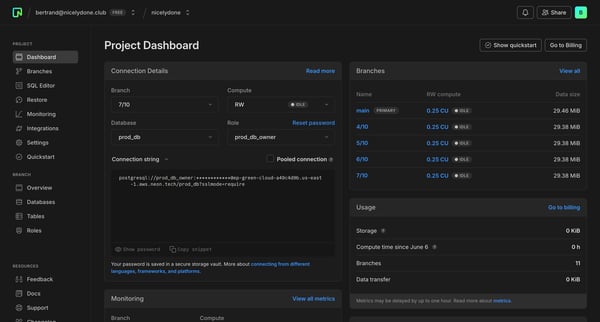
This user flow enables users to adjust the interface theme settings in the Neon platform.

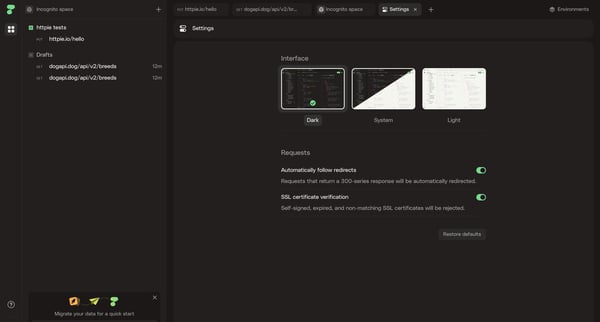
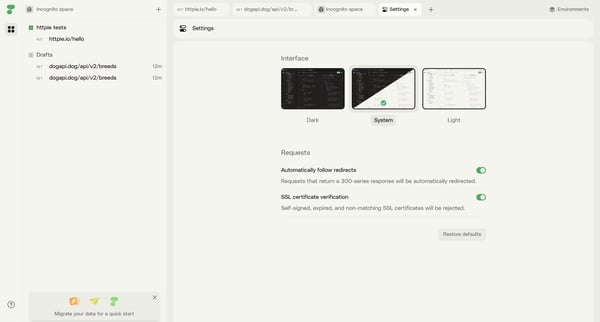
This flow details the process of switching themes within Httpie's settings.

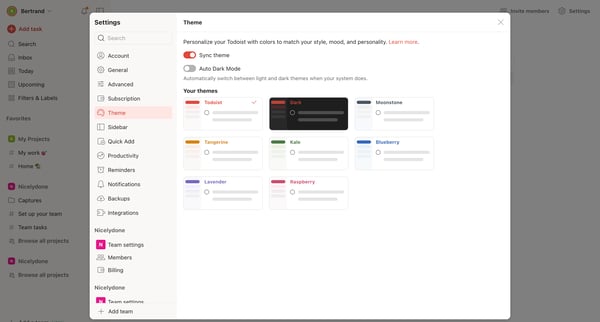
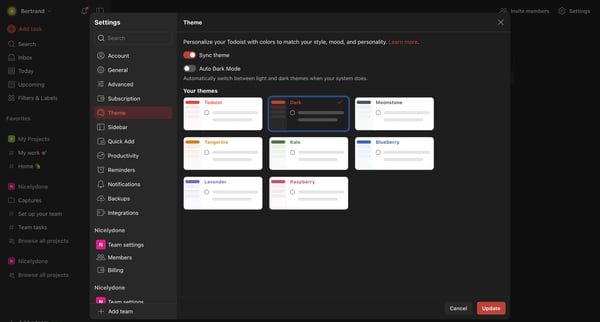
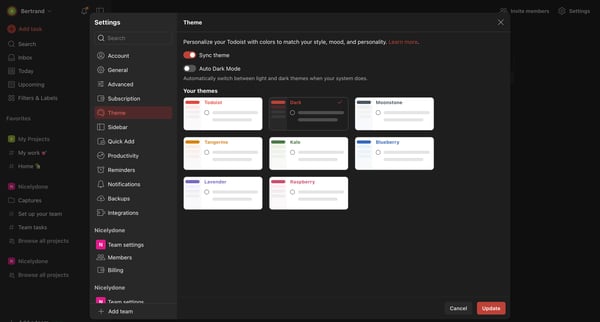
This user flow allows users to personalize their Todoist app by selecting and applying a new theme color, with options for automatic switching between light and dark modes based on system set
Explore the full SaaS flow library
Browse the full SaaS flow library.
Trusted by the best teams







