Read.cv user flows examples
Explore Read.cv user flow examples. Preview the opening screens and steps for each task. An ever extensible professional profile and personal archive
Preview these flows

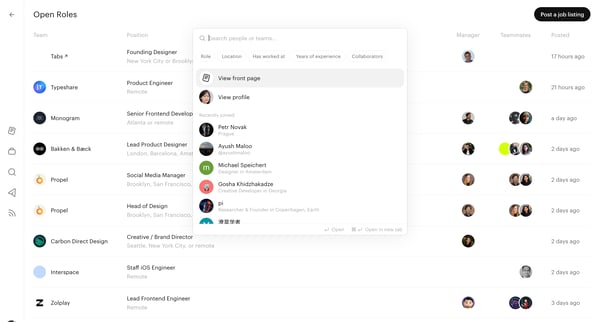
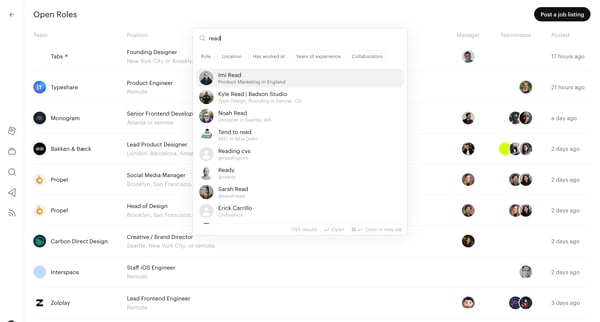
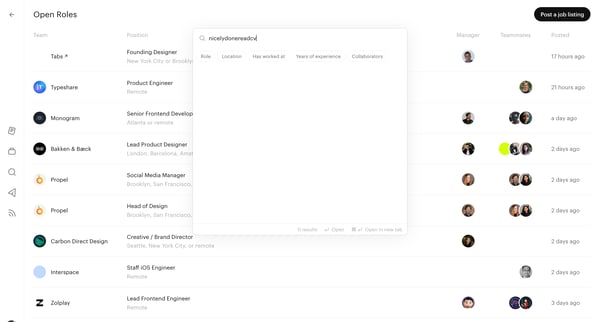
This flow enables users to search for people or teams on Read.cv, filter results, and view profiles based on roles and locations.
This flow facilitates the process of searching for team members or job roles using various search criteria, filtering options, and suggesting relevant results.
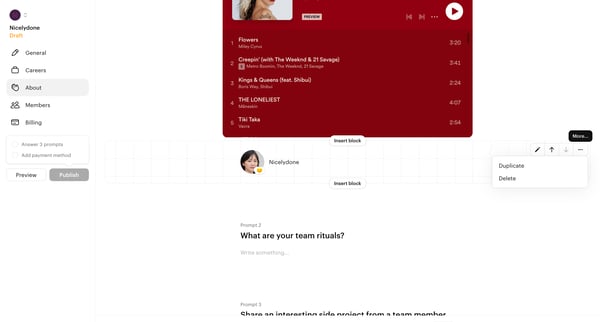
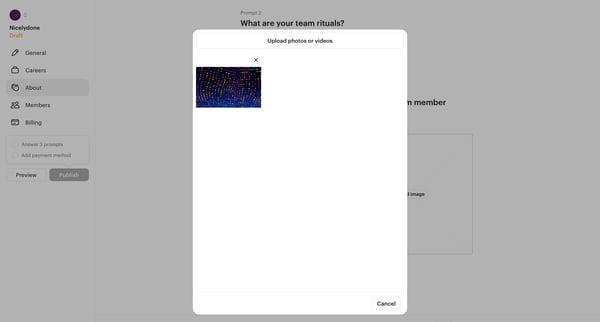
This flow allows users to edit and manage prompts in a team profile or document, including adding images, changing prompt content, and deleting prompts.
Explore the full SaaS flow library
Browse the full SaaS flow library.
Trusted by the best teams







