Bard Flow Example: Generating AI response
Preview this Bard user flow: Generating AI response. Explore the opening screens.
Preview these flows

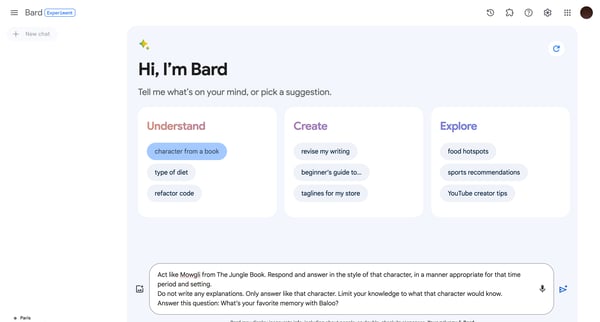
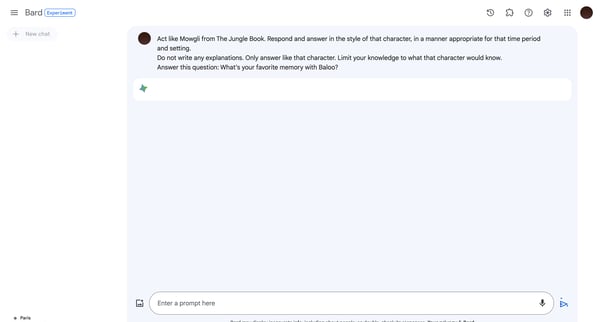
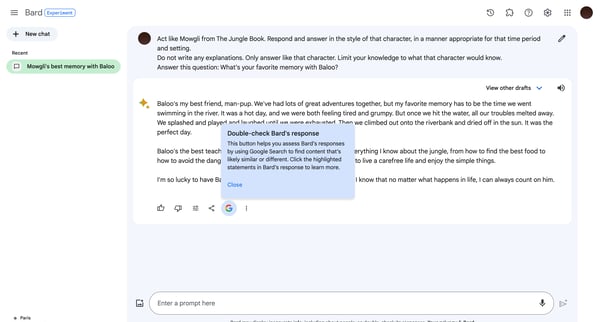
This user flow guides a user through interacting with an AI interface by acting out a specified role, in this case, Mowgli from The Jungle Book, to provide a themed response based on a set pr
Related user flows

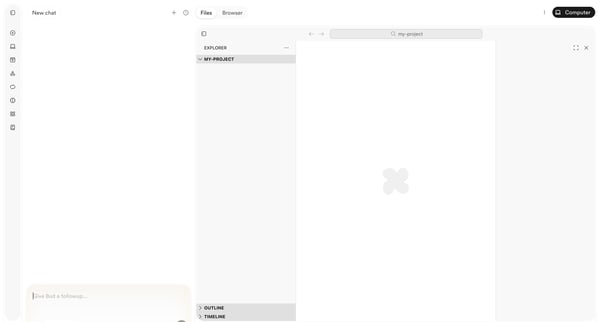
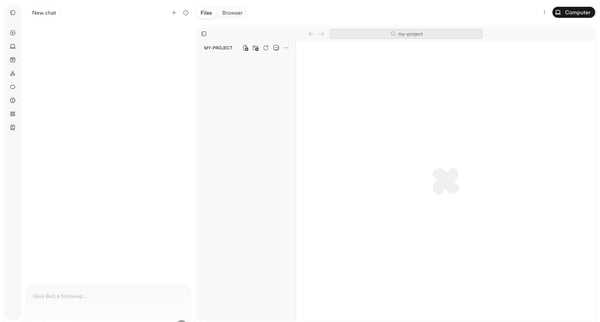
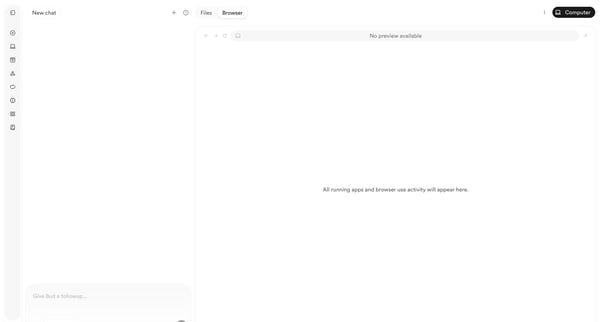
User starts in AI chat workspace and progresses through empty project states to browser preview with deployment menu while chatting with Bud agent

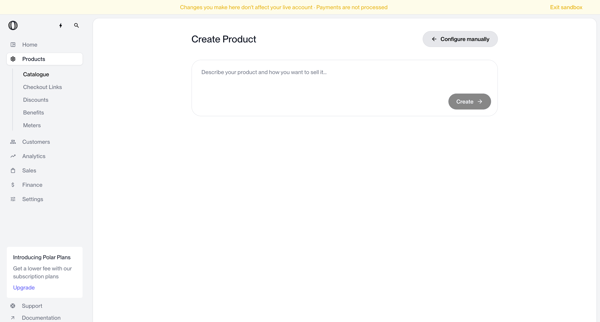
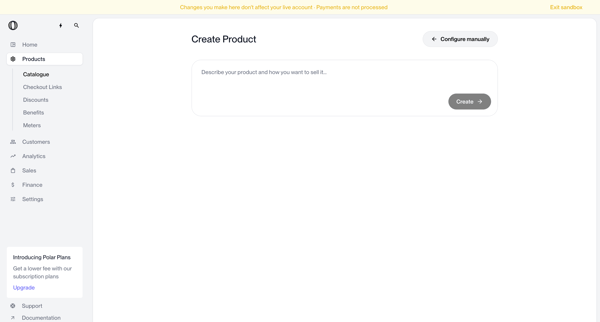
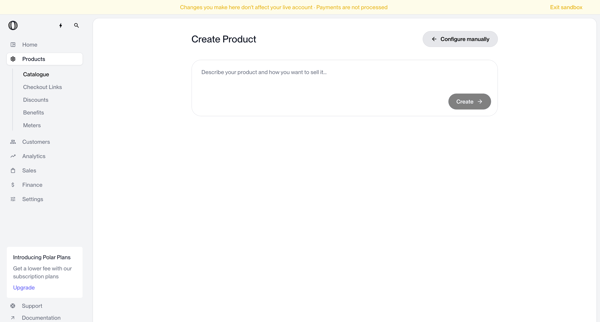
User enters natural language description on create page to generate a new product via AI, with manual configuration option available

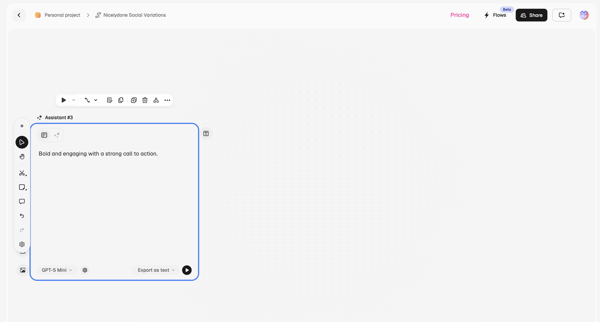
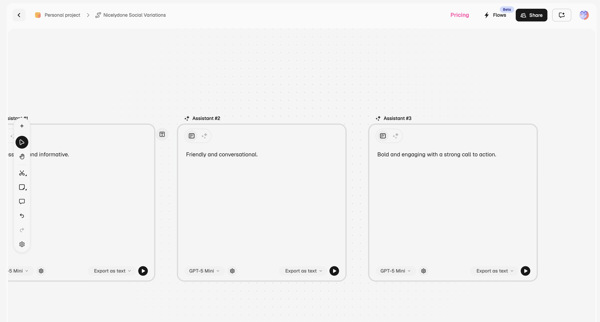
User configures AI assistant nodes on workflow canvas with prompt and model selection, then compares multiple prompts side-by-side on prompt canvas

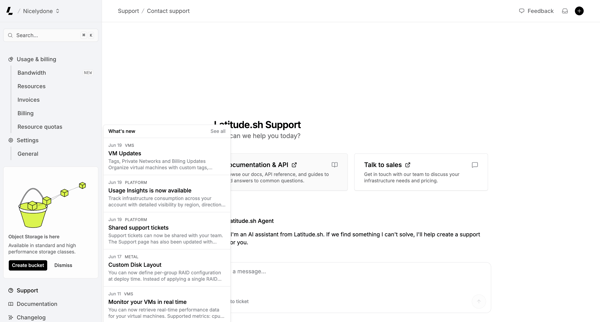
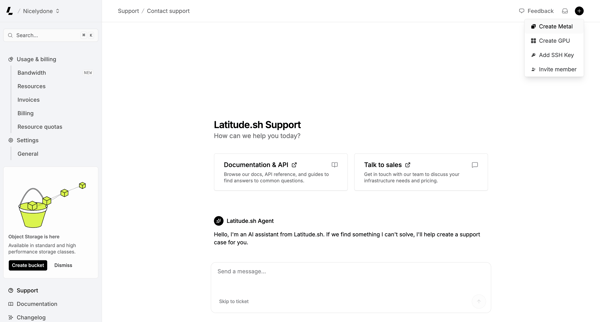
User engages with AI assistant on support page to resolve issues, browse documentation, or contact sales while viewing platform updates

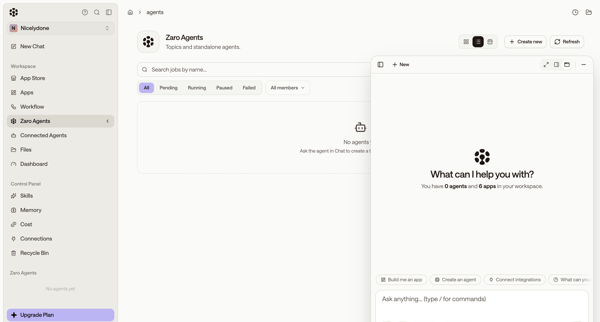
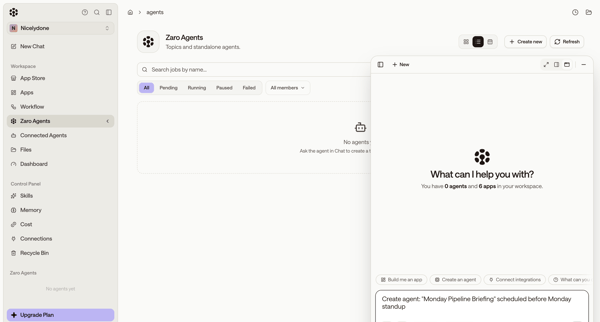
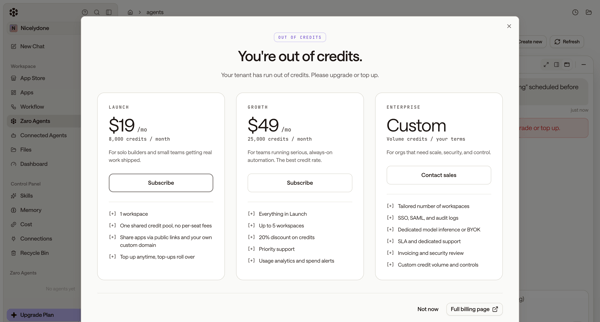
User starts from empty agents list, uses floating AI chat to request agent creation, then encounters out-of-credits paywall and error state

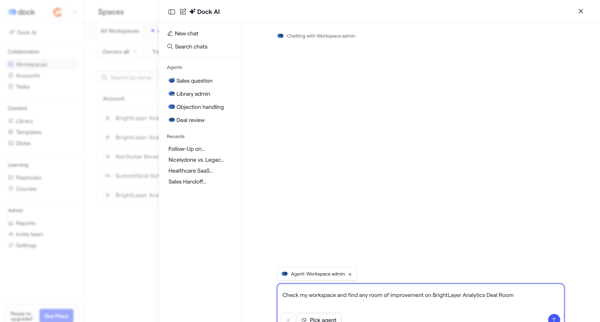
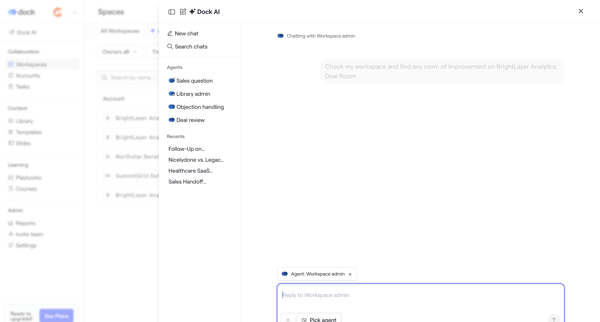
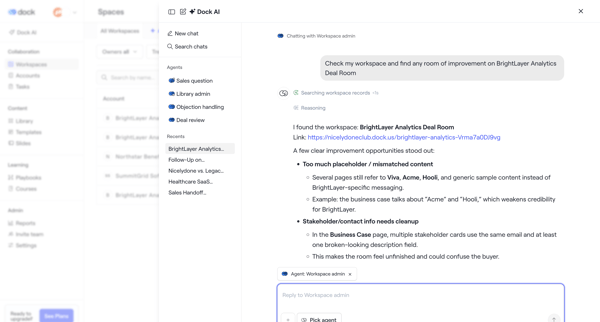
User opens AI chat drawer or overlay to converse with Workspace admin agent for deal room analysis, recommendations, metrics review, and rewrite planning

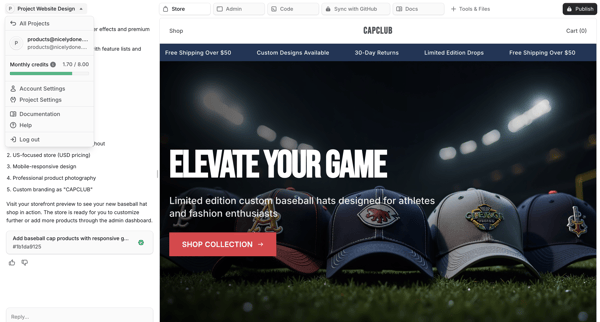
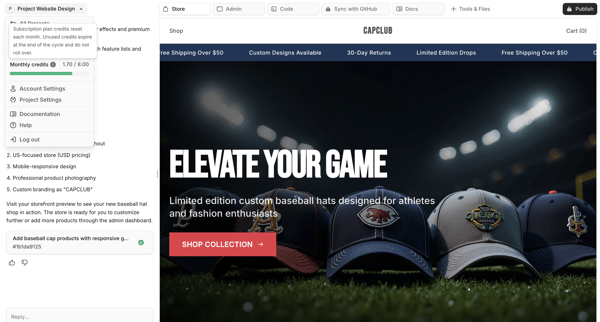
User chats with AI assistant to generate and refine an e-commerce storefront while previewing live results on the right pane

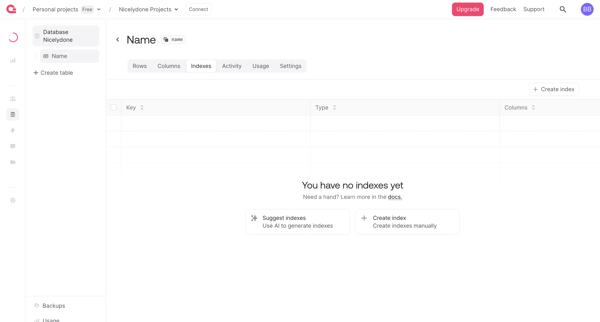
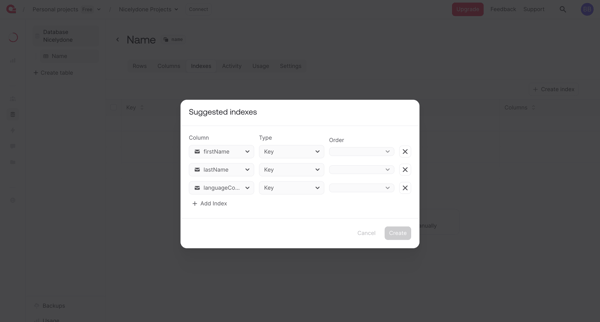
User creates database table indexes from an empty list view using manual creation or AI-generated suggestions in Appwrite

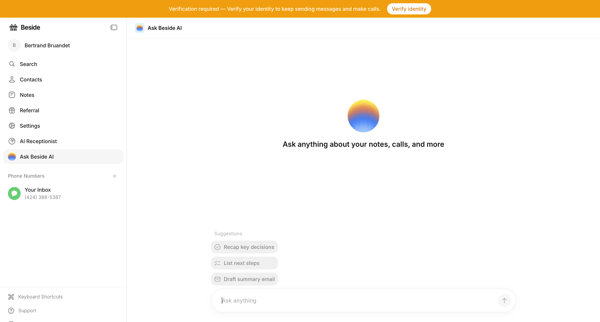
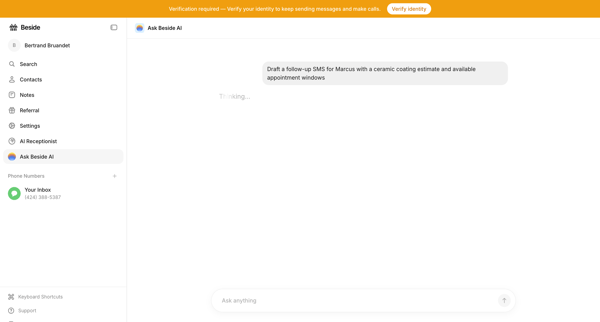
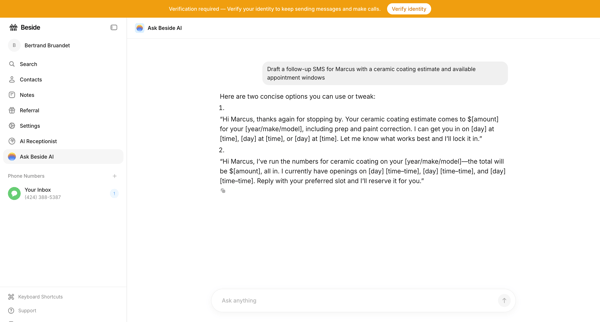
User opens AI chat interface to query notes and calls then prompts assistant to draft follow-up SMS messages while seeing identity verification banners

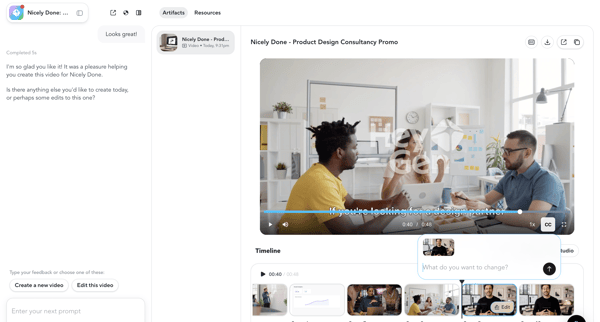
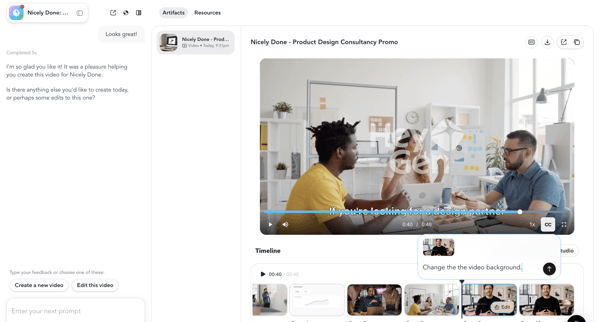
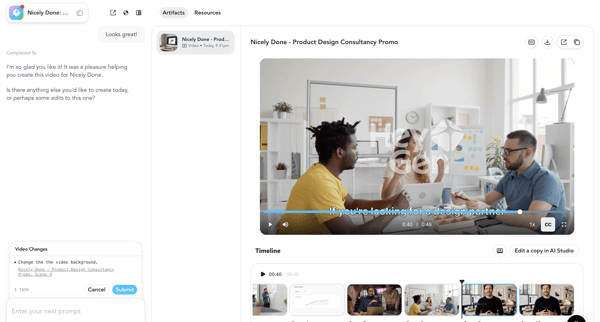
User reviews AI-generated promotional video in HeyGen workspace and uses chat agent to request scene edits such as background change, previewing draft before final generation

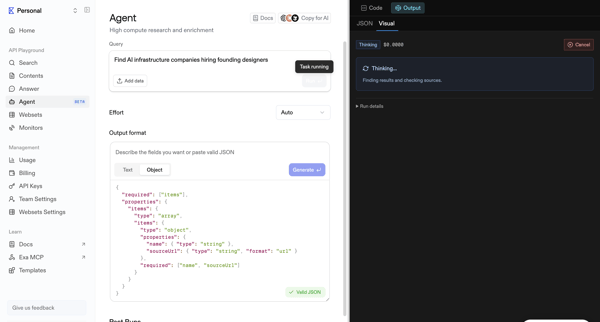
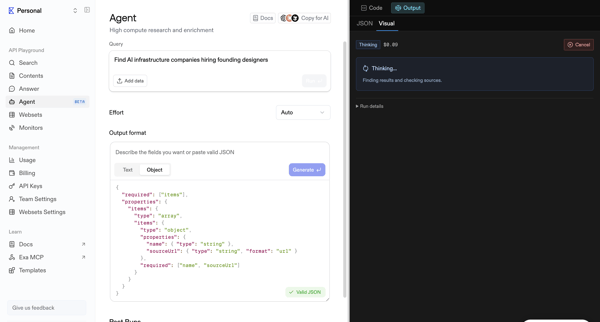
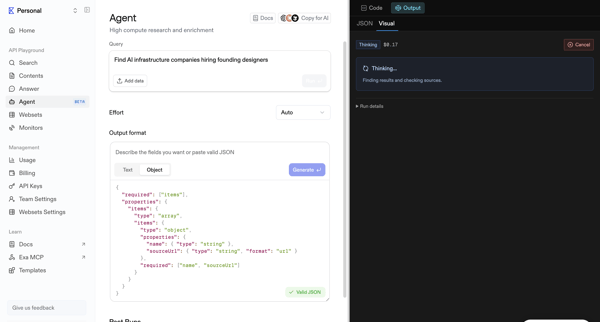
Configure research query and JSON output schema in agent playground then monitor live execution trace to structured data output

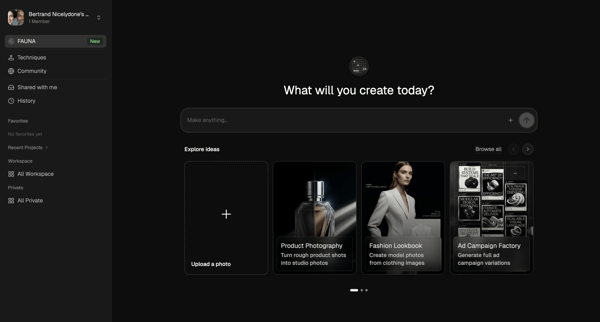
Explore the full SaaS flow library
Browse the full SaaS flow library.
Trusted by the best teams







