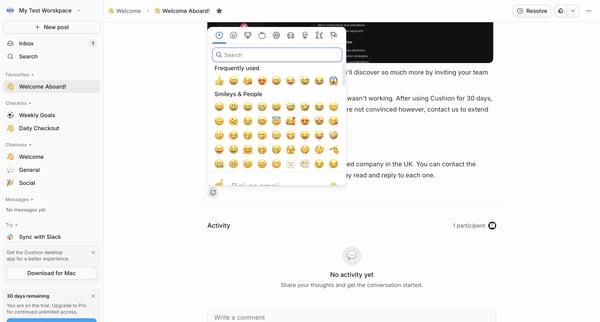
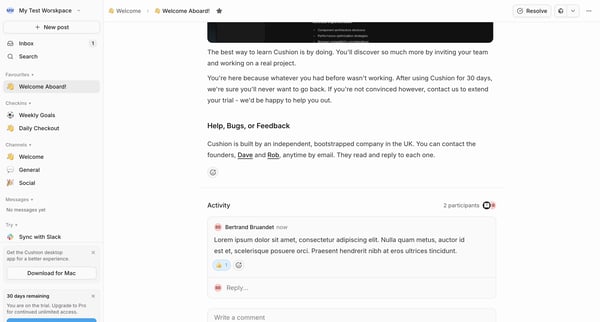
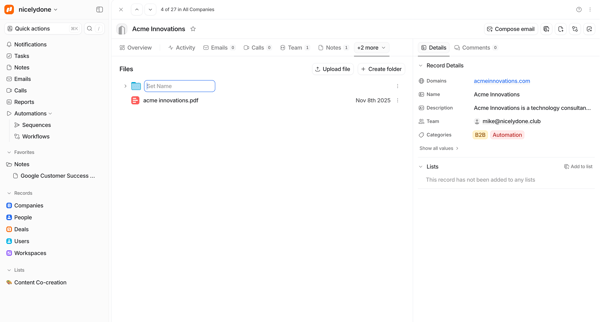
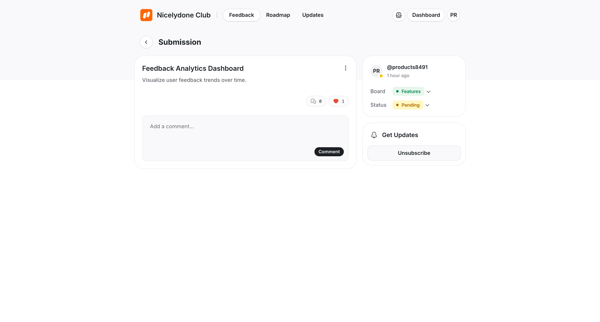
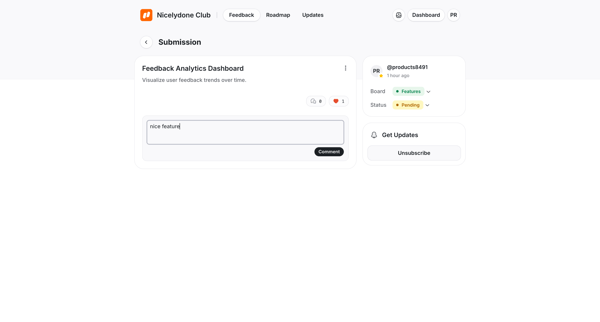
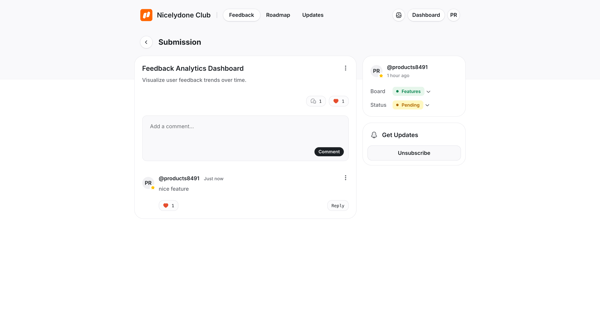
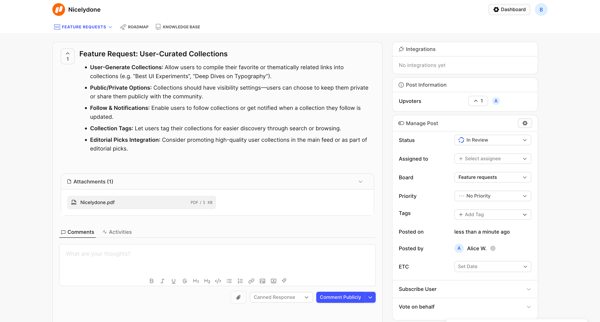
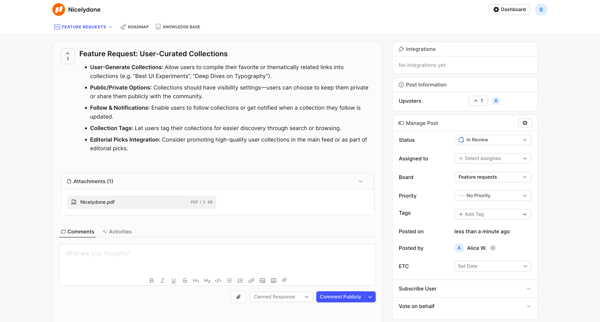
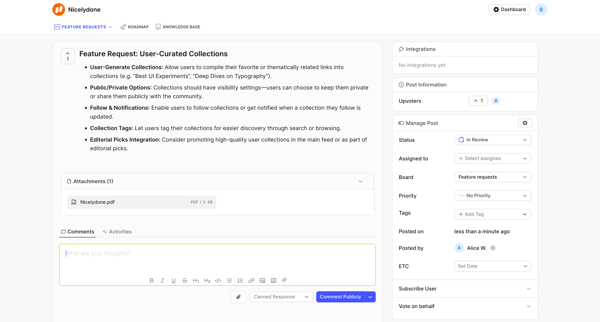
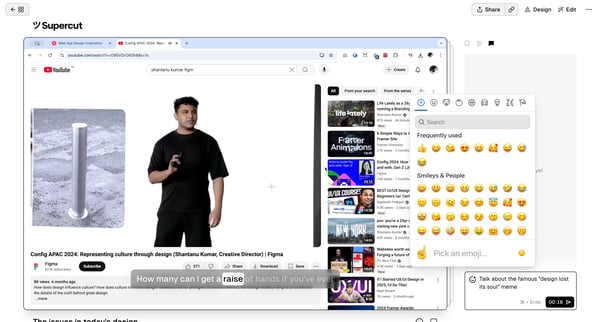
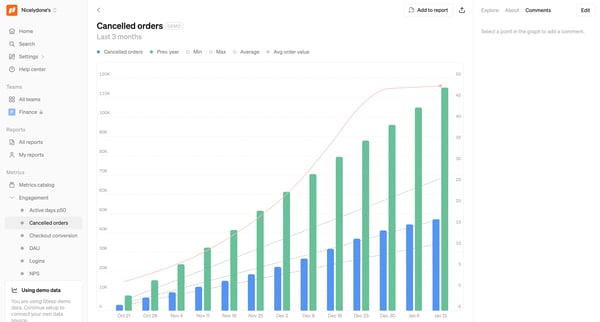
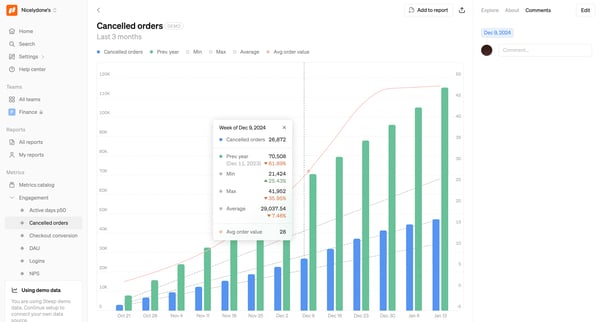
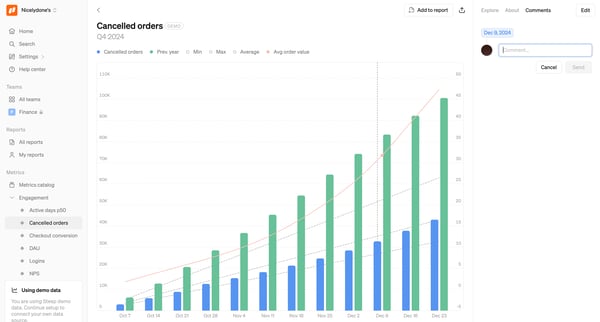
Cushion Flow Example: Commenting and reacting
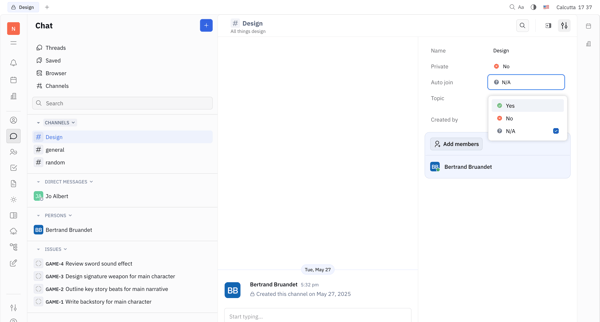
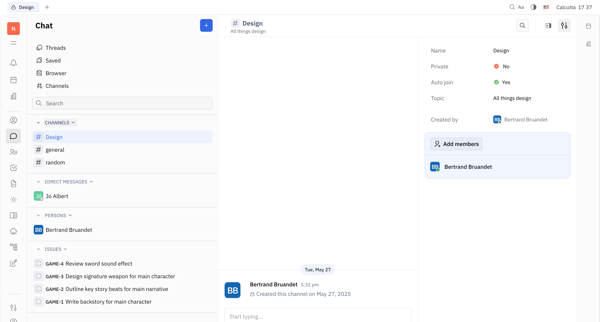
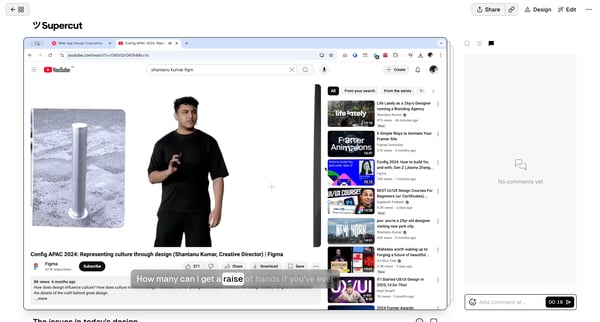
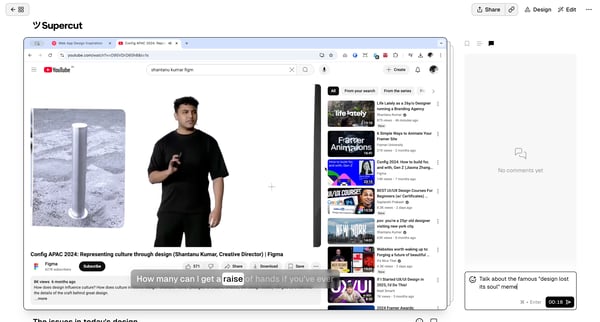
Preview this Cushion user flow: Commenting and reacting. Explore the opening screens.
Preview these flows

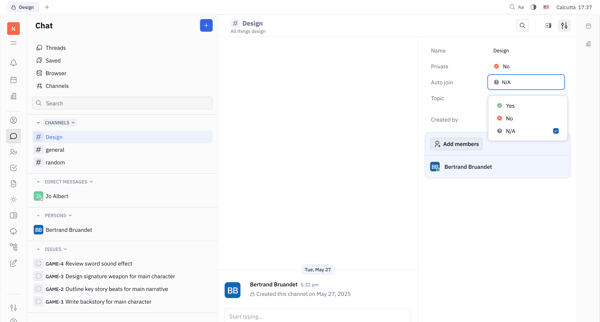
Related user flows




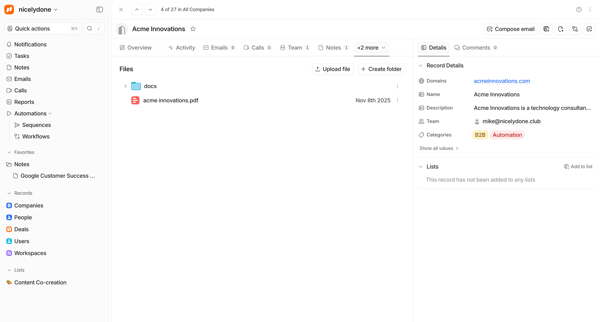
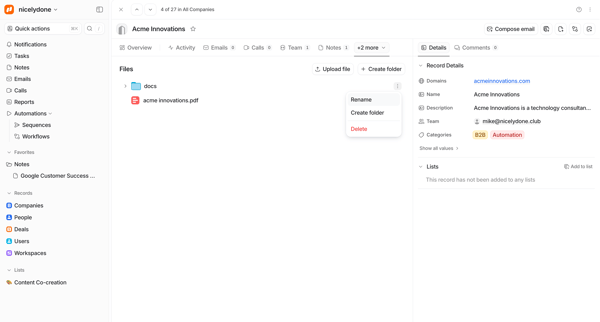
Journey through task lists, detail drawers, and modals to edit properties, assign owners, add comments, upload files, and delete tasks inside shared client onboarding workspaces


























Explore the full SaaS flow library
Browse the full SaaS flow library.
Trusted by the best teams







