Skip to content

Vev product screens examples

Browse Vev screen design examples. Preview the interface screenshots and explore related UI patterns. No-code web design platform for professional creatives

Explore the examples
Vev screen
Vev logo
Vev

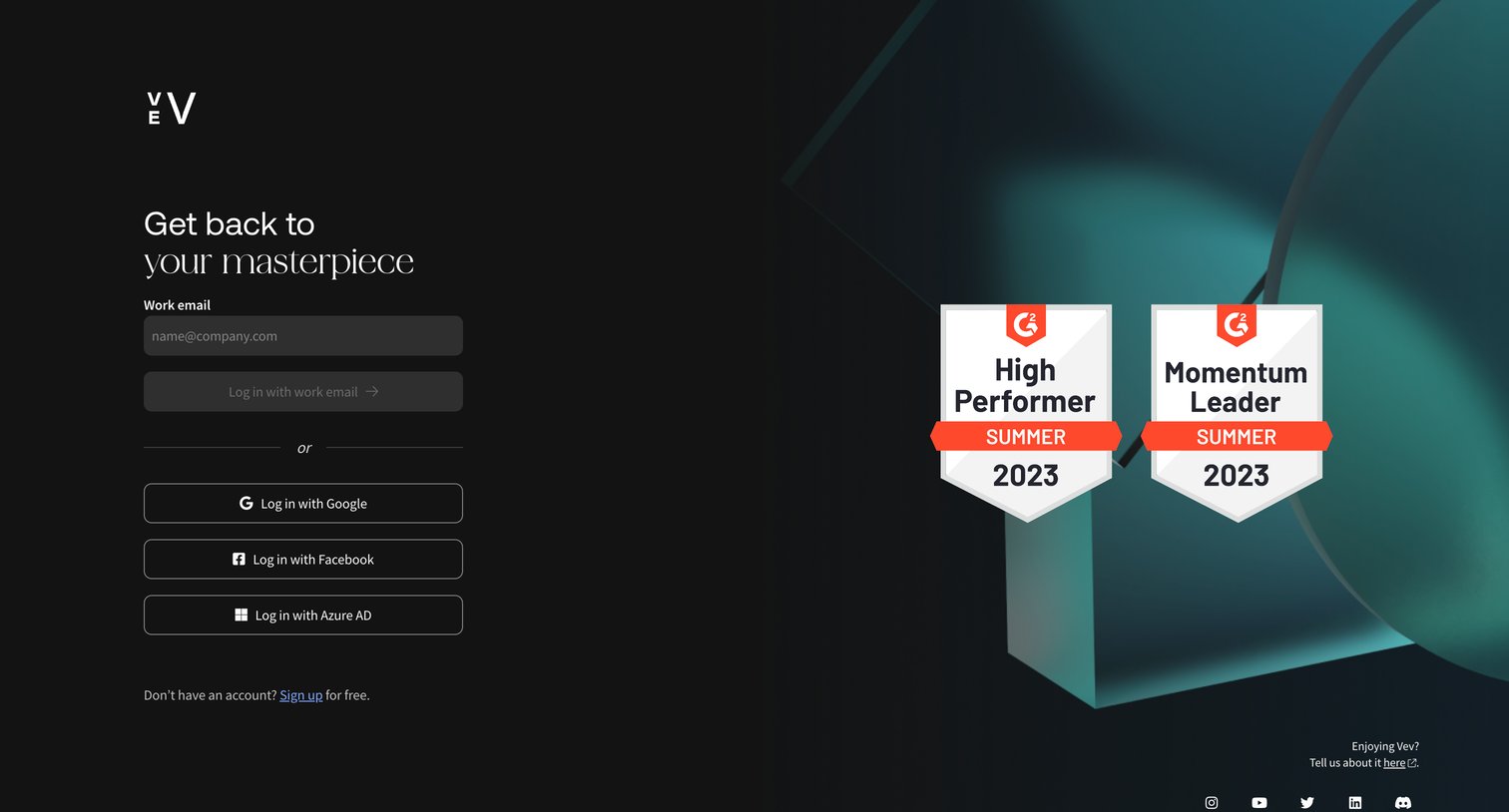
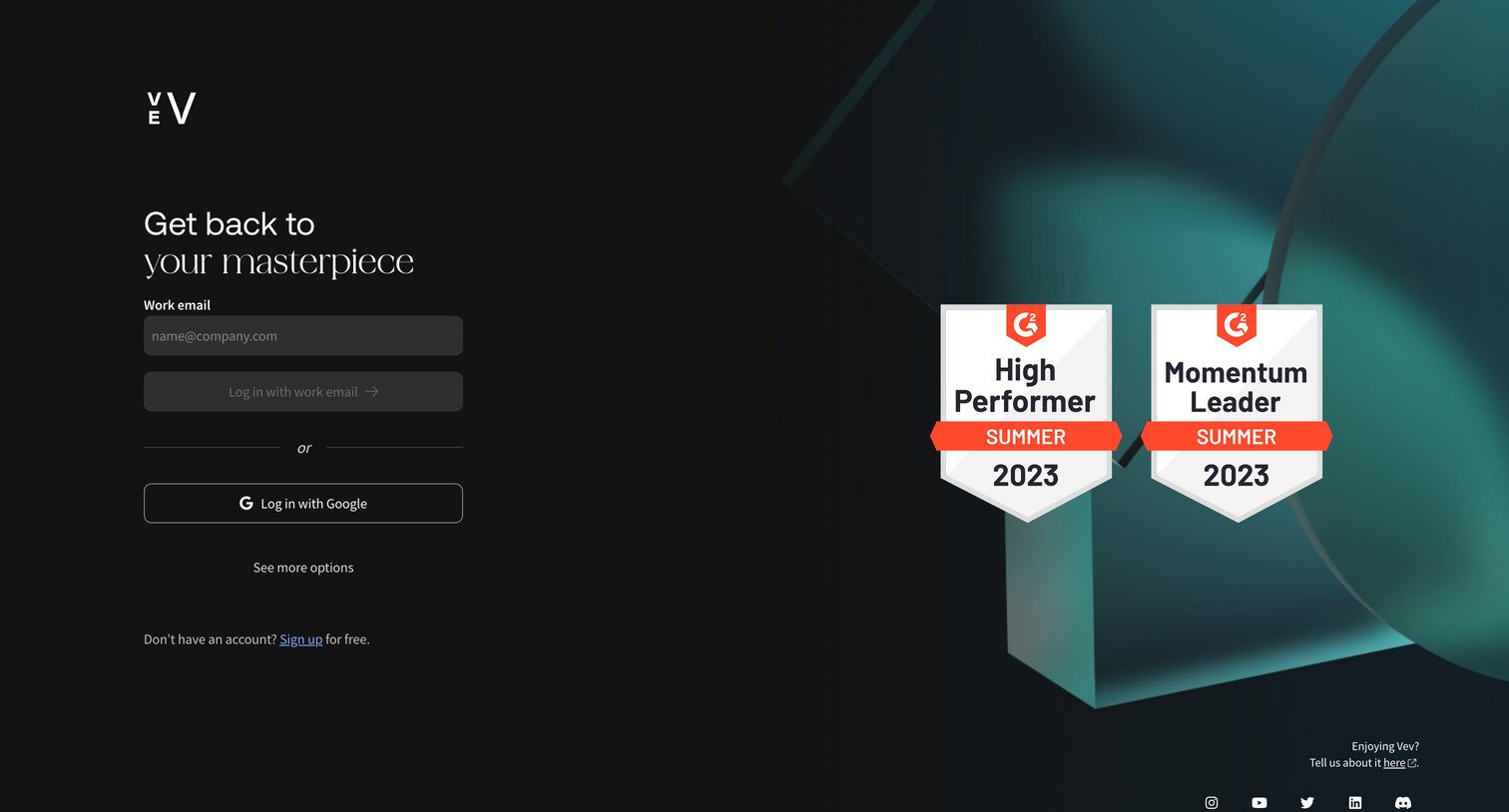
Sign-in screen where the user authenticates with their work email or a Google account, featuring prominent G2 award badges on a split-screen layout.

Vev screen
Vev logo
Vev

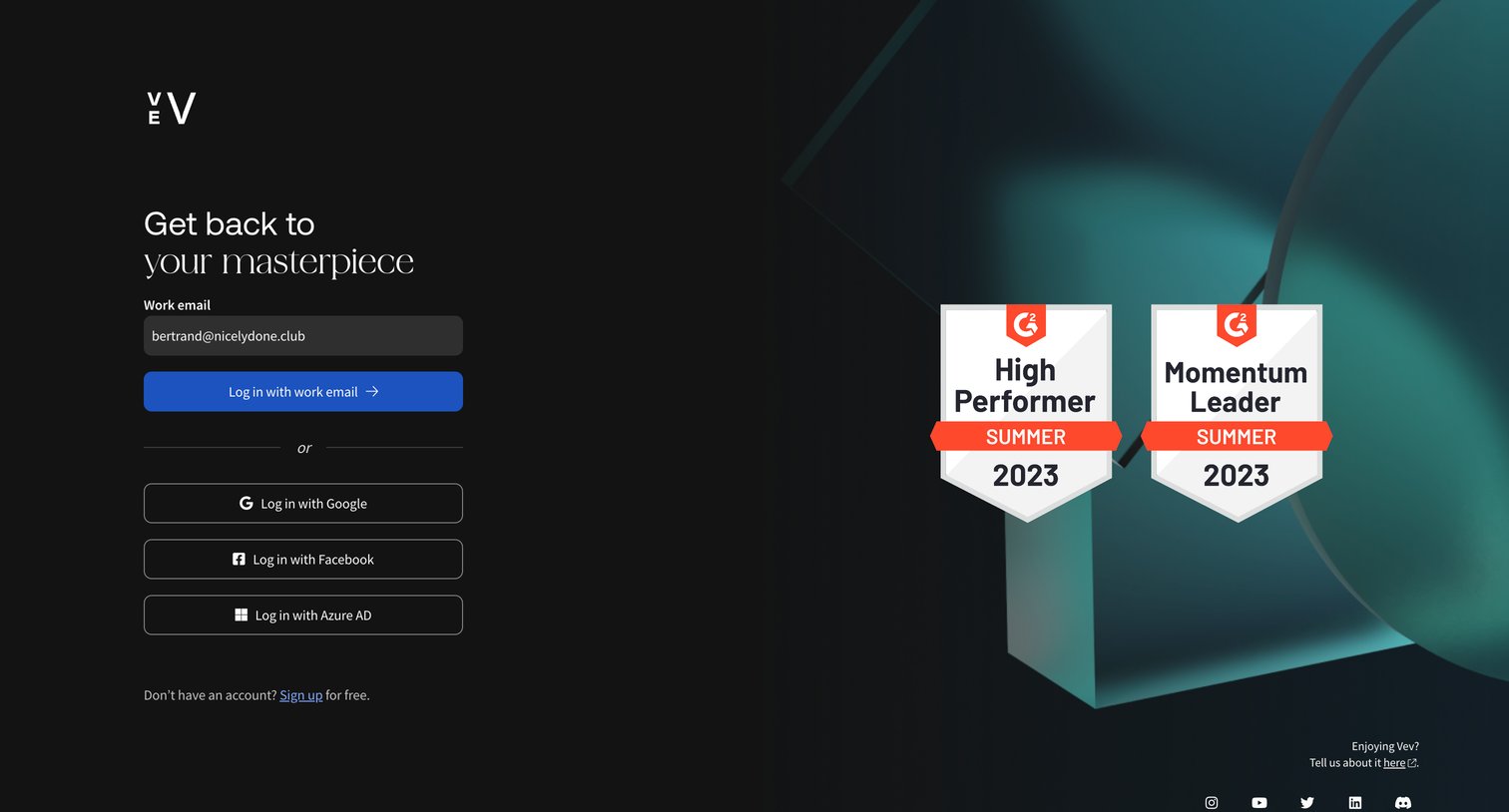
Sign-in screen where the user authenticates with a work email or via Google, Facebook, or Azure AD, featuring G2 award badges.

Vev screen
Vev logo
Vev

Sign-in screen where the user authenticates with their work email, Google, Facebook, or Azure AD, featuring G2 award badges as social proof.
Vev screen
Vev logo
Vev

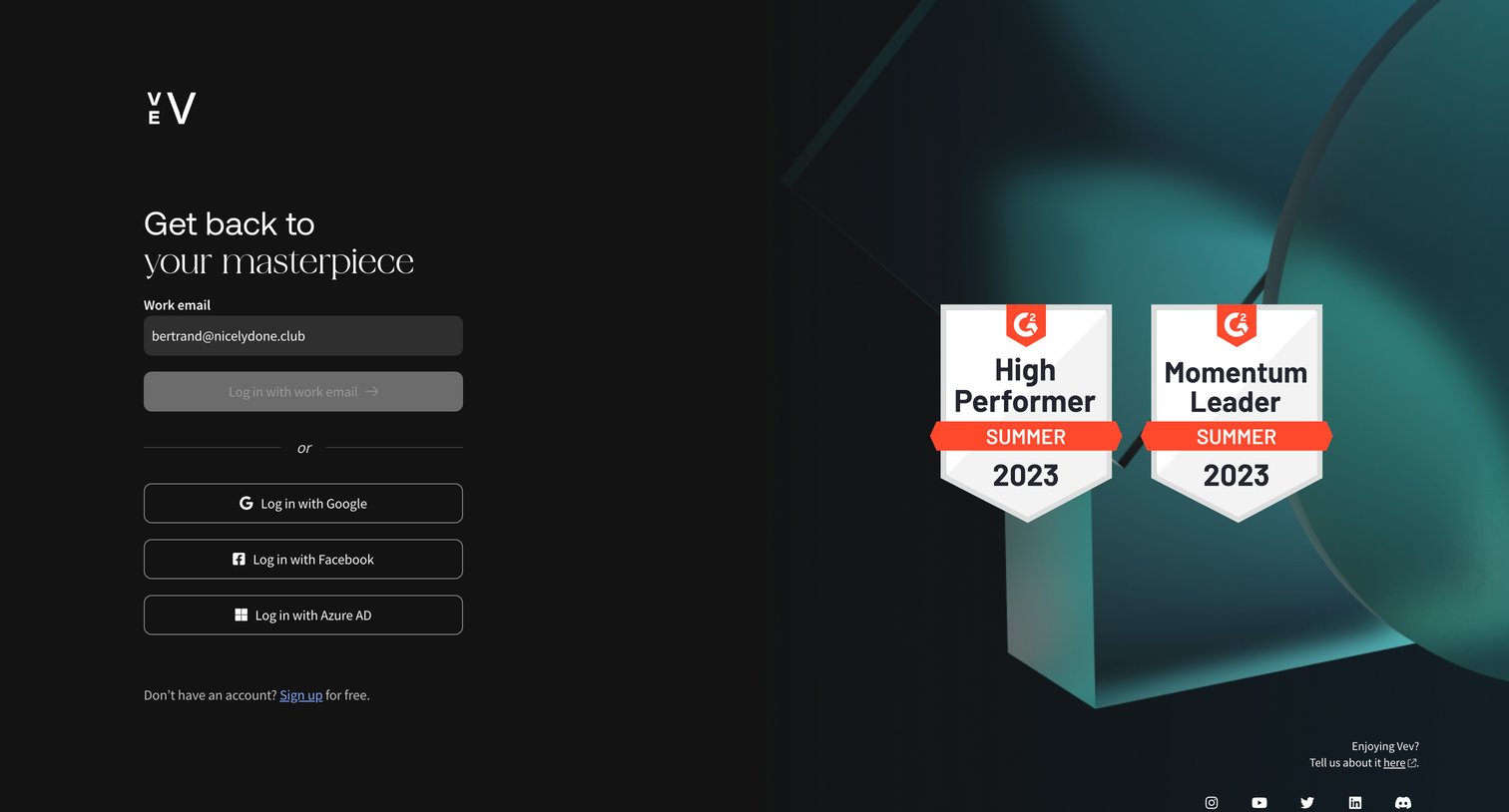
Sign-in screen where the user authenticates with a work email or via Google, Facebook, or Azure AD, featuring prominent G2 award badges.

Vev screen
Vev logo
Vev

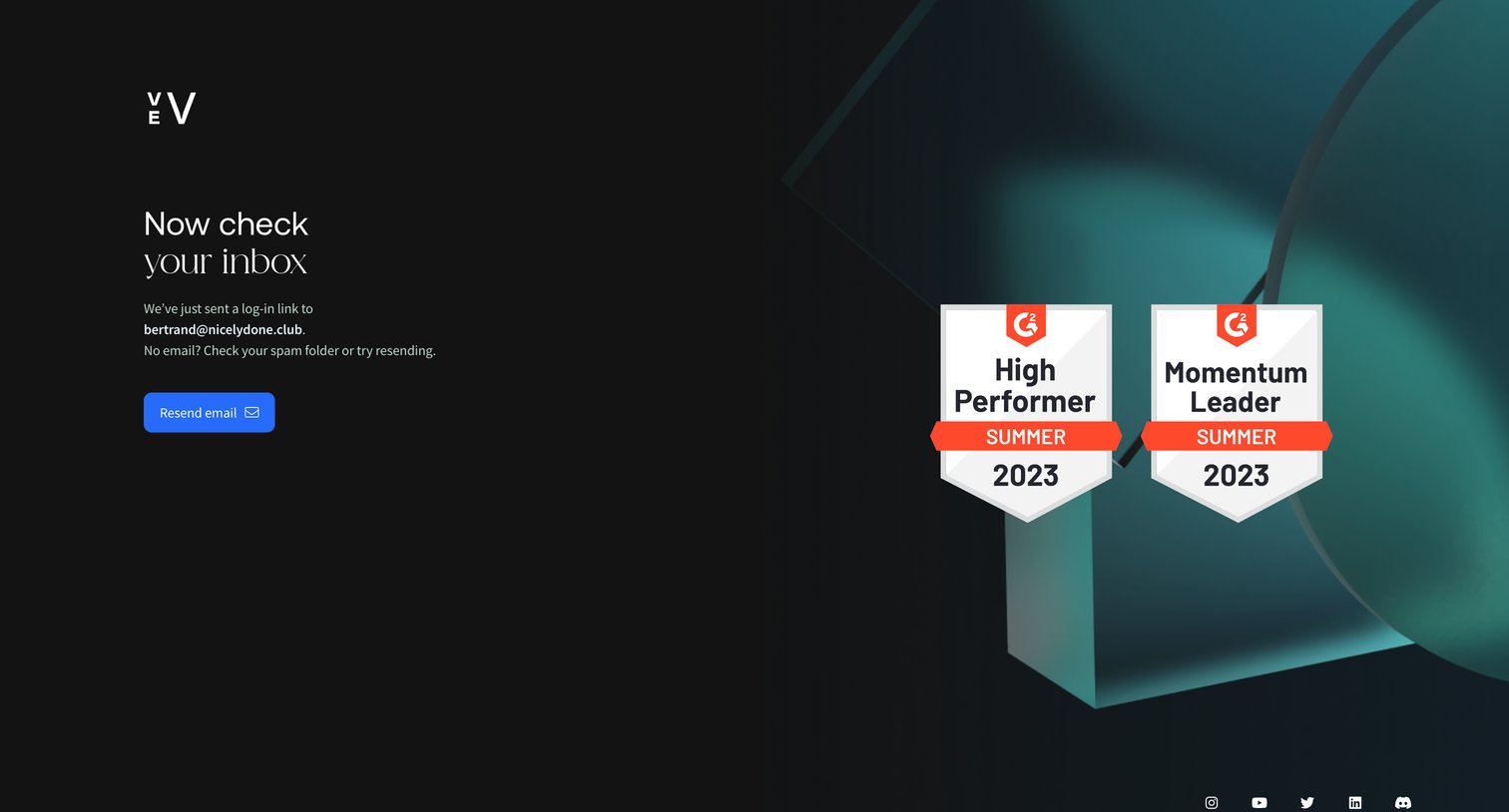
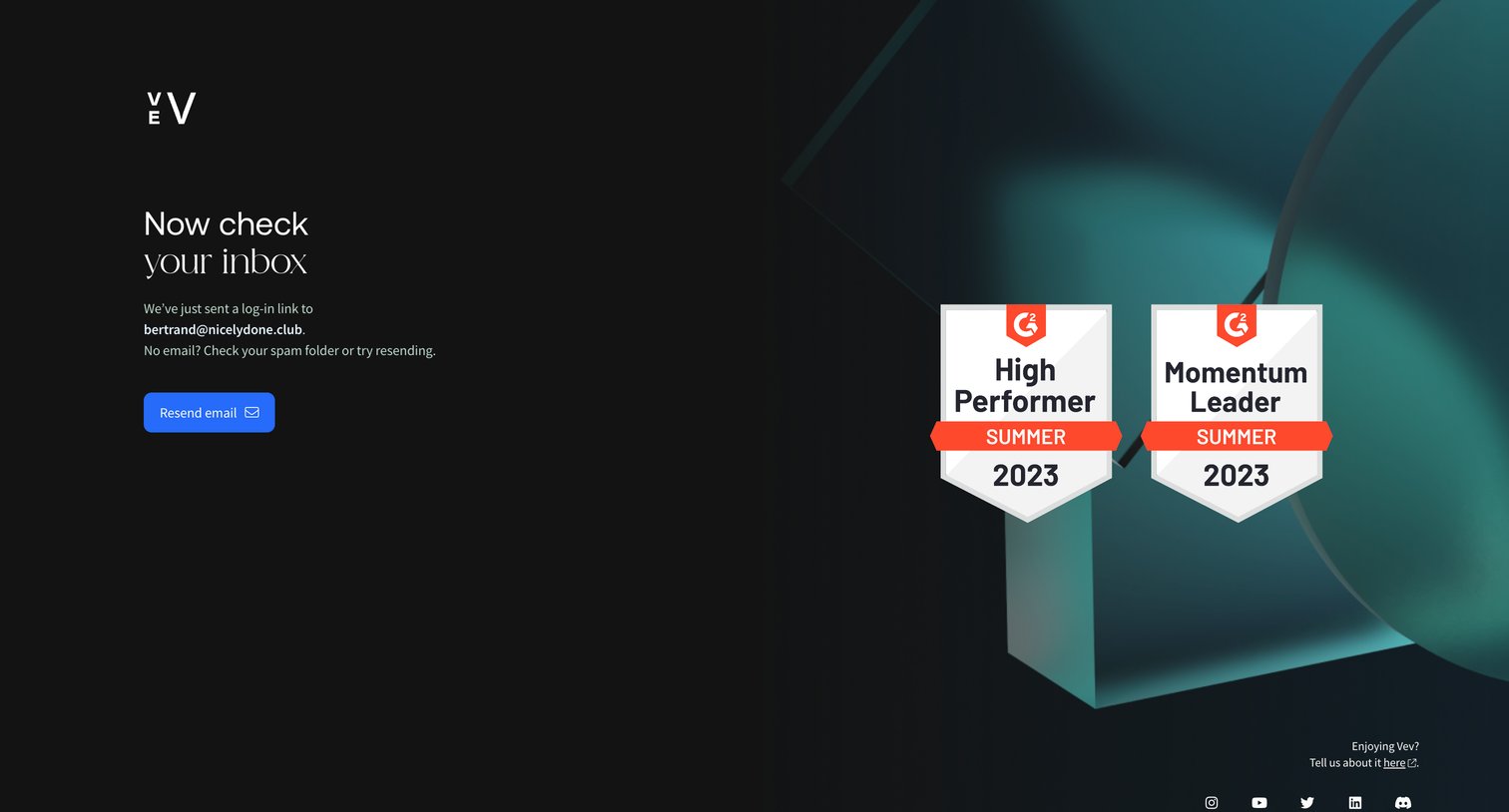
Auth screen where the user is instructed to check their inbox for a magic link, featuring G2 award badges for social proof.
Vev screen
Vev logo
Vev

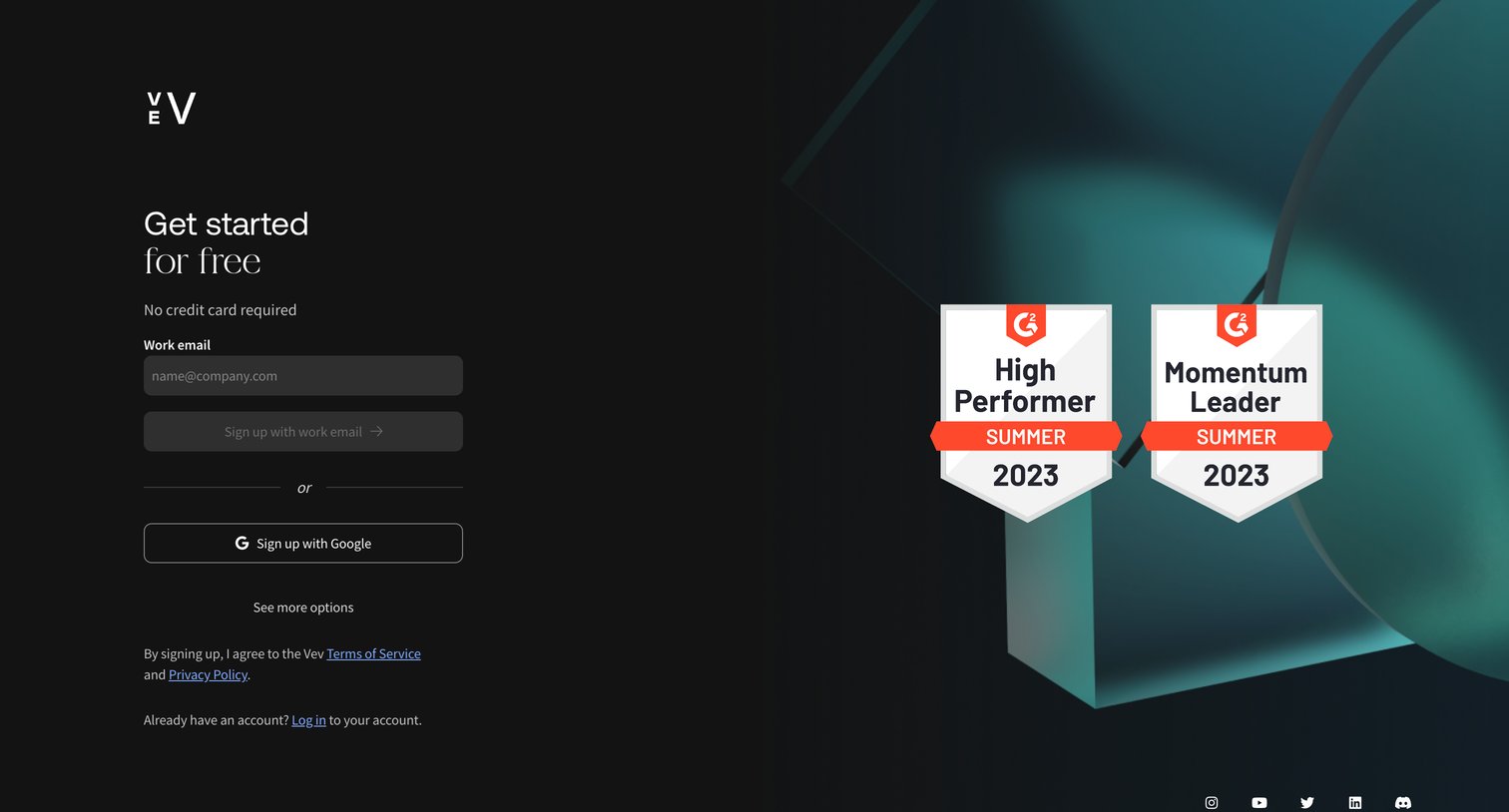
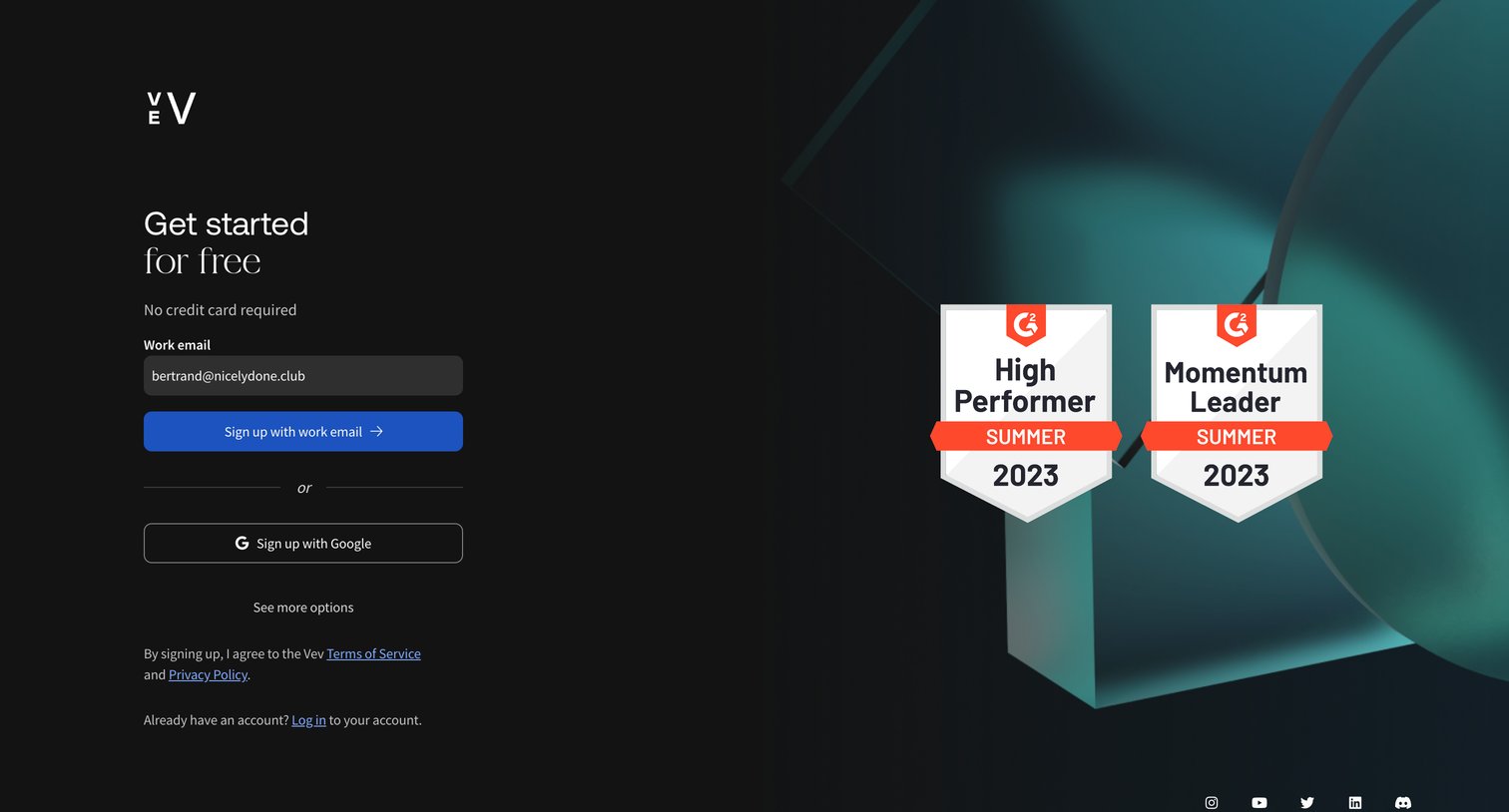
Signup screen where the user can create an account using their work email or Google, featuring G2 award badges to provide social proof during conversion.

Vev screen
Vev logo
Vev

Signup page where the user can create an account using their work email or Google, featuring G2 award badges as social proof on the right panel.

Vev screen
Vev logo
Vev

Signup screen where the user can create an account using their work email or Google, featuring G2 award badges for social proof.
Vev screen
Vev logo
Vev

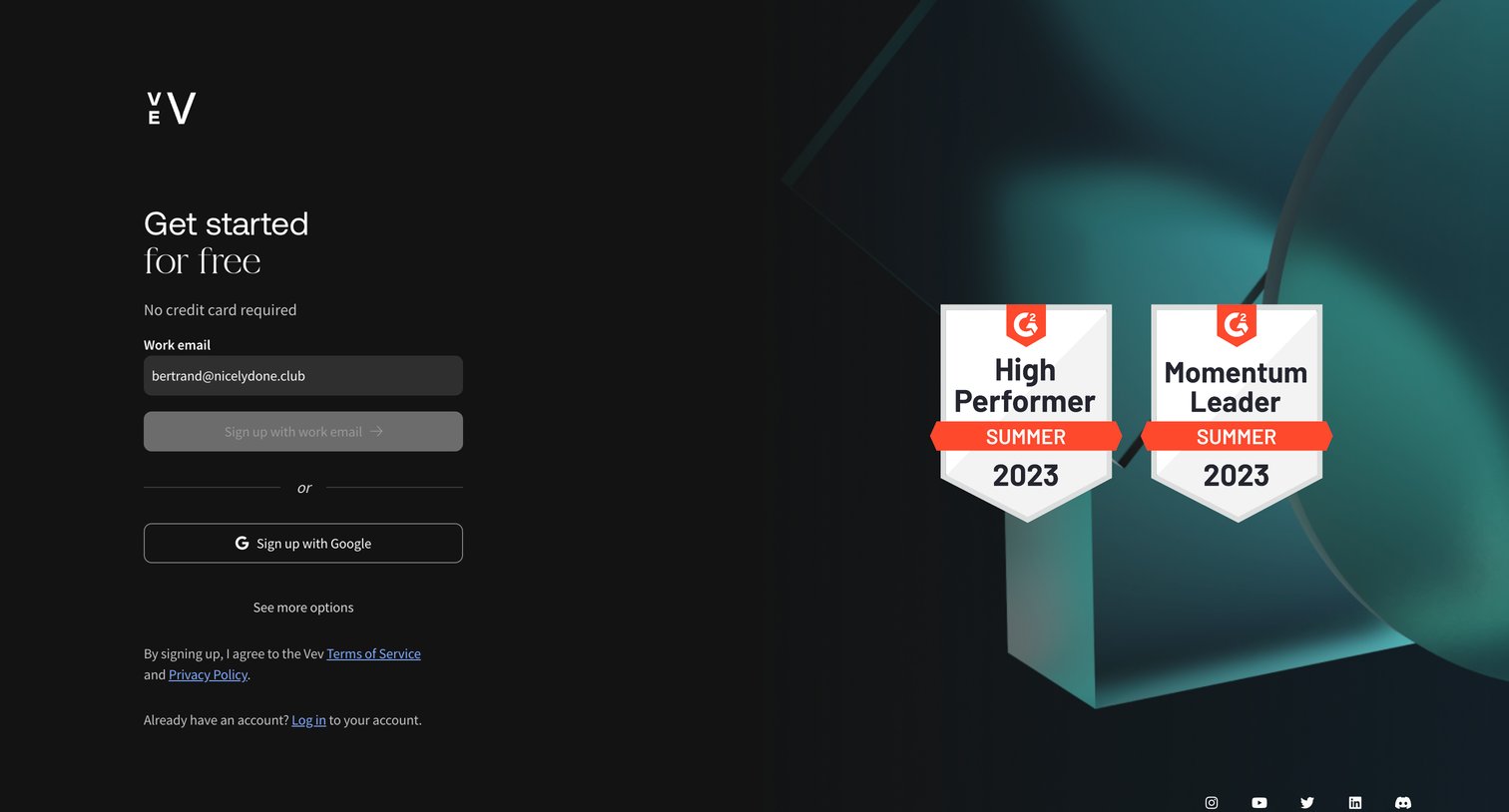
Verification screen prompting the user to check their email for a magic login link, featuring G2 award badges as social proof.
Vev screen
Vev logo
Vev

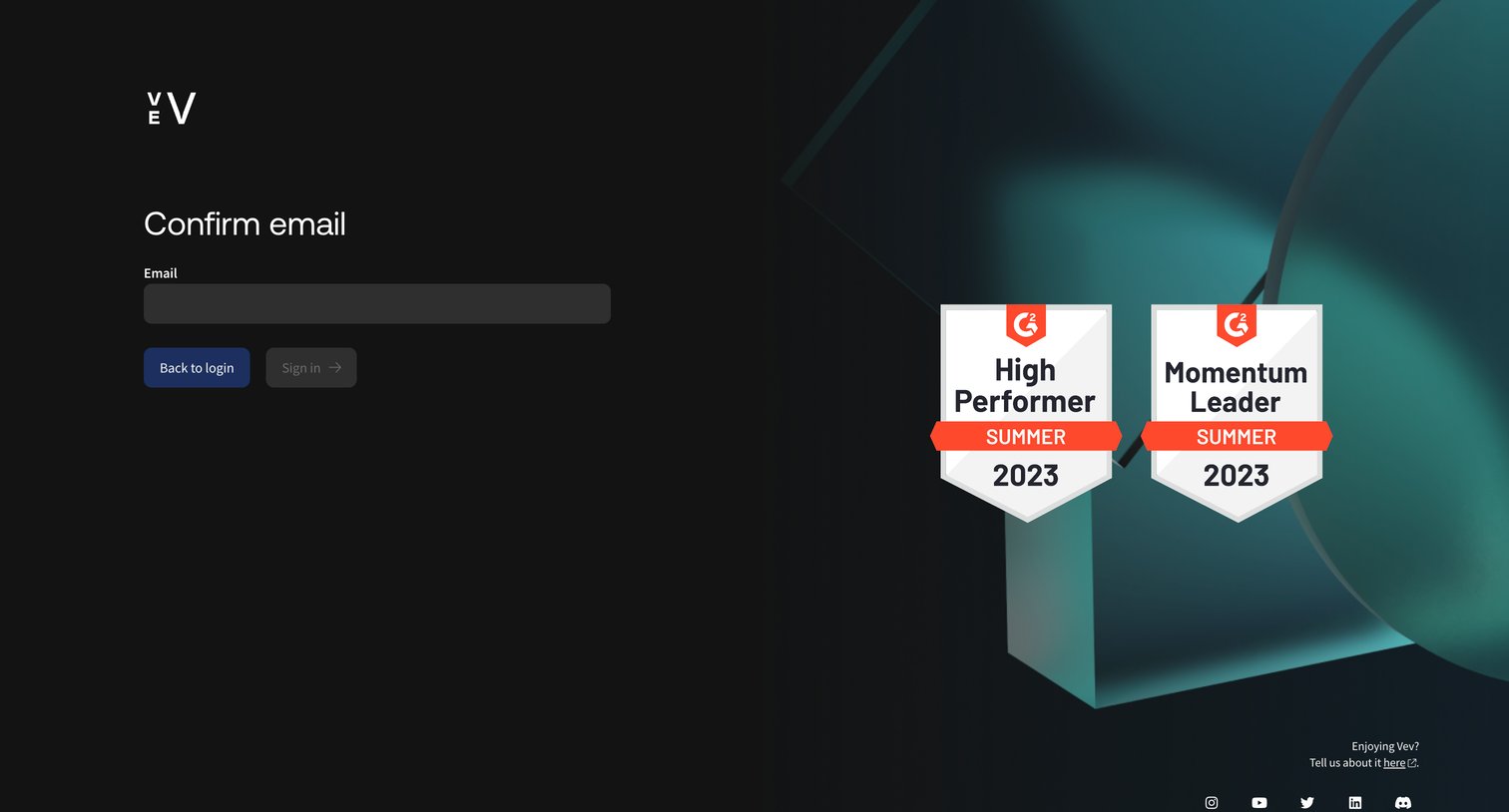
Authentication screen where the user enters their email address to confirm their identity, featuring G2 award badges on the right-hand side.
Vev screen
Vev logo
Vev

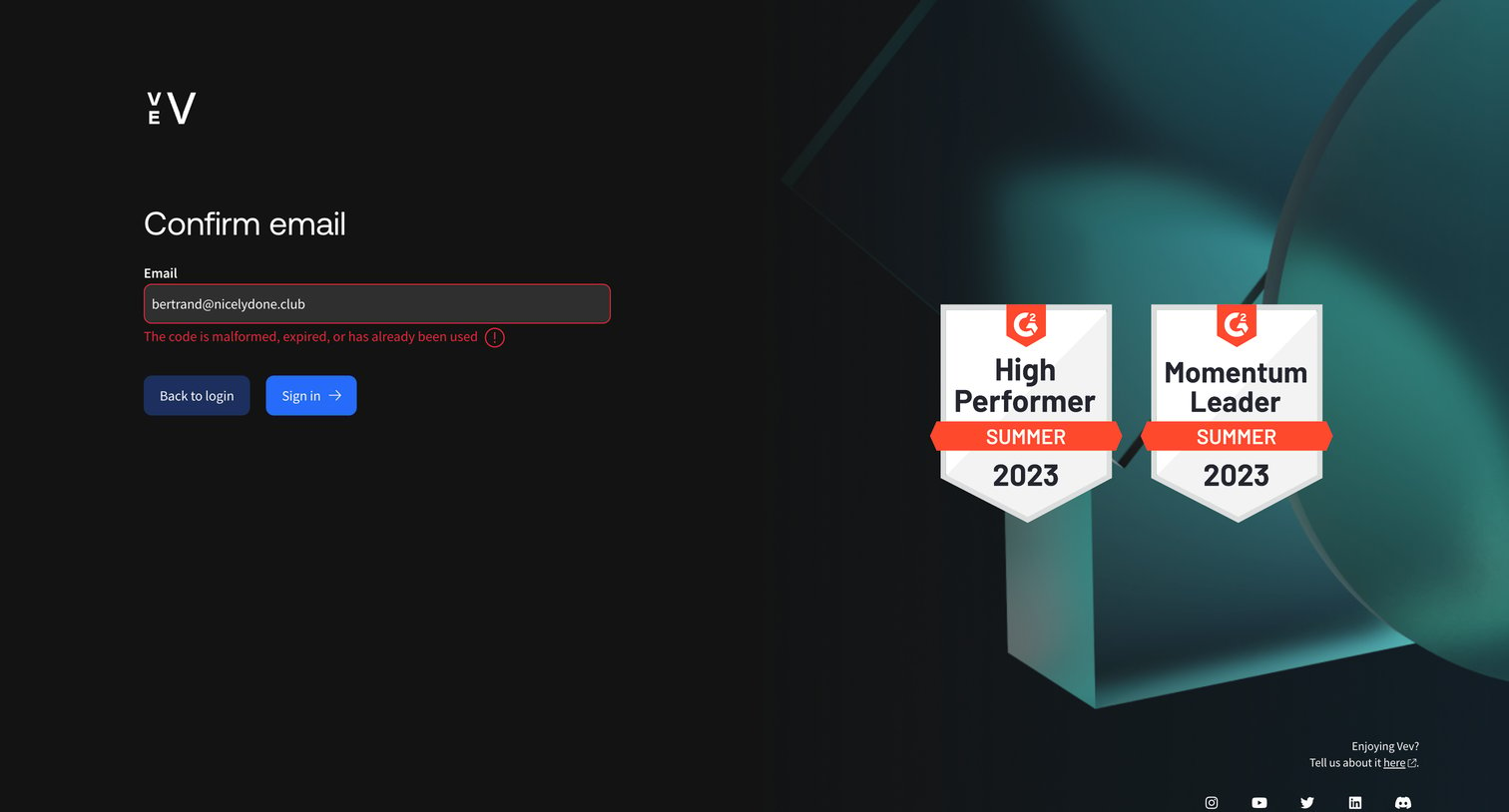
Email verification screen displaying an error message that the confirmation code is malformed, expired, or already used.
Vev screen
Vev logo
Vev

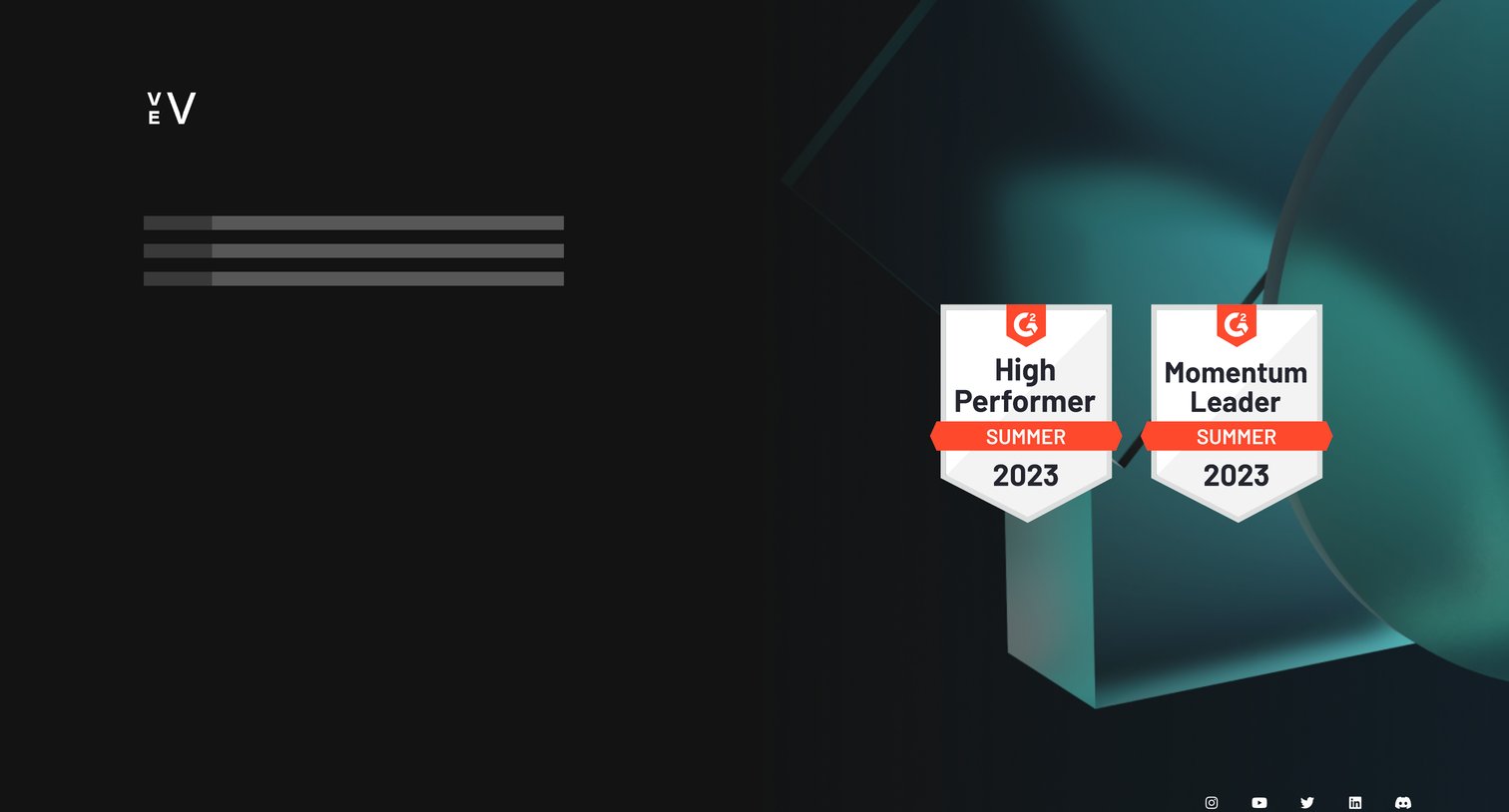
Sign-in screen in a loading state showing skeleton placeholders for the authentication form alongside G2 award badges for social proof.

Explore the full SaaS screen library

Upgrade to unlock the full library.

Trusted by the best teams