Origin Financial product screens examples
Browse Origin Financial screen design examples. Preview the interface screenshots and explore related UI patterns. All-in-one financial platform for budgeting, investing, and AI-powered planning
Explore the examples
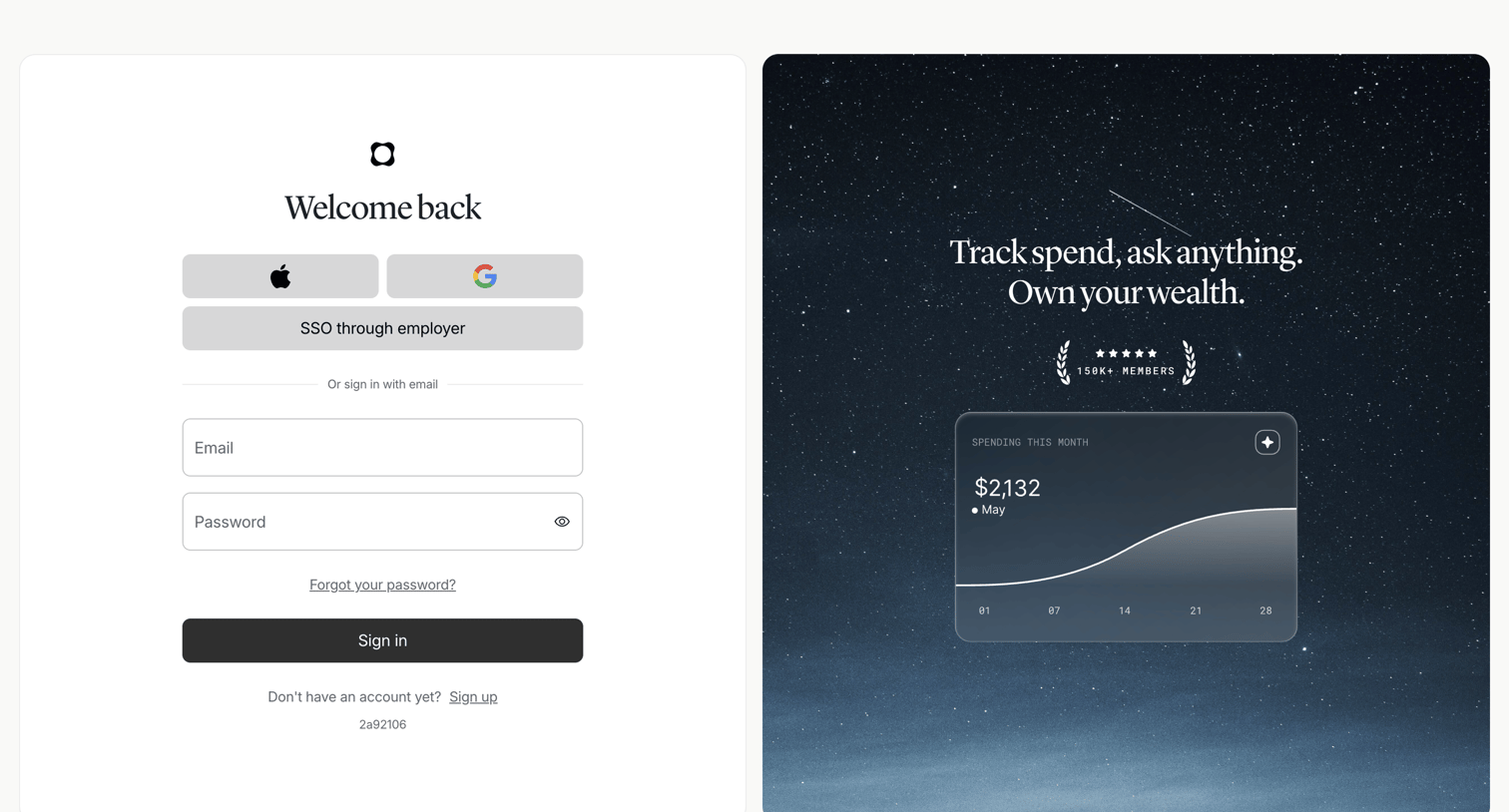

Sign-in screen where the user authenticates with Apple, Google, SSO, or email and password, alongside a promotional card highlighting a spending chart and member count.
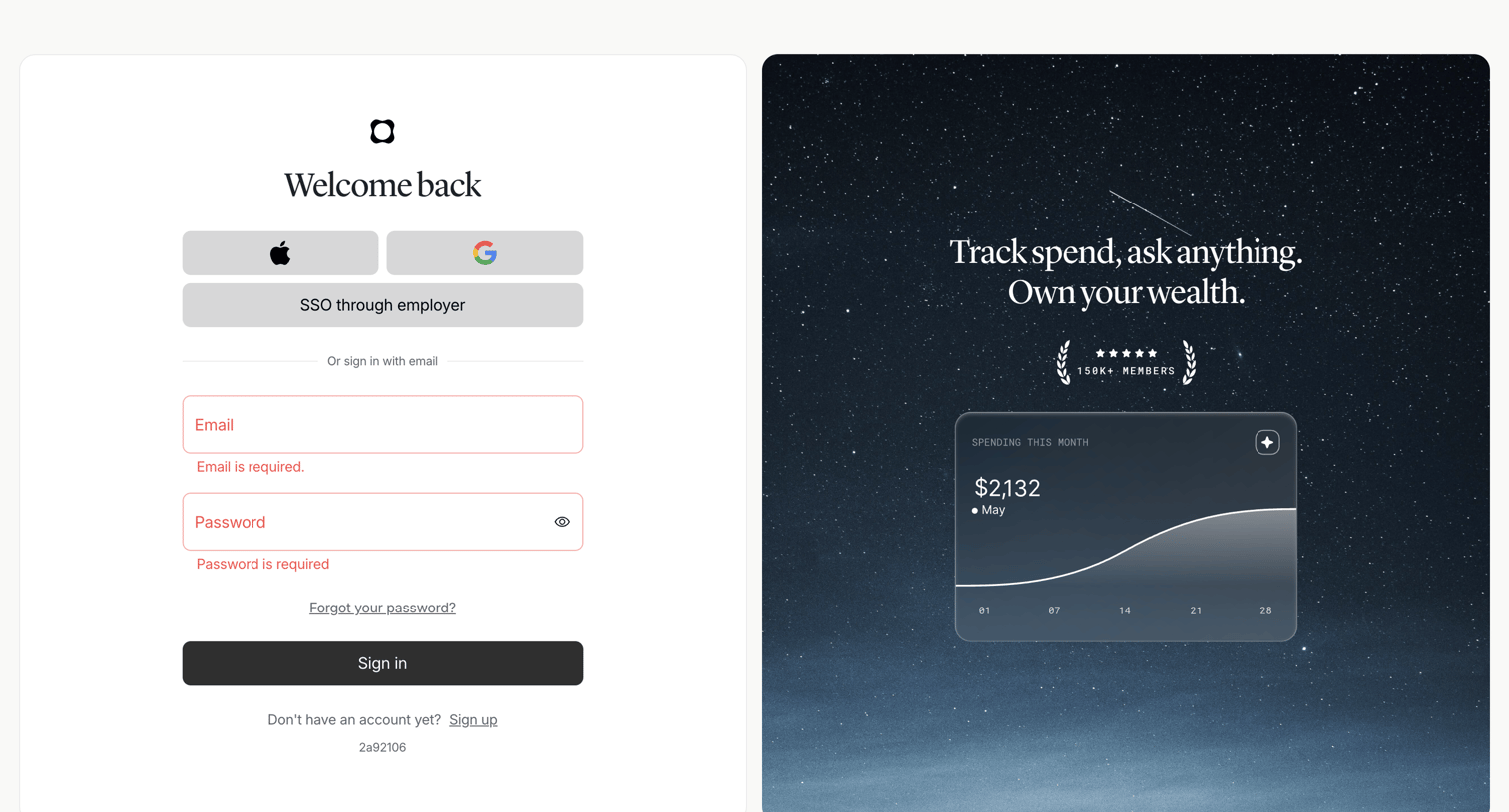
Sign-in screen where the user authenticates with Apple, Google, employer SSO, or email, currently displaying validation errors for empty fields.
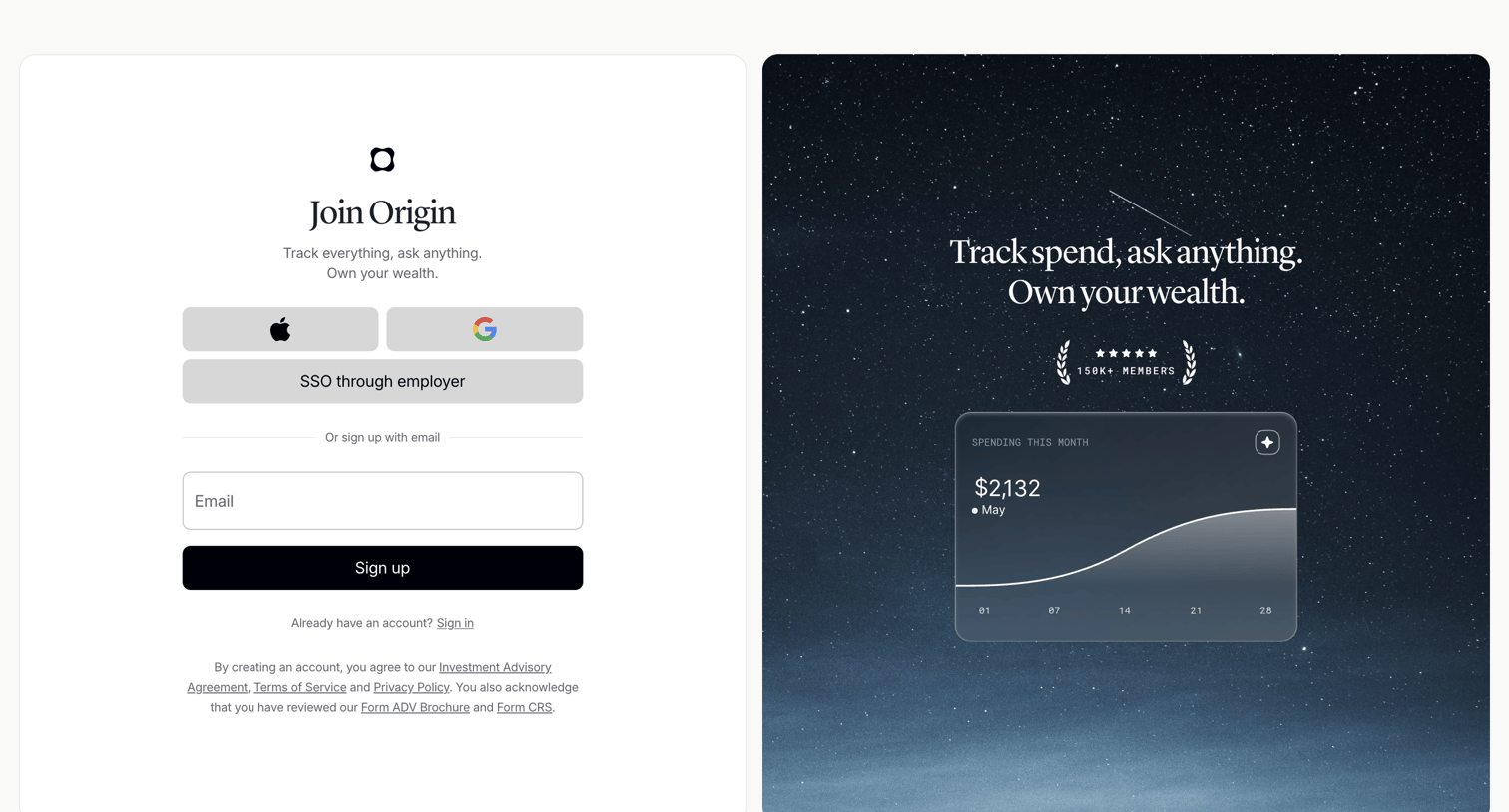
Signup page where the user can create an account using Apple, Google, employer SSO, or email, alongside a feature preview card showing a spending chart.
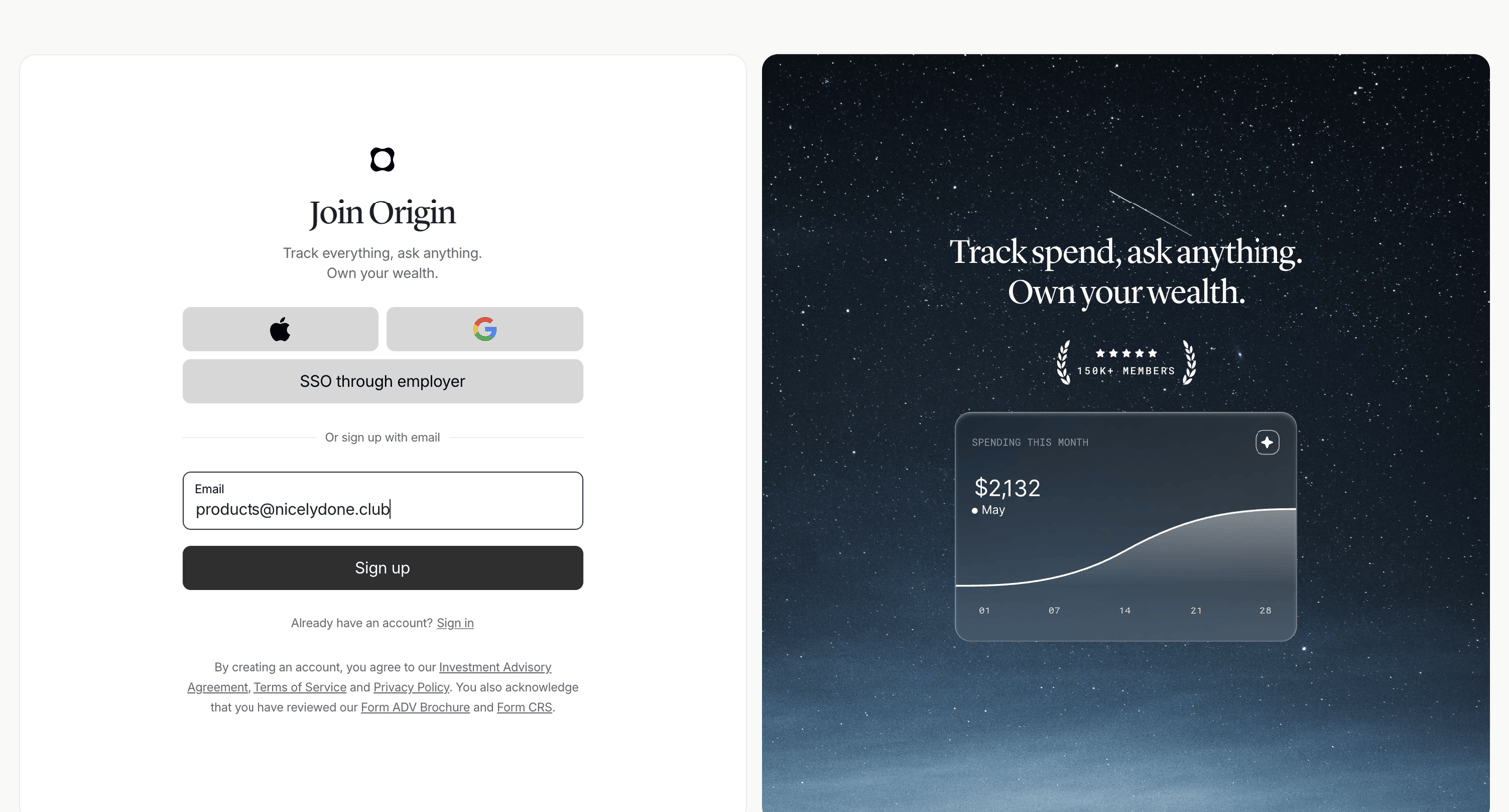
Signup screen where the user can create an account using Apple, Google, employer SSO, or email, alongside a social proof panel highlighting member count and a spending chart preview.
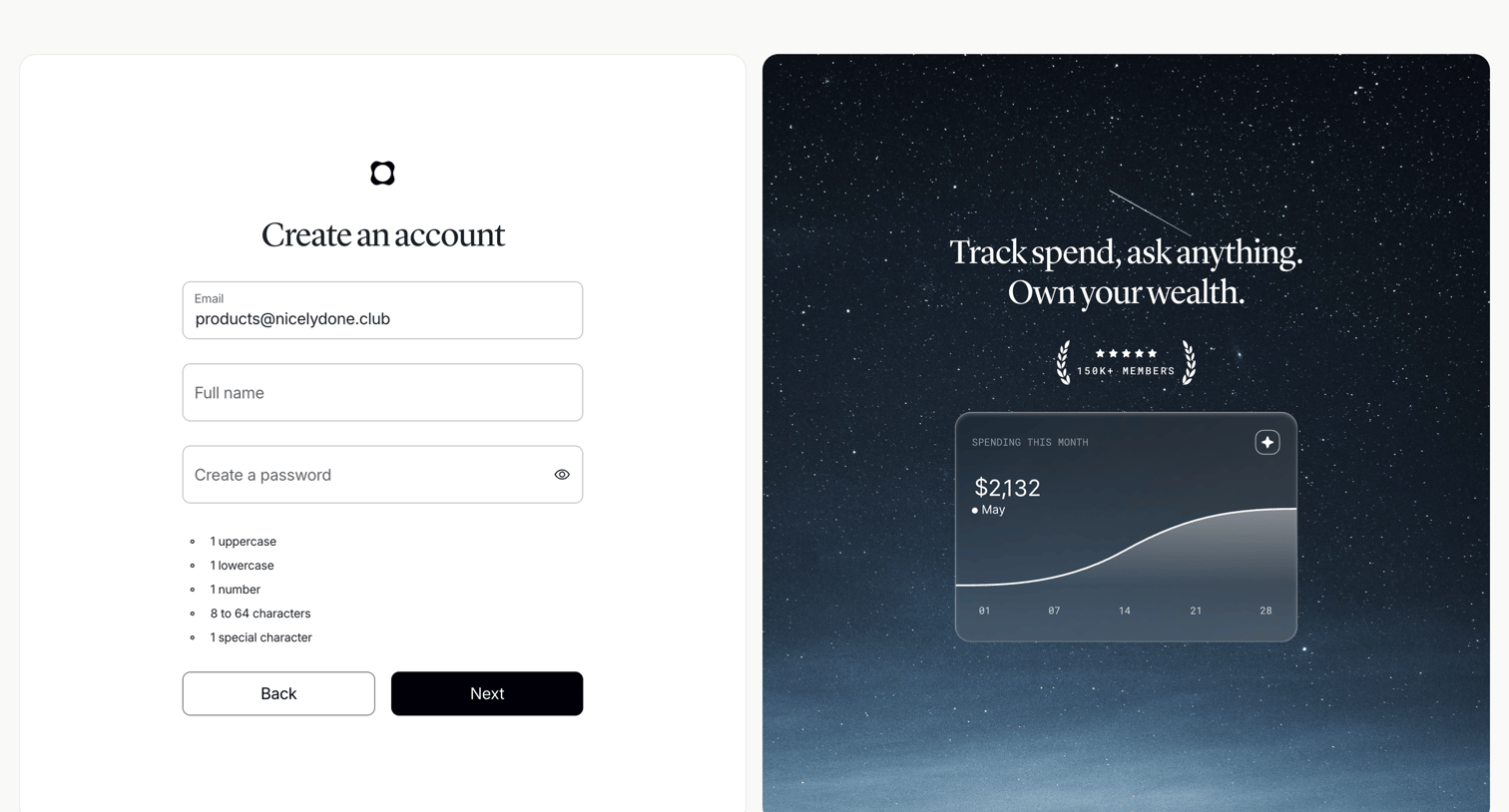
Signup page where the user enters their email, name, and password, alongside a promotional panel highlighting spend tracking and member count.
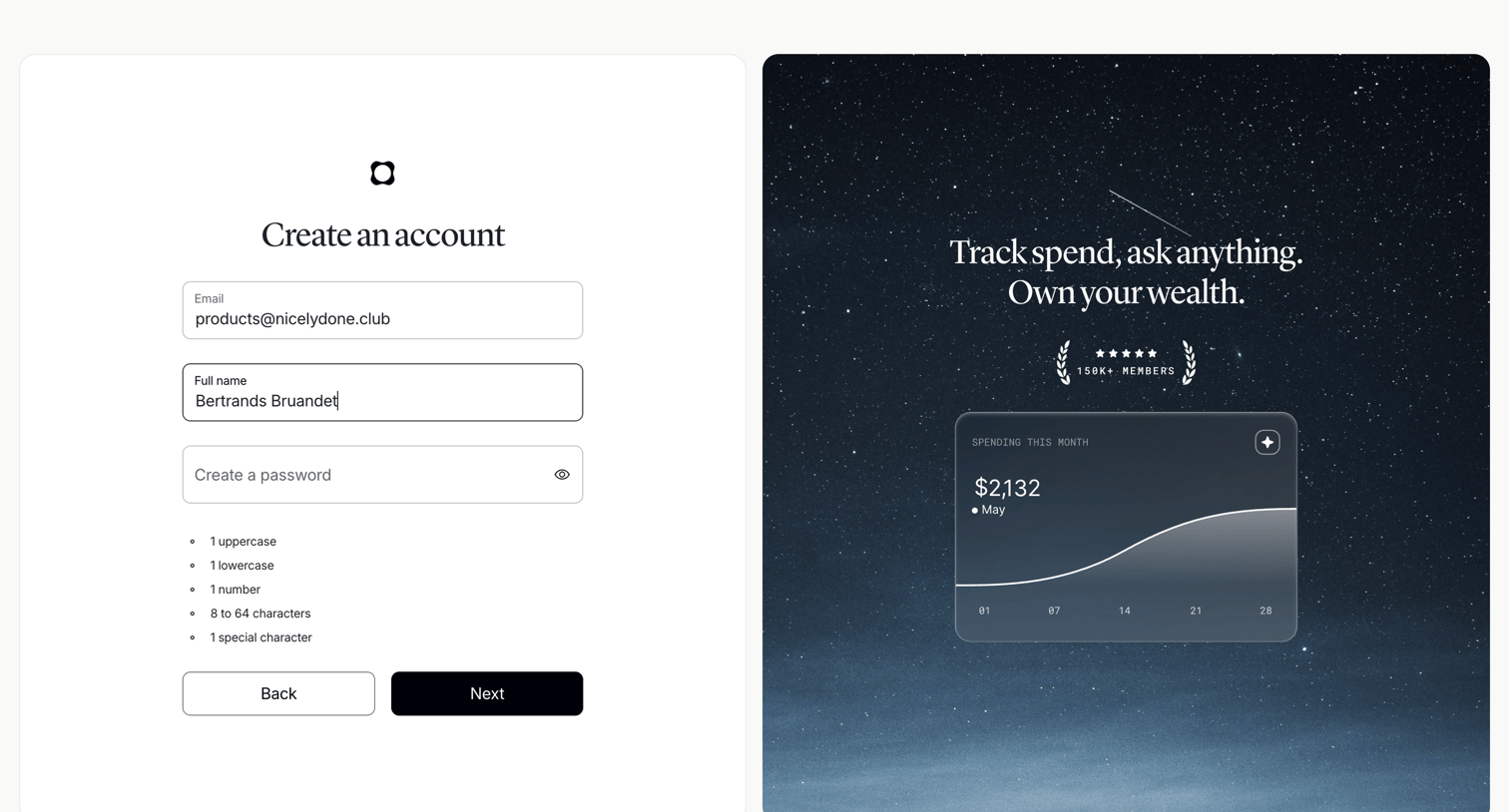
Signup screen where the user enters their email, full name, and creates a password alongside a social proof panel showing member count and a product preview chart.
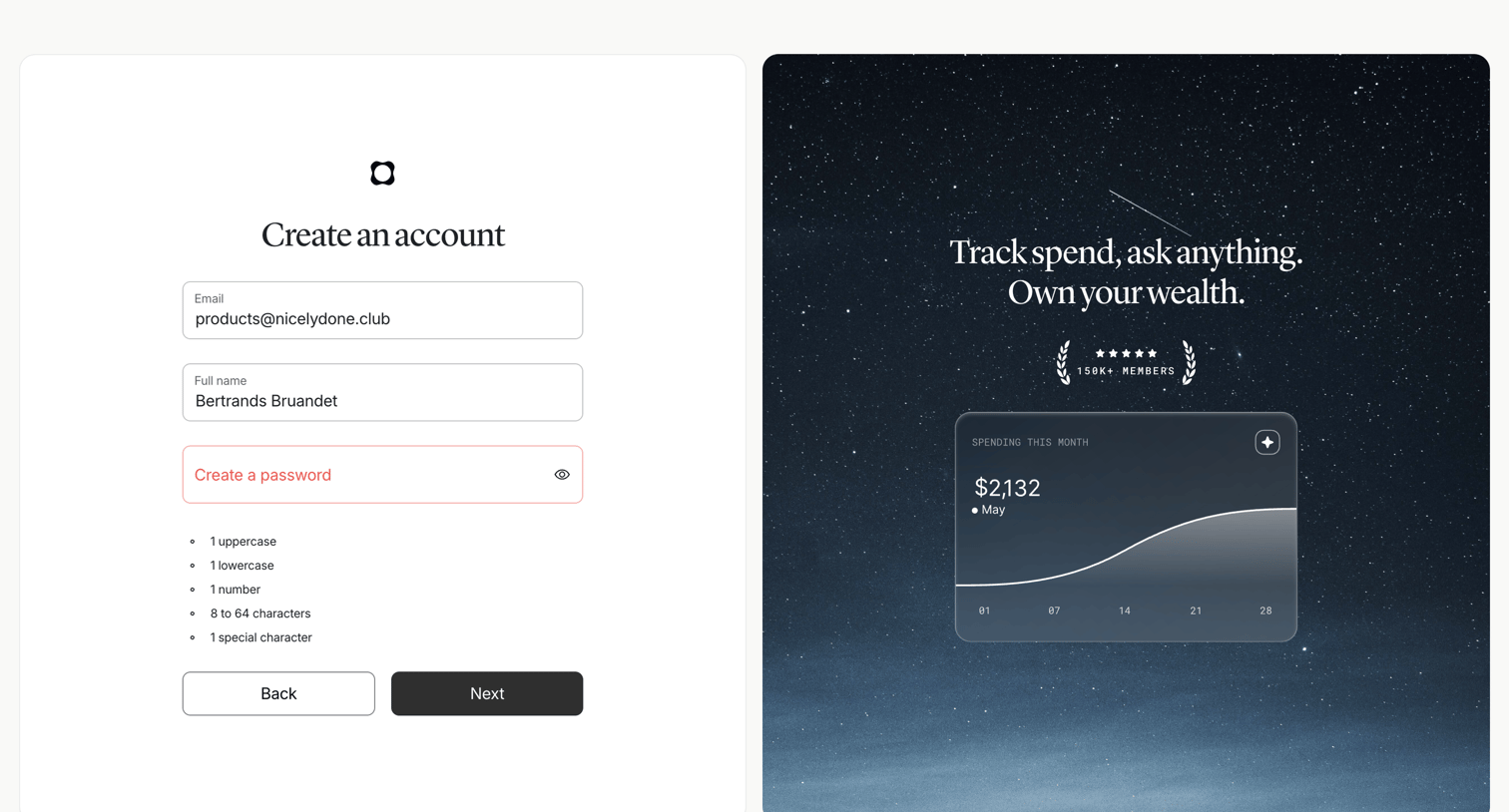
Signup screen where the user enters their email, full name, and password with inline validation rules, alongside a marketing panel showing a spending chart and member count.
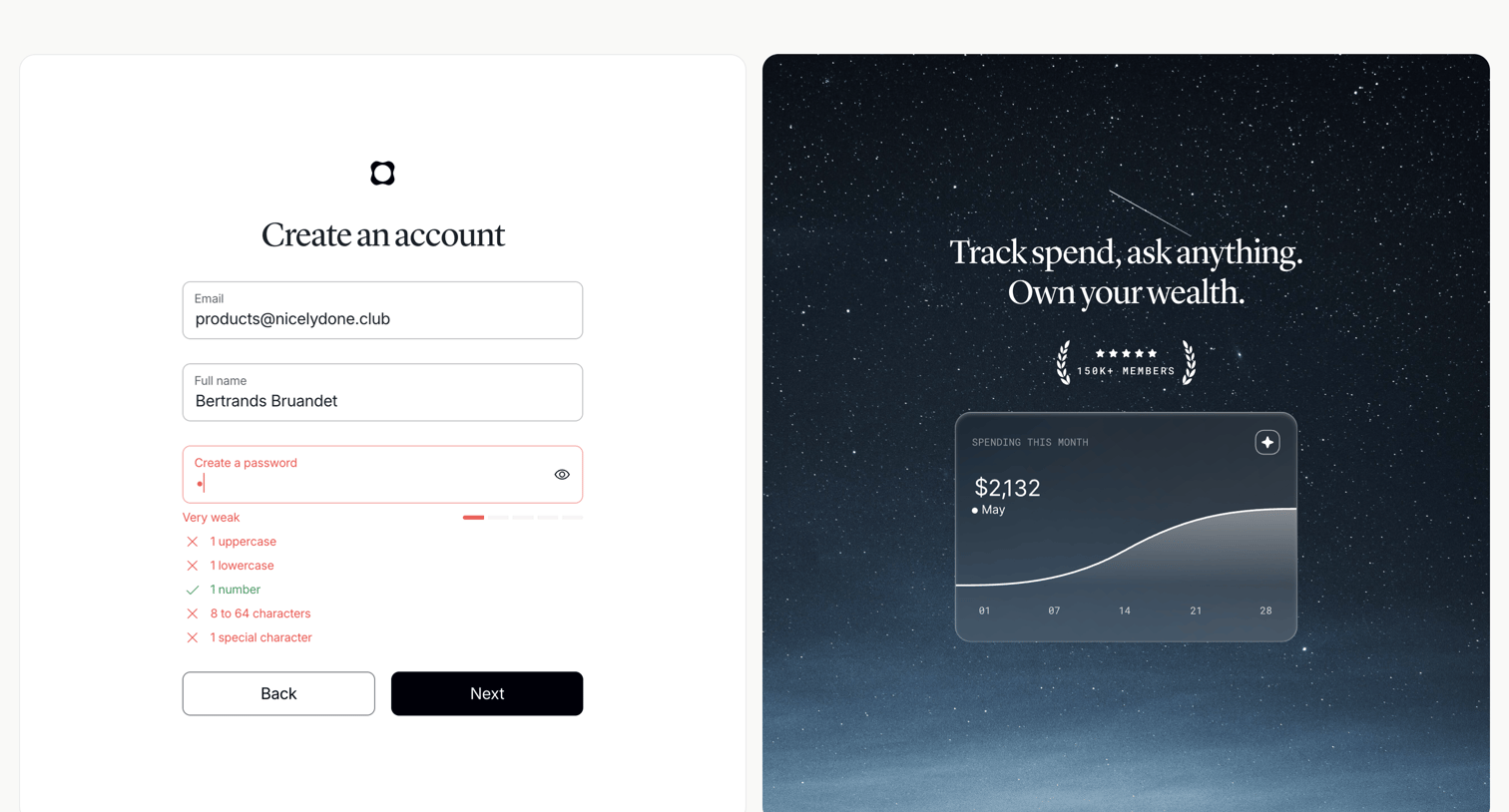
Signup screen where the user enters their email, name, and creates a password with inline validation rules, alongside a marketing panel highlighting product features and social proof.
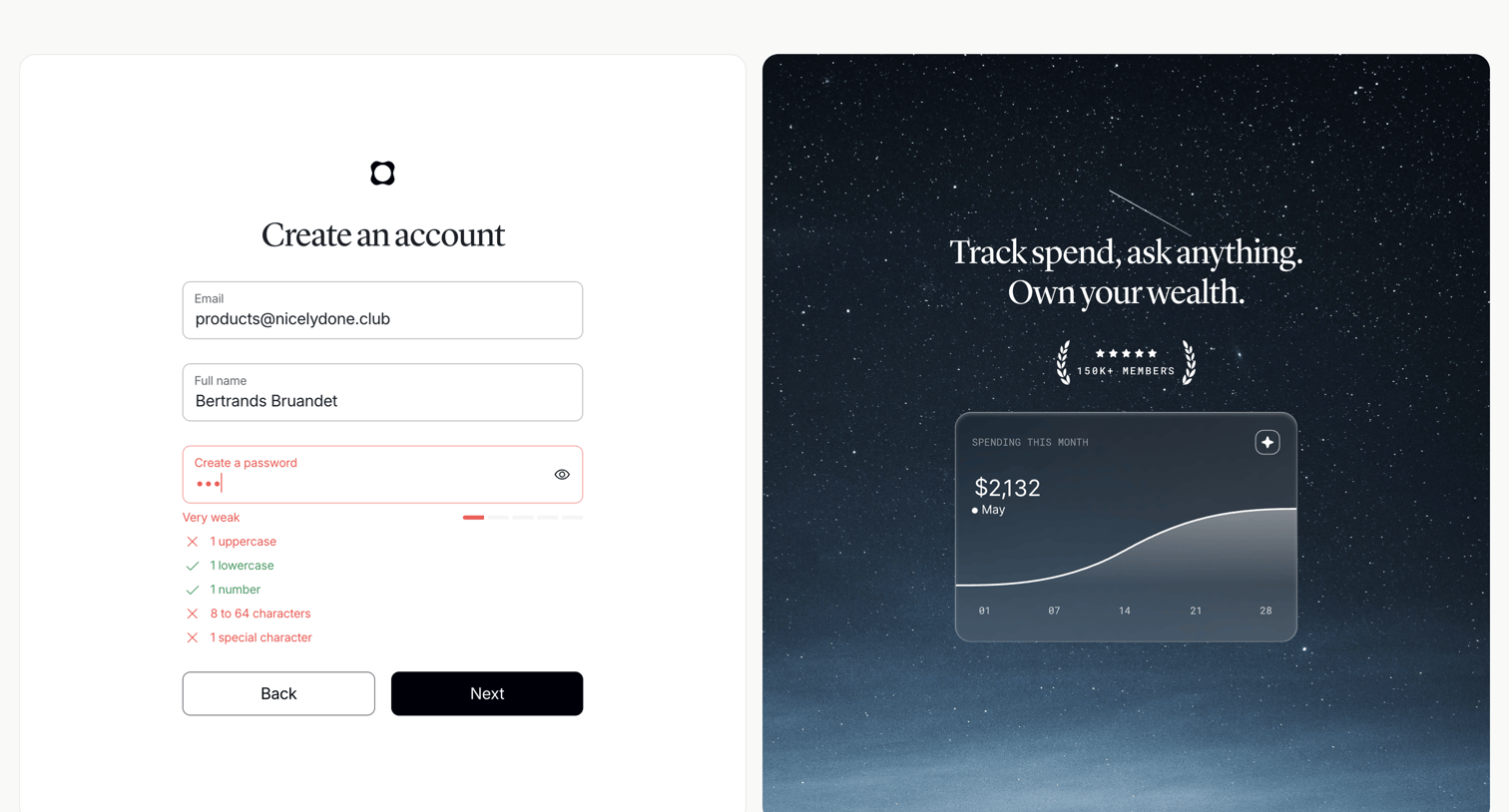
Signup screen where the user enters their email, name, and creates a password, featuring inline validation rules and a password strength meter.
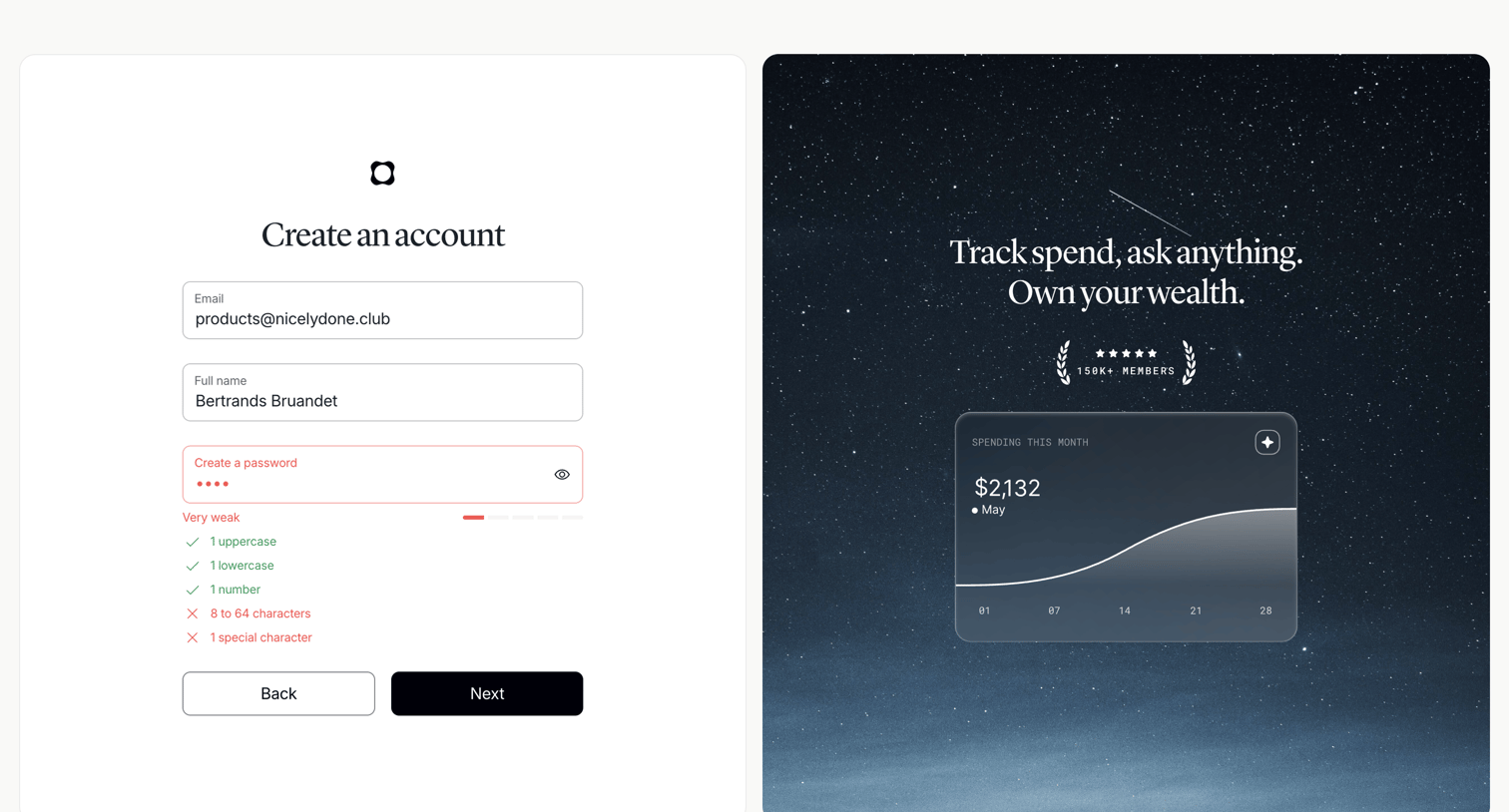
Signup page where the user provides their email, name, and a password with real-time strength validation, alongside a product preview and social proof.
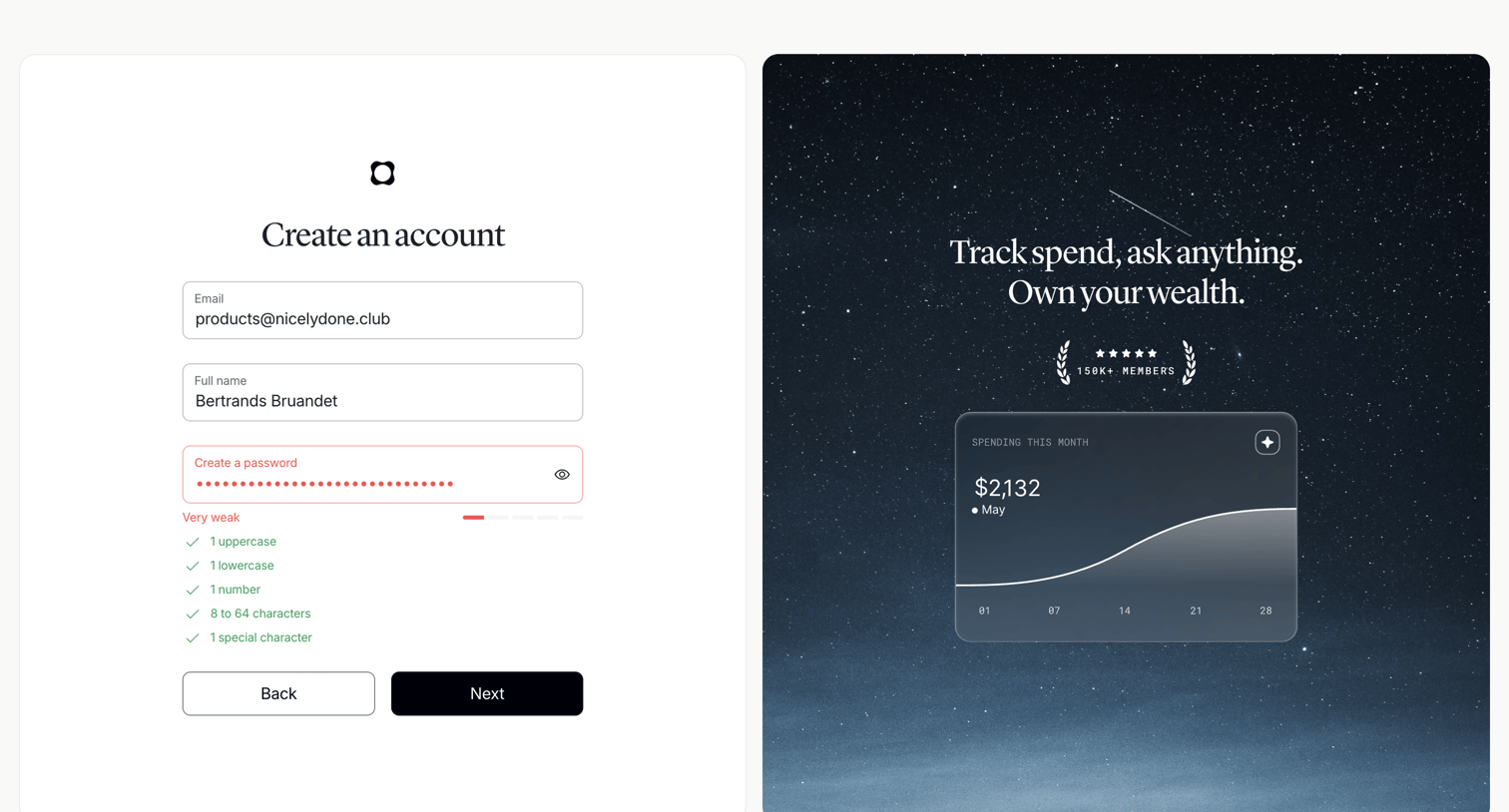
Signup screen where the user enters their email, name, and a password with real-time strength validation, alongside a promotional panel highlighting social proof and features.

App loading screen displaying a central logo while onboarding content is fetched.
Explore the full SaaS screen library
Upgrade to unlock the full library.
Trusted by the best teams







