Town product screens examples
Browse Town screen design examples. Preview the interface screenshots and explore related UI patterns. The AI assistant that manages your inbox, schedules meetings, and handles busywork.
Explore the examples

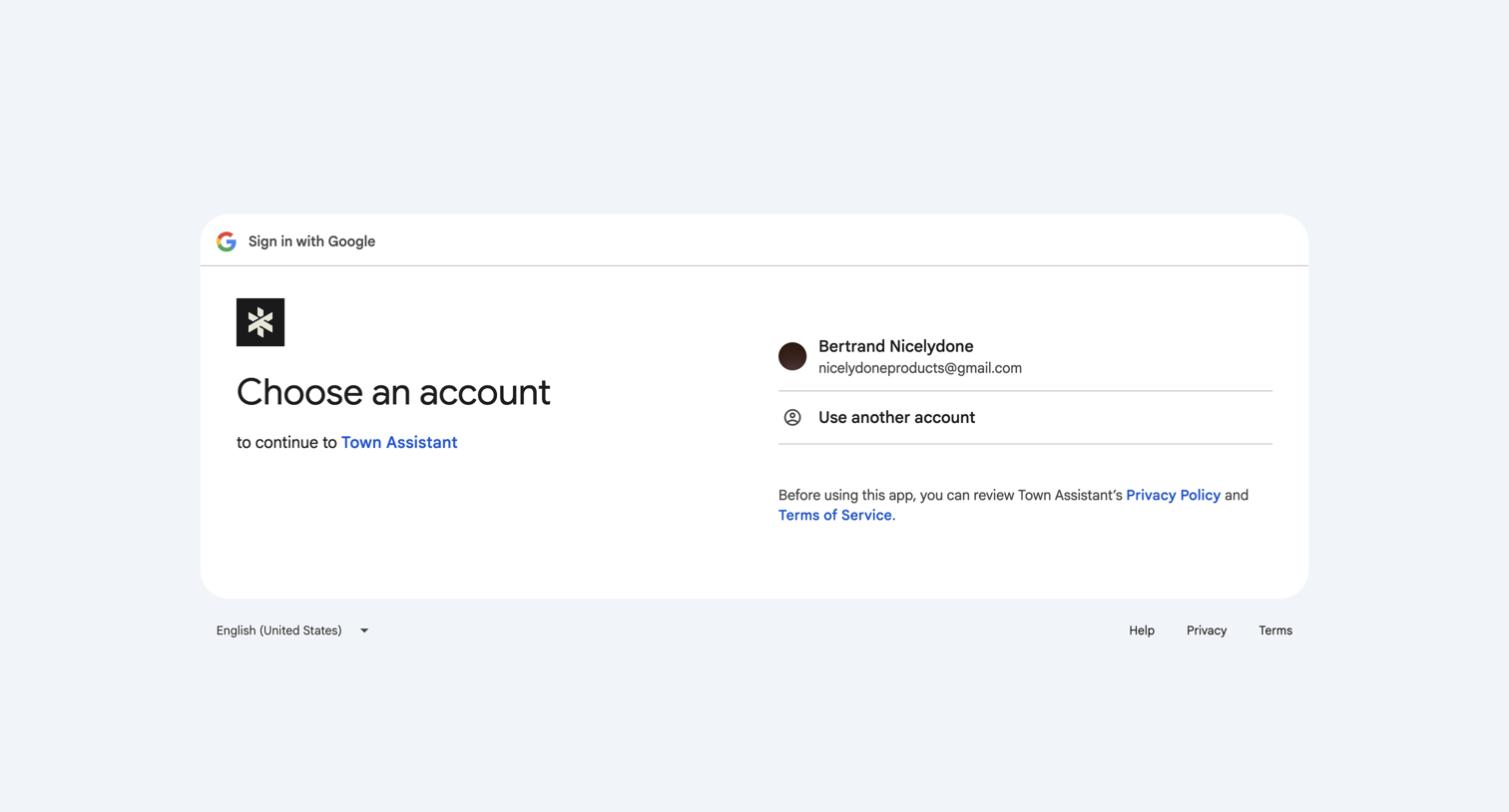

A Google 'Sign in with Google' account selection screen. The UI is centered within a white rounded card on a light gray background. The card header contains the Google logo and the text 'Sign in with Google'. The main content area is divided into two sections: on the left,…
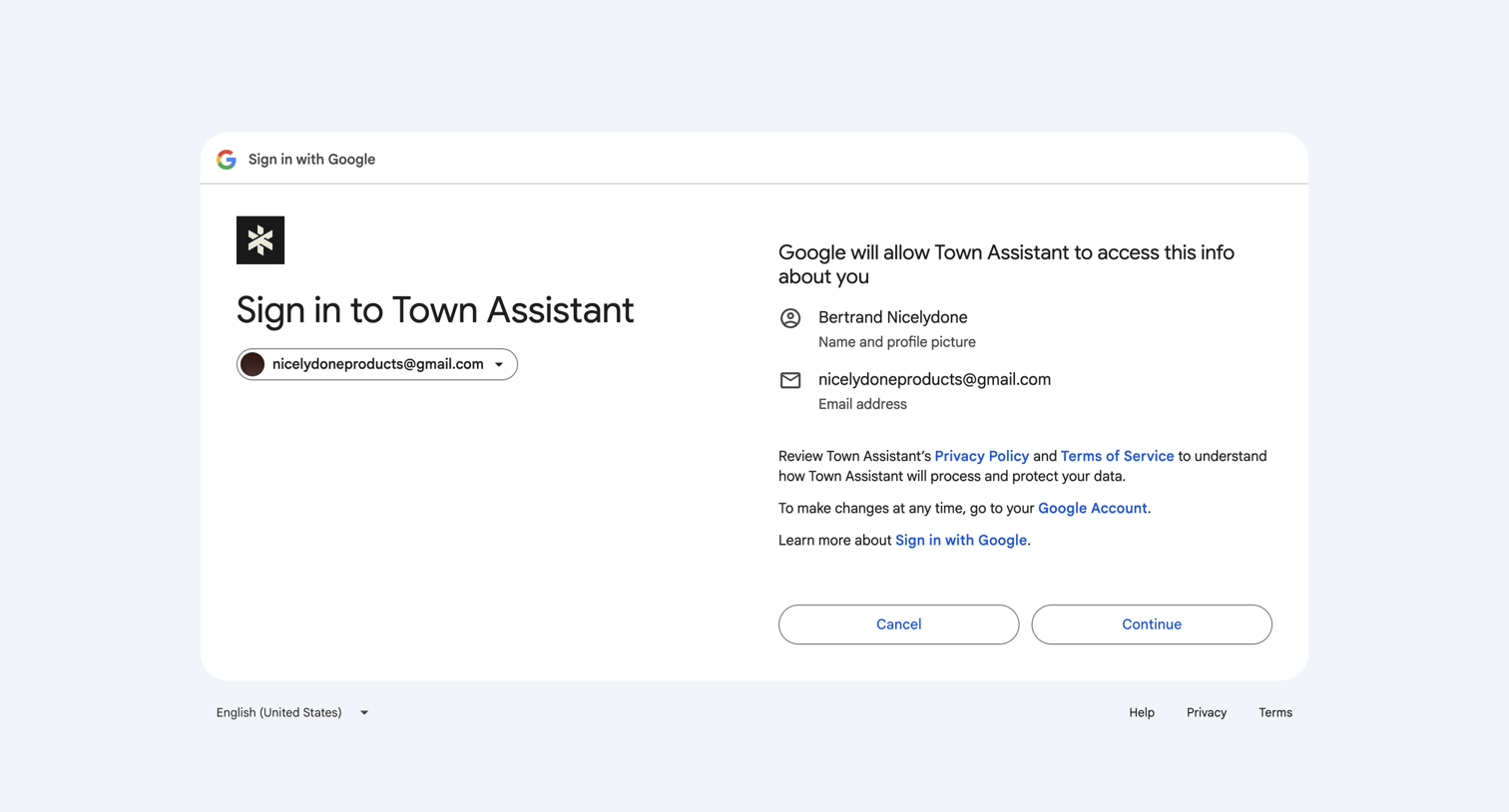
A Google OAuth consent screen for 'Town Assistant'. The interface is contained within a centered white card with a header displaying the Google logo and 'Sign in with Google'. The main content is split into two columns. The left column features the Town Assistant logo, the…

Permission denied error page where the user is prompted to grant email and calendar access to enable their AI assistant.
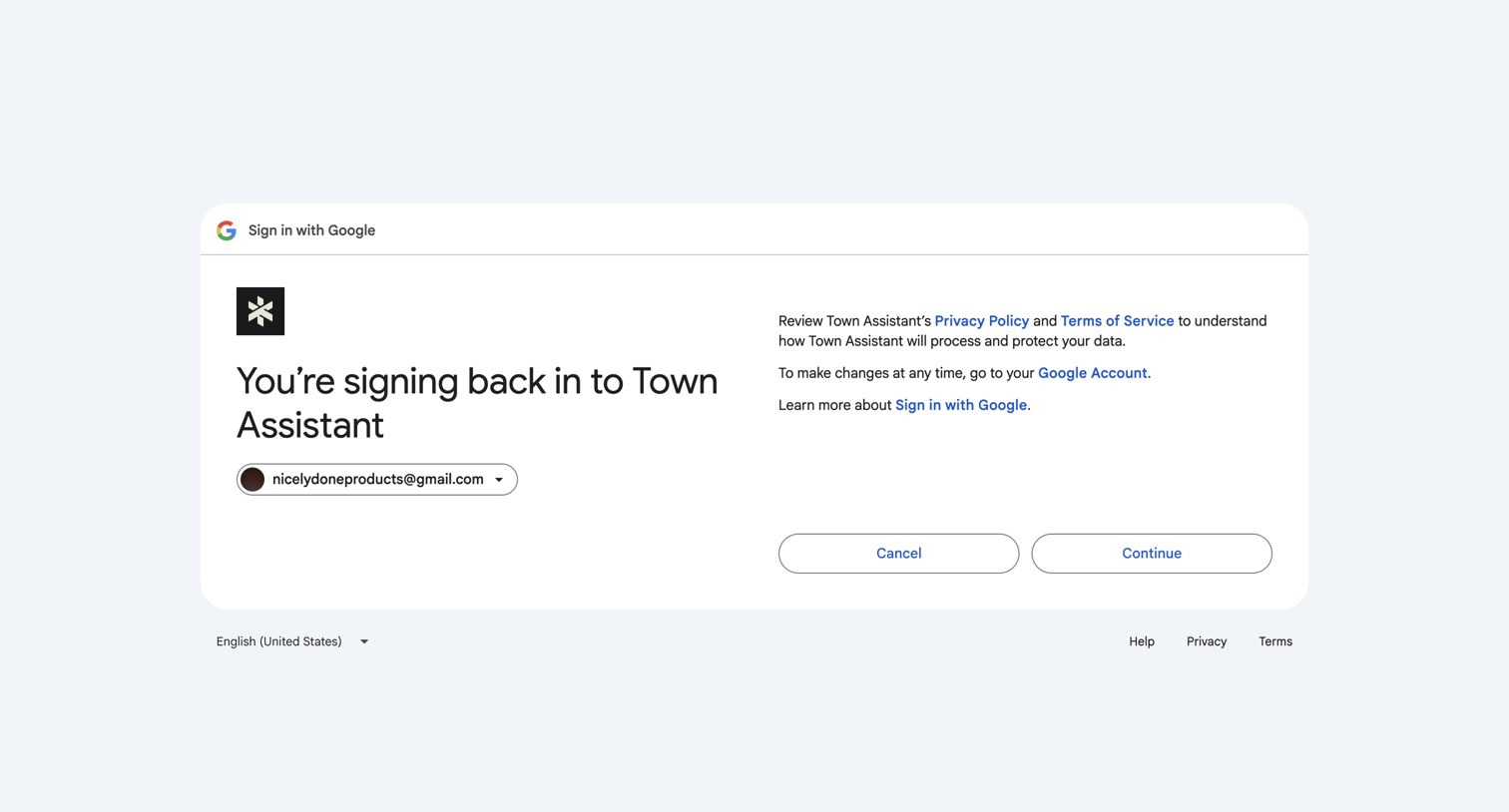
A 'Sign in with Google' confirmation screen for an application called Town Assistant. The interface is presented as a centered white card with rounded corners on a light gray background. The card header features the Google logo and the text 'Sign in with Google'. The main…
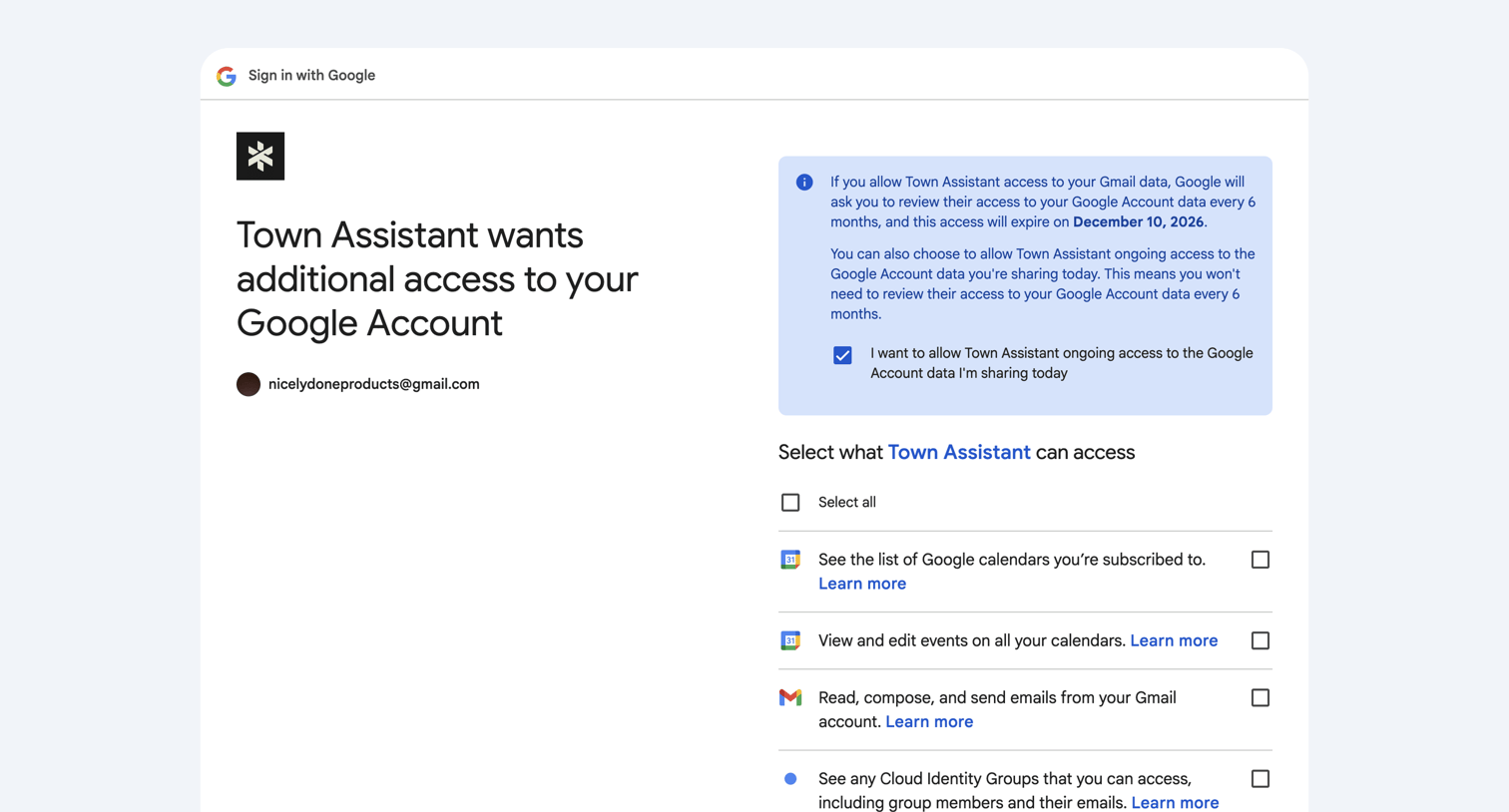
A Google OAuth consent screen for an application named 'Town Assistant'. The layout is divided into two main sections on a white background. The left side features the app's logo (a black square with a white star-like icon), a large heading 'Town Assistant wants additional…
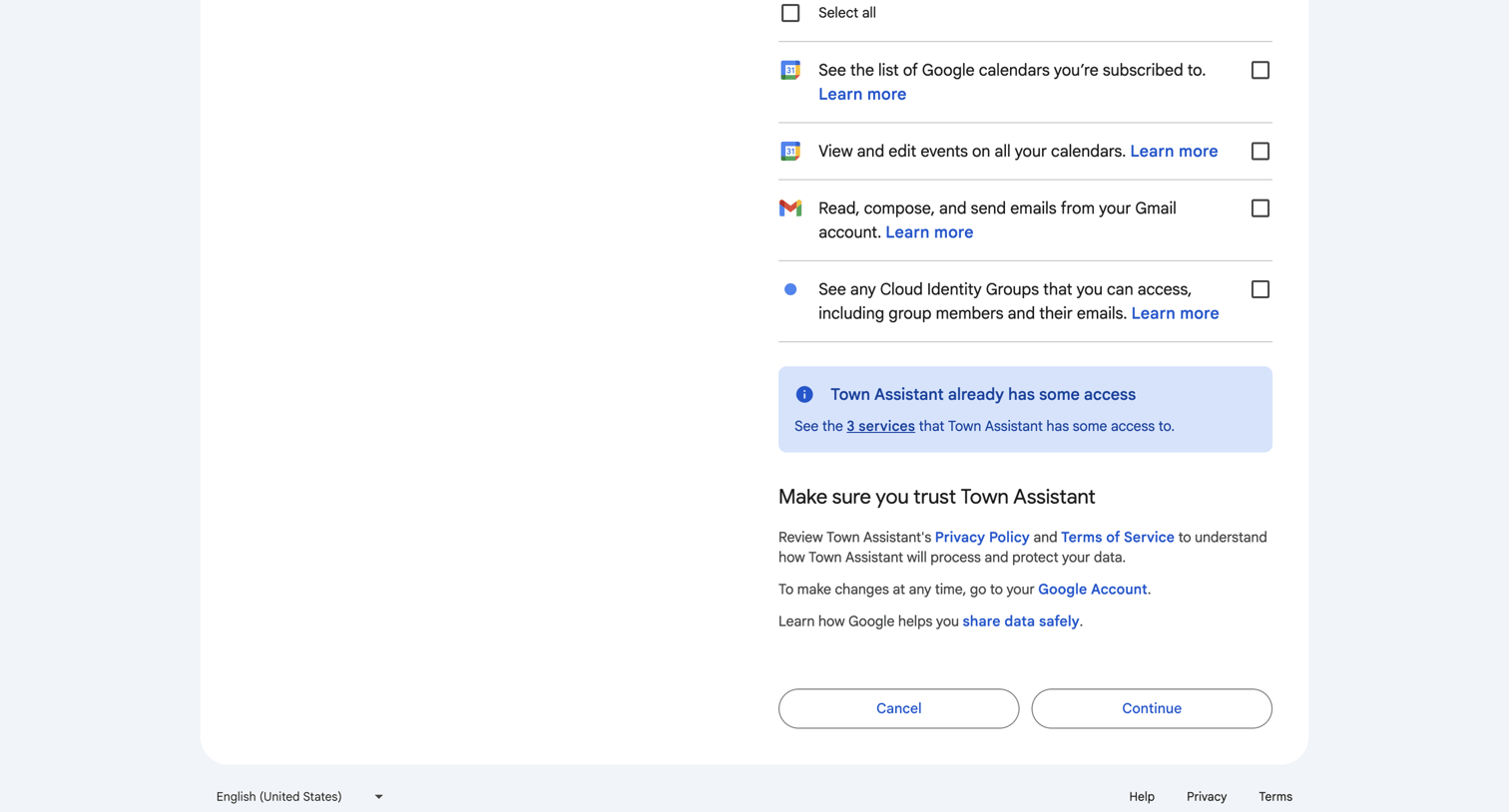
The screen is a Google OAuth authorization page for an application named 'Town Assistant'. The layout is a centered single-column card on a light gray background. The top section contains a list of specific permissions the app is requesting, including access to Google…
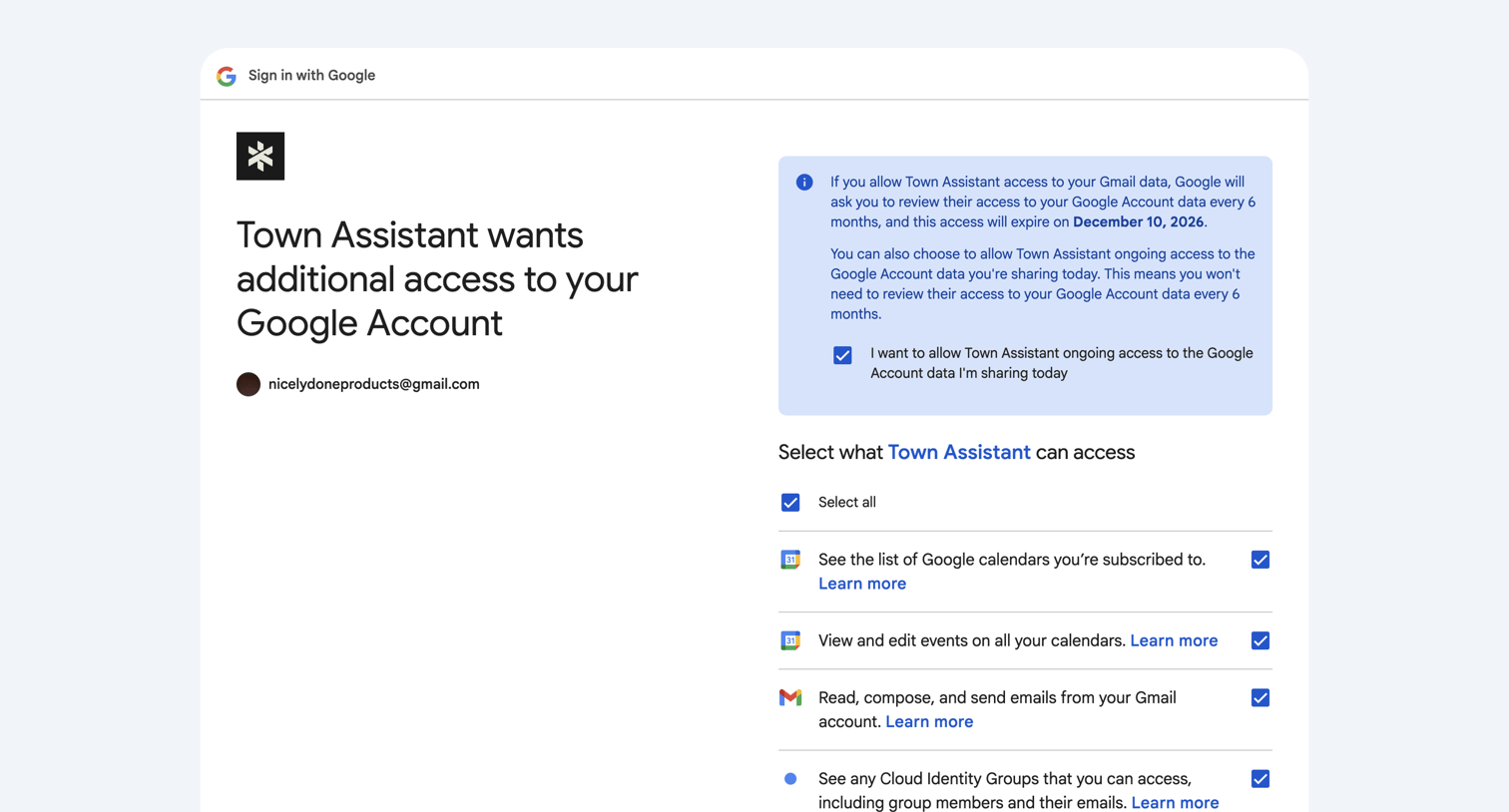
A Google OAuth consent screen for an application named 'Town Assistant'. The layout is split into two columns. The left column displays the application's logo, the main heading 'Town Assistant wants additional access to your Google Account', and the user's account information…
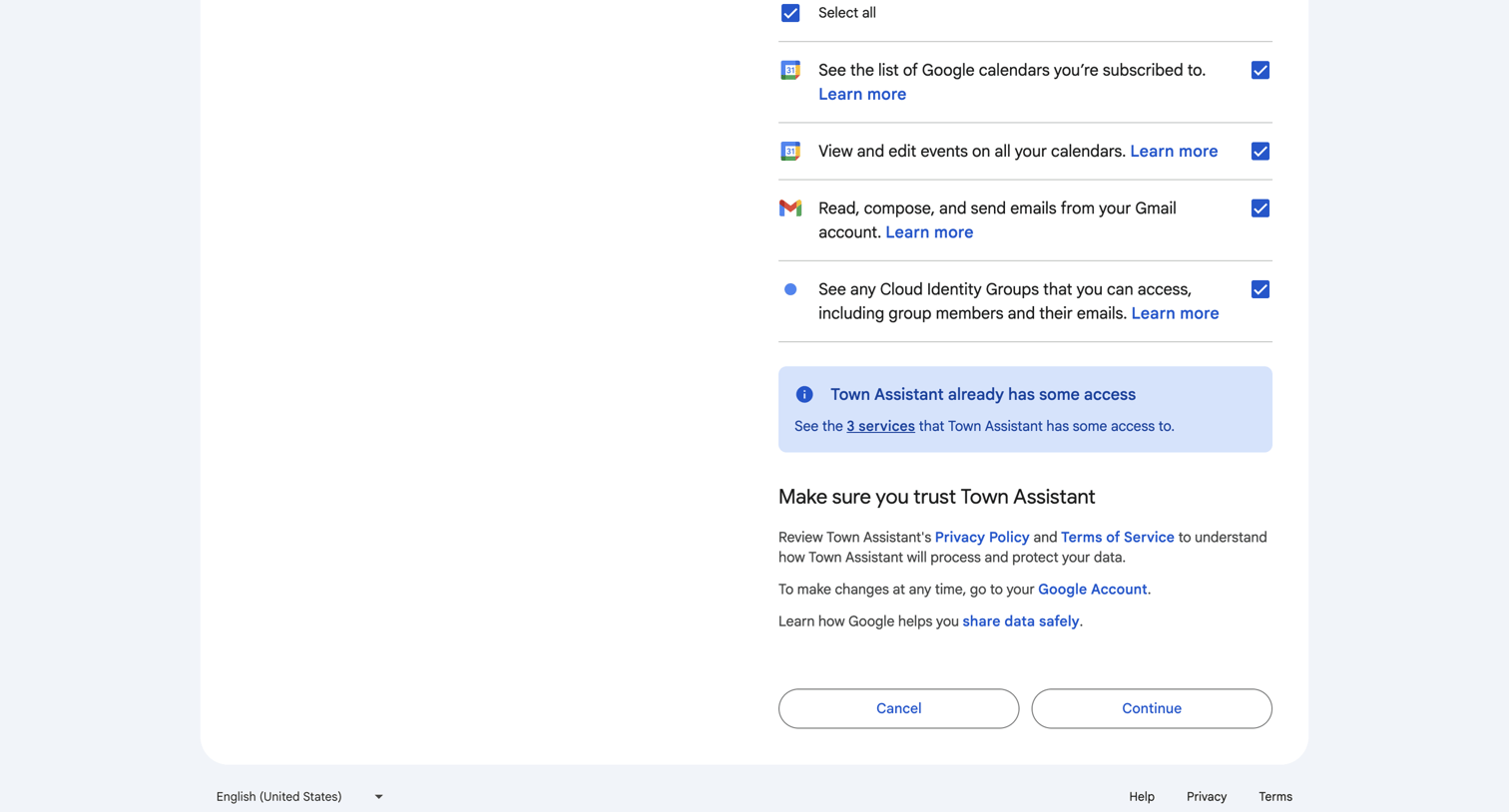
A Google OAuth consent screen for an application named 'Town Assistant'. The UI is centered within a white container on a light gray background. At the top, there is a list of requested permissions, each accompanied by a Google service icon (Calendar, Gmail, Cloud Identity),…
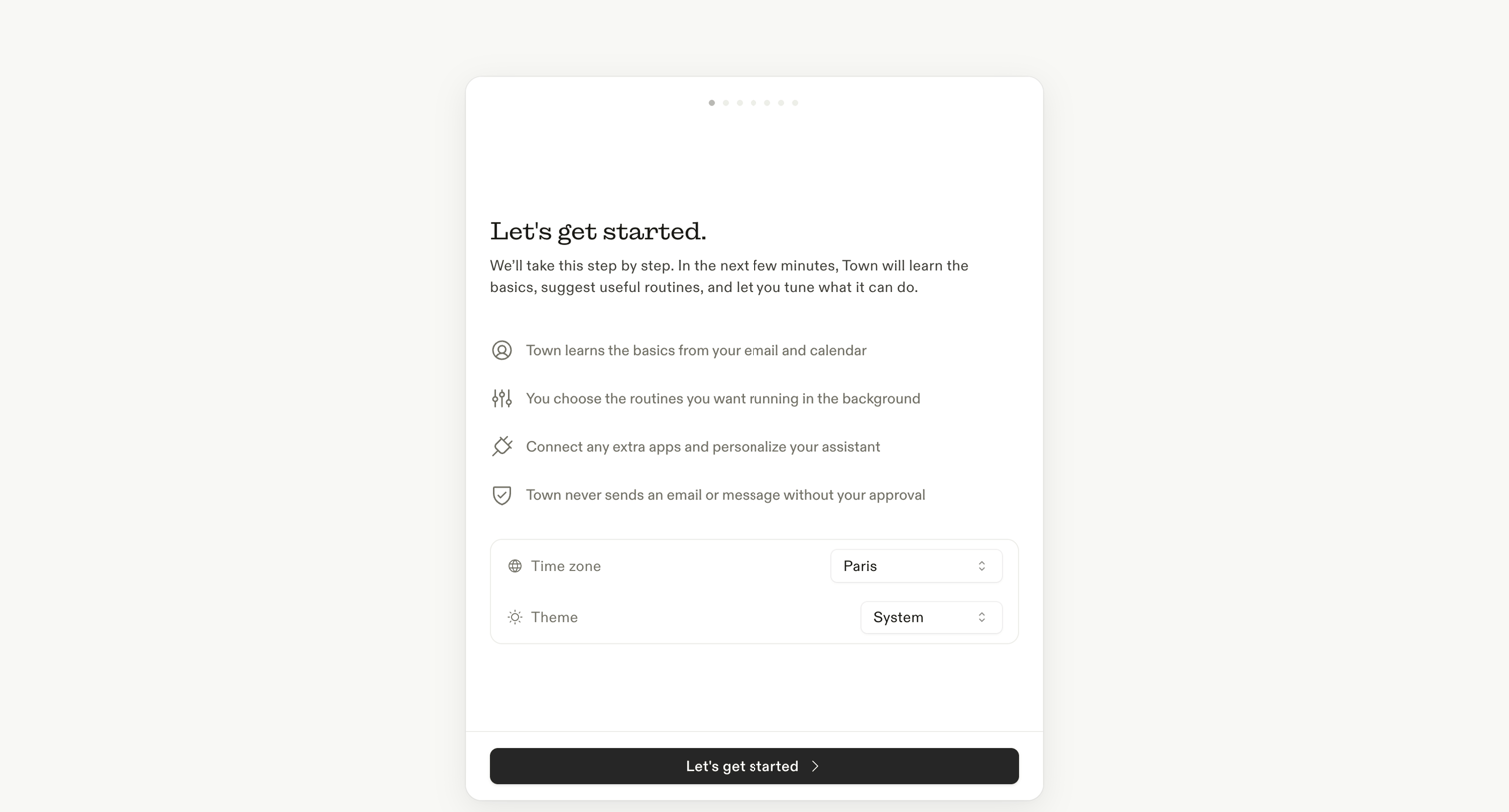
Onboarding step where the user reviews the setup process and confirms their time zone and theme preferences before starting.
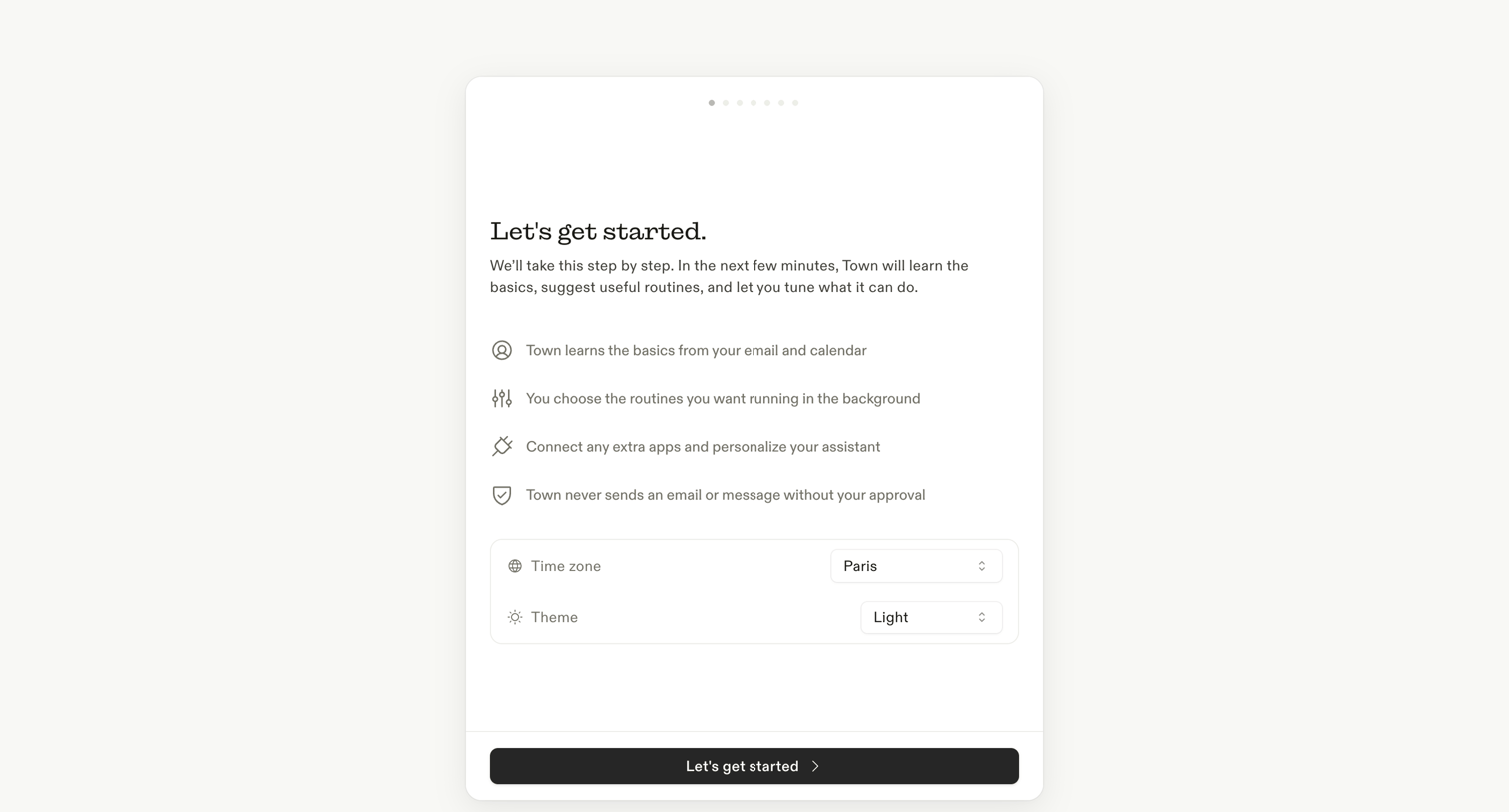
Onboarding welcome screen where the user reviews how the assistant works and confirms their time zone and theme preferences before continuing.
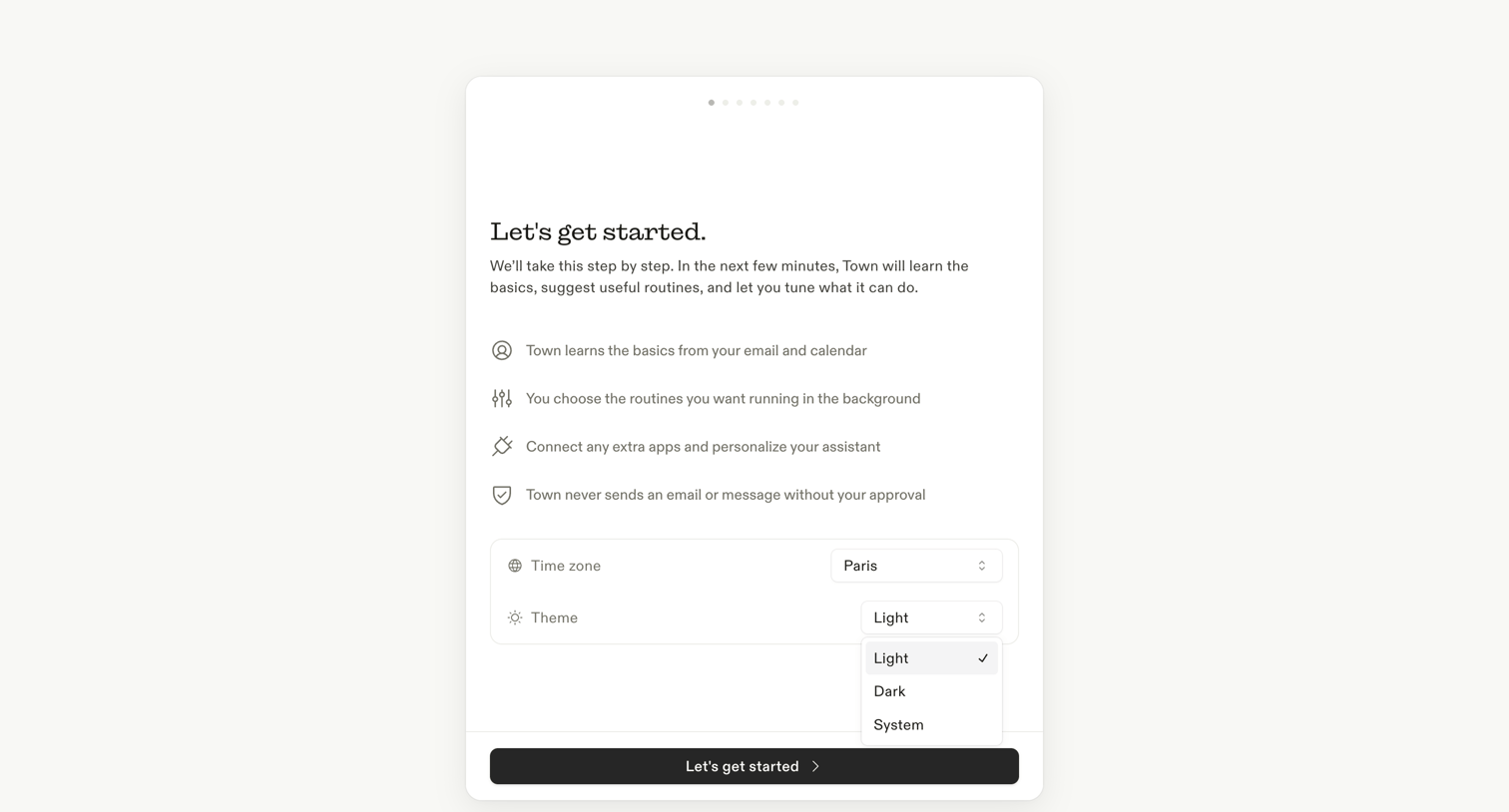
Onboarding step where the user reviews how the assistant works and configures their time zone and theme preferences.
Explore the full SaaS screen library
Upgrade to unlock the full library.
Trusted by the best teams







