Skip to content

Tidal product screens examples

Browse Tidal screen design examples. Preview the interface screenshots and explore related UI patterns. High fidelity music streaming

Explore the examples

Tidal - Login | TIDAL screen
Tidal logo
Tidal

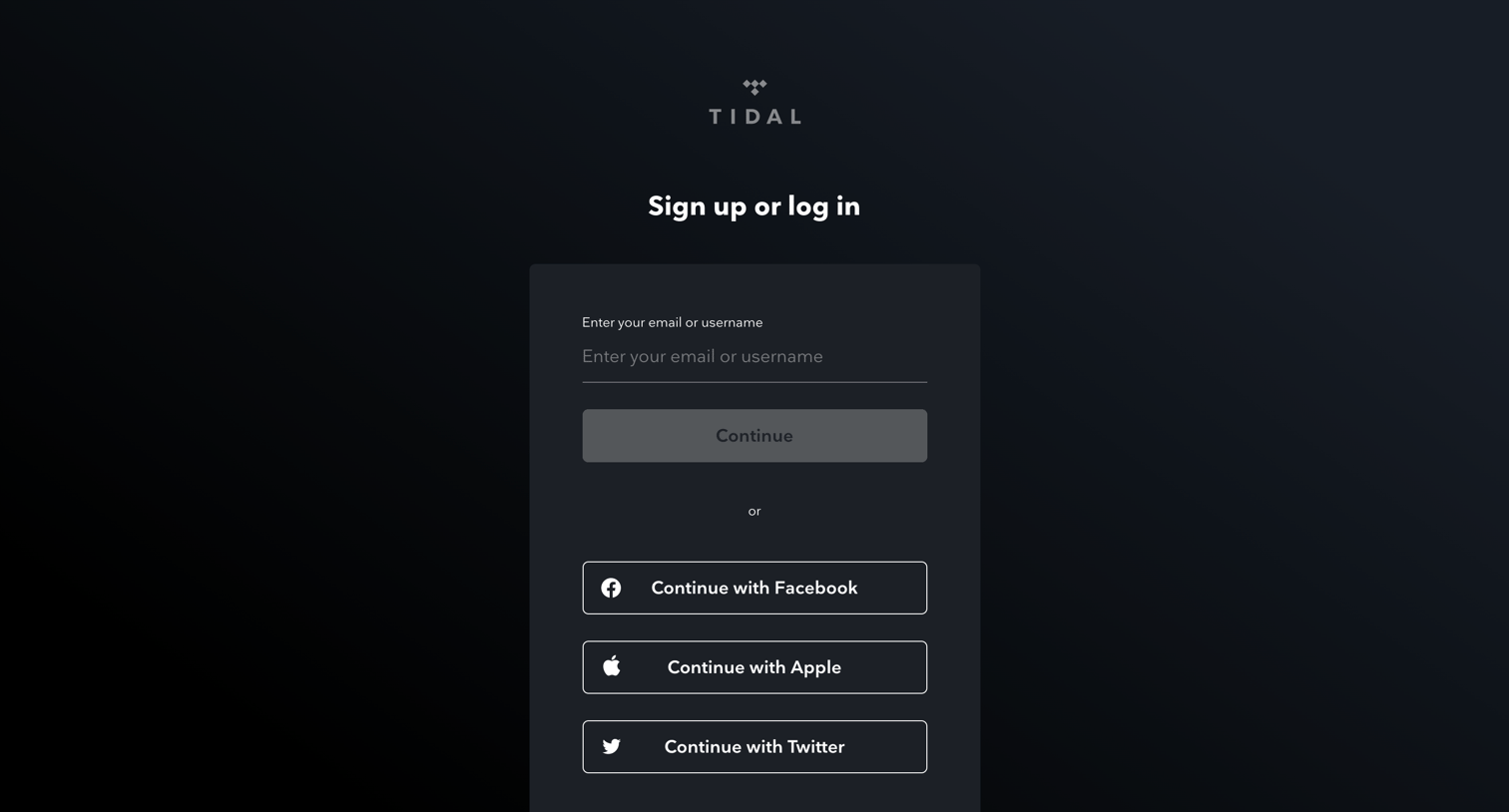
Sign-in screen where the user authenticates with an email address, username, or via Facebook, Apple, and Twitter.

Tidal - Login | TIDAL screen
Tidal logo
Tidal

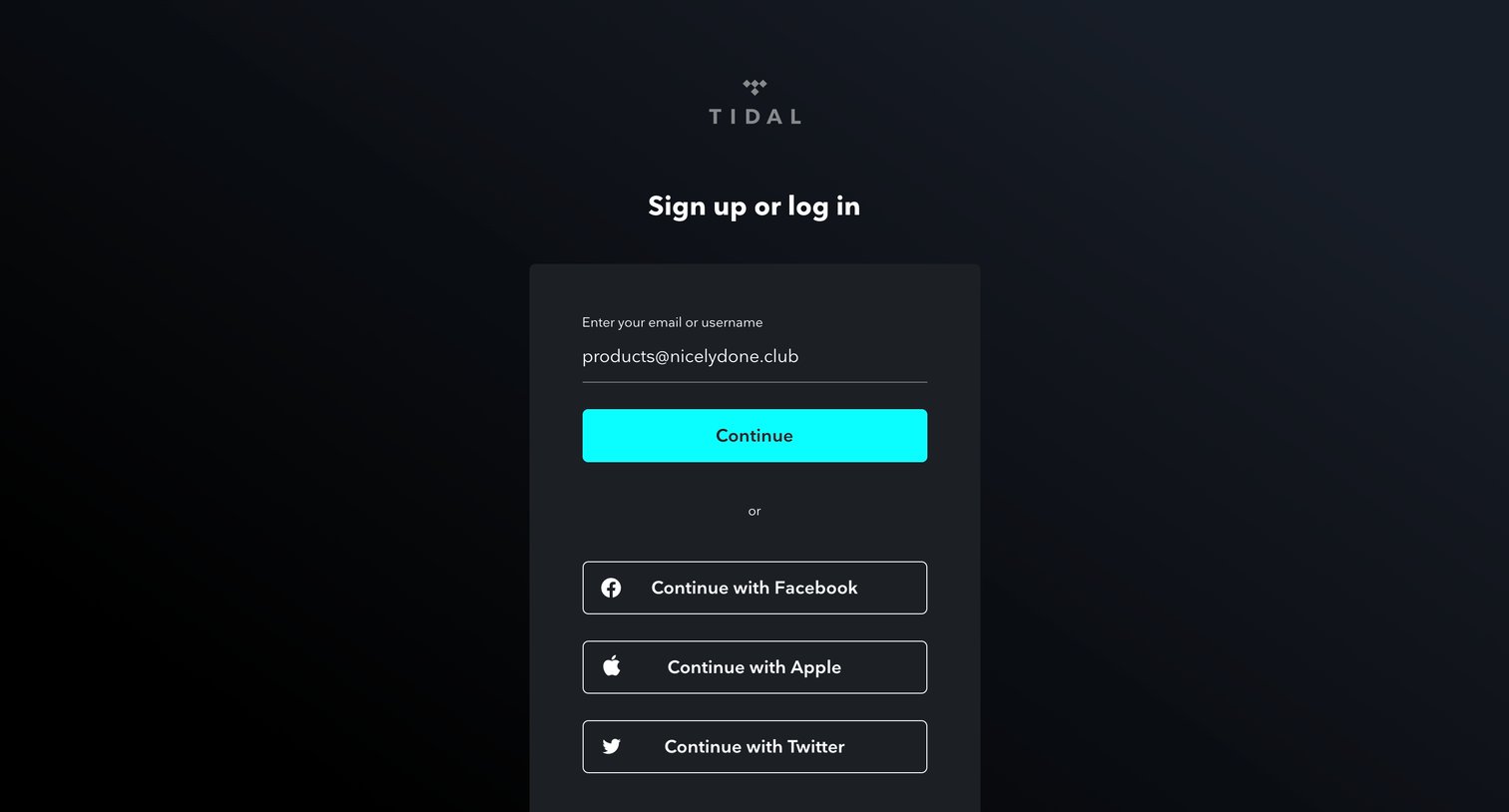
Sign-in and sign-up screen where the user enters their email or authenticates via Facebook, Apple, or Twitter.

Tidal - Login | TIDAL screen
Tidal logo
Tidal

Authentication screen where the user can sign up or log in using their email, username, or an OAuth provider like Facebook, Apple, or Twitter.

Tidal - Login | TIDAL screen
Tidal logo
Tidal

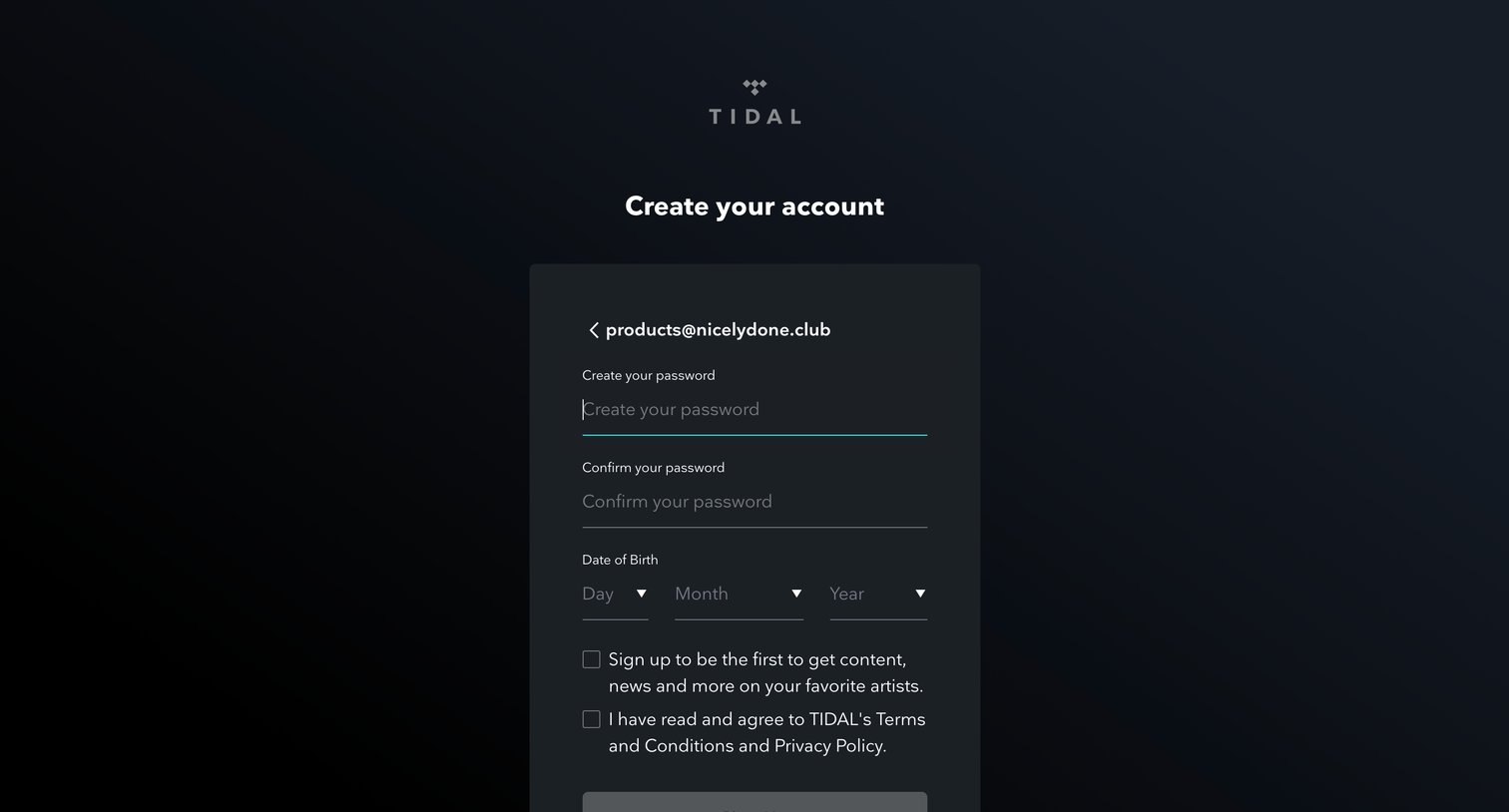
Signup page where the user sets a password, enters their date of birth, and agrees to terms to create a new account.
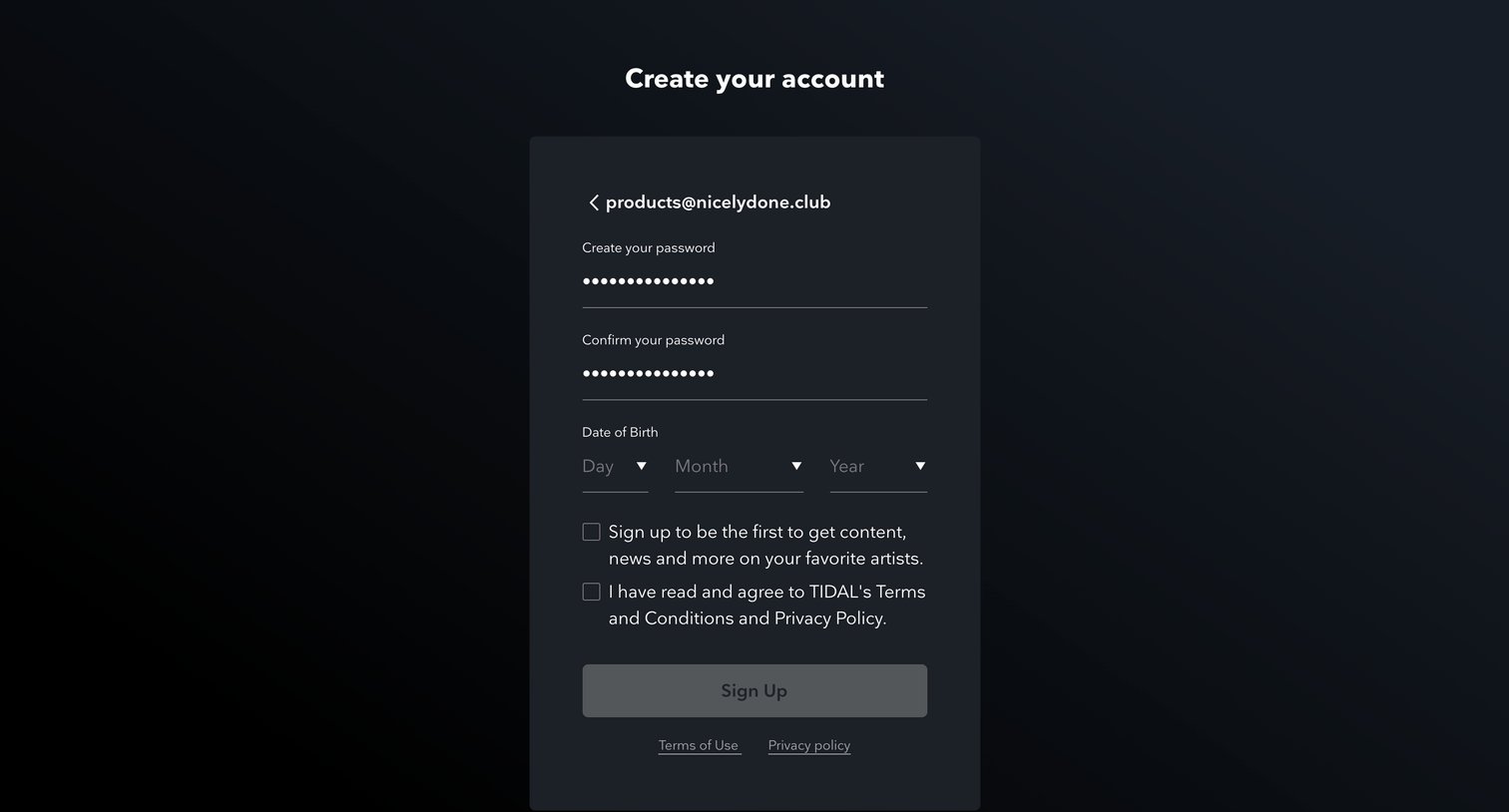
Tidal - Login | TIDAL screen
Tidal logo
Tidal

Signup page where the user sets a password, enters their date of birth, and accepts the terms to create an account.
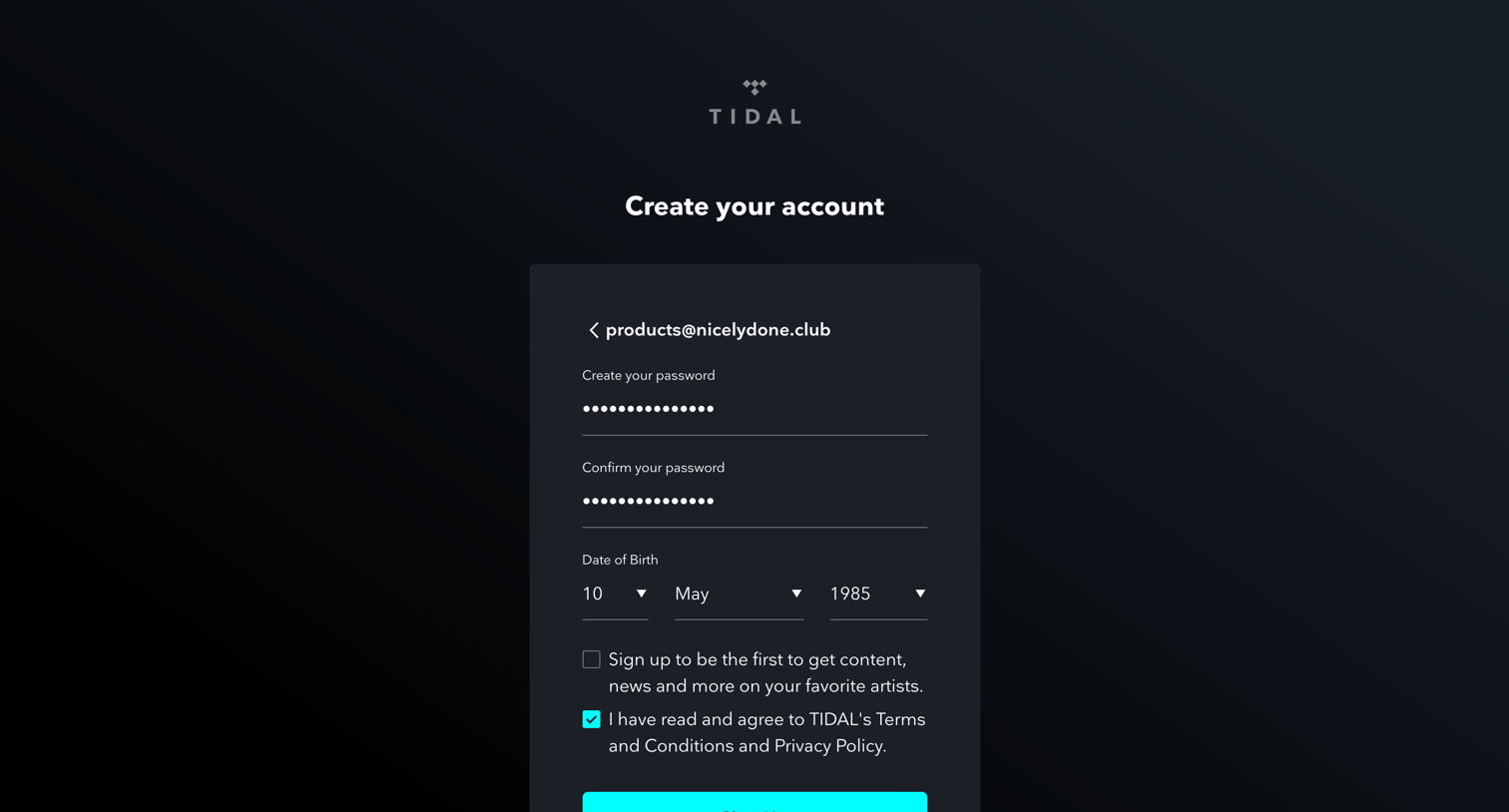
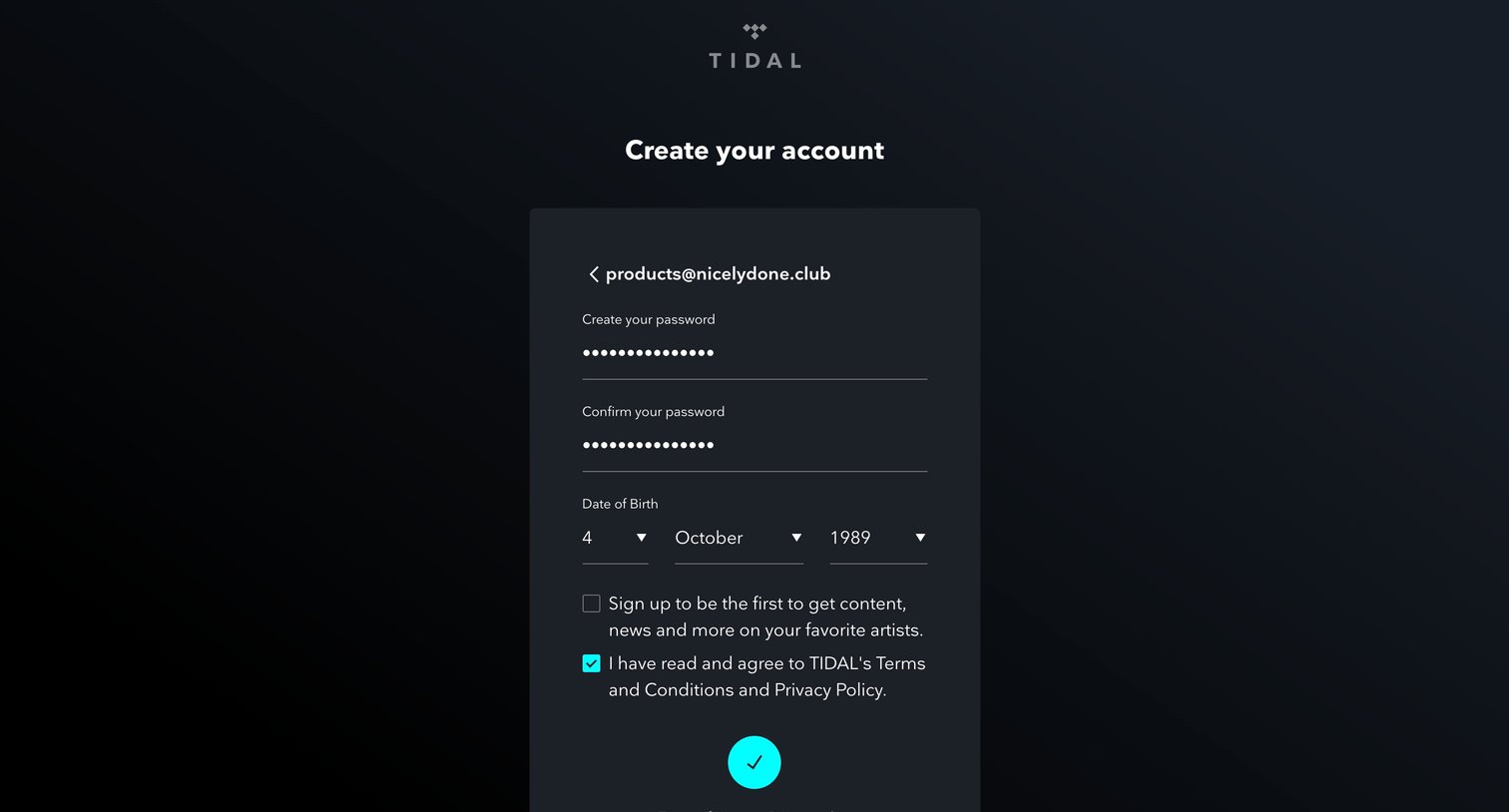
Tidal - Login | TIDAL screen
Tidal logo
Tidal

Signup page where the user sets a password, confirms their date of birth, and agrees to terms to create an account.

Tidal - Login | TIDAL screen
Tidal logo
Tidal

Signup page where the user sets a password, enters their date of birth, and agrees to the terms and conditions to create an account.

Tidal - Offer | TIDAL screen
Tidal logo
Tidal

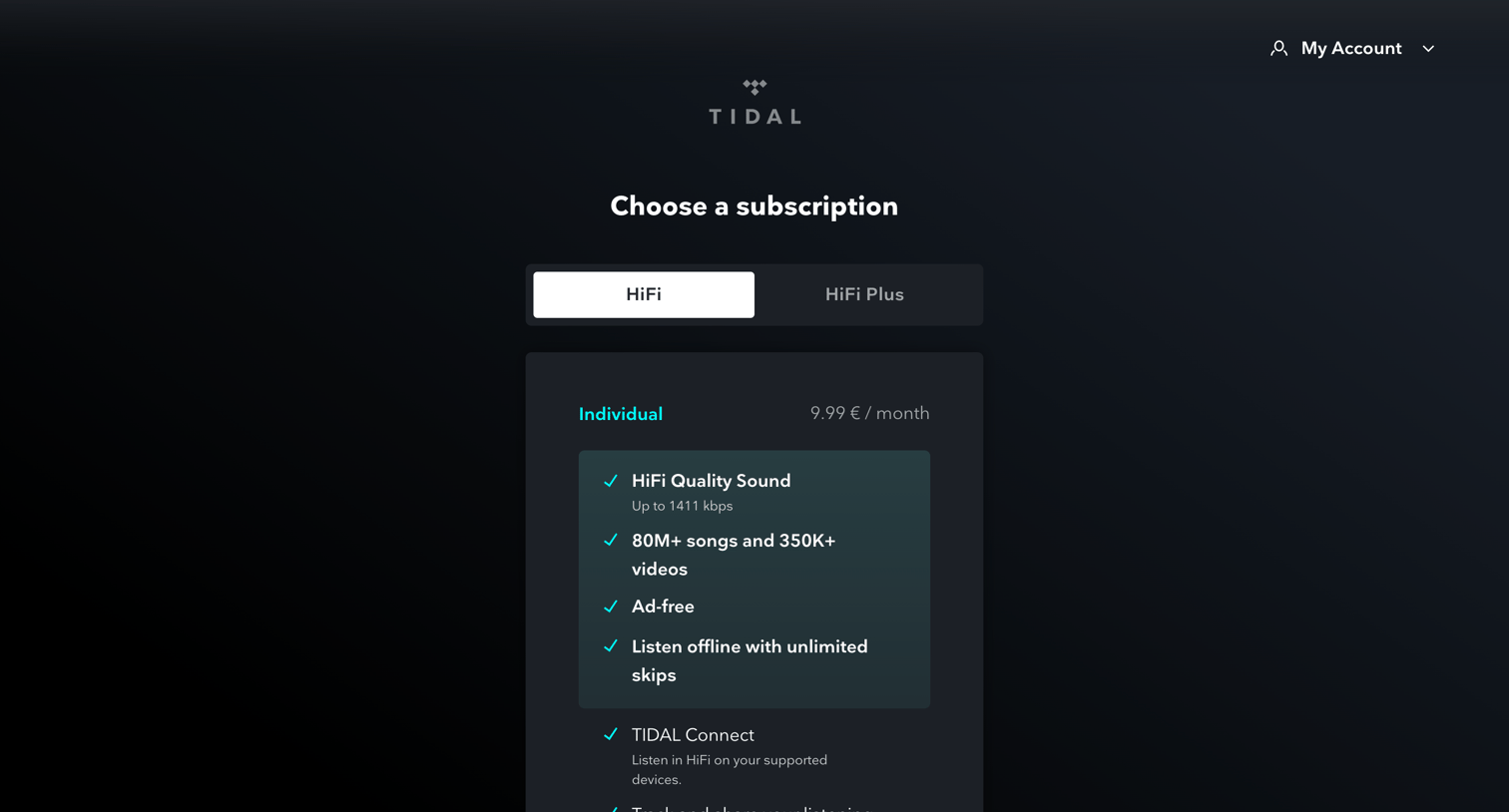
Pricing page where the user selects a subscription tier between HiFi and HiFi Plus, with options for Individual, Family, or Student plans.
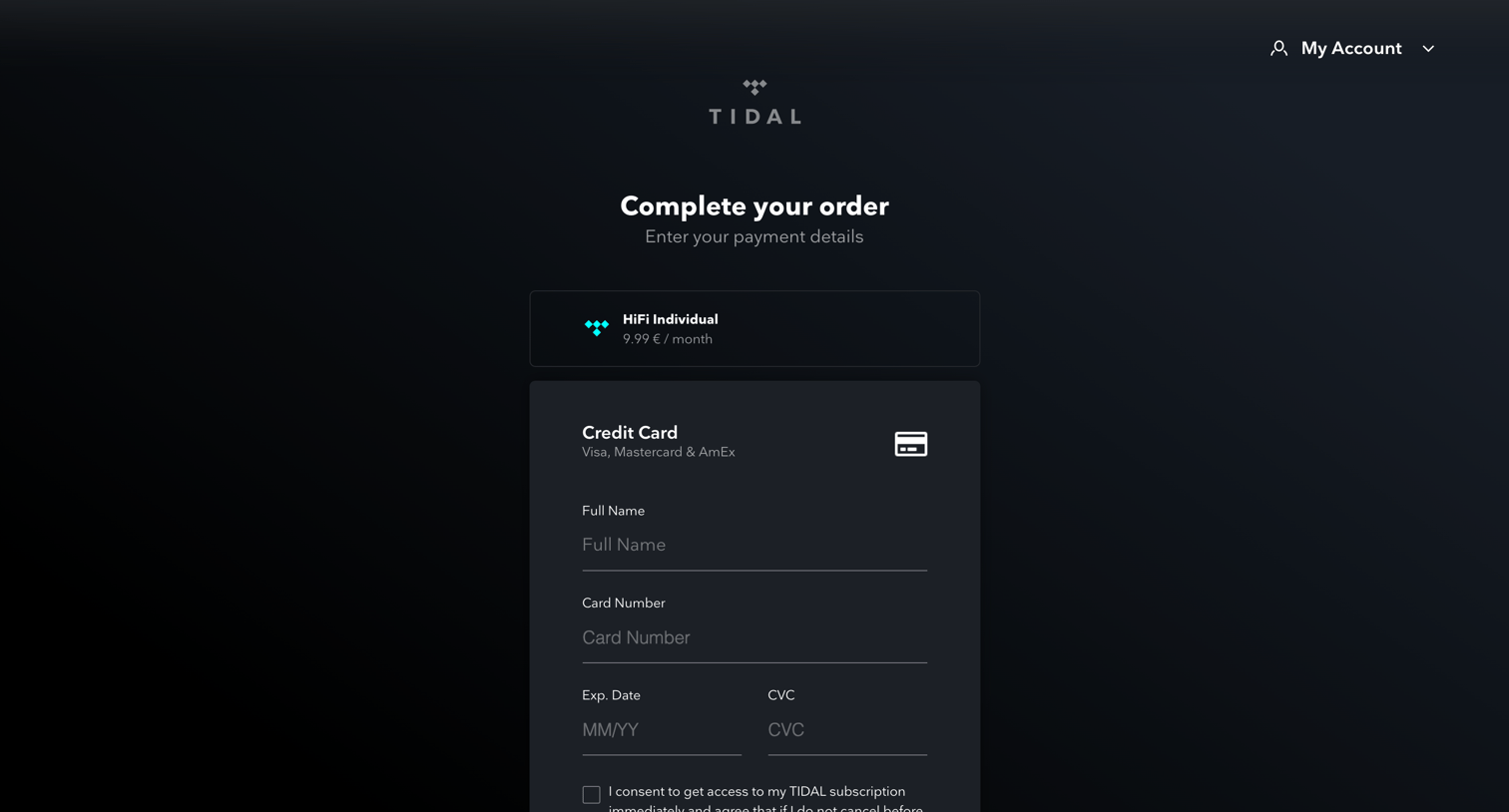
Tidal - Payment | TIDAL screen
Tidal logo
Tidal

Checkout page where the user enters credit card details to start a HiFi Individual trial subscription.
Tidal - Success | TIDAL screen
Tidal logo
Tidal

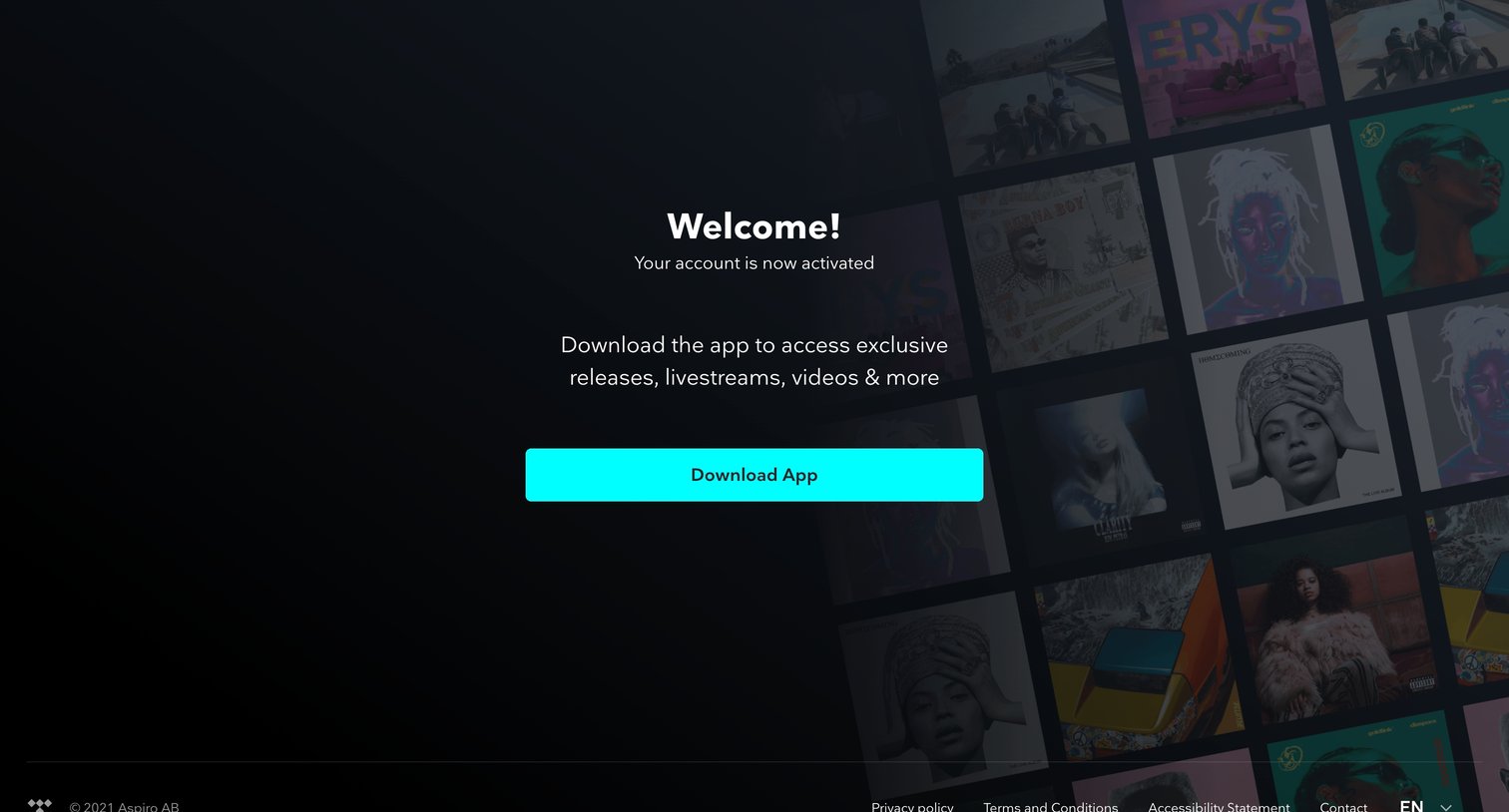
Success page confirming account activation and prompting the user to download the app to access exclusive releases and livestreams.

Tidal - TIDAL screen
Tidal logo
Tidal

App home page in a skeleton loading state showing placeholders for a sidebar, featured cards, and a track list.

Tidal - TIDAL screen
Tidal logo
Tidal

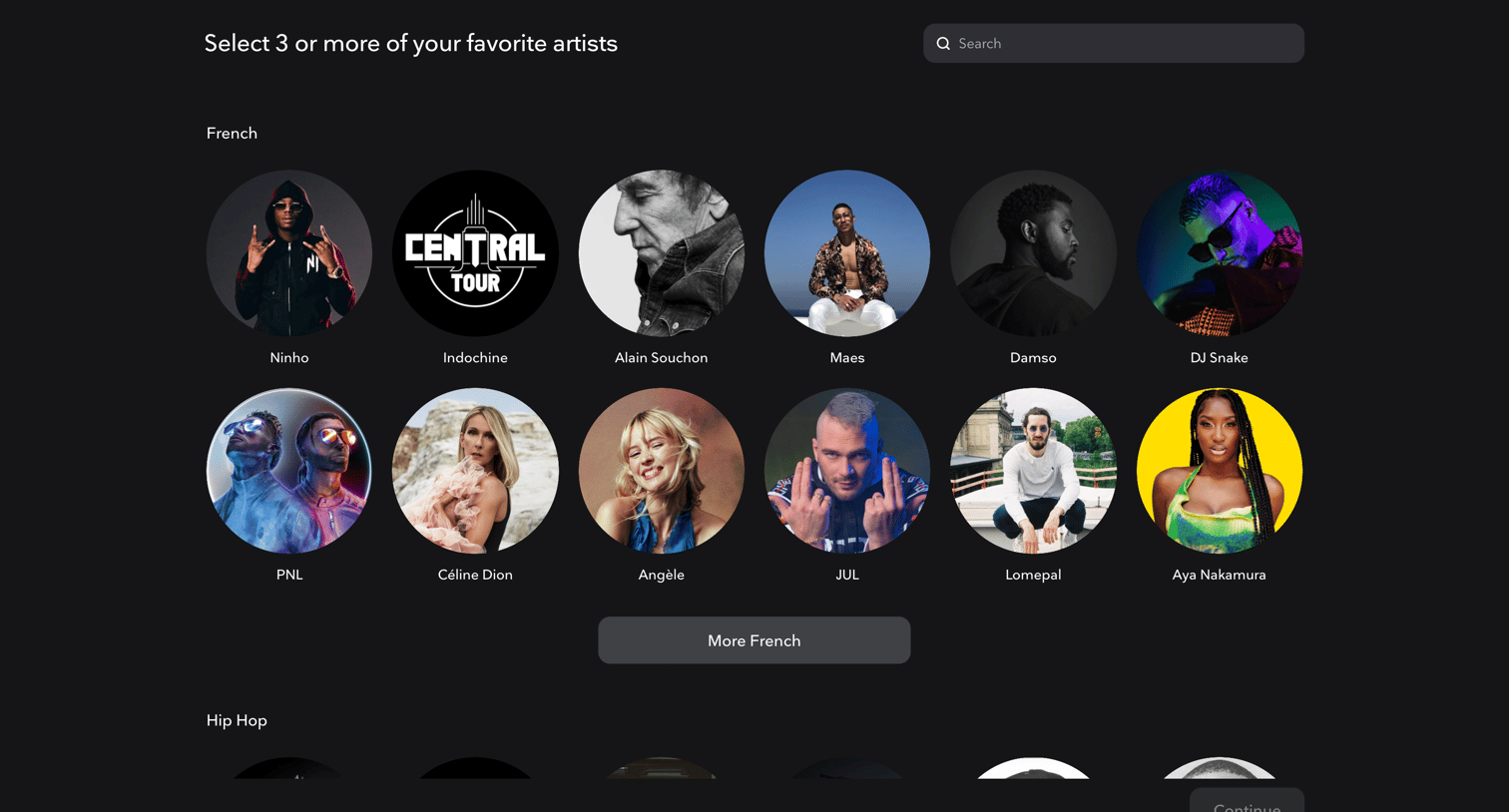
Onboarding step where the user selects at least three of their favorite artists from categorized grids to personalize their music feed.

Explore the full SaaS screen library

Upgrade to unlock the full library.

Trusted by the best teams