Supercut product screens examples
Browse Supercut screen design examples. Preview the interface screenshots and explore related UI patterns. Record your screen & communicate like a pro
Explore the examples
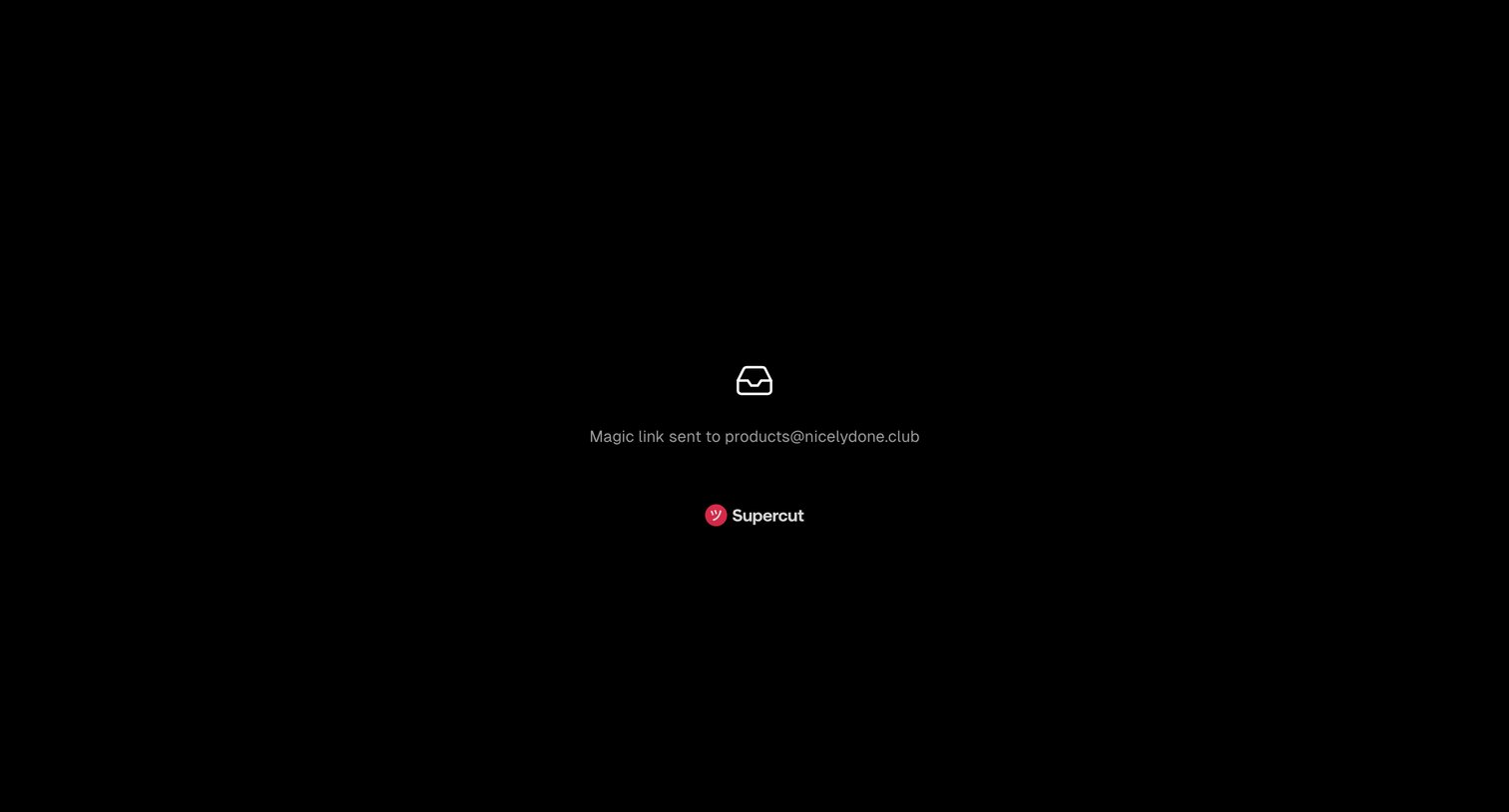

Verification screen confirming a magic link has been sent to the user's email address.
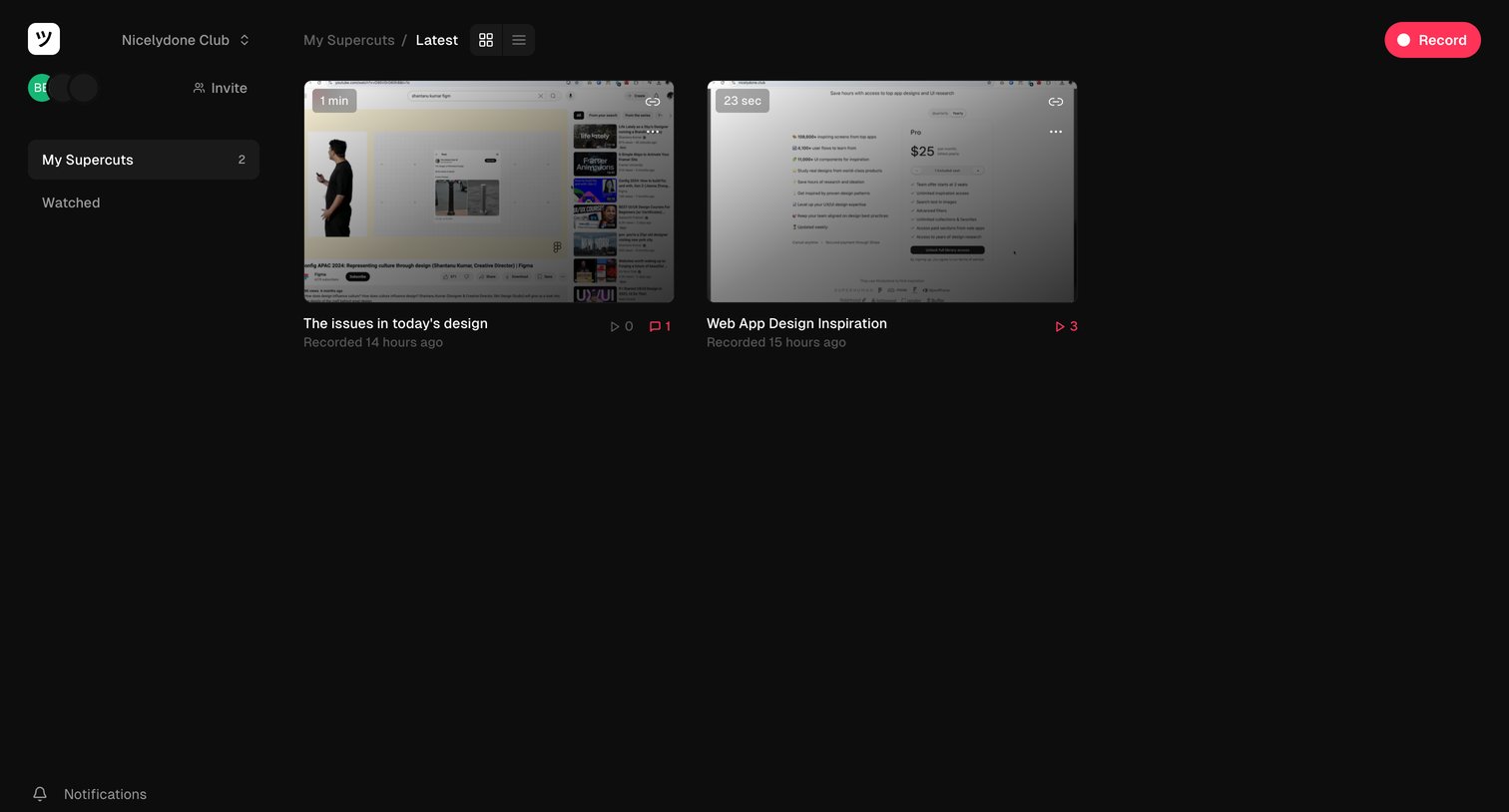
Workspace gallery where the user views their recorded video supercuts in a grid layout, with options to invite teammates and start a new recording.
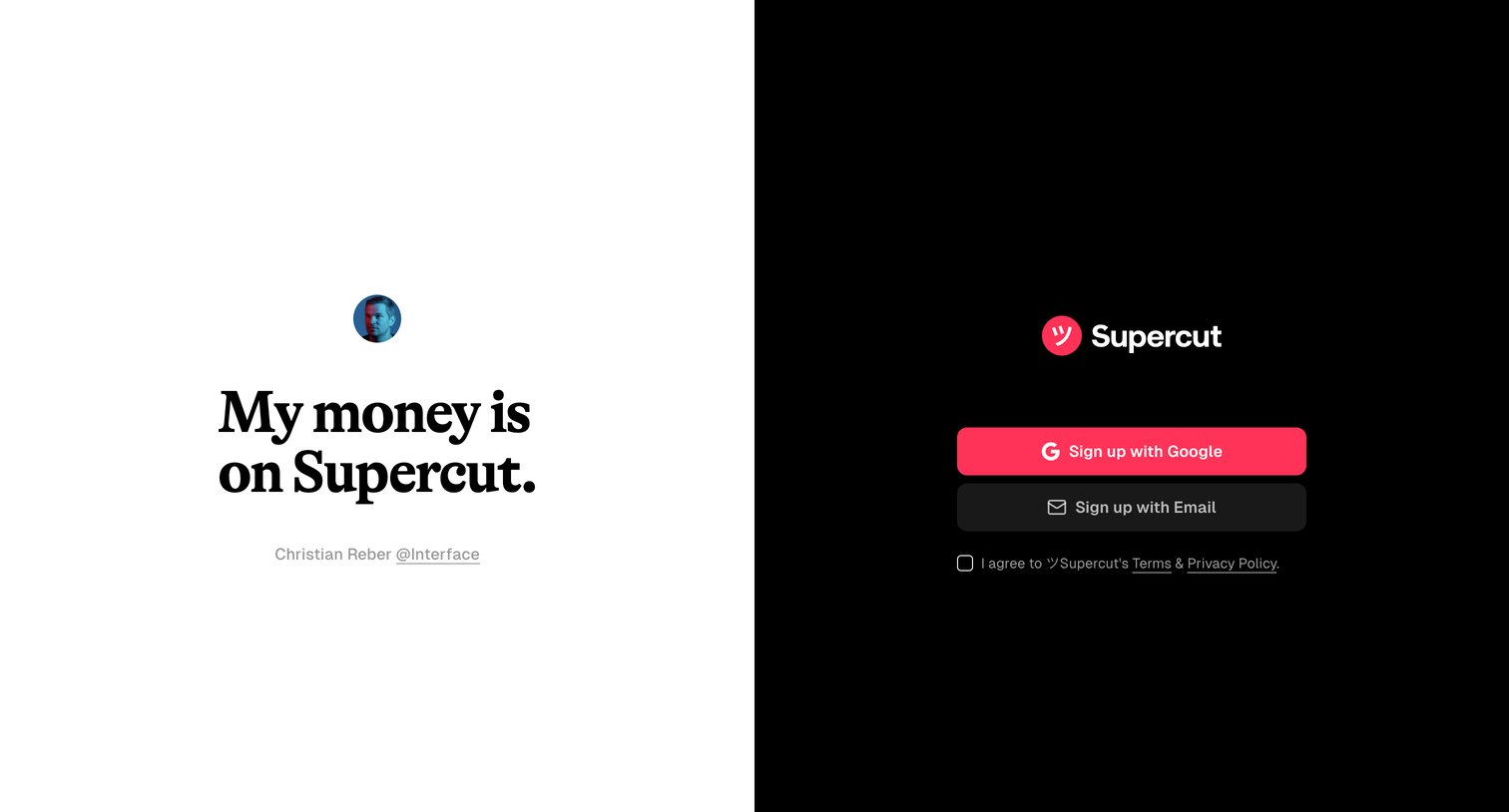
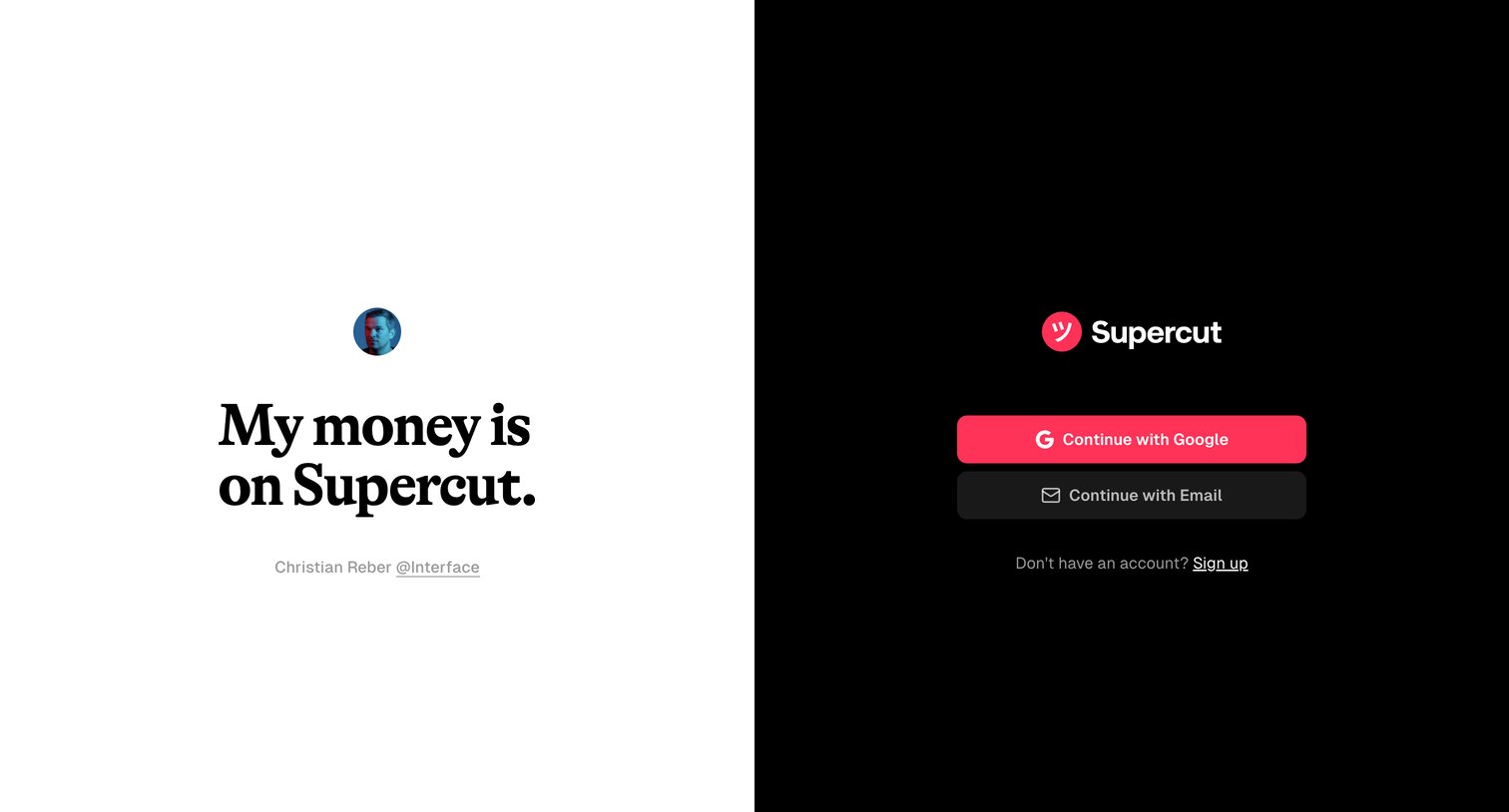
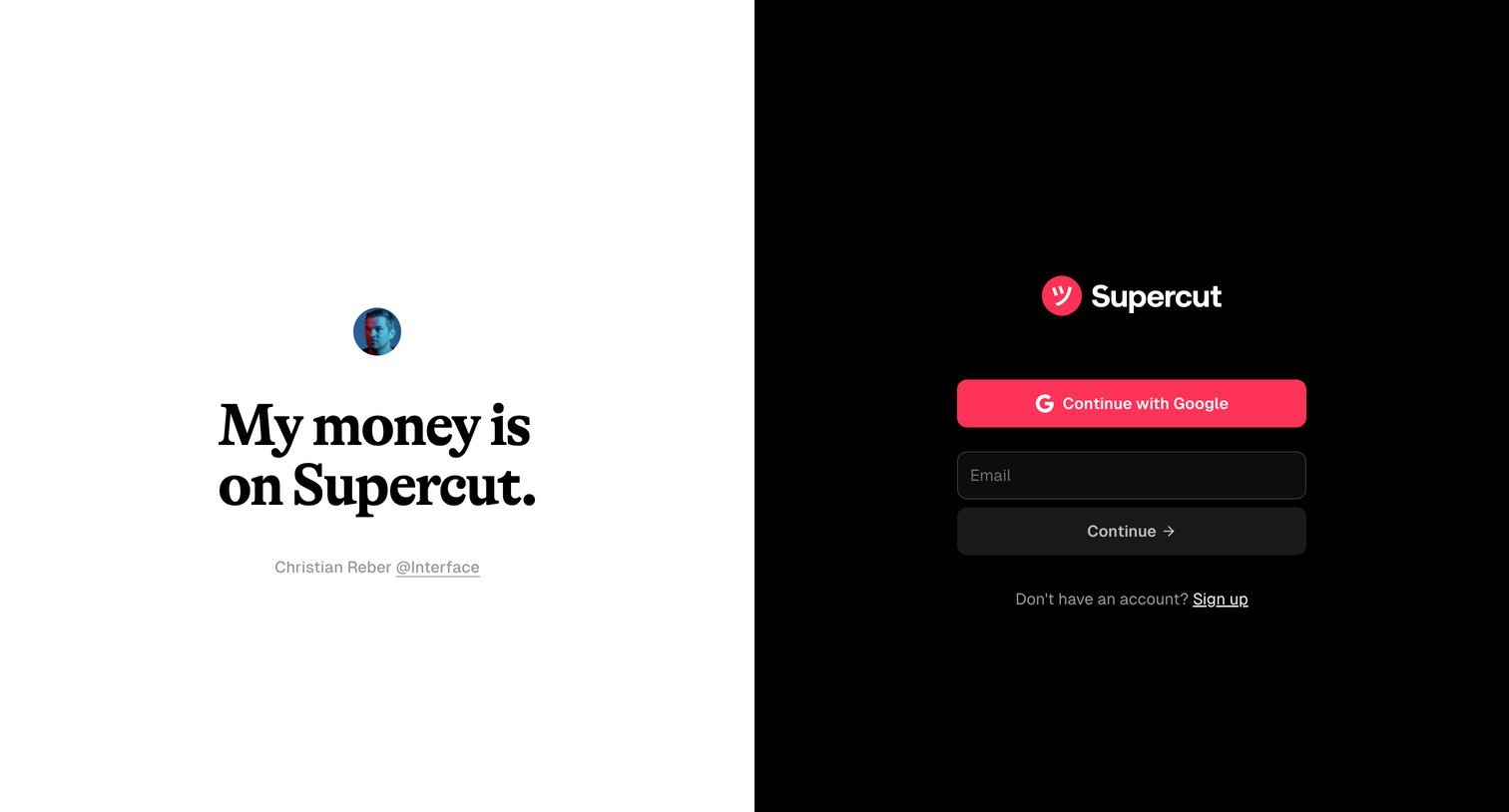
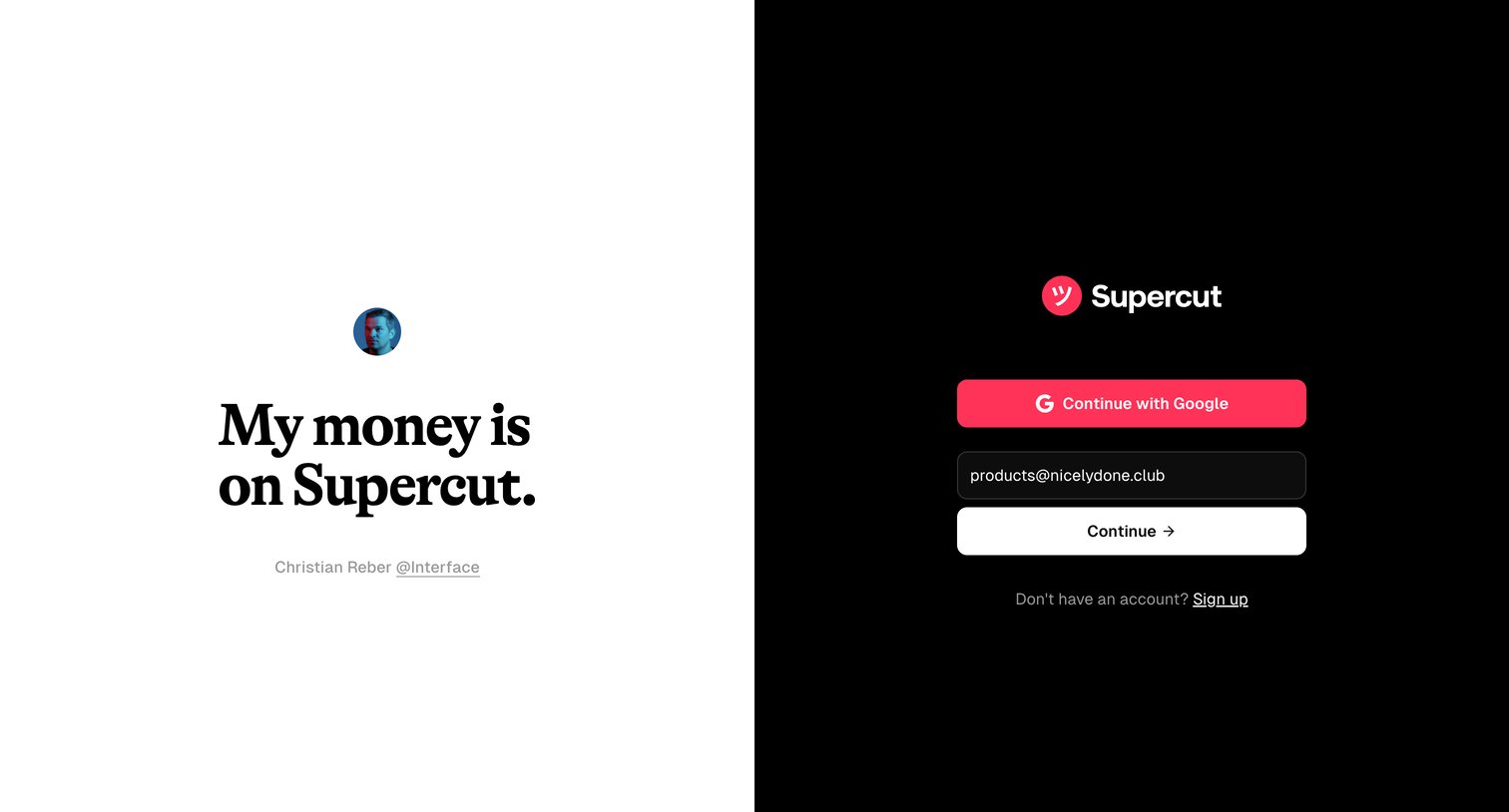
Signup page where the user can create an account using Google or email, featuring a prominent customer testimonial on the left.
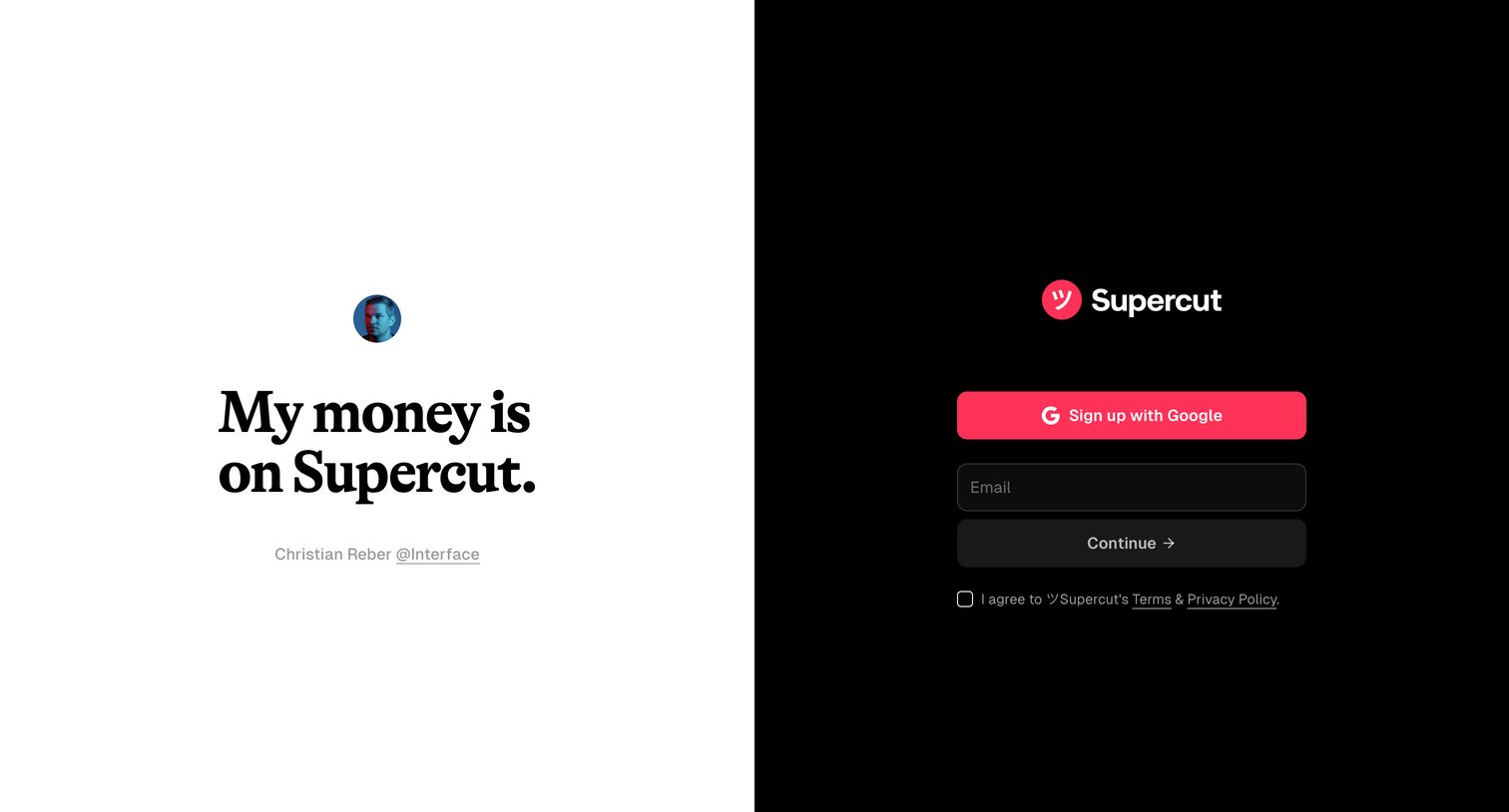
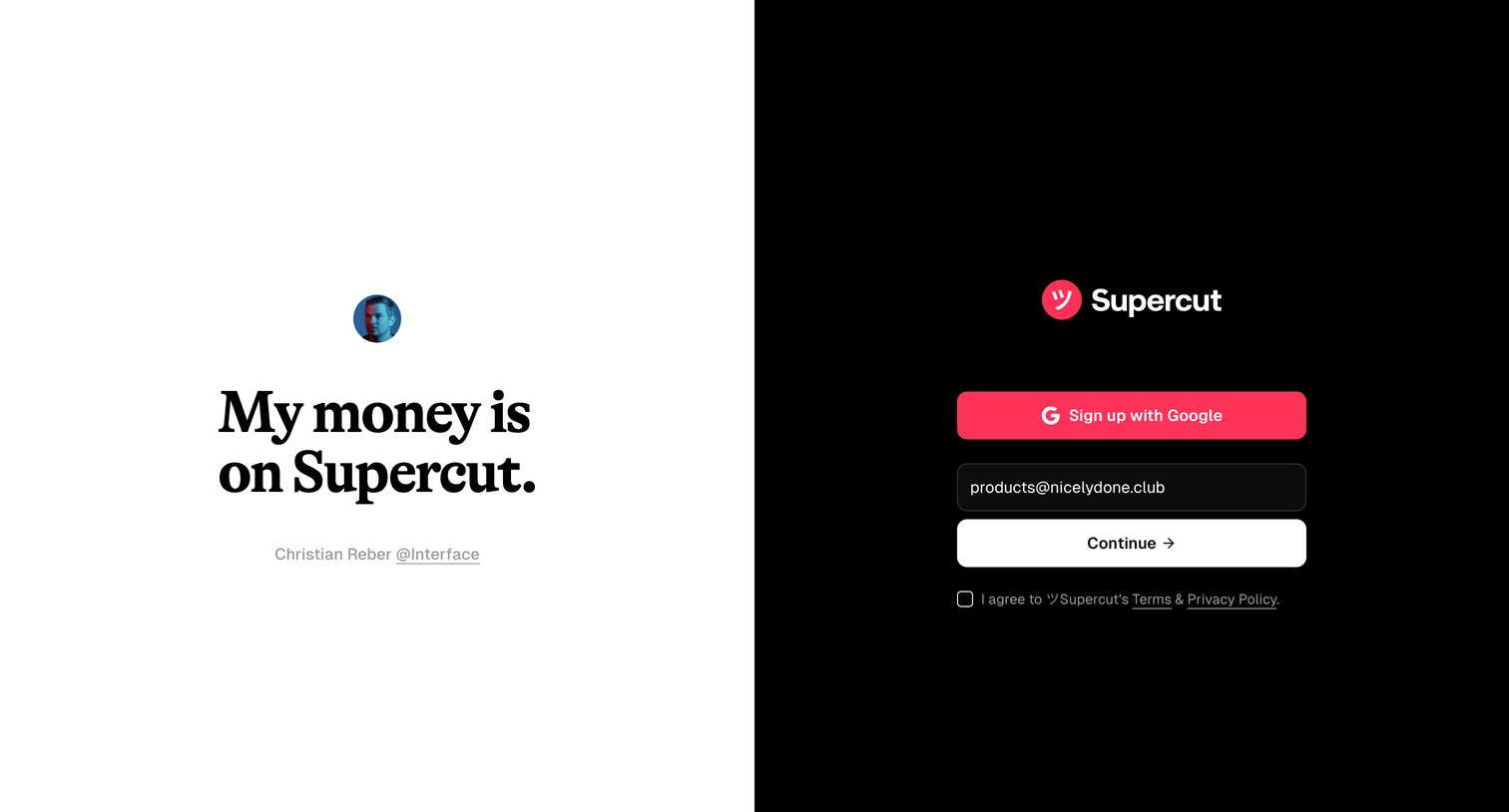
Signup screen where the user can authenticate with Google or enter an email address, featuring a large customer testimonial on the left half.
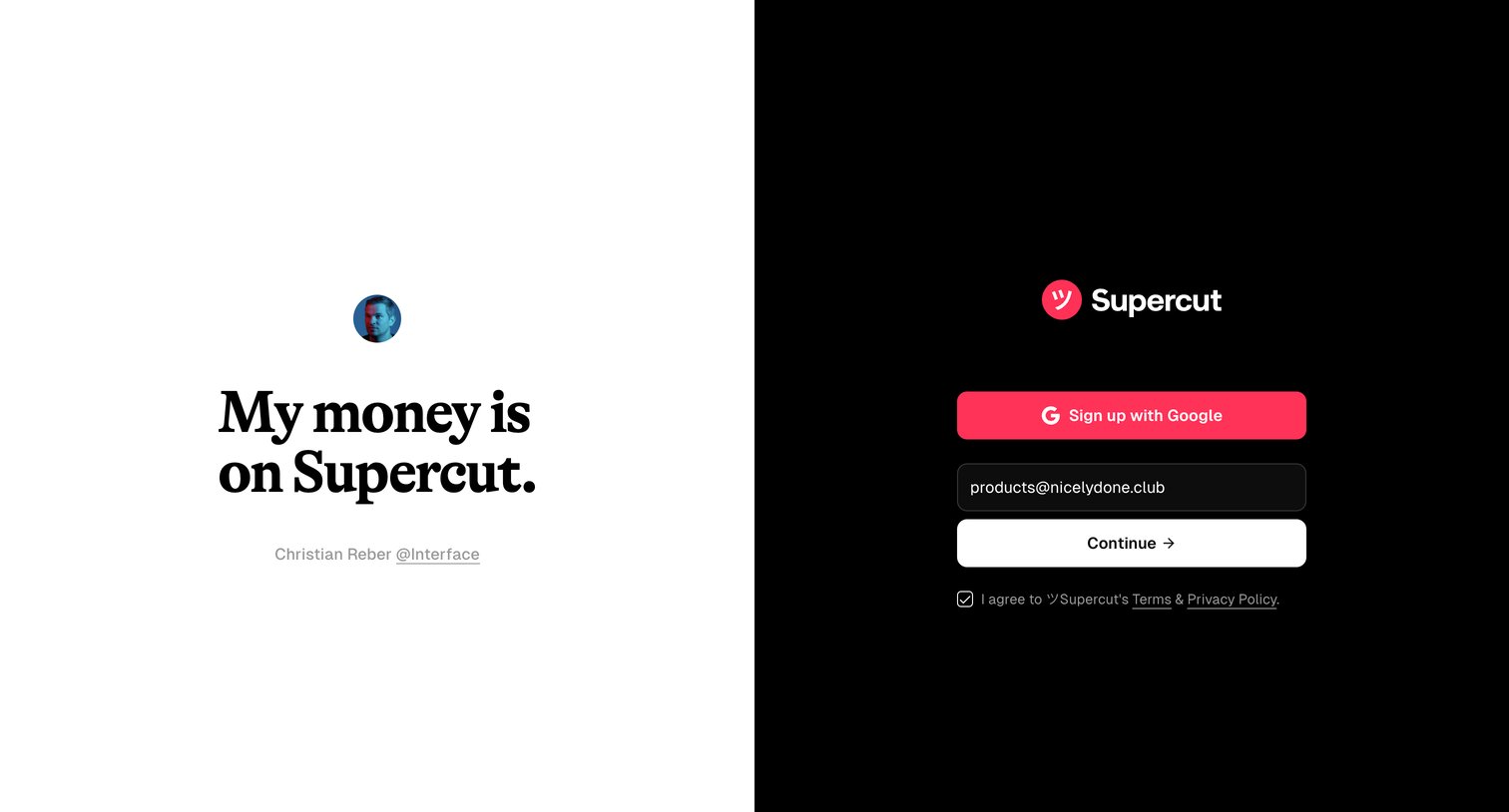
Signup page where the user can authenticate via Google or enter their email, accompanied by a customer testimonial.
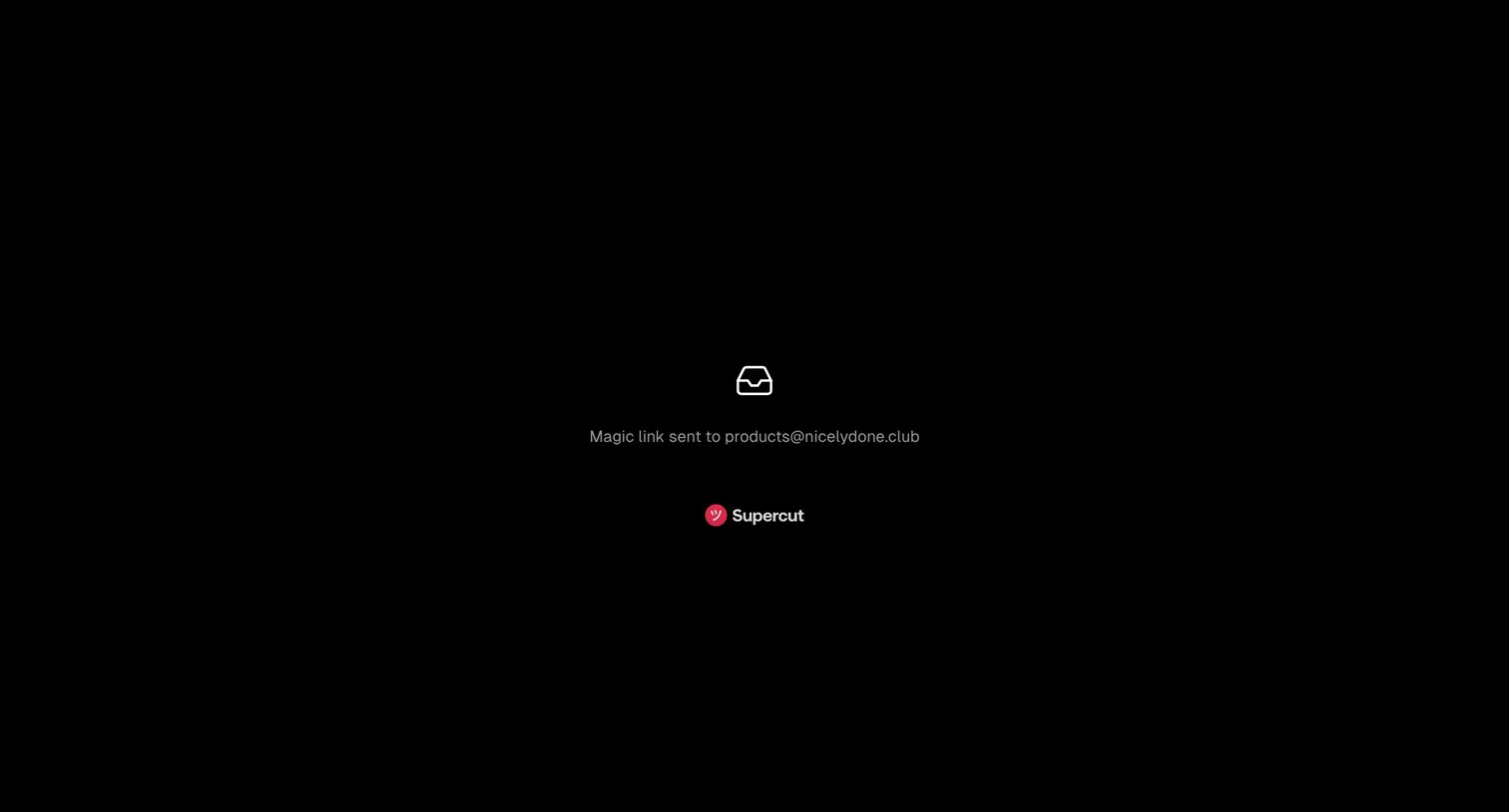
Verification screen confirming that a magic link has been sent to the user's email address for passwordless authentication.
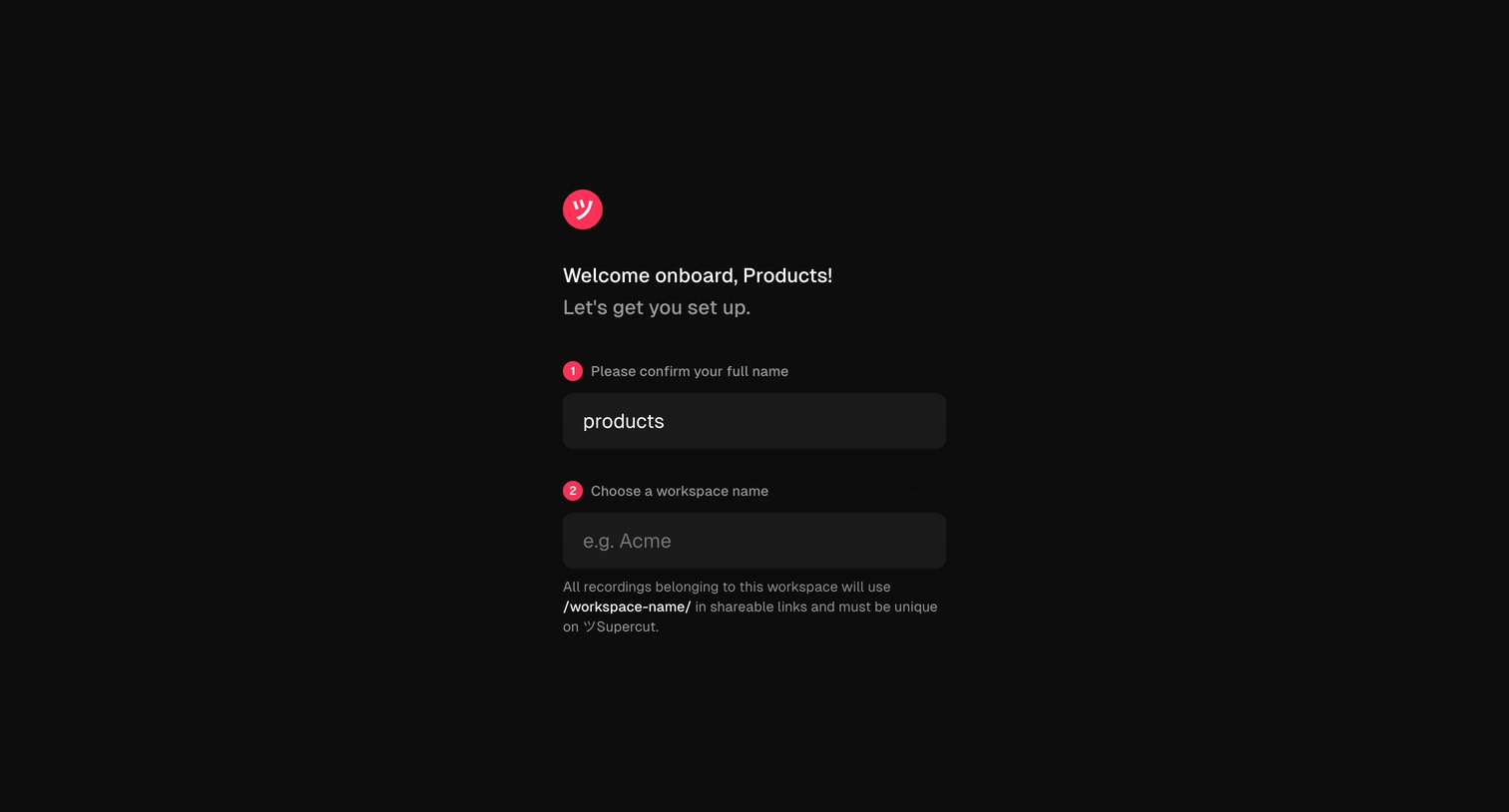
Onboarding screen where the user confirms their full name and chooses a unique workspace name to complete their account setup.
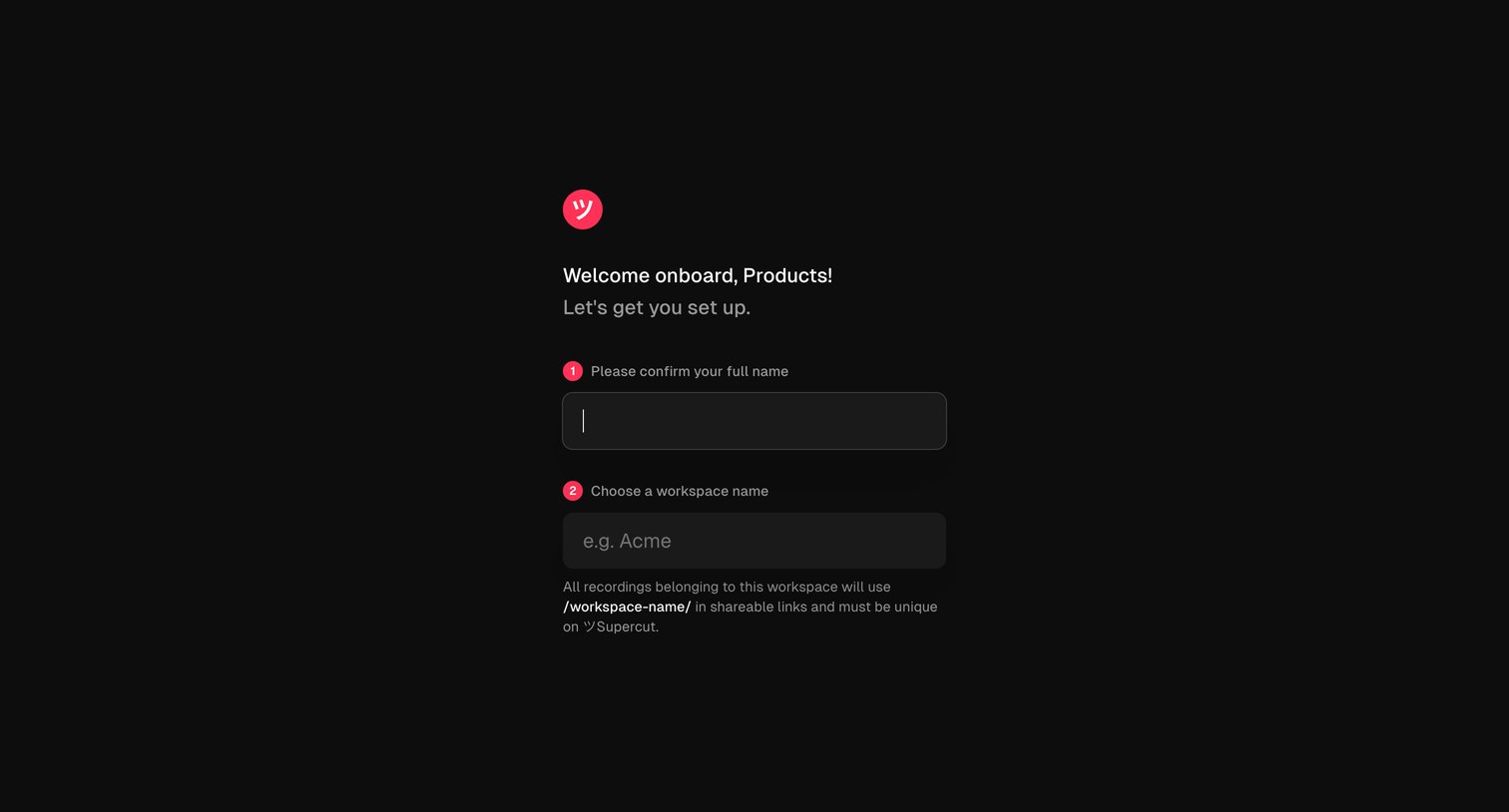
Onboarding step where the user confirms their full name and chooses a workspace name to establish their shareable URL.
Explore the full SaaS screen library
Upgrade to unlock the full library.
Trusted by the best teams







