SavvyCal product screens examples
Browse SavvyCal screen design examples. Preview the interface screenshots and explore related UI patterns. Scheduling software your recipients will love
Explore the examples

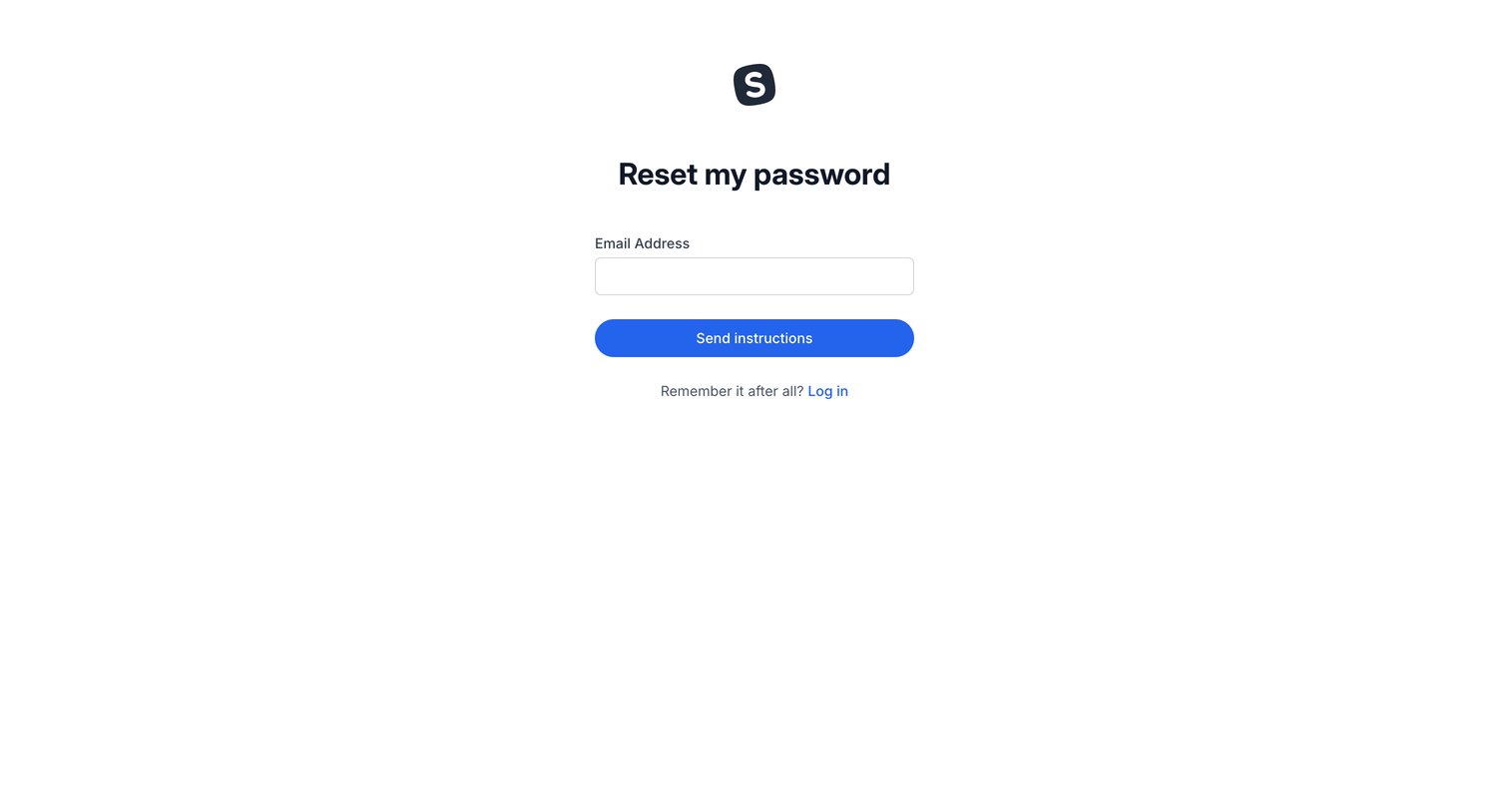

Password recovery screen where the user enters their email address to receive reset instructions.
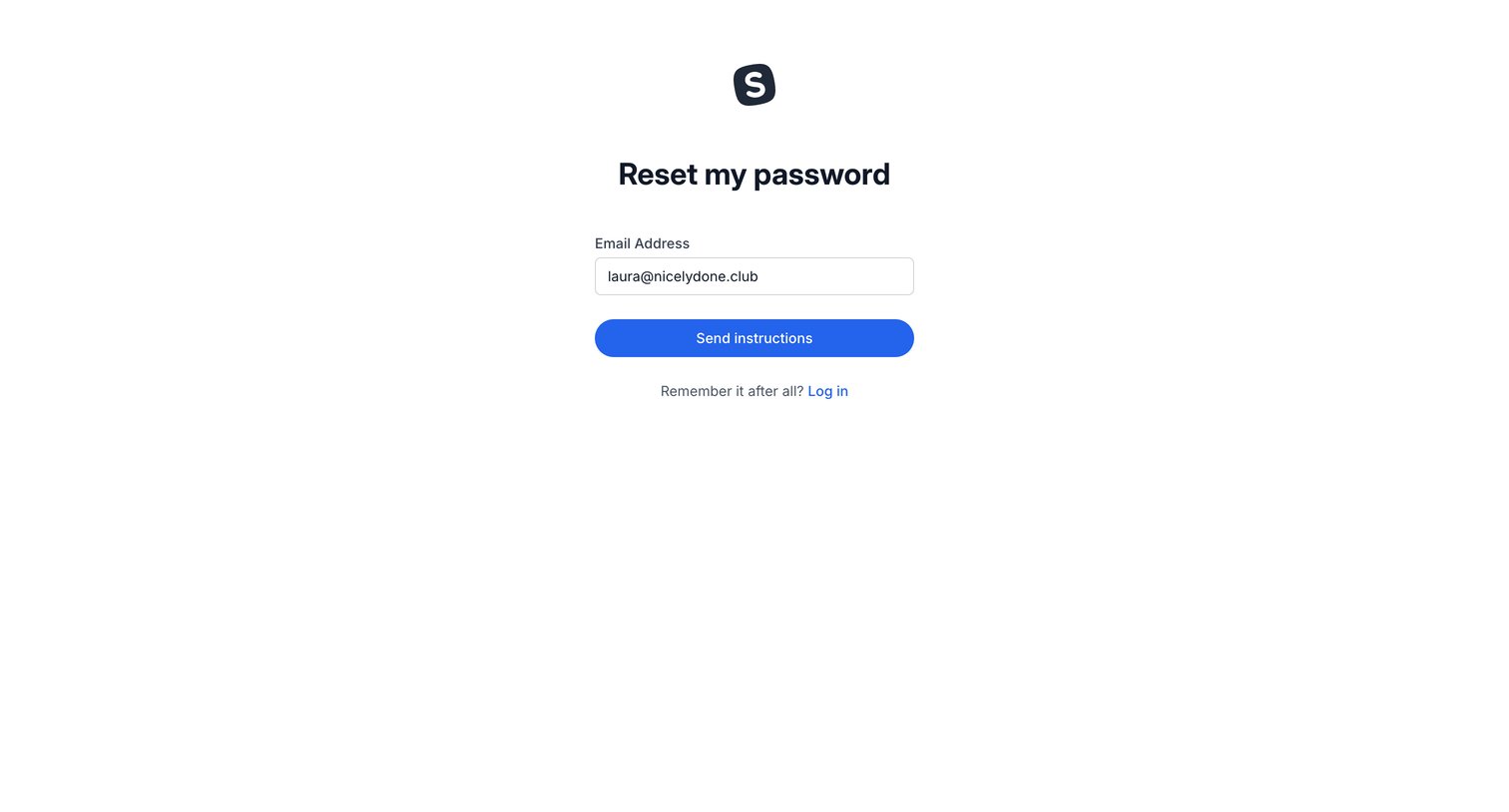
Password recovery screen where the user enters their email address to receive reset instructions.
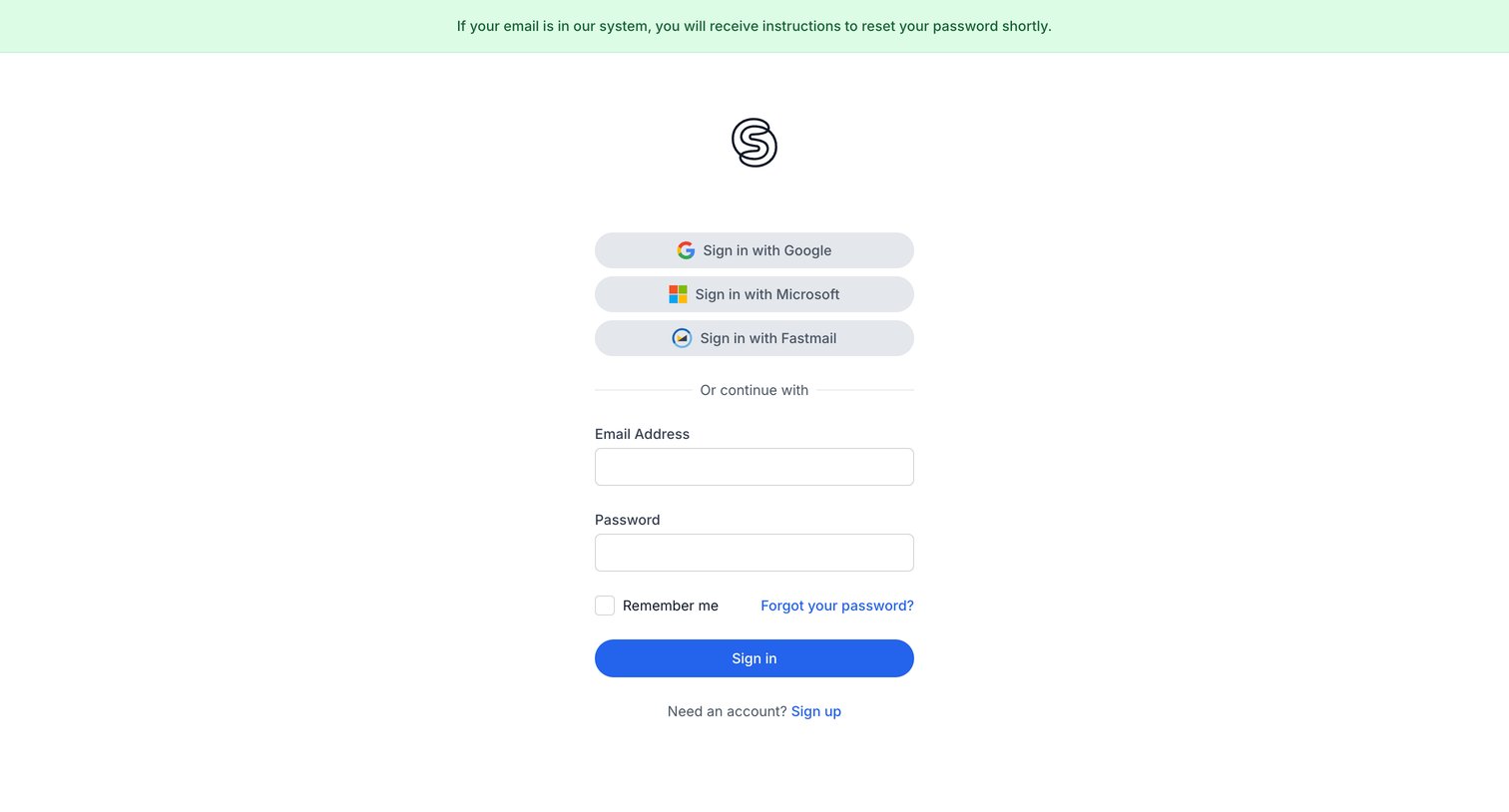
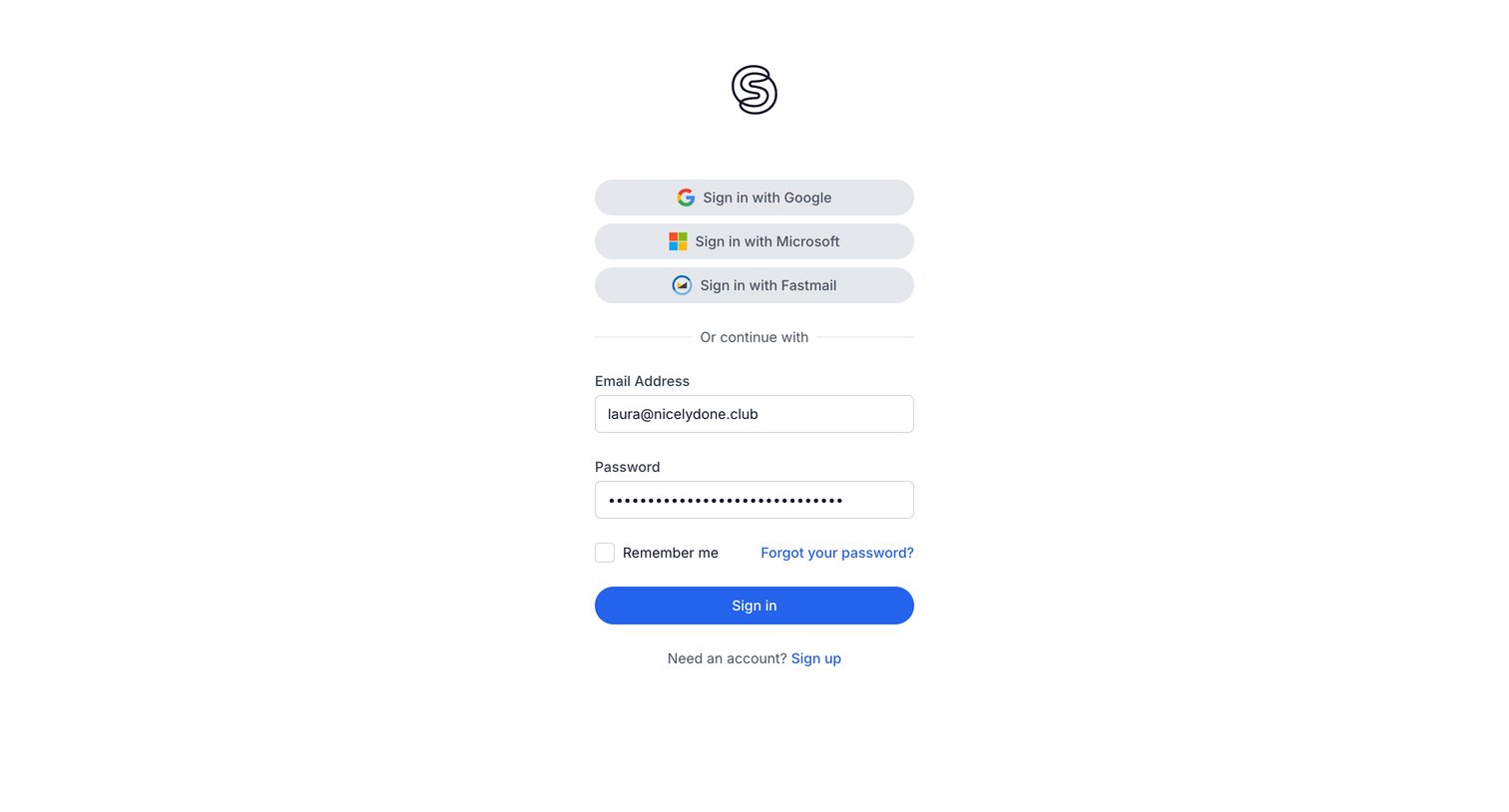
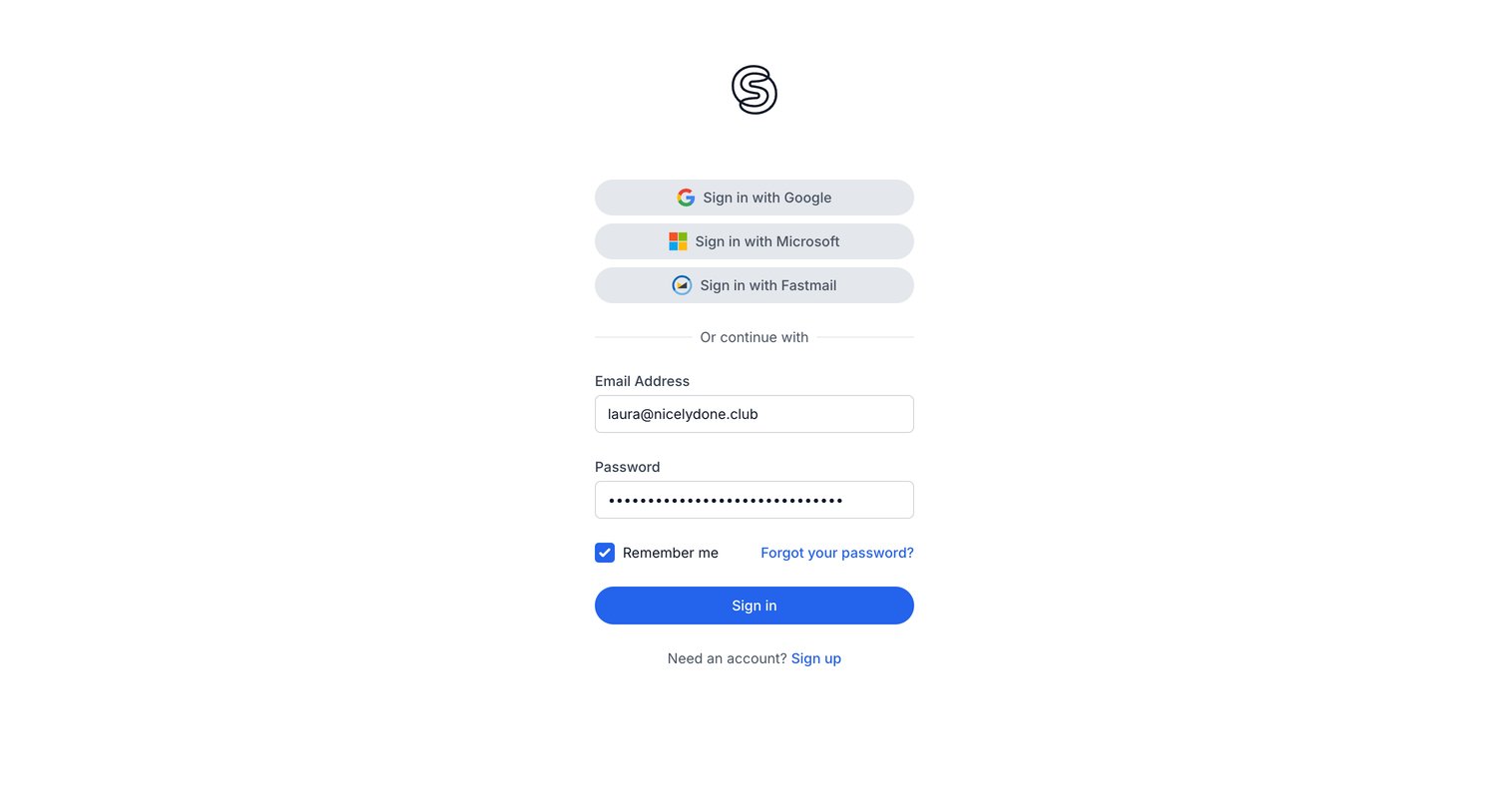
Sign-in screen displaying a success banner after a password reset request, offering SSO via Google, Microsoft, or Fastmail alongside standard email authentication.
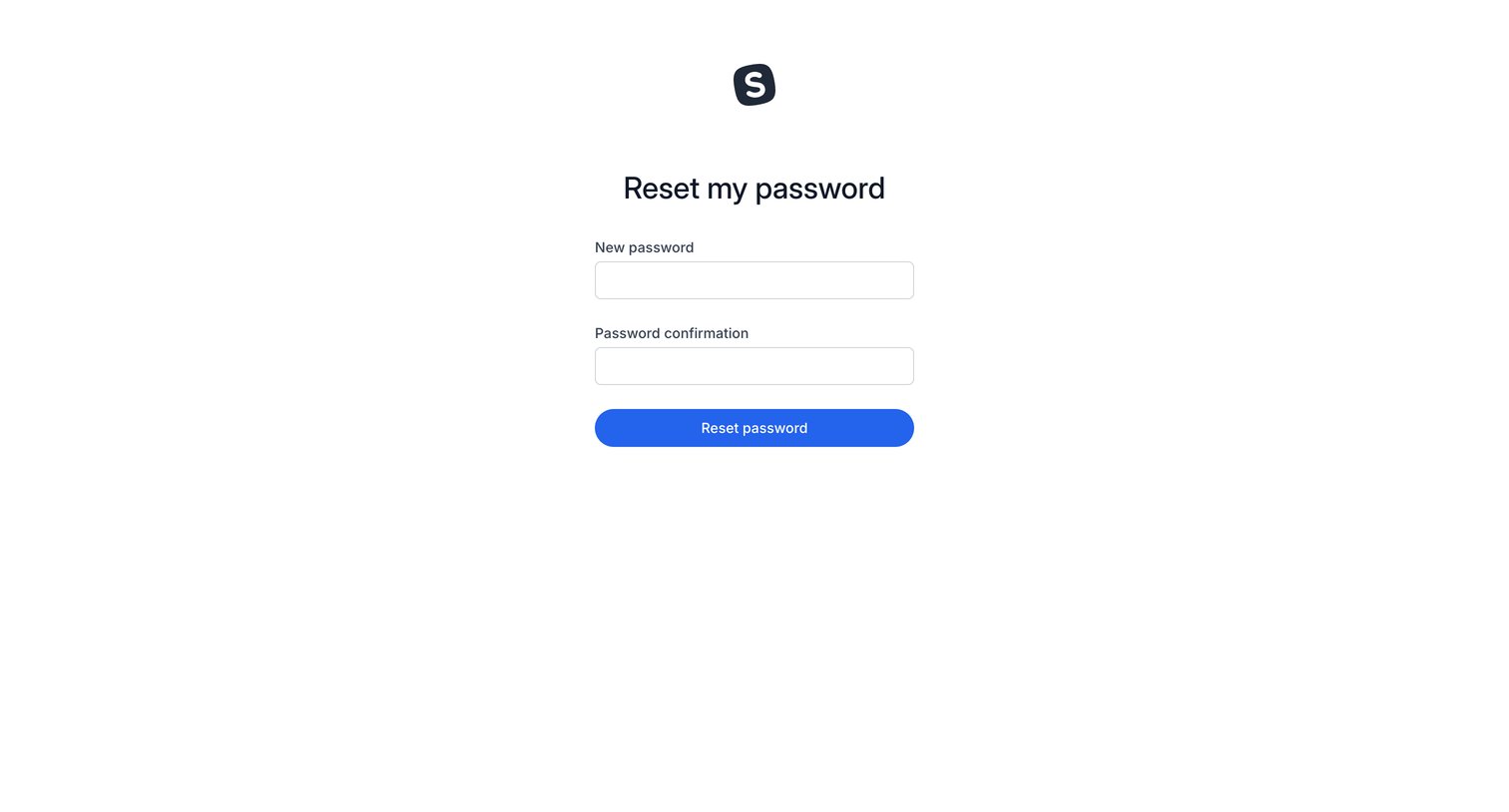
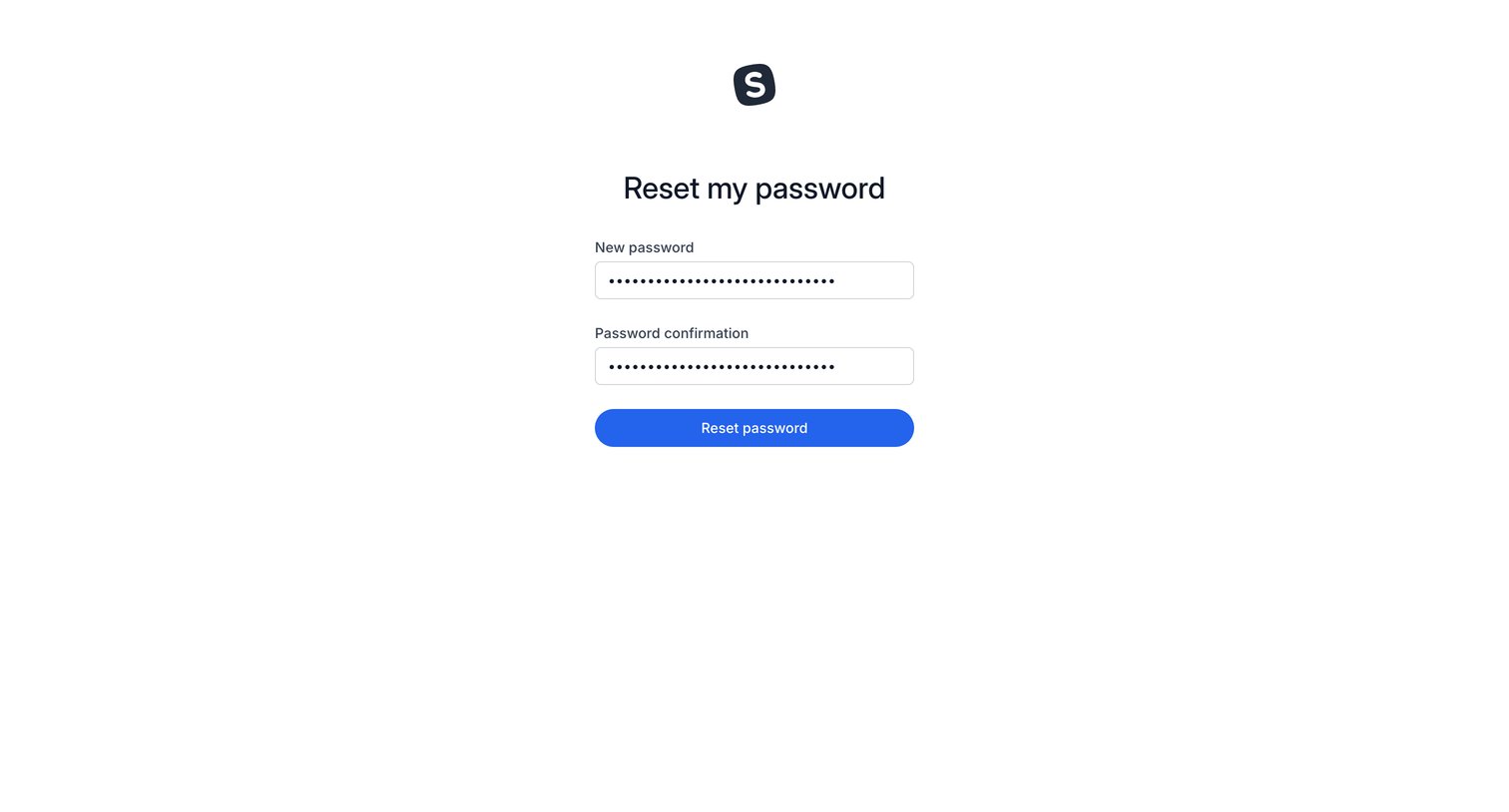
Password recovery screen where the user enters and confirms a new password to regain account access.
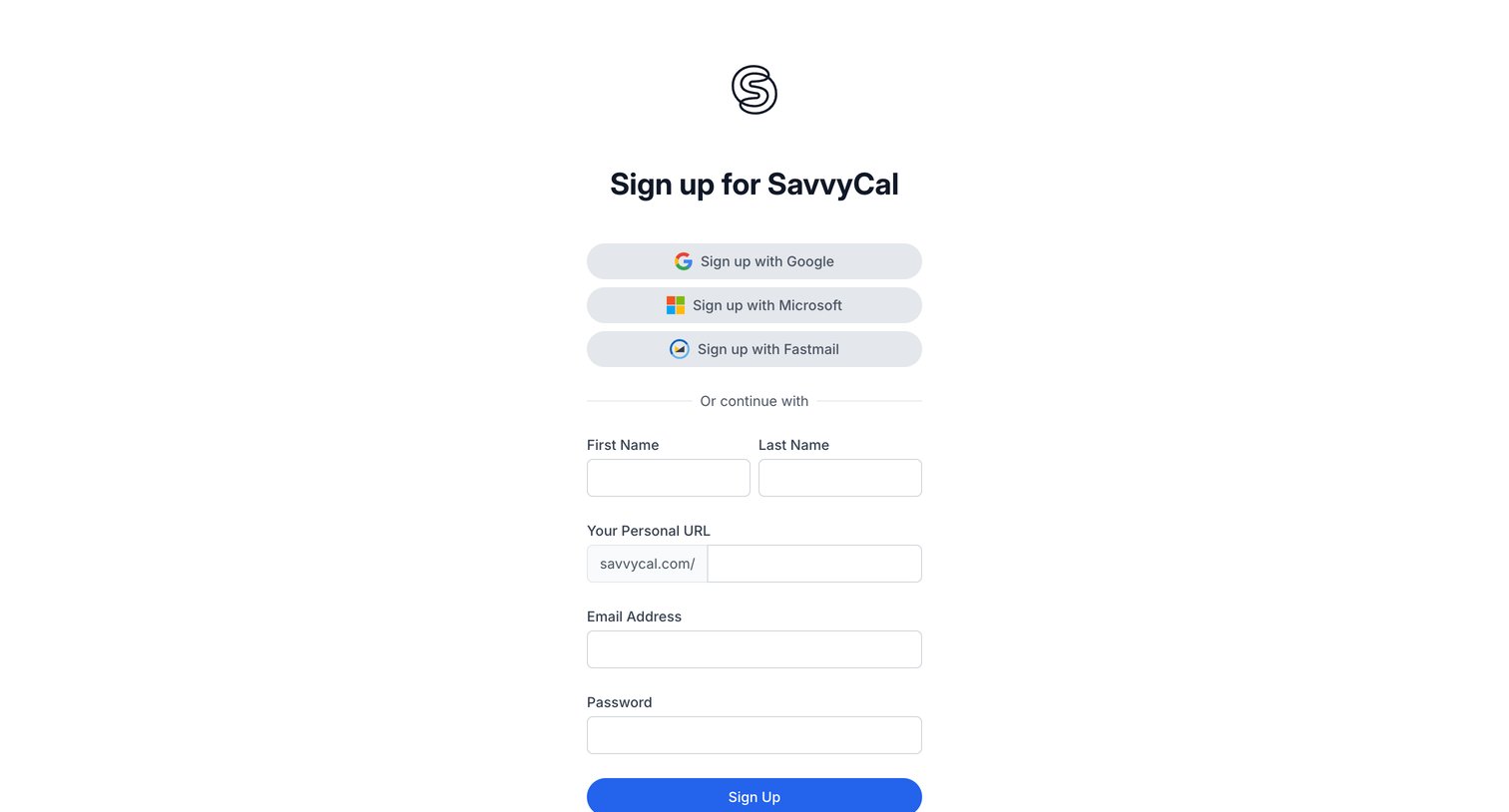
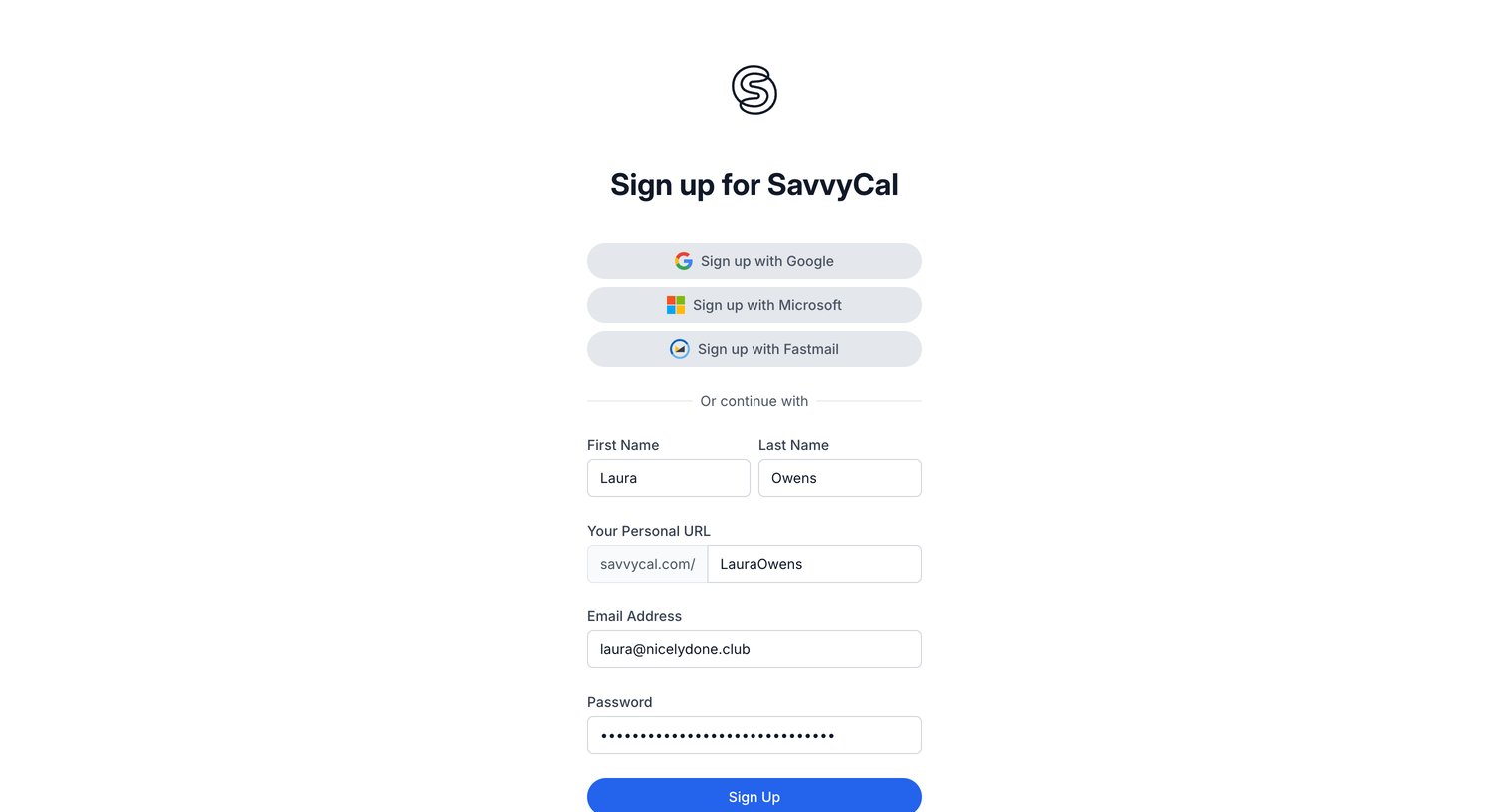
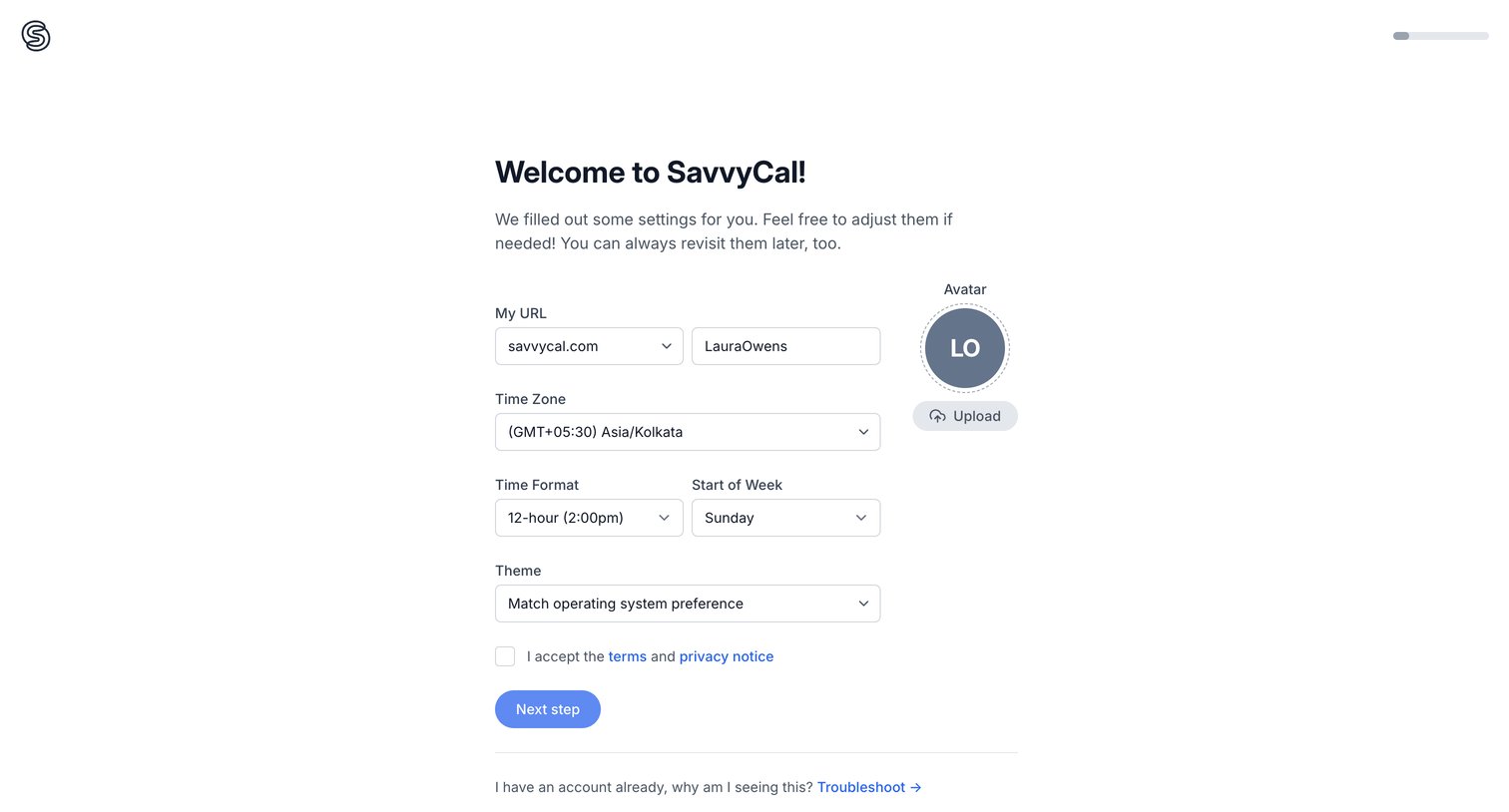
Onboarding step where the user configures their custom URL, timezone, avatar, and theme preferences before continuing.
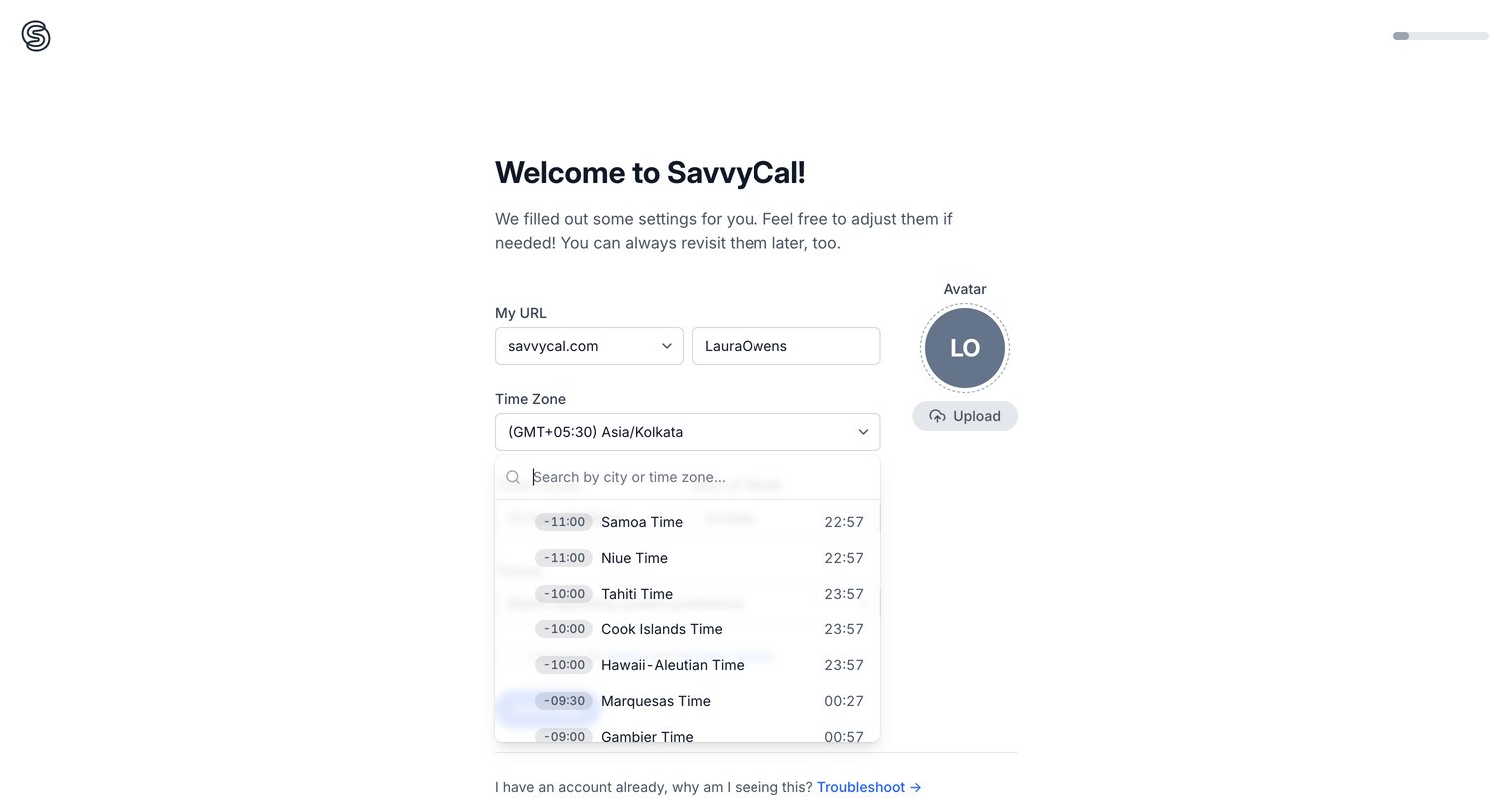
Onboarding step where the user configures their personal scheduling URL, time zone, and uploads an avatar.
Explore the full SaaS screen library
Upgrade to unlock the full library.
Trusted by the best teams







