SavvyCal marketing pages examples
Explore SavvyCal website design examples. Preview marketing pages and browse related SaaS page designs. Scheduling software your recipients will love
Explore the examples
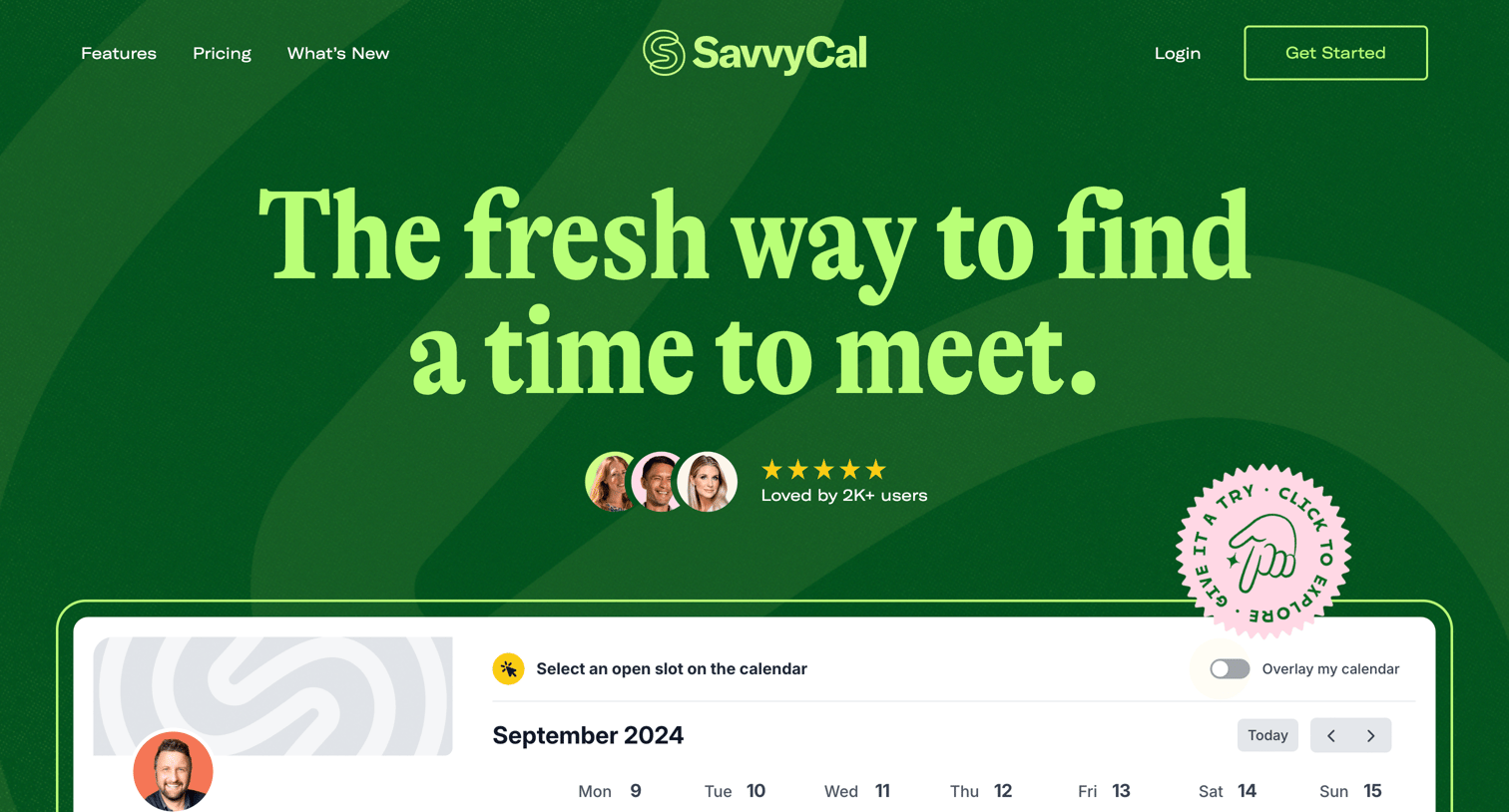

Marketing landing page for a scheduling tool highlighting its calendar overlay feature, team mode, and customer testimonials.
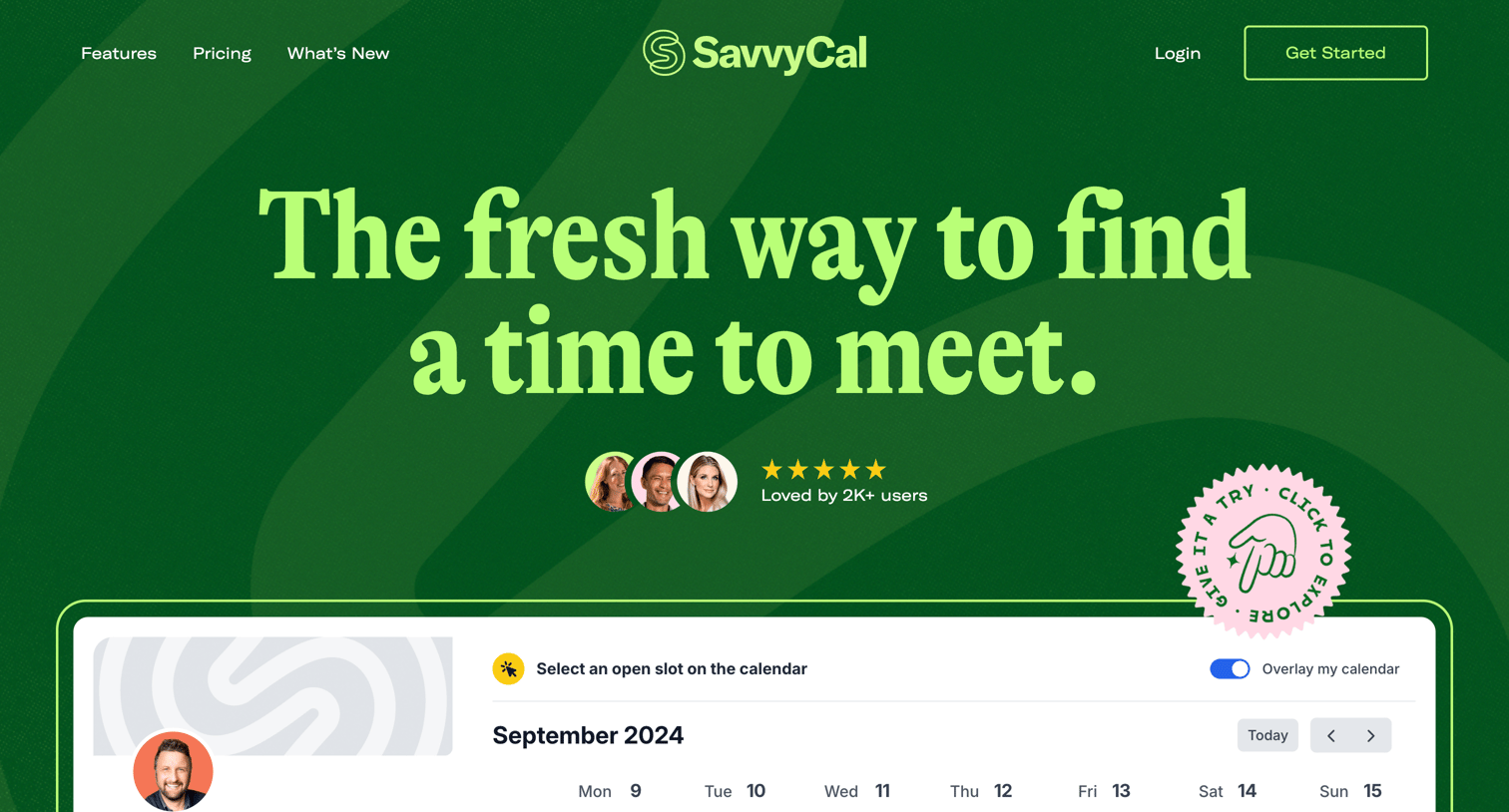
Landing page for a calendar scheduling tool featuring product previews, customer testimonials, a feature grid, and team profiles.
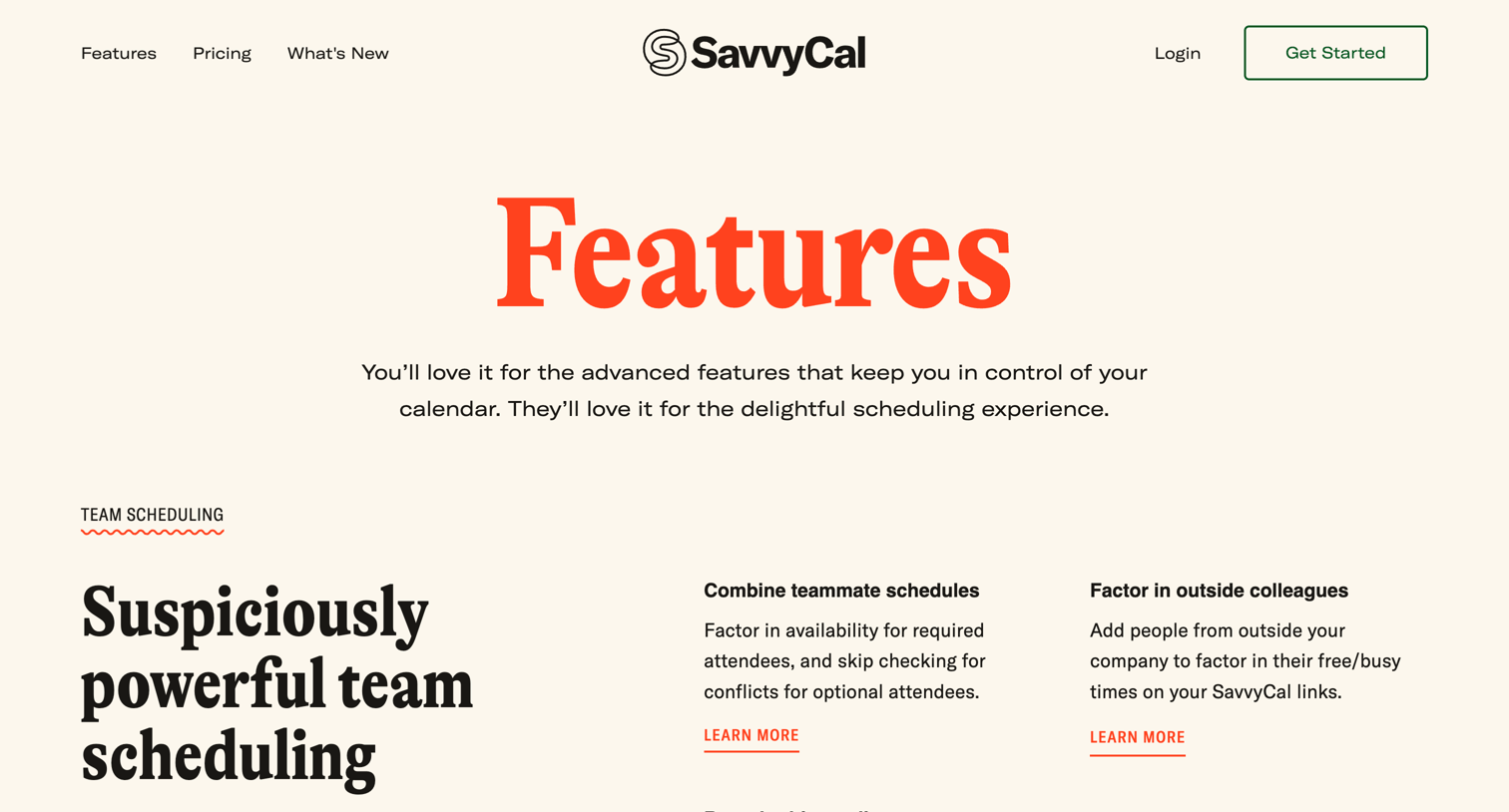
Marketing page detailing product capabilities like team scheduling, payments, meeting polls, and workflows using alternating colored sections and feature grids.
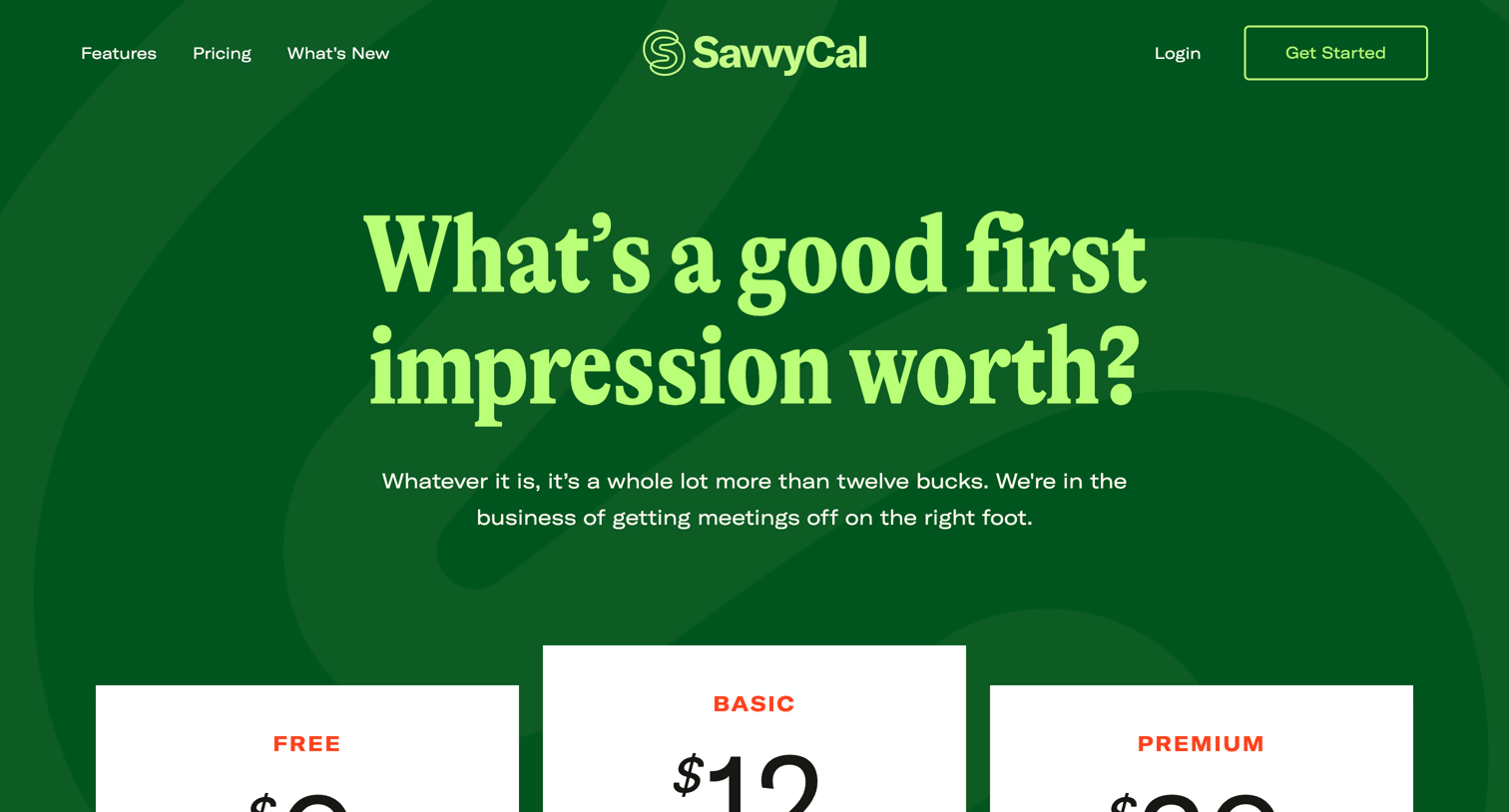
Pricing page where the user compares Free, Basic, and Premium scheduling plans, reads customer testimonials, and reviews common billing questions.
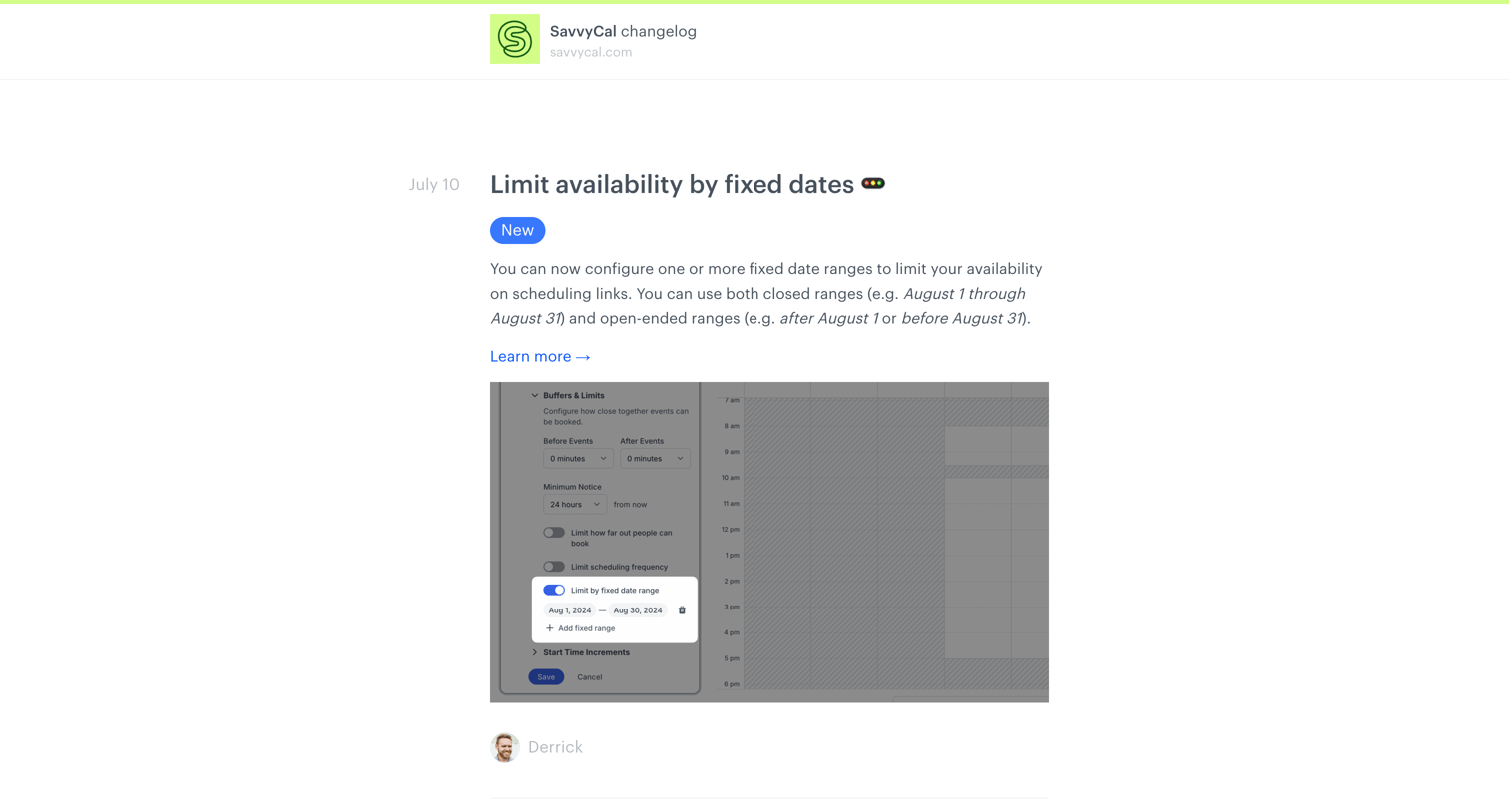
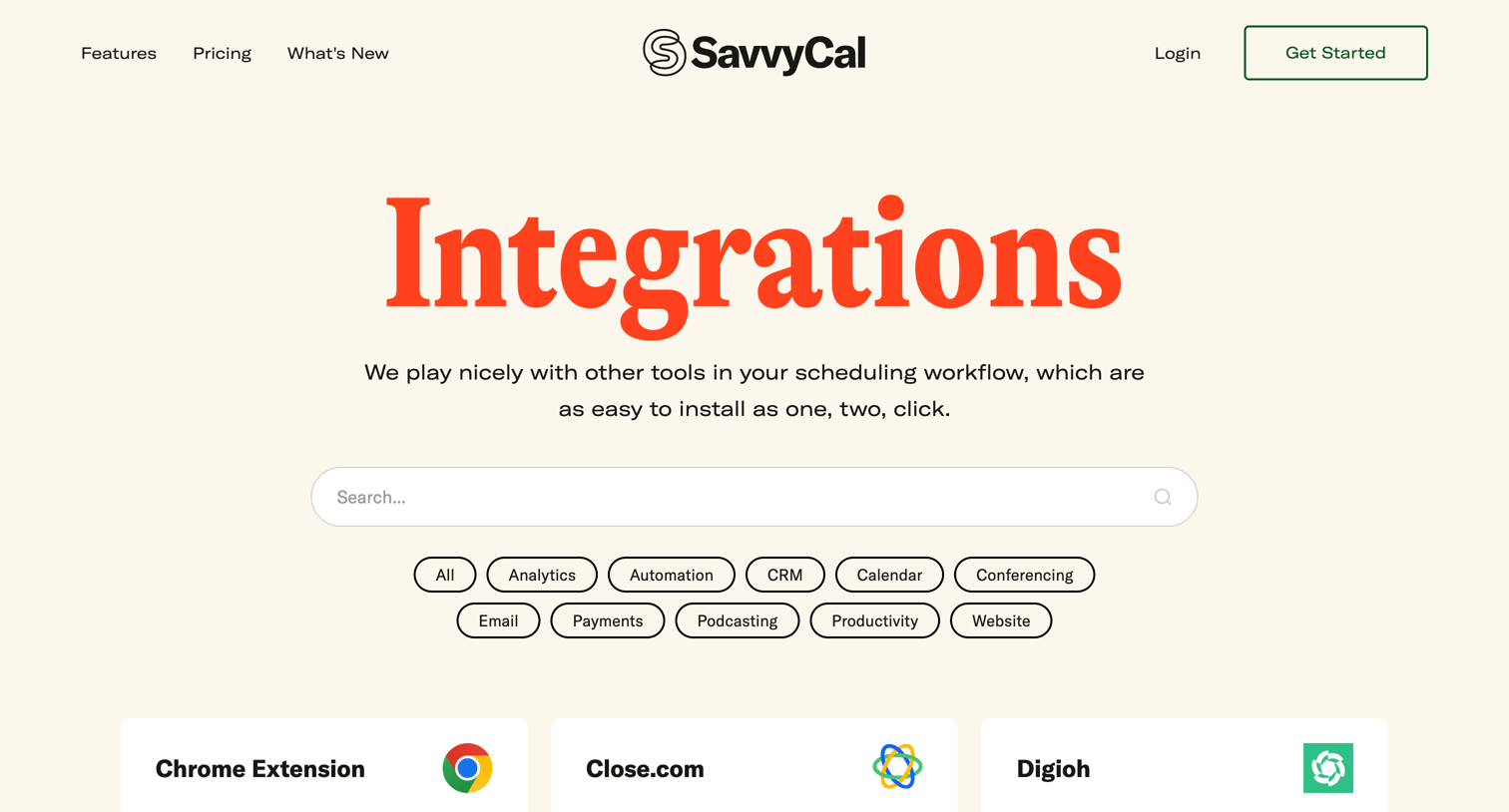
Feature page listing available third-party tool integrations like Google Calendar, Zoom, and Stripe, filterable by category.
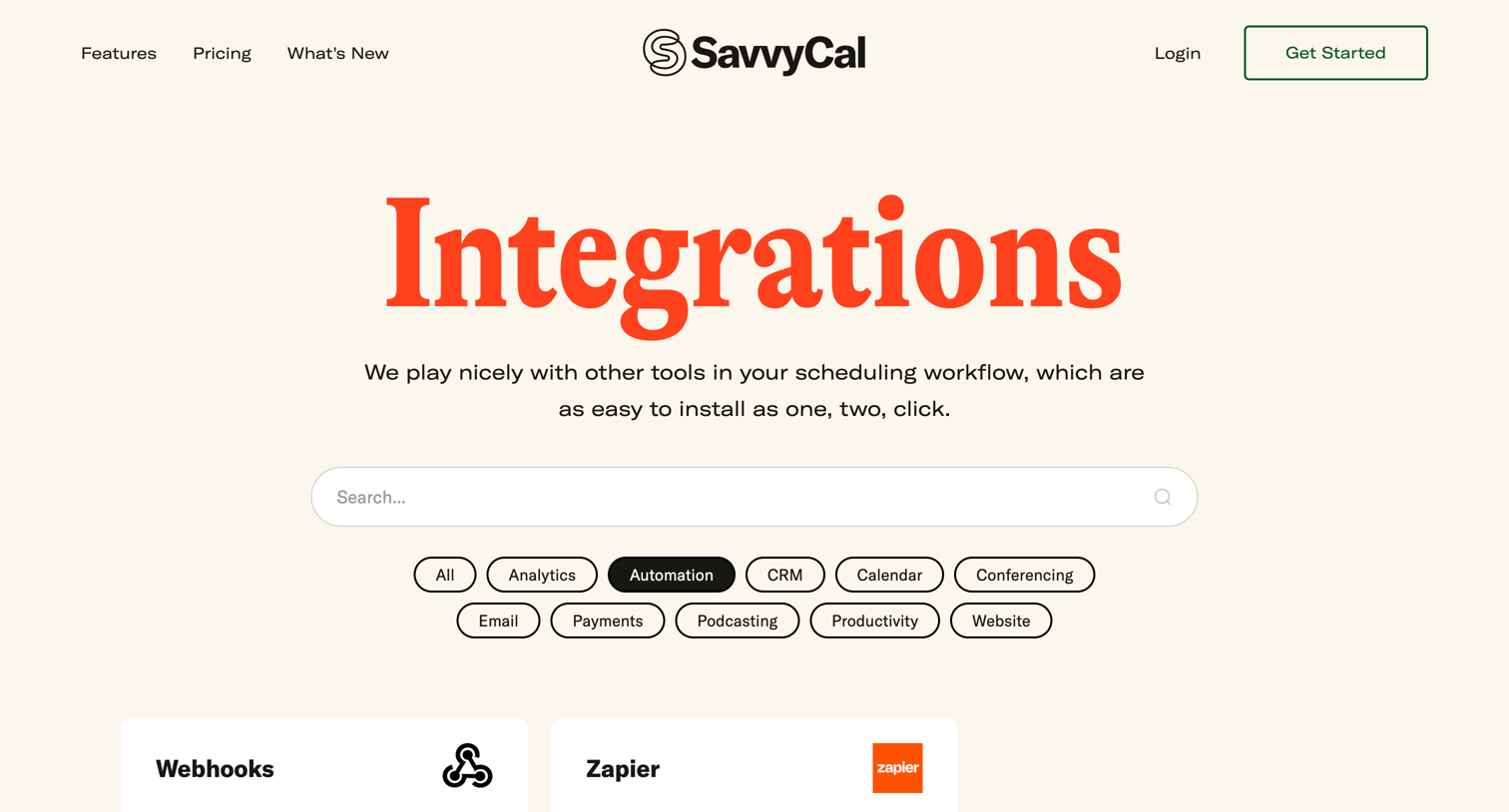
Feature page where the user browses an integrations directory using a search input and category filters.
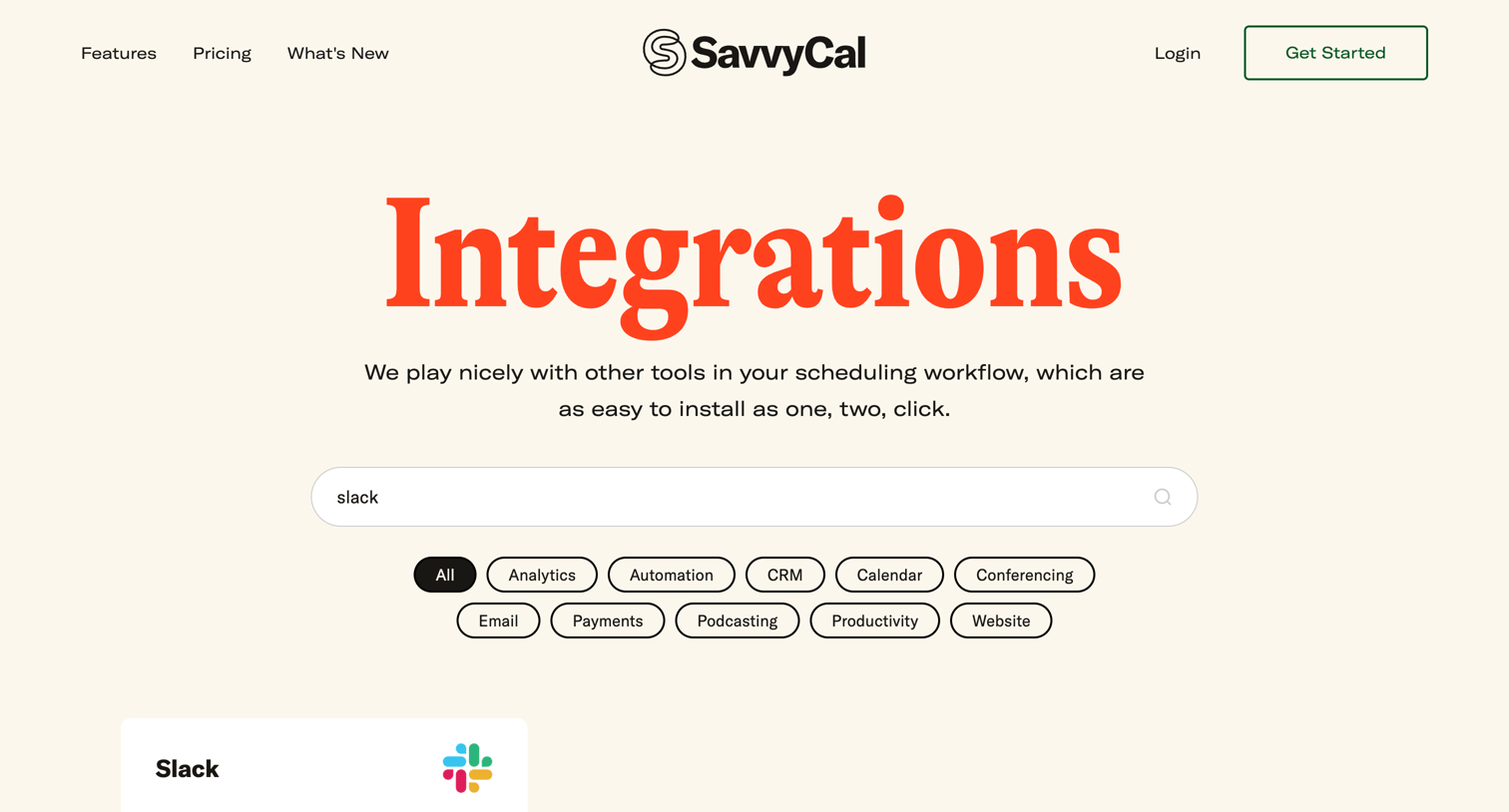
Marketing feature page where the user searches and filters a directory of third-party integrations like Slack, Analytics, and CRM tools.
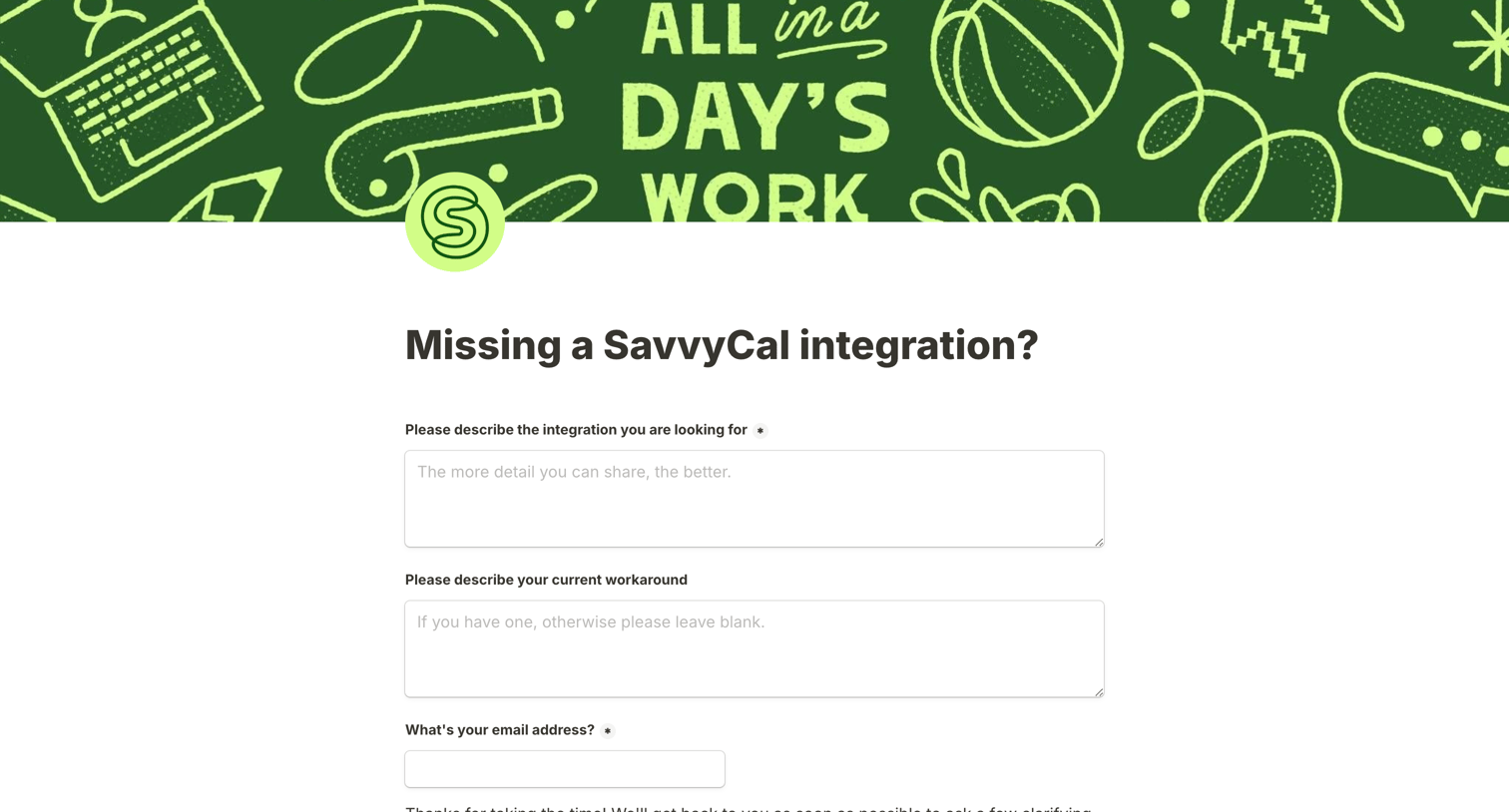
Standalone form where users can submit requests for missing SavvyCal integrations and describe their current workarounds.
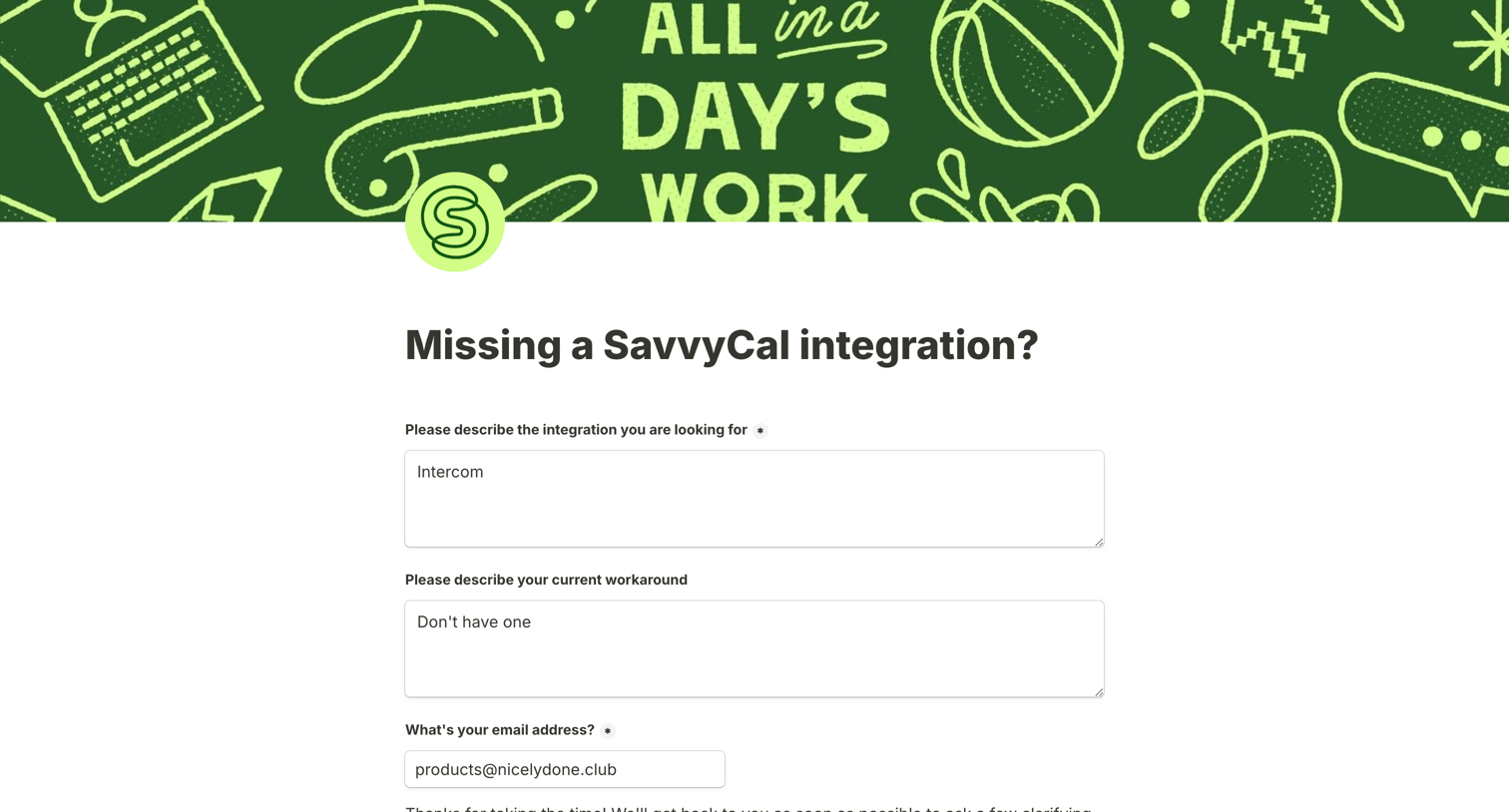
Contact form where the user submits a feature request for a missing SavvyCal integration, providing details about the desired integration and their current workaround.
Success screen confirming the user has completed a form, featuring a decorative doodle banner and a simple checkmark confirmation.
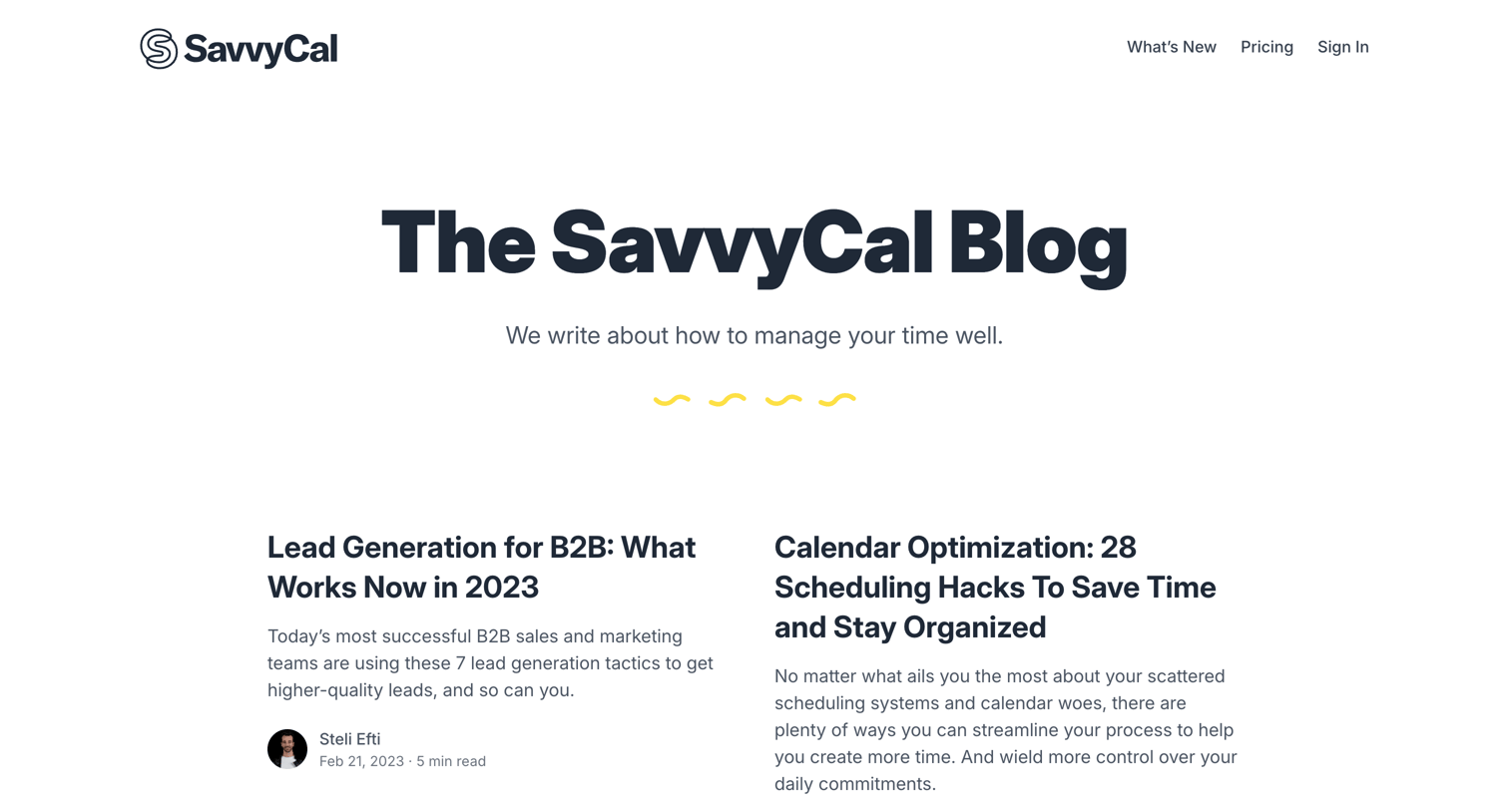
Blog index page listing articles about time management, scheduling hacks, and productivity in a two-column grid.
Explore the full SaaS screen library
Upgrade to unlock the full library.
Trusted by the best teams







