Revolut design examples
Explore Revolut UI design examples. One app, all things money
Product screens
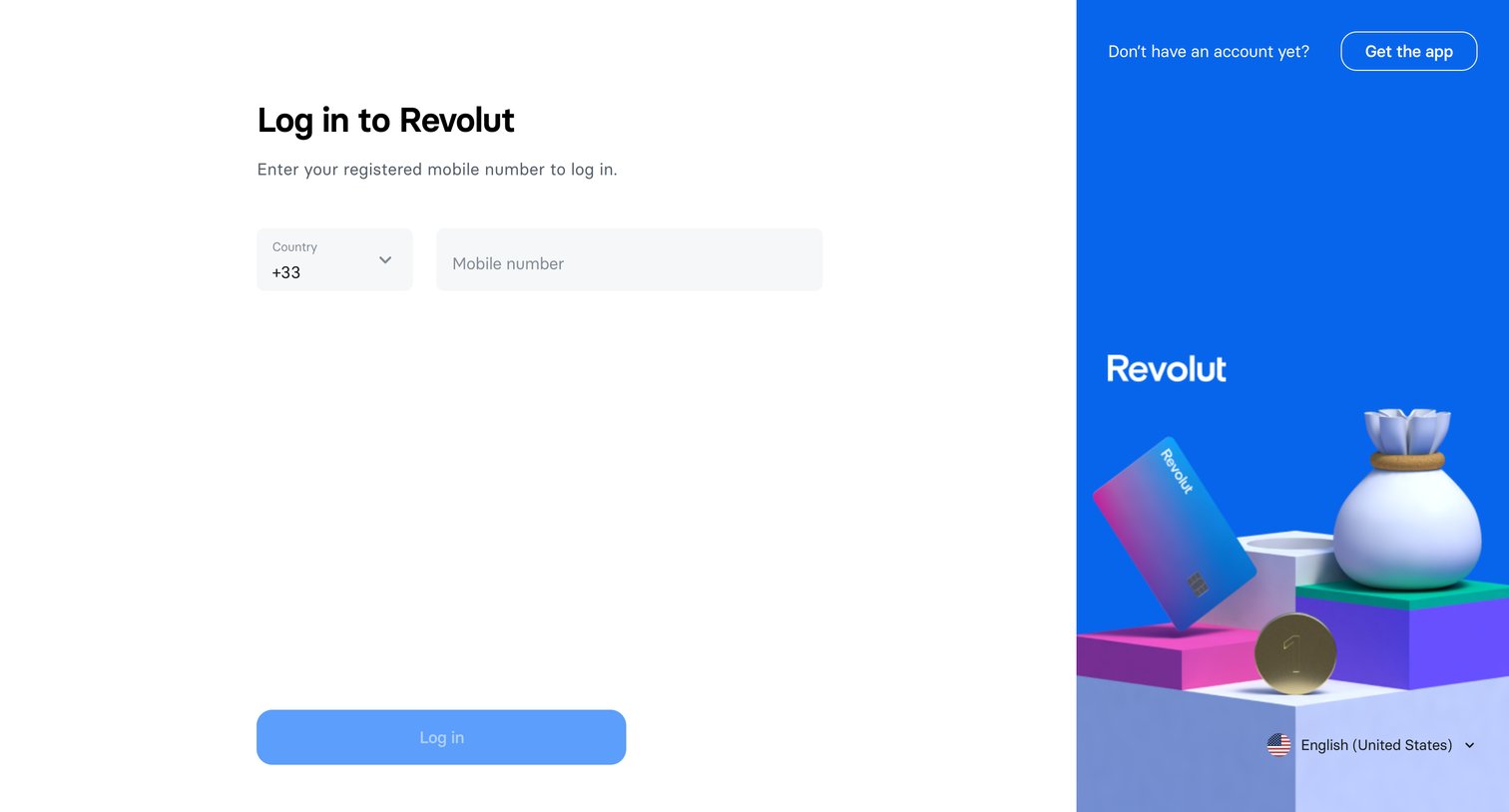
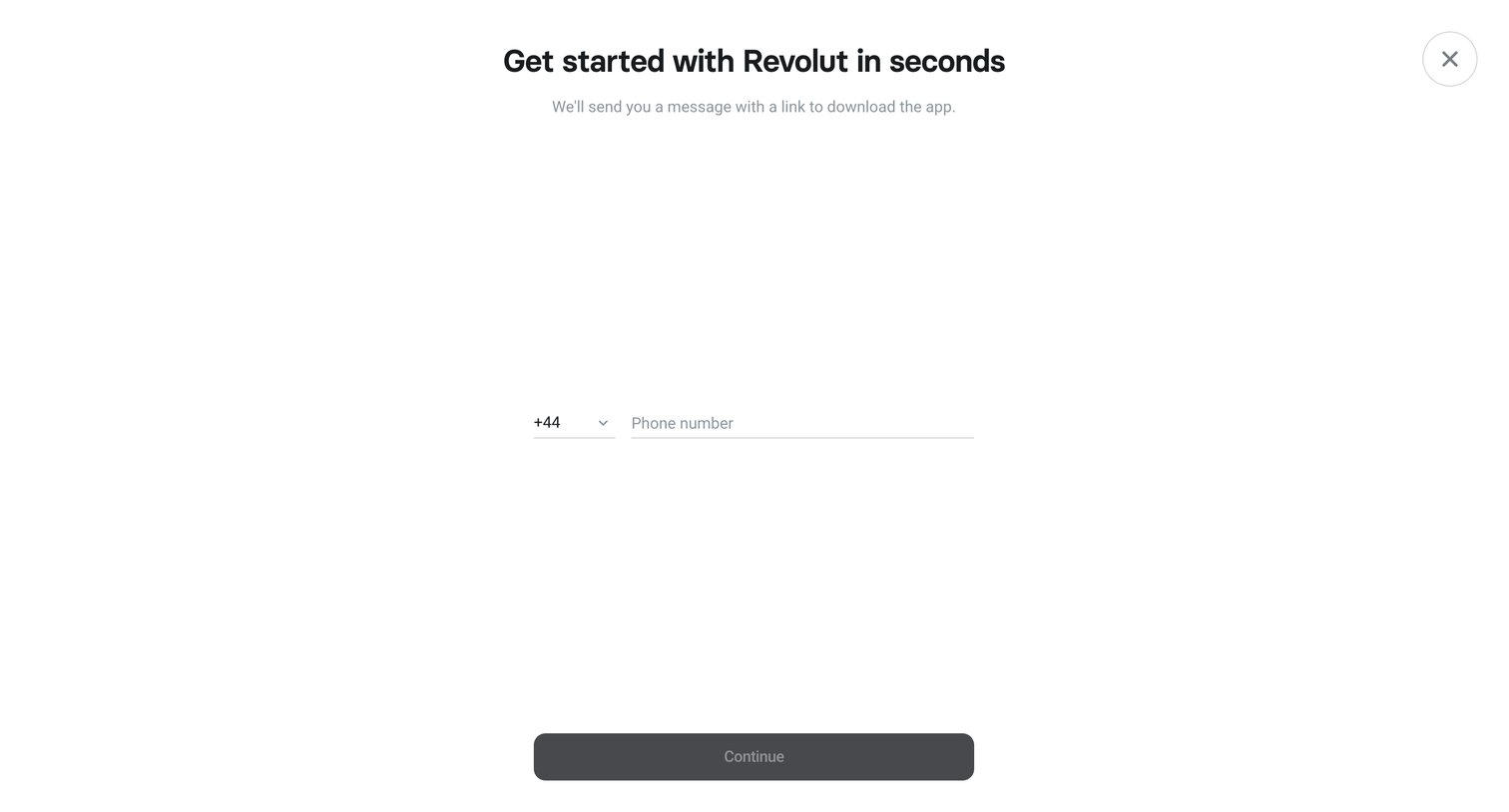

Application download screen where the user enters their phone number to receive a download link via SMS.
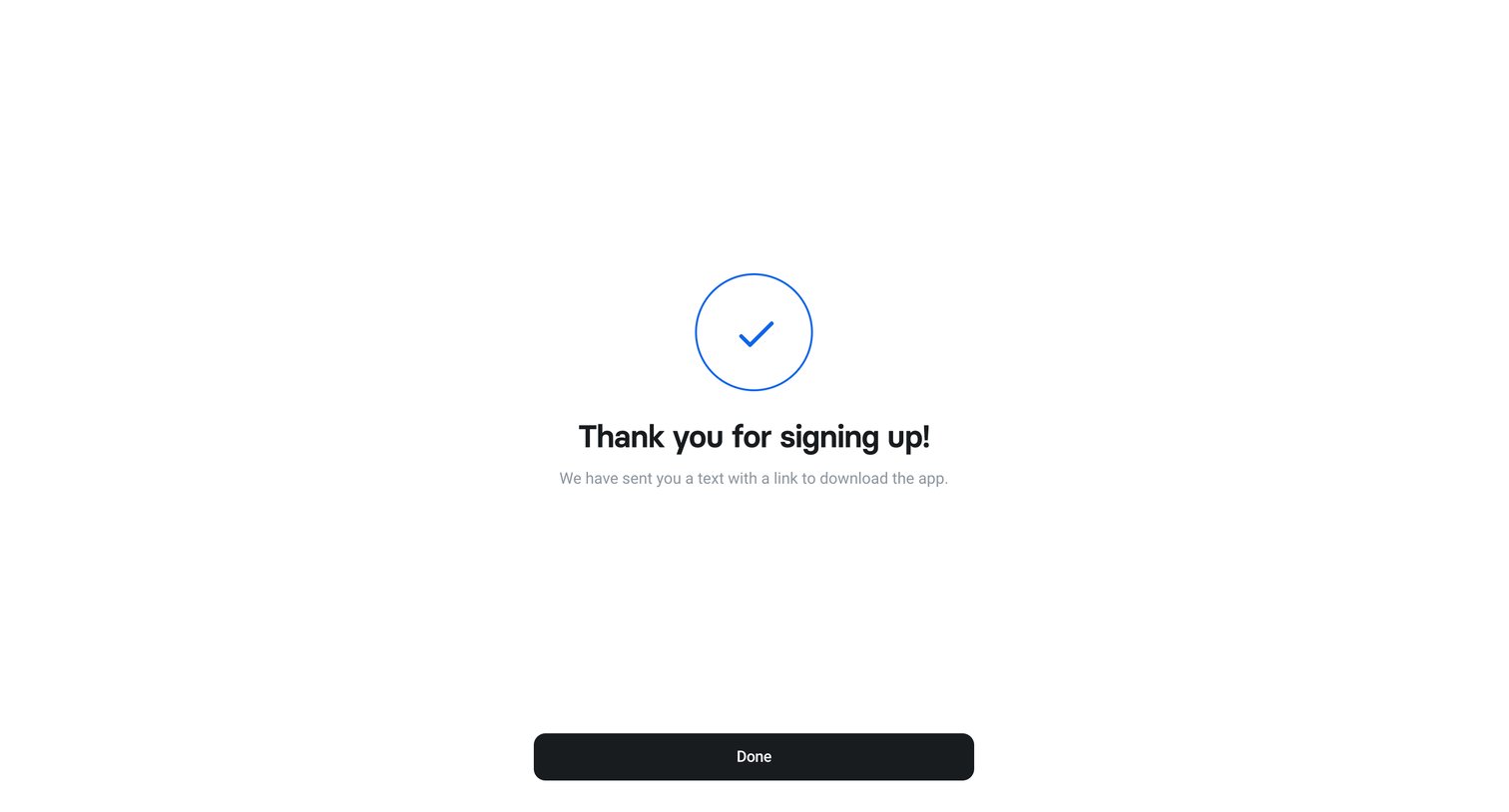
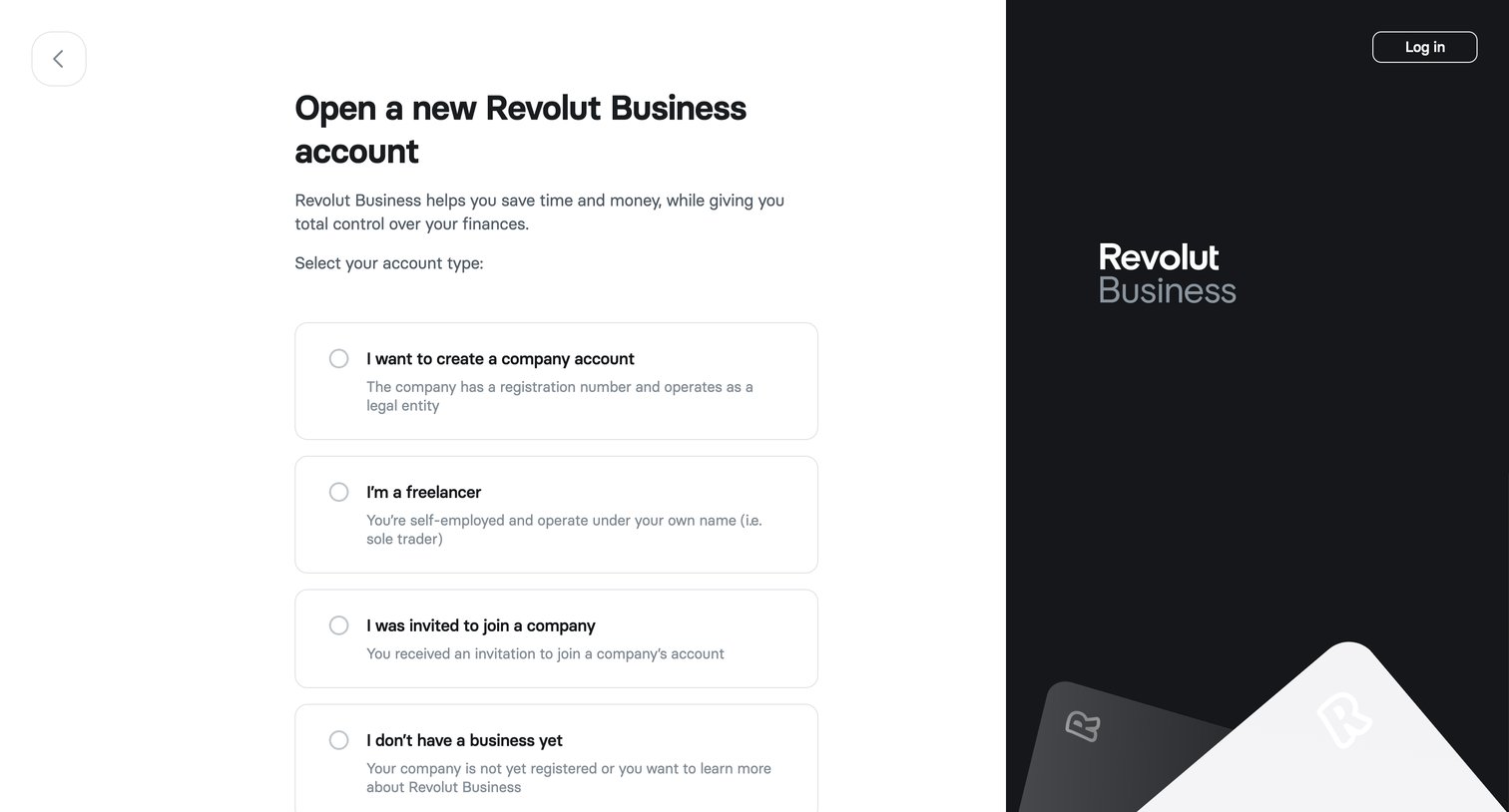
Signup page where the user selects their account type from options like company, freelancer, or invited to join before continuing.
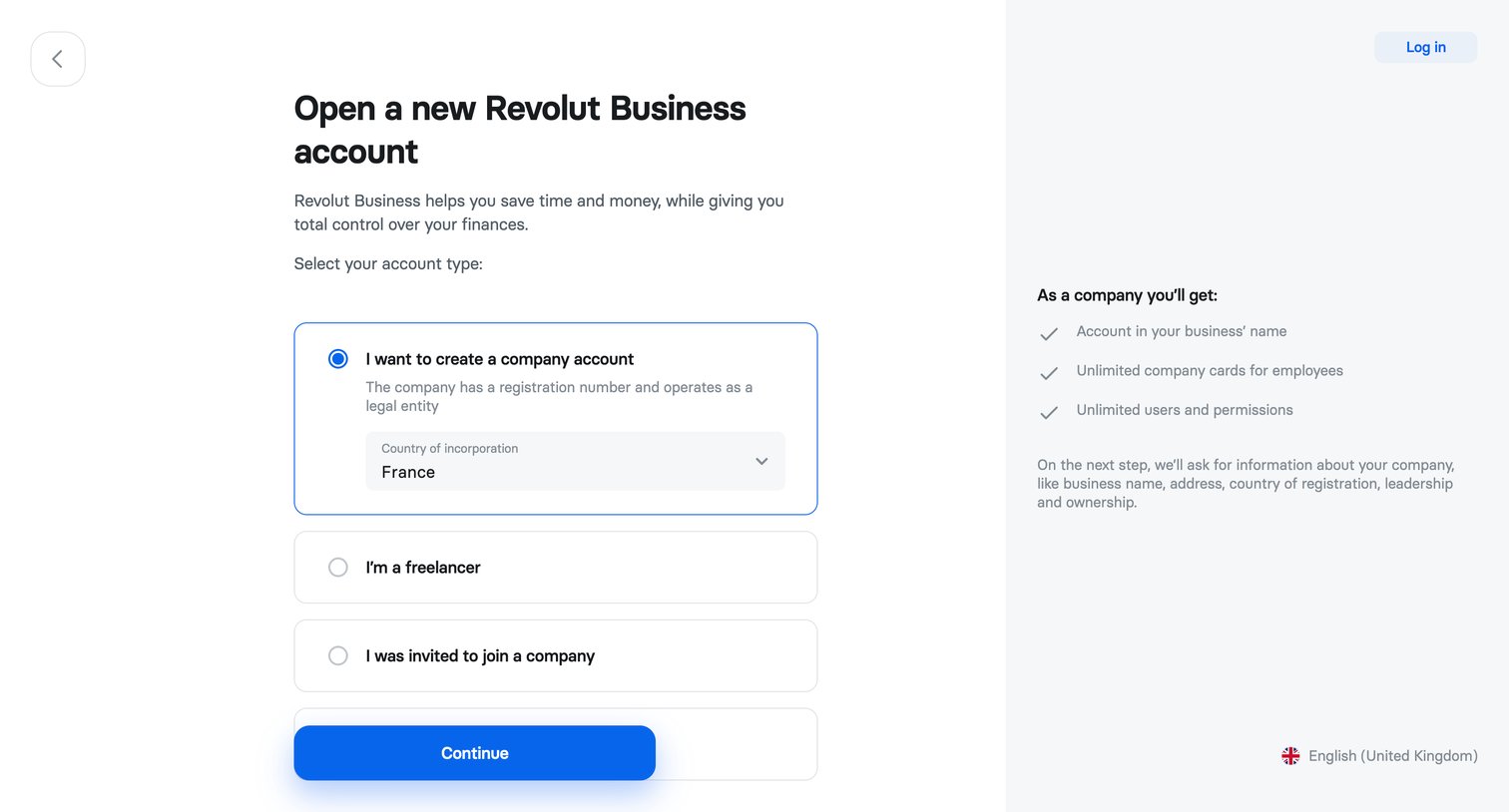
Signup step where the user selects their account type between company, freelancer, or invited to join a company.
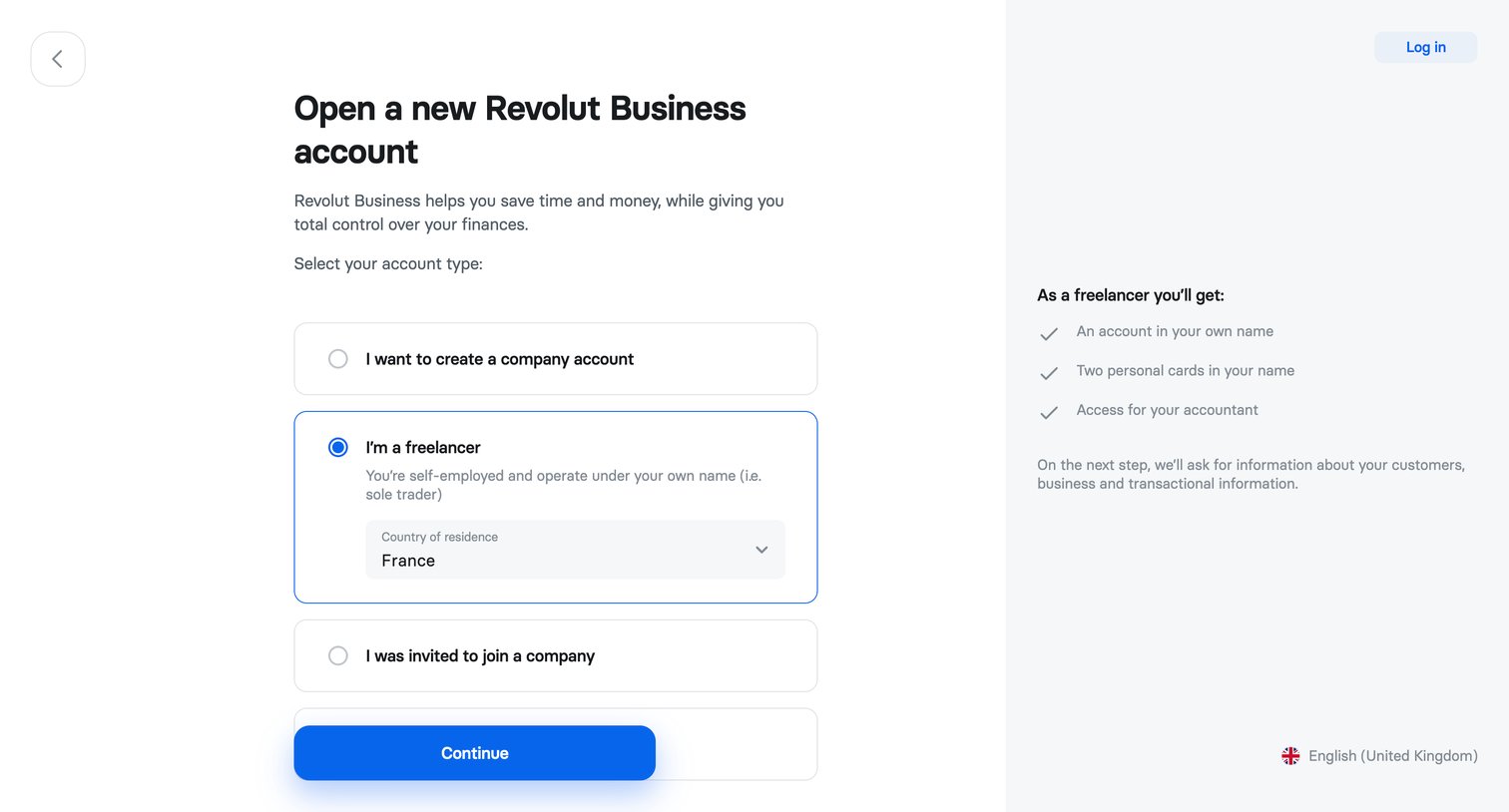
Signup step where the user selects their account type between company, freelancer, or invited member, and specifies their country of residence.
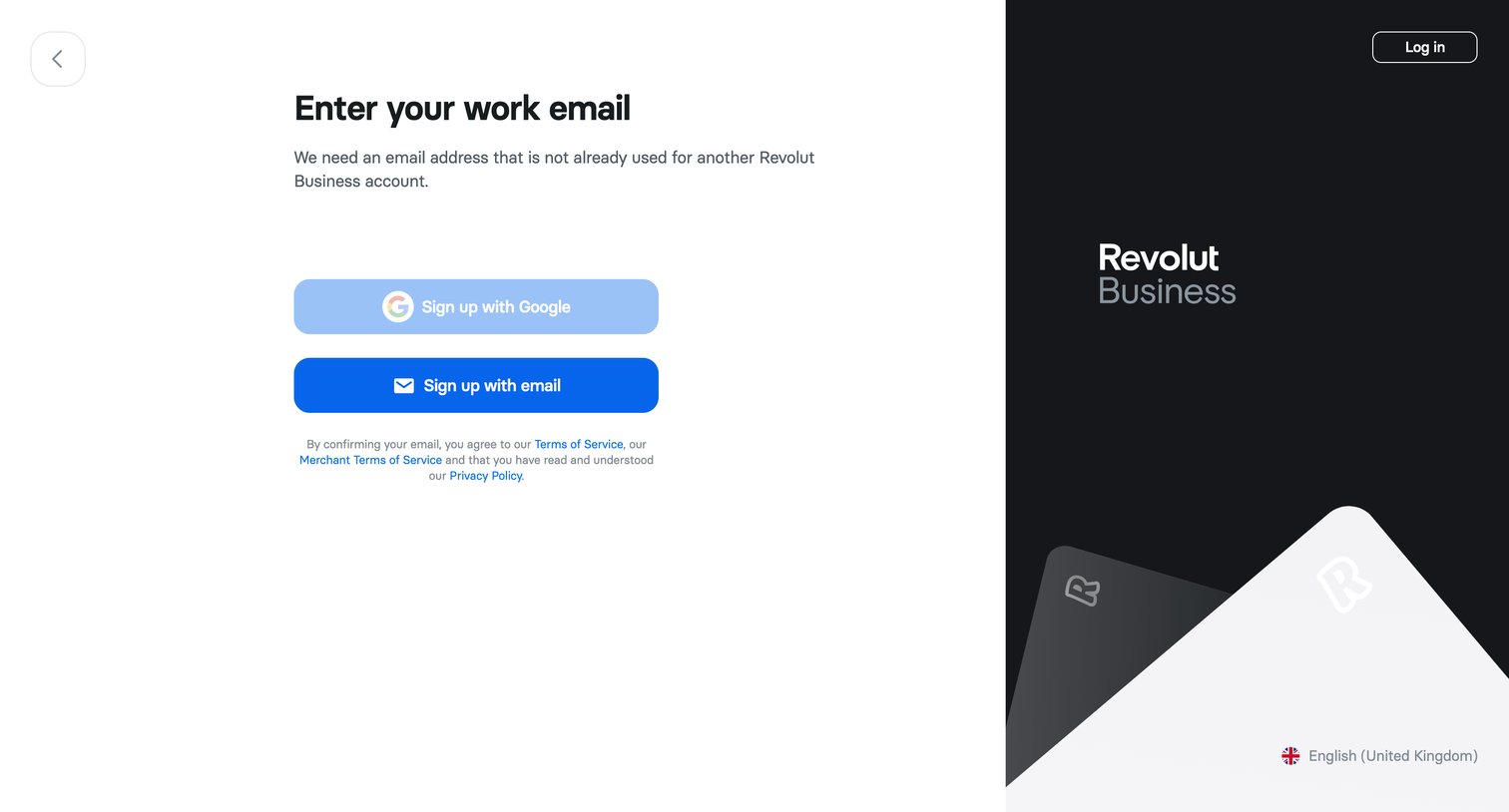
Signup screen where the user chooses to create a Revolut Business account using Google or a work email.
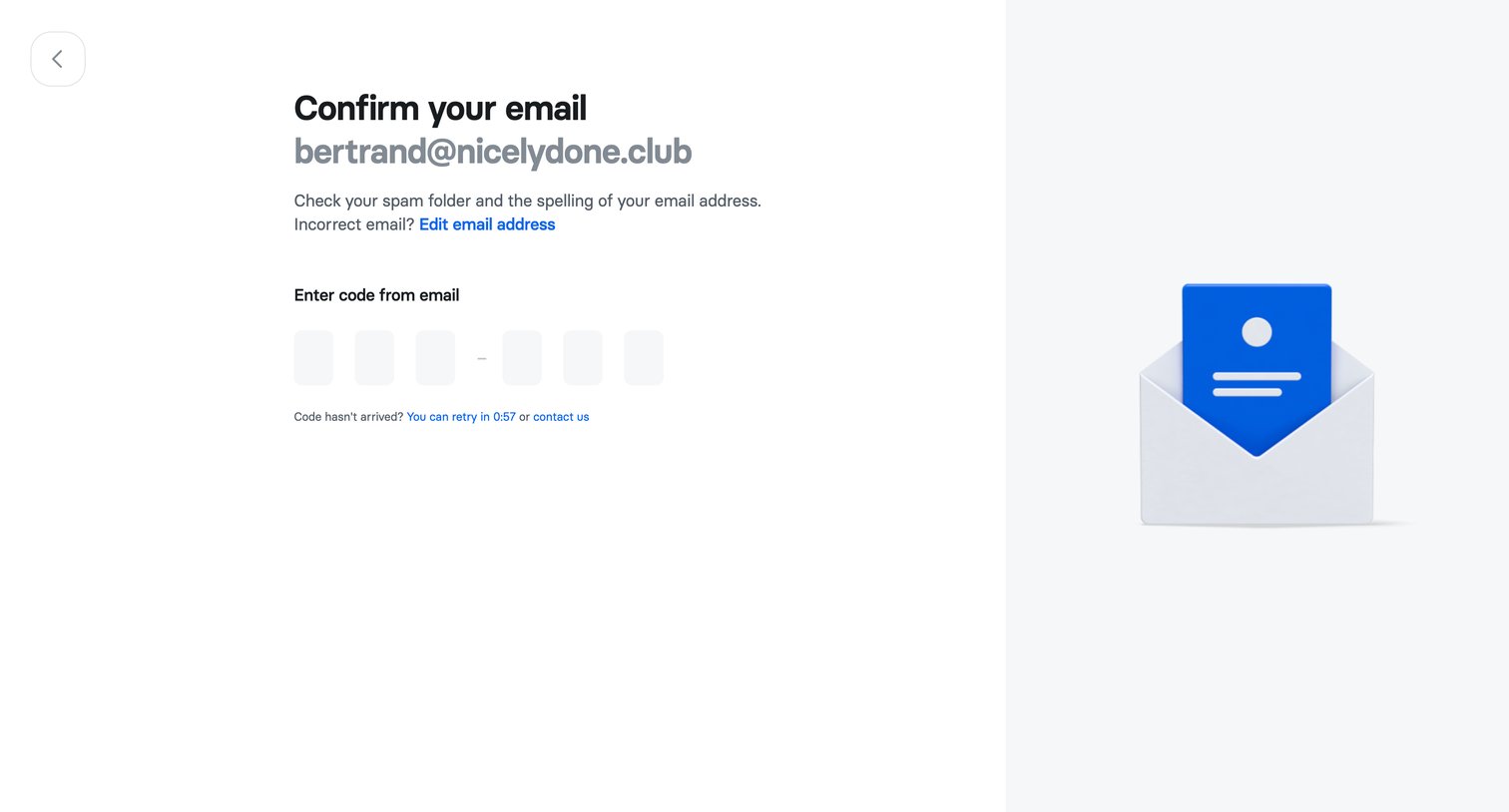
Verification screen where the user enters a 6-digit code sent to their email address to confirm their account during signup.
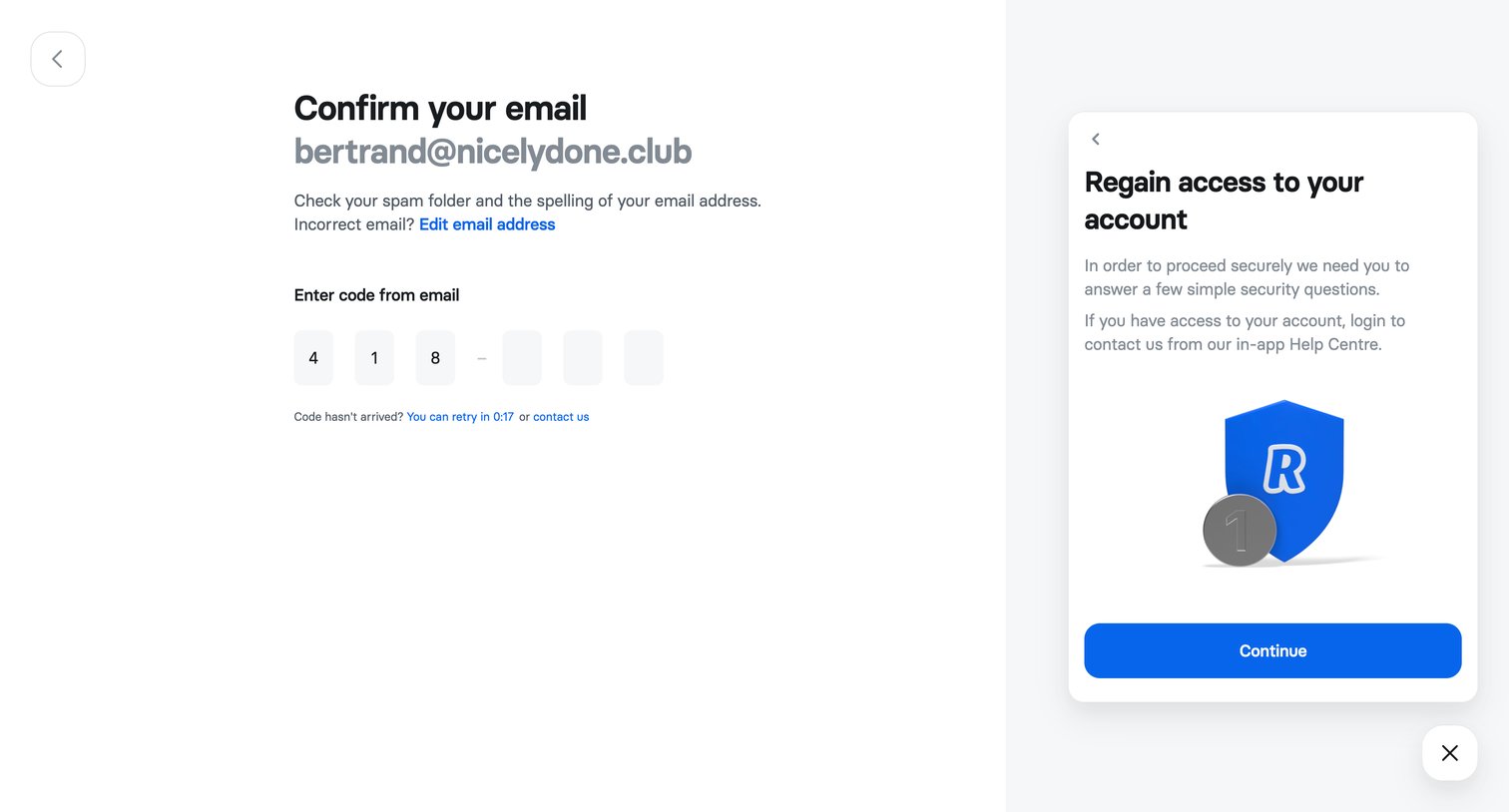
Verification screen where the user enters a 6-digit code sent to their email to confirm their account, alongside a secondary card offering an account recovery flow.
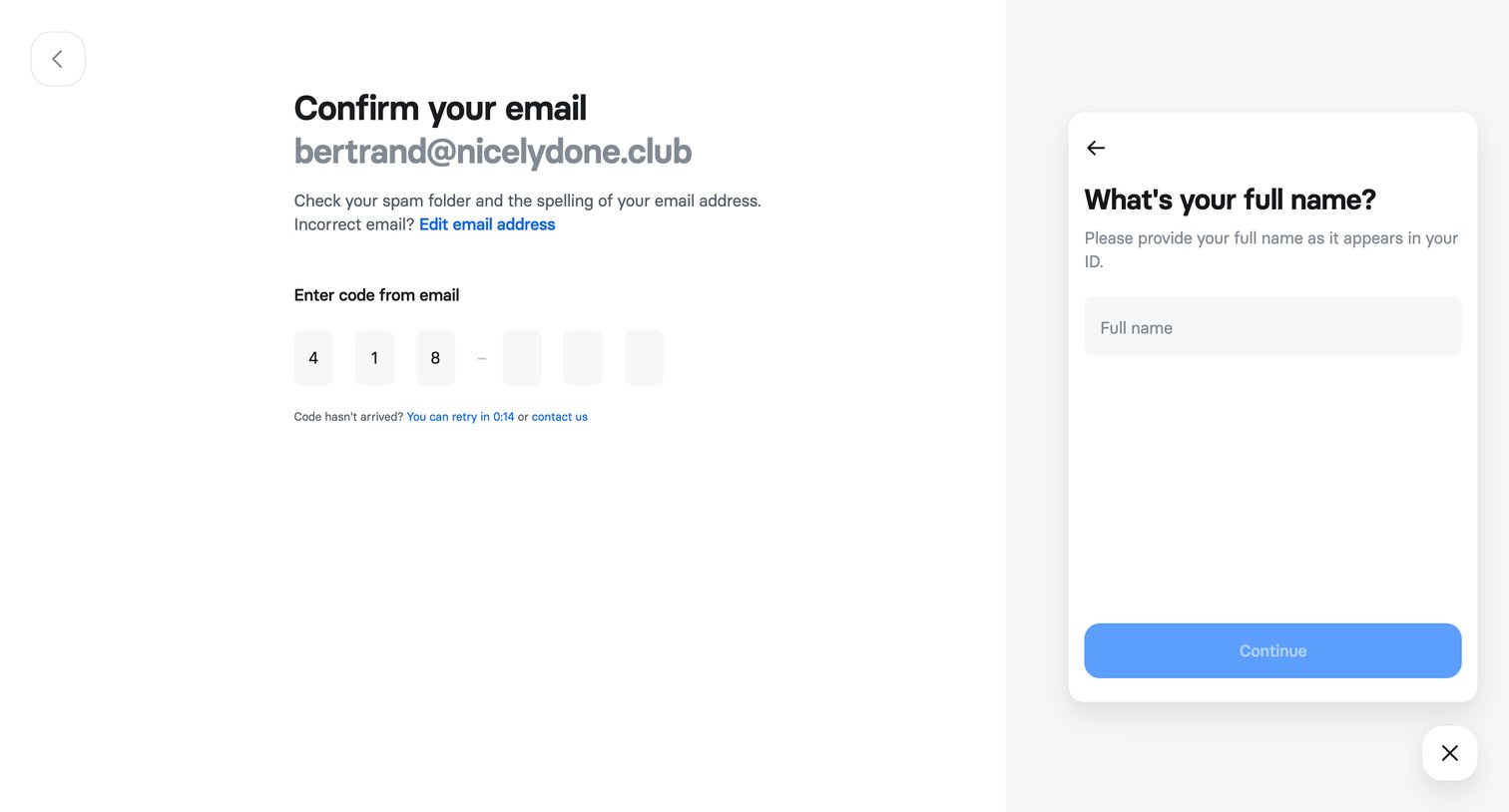
Signup step where the user confirms their email address with a 6-digit code while simultaneously providing their full name in a side card.
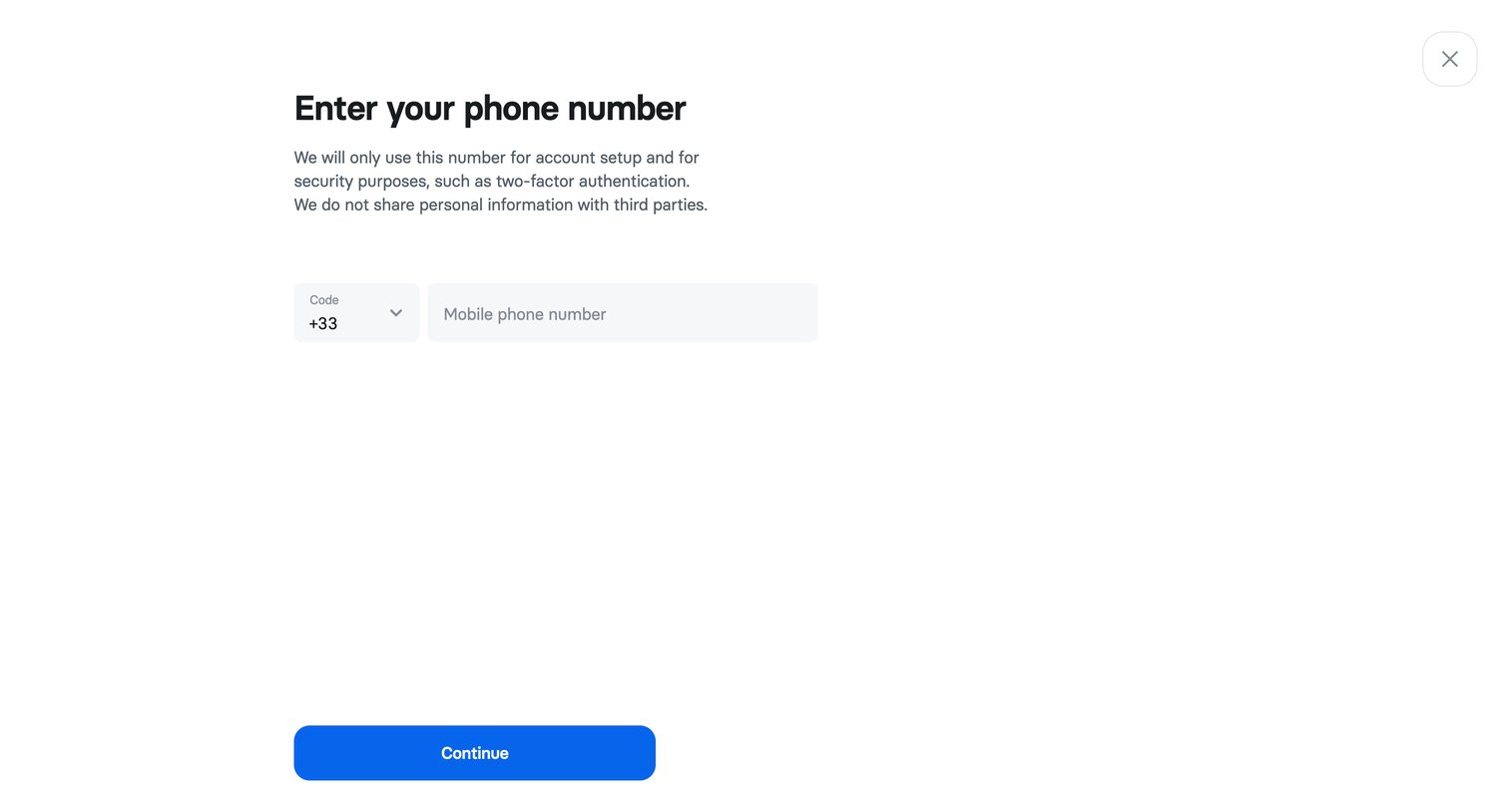
Signup step where the user enters their mobile phone number for account setup and two-factor authentication.
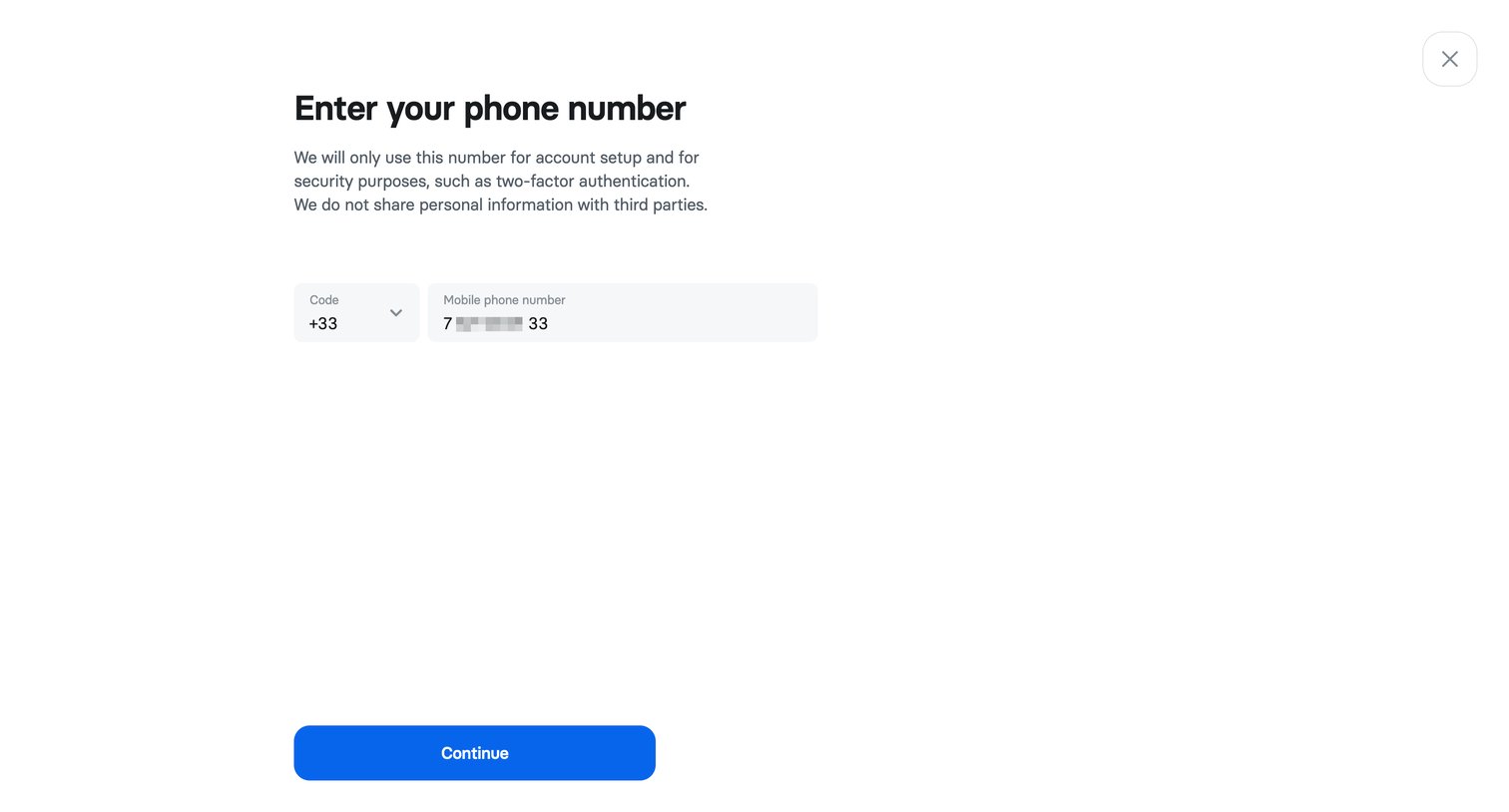
Signup step where the user enters their mobile phone number to set up two-factor authentication.
Browse the full SaaS app library
Explore real SaaS apps with their product screens, marketing screens, flows, and components.
Trusted by the best teams







