Replit product screens examples
Browse Replit screen design examples. Preview the interface screenshots and explore related UI patterns. Turn your ideas into apps with AI
Explore the examples
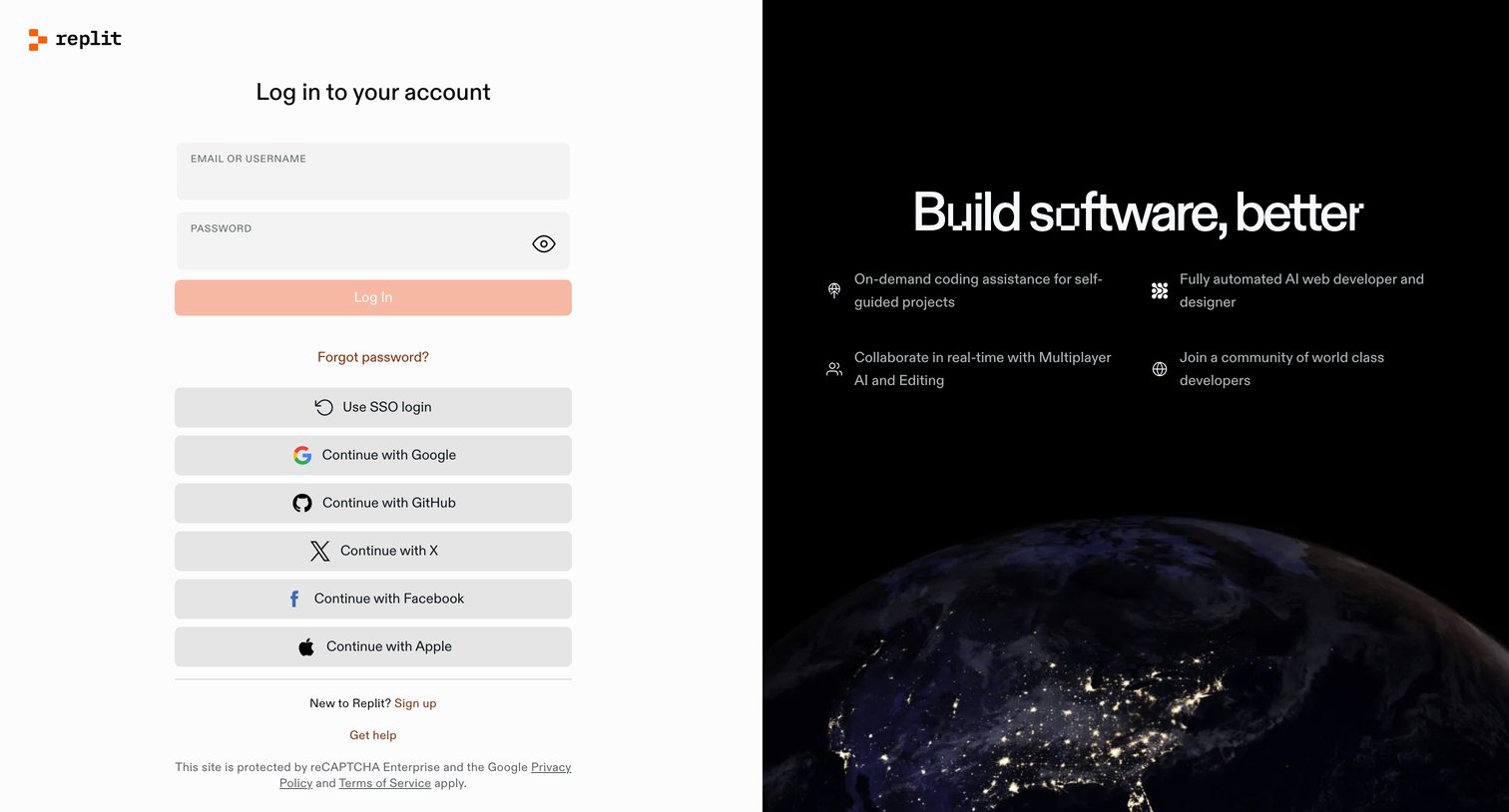
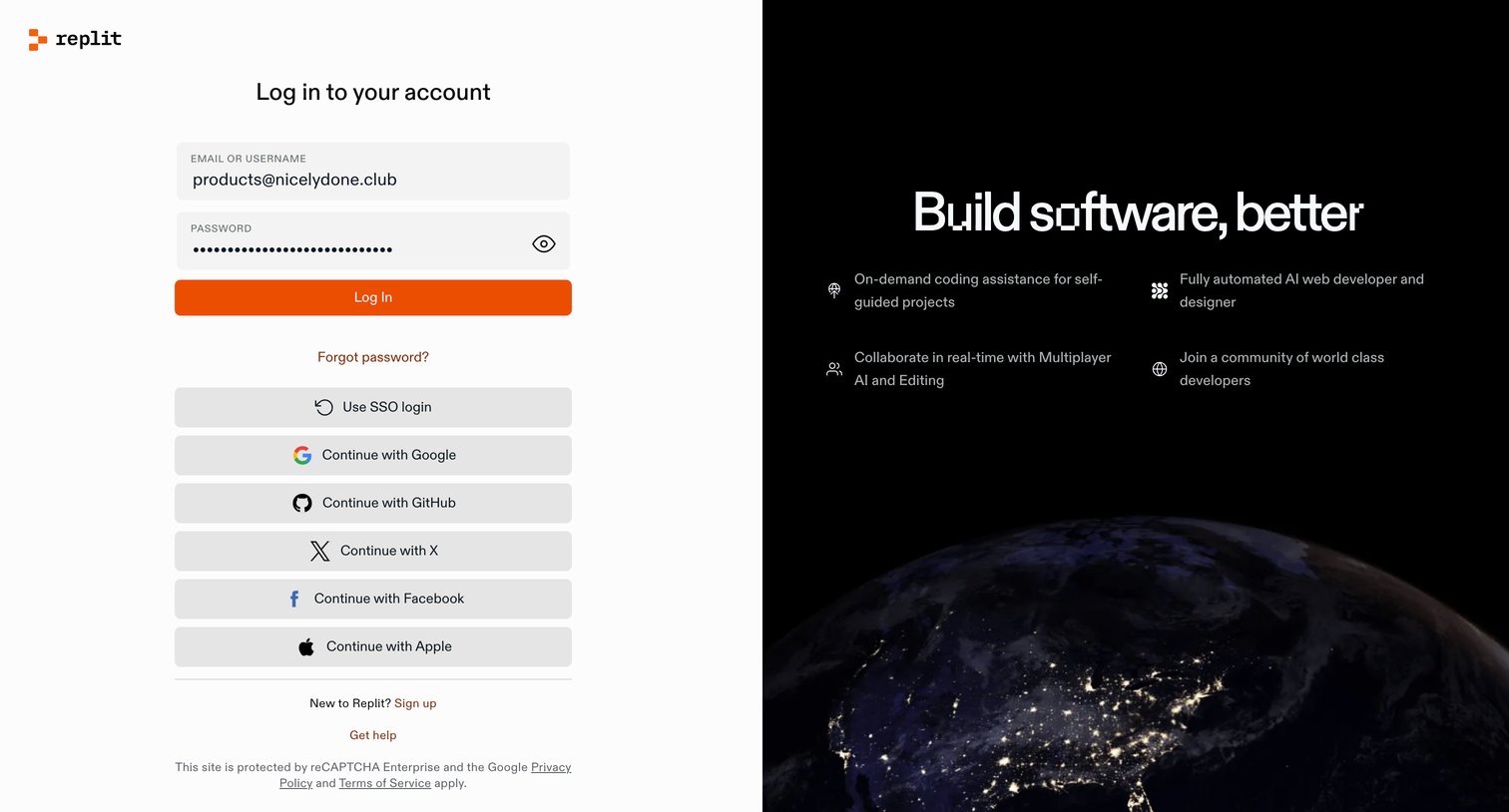

Sign-in screen where the user authenticates with email and password, SSO, or various OAuth providers like Google, GitHub, and Apple, alongside a feature showcase.
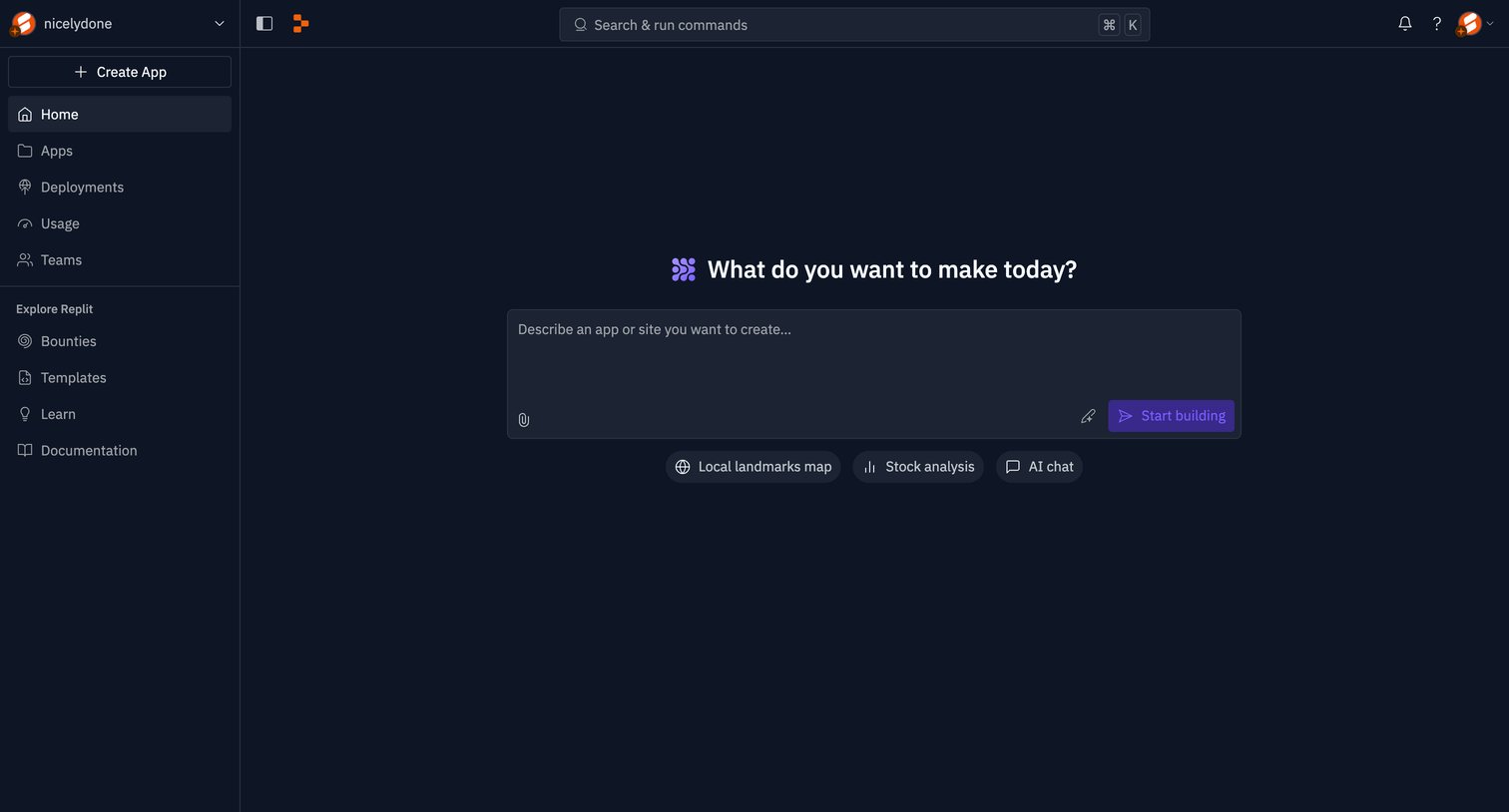
Home screen where the user is prompted to describe an app or site they want to create using AI, with suggested starter prompts like local landmarks map and stock analysis.
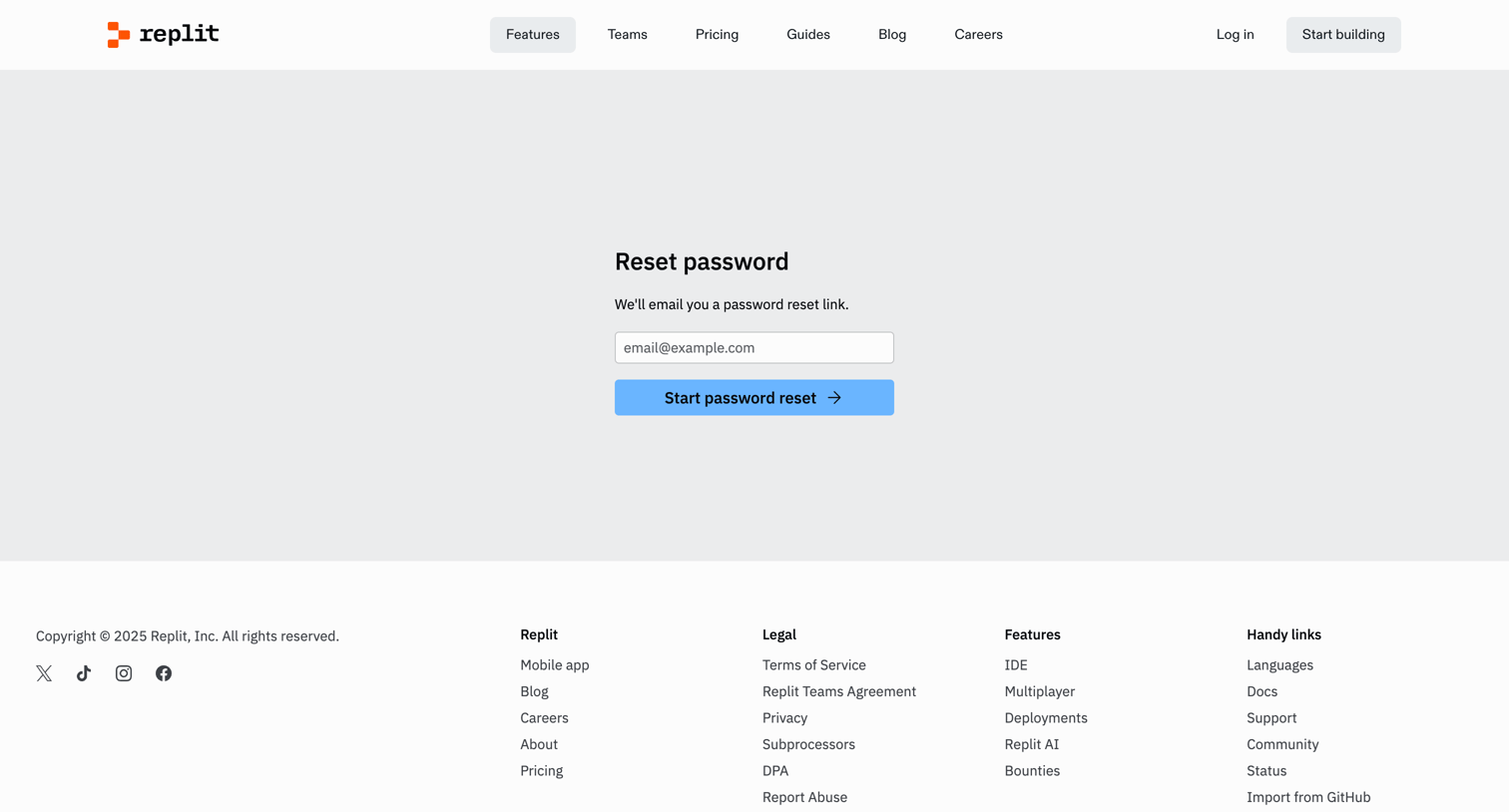
Password recovery screen where the user enters their email address to receive a reset link.
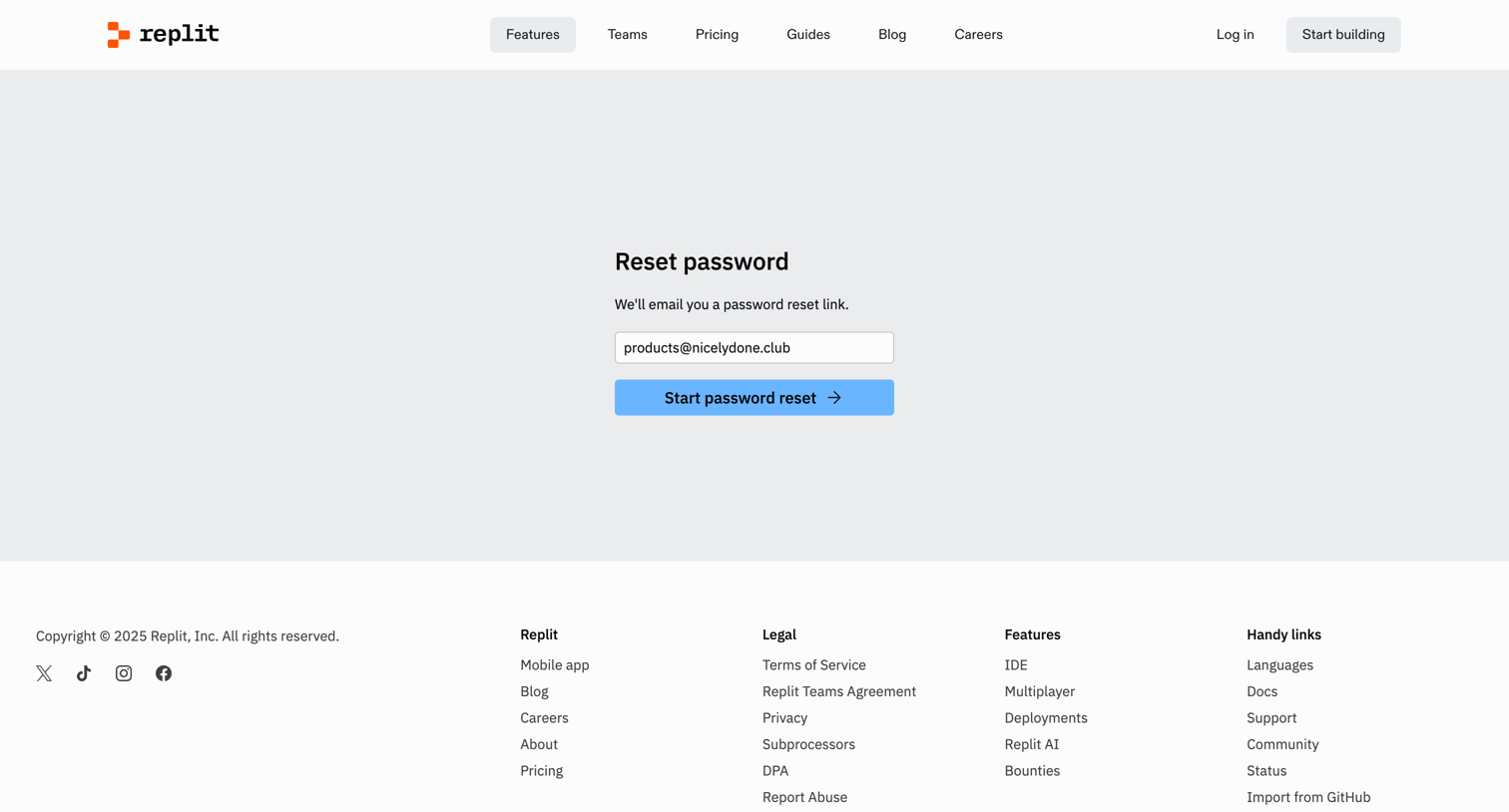
Password recovery screen where the user enters their email address to receive a reset link.
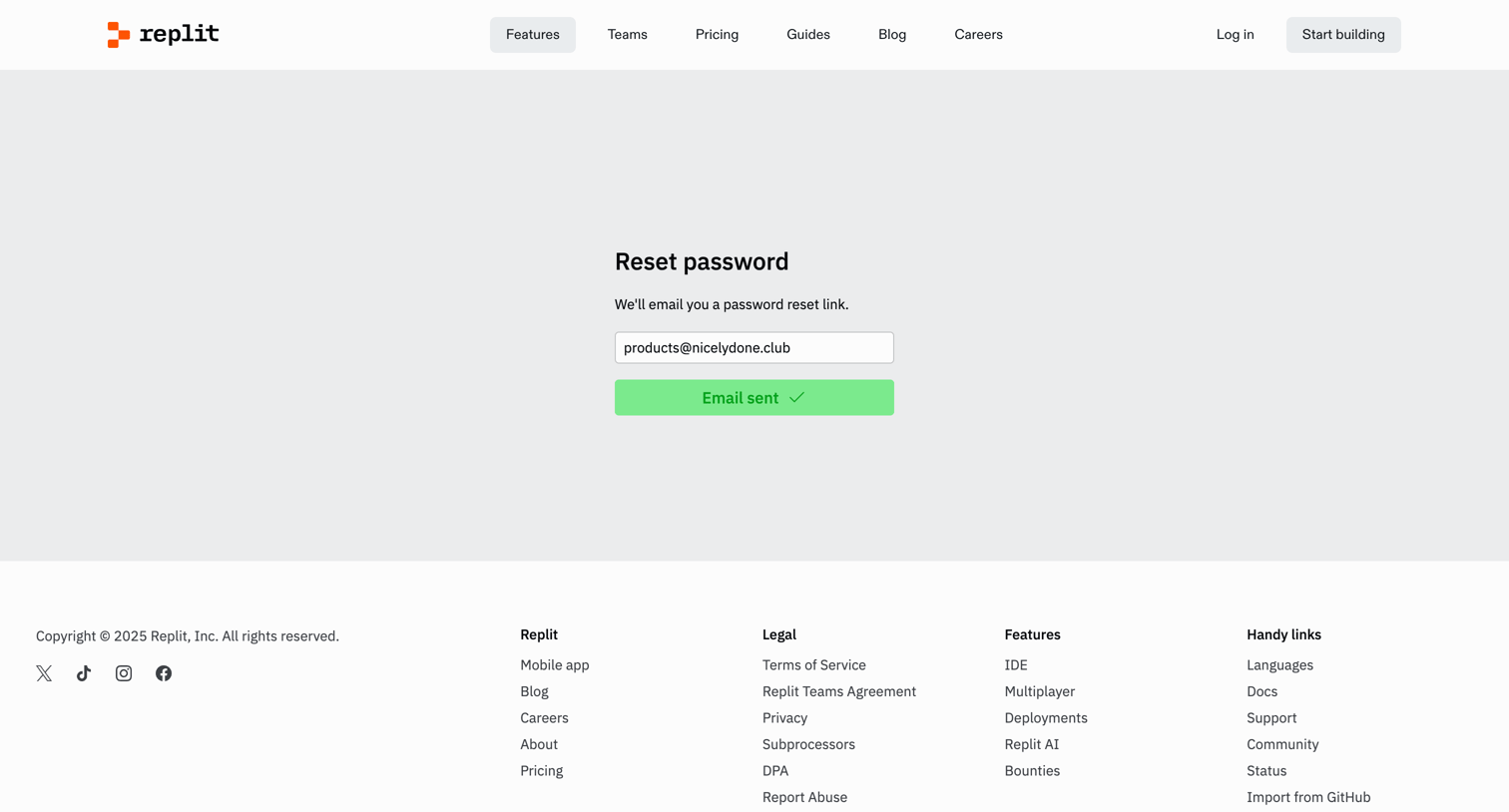
Password recovery screen where the user sees a success confirmation after requesting a reset link for their email address.
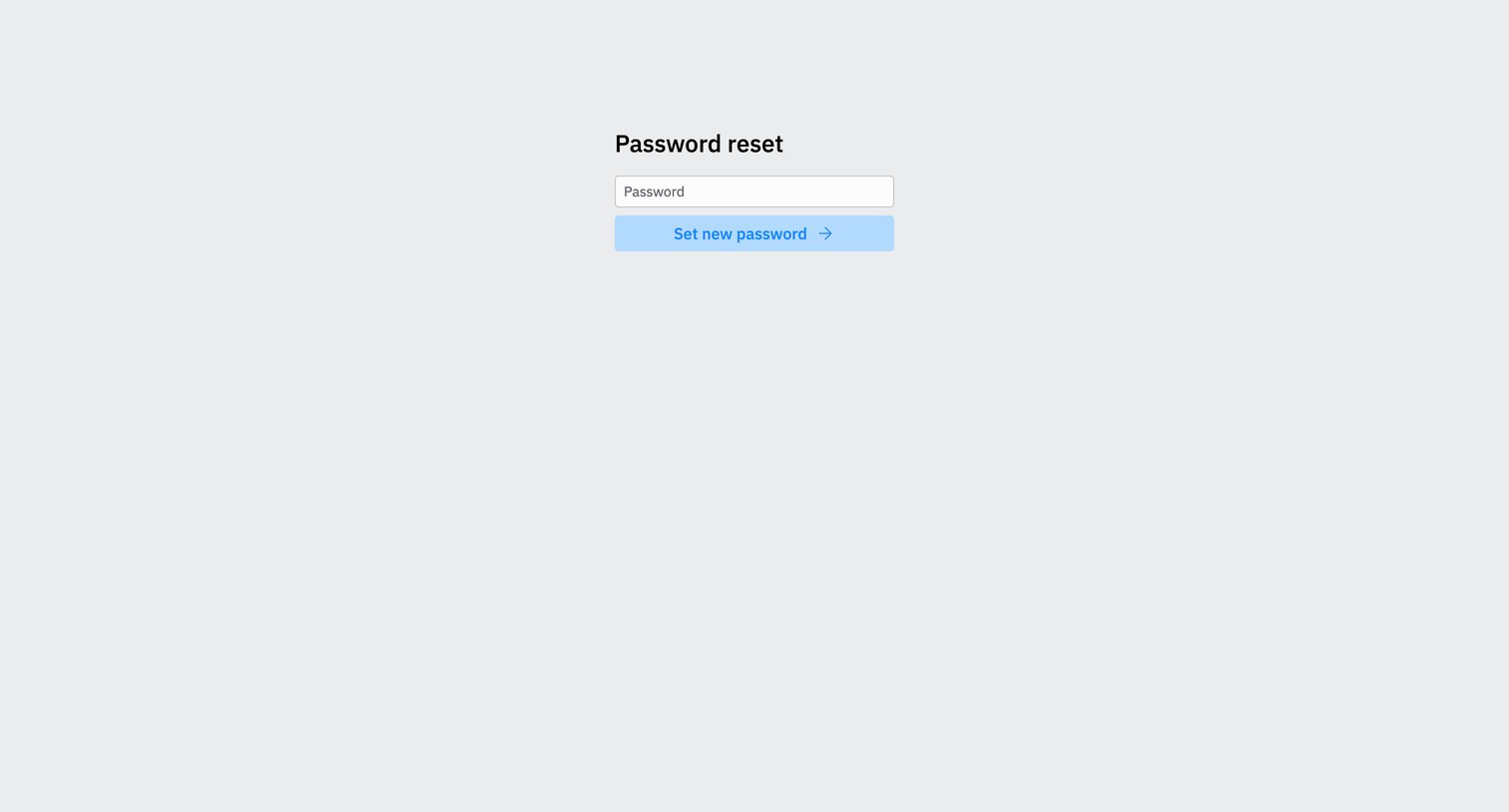
Password recovery screen where the user enters a new password to regain access to their account.
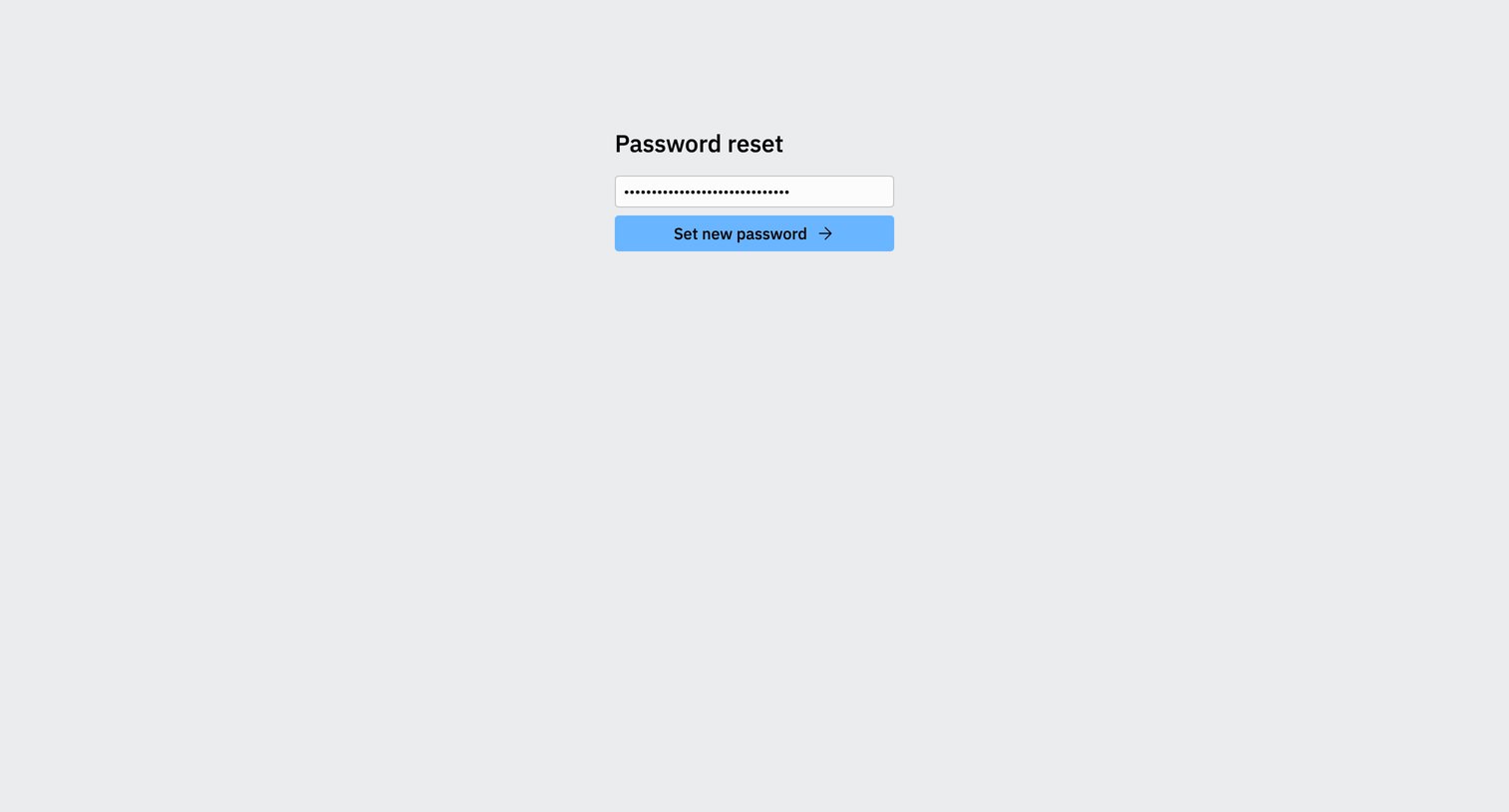
Password recovery screen where the user enters and submits a new password to regain account access.
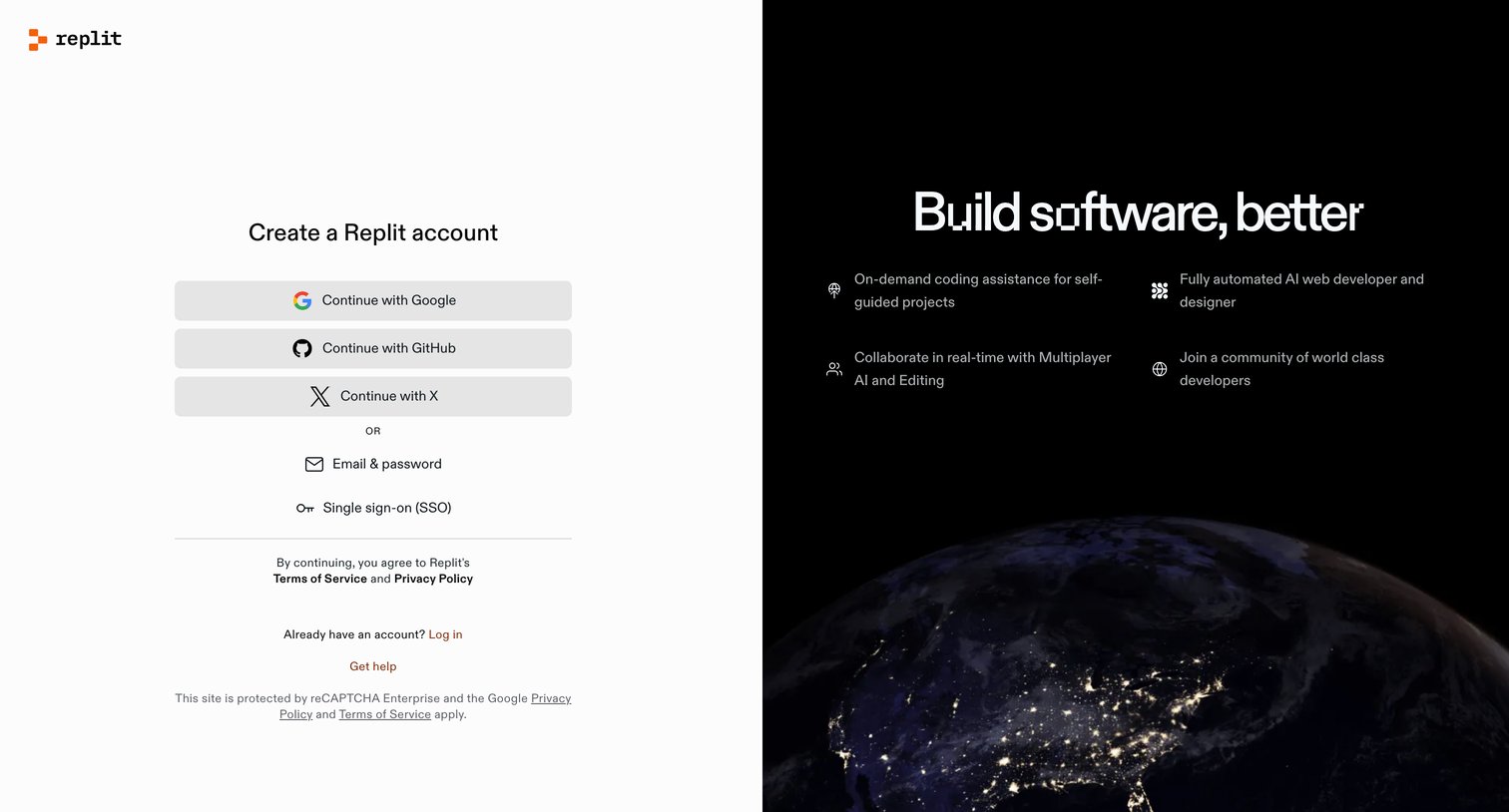
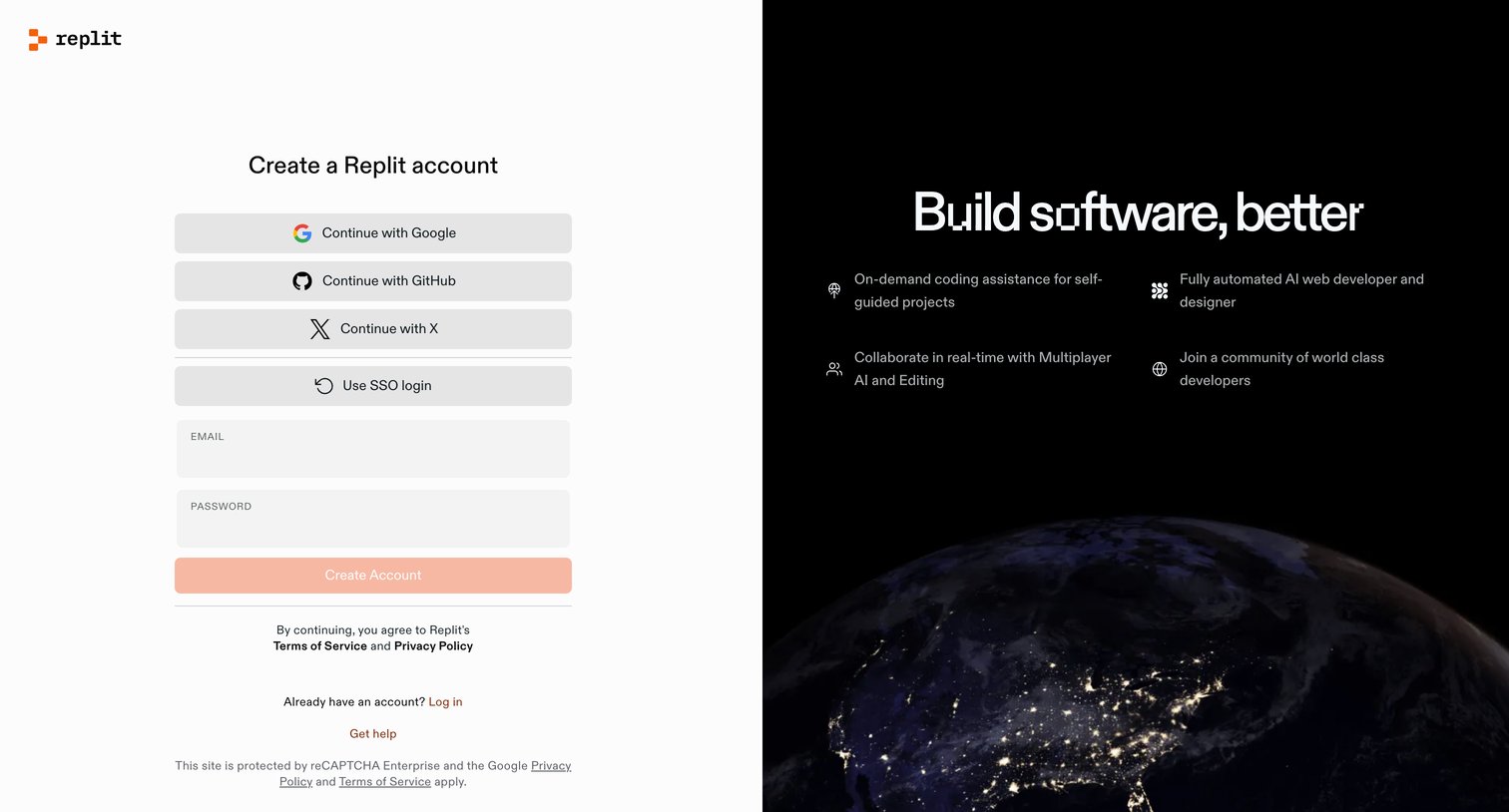
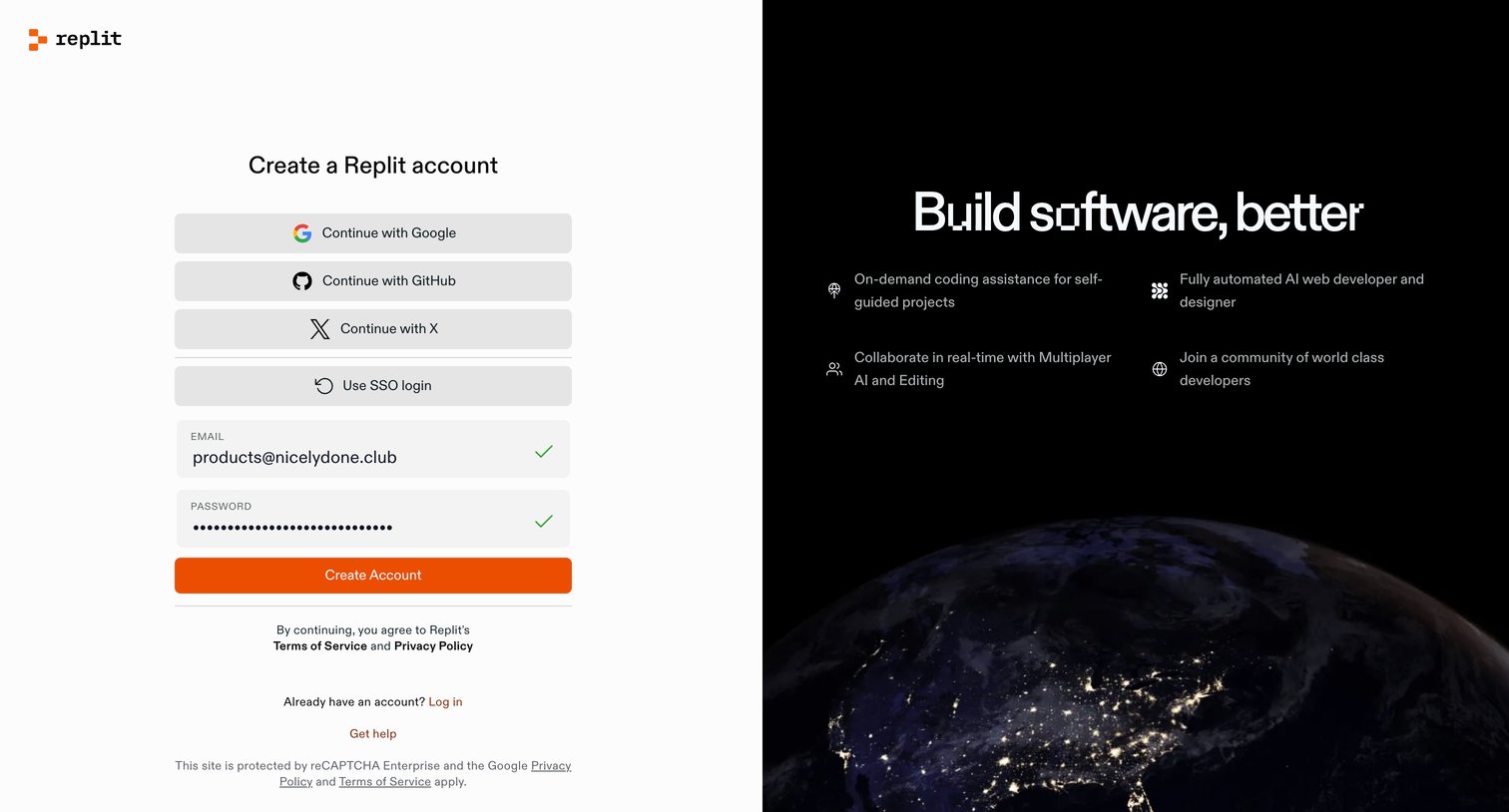
Signup screen where the user creates an account via social providers, SSO, or email, alongside a dark-themed feature highlight panel.
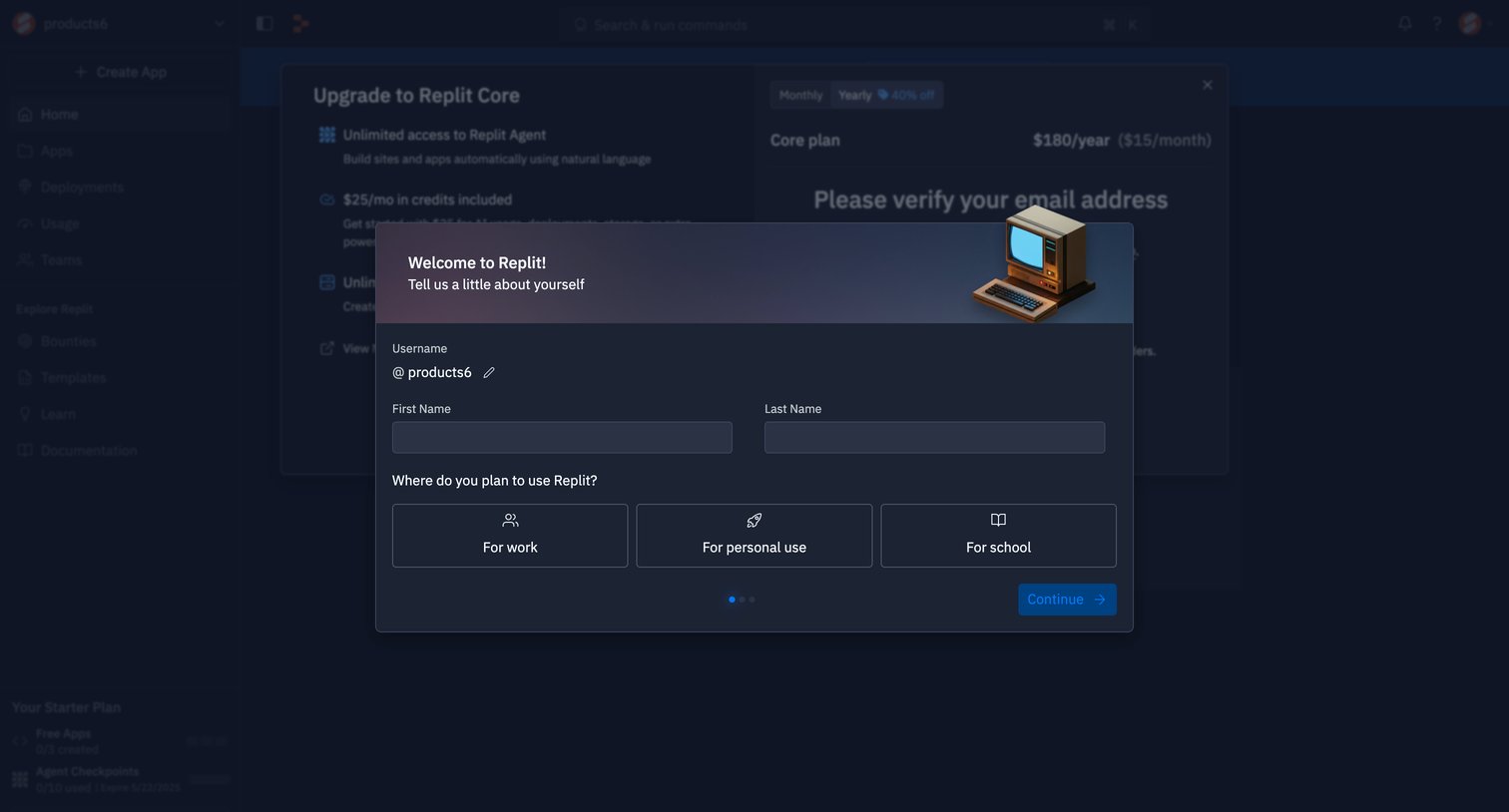
Onboarding step where the user provides their name and selects their intended use case for the product.
Explore the full SaaS screen library
Upgrade to unlock the full library.
Trusted by the best teams







