Rekki design examples
Explore Rekki UI design examples. Reinventing ordering for chefs and suppliers from the ground up
Product screens
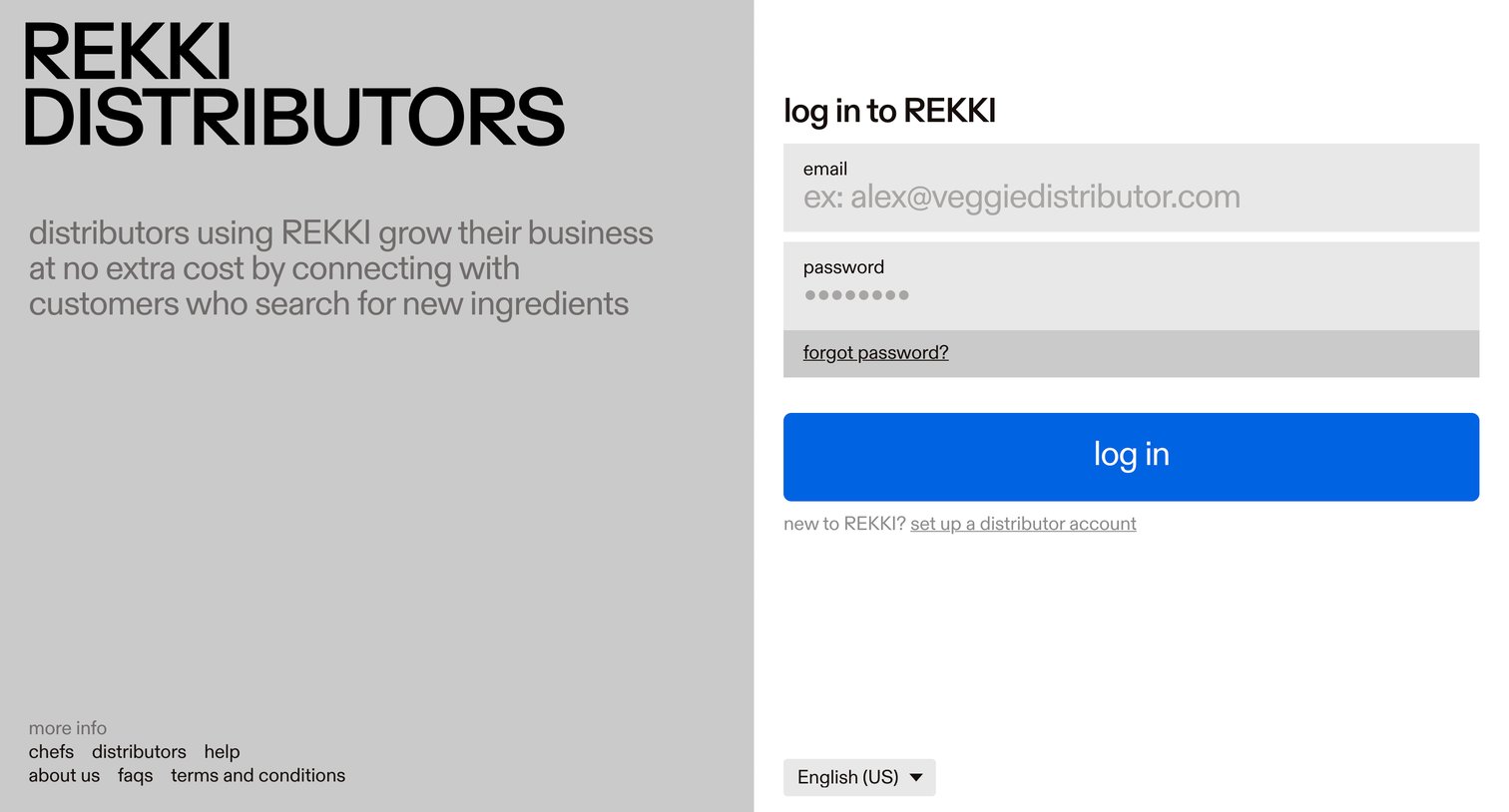
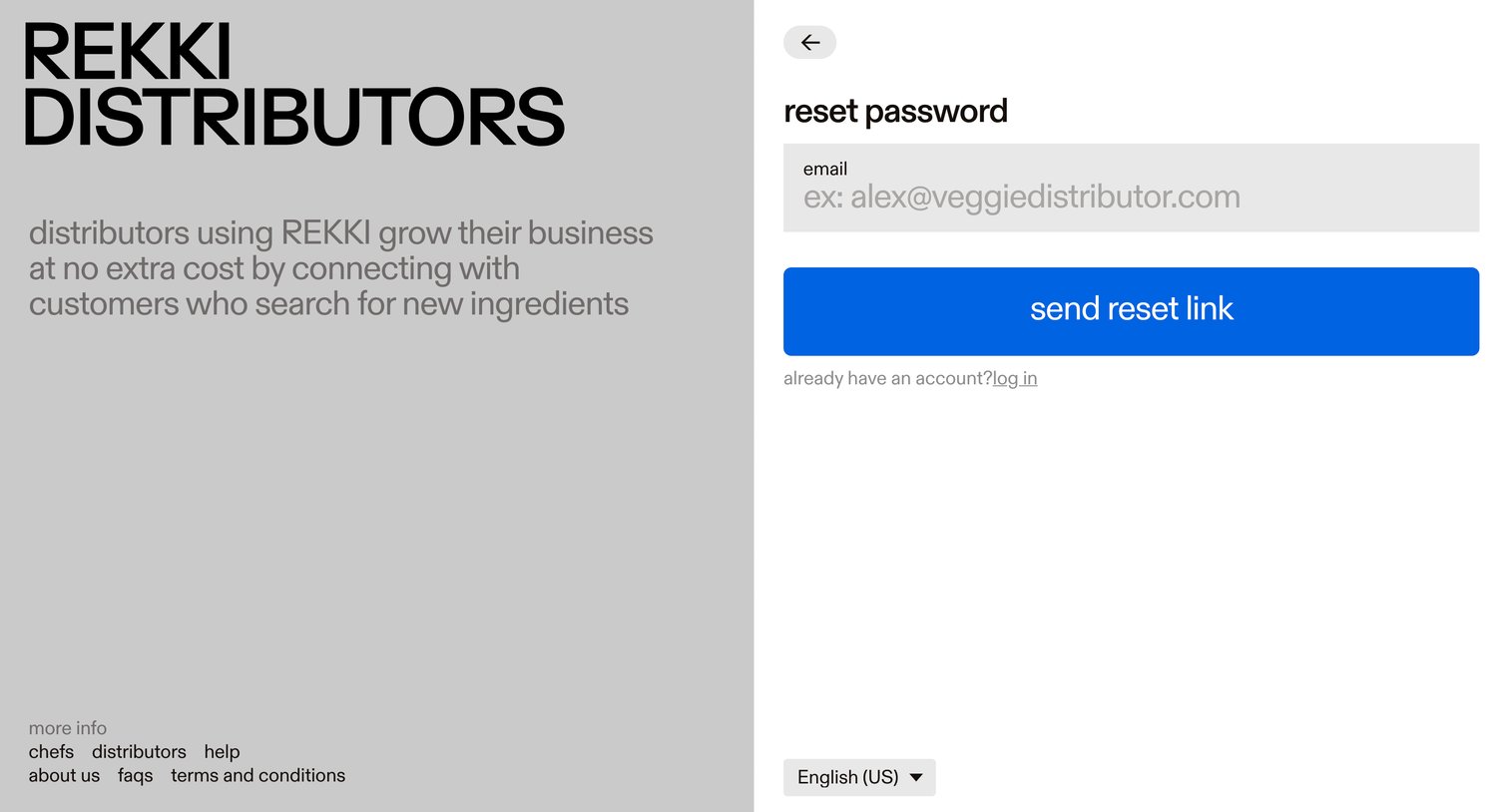

Password recovery screen where the user enters their email address to receive a reset link, featuring a split layout with informational copy on the left.
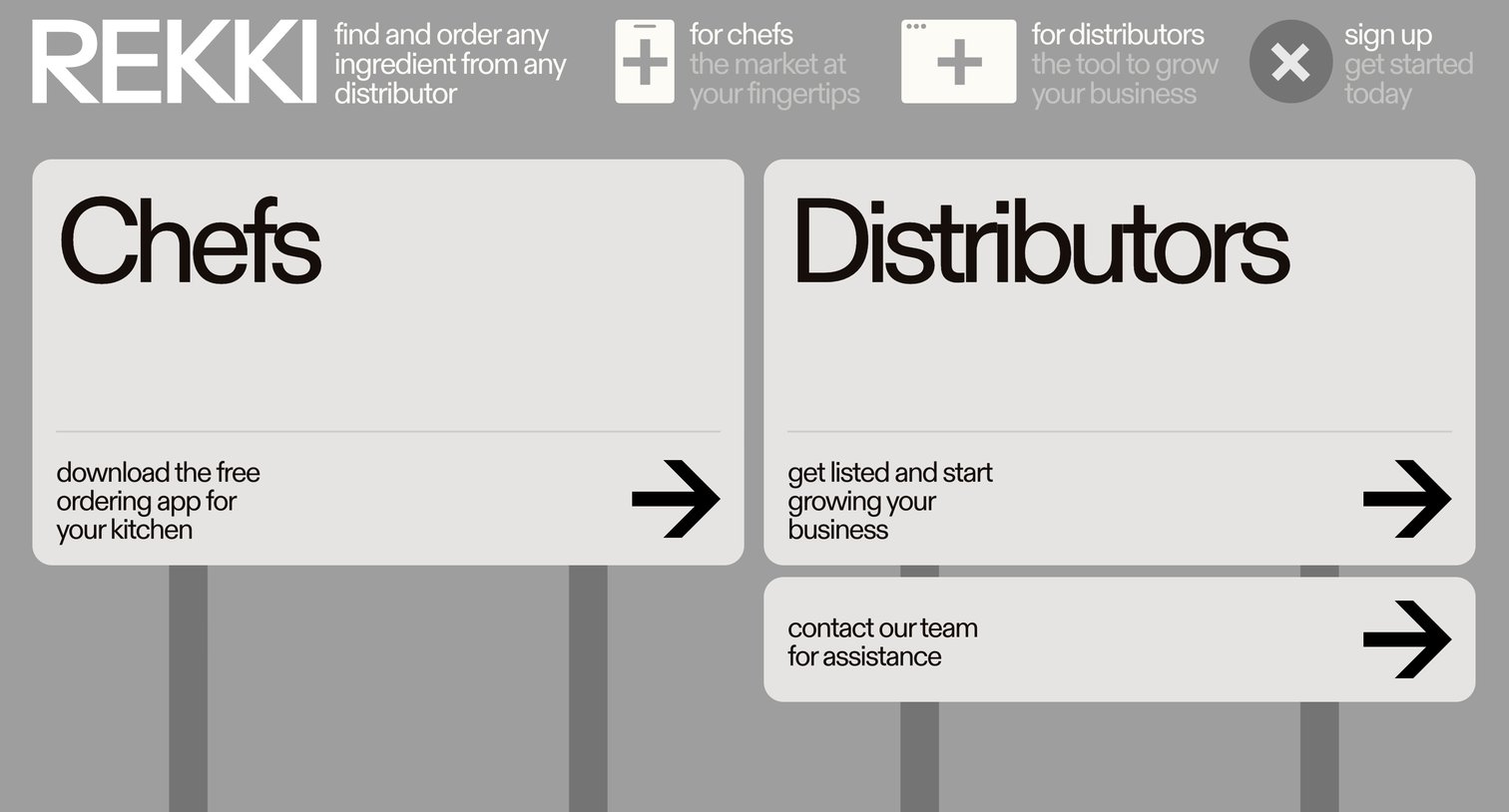
Landing page where the user chooses their path by selecting to download the app for chefs, get listed as a distributor, or contact the team.
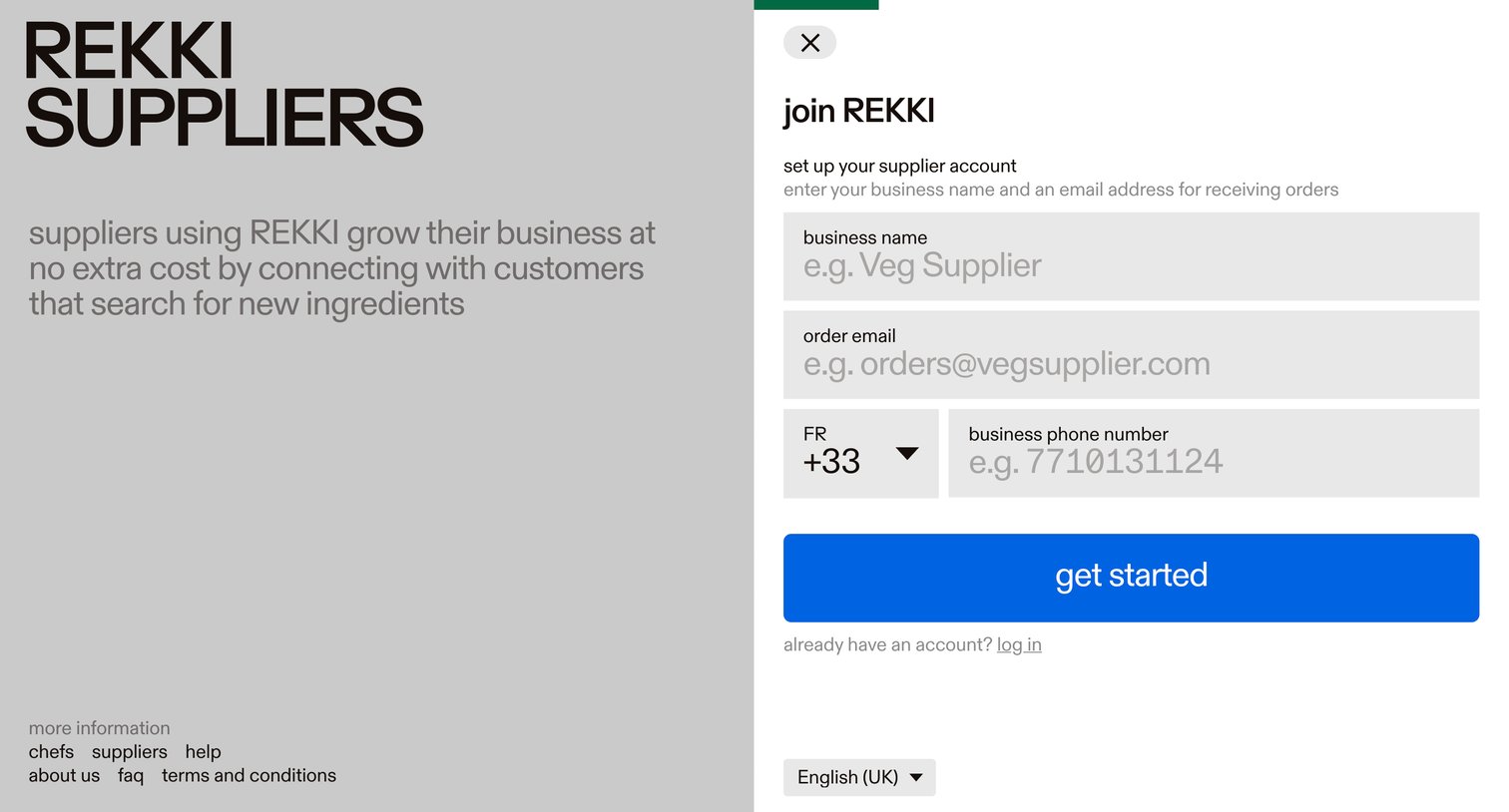
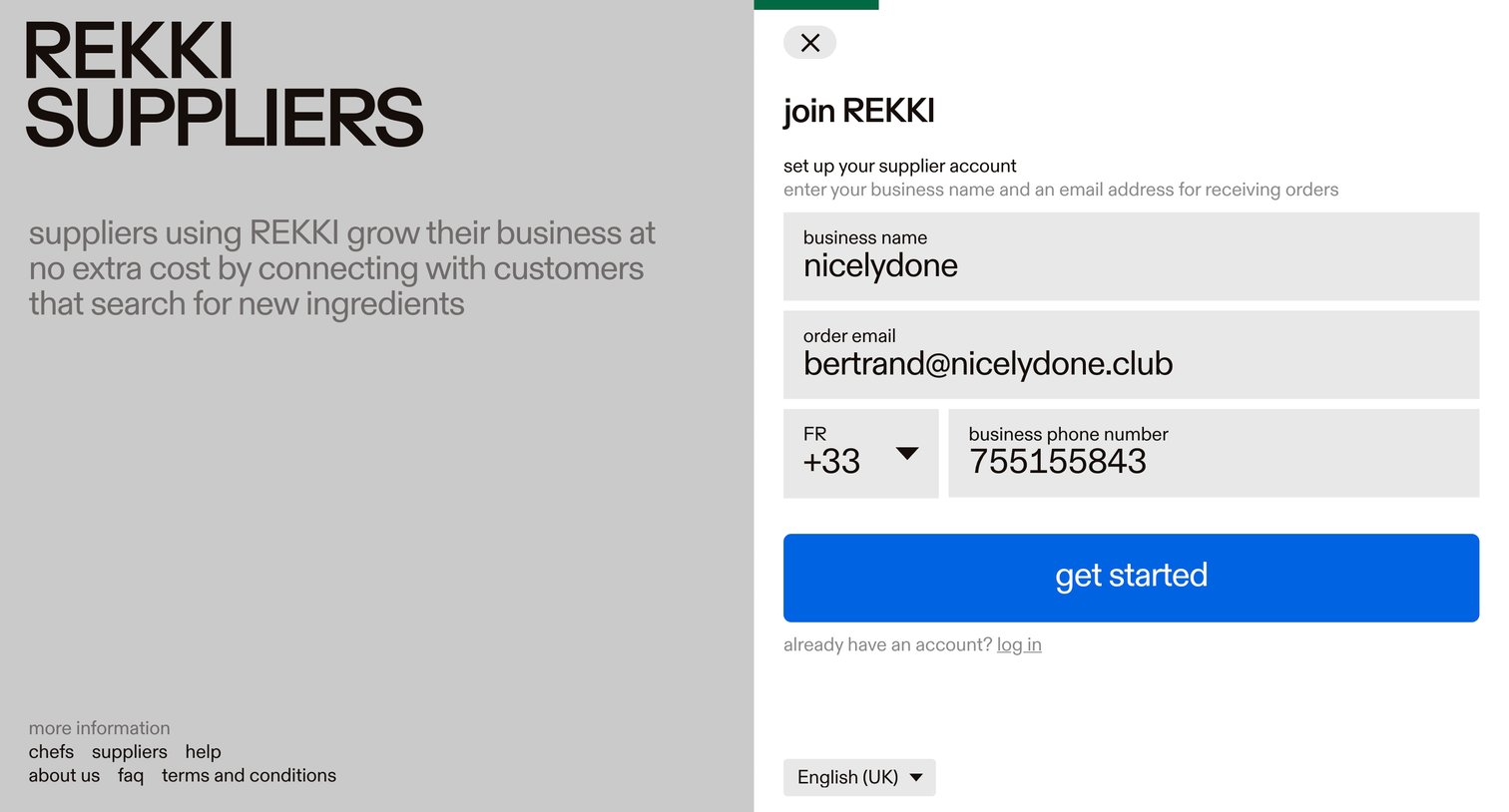
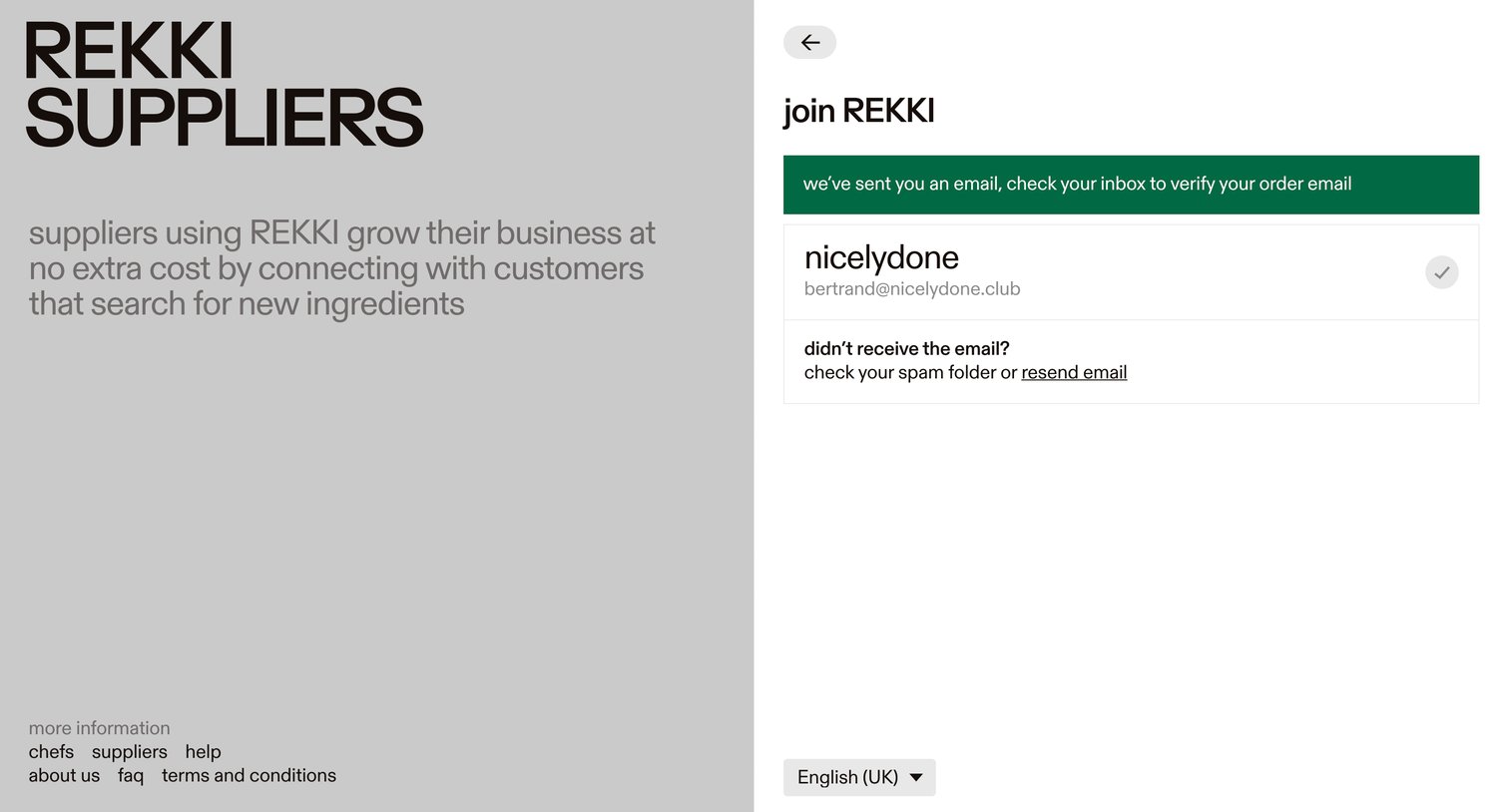
Signup step where the user is instructed to check their inbox to verify their email address, with an option to resend the link.

Signup step where the user selects their primary and secondary goods and services categories after verifying their email.
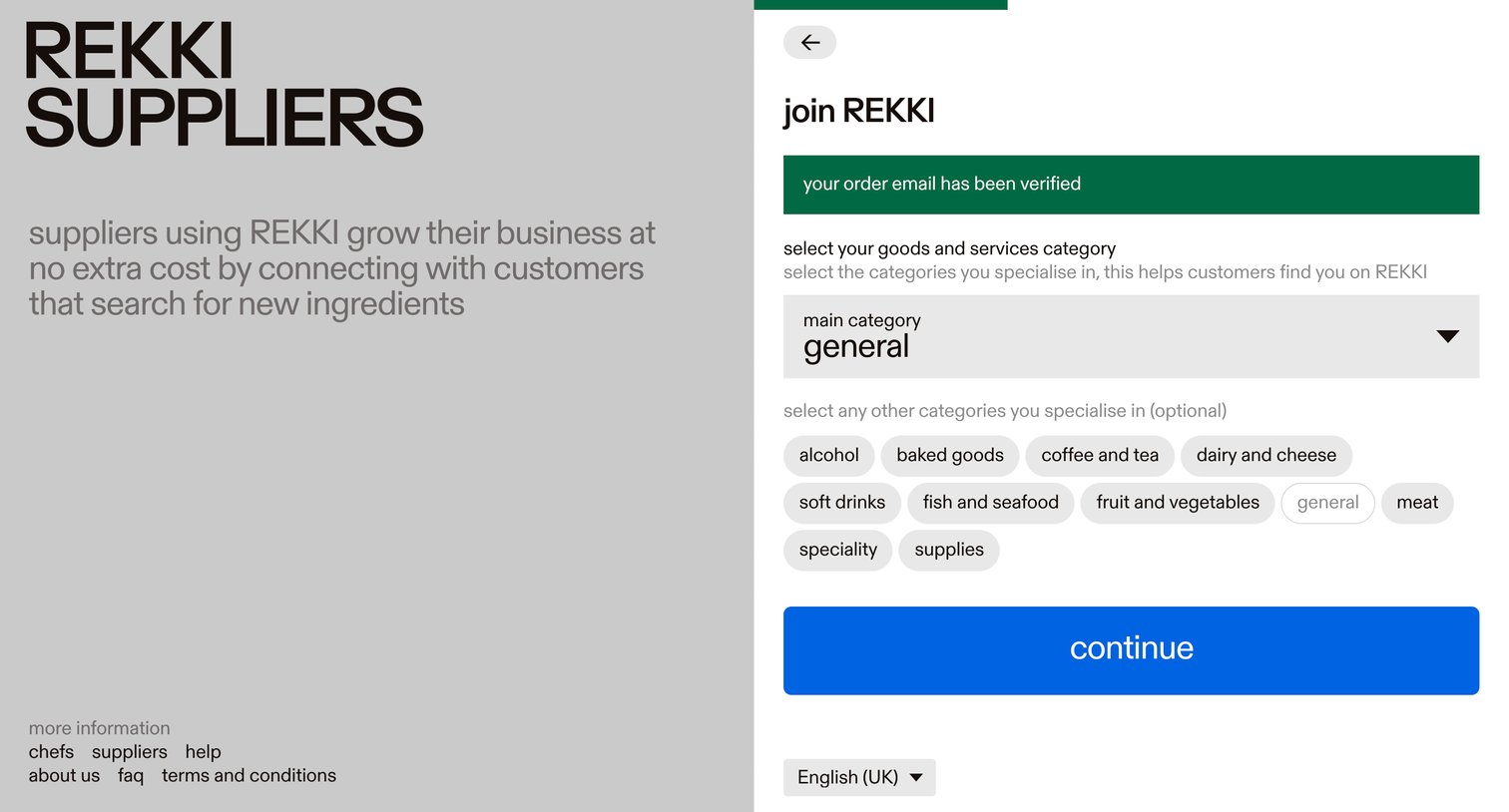
Onboarding step where a new supplier selects their primary and secondary goods categories after verifying their email.
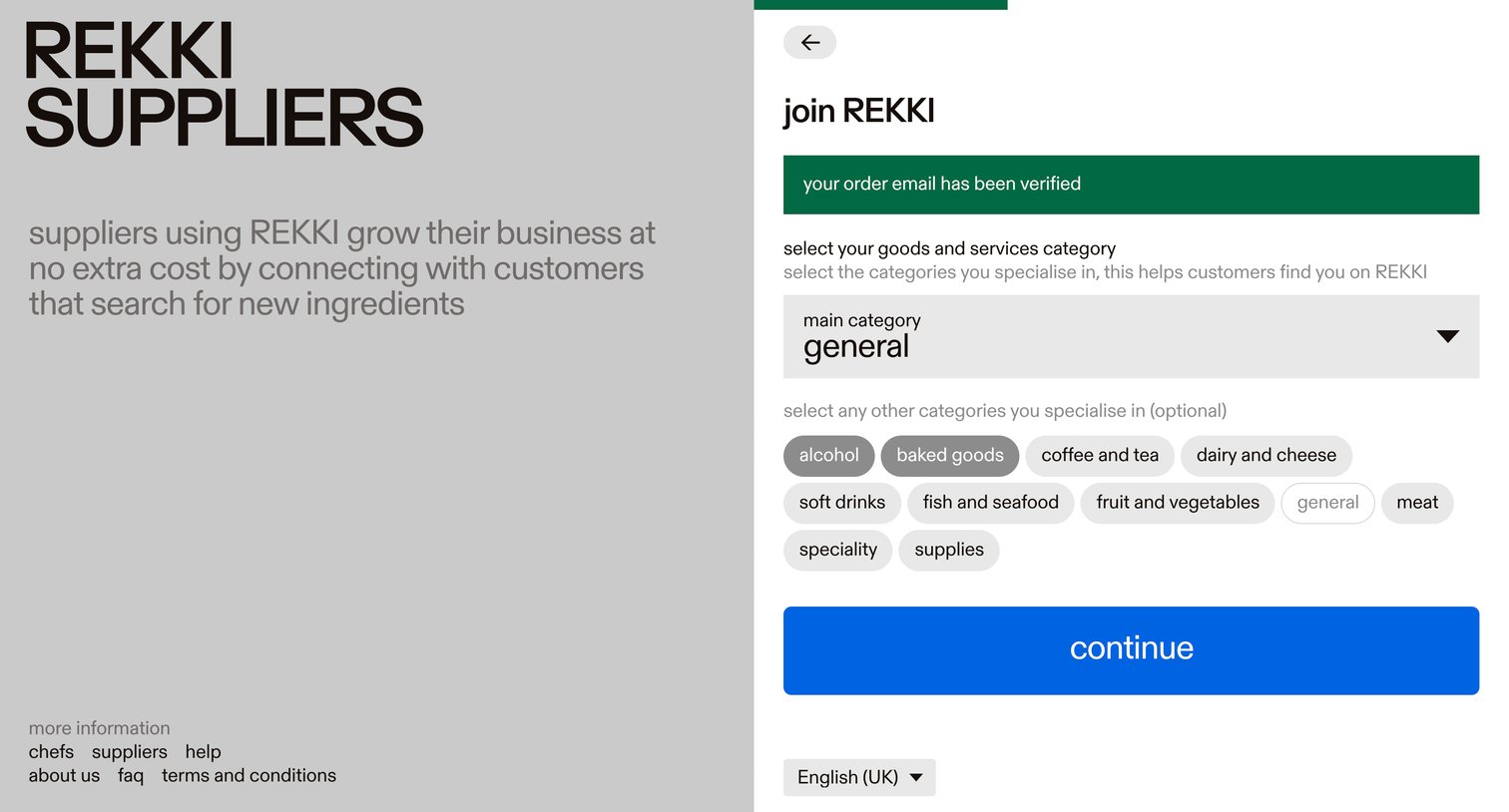
Signup step where the user selects their main goods category and additional specialties after verifying their email.
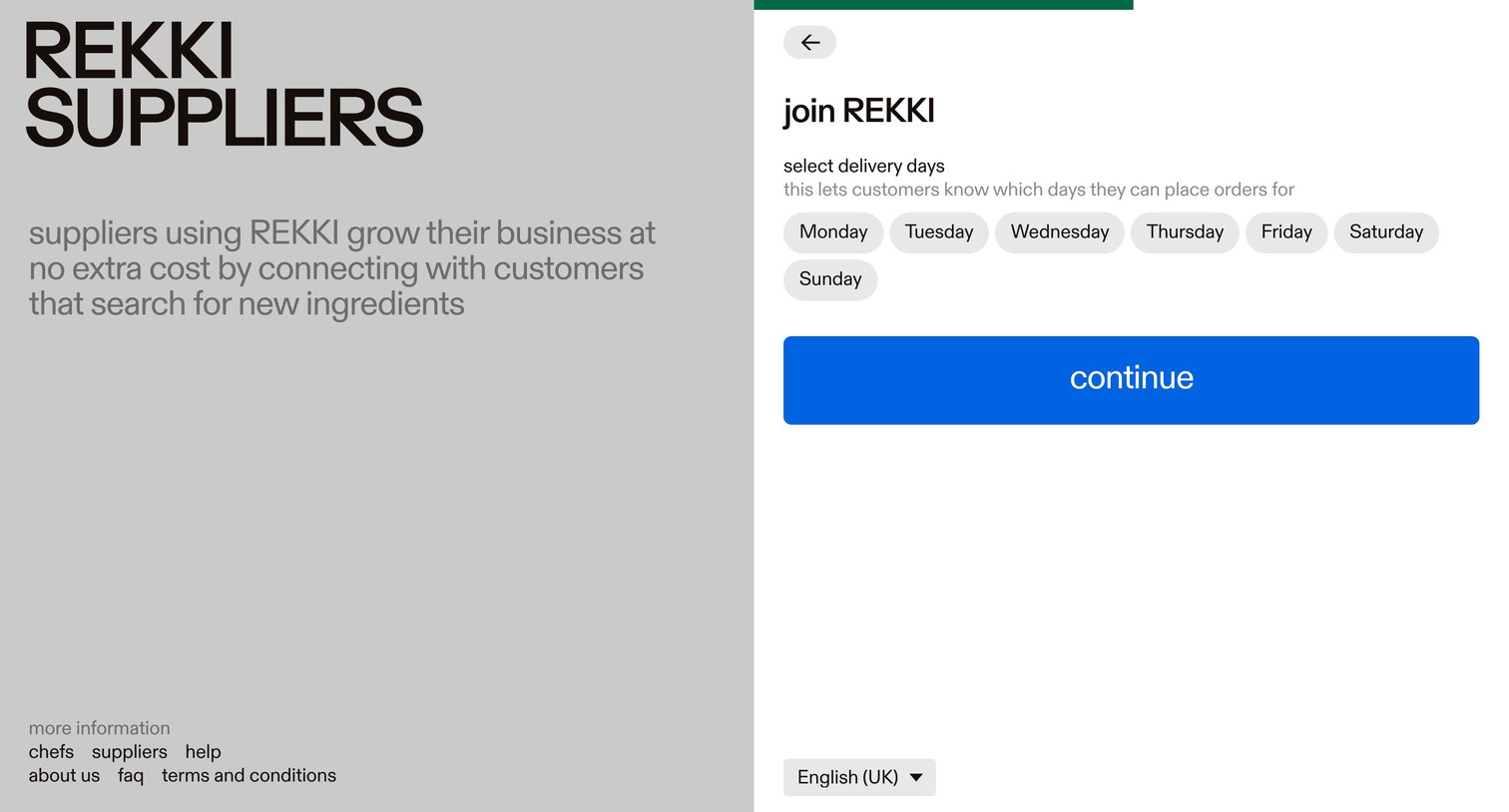
Onboarding step where a new supplier selects their available delivery days to complete their profile.
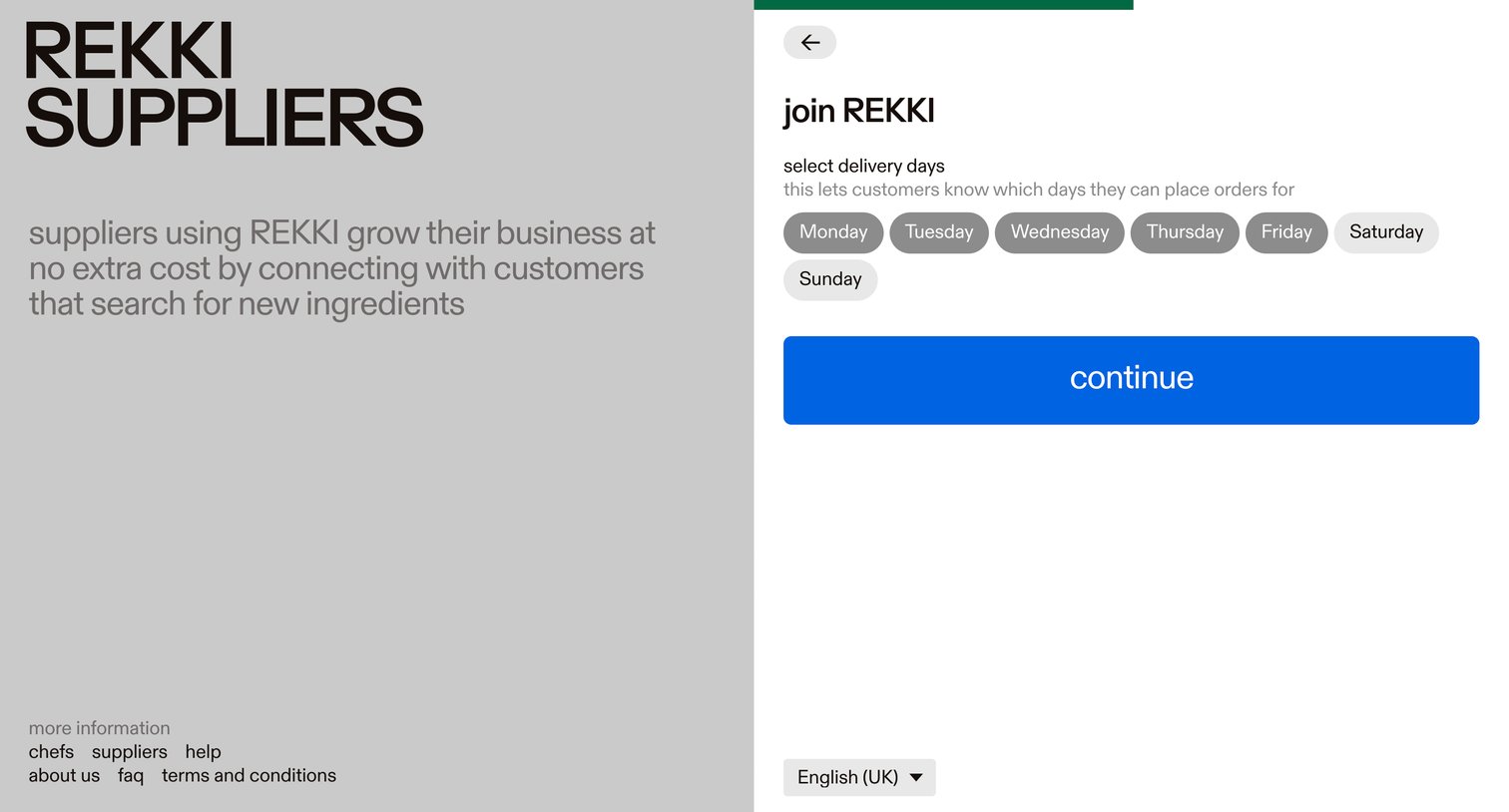
Signup step where the user selects their delivery days to let customers know when they can place orders.
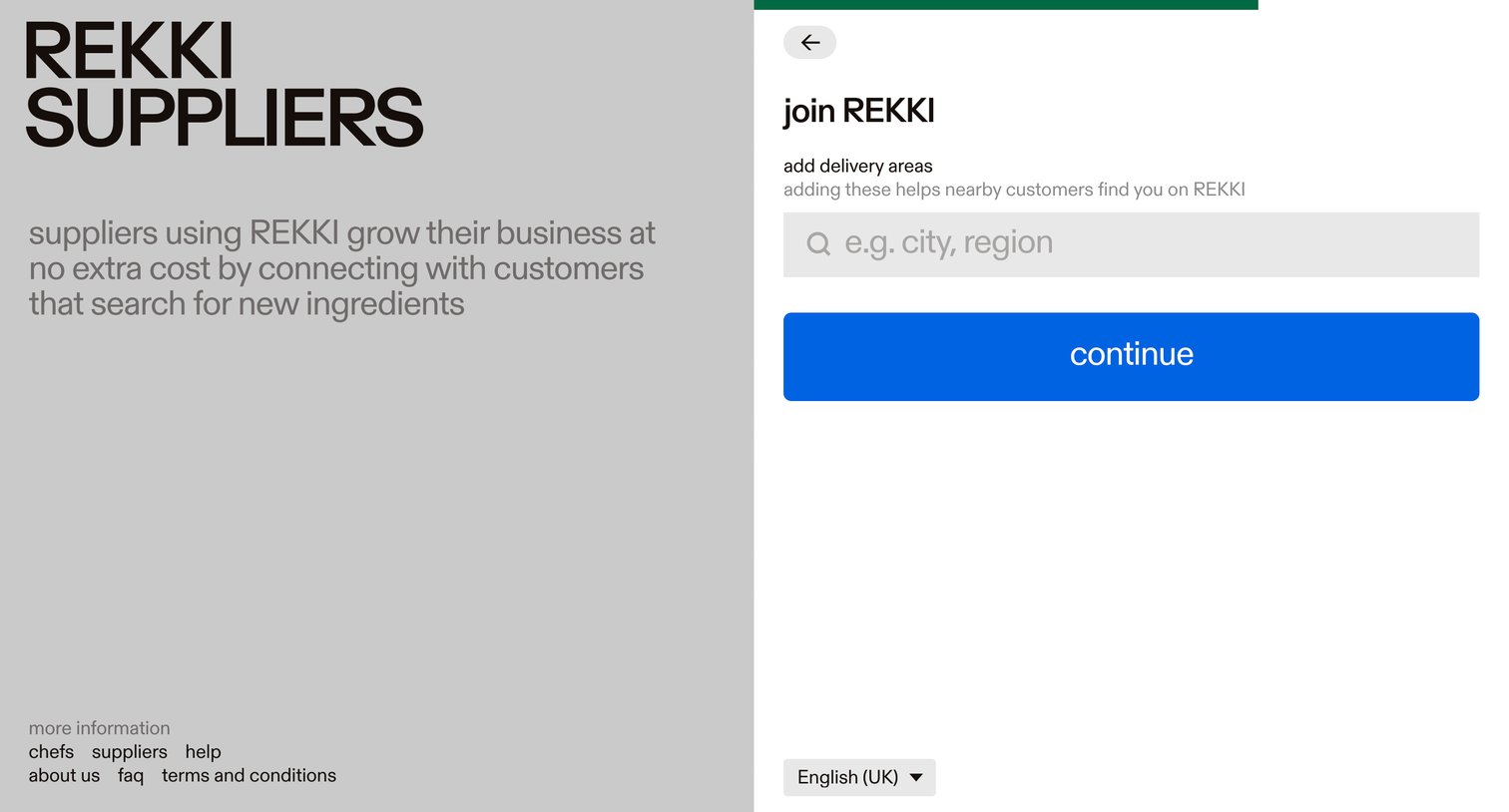
Signup step where the supplier adds their delivery areas by searching for cities or regions.
Browse the full SaaS app library
Explore real SaaS apps with their product screens, marketing screens, flows, and components.
Trusted by the best teams







