Quora product screens examples
Browse Quora screen design examples. Preview the interface screenshots and explore related UI patterns. Insightful answers to compelling questions
Explore the examples
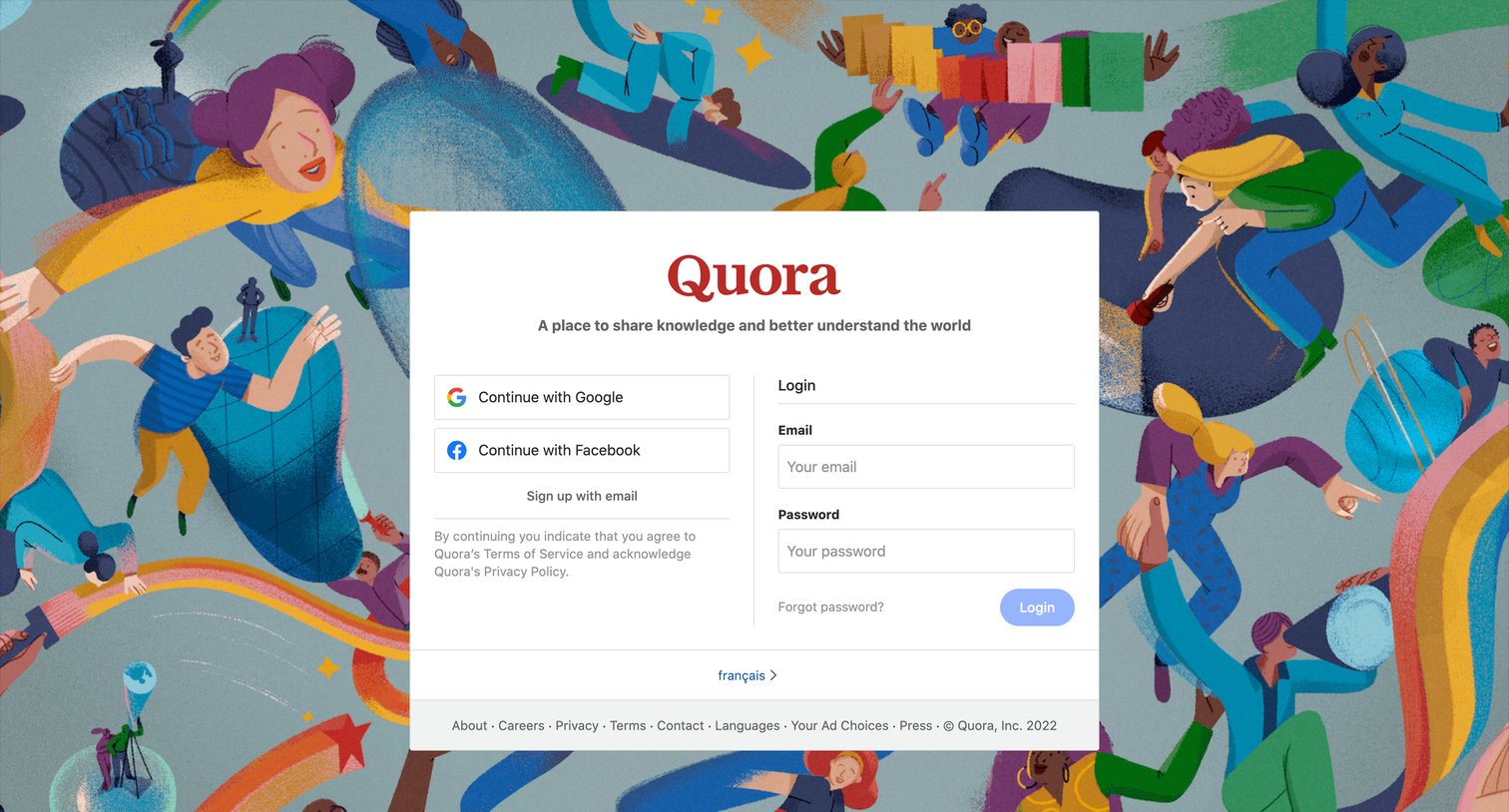

Authentication screen where the user can log in with an email and password or choose to continue with Google or Facebook.
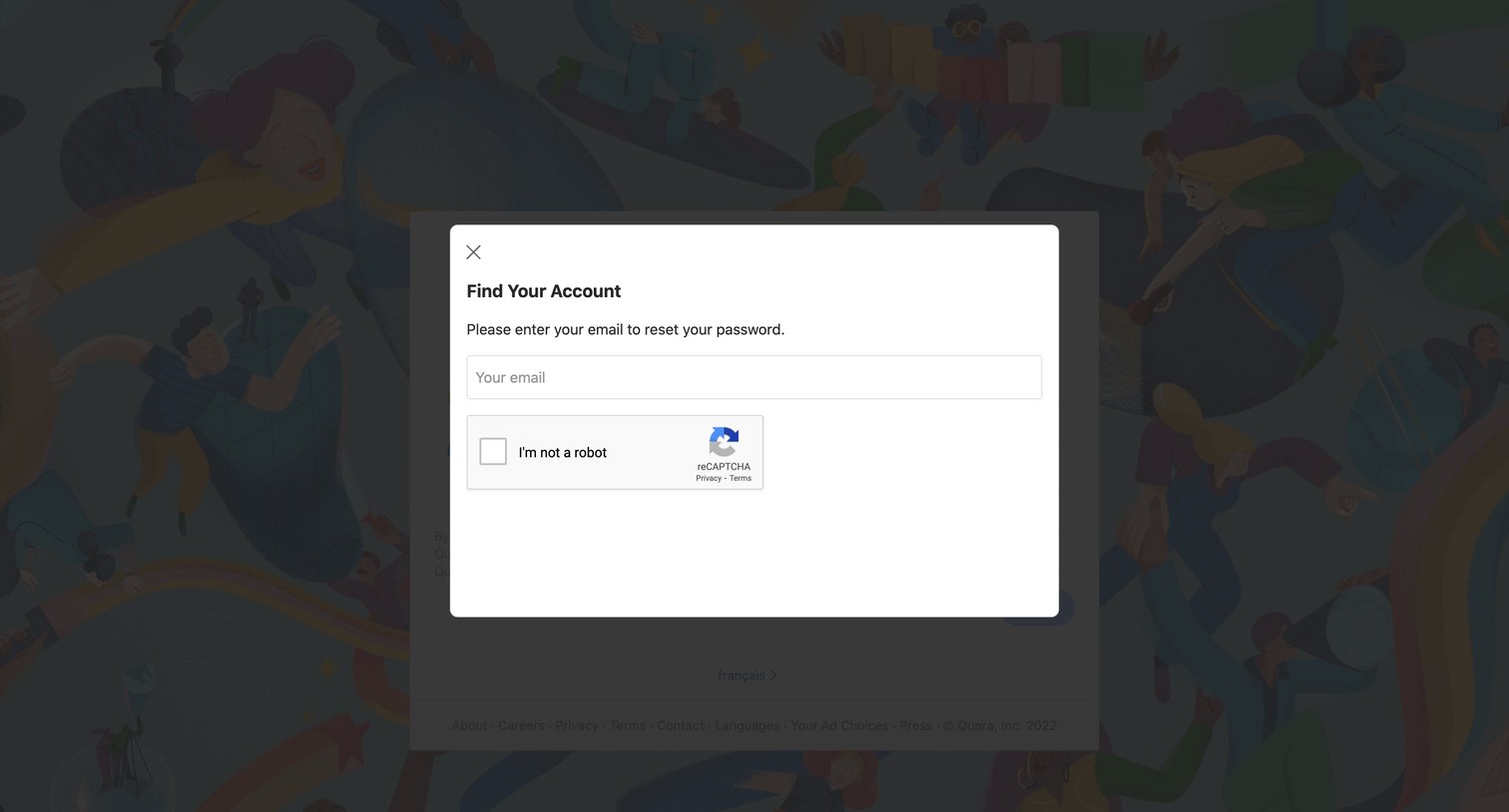
Password recovery modal where the user enters their email address and completes a reCAPTCHA to find their account.
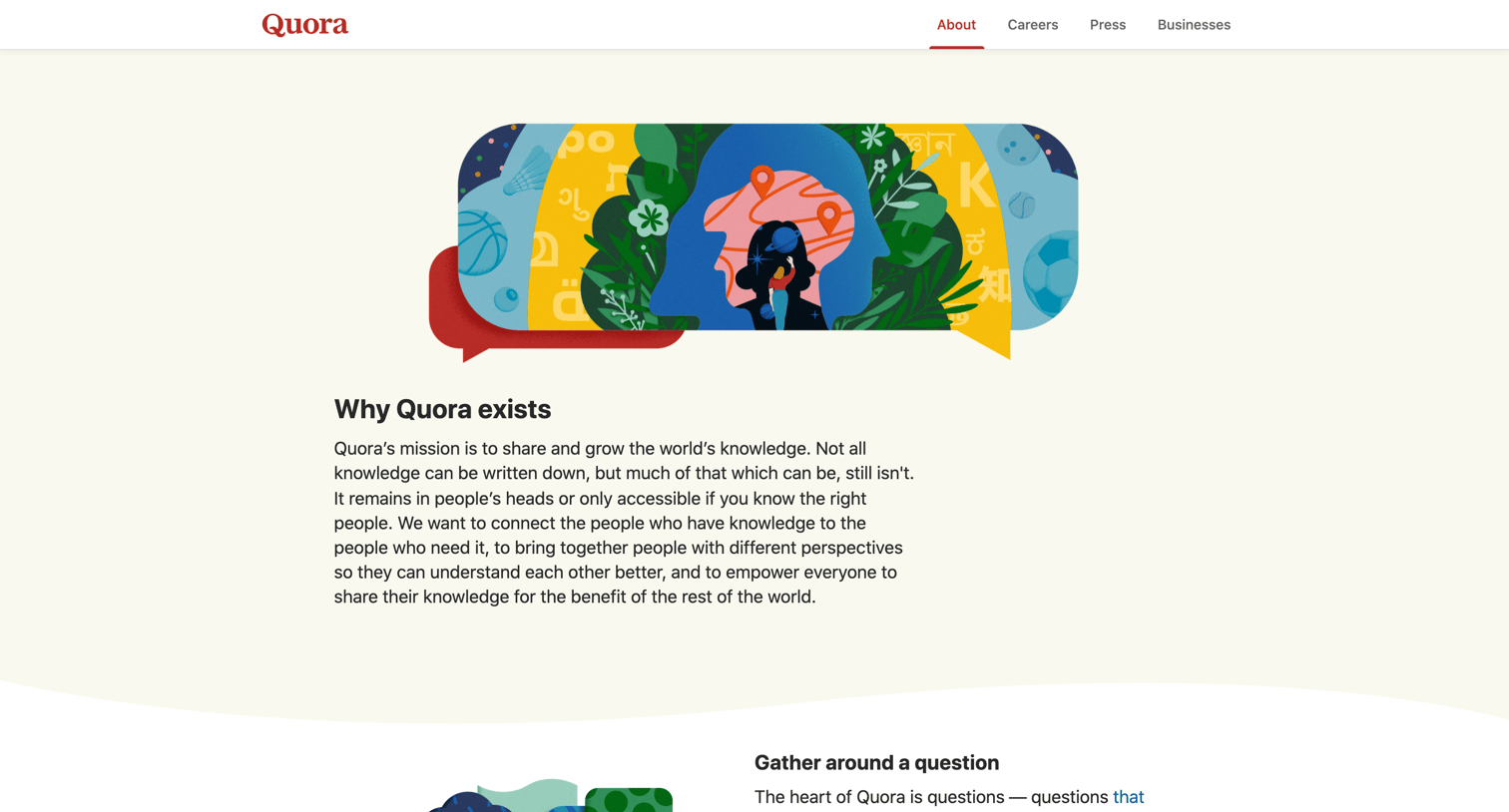
About page explaining Quora's mission to share knowledge, detailing how users gather around questions, tell stories, and understand the world, with links to specific examples.
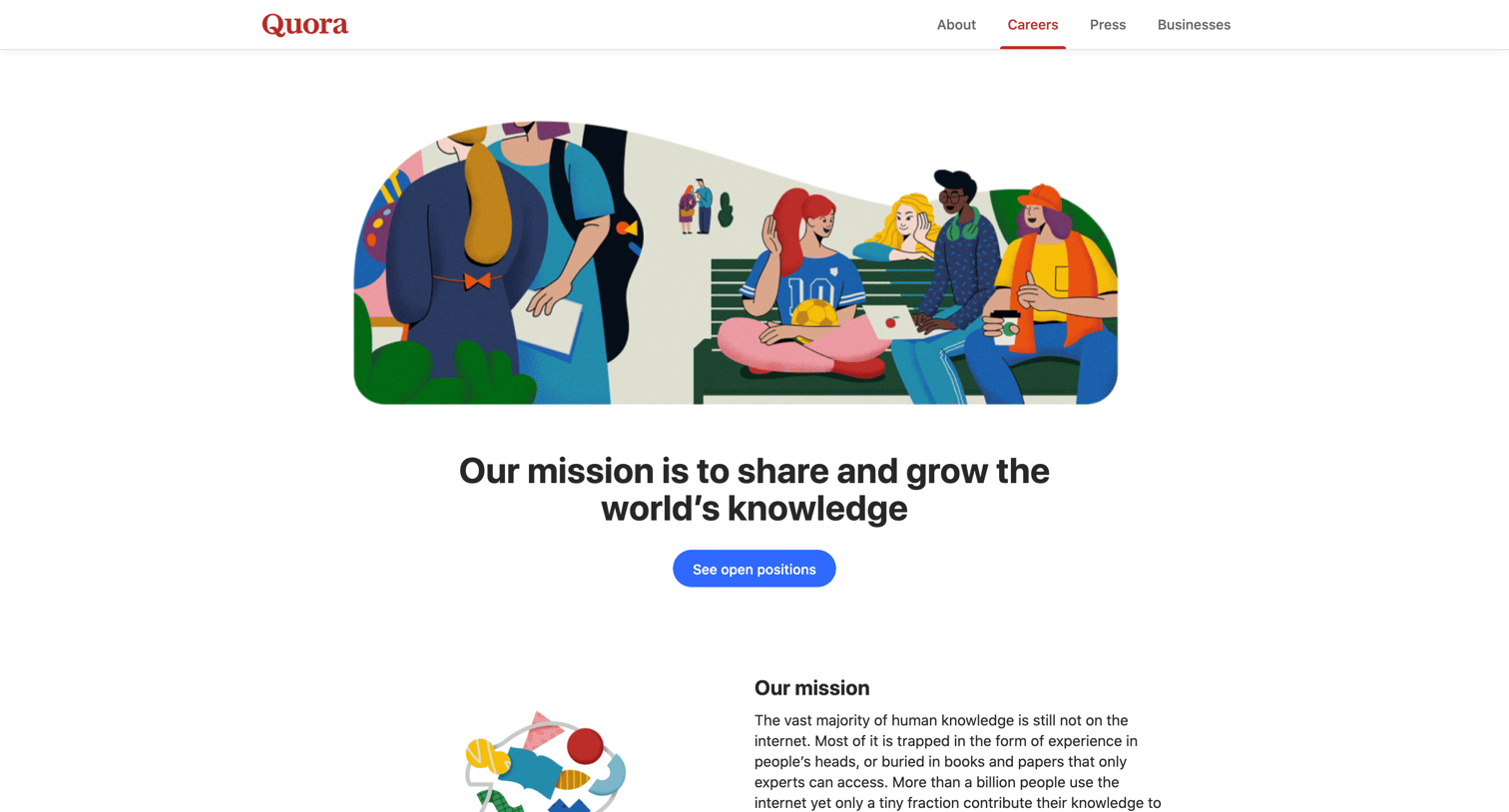
Careers page detailing the company's mission, core values, remote-first culture, and a categorized list of open positions.
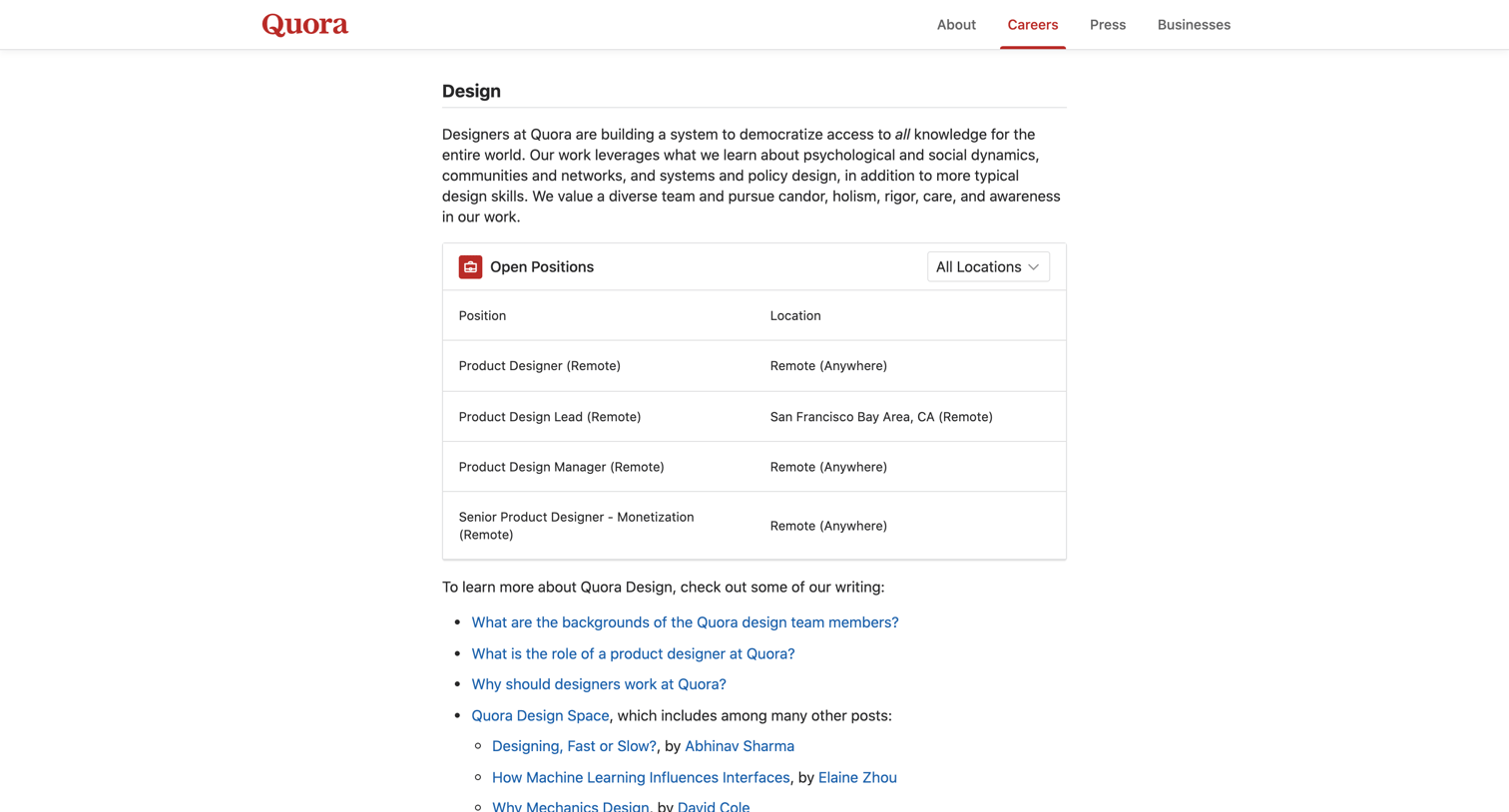
Careers page for the design team featuring a list of open positions filterable by location and links to team writing.
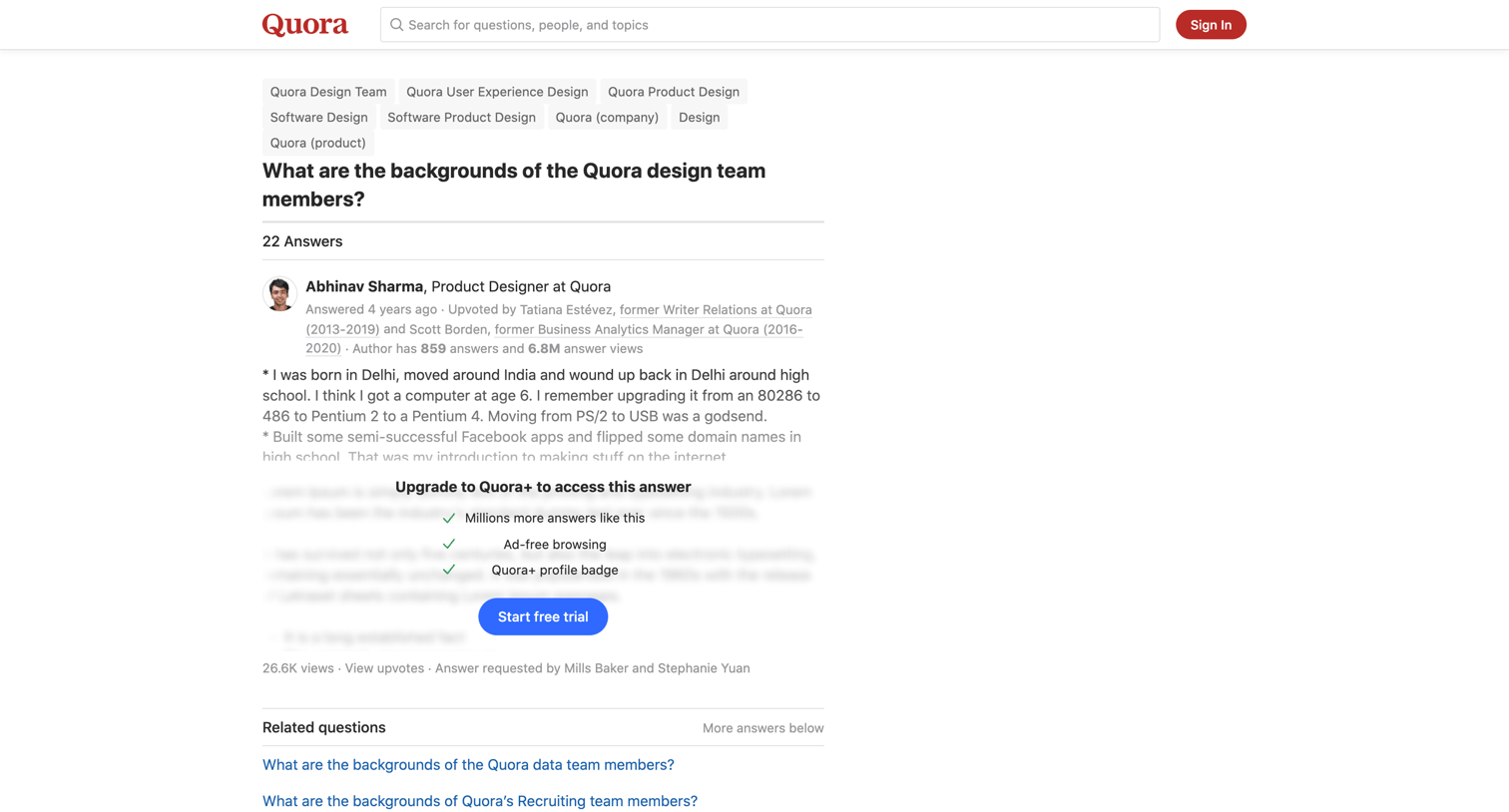
Detail page where the user reads answers about the backgrounds of Quora design team members, featuring an inline paywall prompting a free trial to read the full top answer.
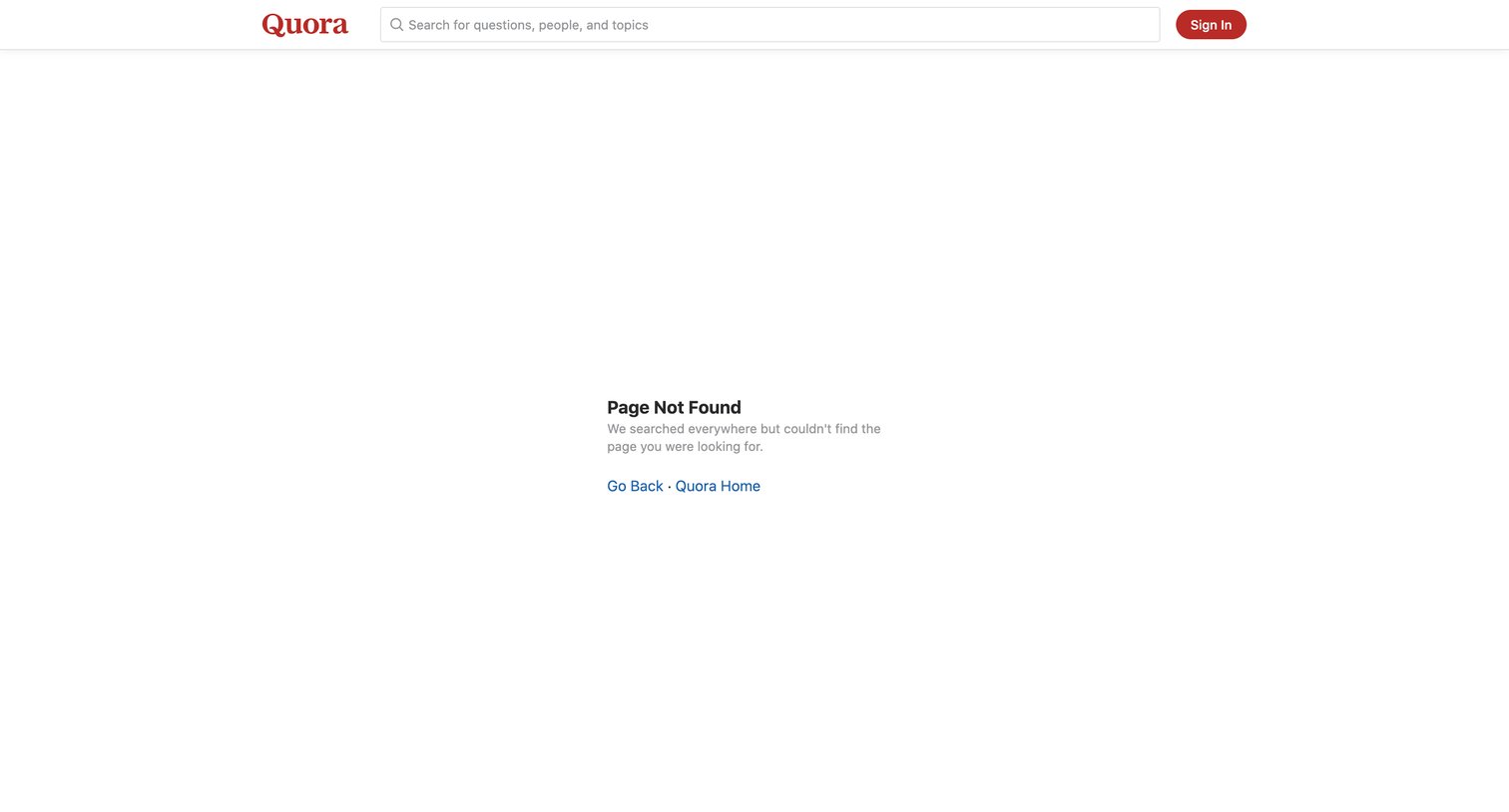
Error page where the user is informed the page was not found and provided links to go back or return to the home page.
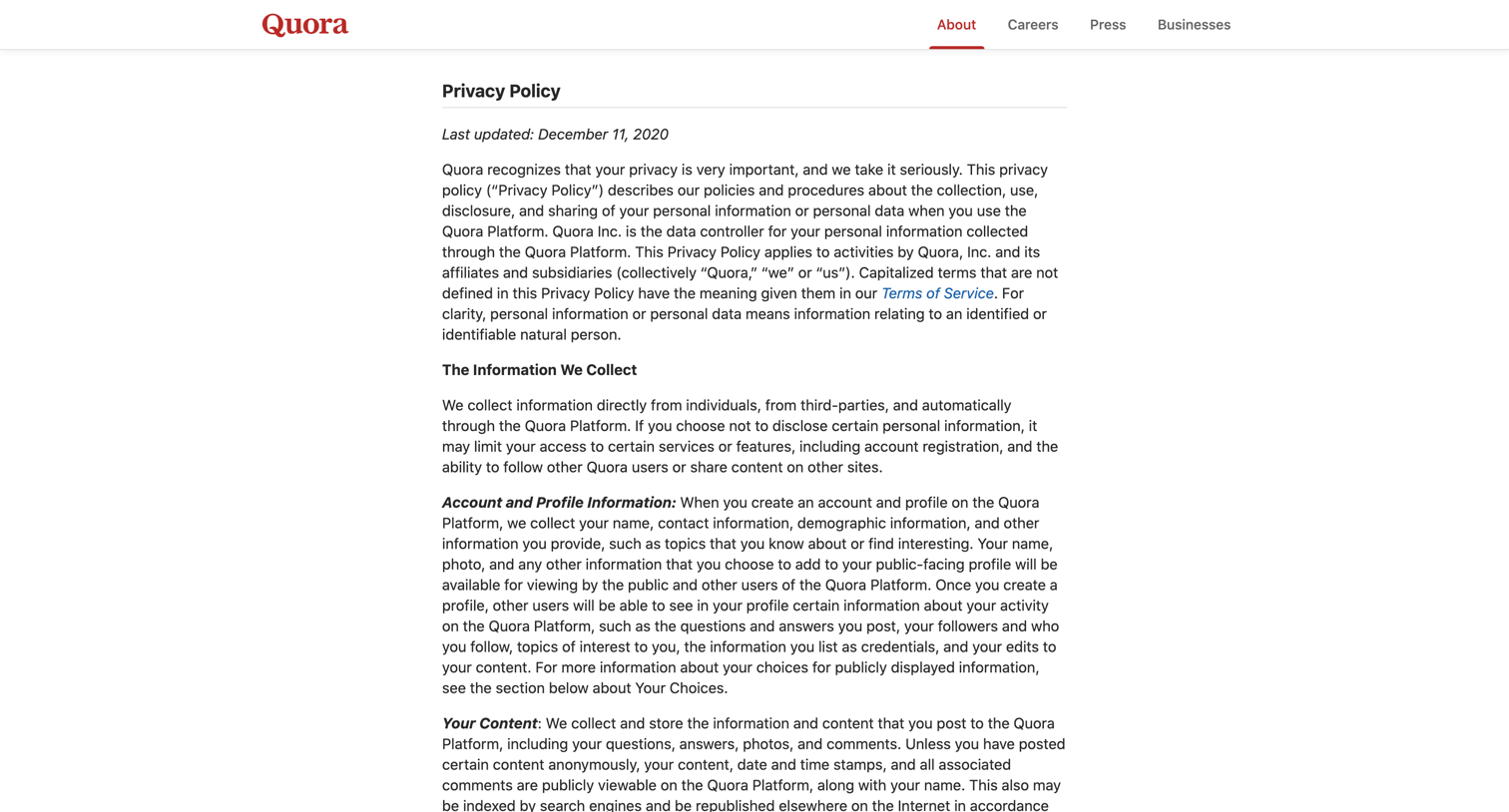
Privacy policy page detailing how user data is collected, used, and shared, including a table outlining the purposes and legal bases for processing personal data.
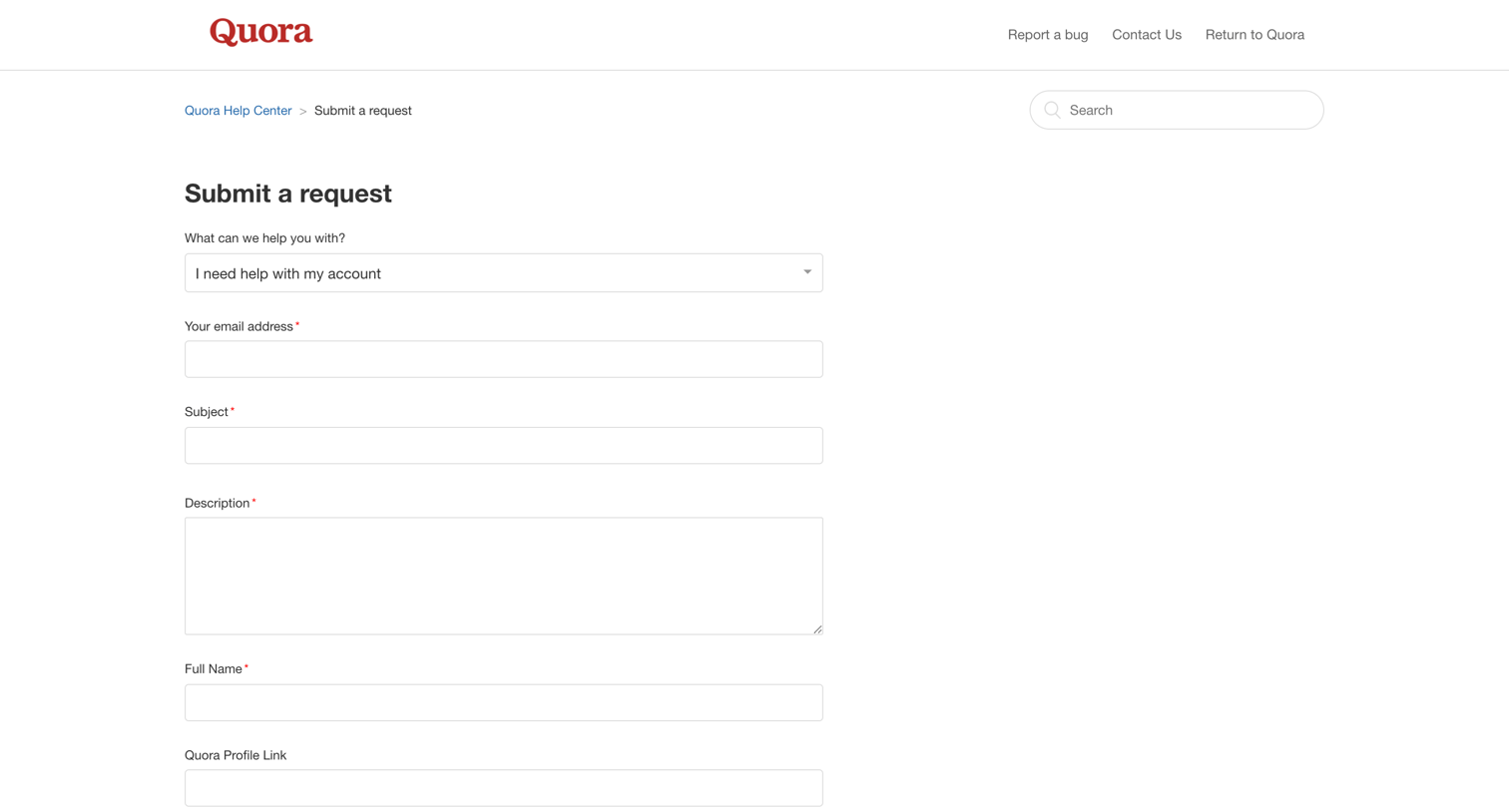
Help center page where the user fills out a form with their account details, subject, and description to submit a support request.
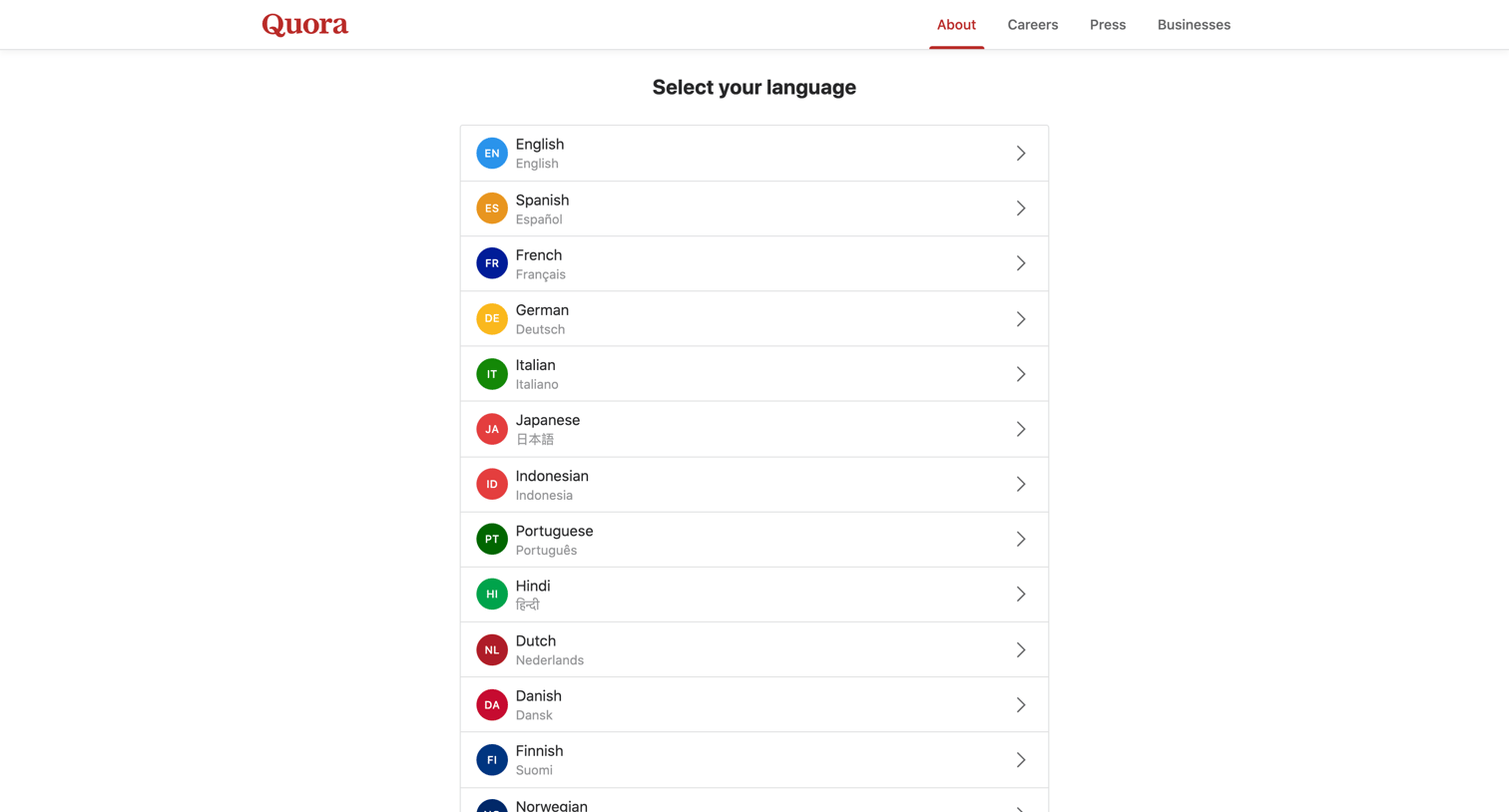
About page where the user selects their preferred language from a list of supported options.
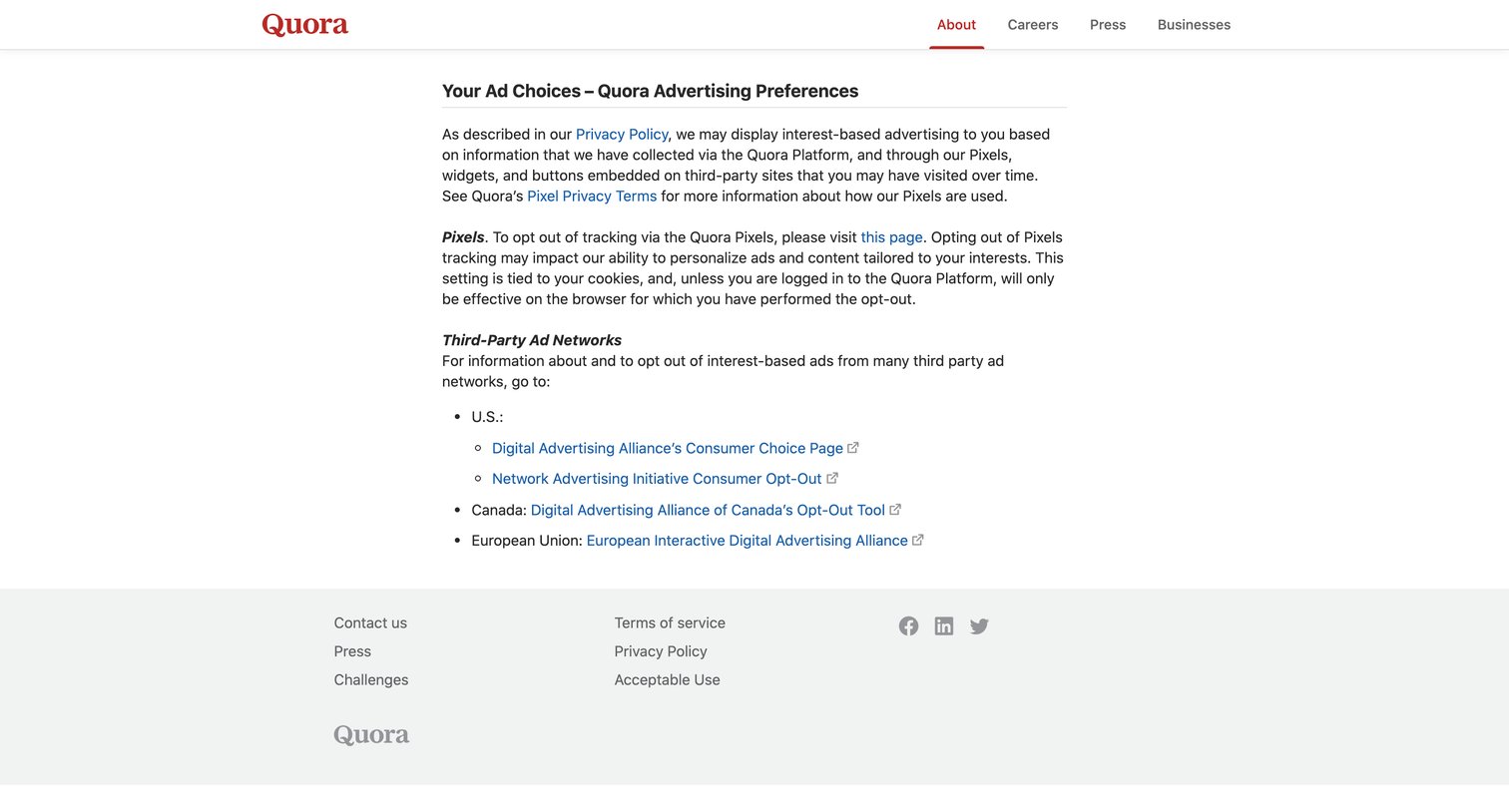
Legal page detailing Quora's advertising preferences, pixel tracking policies, and providing links to third-party opt-out networks.
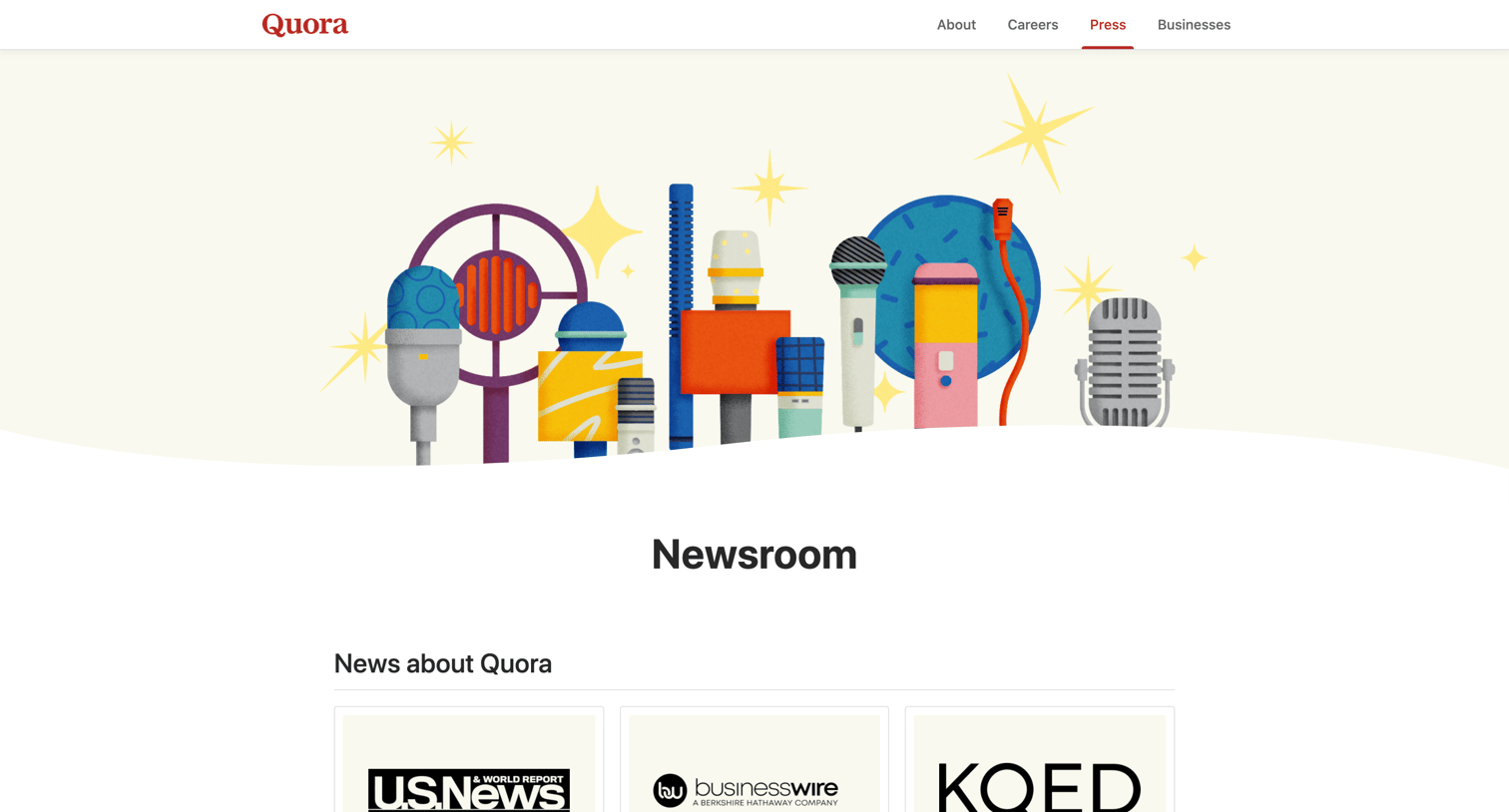
Press page featuring a grid of news articles and media coverage about Quora from various publications.
Explore the full SaaS screen library
Upgrade to unlock the full library.
Trusted by the best teams







