Missive UI components examples
Browse Missive UI component design examples. Preview individual interface elements and explore related component categories. Team email, chat & tasks
Explore the examples
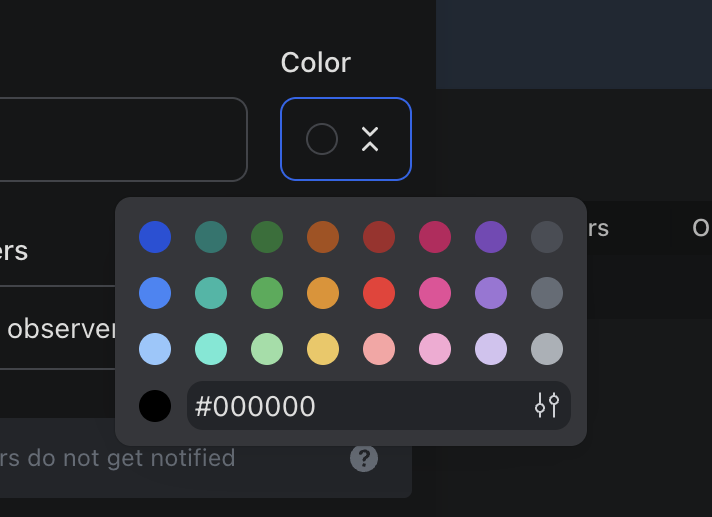

A color picker popover is displayed over a dark-themed application interface, showing a grid of color swatches, a hexadecimal input field, and a color selection button.
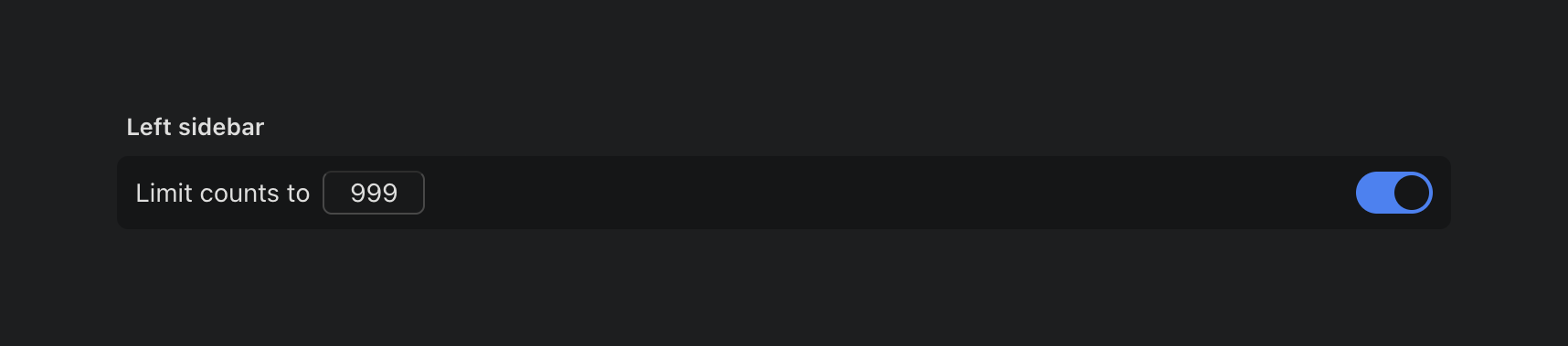
A dark mode interface displaying a setting for a left sidebar with a numerical input and a toggle switch.
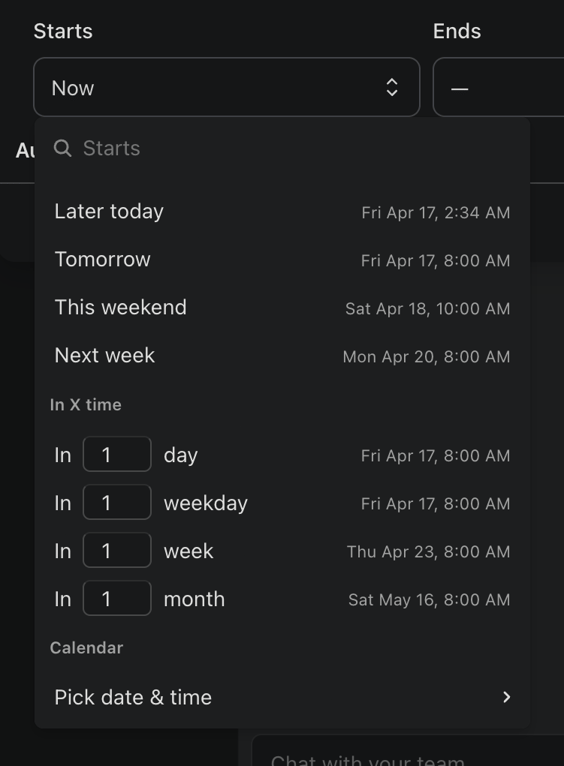
A dropdown menu for selecting a start date and time, featuring quick selection options, a search bar, and custom input fields.
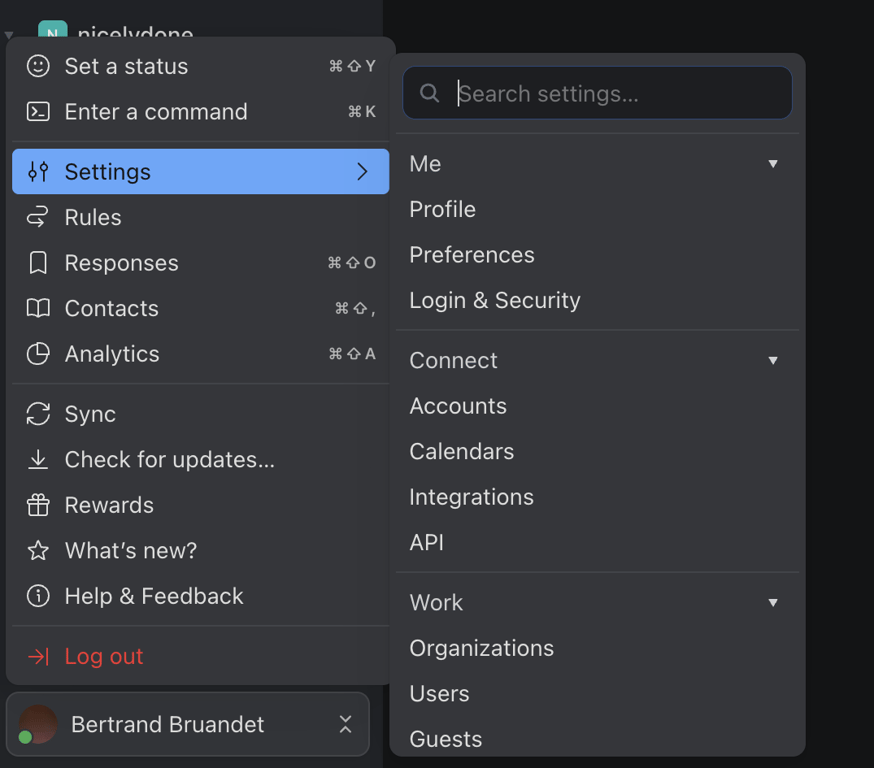
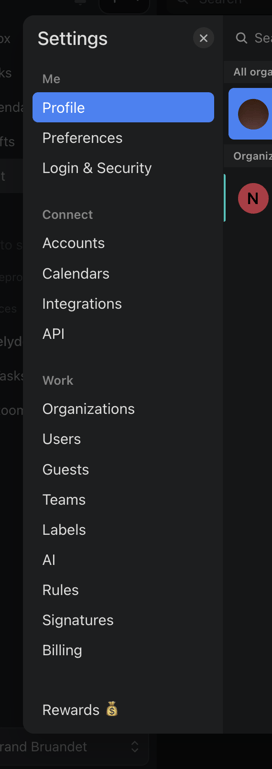
A dark mode application interface displaying a hierarchical navigation menu with settings options and a search bar.
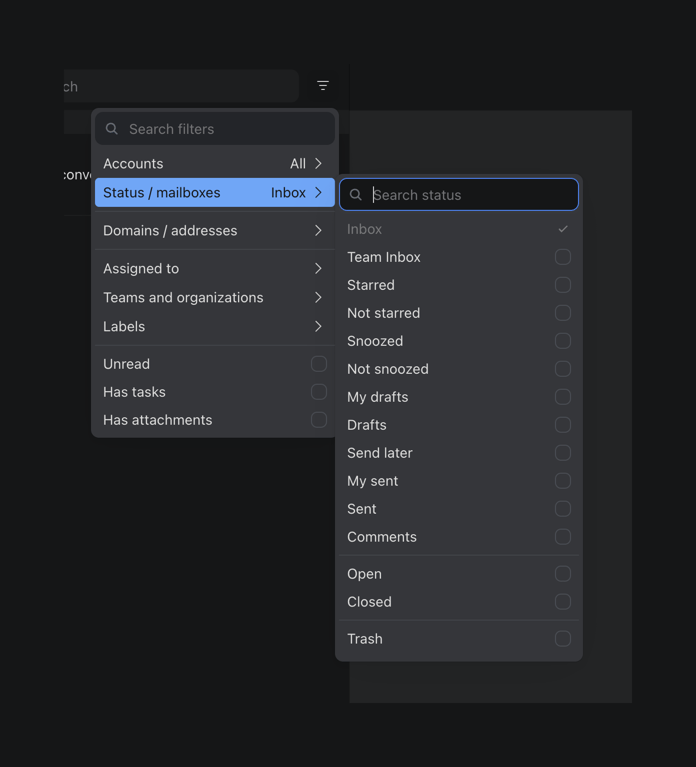
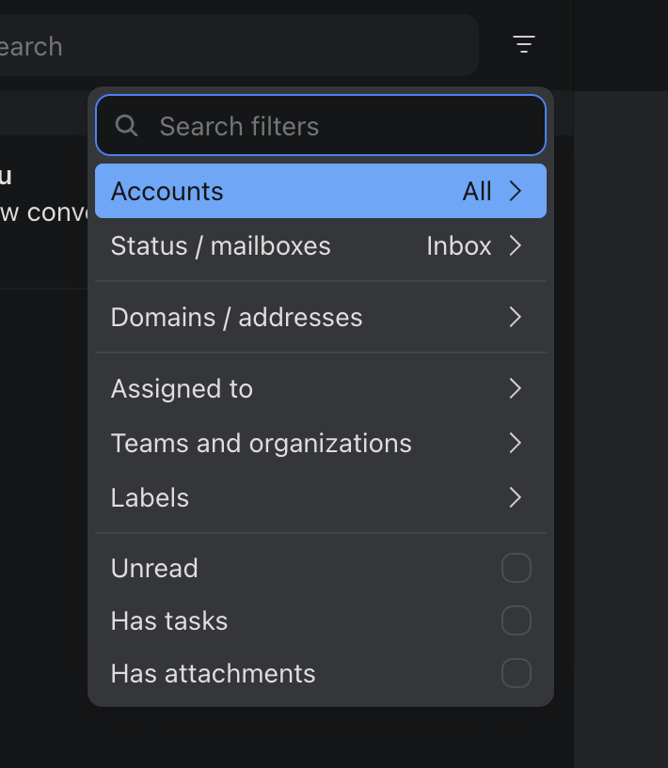
A nested filter menu with search functionality for mailboxes and status options in a dark mode application interface.
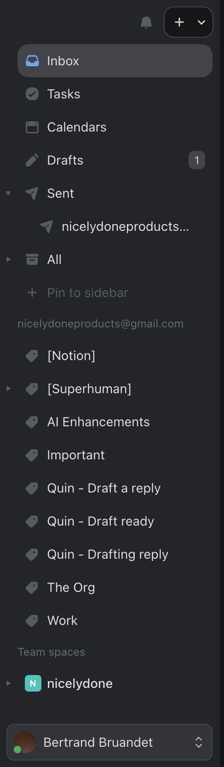

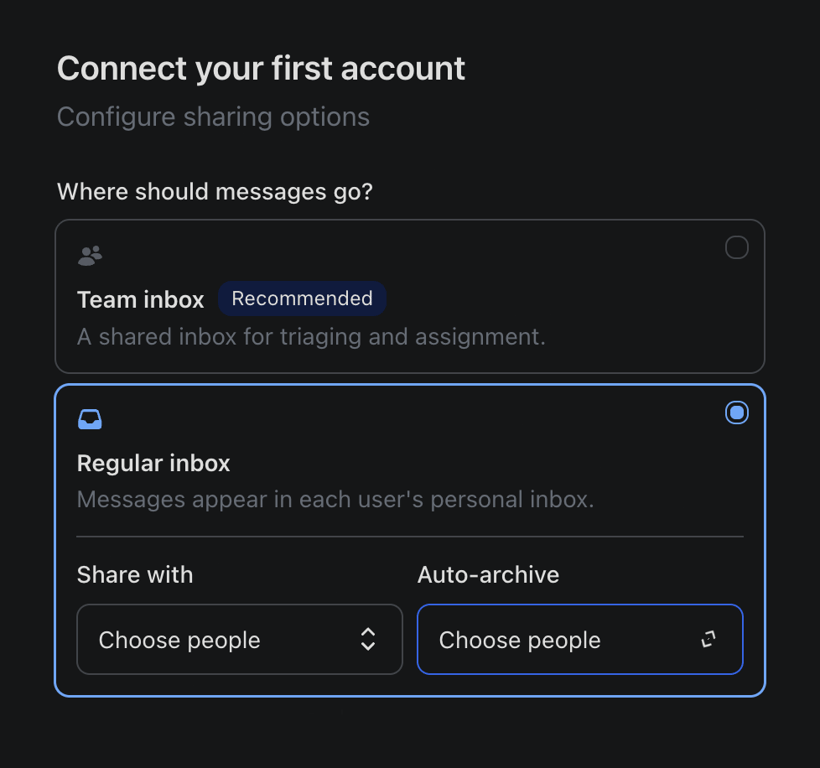
A user interface for connecting an account and configuring message sharing options.
Browse the full component library
Browse the full UI component library.
Trusted by the best teams







