Missive marketing pages examples
Explore Missive website design examples. Preview marketing pages and browse related SaaS page designs. Team email, chat & tasks
Explore the examples
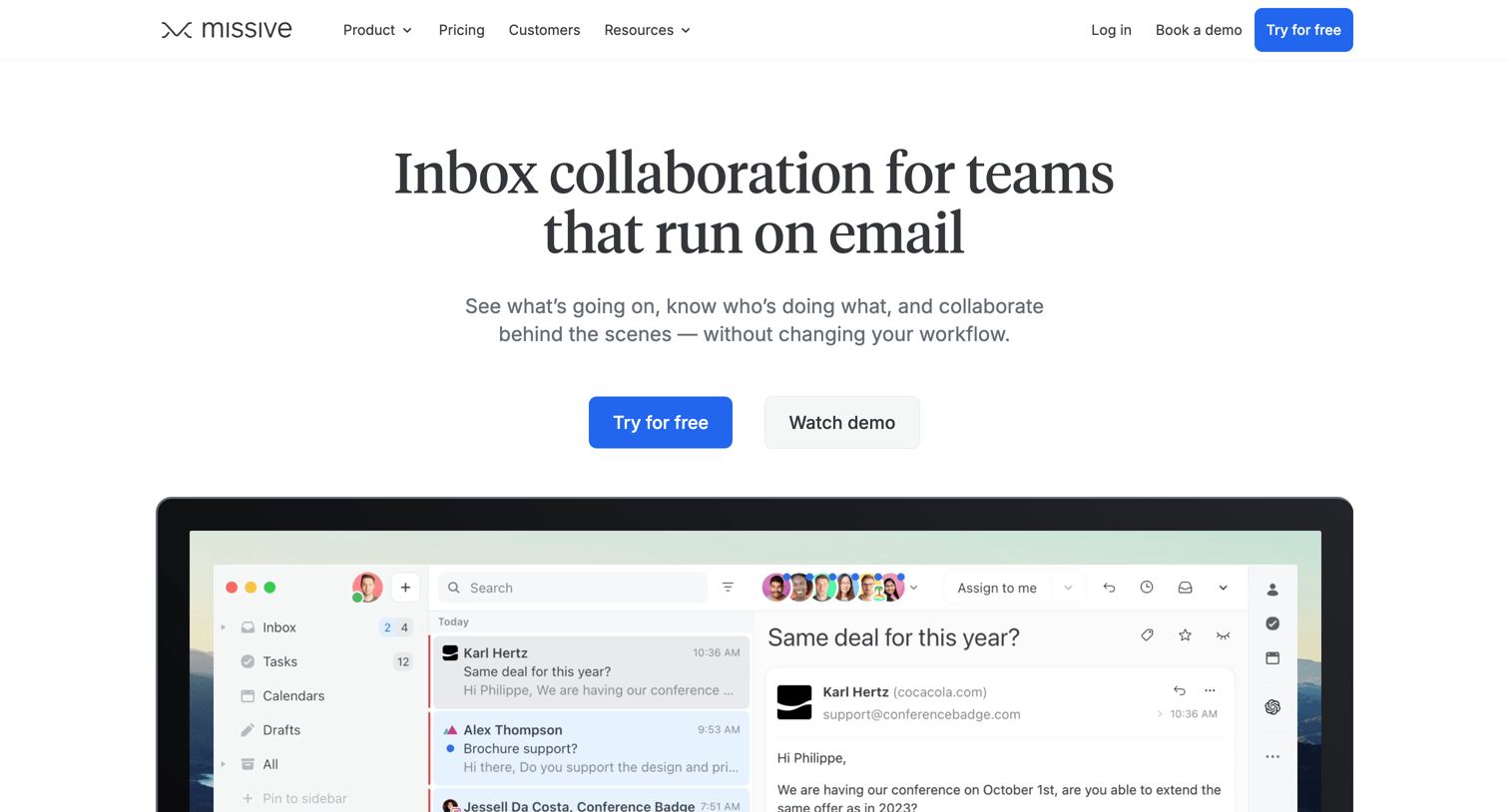

Landing page for a shared inbox and team email collaboration tool, featuring product screenshots, a dense feature pill cloud, and video testimonials.
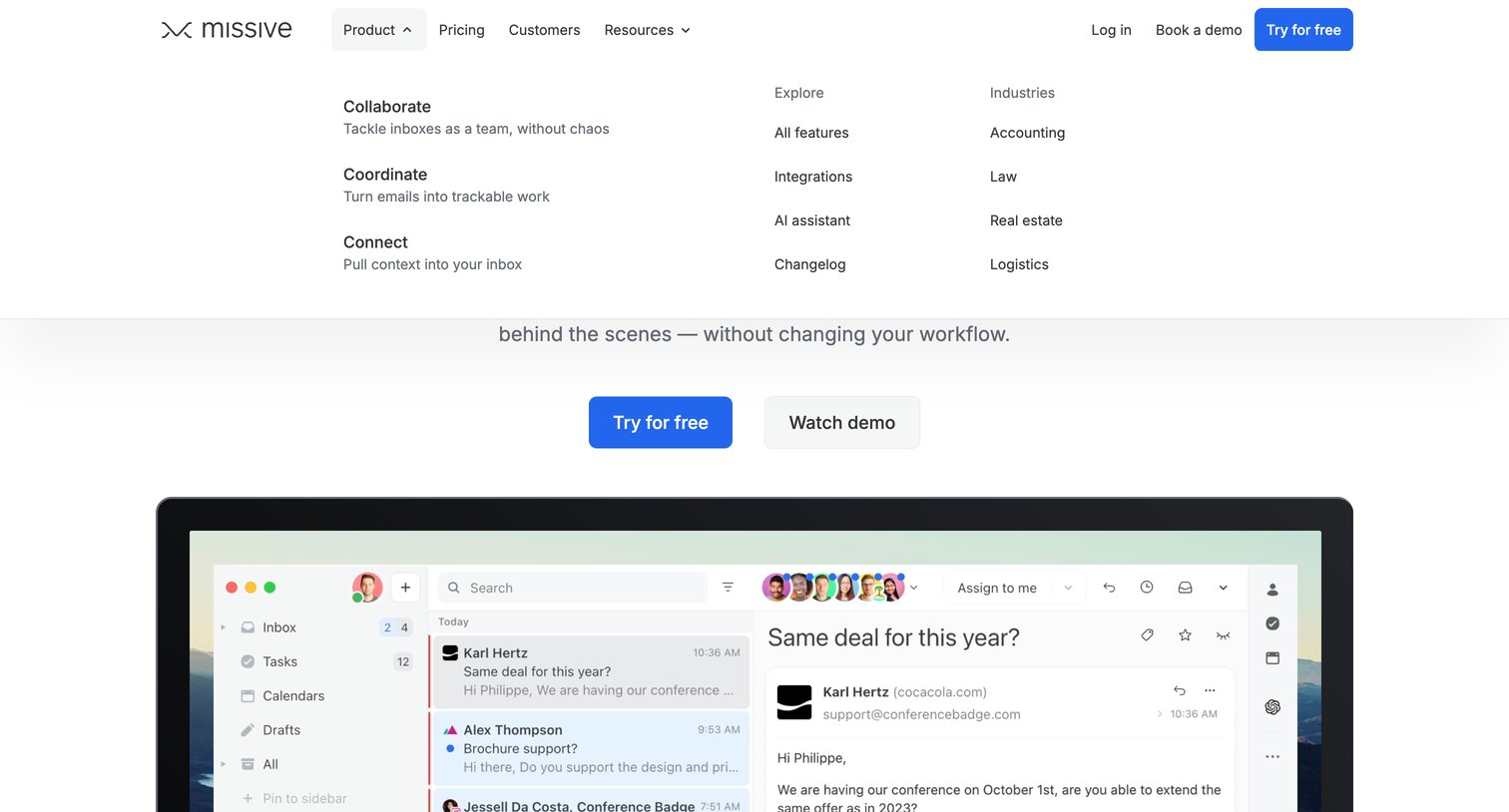
Landing page hero section with an open mega-menu displaying product capabilities, explore links, and supported industries above a primary call to action and product screenshot.
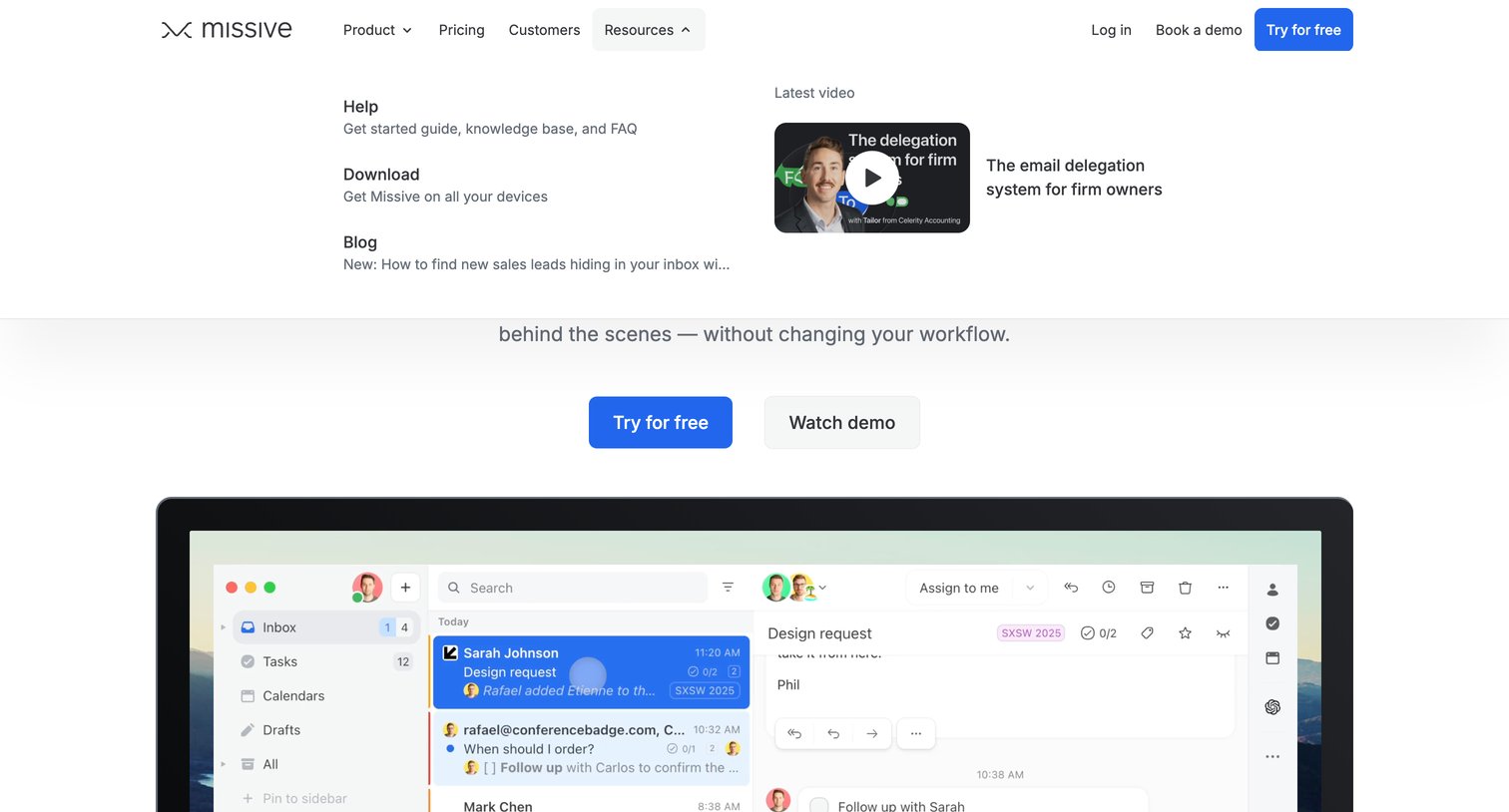
Landing page where the user views an open resources menu containing support links and a featured video above a product preview.
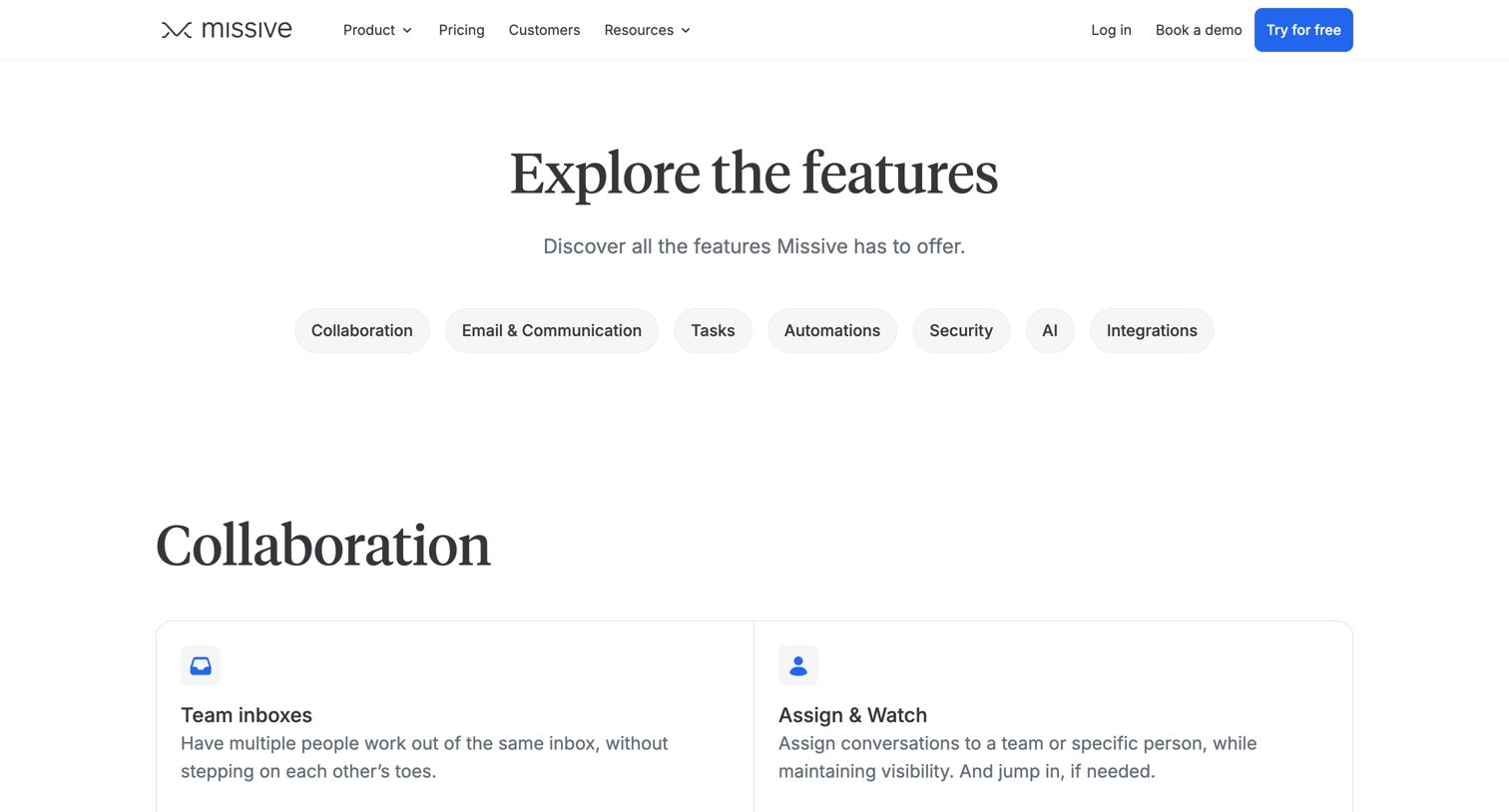
Comprehensive product page detailing the application's capabilities across collaboration, email, tasks, automation, security, AI, and integrations using a bento-style grid of screenshots and descriptions.
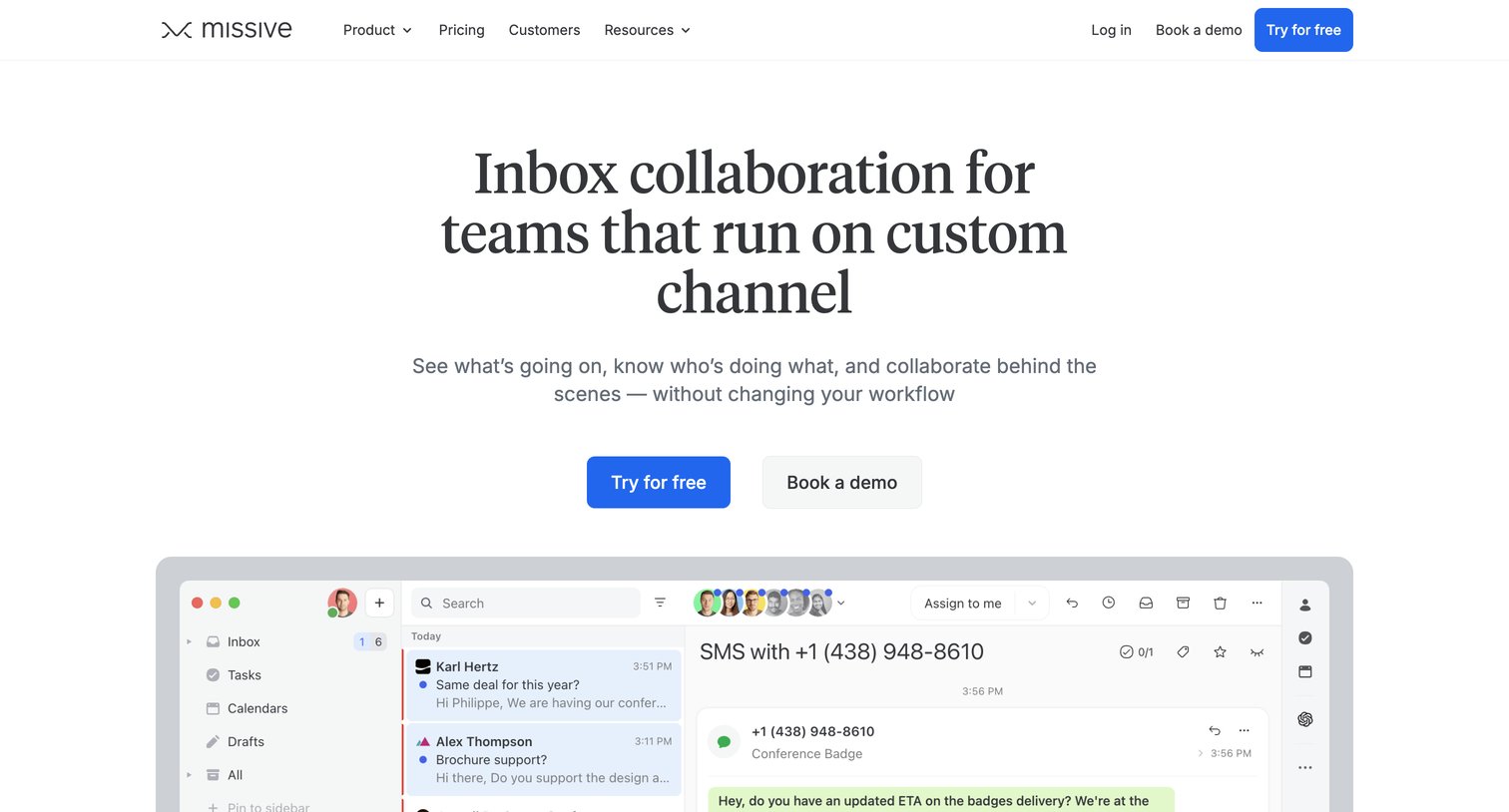
Feature page highlighting custom channel integrations for inbox collaboration, featuring a product preview, logo wall, feature tags, and customer testimonials.
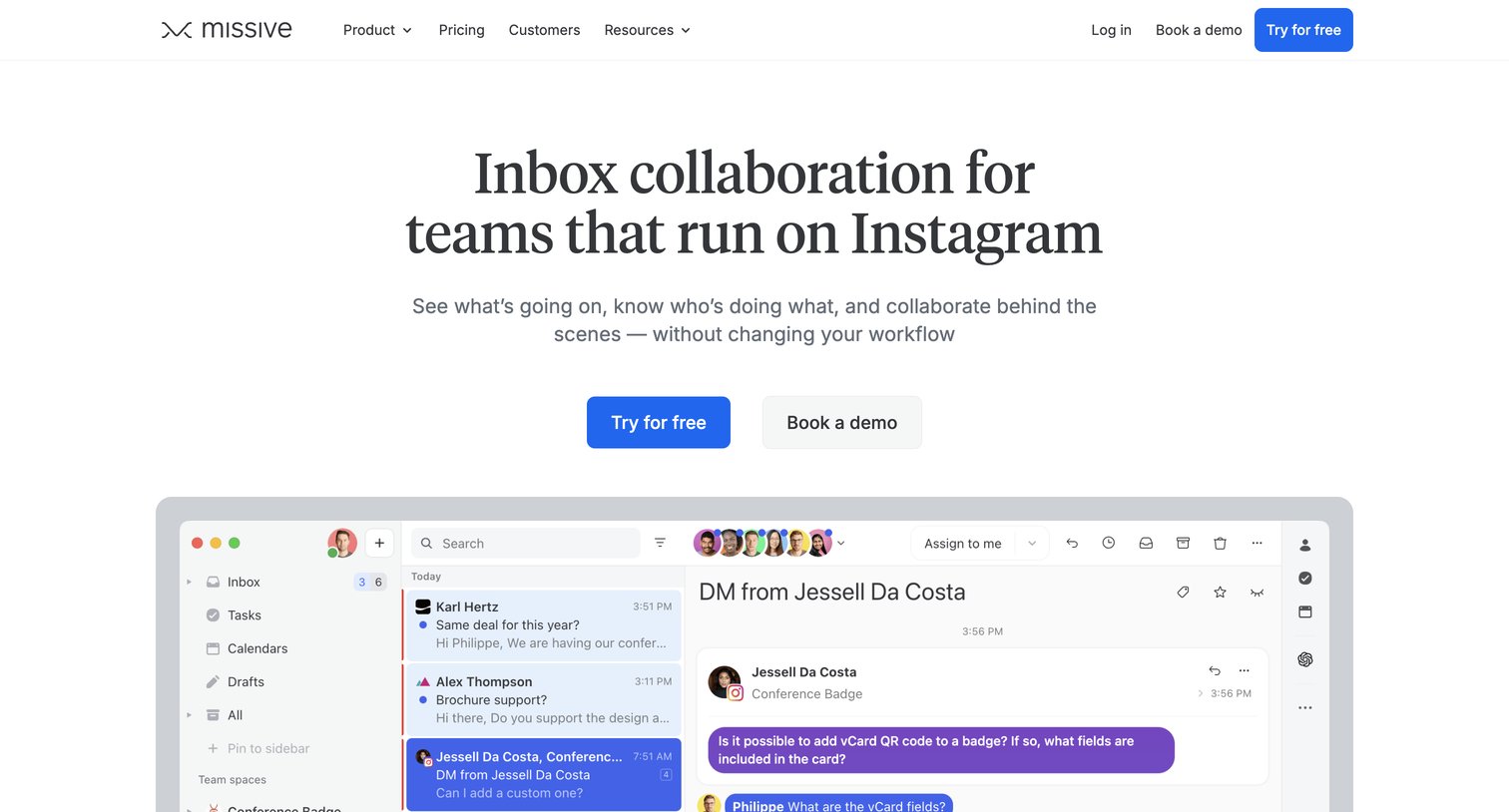
Feature page highlighting Missive's Instagram integration, detailing automated rules, multi-device support, and a comprehensive list of inbox tools alongside customer testimonials.
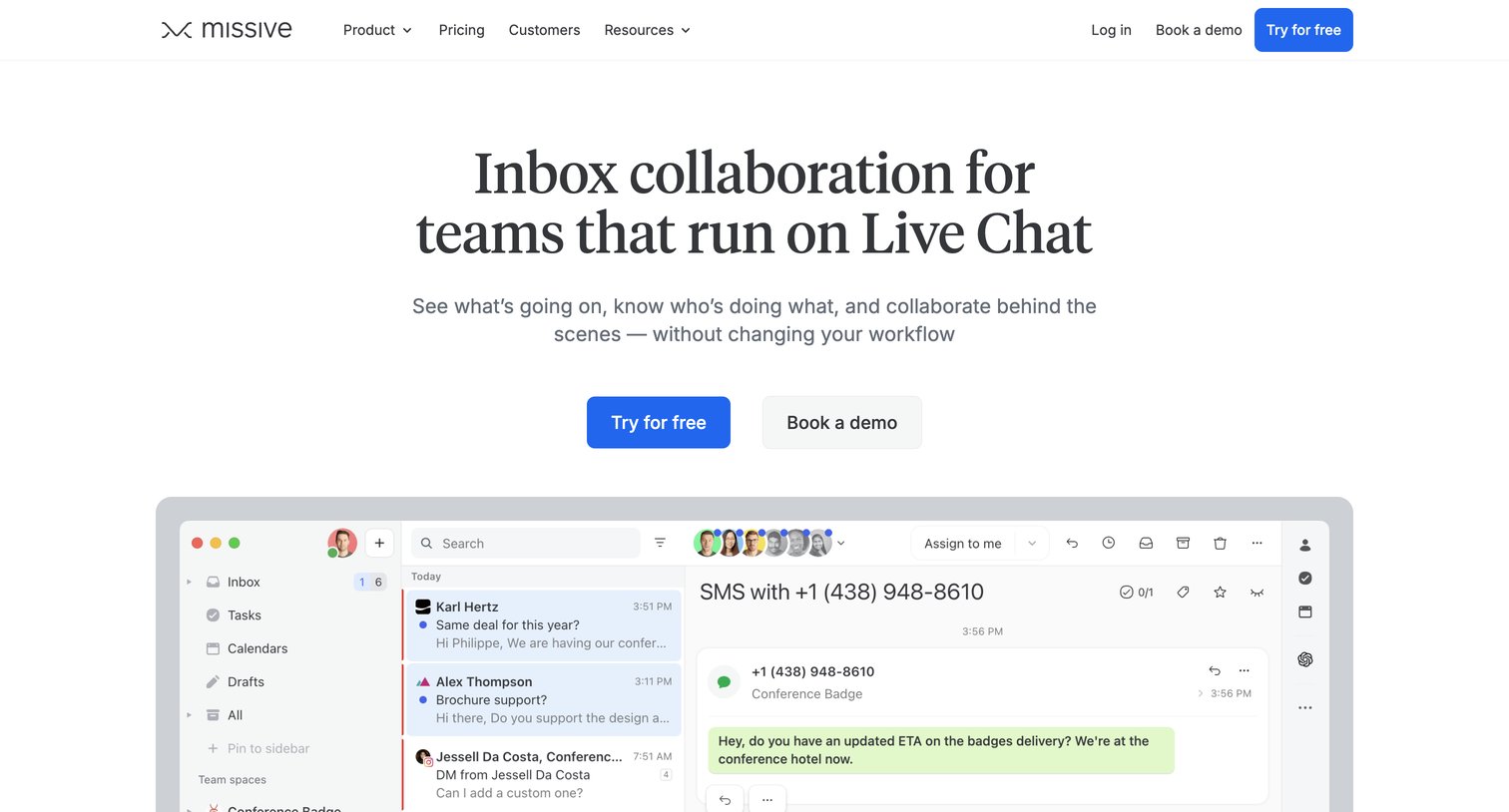
Feature page highlighting the live chat capabilities of a shared inbox product, showcasing automation rules, support tools, and customer testimonials.
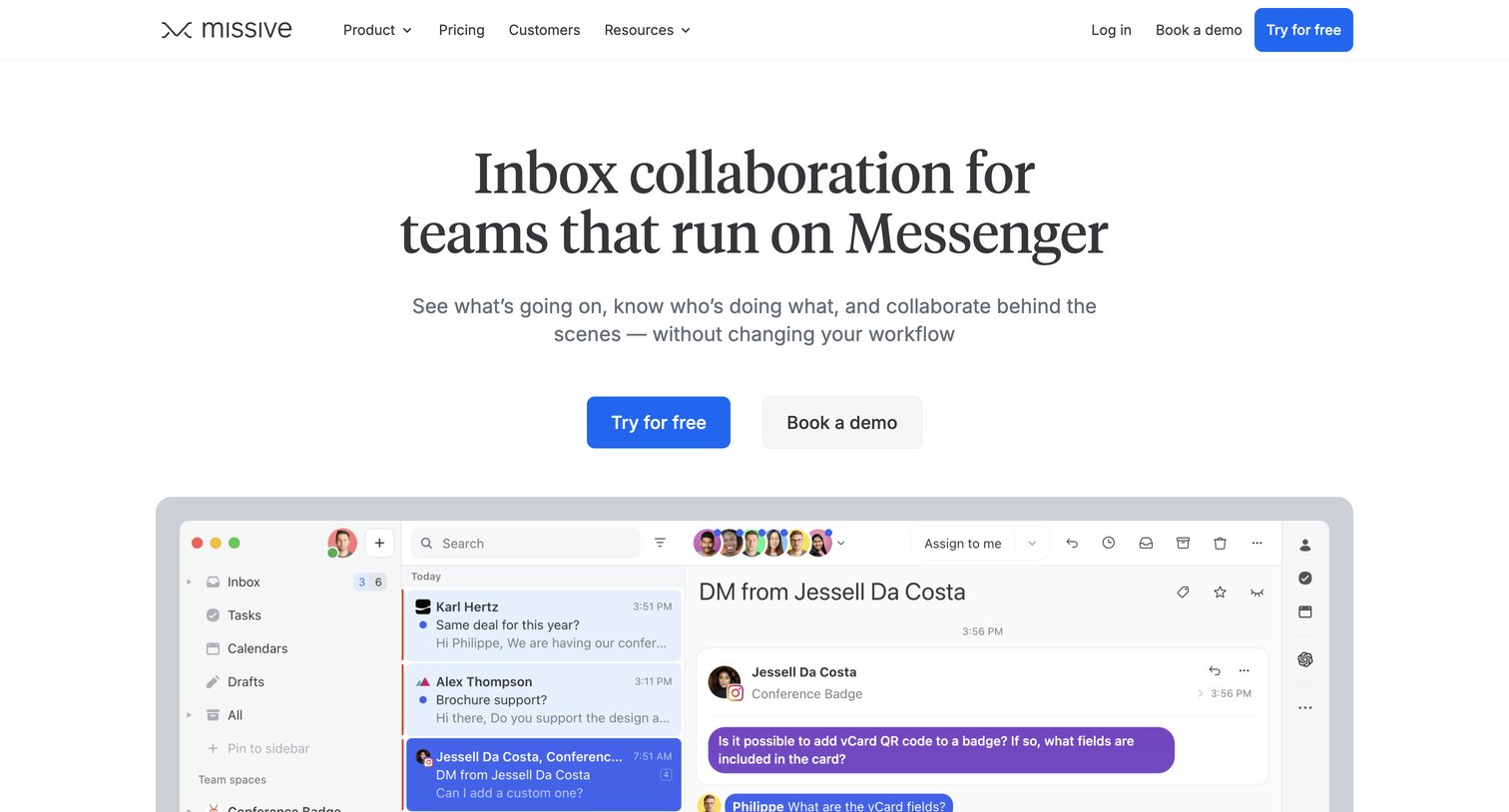
Feature page highlighting Missive's Messenger integration with a shared inbox mockup, rule builder preview, feature pill grid, and customer testimonials.
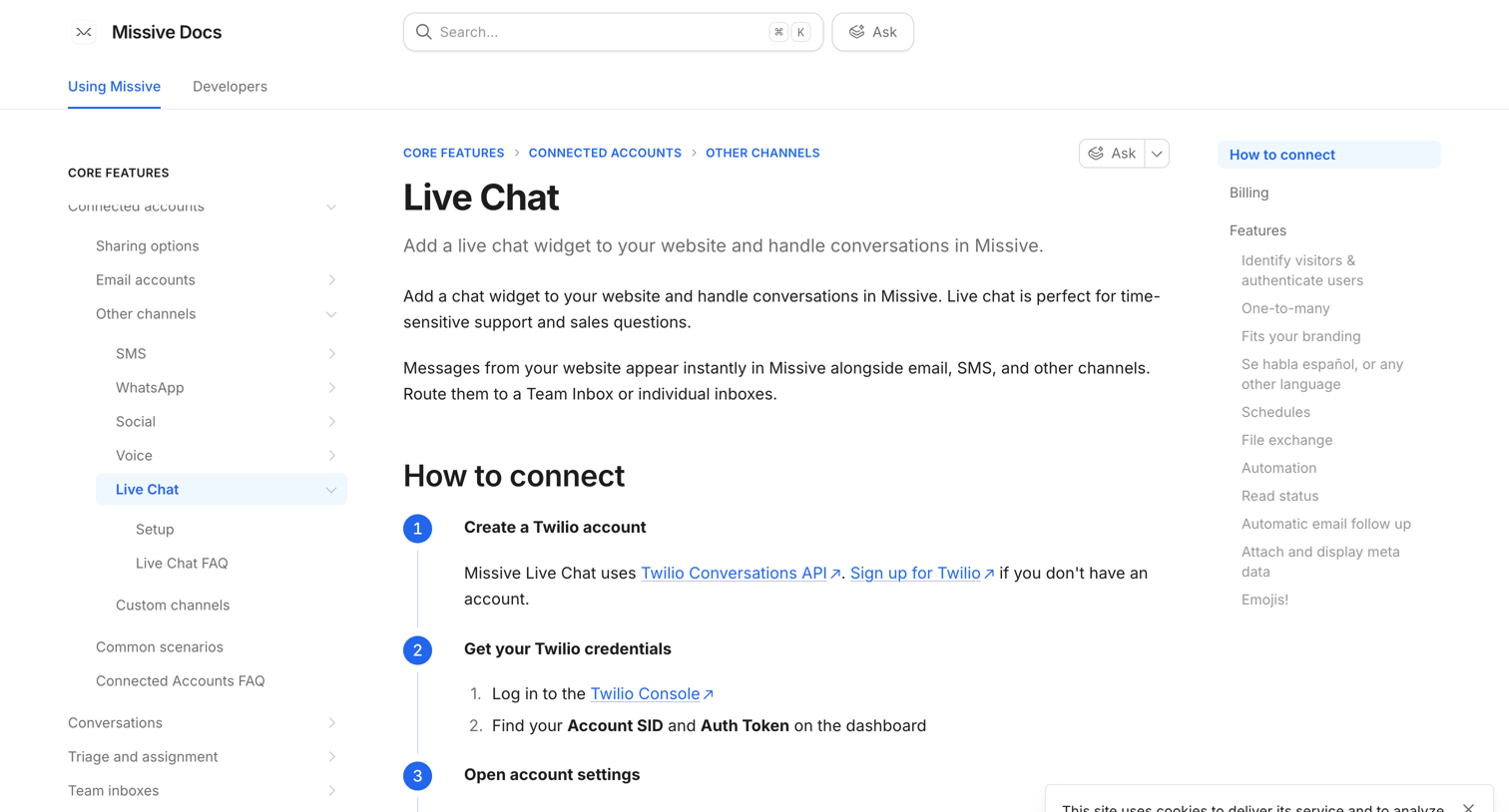
Help center article explaining how to connect and configure the Live Chat widget in Missive, including steps for Twilio integration and feature overviews.
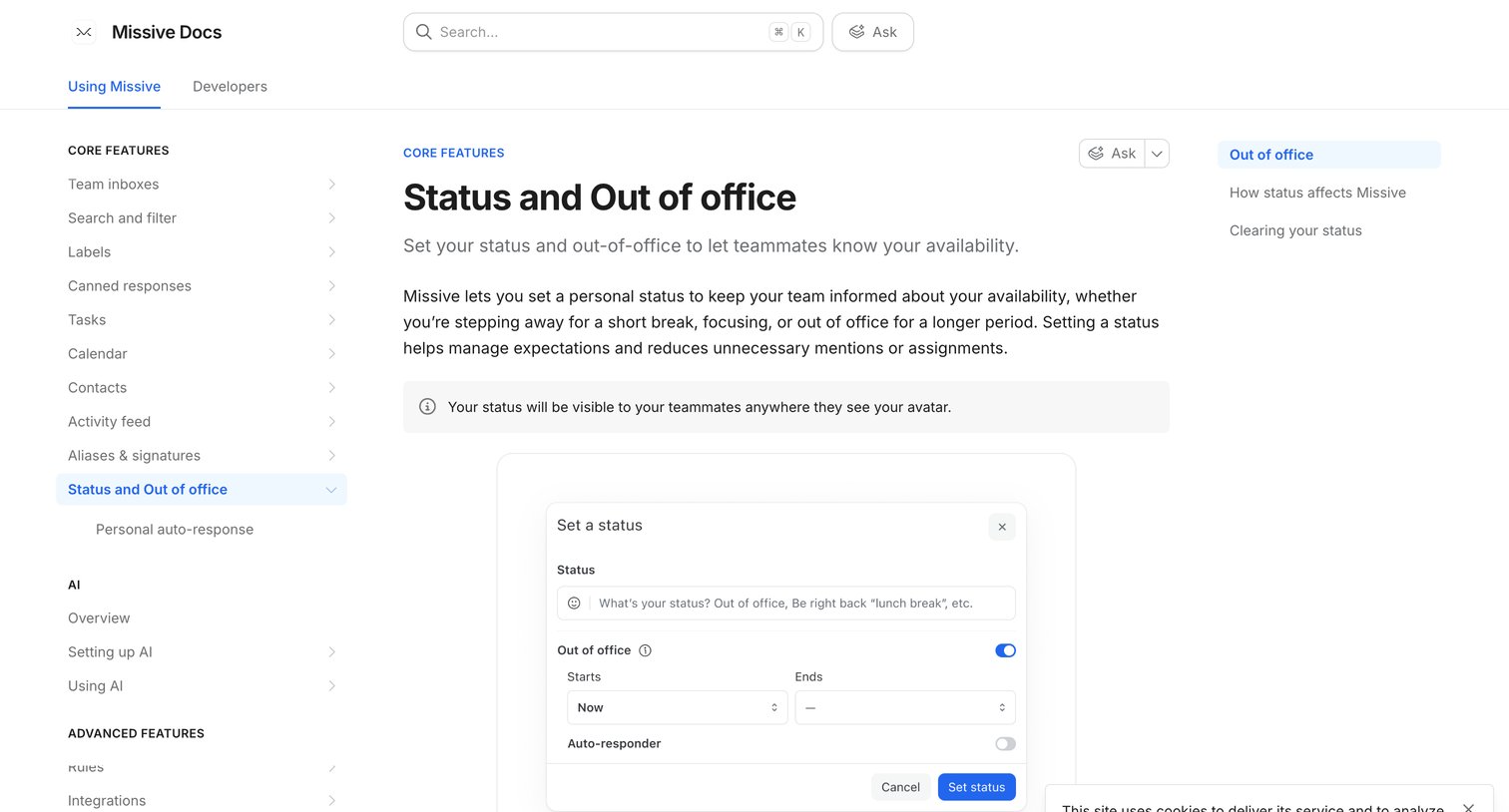
Help center article explaining how users can set their personal status, configure out-of-office auto-responders, and manage coworker statuses.
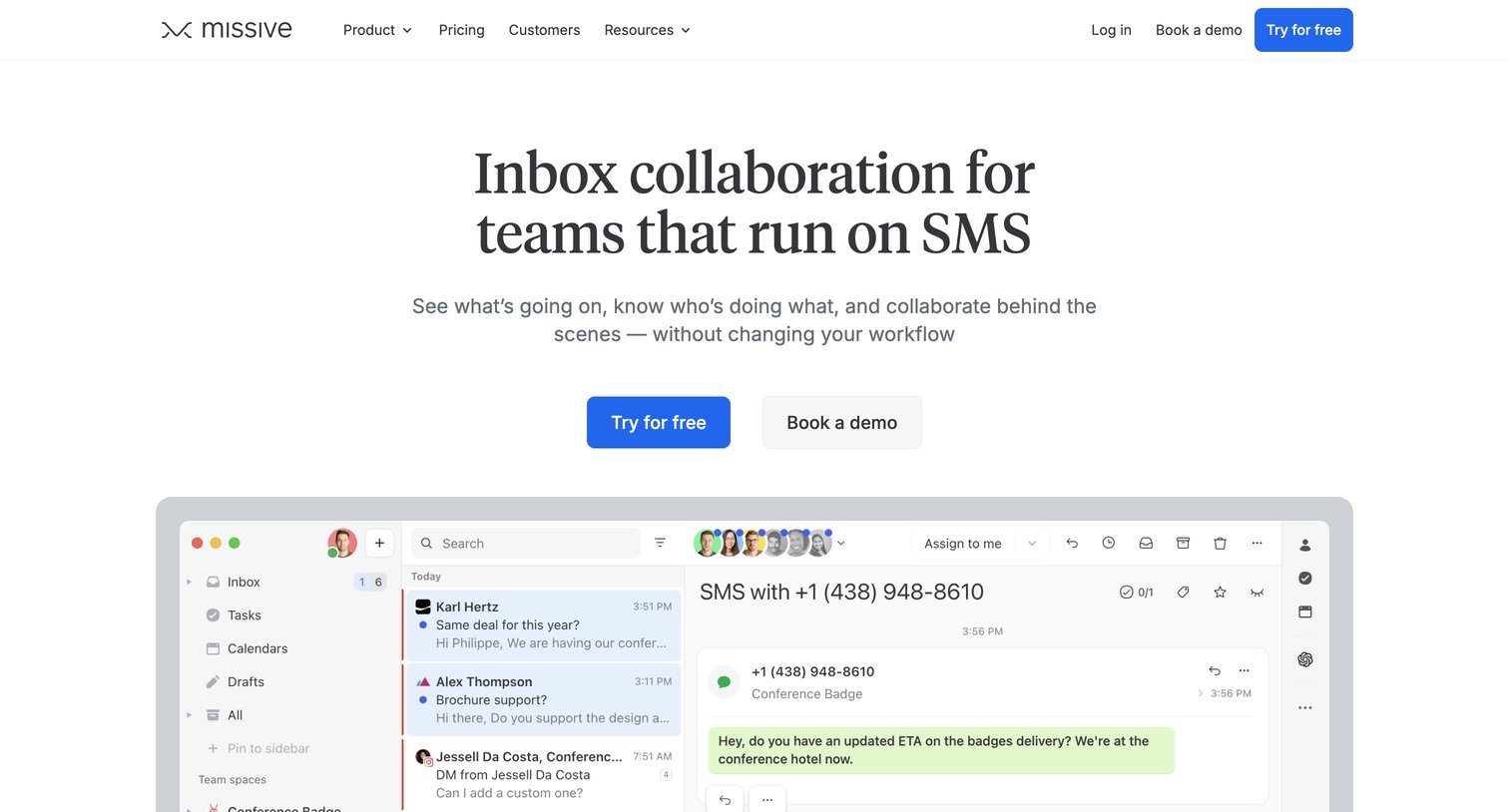
Feature page highlighting SMS collaboration capabilities, including a shared inbox, automated rules, and advanced management tools for teams.
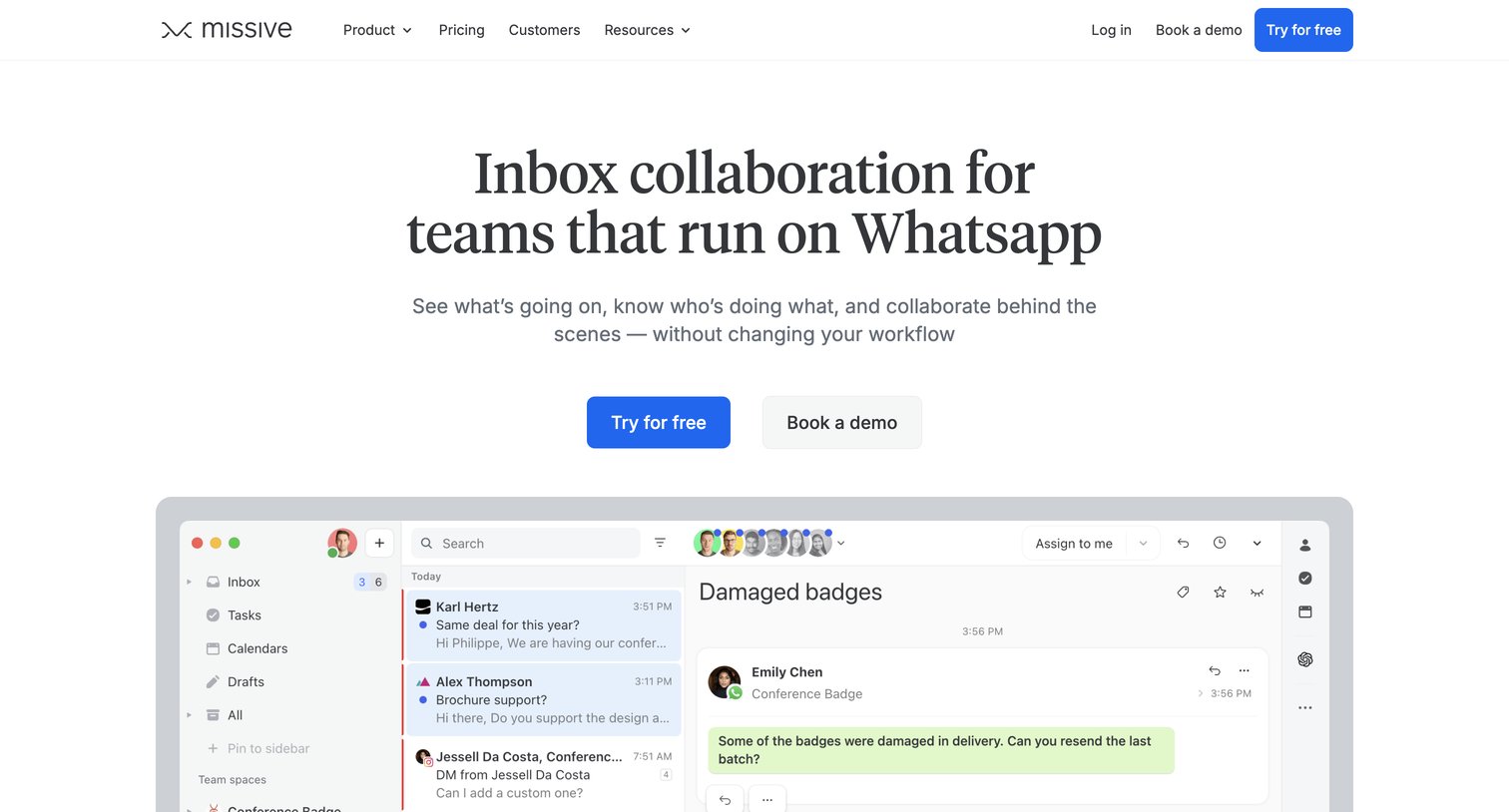
Feature page explaining how teams can collaborate on WhatsApp within a shared inbox, highlighting automation rules, multi-device support, and customer stories.
Explore the full SaaS screen library
Upgrade to unlock the full library.
Trusted by the best teams







