Lottie product screens examples
Browse Lottie screen design examples. Preview the interface screenshots and explore related UI patterns. Great designs come alive with motion
Explore the examples

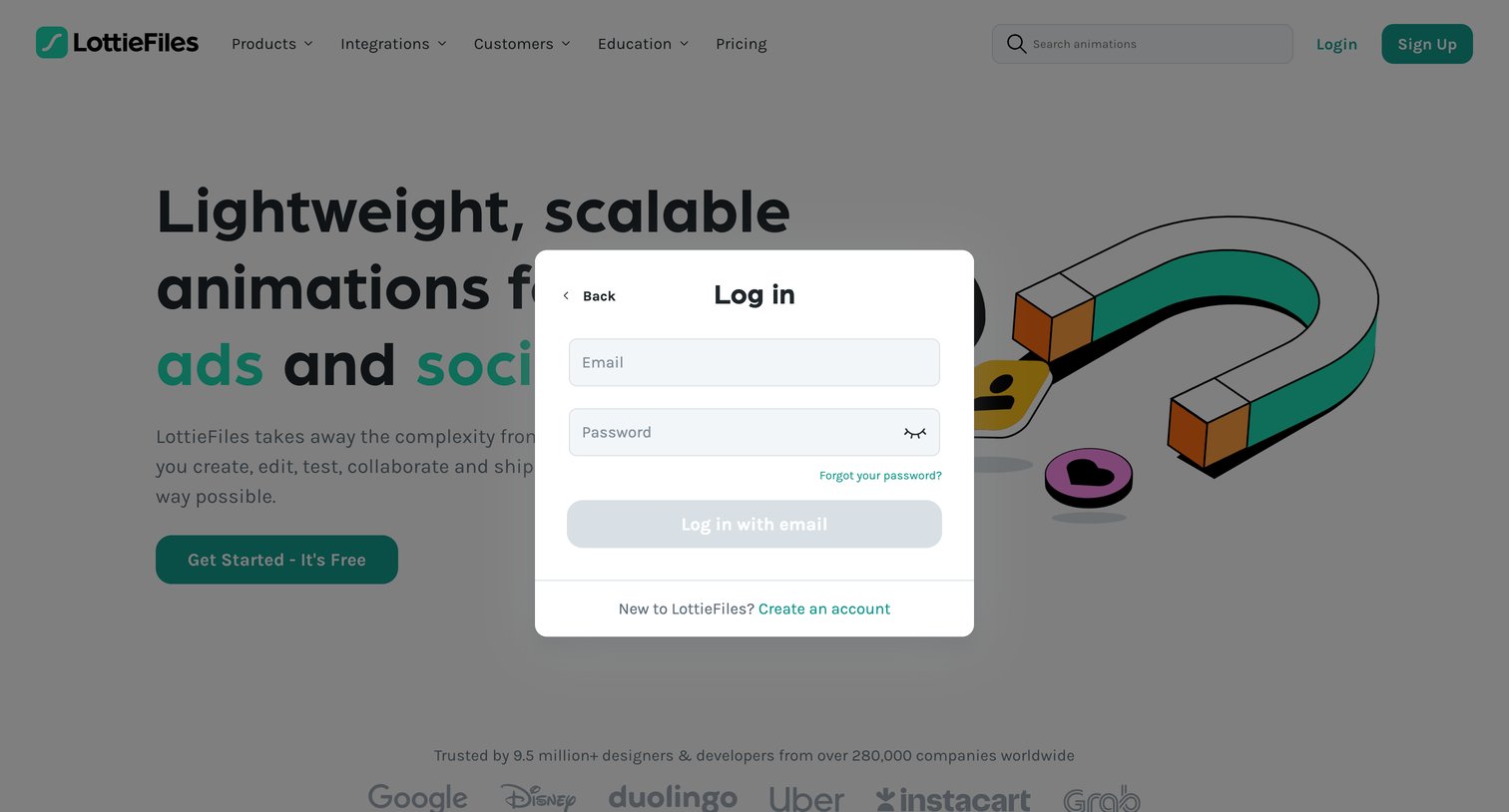

Sign-in screen where the user authenticates with their email and password via a modal overlay on the marketing homepage.
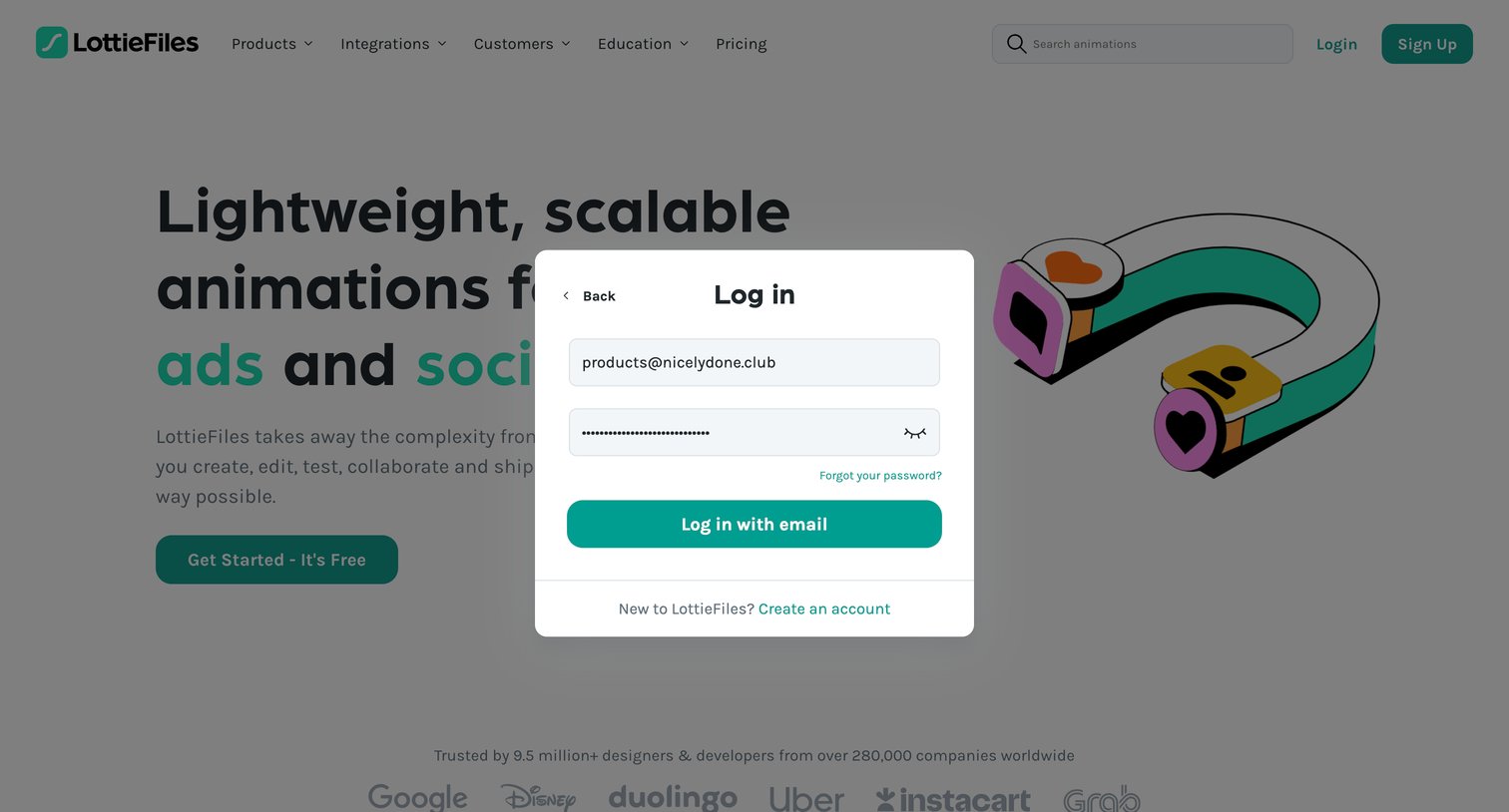
Sign-in modal where the user authenticates with their email and password, overlaid on the marketing homepage.
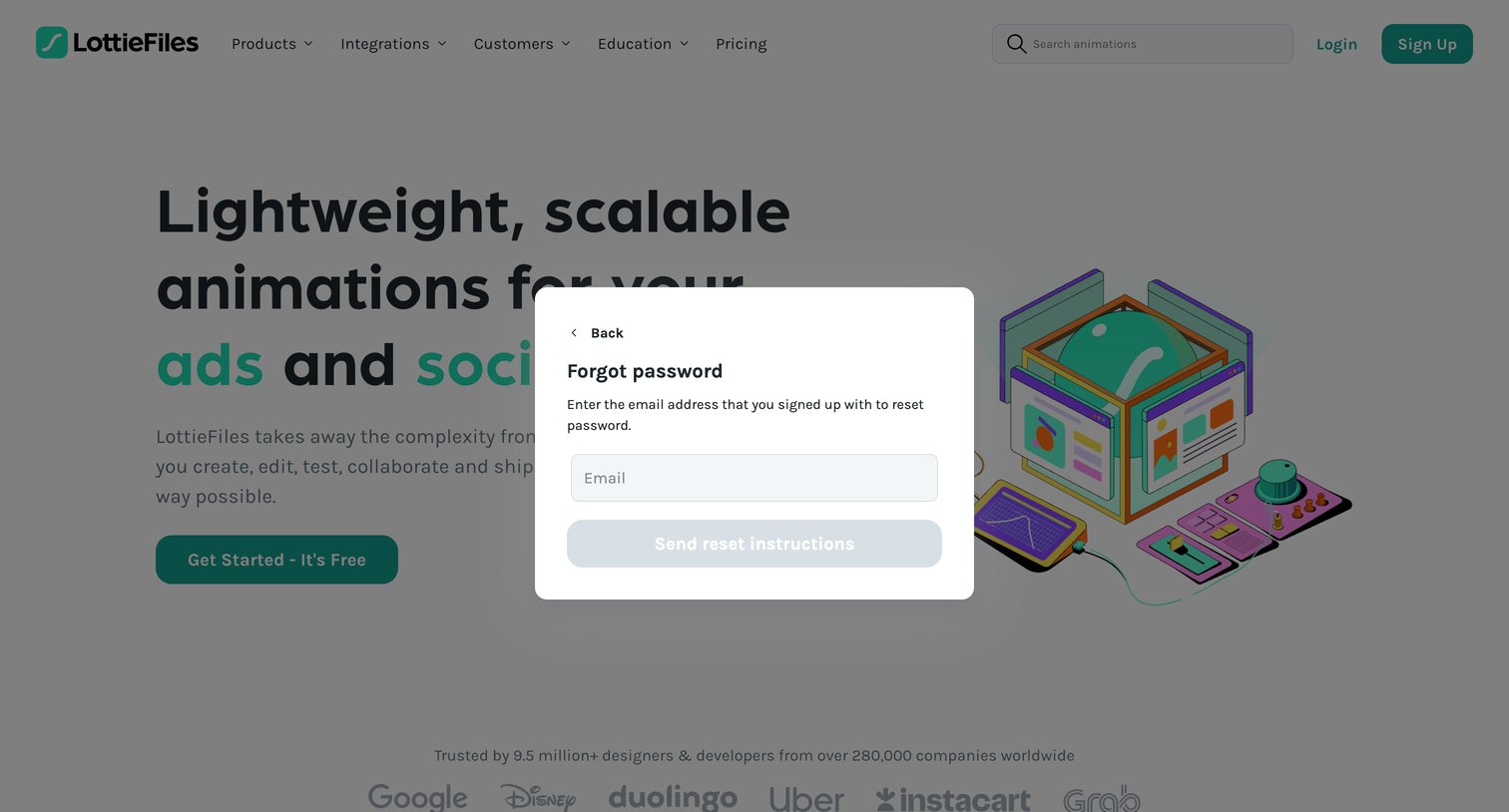
Password recovery modal where the user enters their email address to receive reset instructions, overlaid on the marketing homepage.
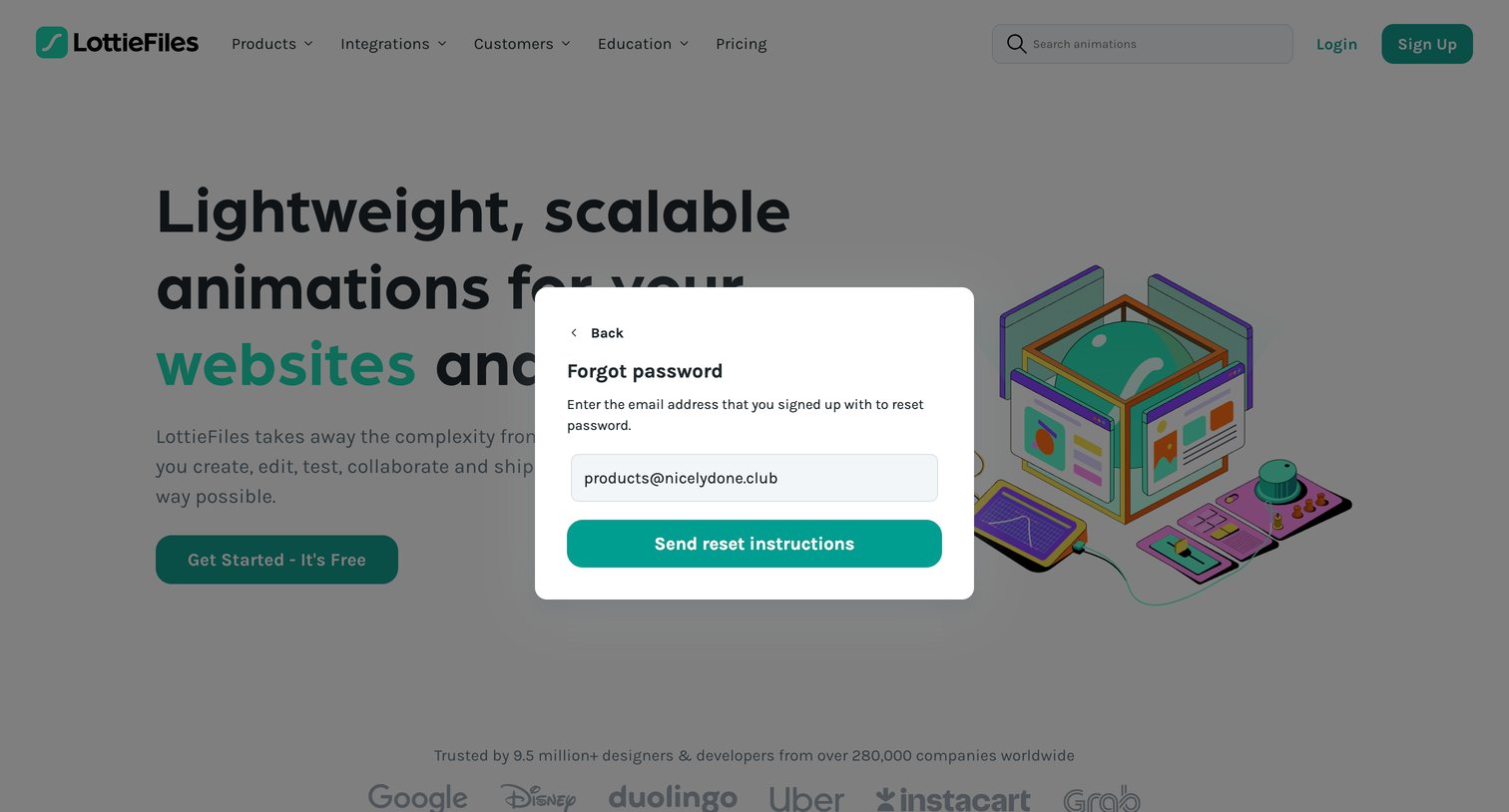
Password recovery modal where the user enters their email address to receive reset instructions, displayed over the marketing homepage.
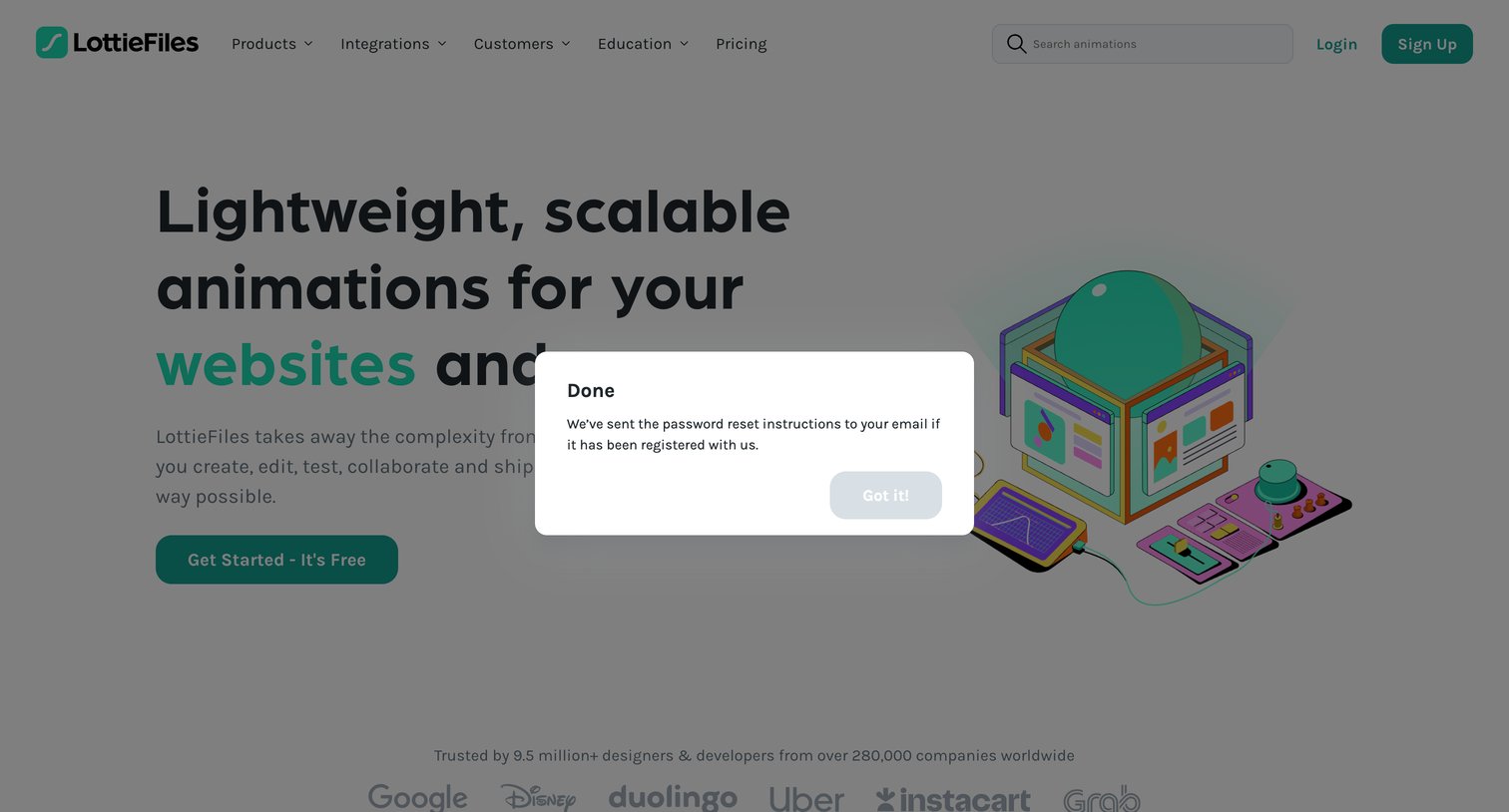
Password recovery screen where a modal confirms that reset instructions have been sent to the user's email, overlaying a marketing landing page.
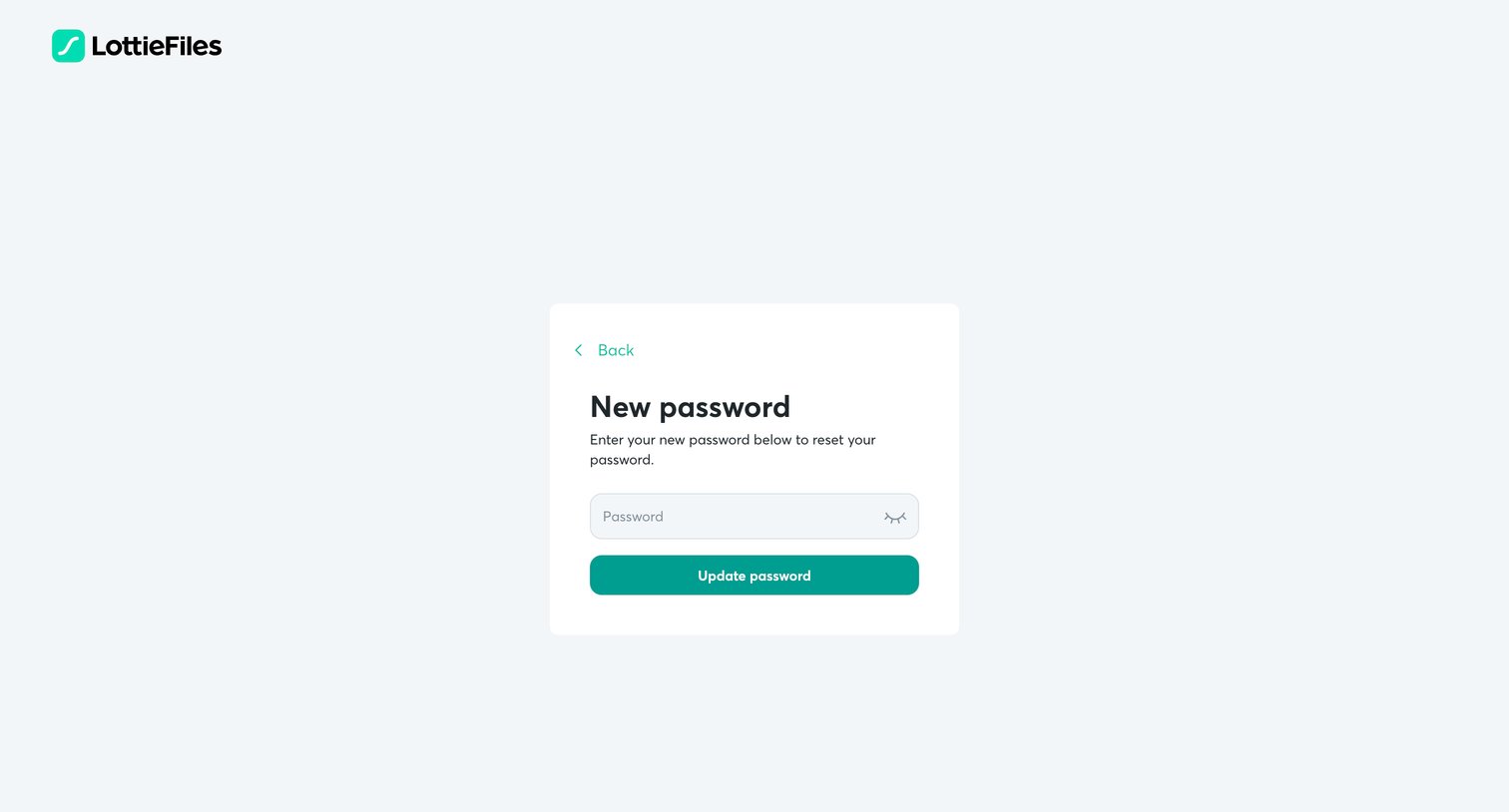
Password recovery screen where the user enters and confirms a new password to regain access to their account.
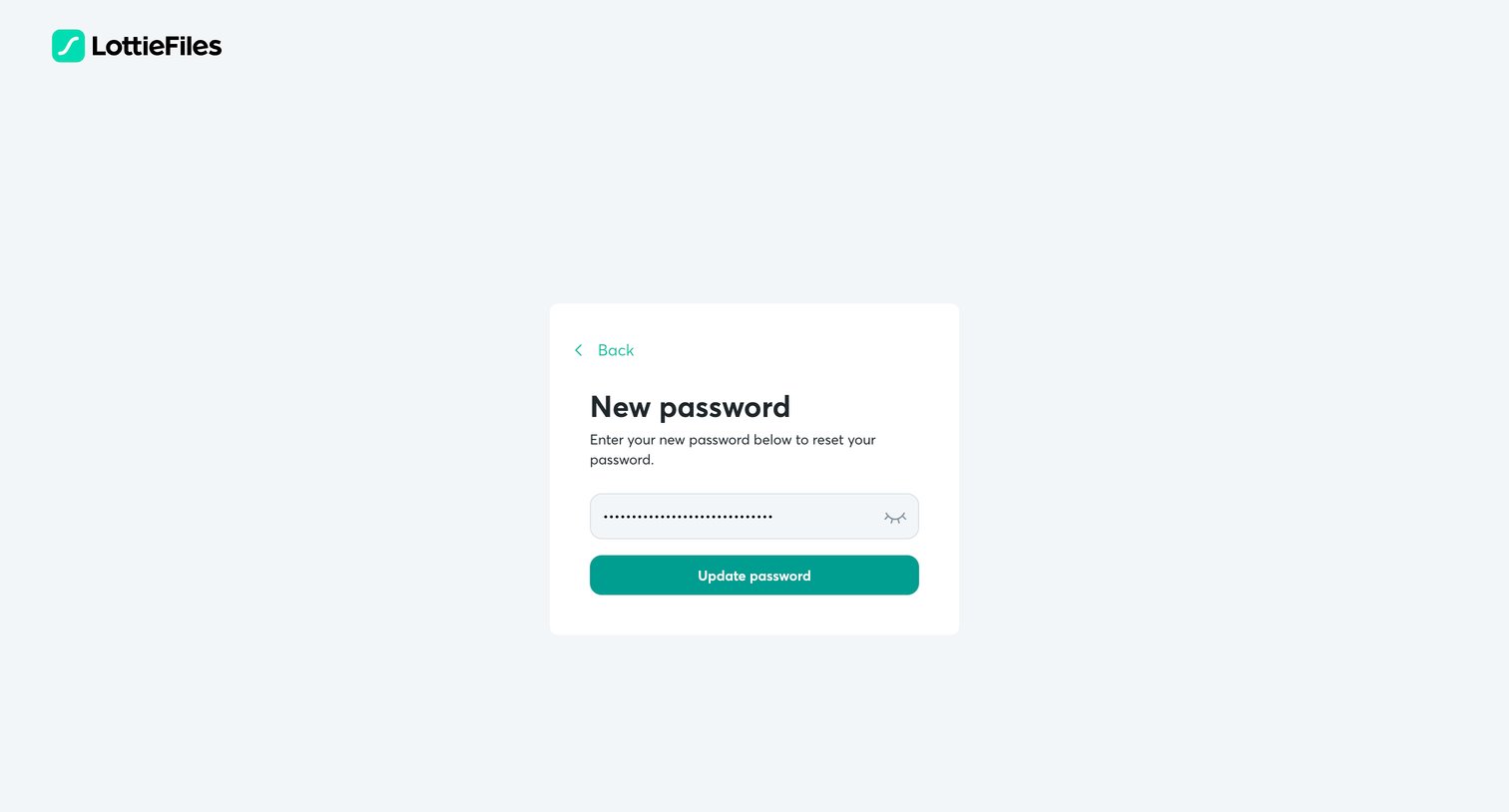
Password recovery screen where the user enters a new password into a masked input and submits to regain access to their account.
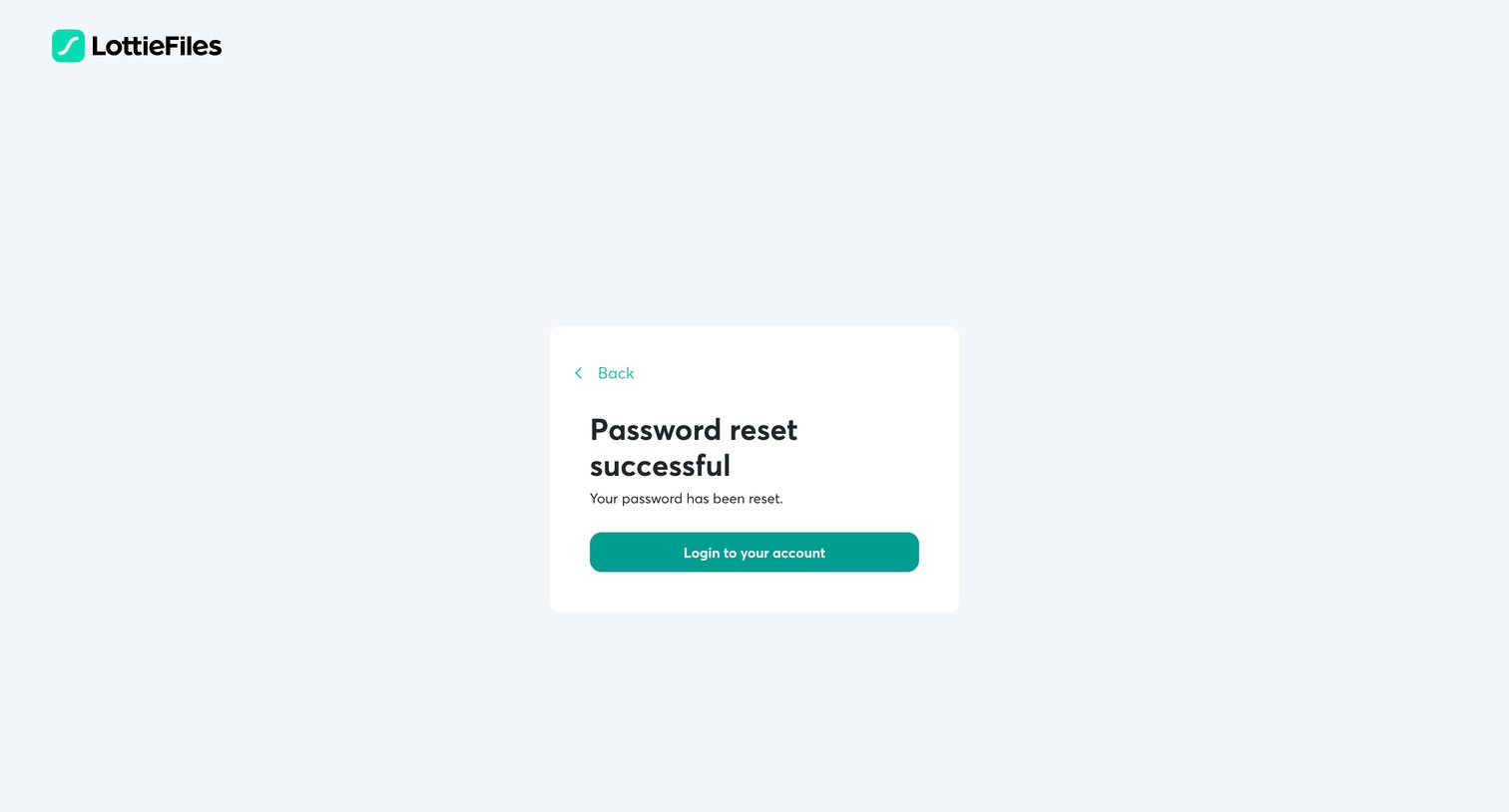
Password recovery screen confirming a successful reset and prompting the user to log in to their account.
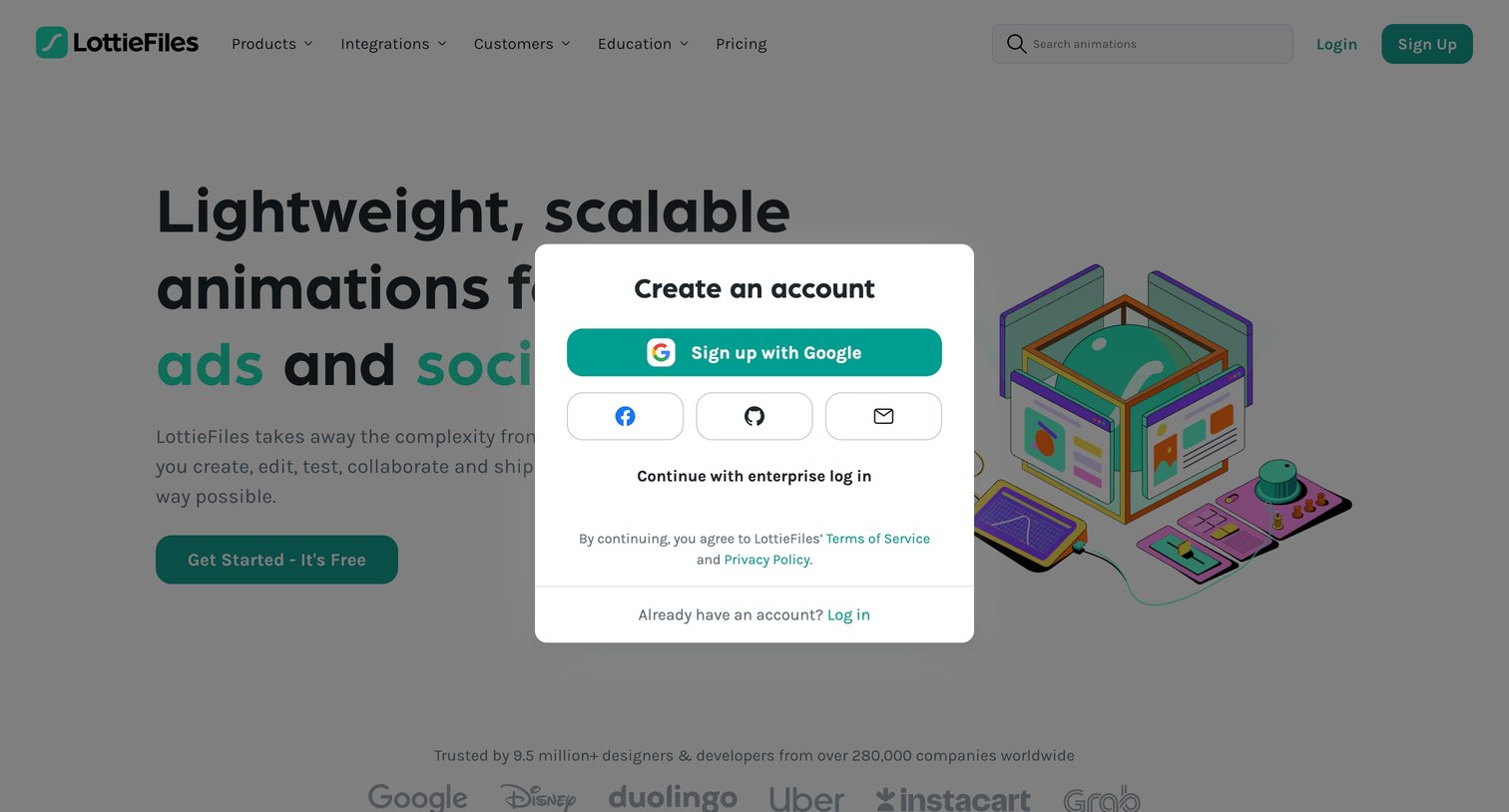
Signup modal overlay offering Google, Facebook, GitHub, and email authentication options over the marketing landing page.
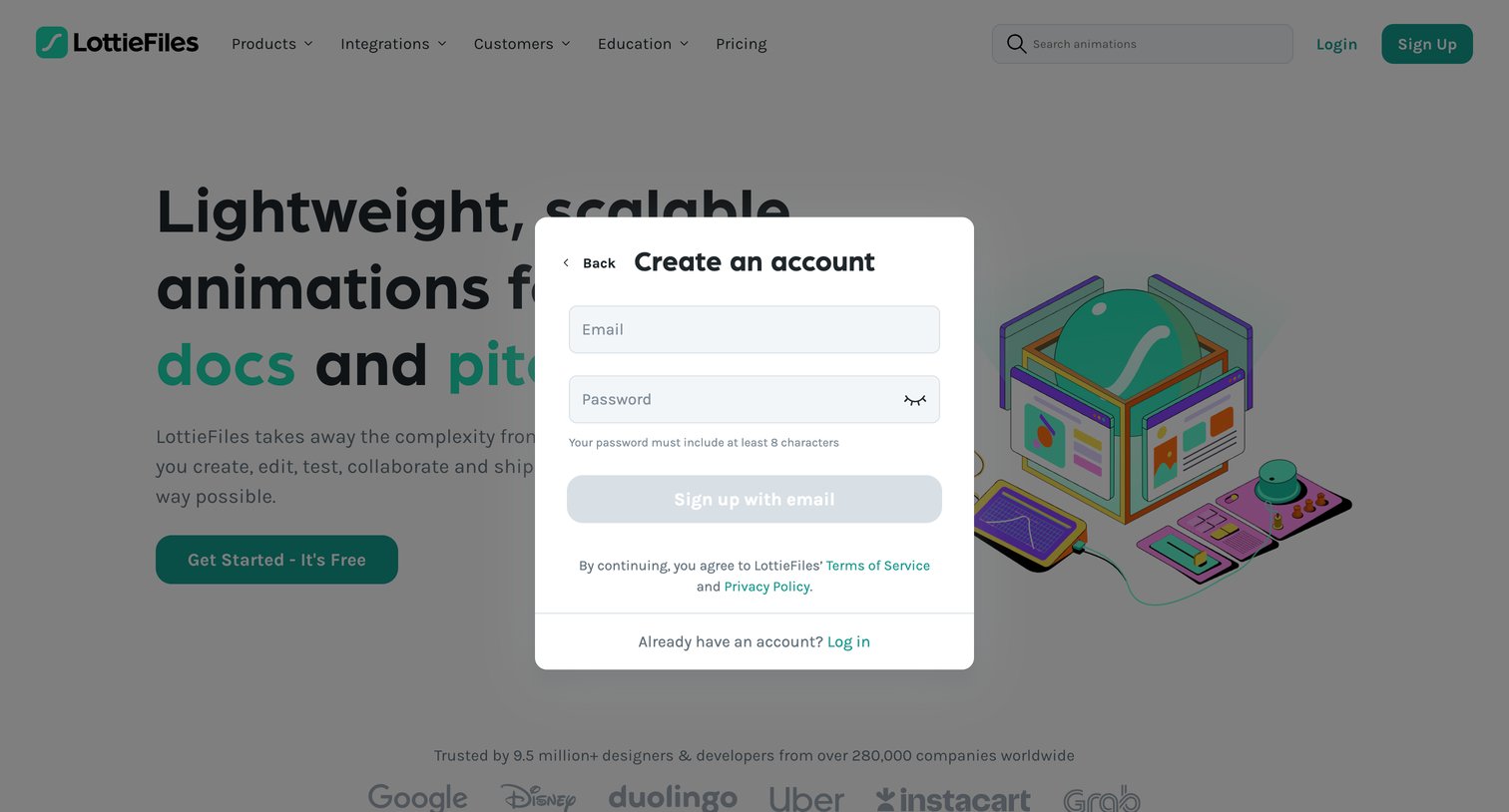
Landing page where the user is presented with a modal to create an account using their email and password.
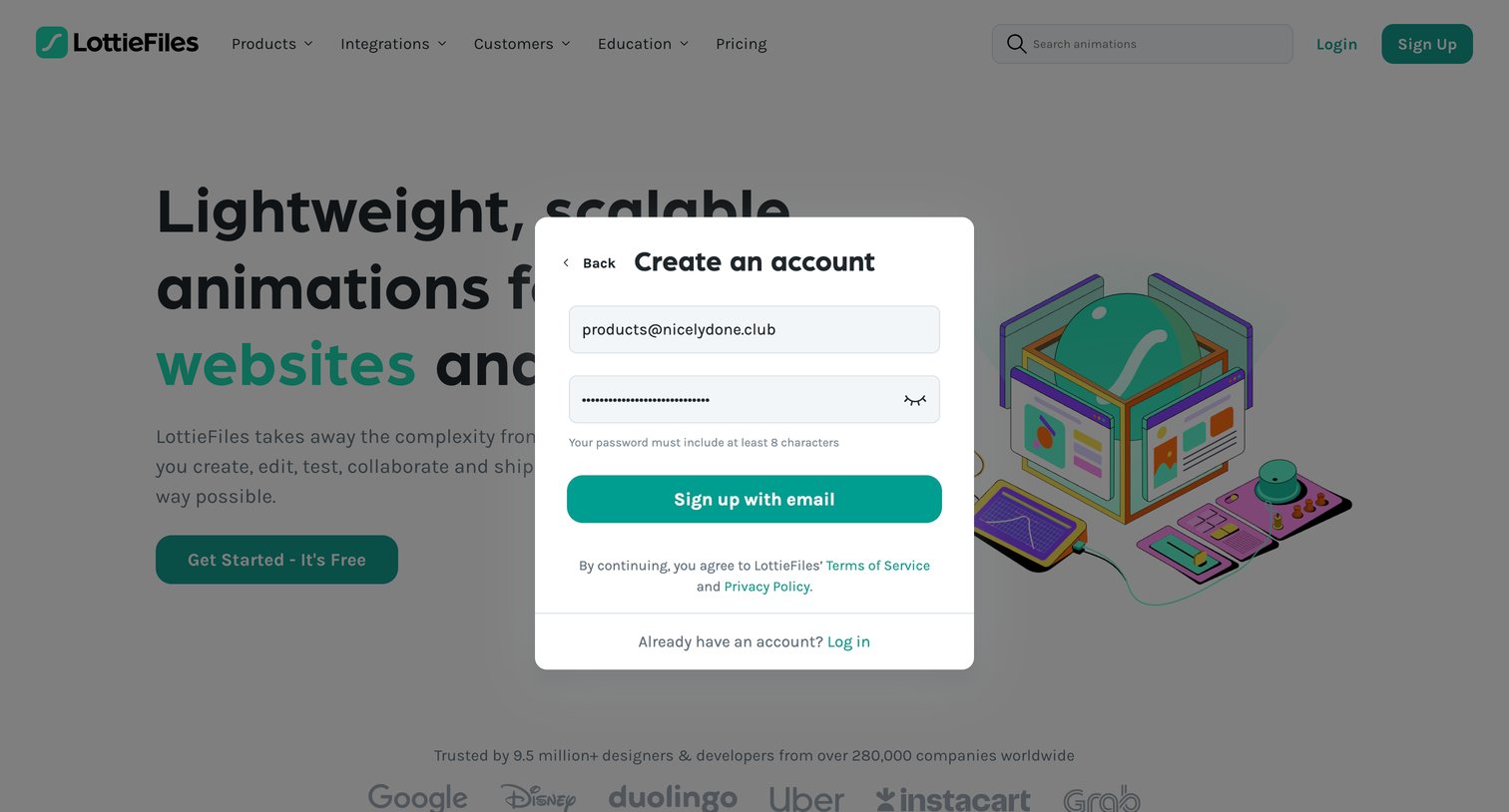
Signup modal where the user enters their email and password to create a new account, overlaid on the marketing homepage.
Explore the full SaaS screen library
Upgrade to unlock the full library.
Trusted by the best teams







