Lottie user flows examples
Explore Lottie user flow examples. Preview the opening screens and steps for each task. Great designs come alive with motion
Preview these flows

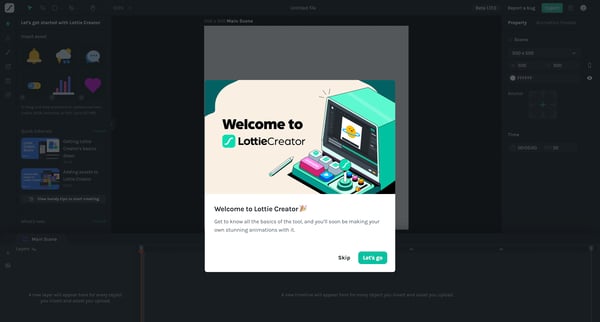
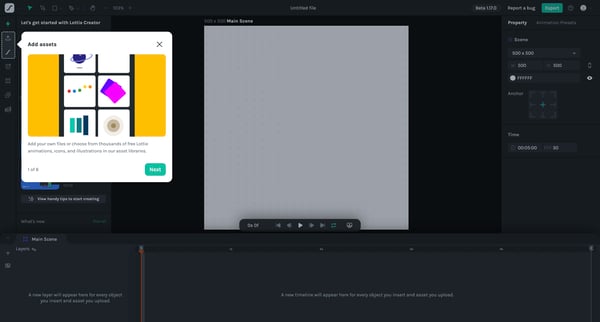
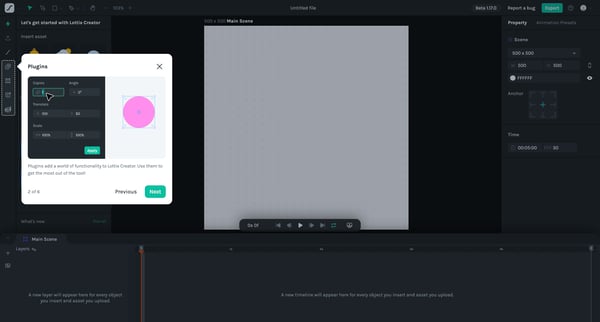
This flow guides users through the key features of Lottie Creator, introducing them to the interface and basic functionalities.
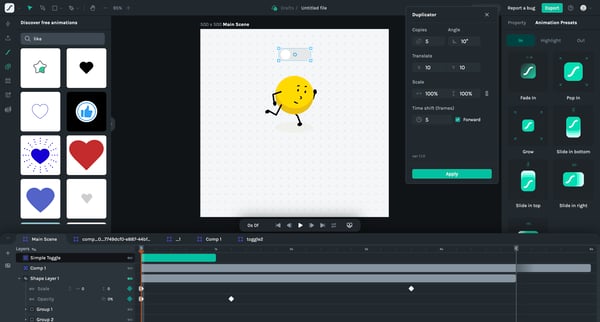
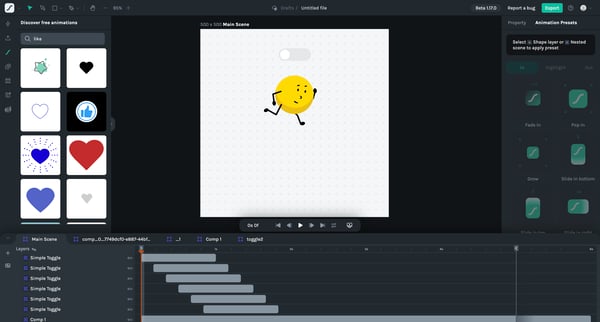
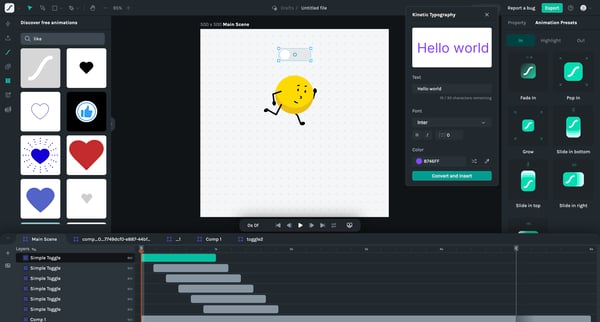
This flow demonstrates the process of editing and animating text in a Lottie animation editor, including AI-assisted vector generation and motion effects.
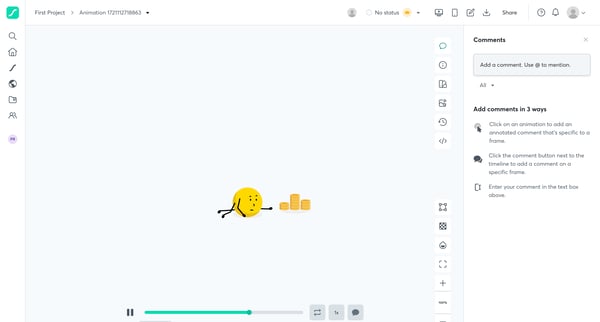
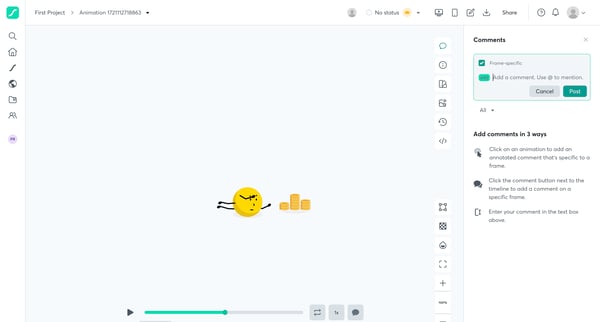
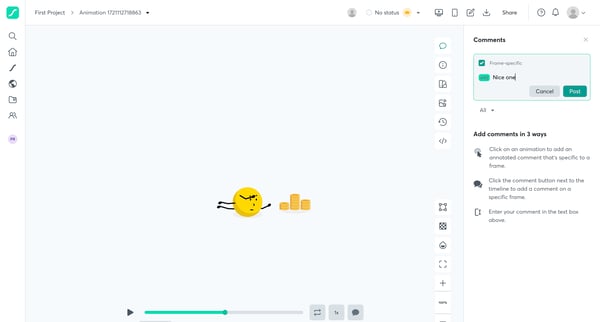
This flow demonstrates the process of adding and interacting with comments on an animation project in a design tool.
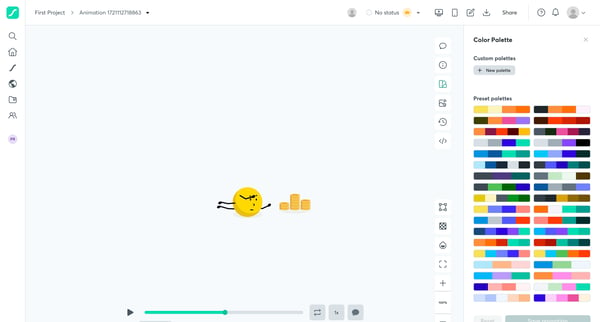
This flow demonstrates the process of adding comments to an animation project and customizing the color palette.
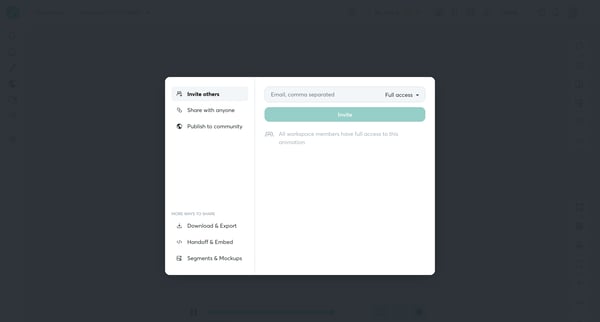
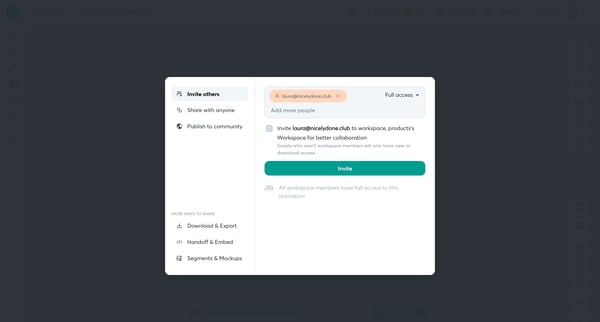
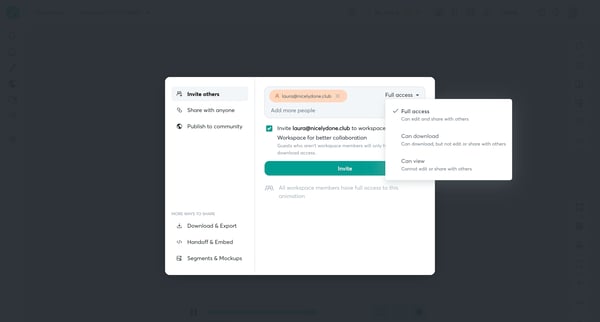
This flow enables users to invite teammates to collaborate on a Lottie animation project, adjust sharing settings, and publish to the community.
Explore the full SaaS flow library
Browse the full SaaS flow library.
Trusted by the best teams







