Link product screens examples
Browse Link screen design examples. Preview the interface screenshots and explore related UI patterns. Simple, secure one-click payments
Explore the examples
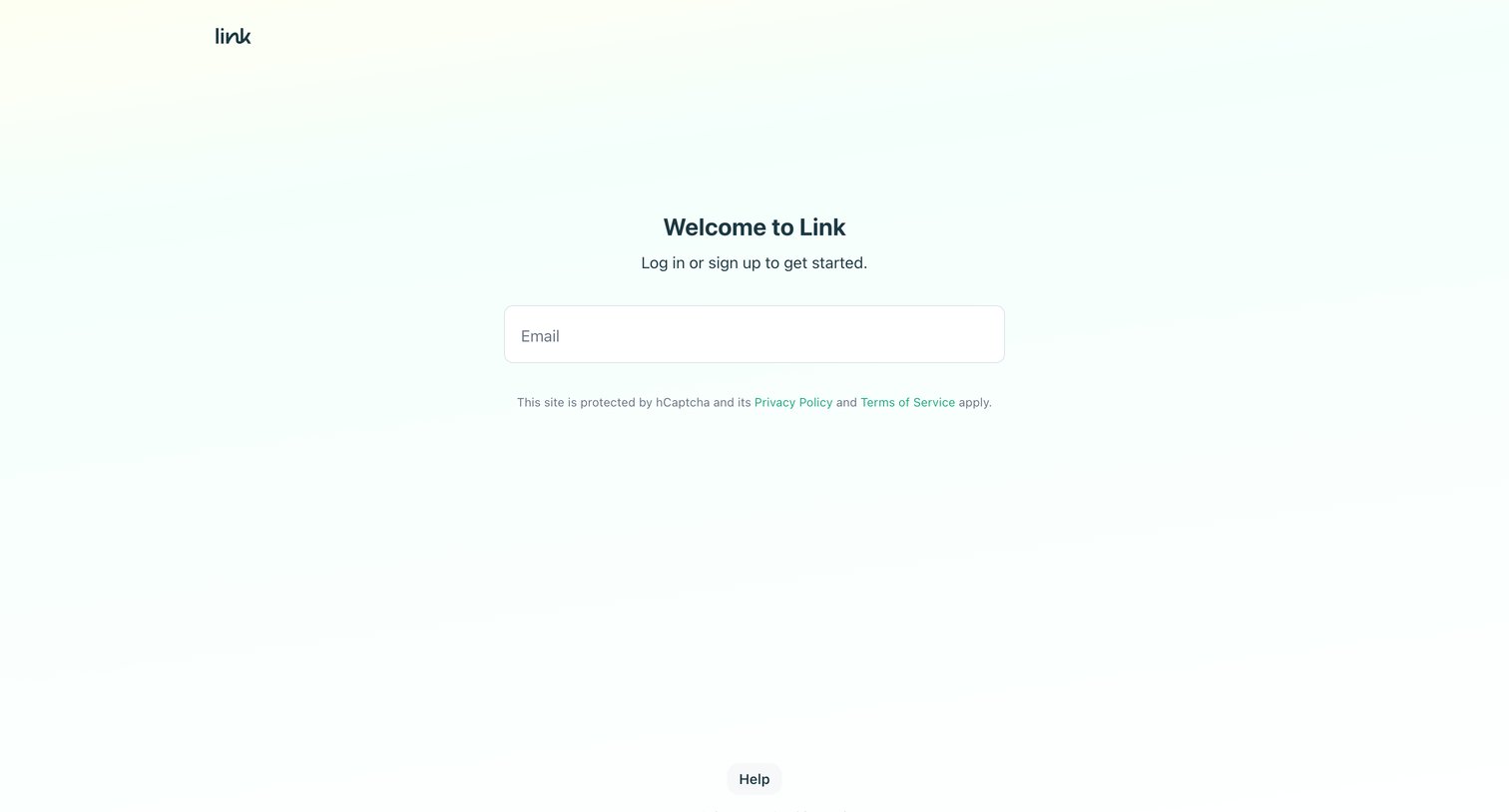
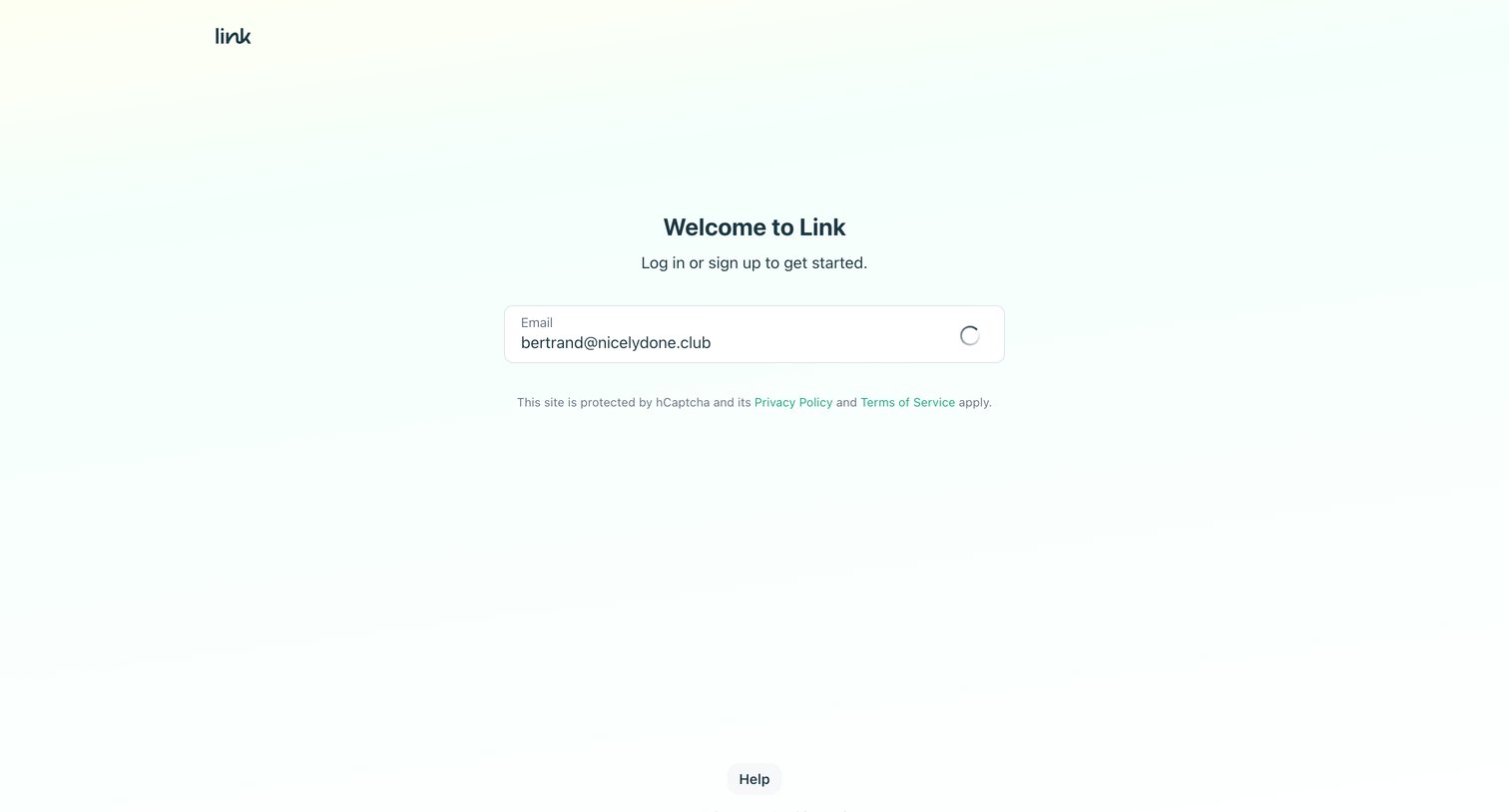
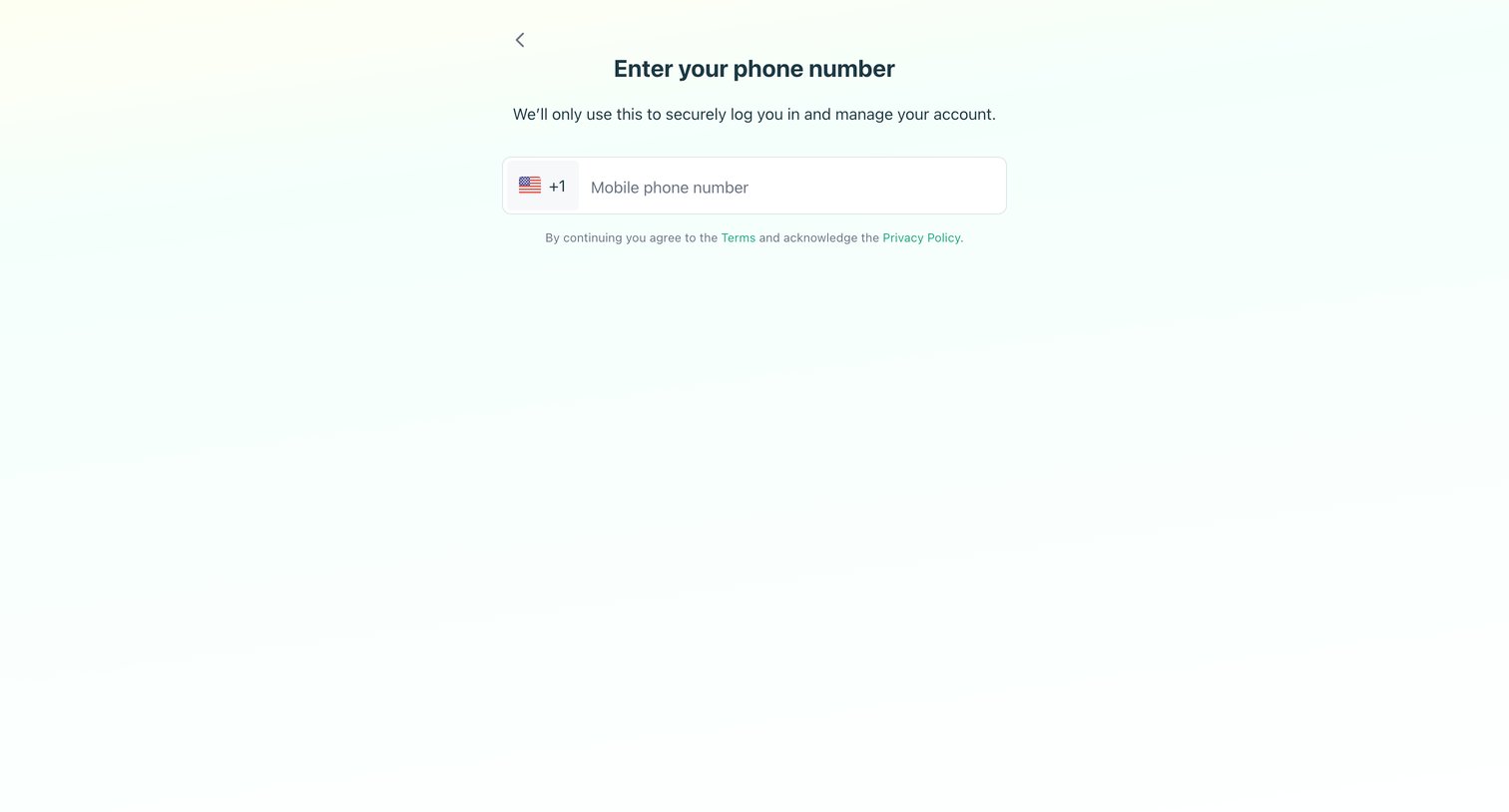
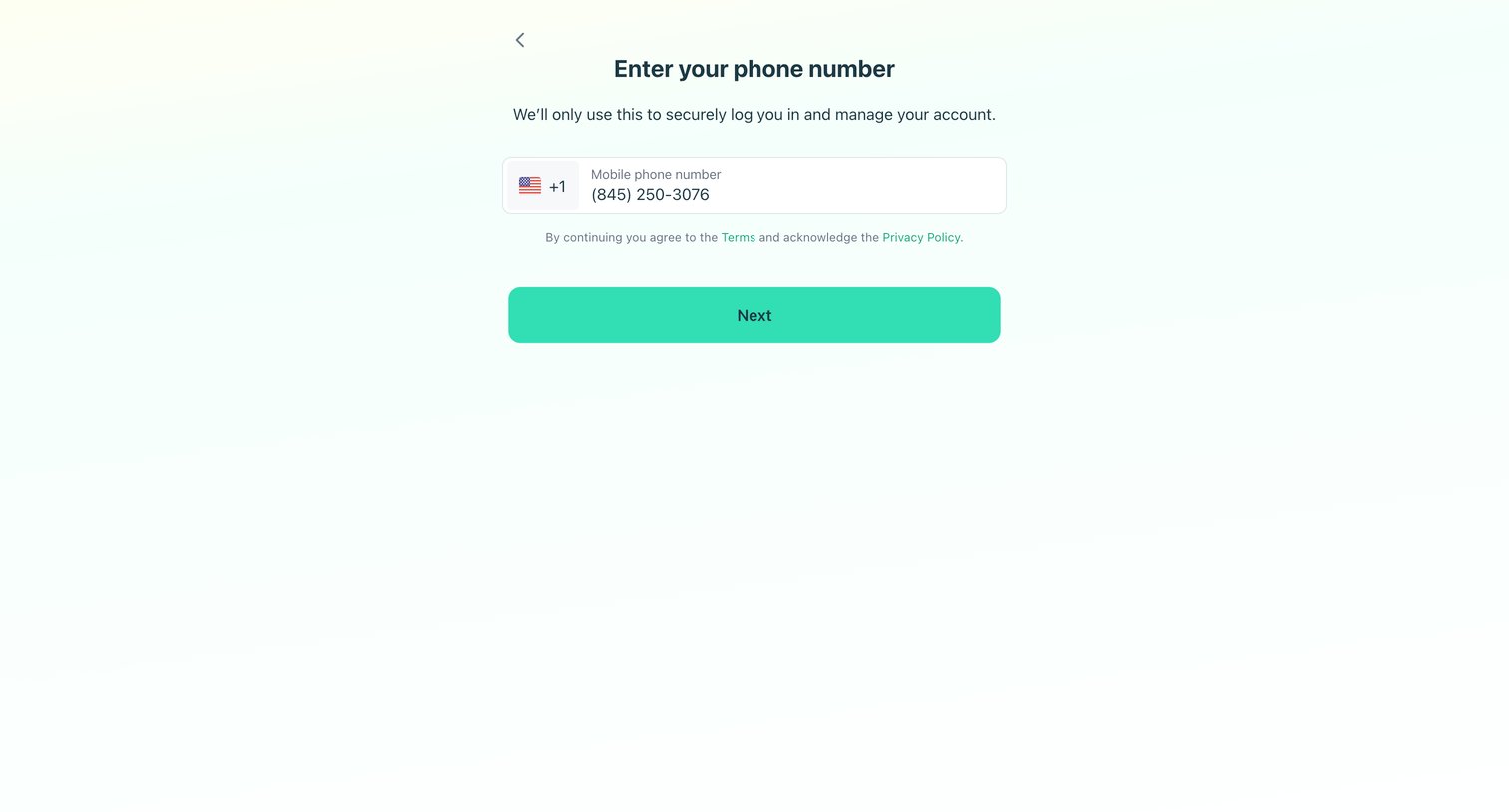
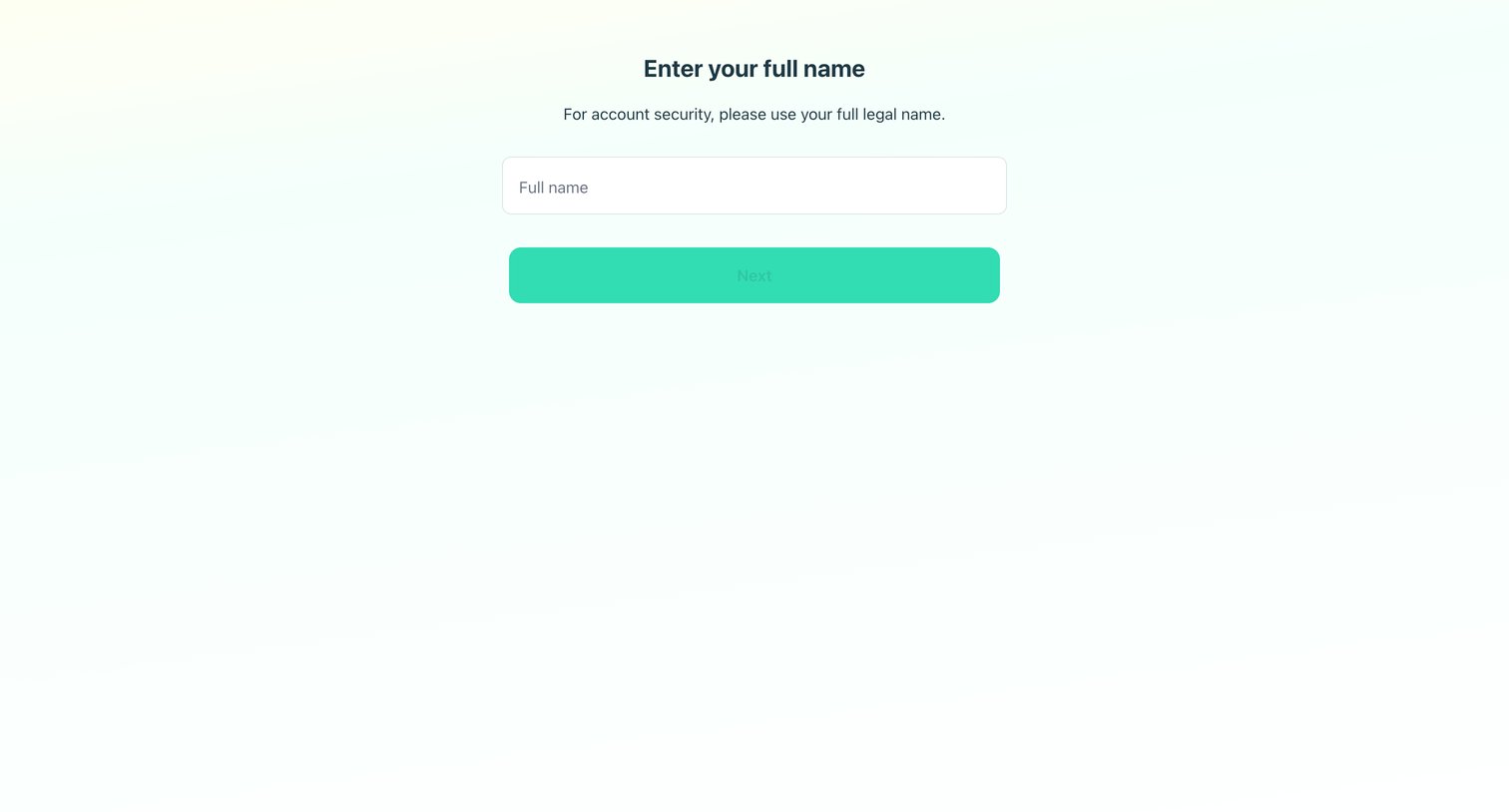

Onboarding step where the user enters their full legal name for account security.
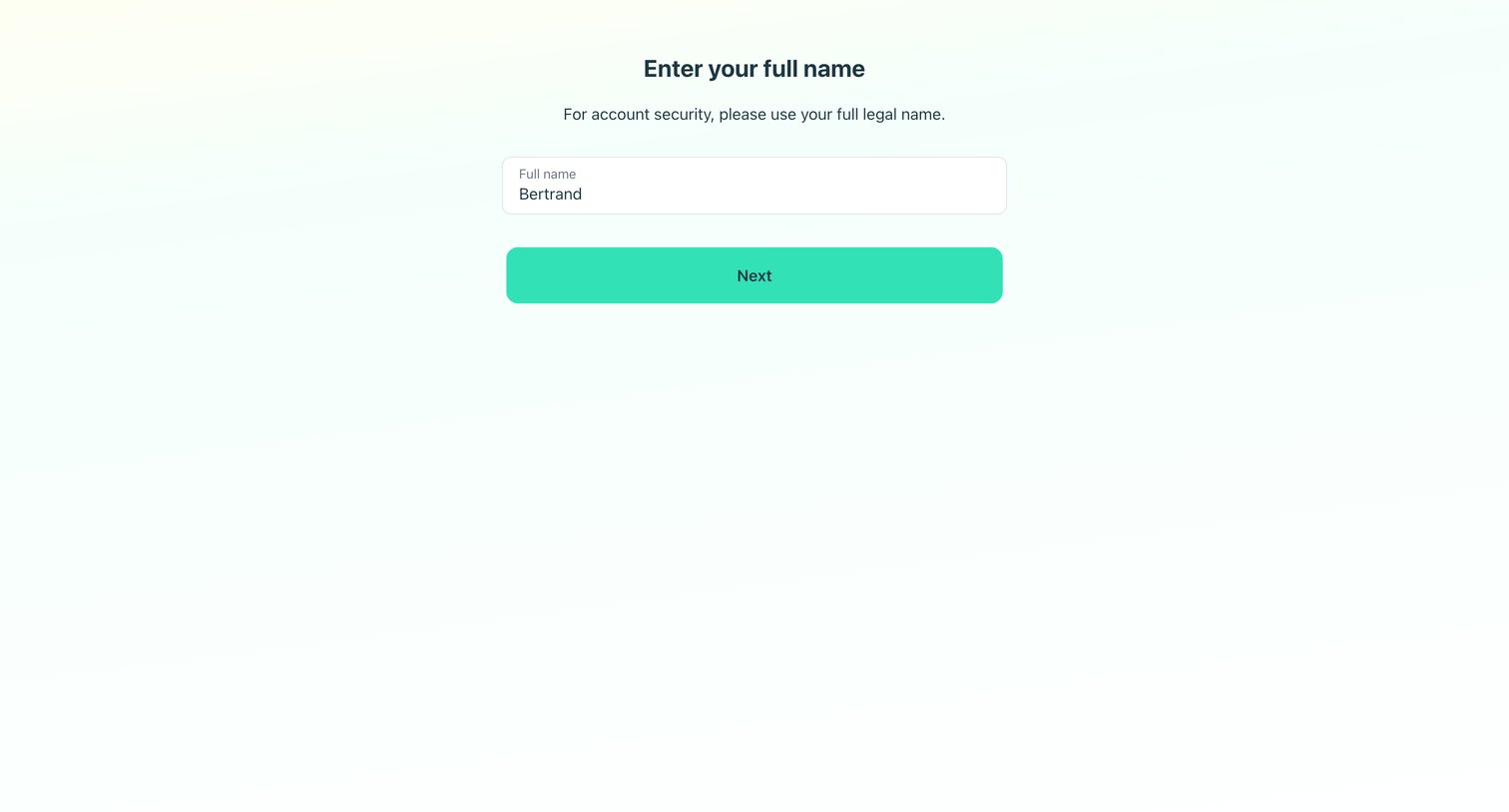
Signup step where the user enters their full legal name for account security.
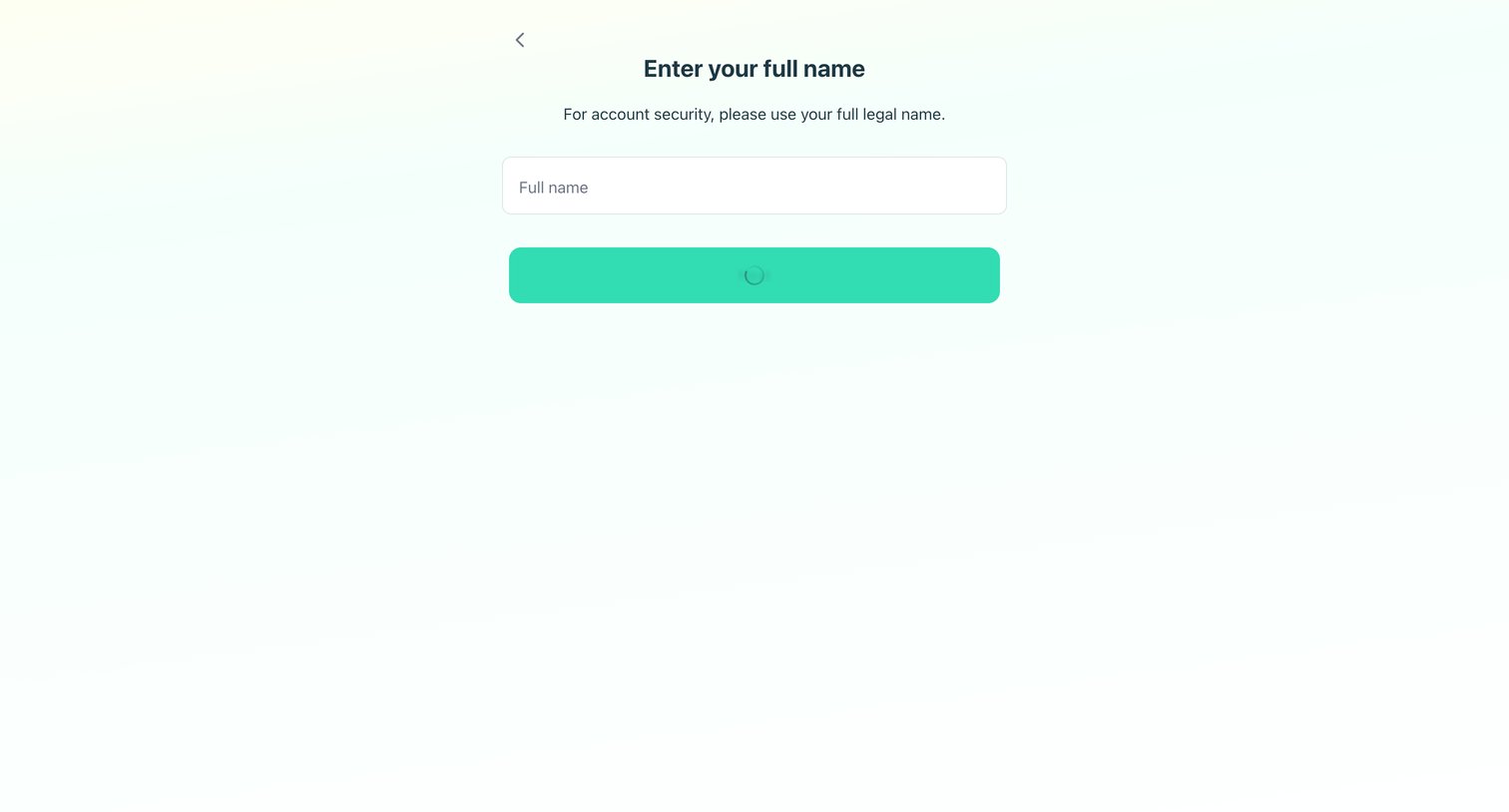
Signup step where the user is prompted to enter their full legal name, currently showing a loading state upon submission.
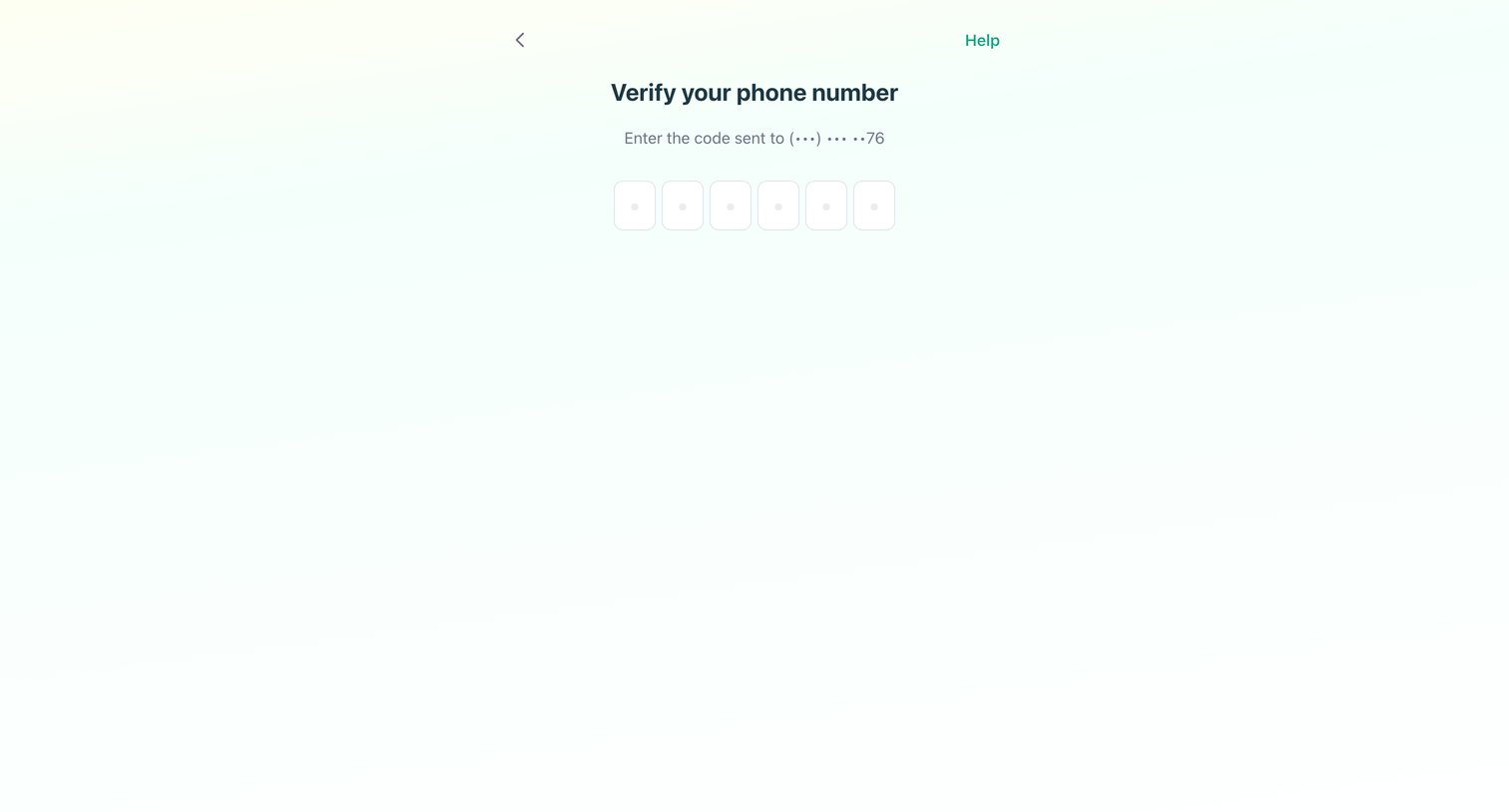
Verification screen where the user enters a 6-digit code sent to their phone to authenticate.
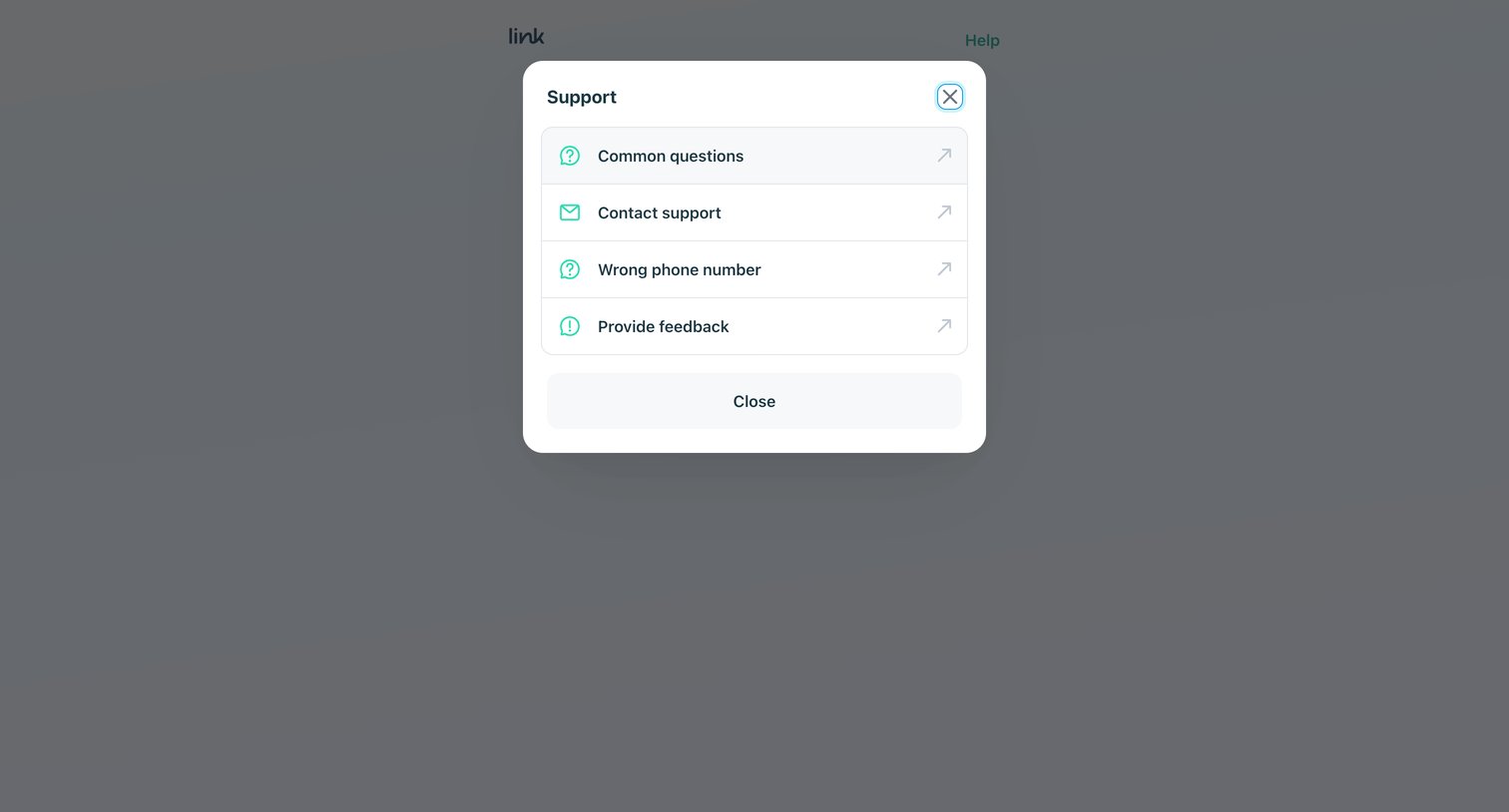
Verification screen where the user has opened a support modal offering links to common questions, contact support, and feedback.
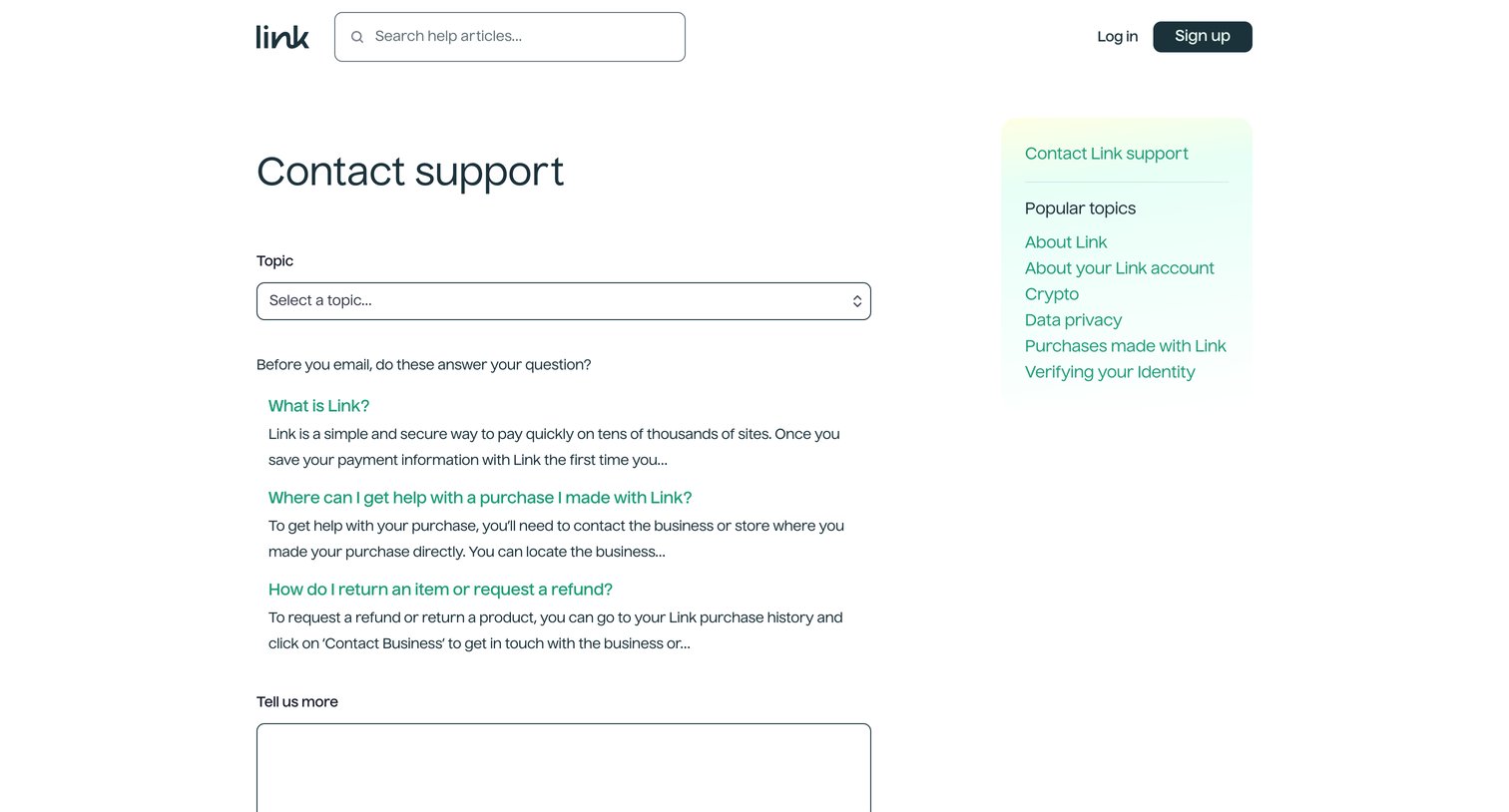
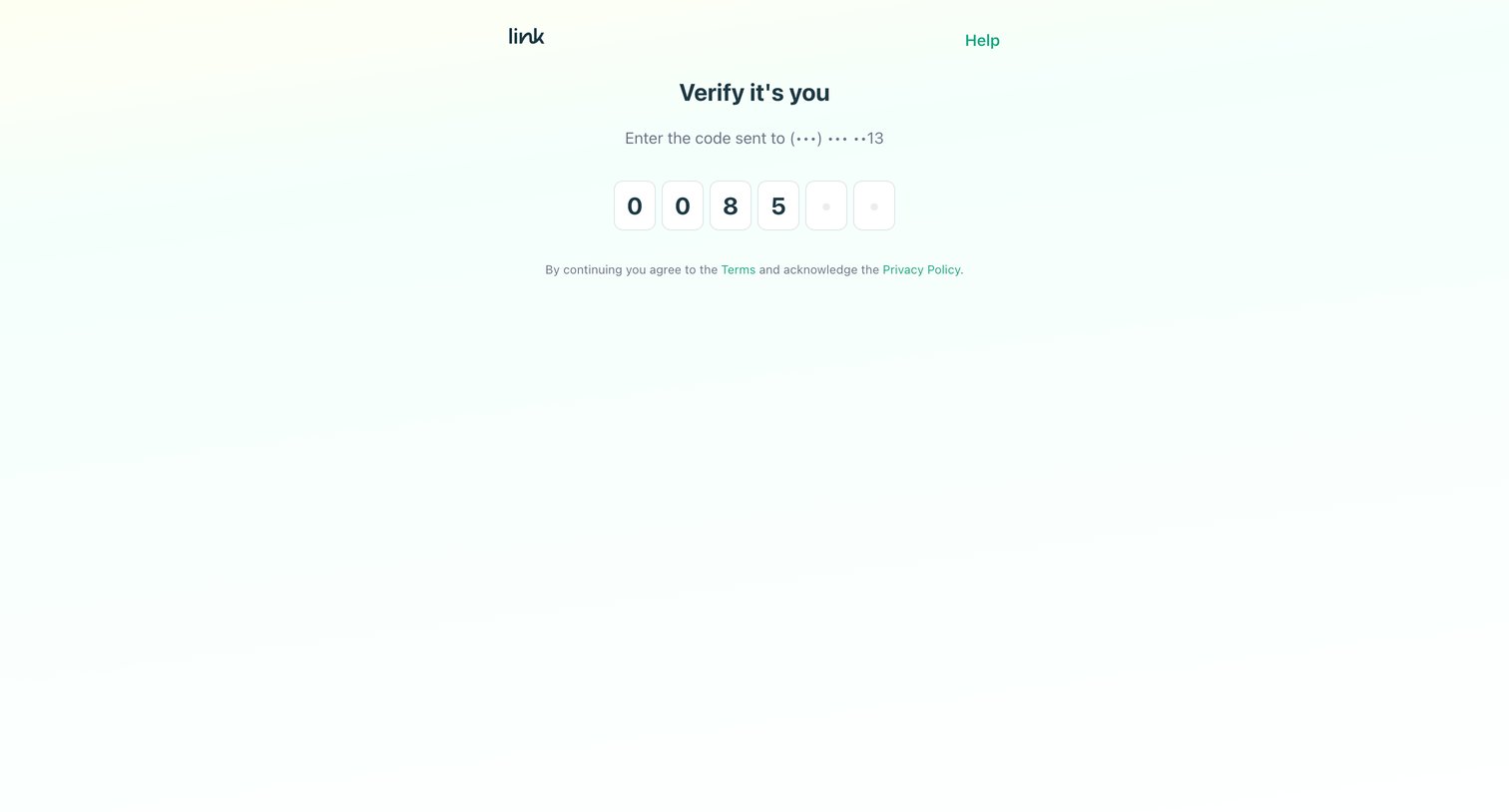
Verification screen where the user enters a 6-digit one-time password sent to their phone to confirm their identity.
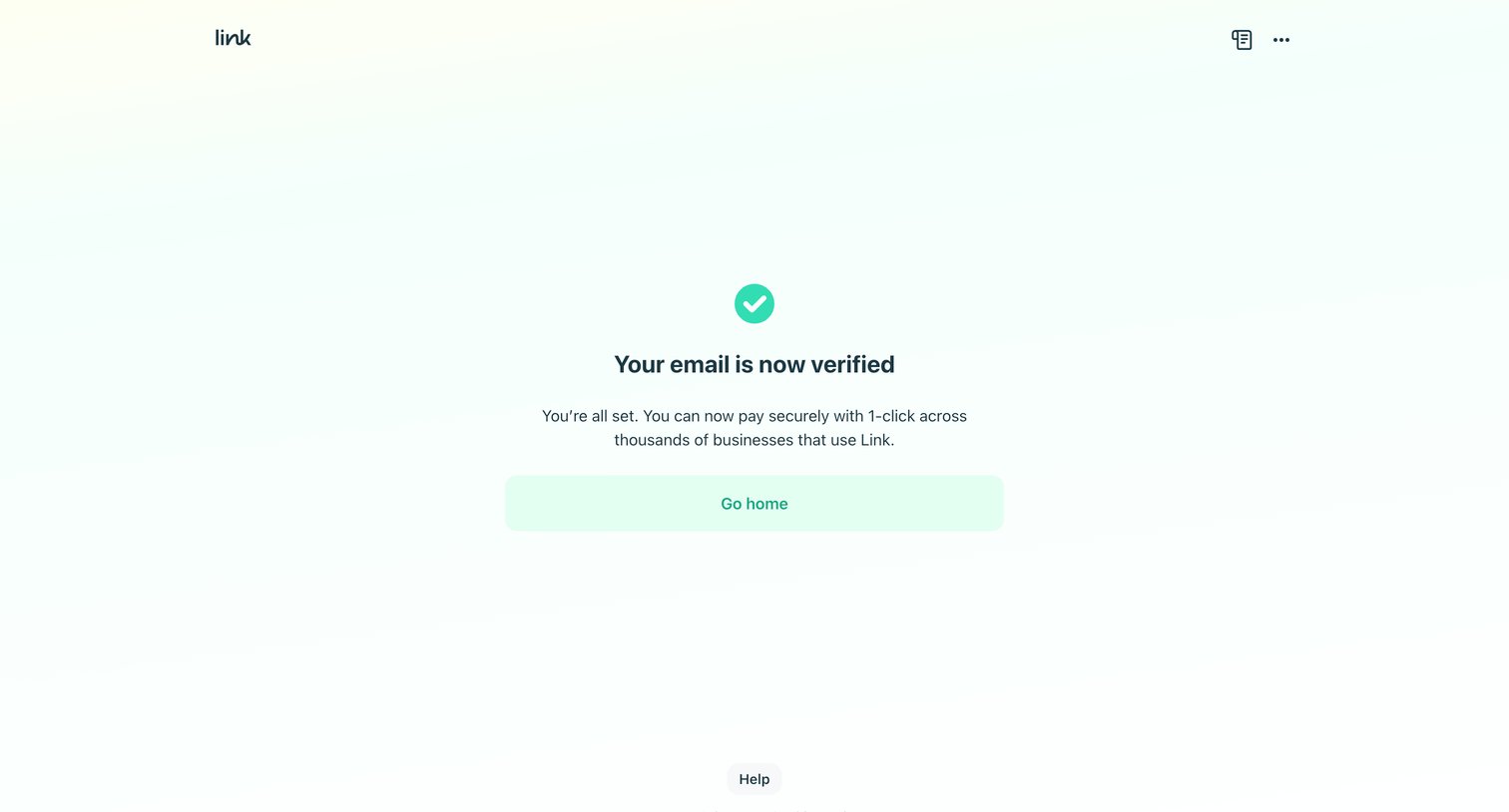
Verification success screen confirming the user's email is set up for 1-click payments with Link, offering a prompt to return home.
Explore the full SaaS screen library
Upgrade to unlock the full library.
Trusted by the best teams







