Latitude.sh product screens examples
Browse Latitude.sh screen design examples. Preview the interface screenshots and explore related UI patterns. Deploy and manage fully automated bare metal servers globally
Explore the examples
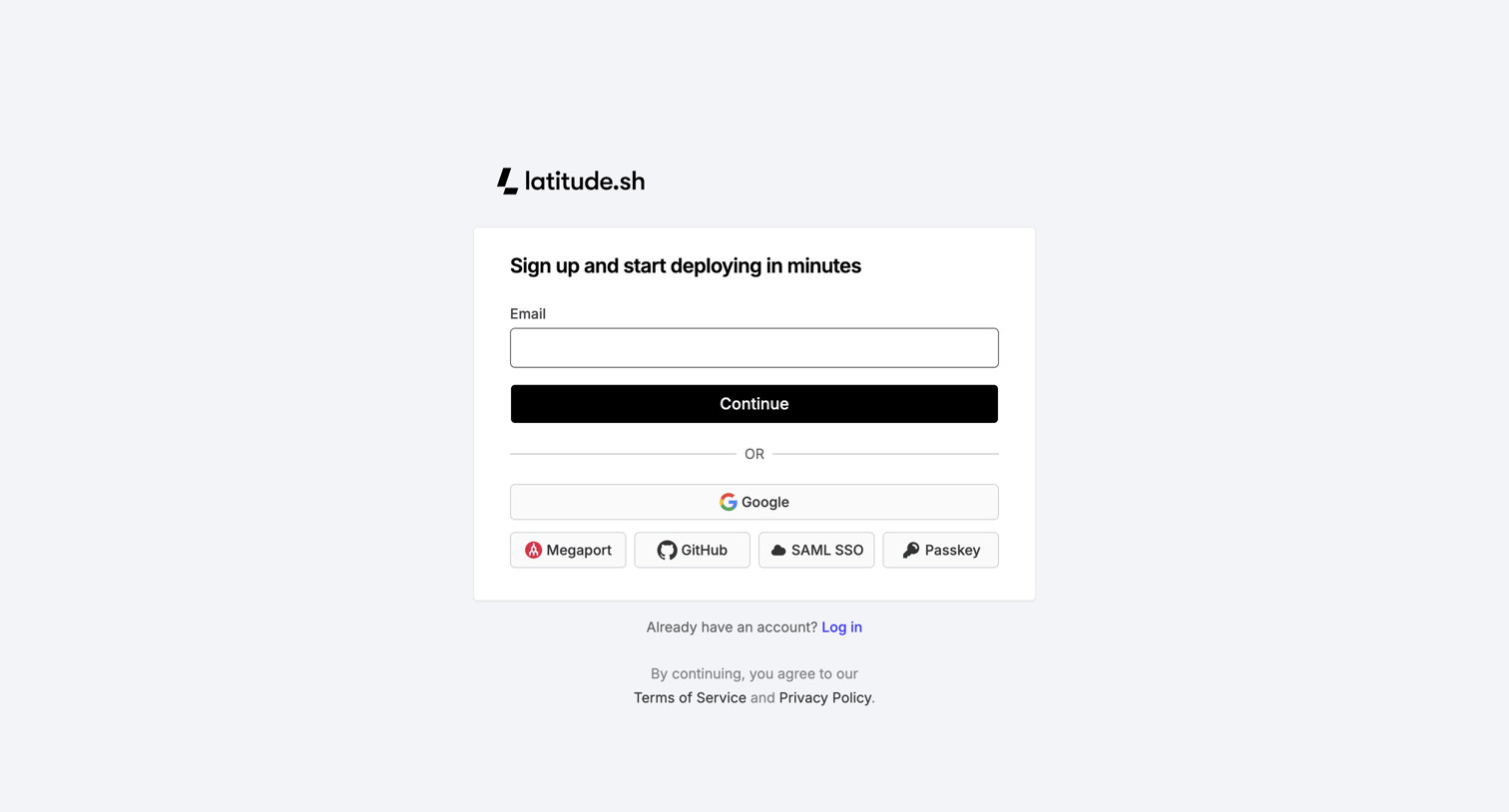

Signup page where the user can create an account using email, Google, GitHub, Megaport, SAML SSO, or a Passkey.
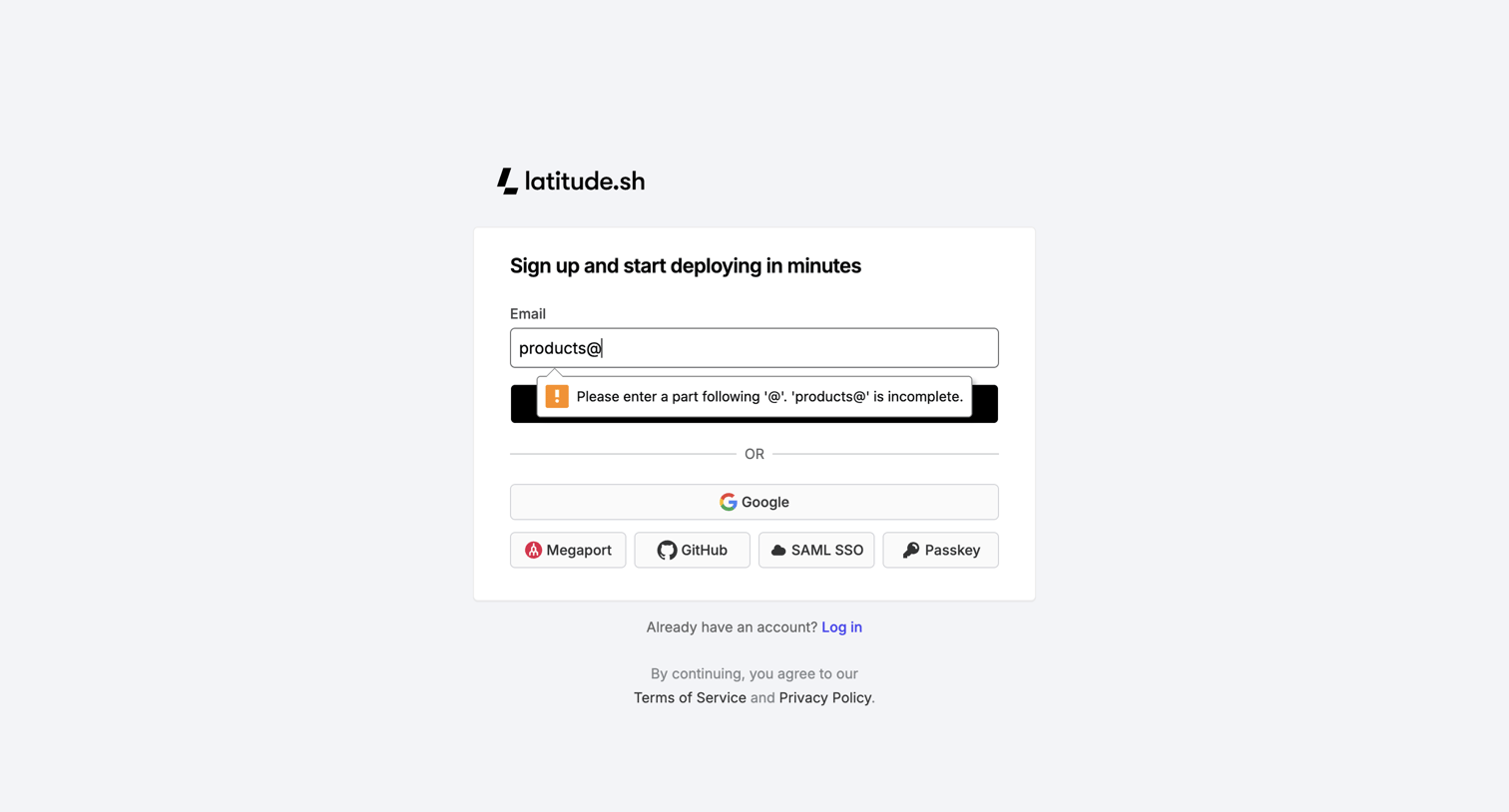
Signup screen where the user can create an account using email, Google, GitHub, SAML SSO, or a Passkey, currently showing an email validation error.
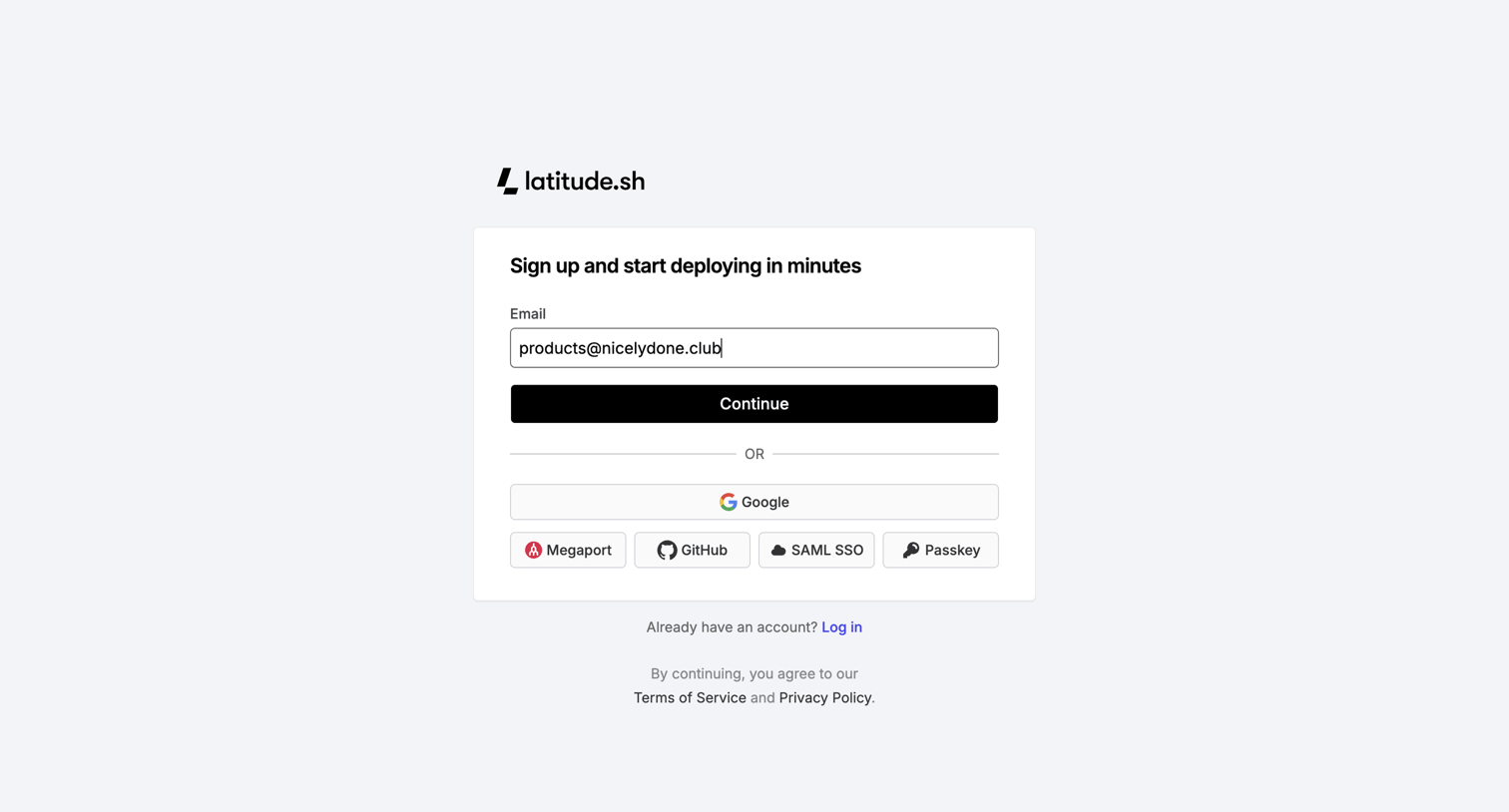
Signup page where the user begins account creation by entering an email address or selecting an authentication provider like Google, GitHub, SAML SSO, or Passkey.
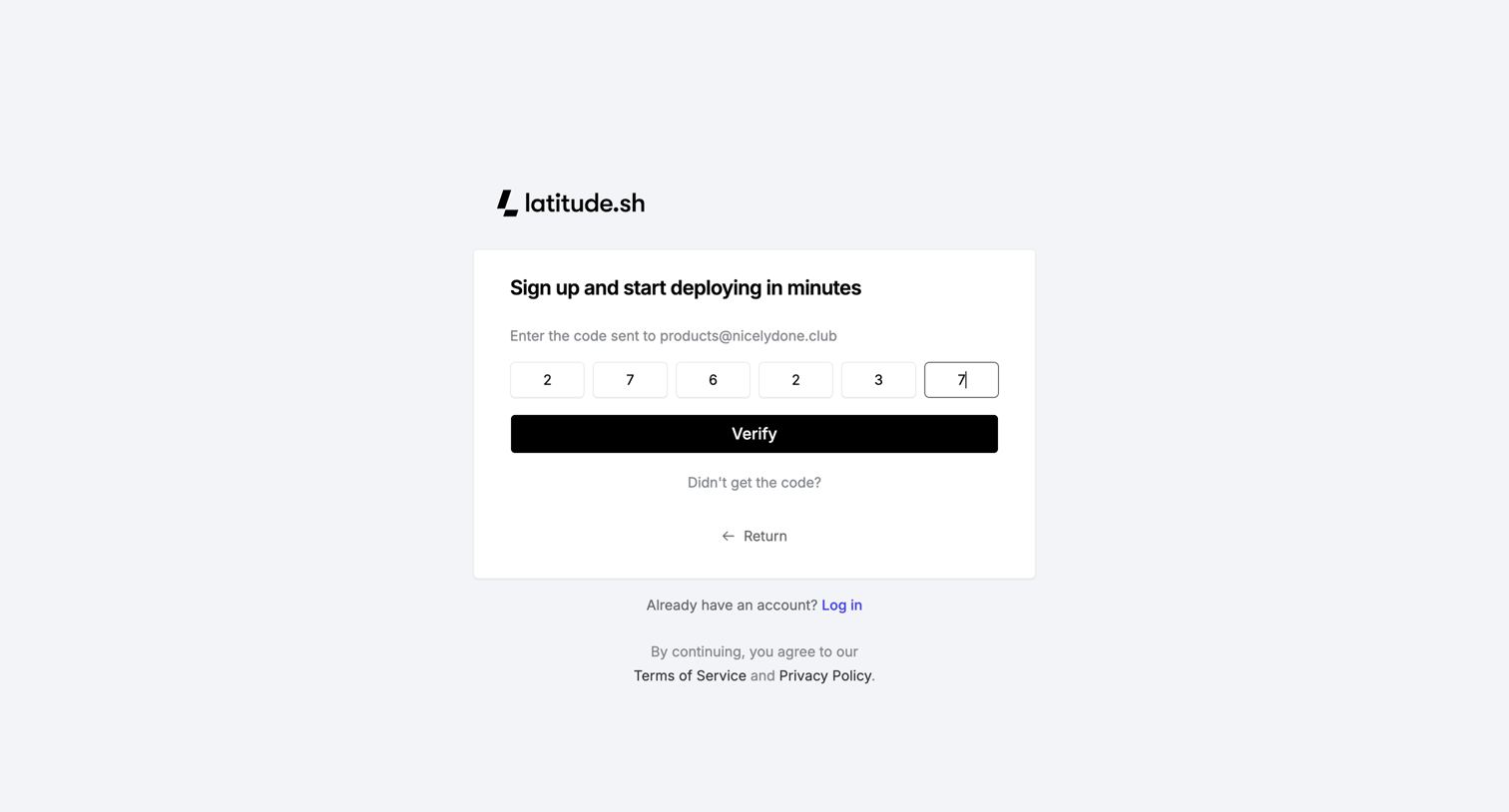
Verification screen where the user enters a 6-digit code sent to their email to complete the signup process.
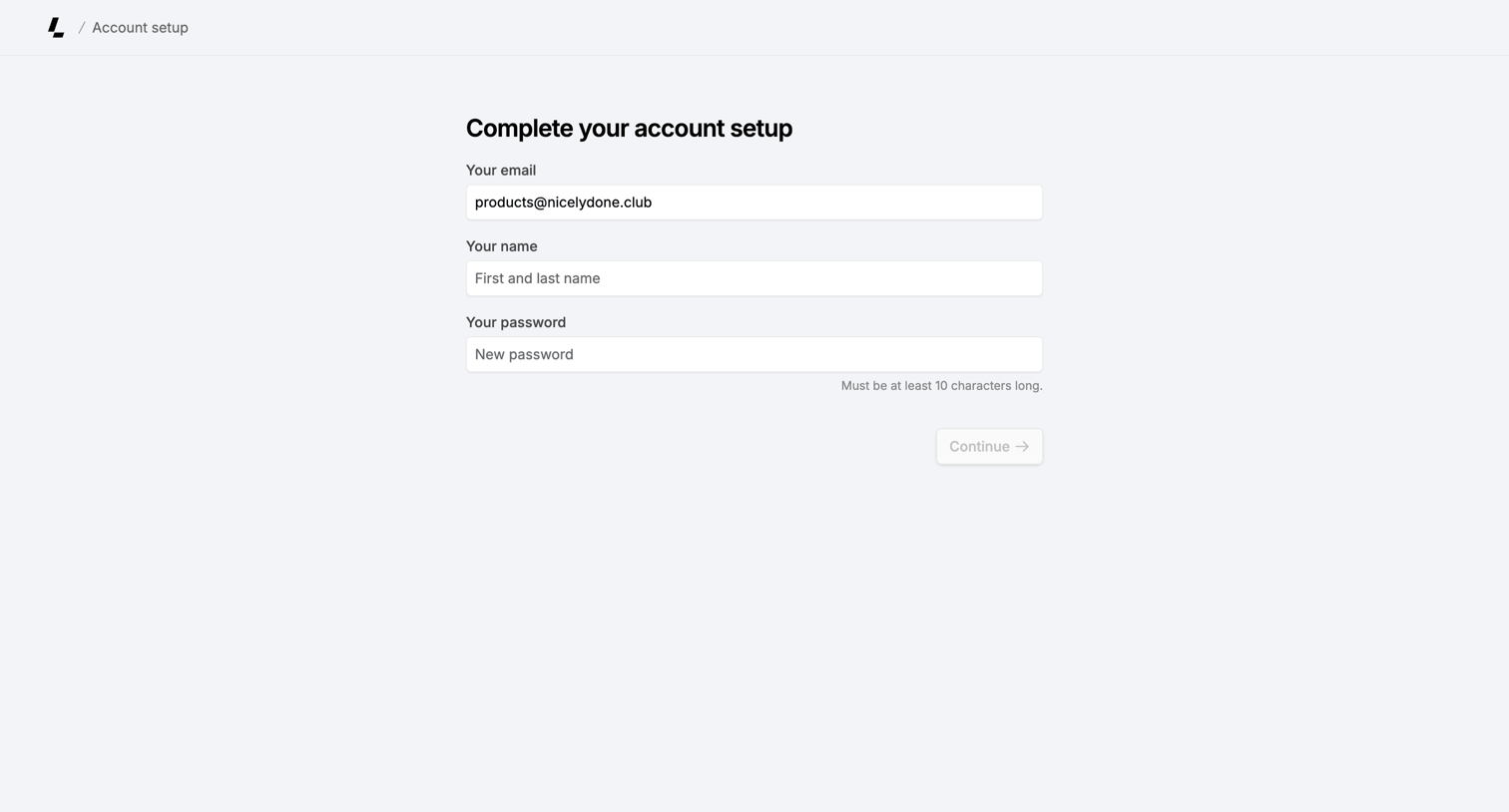
Onboarding step where the user completes their account setup by providing their name and a new password.
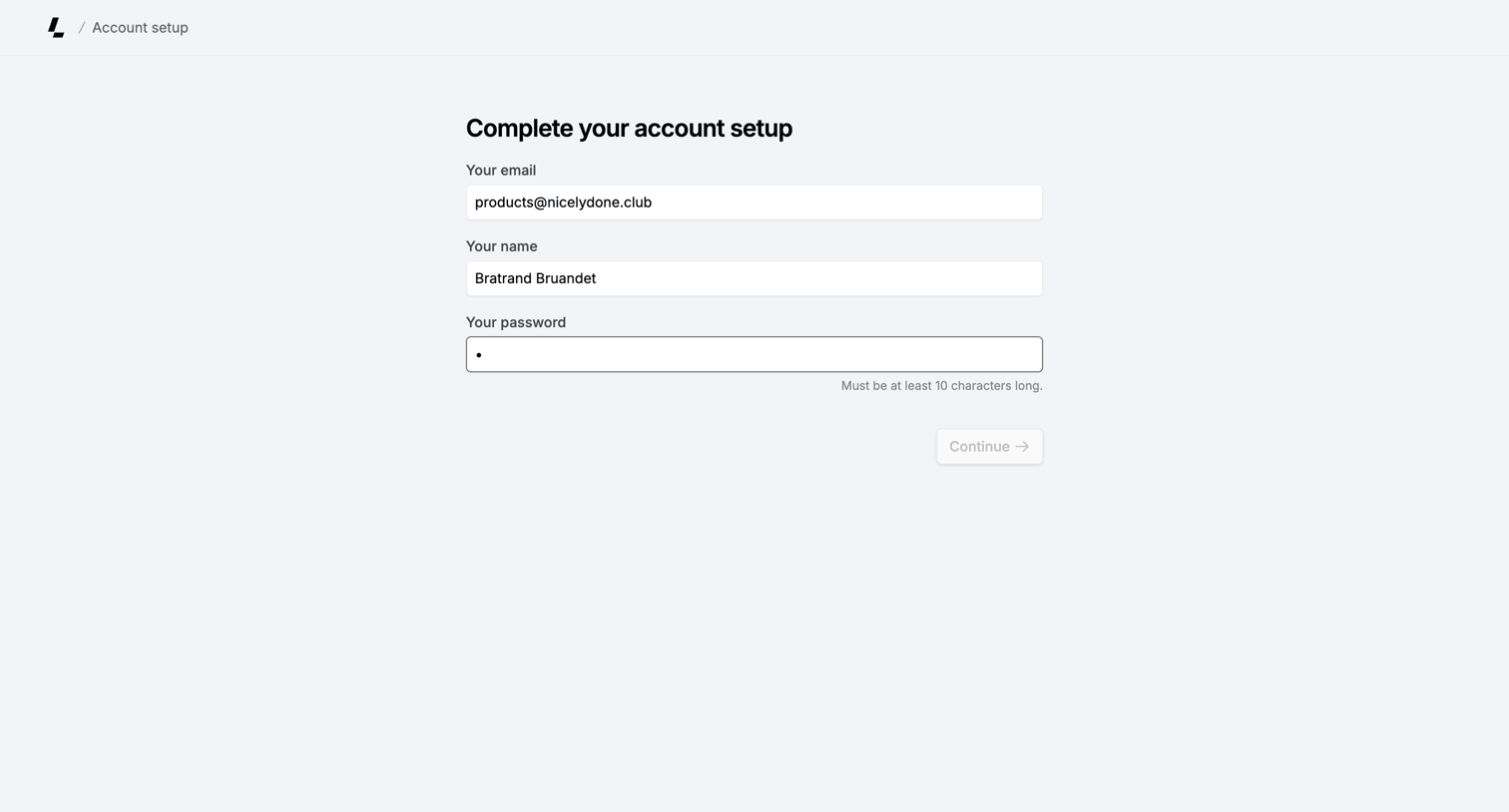
Signup screen where the user completes their account setup by confirming their email, entering their name, and setting a password.
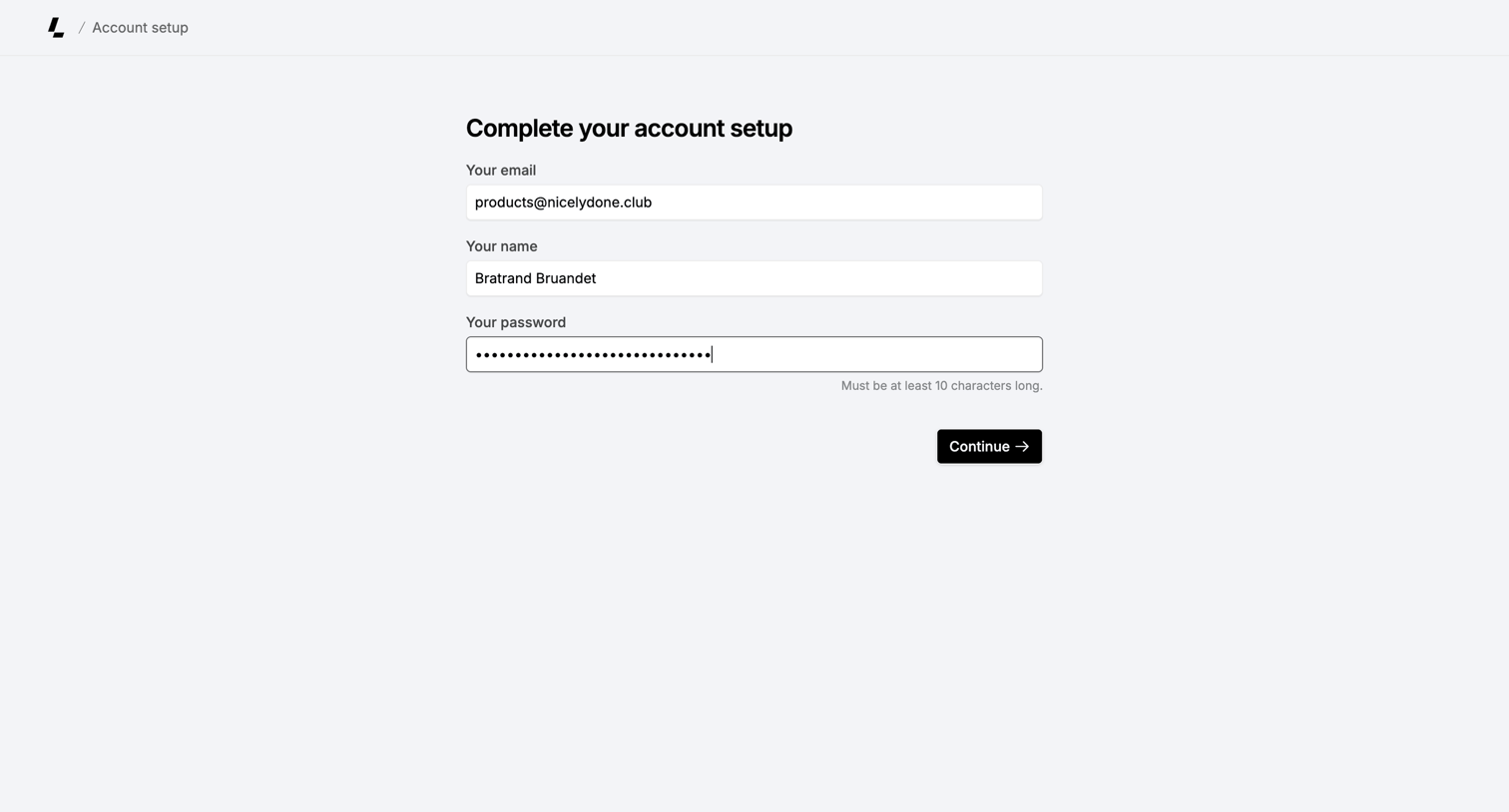
Onboarding step where the user completes their account setup by confirming their email and name, and creating a password.
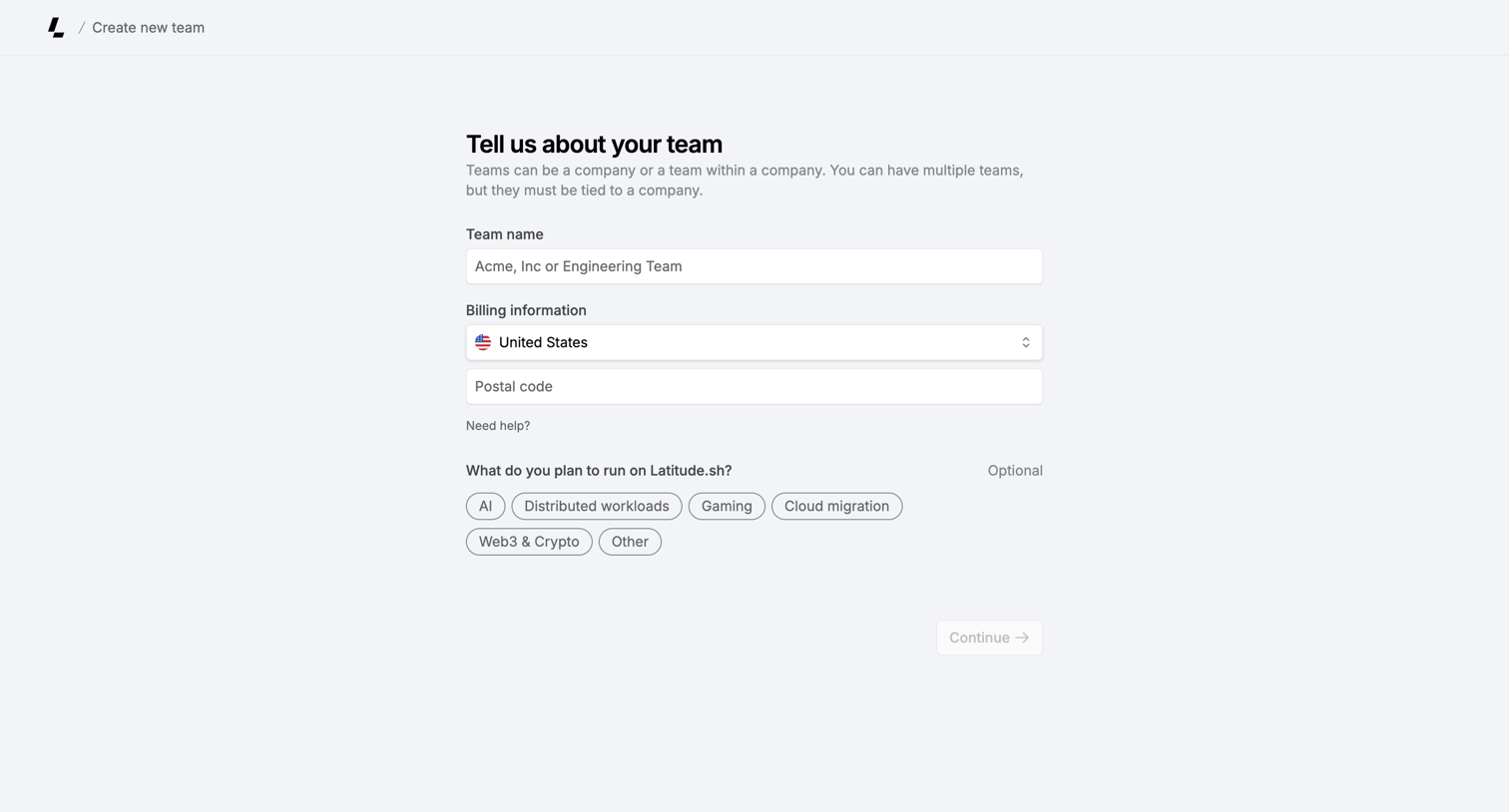
App page where the user creates a new team by providing a name, billing country, postal code, and optional intended use cases.
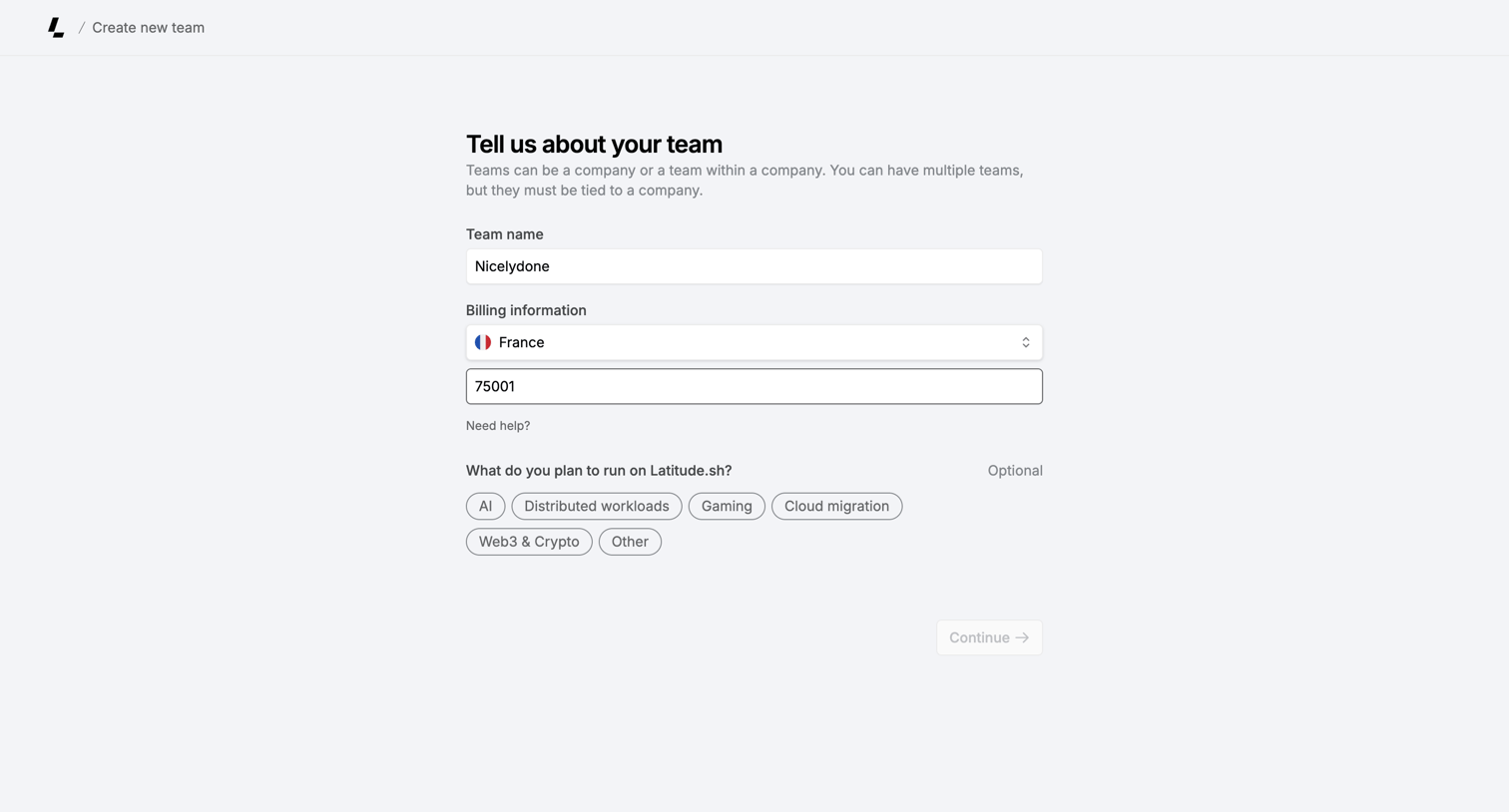
Creation page where the user sets up a new team by entering a name, billing country, zip code, and selecting planned workloads.
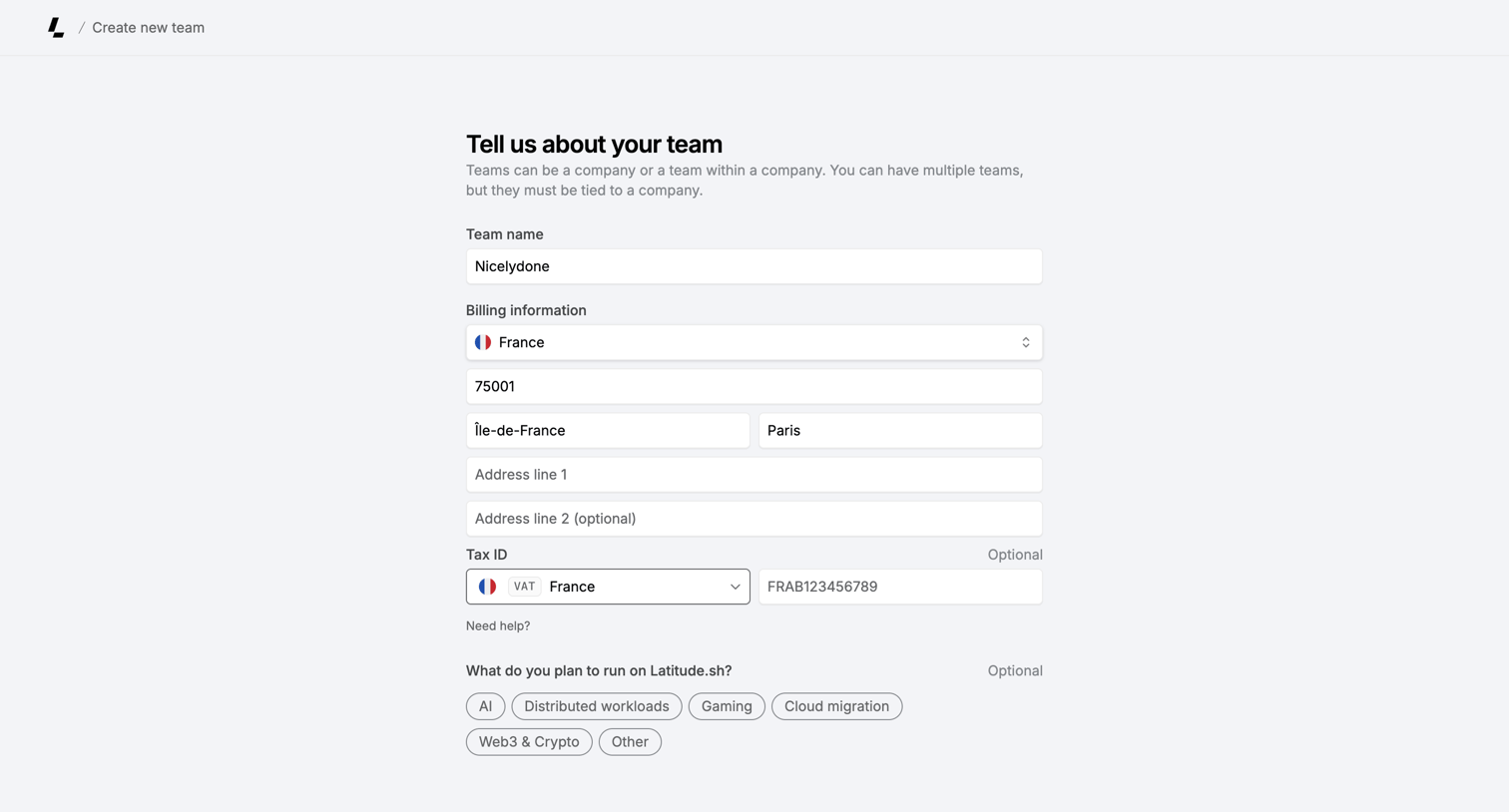
Creation page where the user sets up a new team by providing a name, billing address, tax ID, and intended workloads.
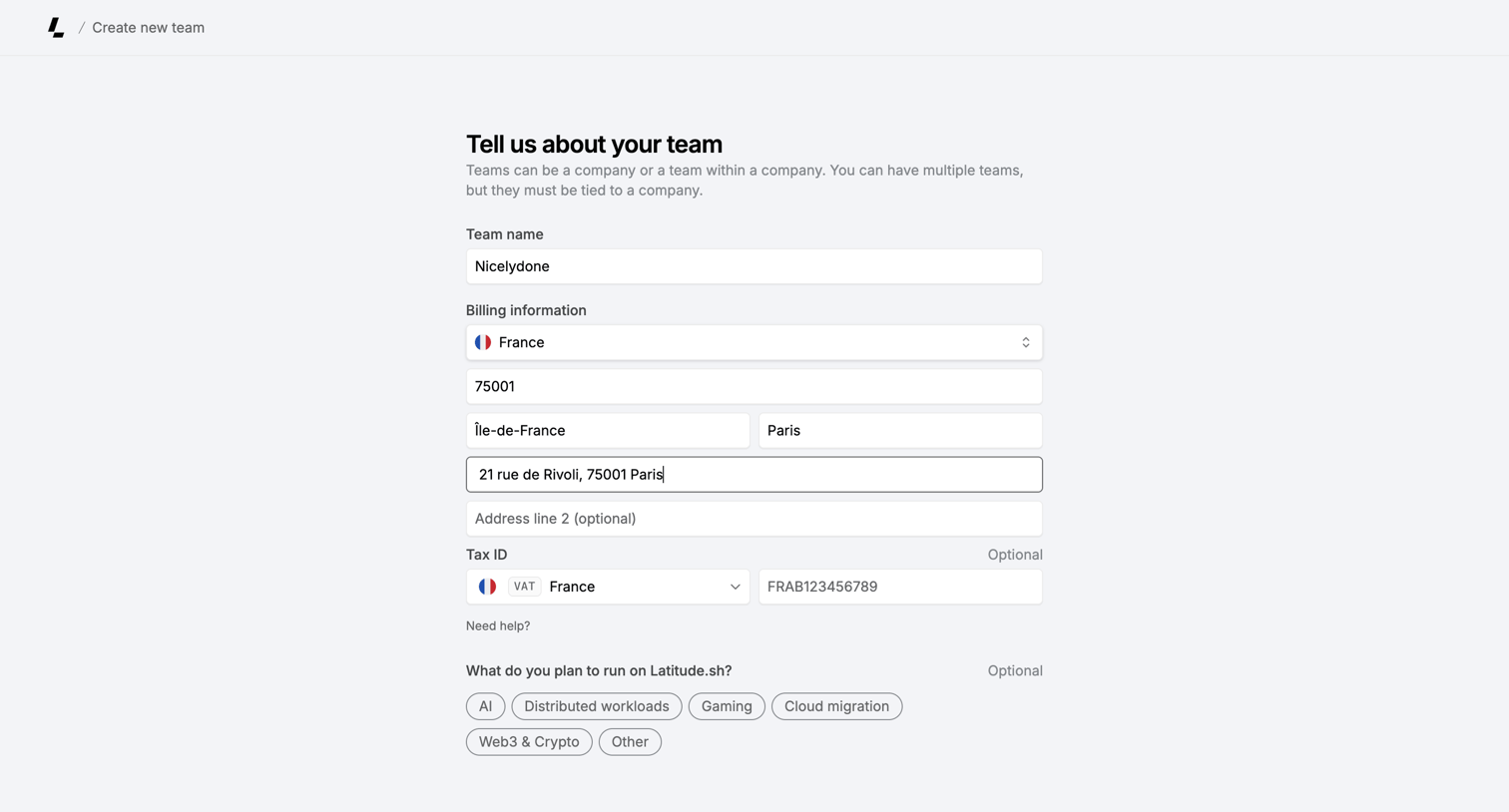
Creation form where the user sets up a new team by providing a name, billing address, tax ID, and intended use cases.
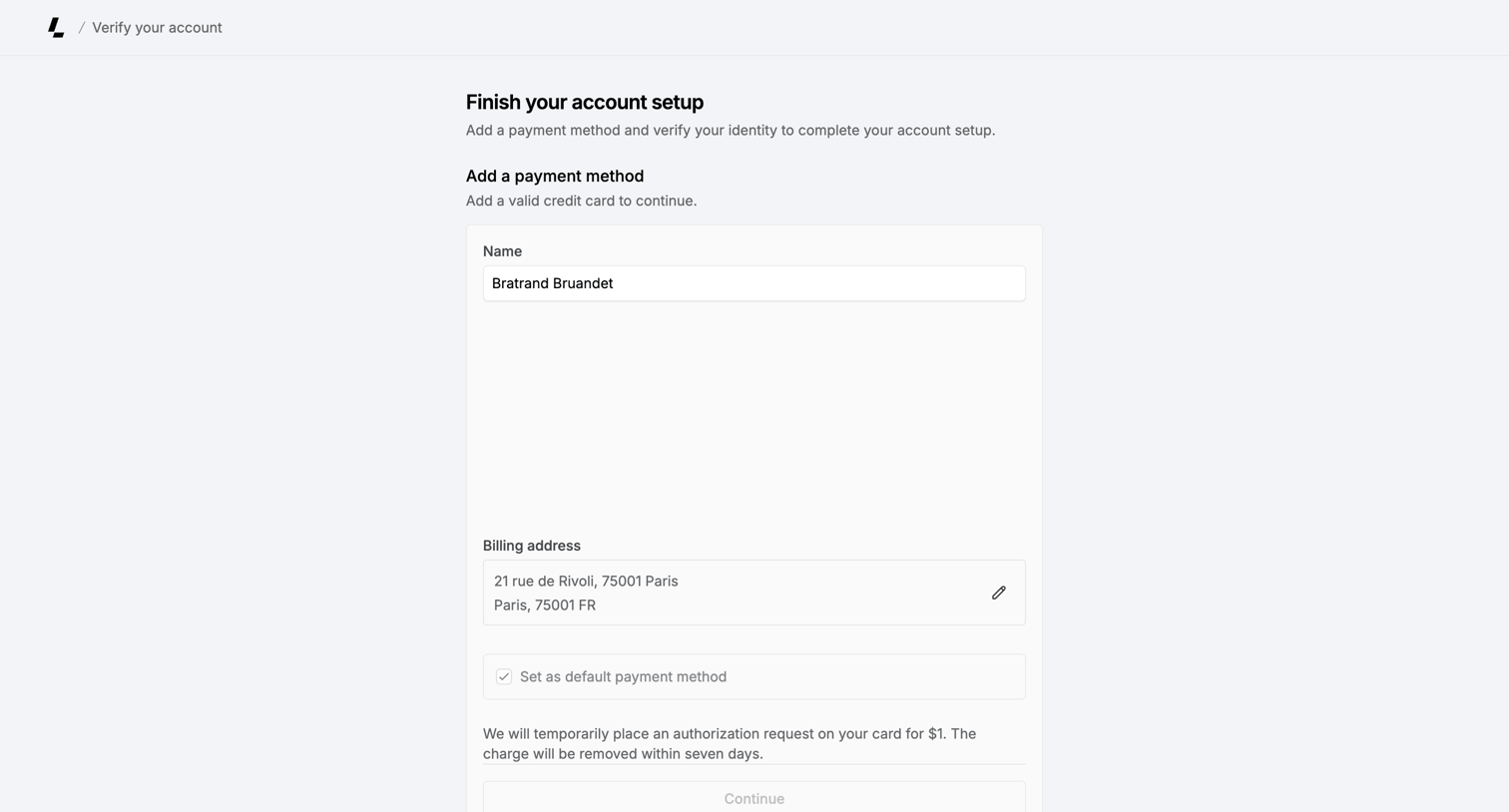
Onboarding step where the user provides a name and billing address to add a payment method and finish their account setup.
Explore the full SaaS screen library
Upgrade to unlock the full library.
Trusted by the best teams







