Dona product screens examples
Browse Dona screen design examples. Preview the interface screenshots and explore related UI patterns. A more humane to-do list
Explore the examples
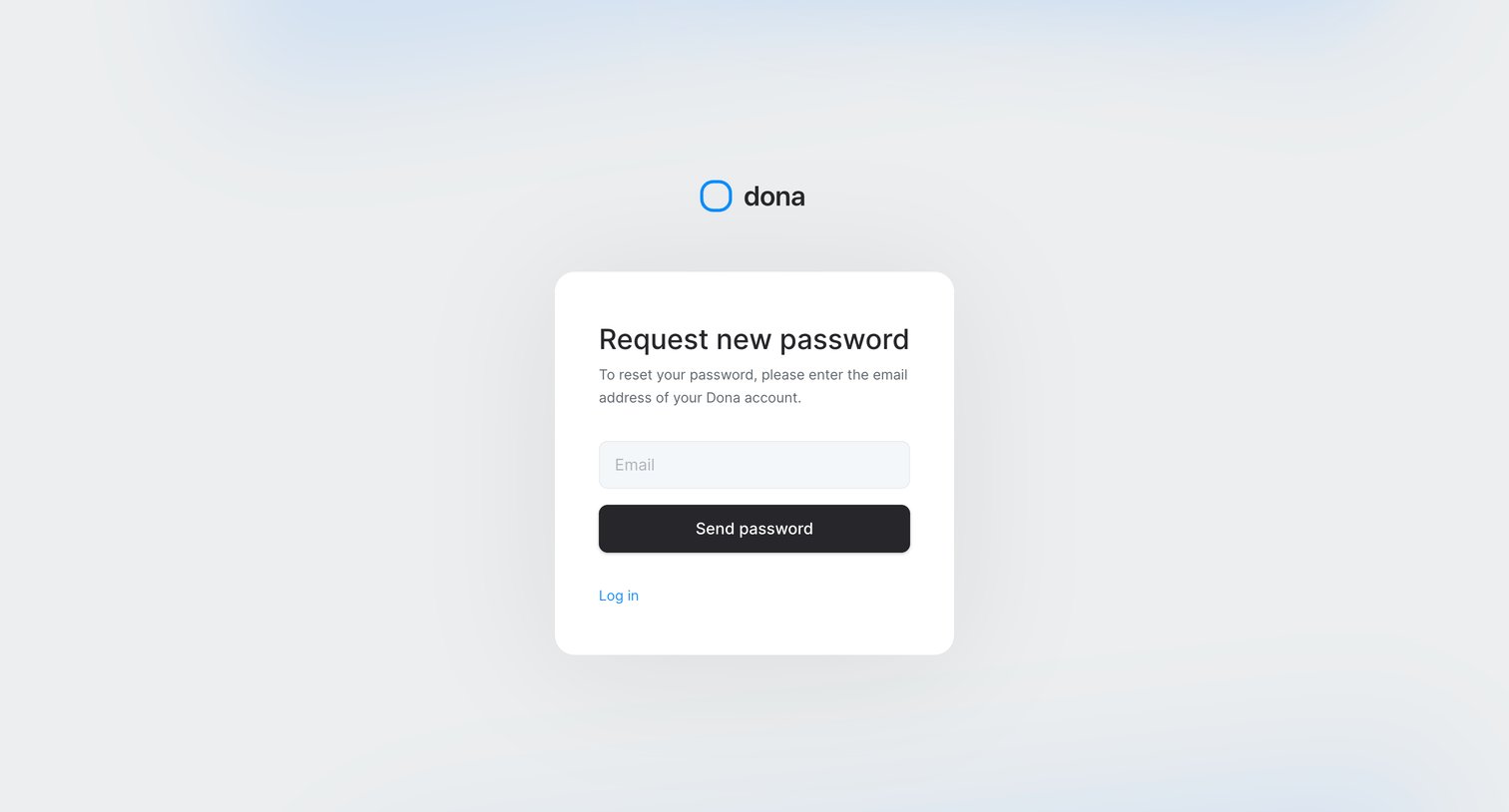

Password recovery screen where the user enters their email address to request a reset link.
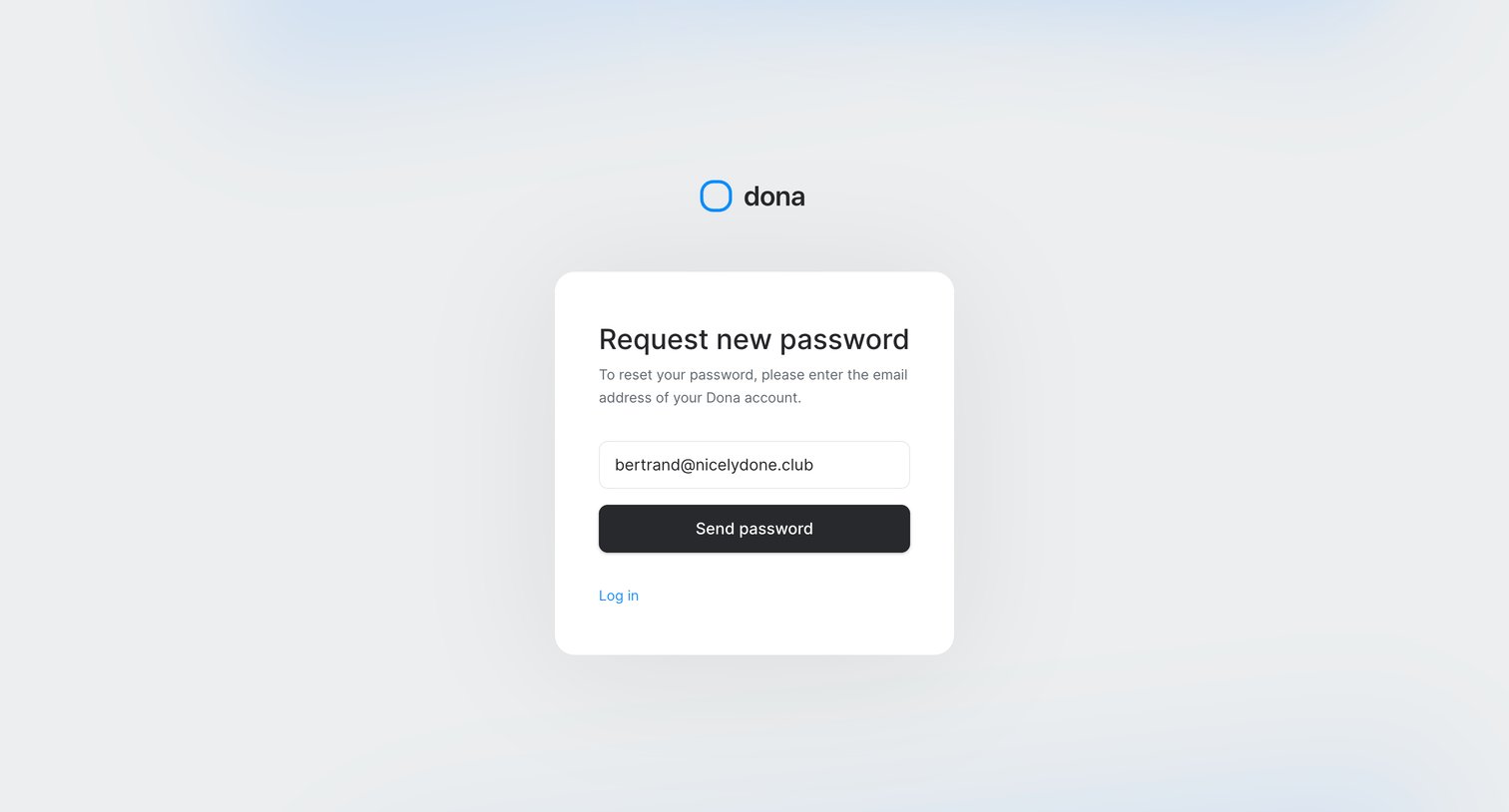
Password recovery screen where the user enters their email address to request a reset link.
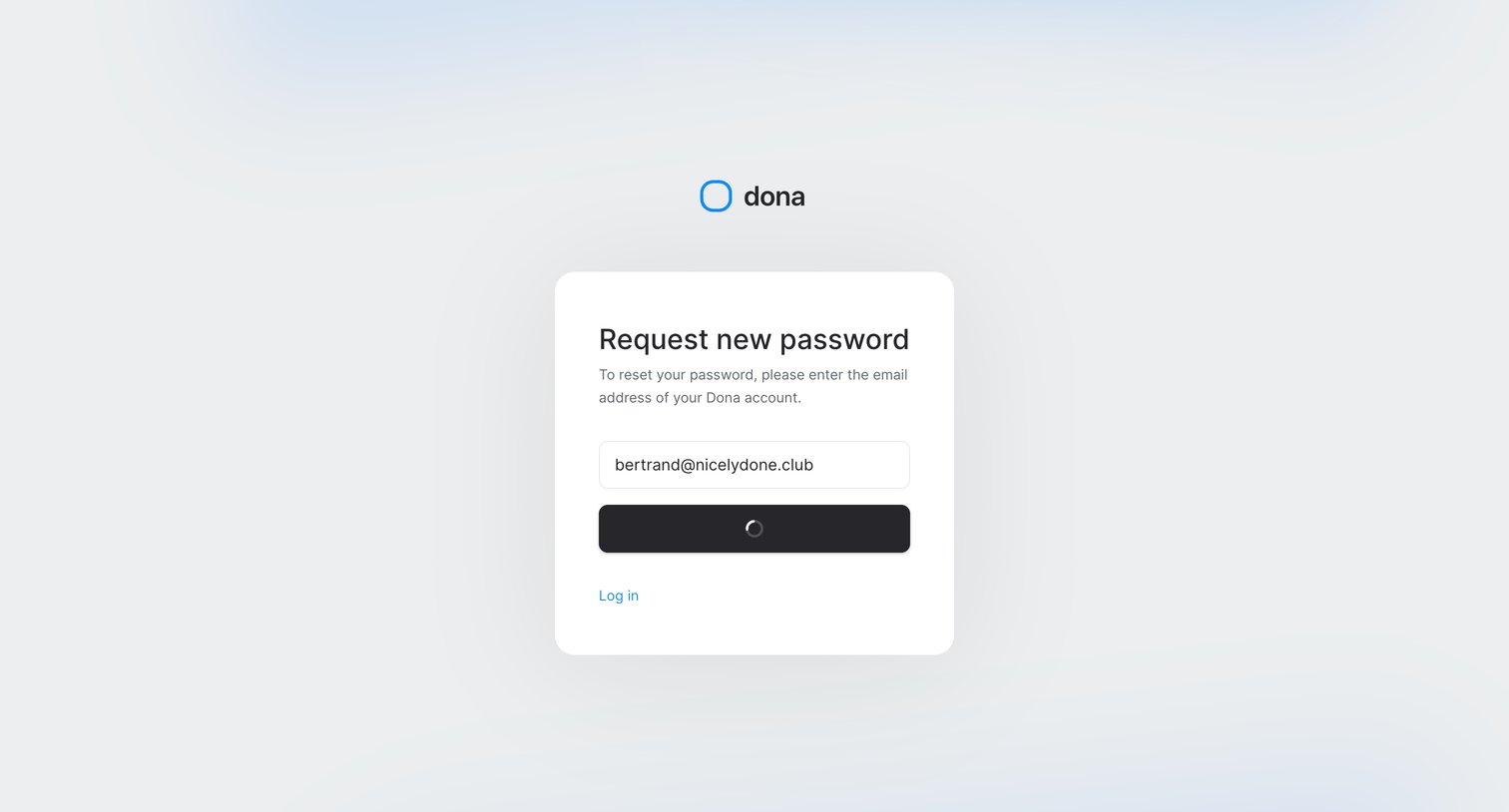
Password recovery screen where the user submits their email address to receive a reset link, currently showing a loading state on the submit button.
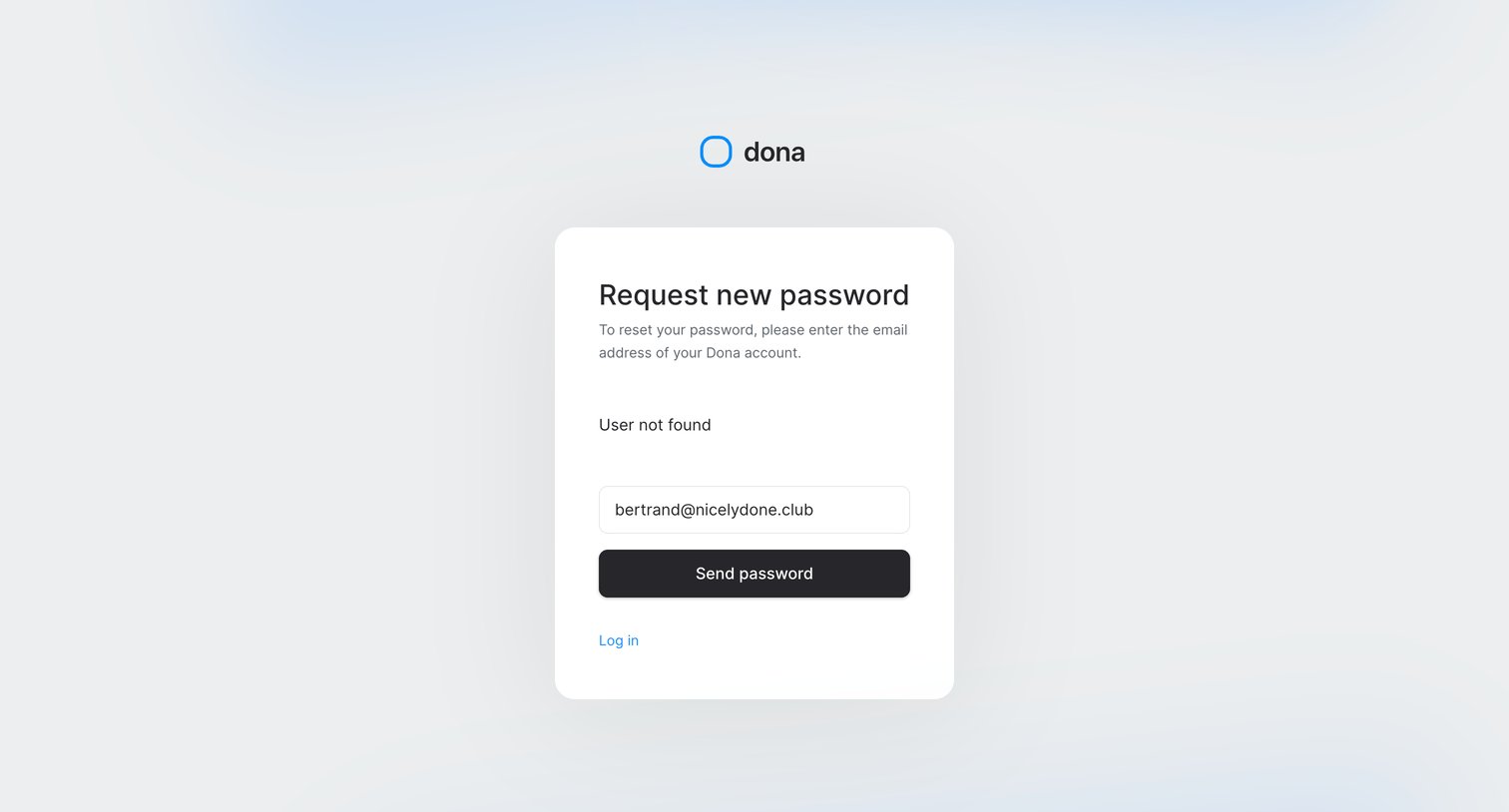
Password recovery screen showing a 'User not found' error message above the email input after a failed reset request.
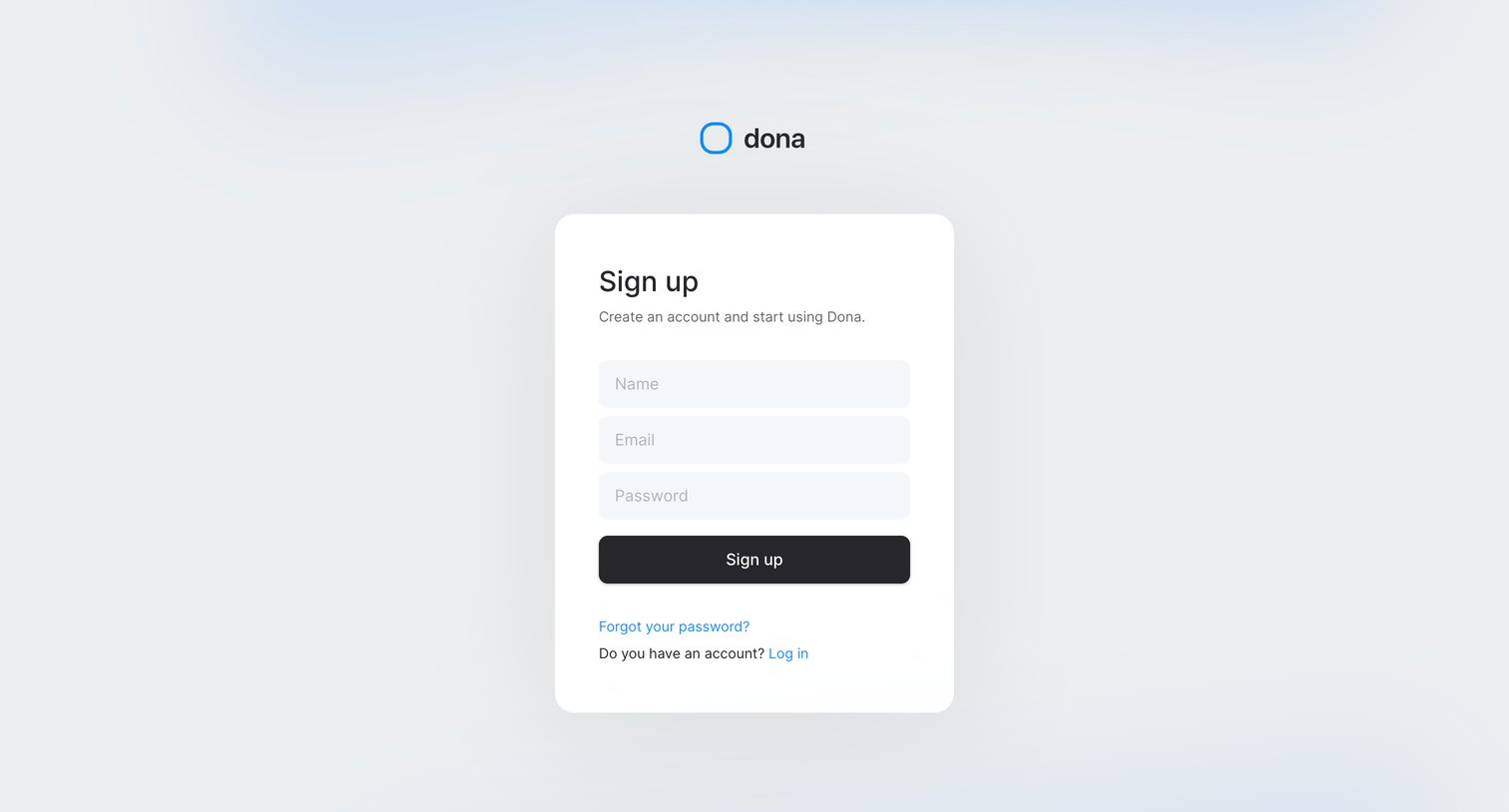
Signup screen where the user creates a new account by entering their name, email, and password.
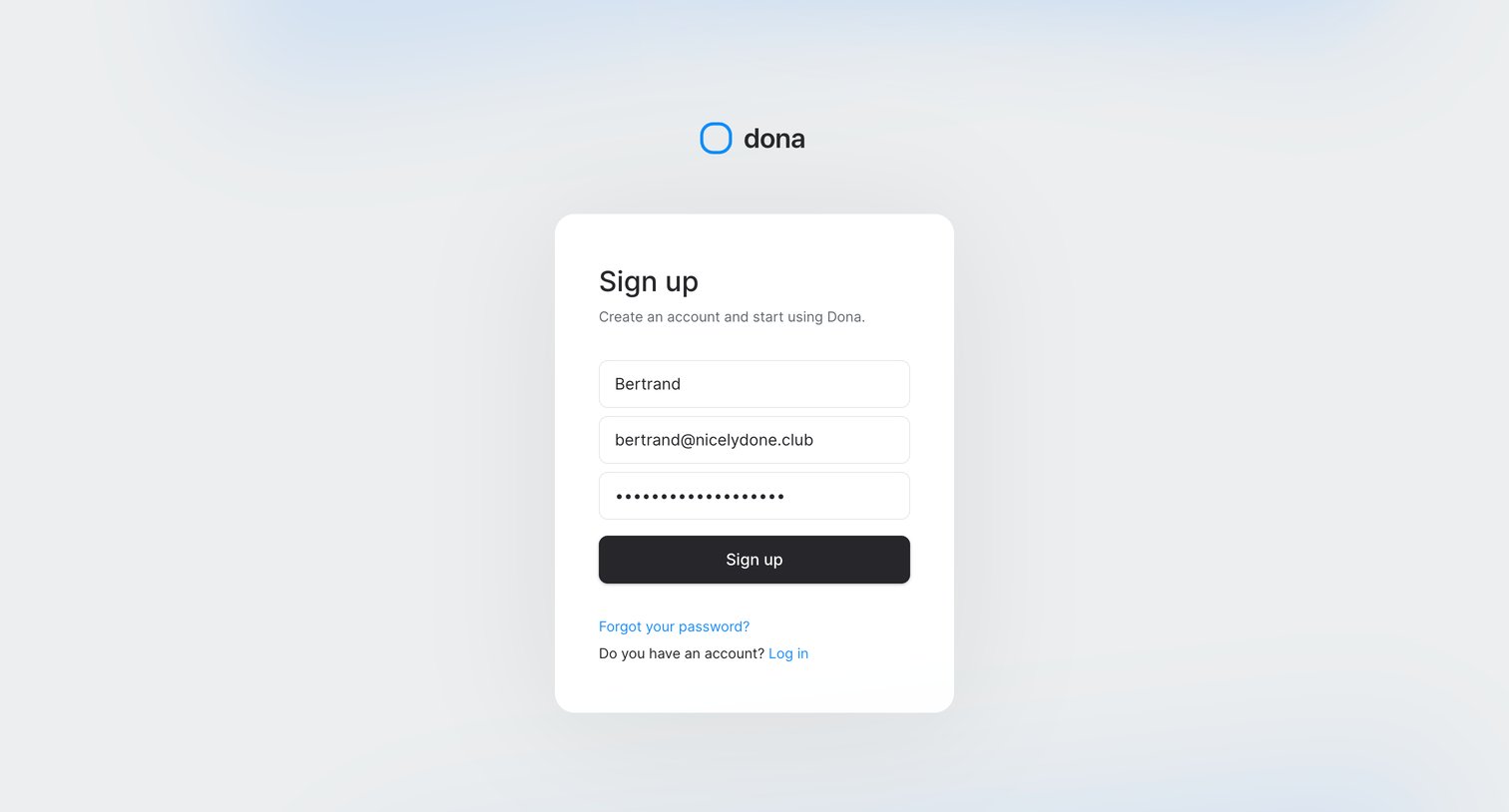
Signup screen where the user creates an account by entering their name, email, and password.
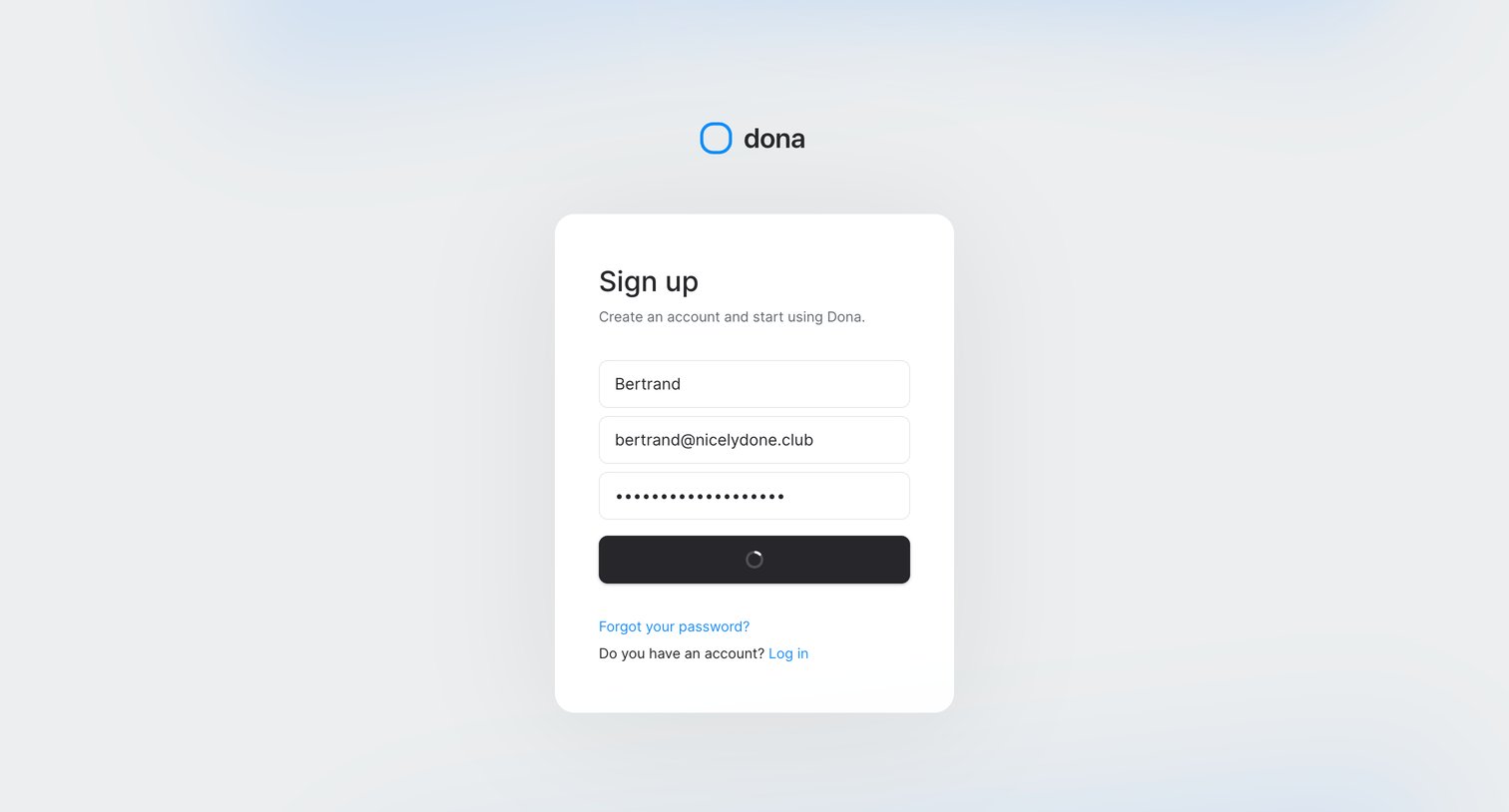
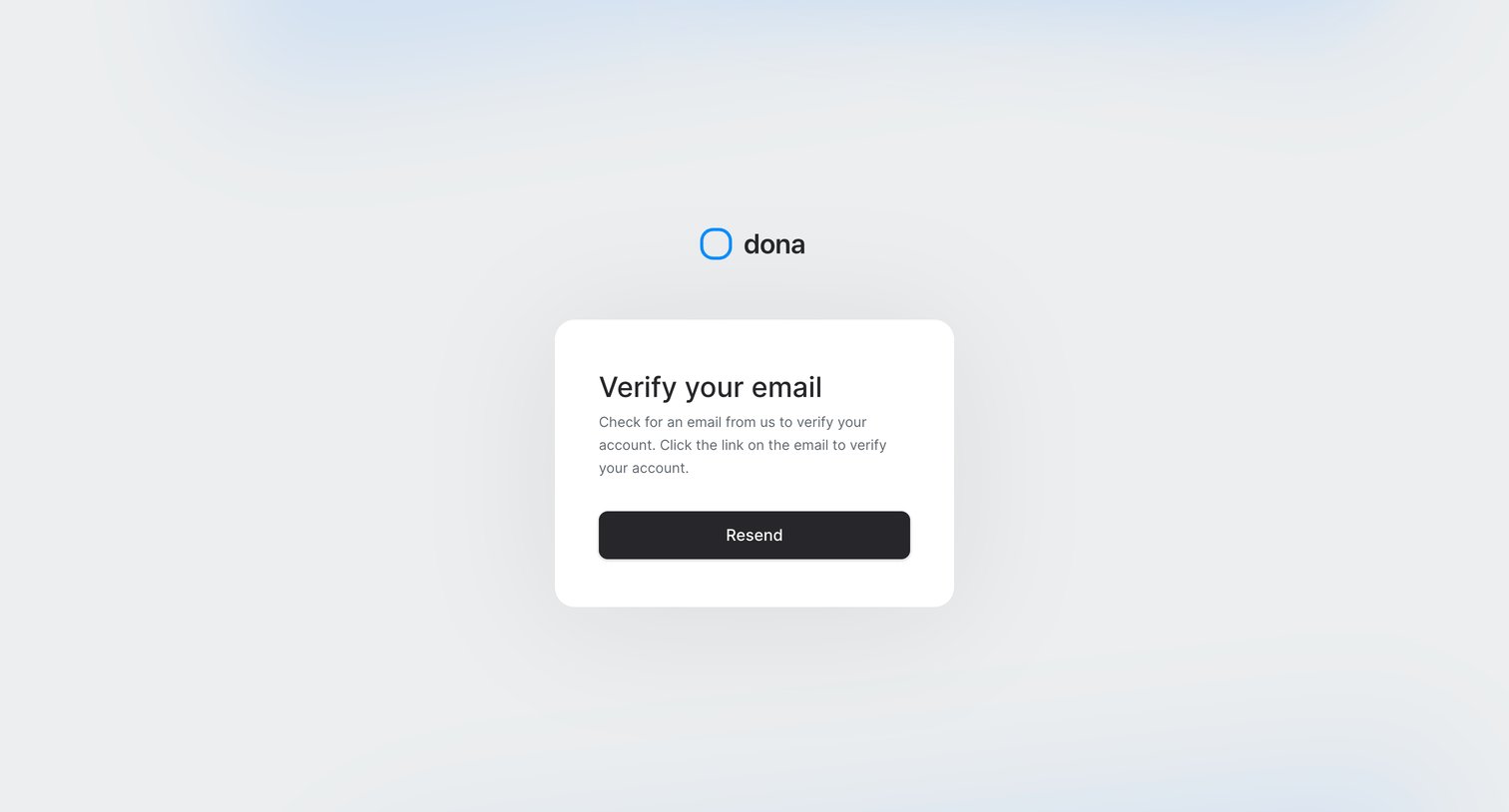
Verification screen where the user is instructed to check their inbox for a link to verify their account, with an option to resend the email.
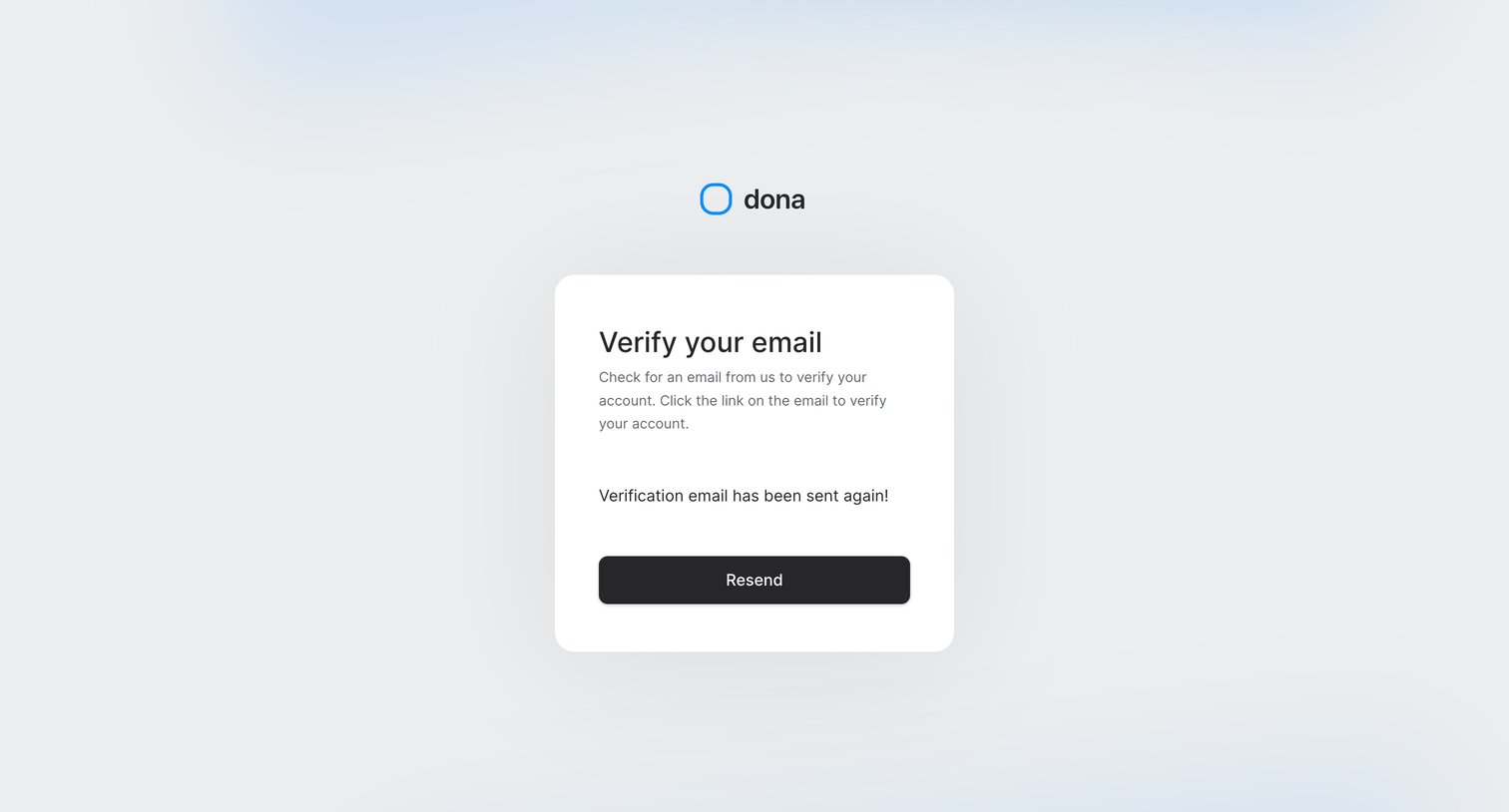
Verification screen where the user is prompted to check their inbox for a link, with a confirmation that the email was resent.
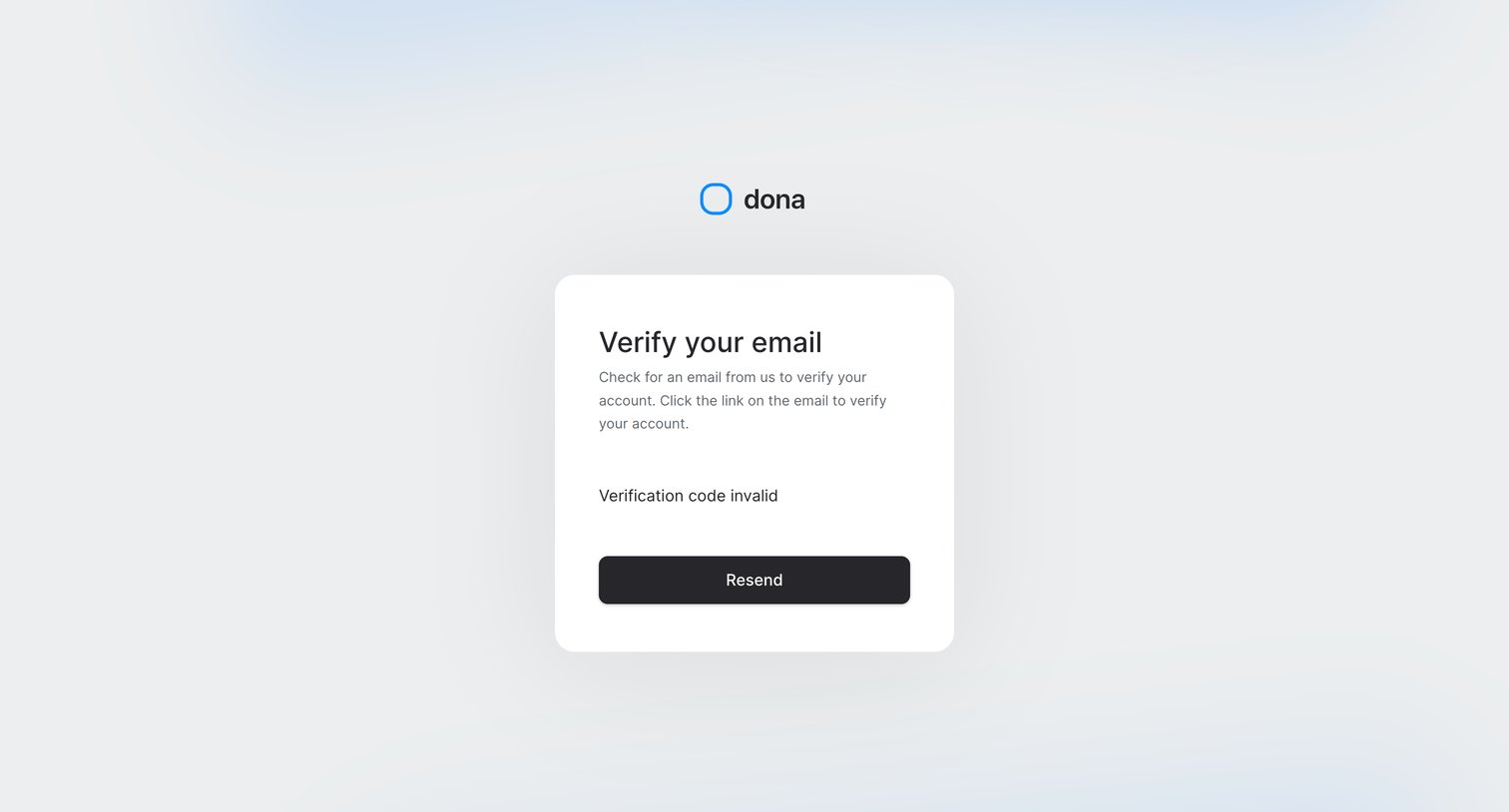
Verification screen where the user is informed that their email verification code is invalid and prompted to resend it.
Explore the full SaaS screen library
Upgrade to unlock the full library.
Trusted by the best teams







