Dash0 product screens examples
Browse Dash0 screen design examples. Preview the interface screenshots and explore related UI patterns. Observability, Simplified
Explore the examples

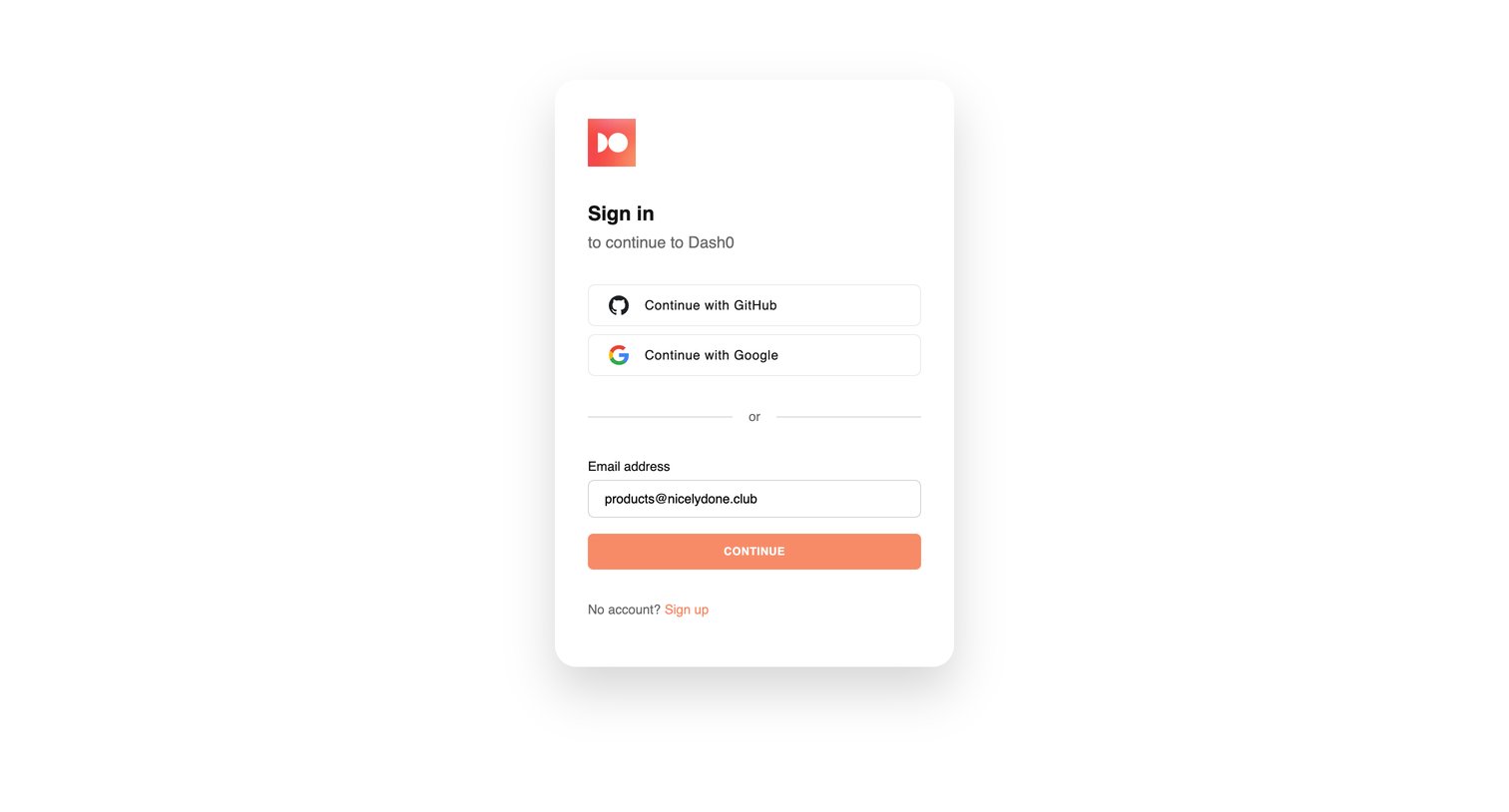
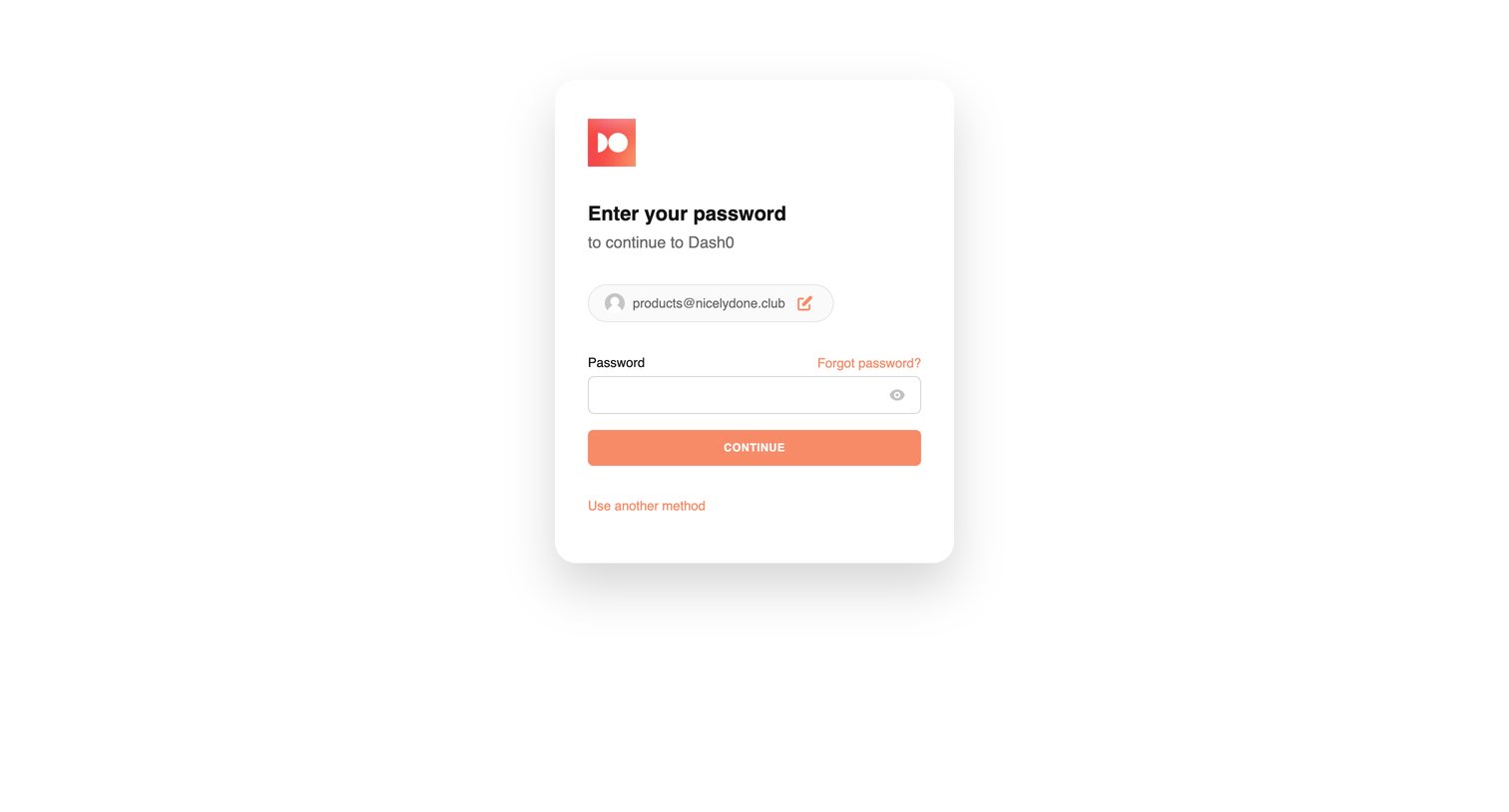

Sign-in screen where the user enters their password to continue to Dash0 after providing their email.
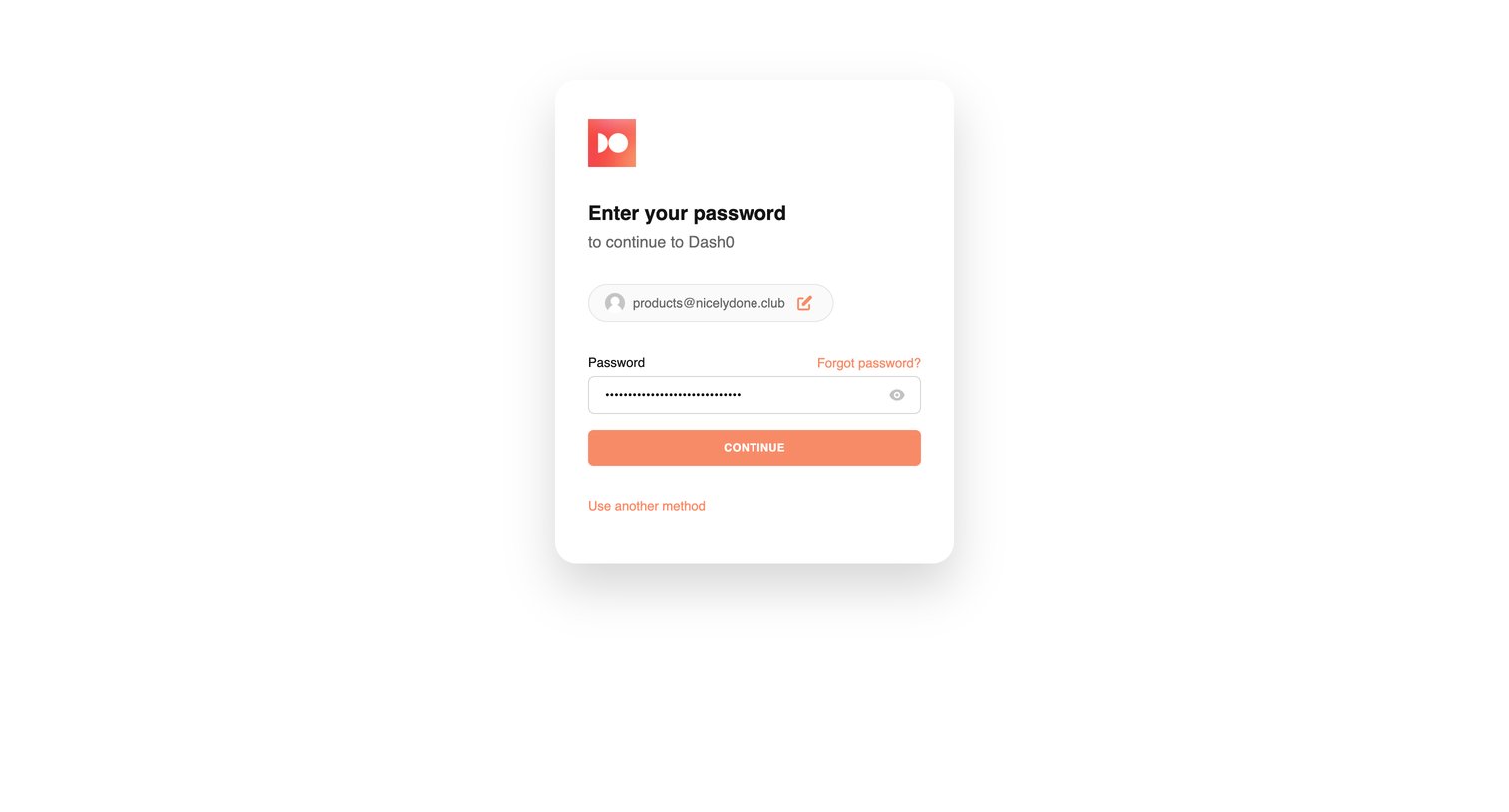
Sign-in screen where the user enters their password to continue, with an option to use another method.
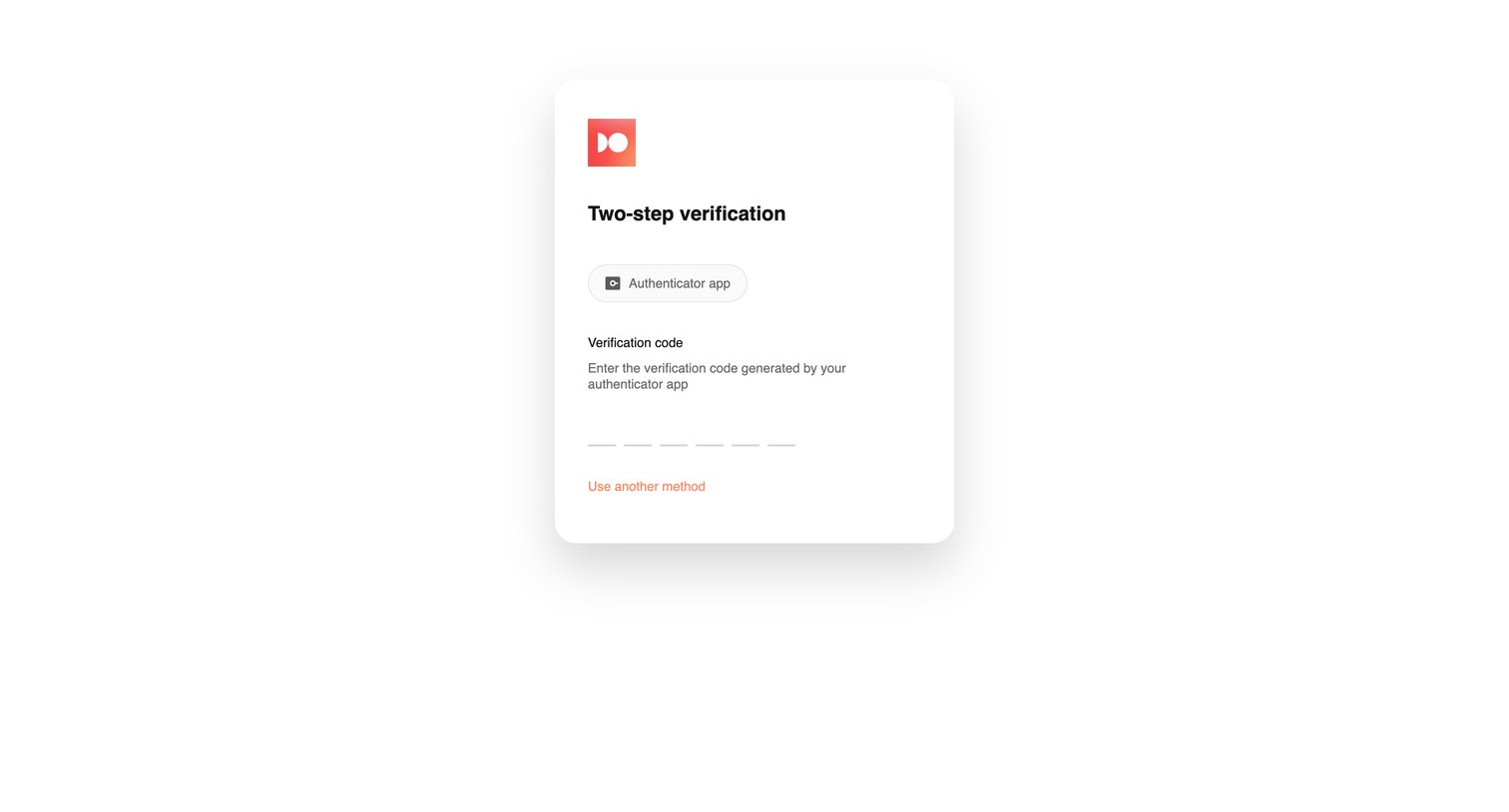
Verification screen where the user enters a 6-digit code from their authenticator app to complete sign-in.
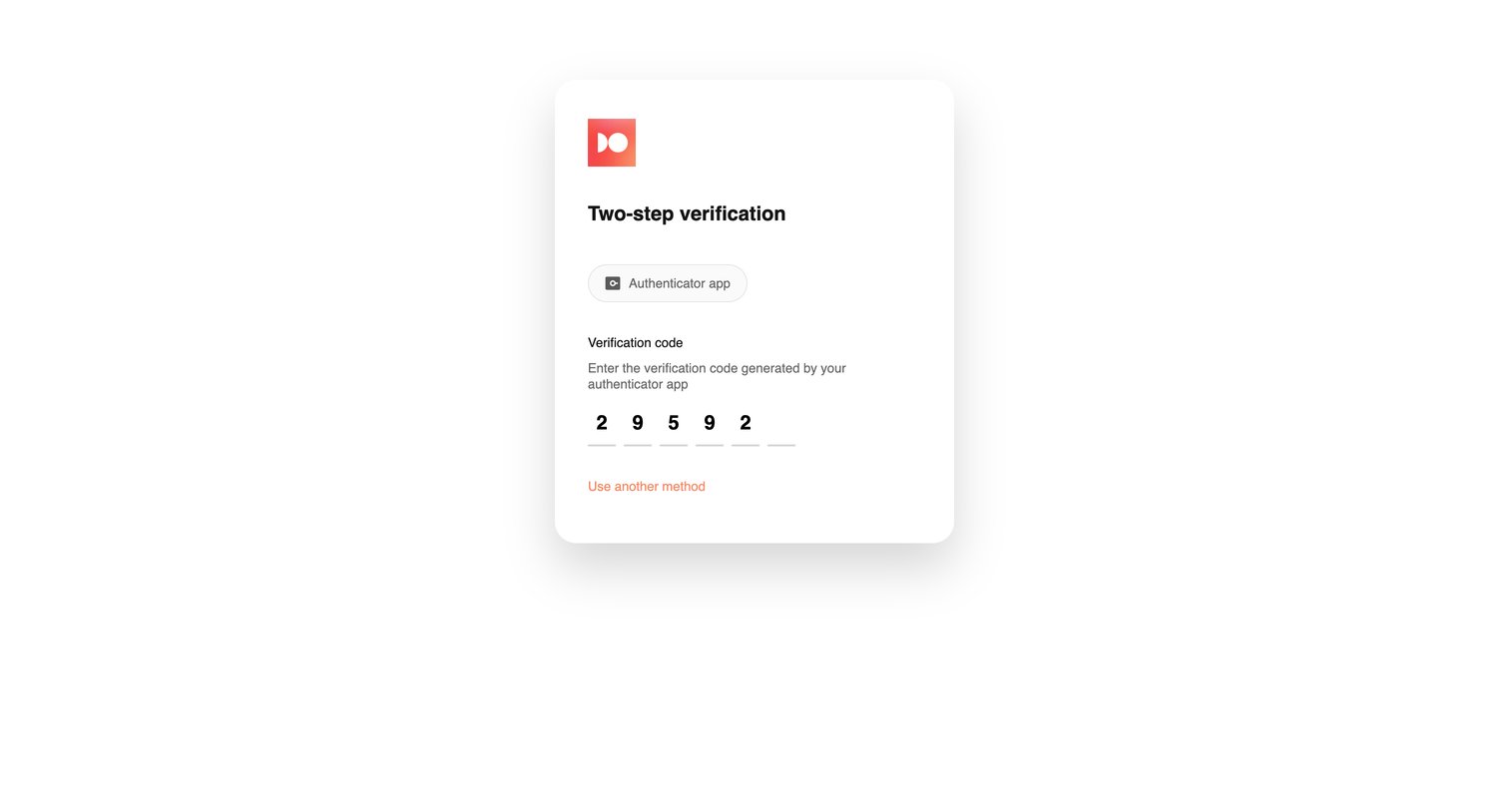
Verification screen where the user enters a 6-digit code from their authenticator app to complete sign-in.
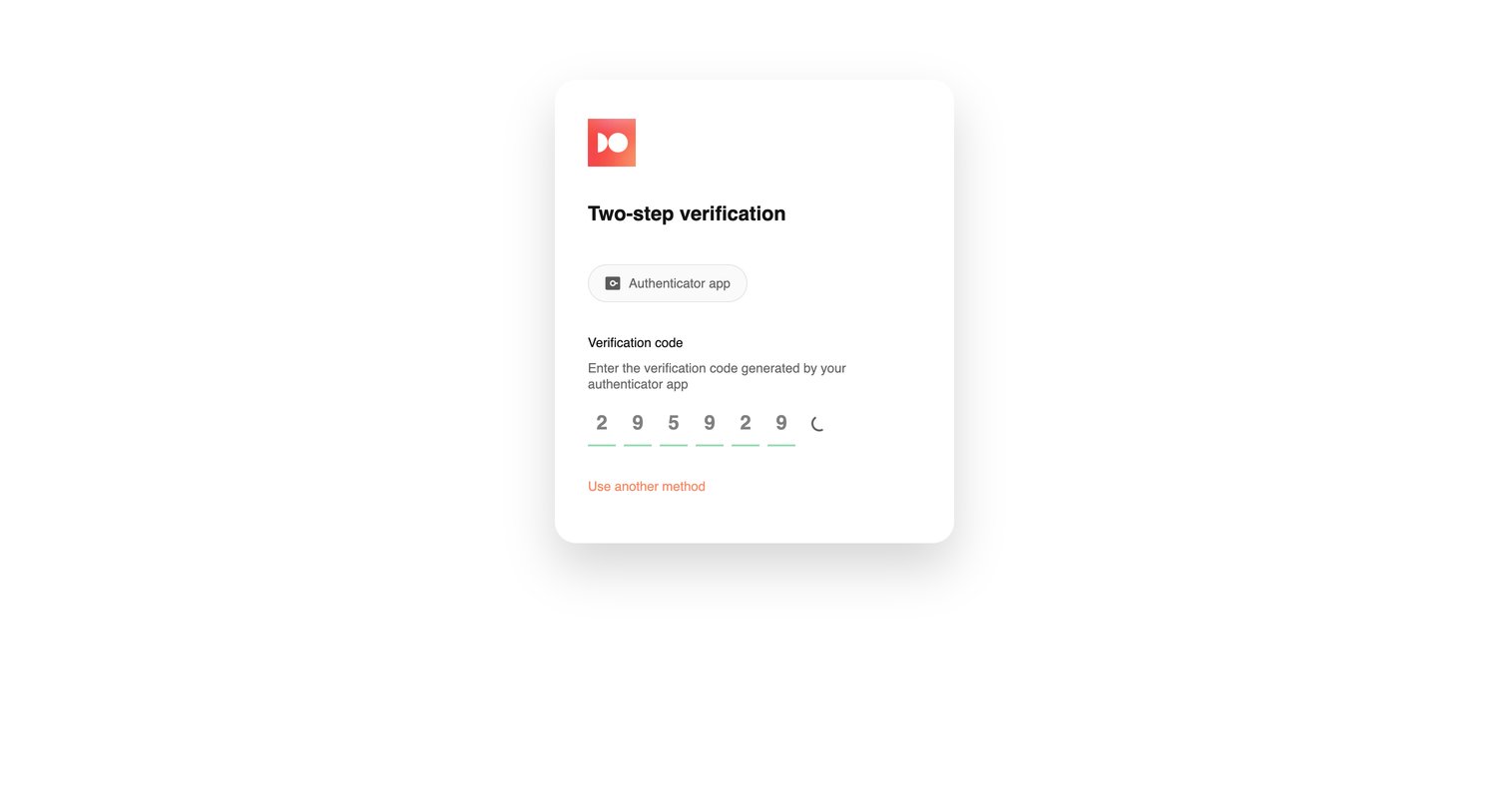
Verification screen where the user enters a 6-digit code from their authenticator app to complete sign-in.
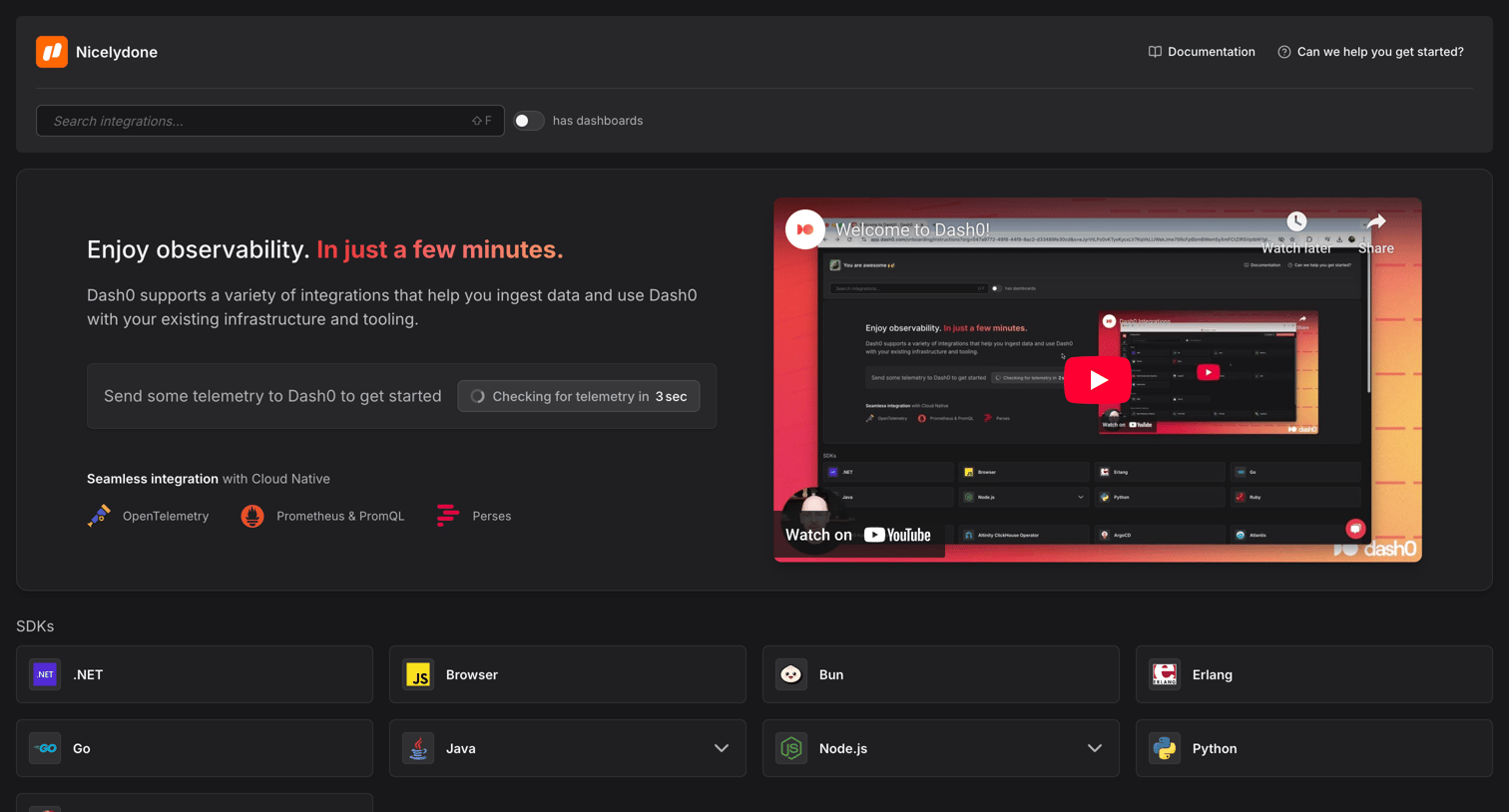
Onboarding step where the user searches for and selects integrations, SDKs, and technologies to connect to their workspace, featuring a video tutorial and a telemetry status check.
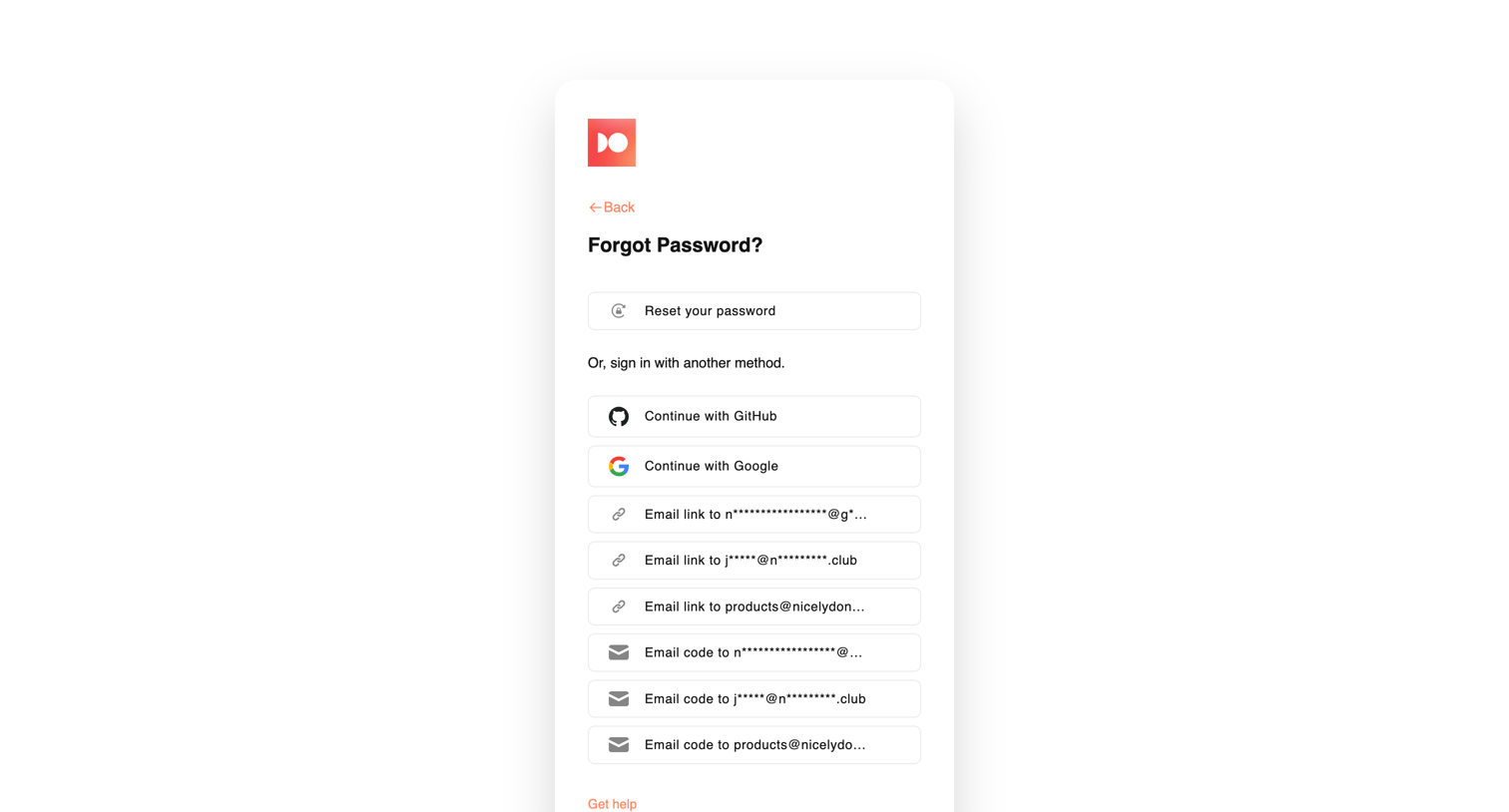
Password recovery screen where the user can choose to reset their password or sign in using alternative methods like GitHub, Google, email links, or email codes.
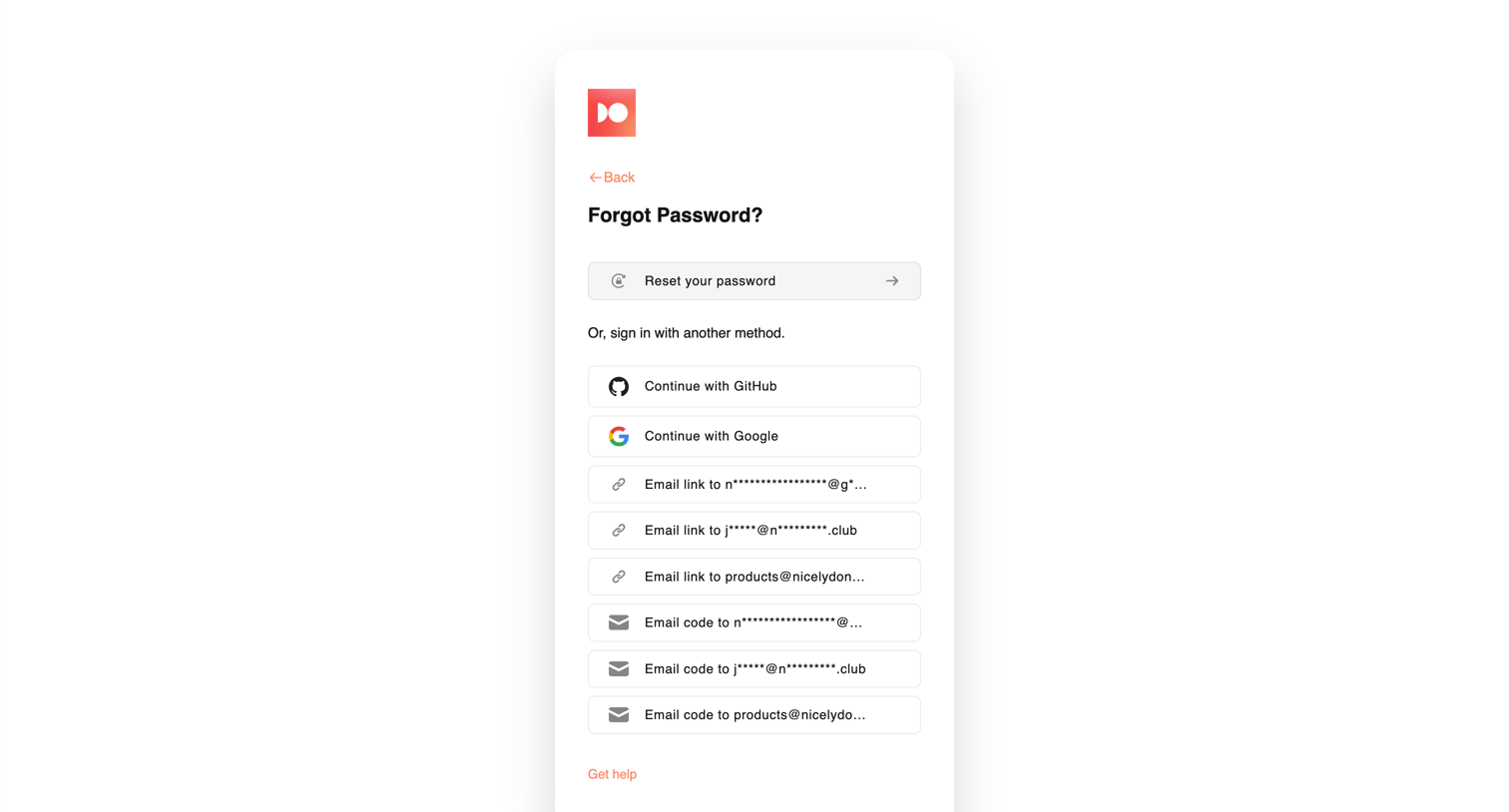
Password recovery screen where the user can choose to reset their password, authenticate via GitHub or Google, or receive a login link or code at their masked email addresses.
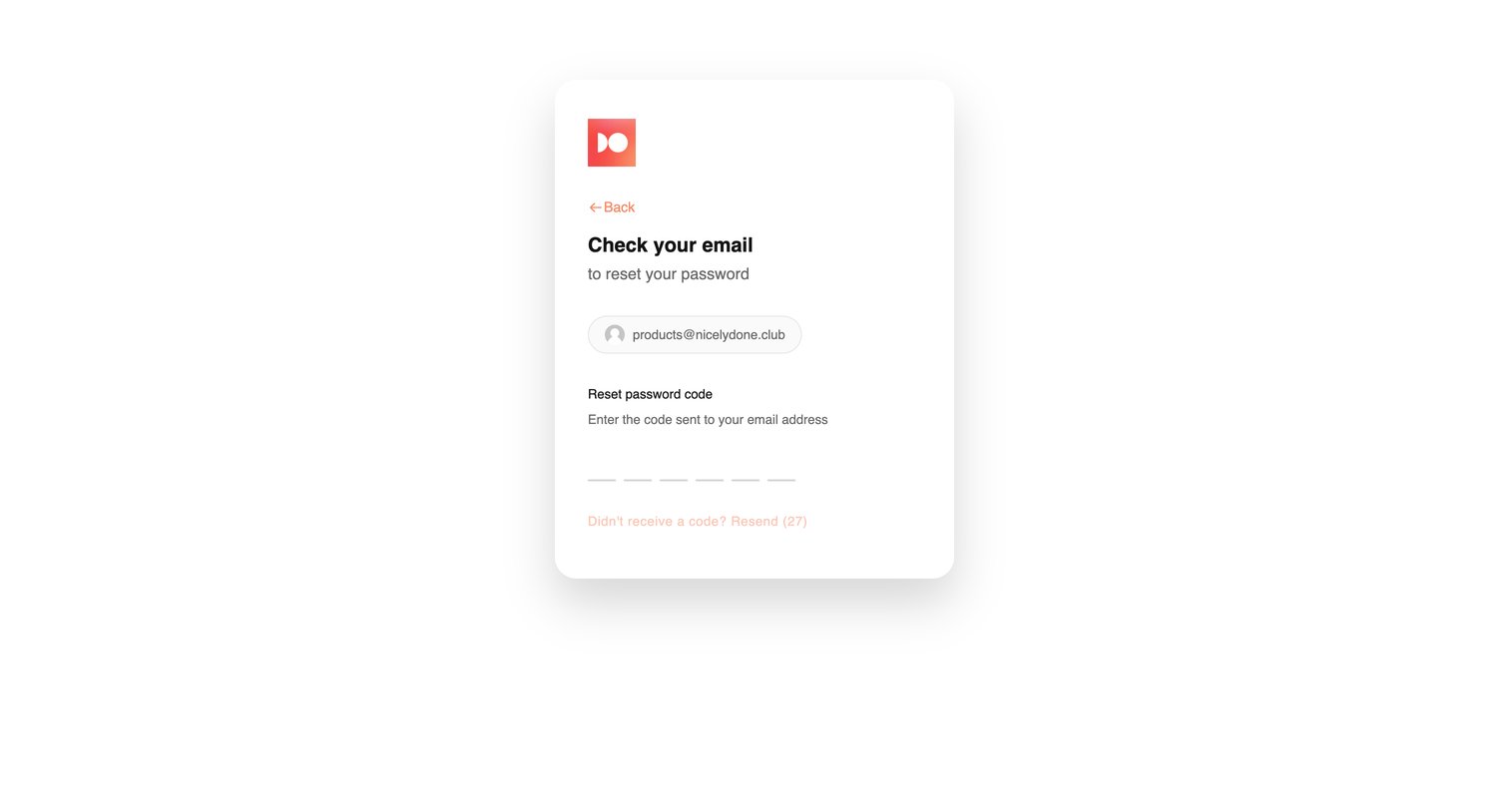
Verification screen where the user enters a 6-digit code sent to their email to proceed with resetting their password.
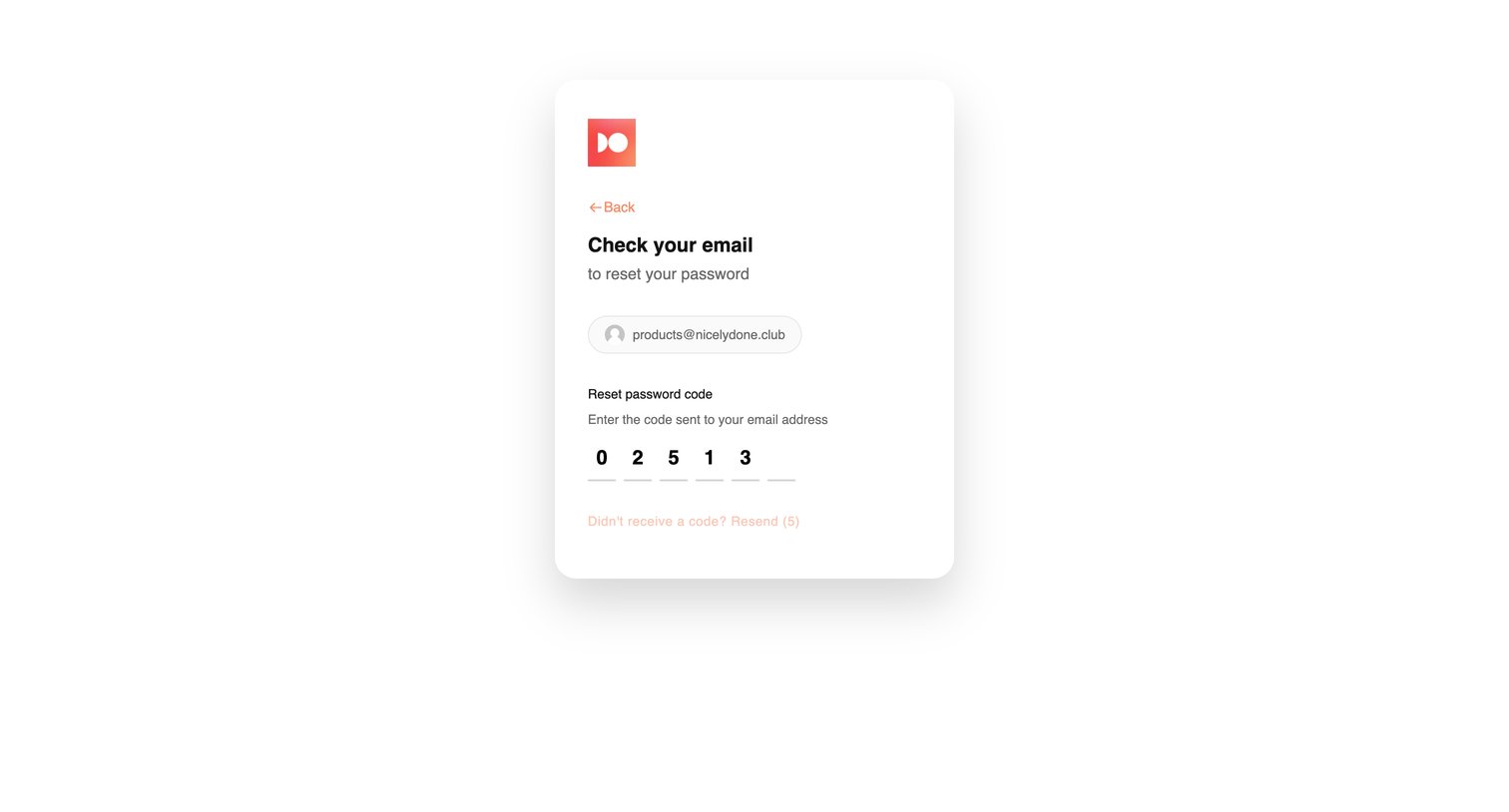
Verification screen where the user enters a 6-digit code sent to their email to reset their password.
Explore the full SaaS screen library
Upgrade to unlock the full library.
Trusted by the best teams







