- Examples
- SaaS app design examples
- Dash0 design examples
- Dash0 UI components examples

Dash0 UI components examples
Browse Dash0 UI component design examples. Preview individual interface elements and explore related component categories. Observability, Simplified
Explore the examples
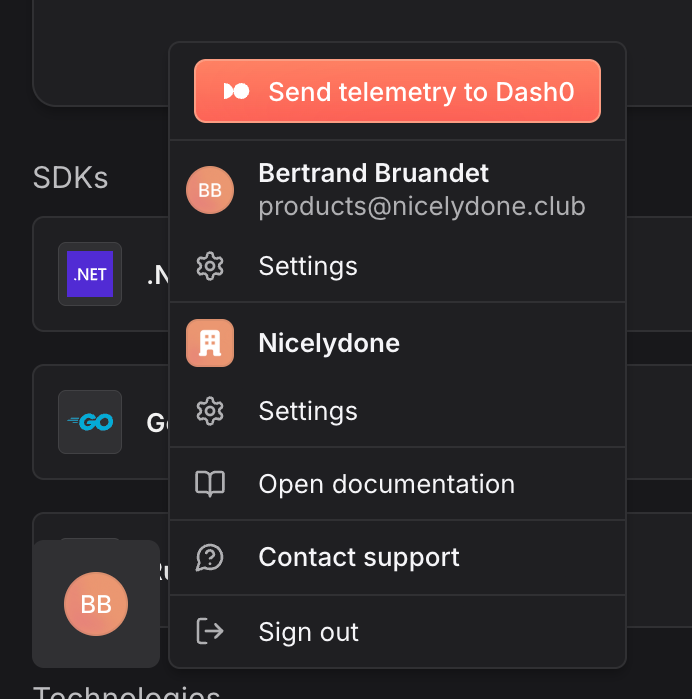

A dropdown menu for user profile and organization settings, featuring a prominent CTA to send telemetry, user details, organization details, and links to documentation, support, and sign out.

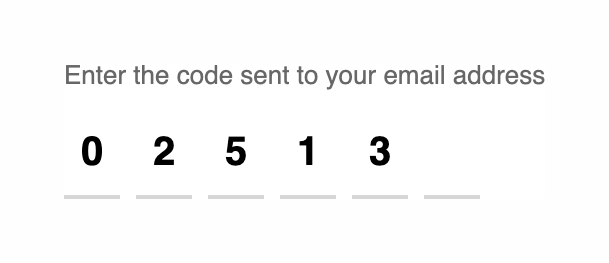
A 6-digit verification code input field, partially filled with 5 digits. It includes a prompt text above the input slots.


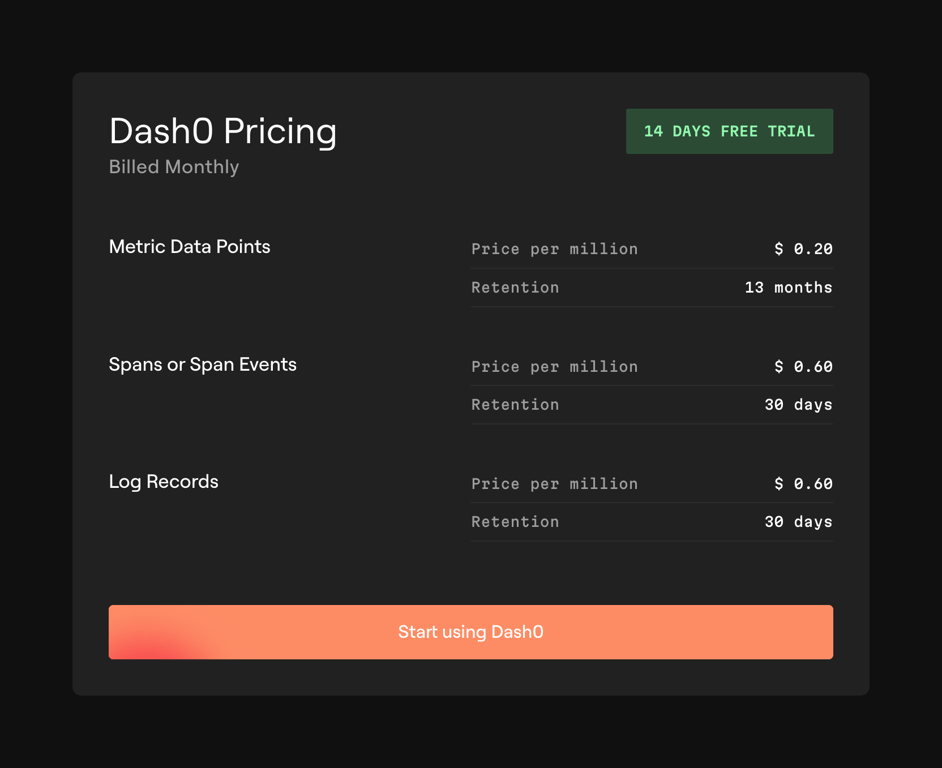
A dark-themed pricing card displaying usage-based costs for metrics, spans, and logs, with a prominent call-to-action button.


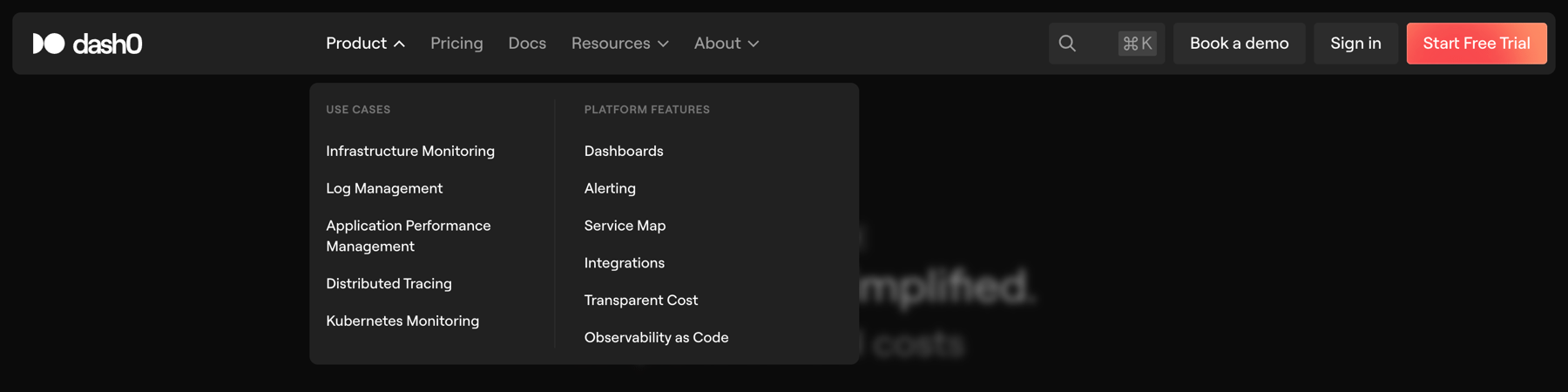
A dark-themed global header with a logo, primary navigation links, a search input with a keyboard shortcut, and call-to-action buttons. The 'Product' navigation item is expanded, revealing a two-column dropdown menu categorized by 'Use Cases' and 'Platform Features'.


A dark-themed carousel displaying three customer testimonials at a time. Each testimonial card includes an avatar, name, job title, company, and a quote. Left and right arrow buttons allow navigation through the testimonials.


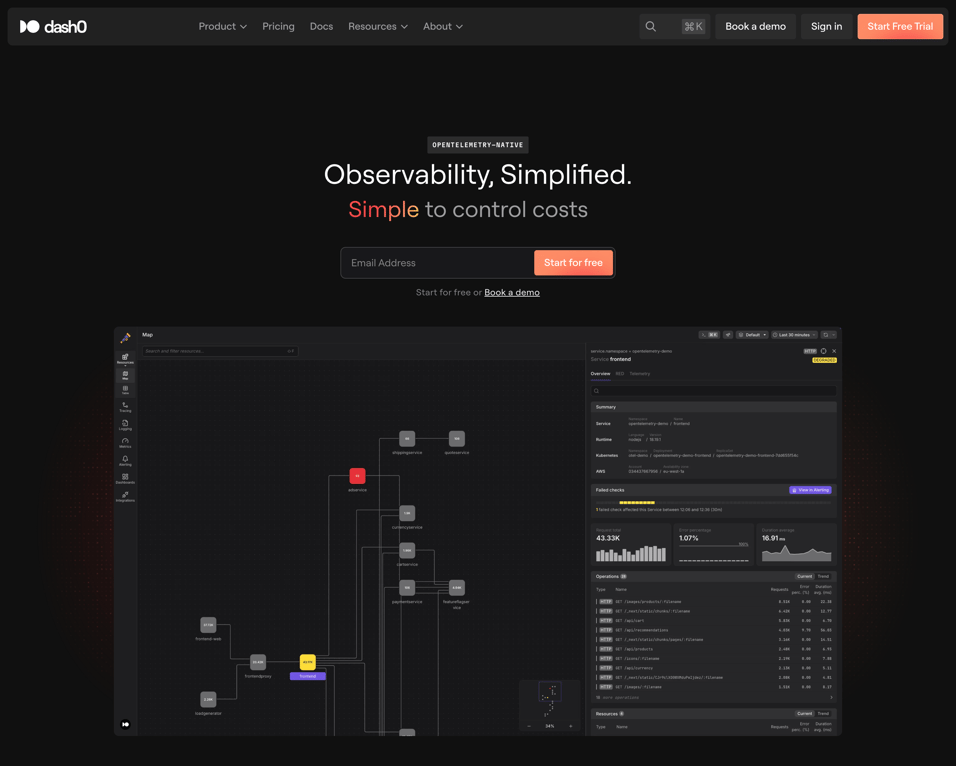
A dark-themed hero section featuring a top navigation bar, a central headline with a gradient text highlight, an email capture form, and a large application screenshot showing a node map and data dashboard.
Similar components
Browse the full component library
Browse the full UI component library.