Cosmos product screens examples
Browse Cosmos screen design examples. Preview the interface screenshots and explore related UI patterns. A Pinterest alternative for creatives
Explore the examples
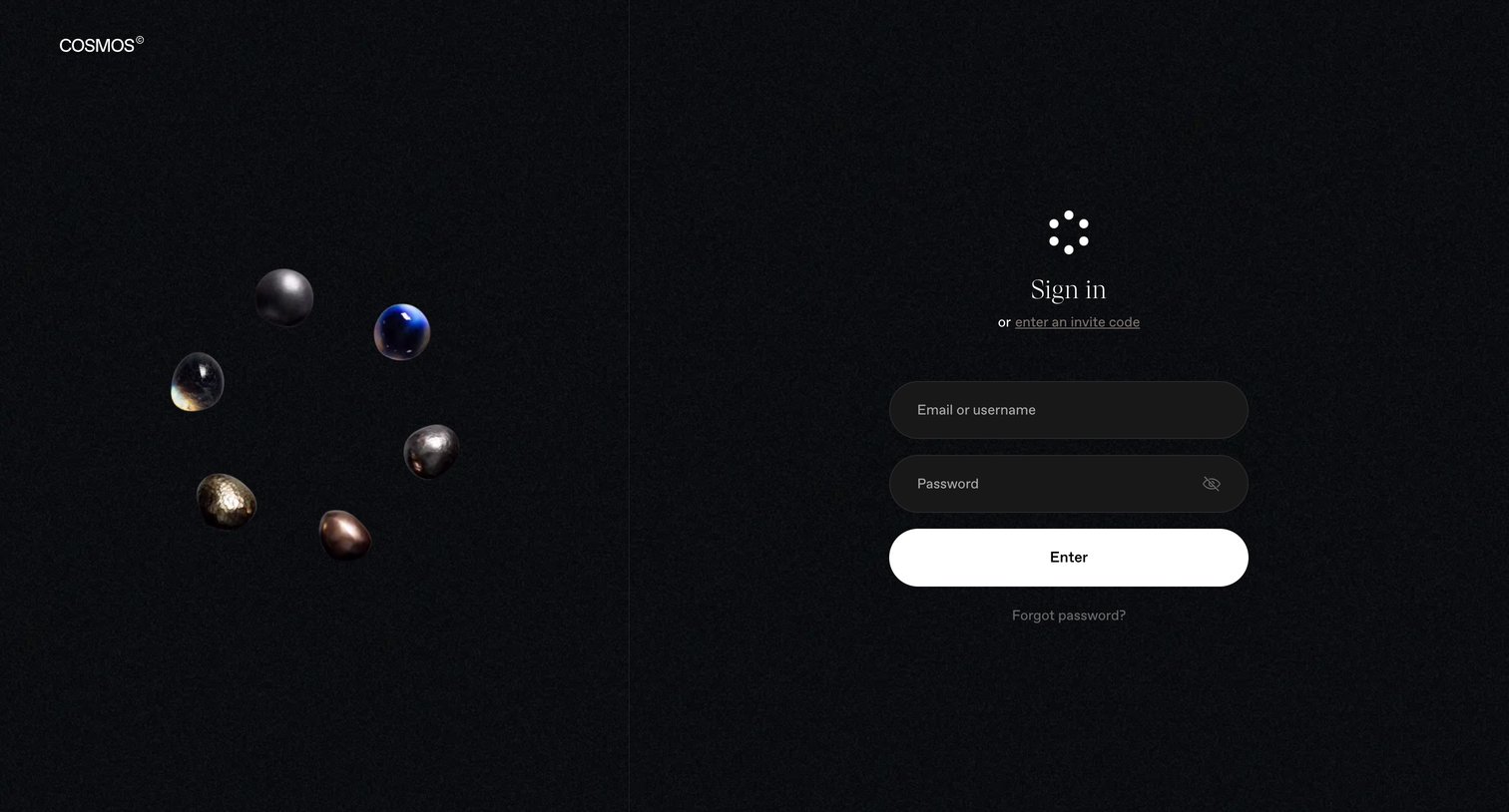
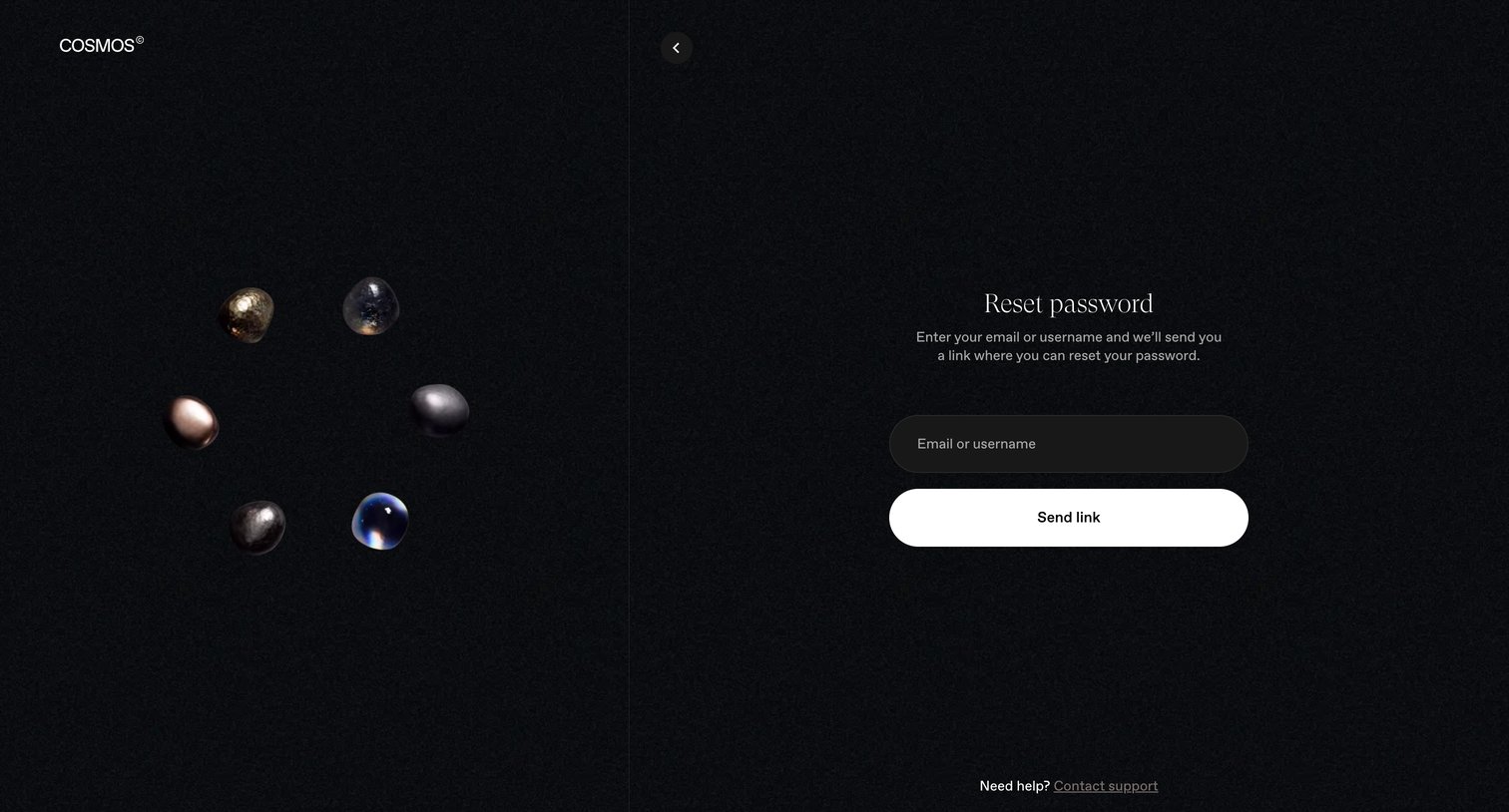

Password recovery screen where the user enters their email or username to receive a reset link.
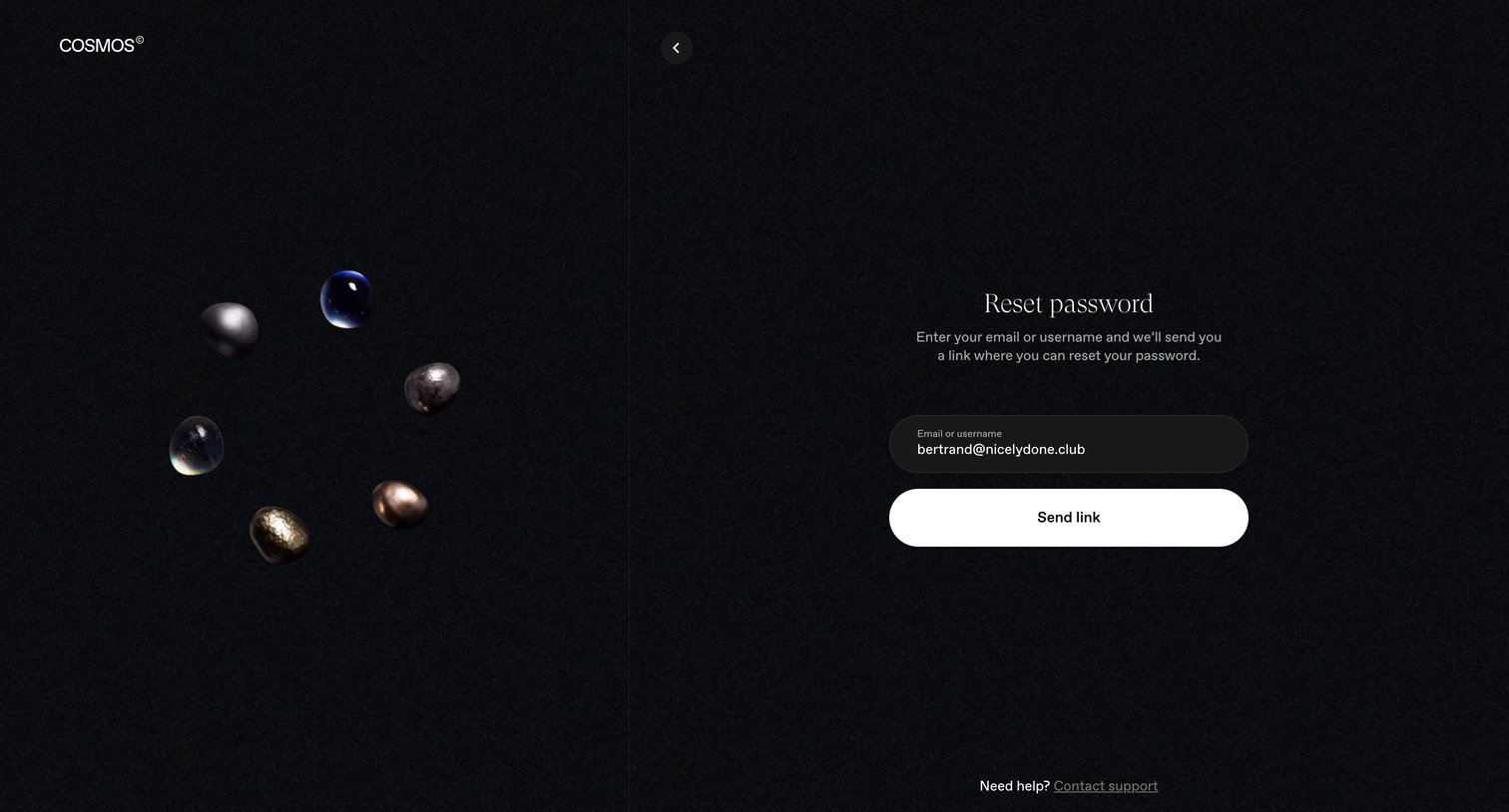
Password recovery screen where the user enters their email or username to receive a reset link.
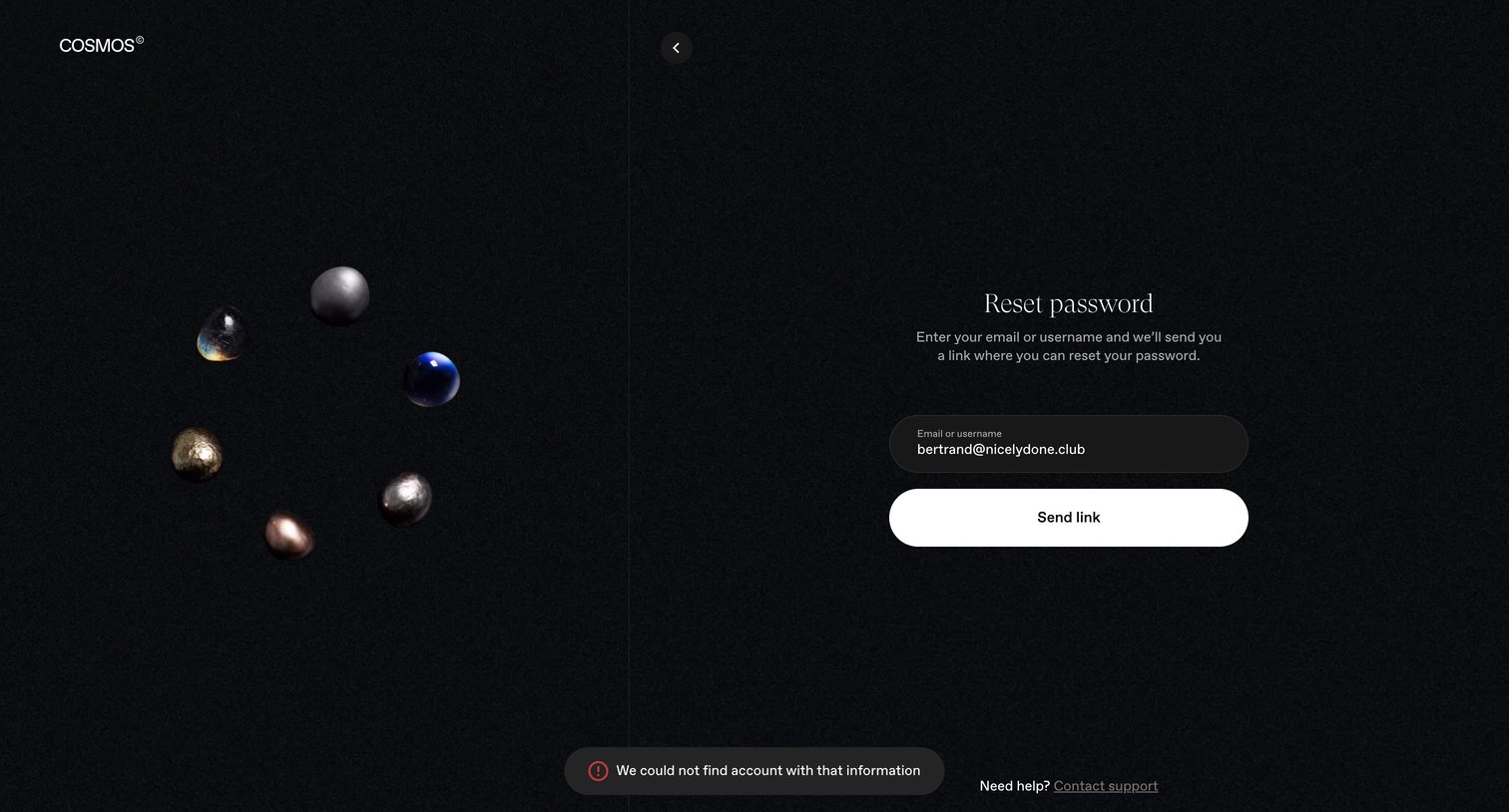
Password recovery screen where the user attempts to send a reset link but receives an account-not-found error toast.
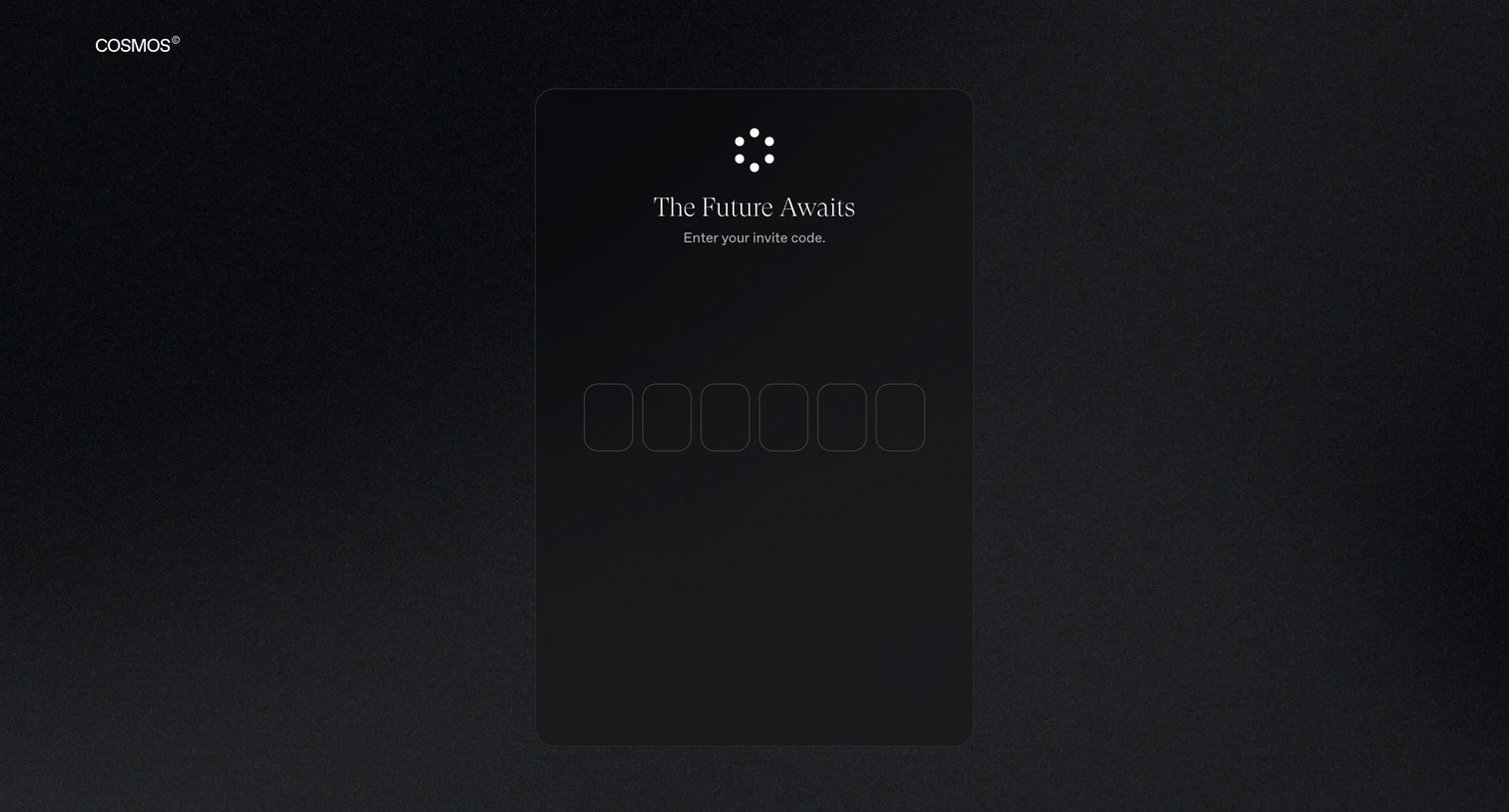
Signup screen where the user enters a six-digit invite code to access the platform.
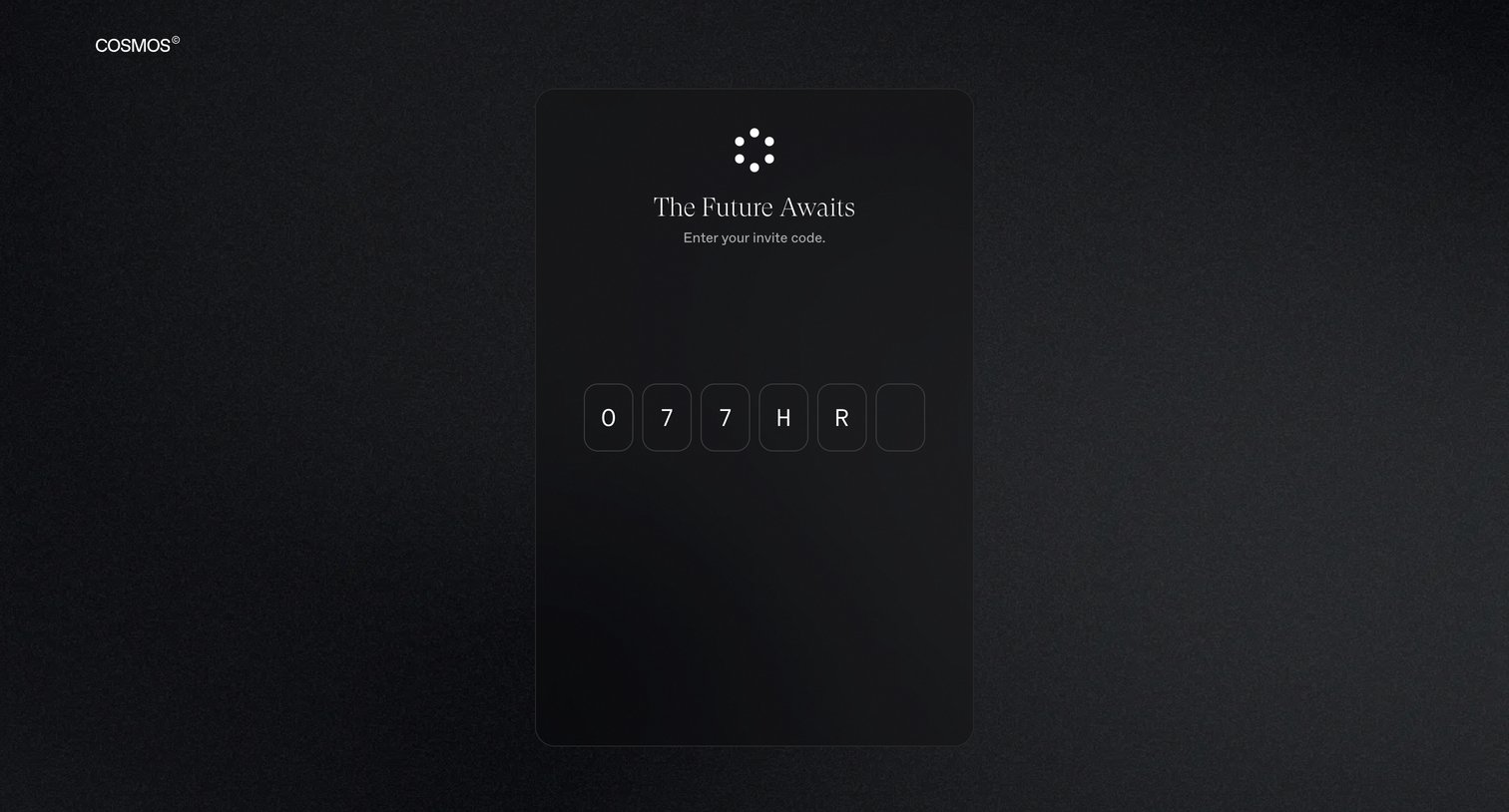
Signup screen where the user enters a six-character invite code to gain access to the platform.
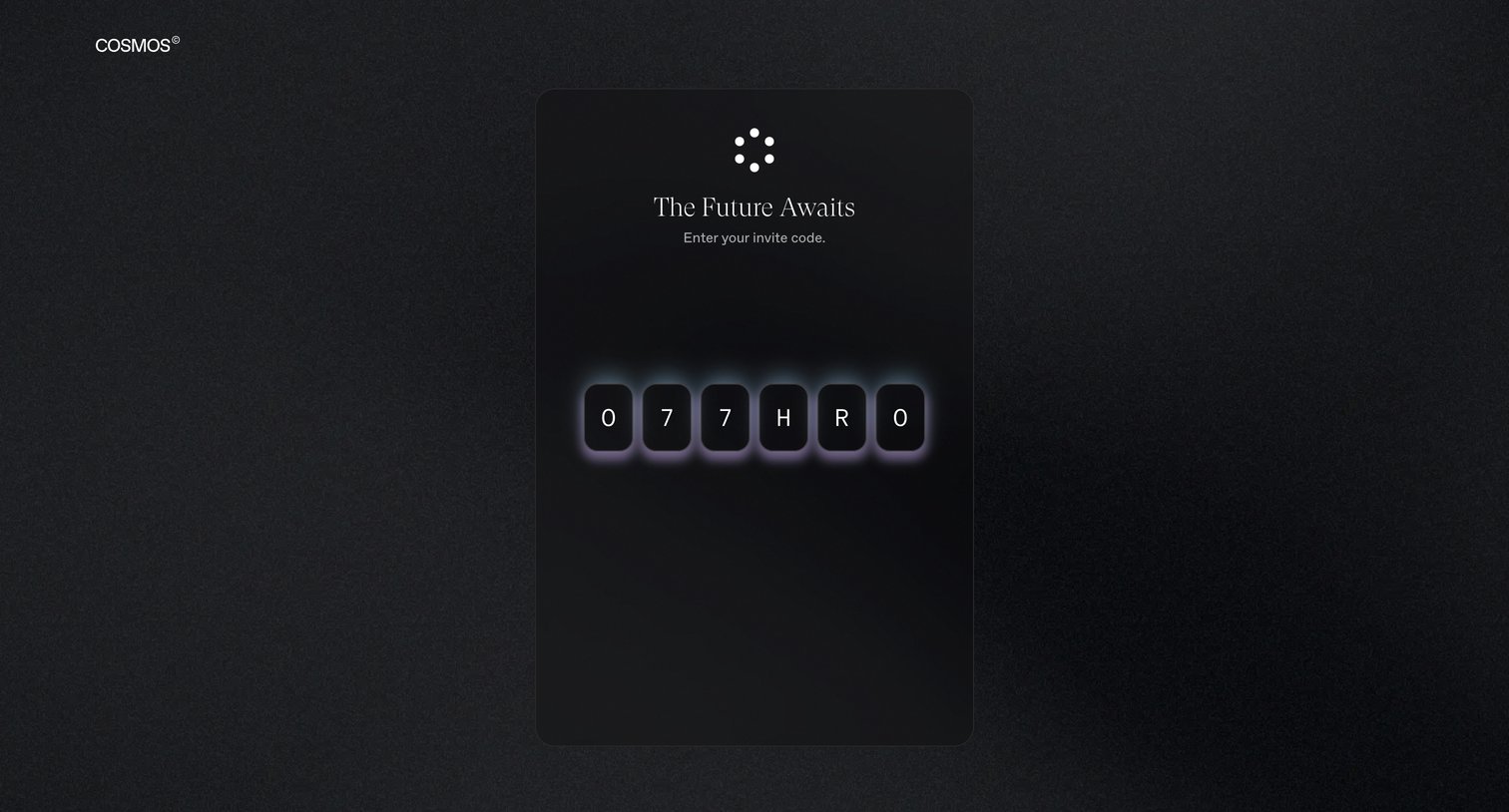
Signup screen where the user enters a 6-character invite code to gain access to the platform.
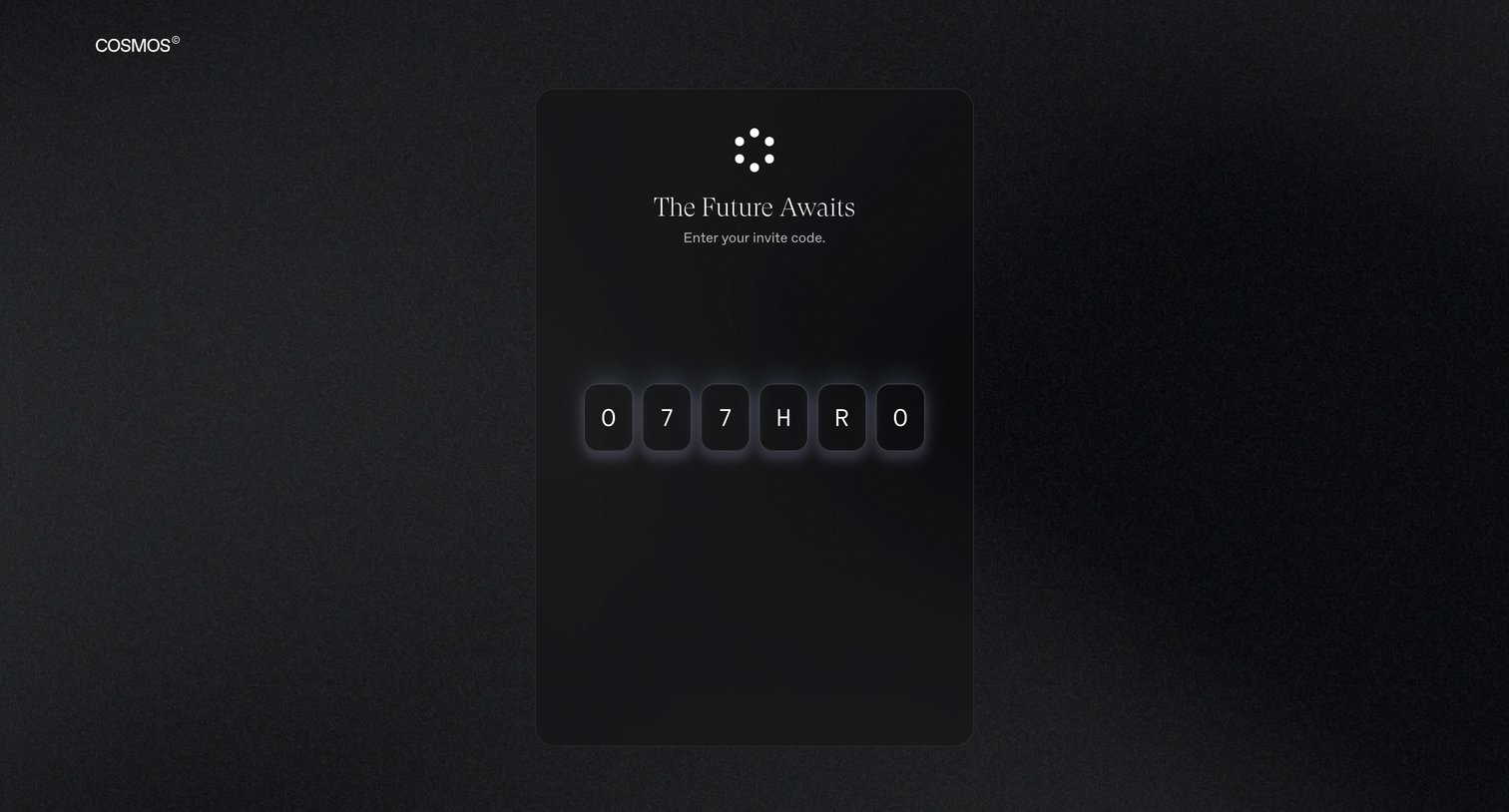
Signup screen where the user enters a 6-character invite code to gain access to the platform.
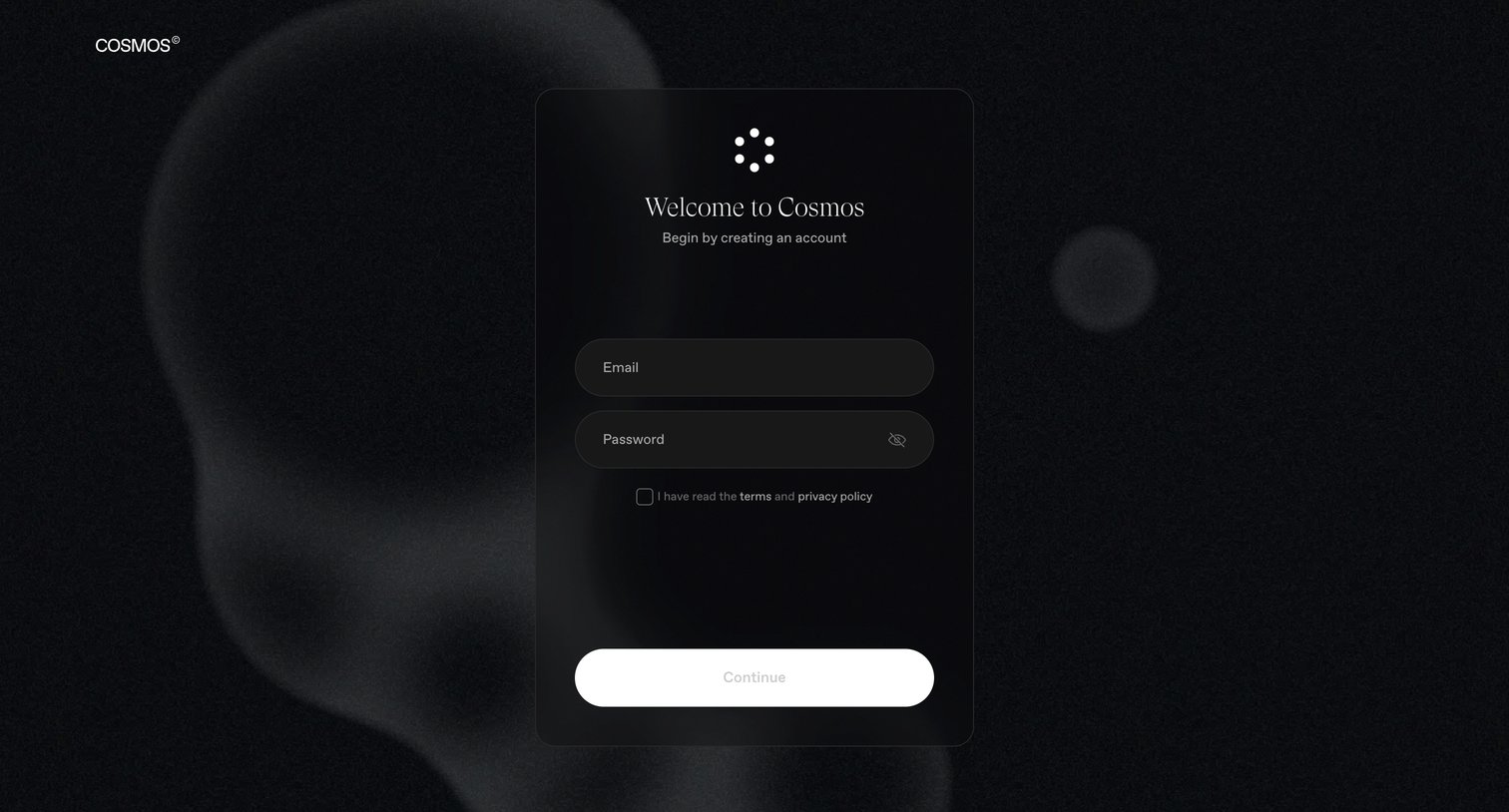
Signup screen where the user creates a new account using their email and password and agrees to the terms.
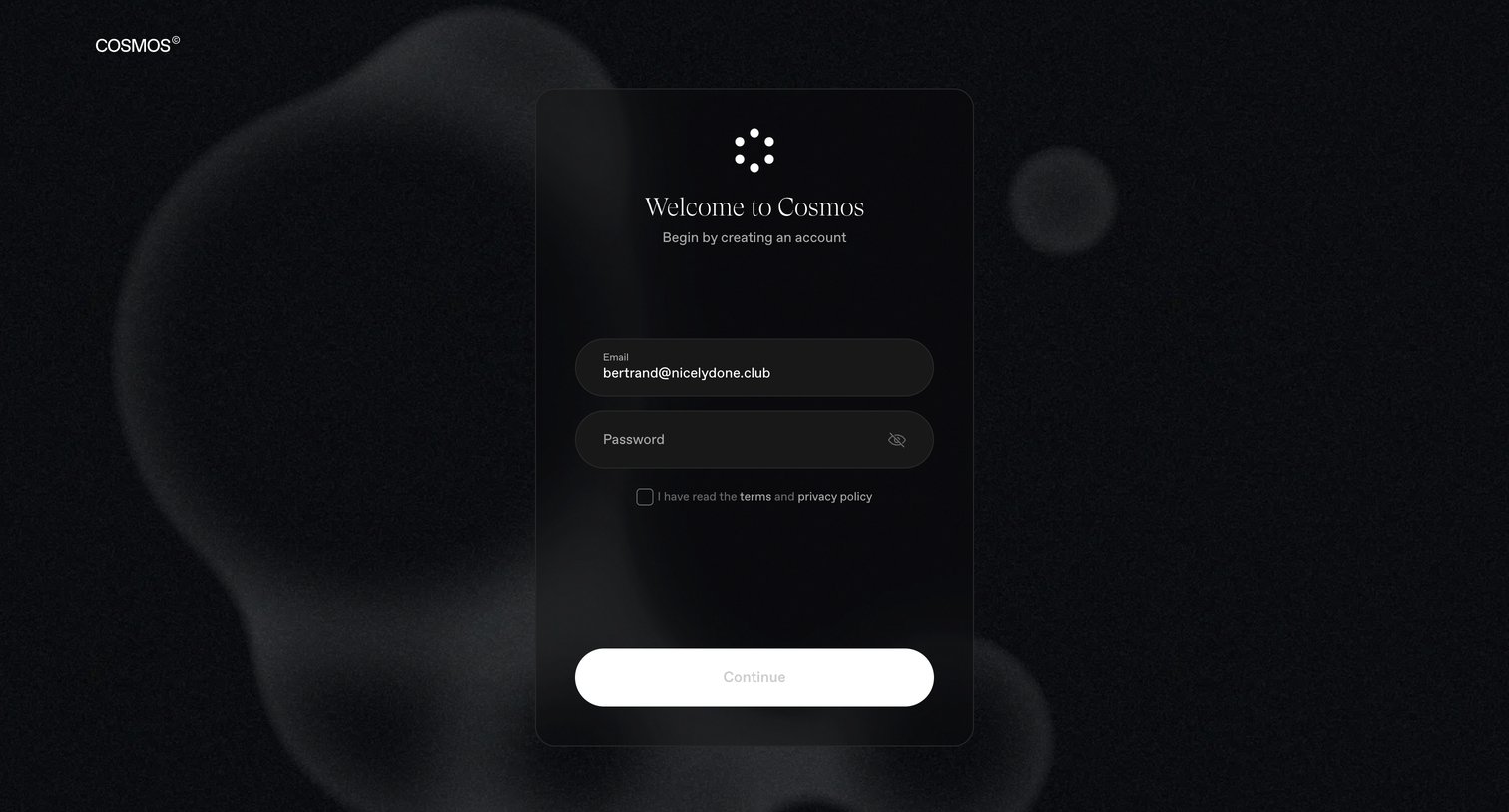
Signup screen where the user creates an account by entering their email and password and accepting the terms and privacy policy.
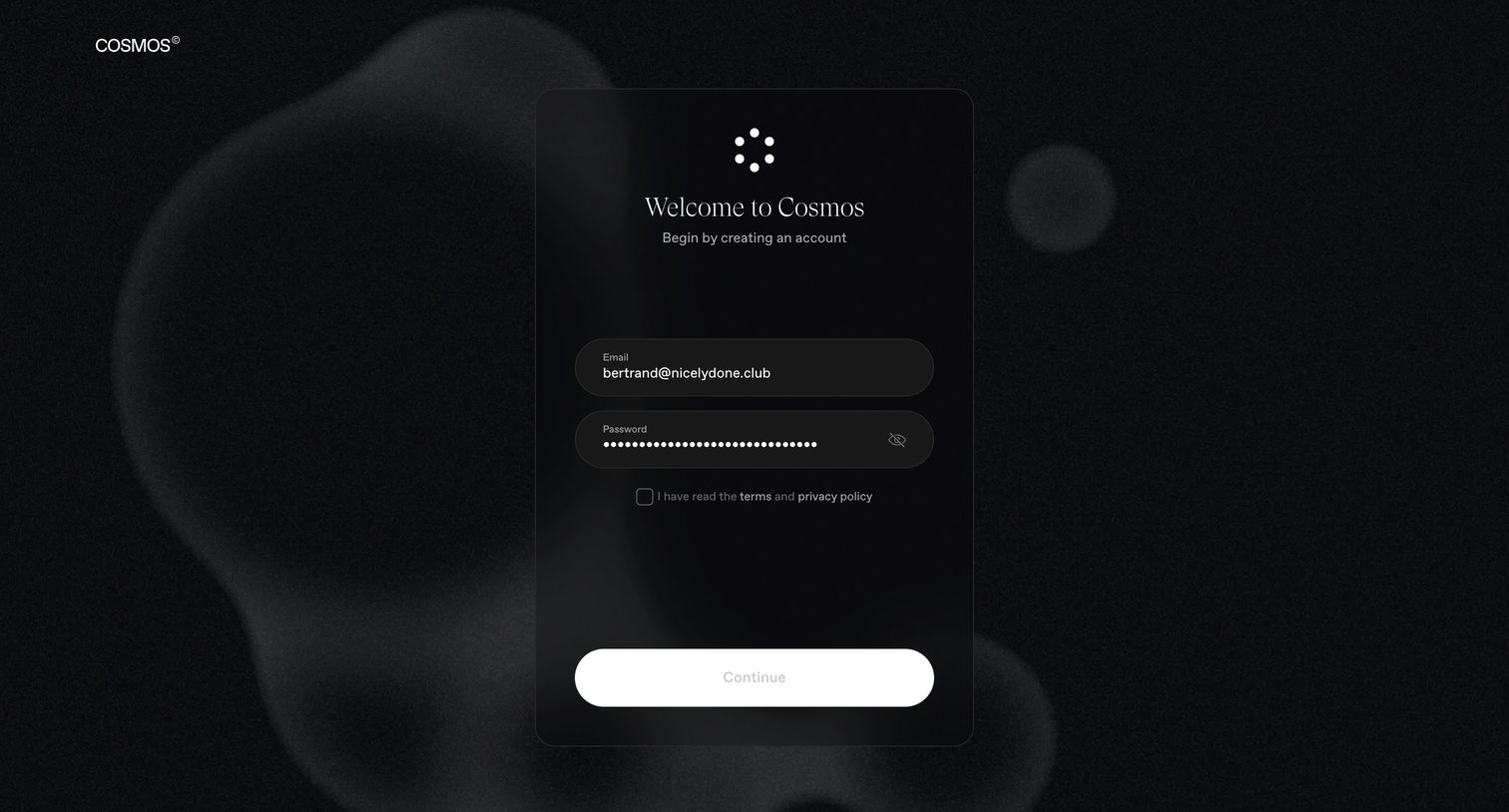
Signup screen where the user enters their email and password to create a Cosmos account and must agree to the terms.
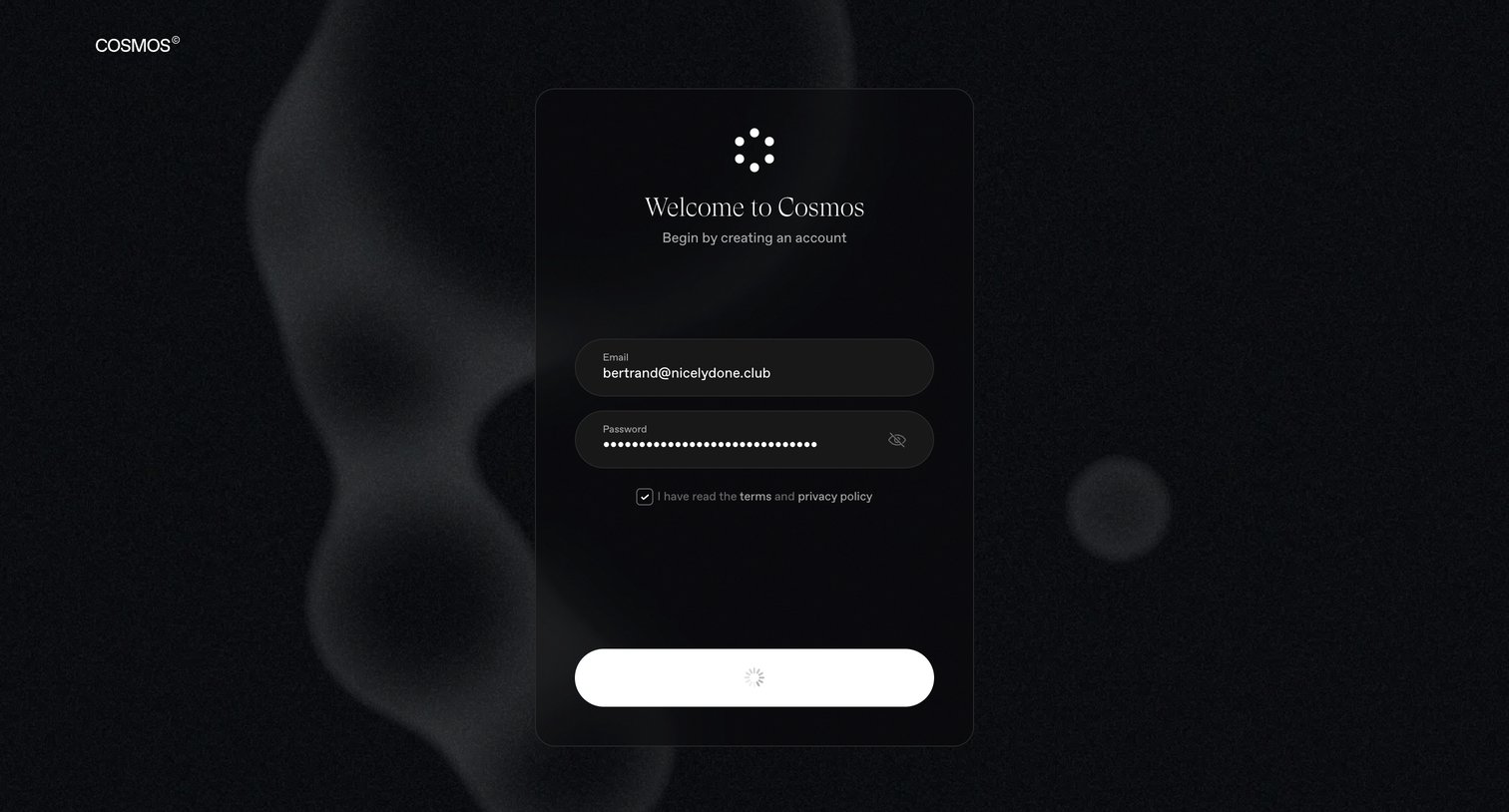
Signup screen where the user creates an account with an email and password, currently showing a loading spinner on the submit button.
Explore the full SaaS screen library
Upgrade to unlock the full library.
Trusted by the best teams







