Cache product screens examples
Browse Cache screen design examples. Preview the interface screenshots and explore related UI patterns. A modern brokerage for your large stock positions
Explore the examples

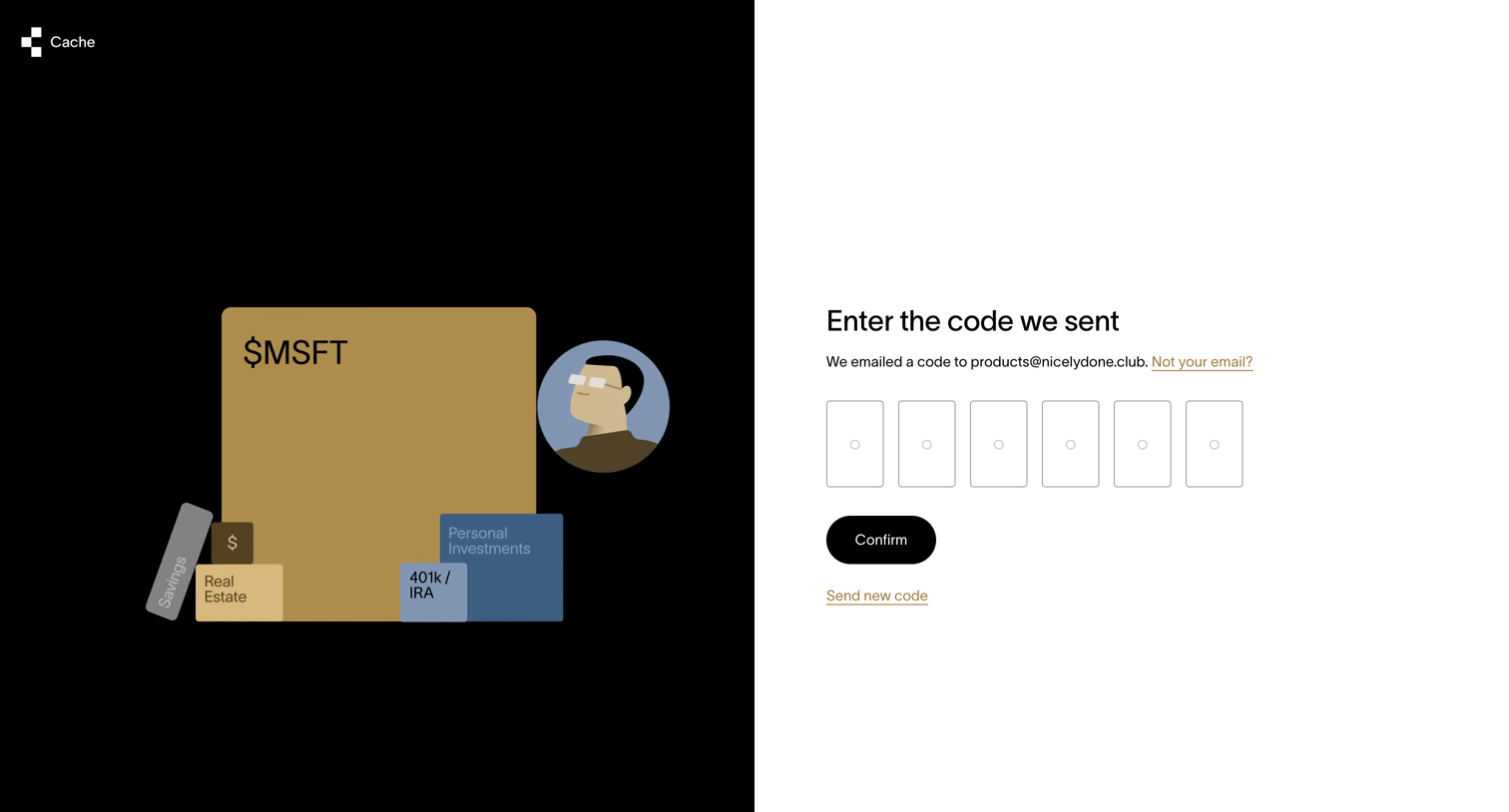

Verification screen where the user enters a 6-digit code sent to their email to authenticate.
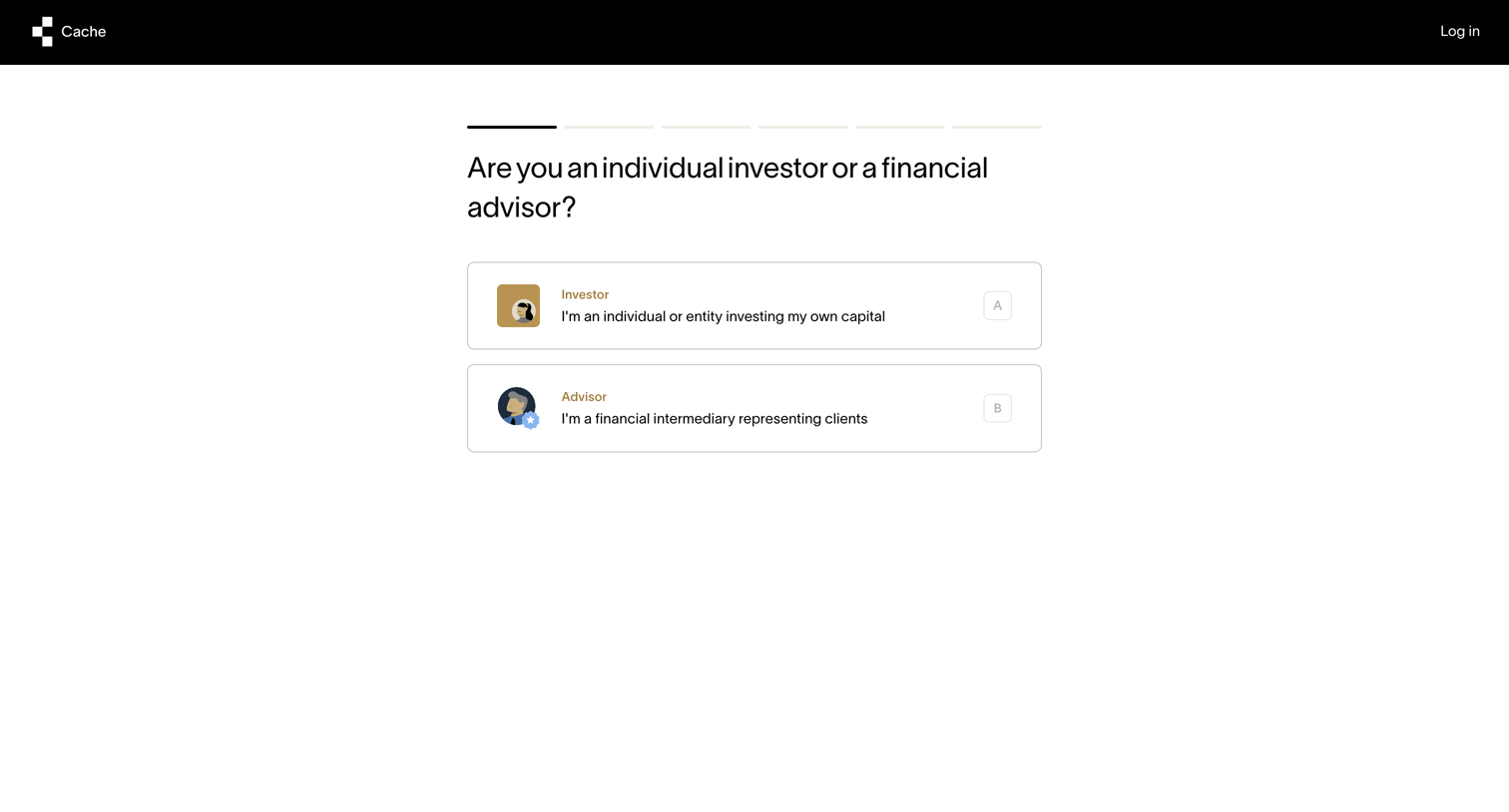
Onboarding step where the user selects whether they are an individual investor or a financial advisor to tailor their enrollment flow.
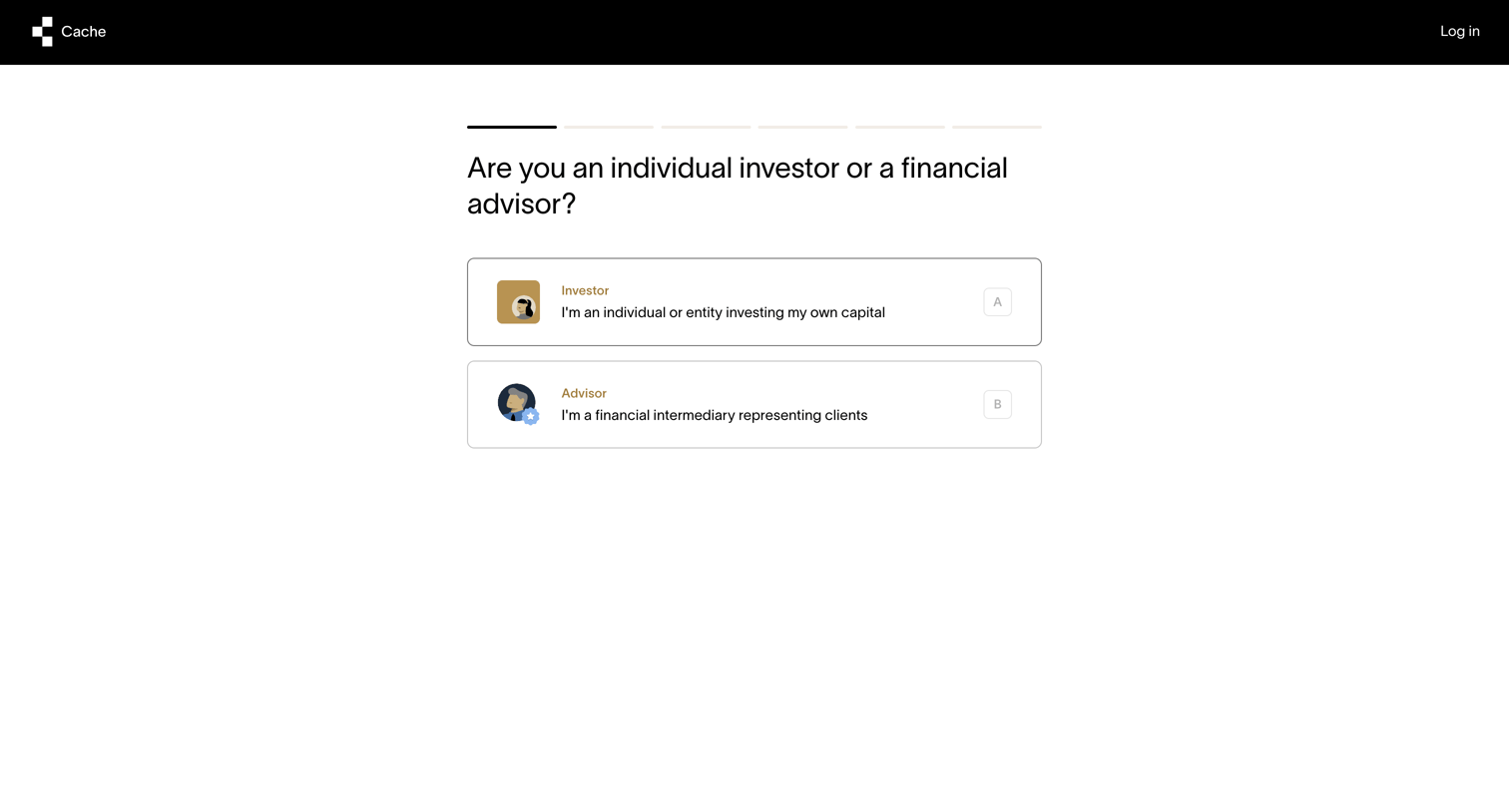
Onboarding step where the user selects their role as either an individual investor or a financial advisor to proceed with enrollment.
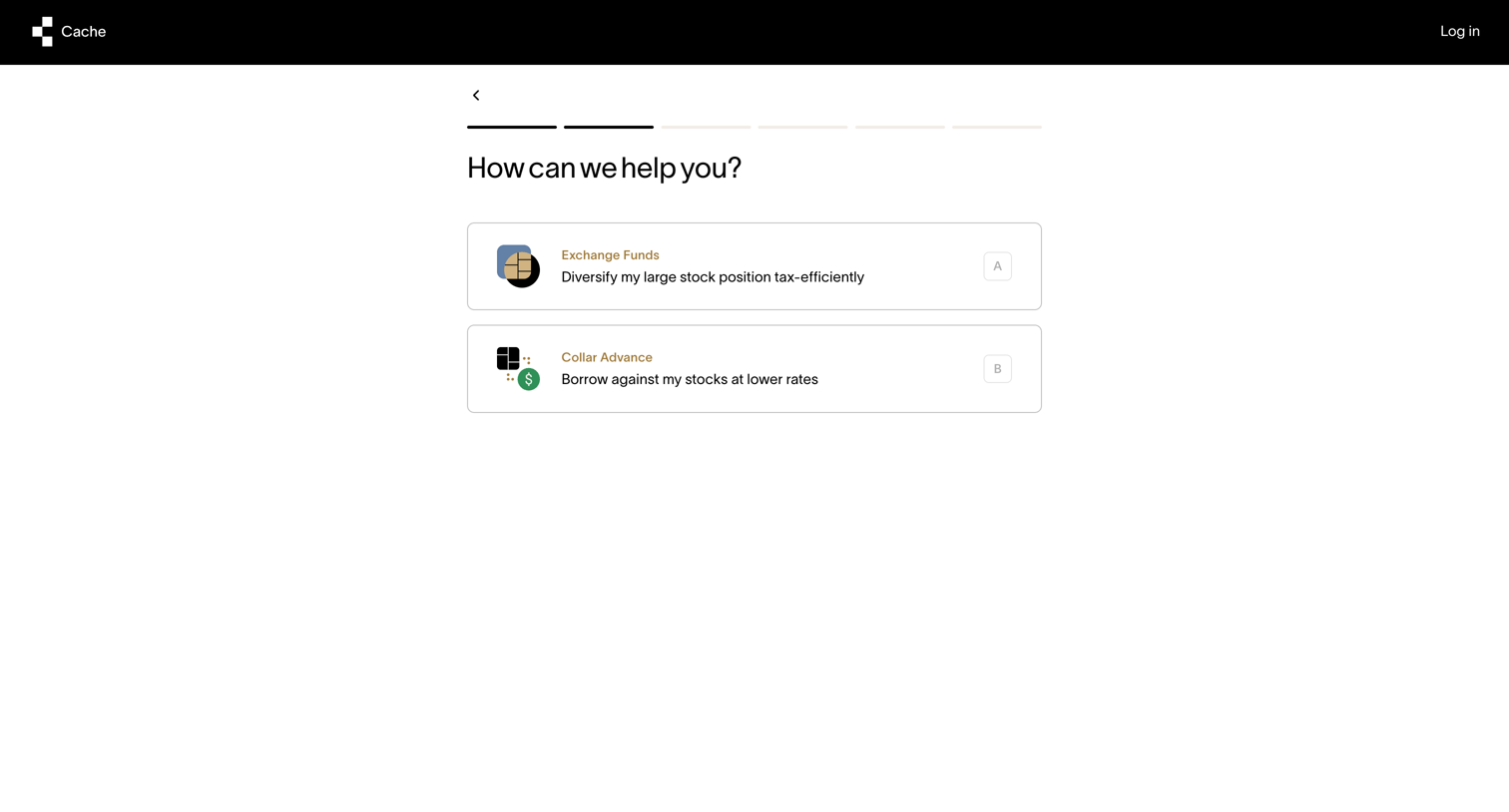
Onboarding step where the user selects their primary goal between Exchange Funds and Collar Advance.
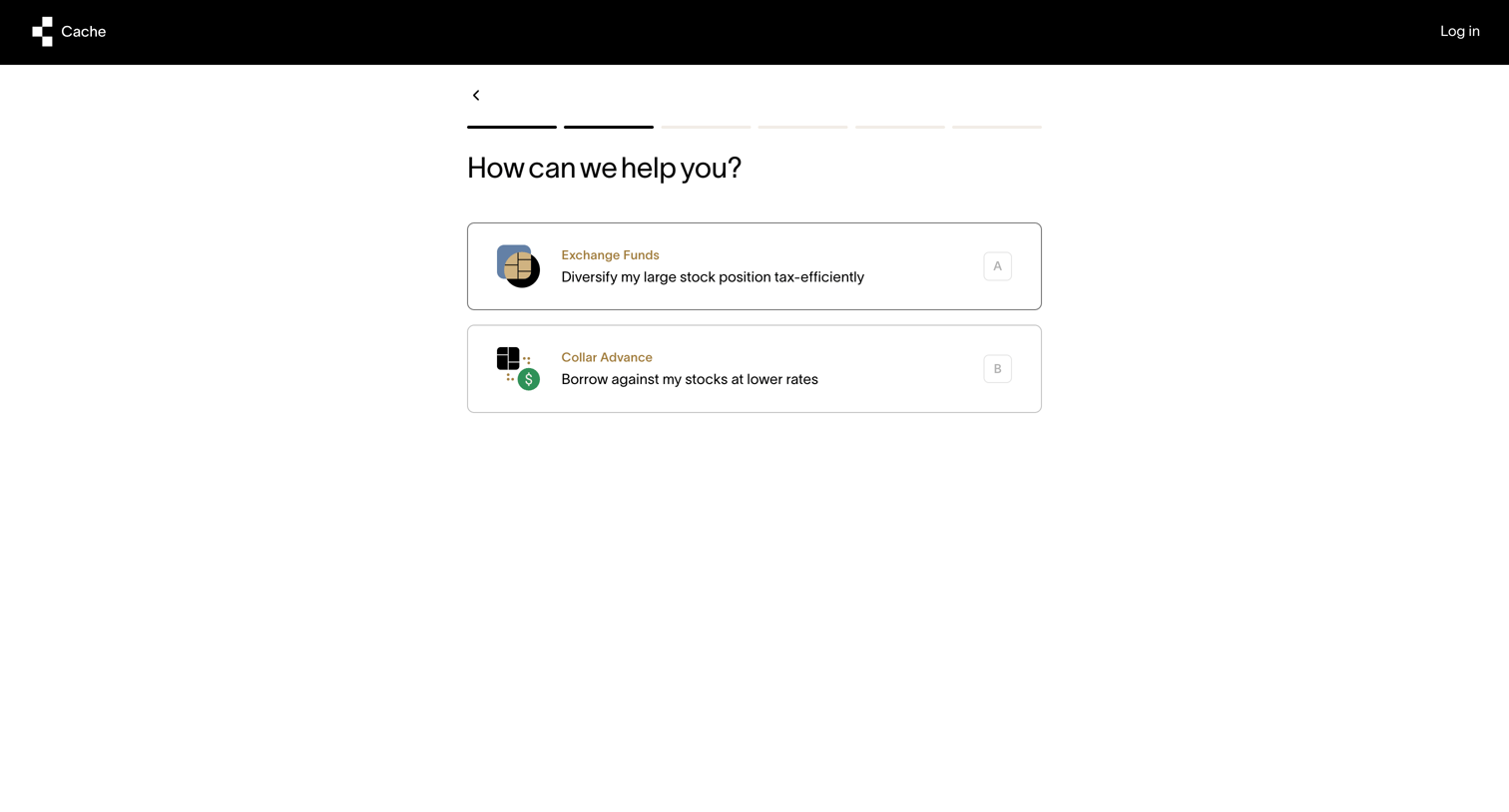
Onboarding step where the user selects whether they want help with Exchange Funds or a Collar Advance.
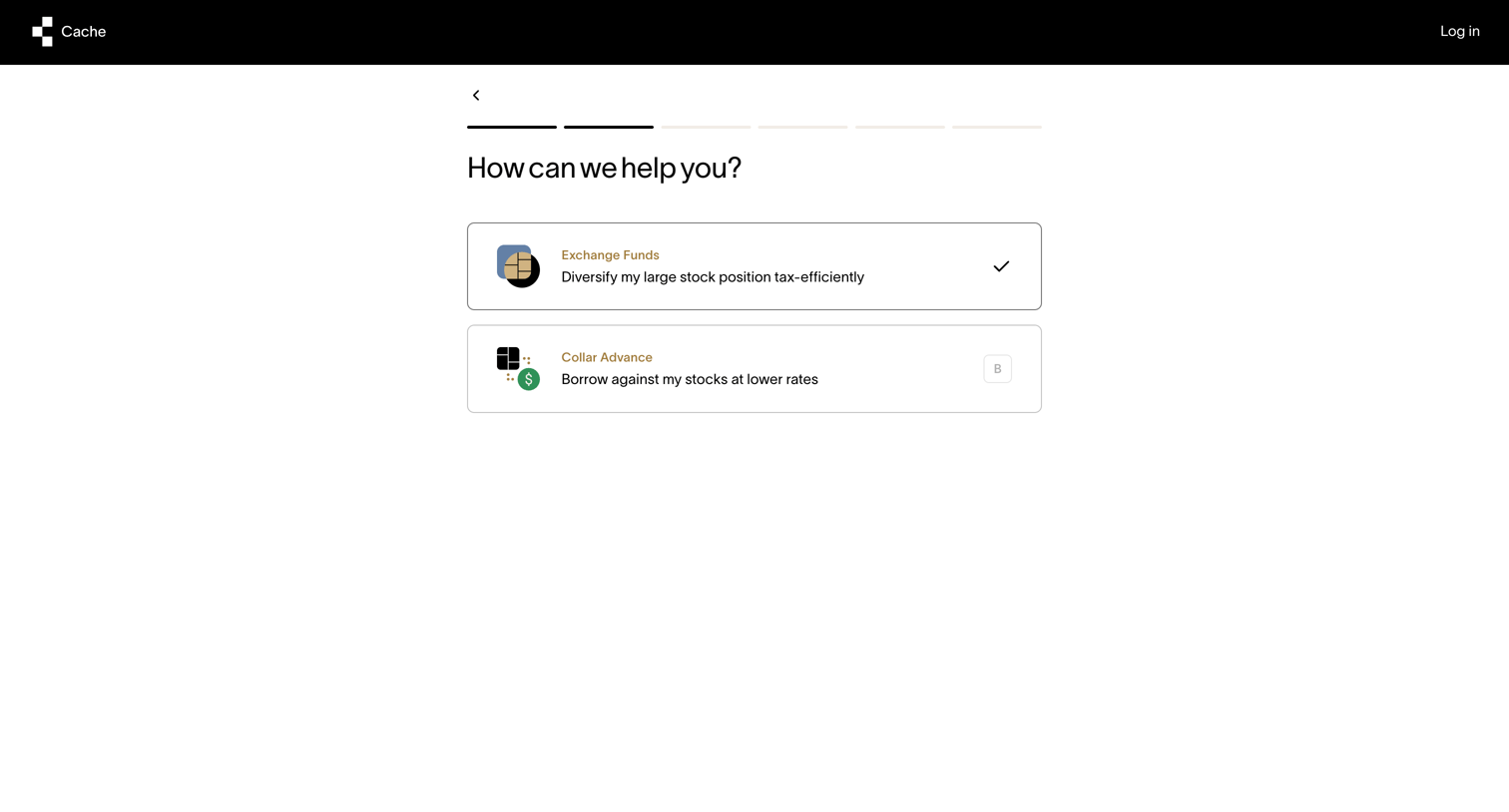
Onboarding step where the user selects between Exchange Funds and Collar Advance products to proceed.
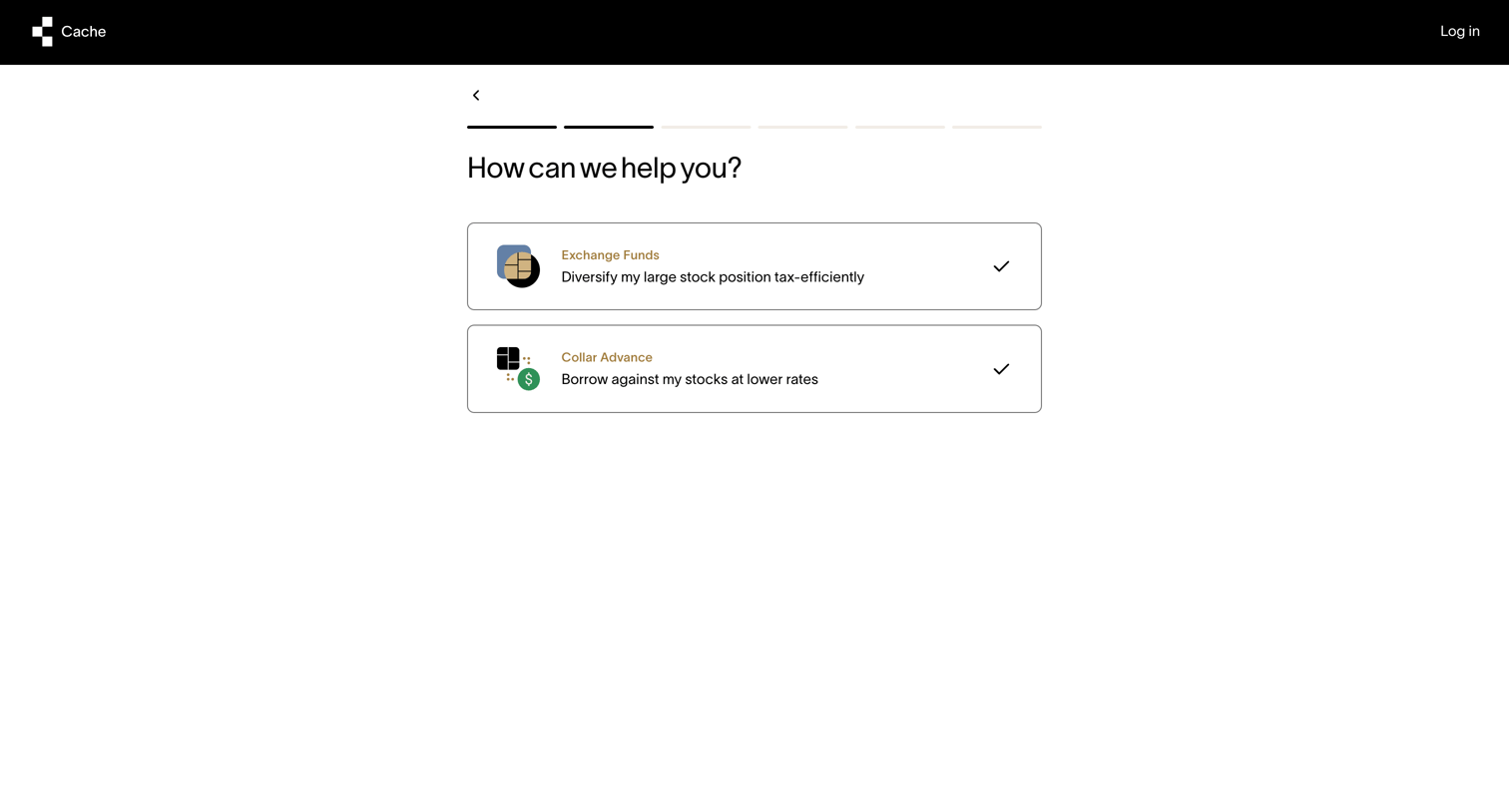
Onboarding step where the user selects their primary goal between Exchange Funds and Collar Advance to customize their setup.
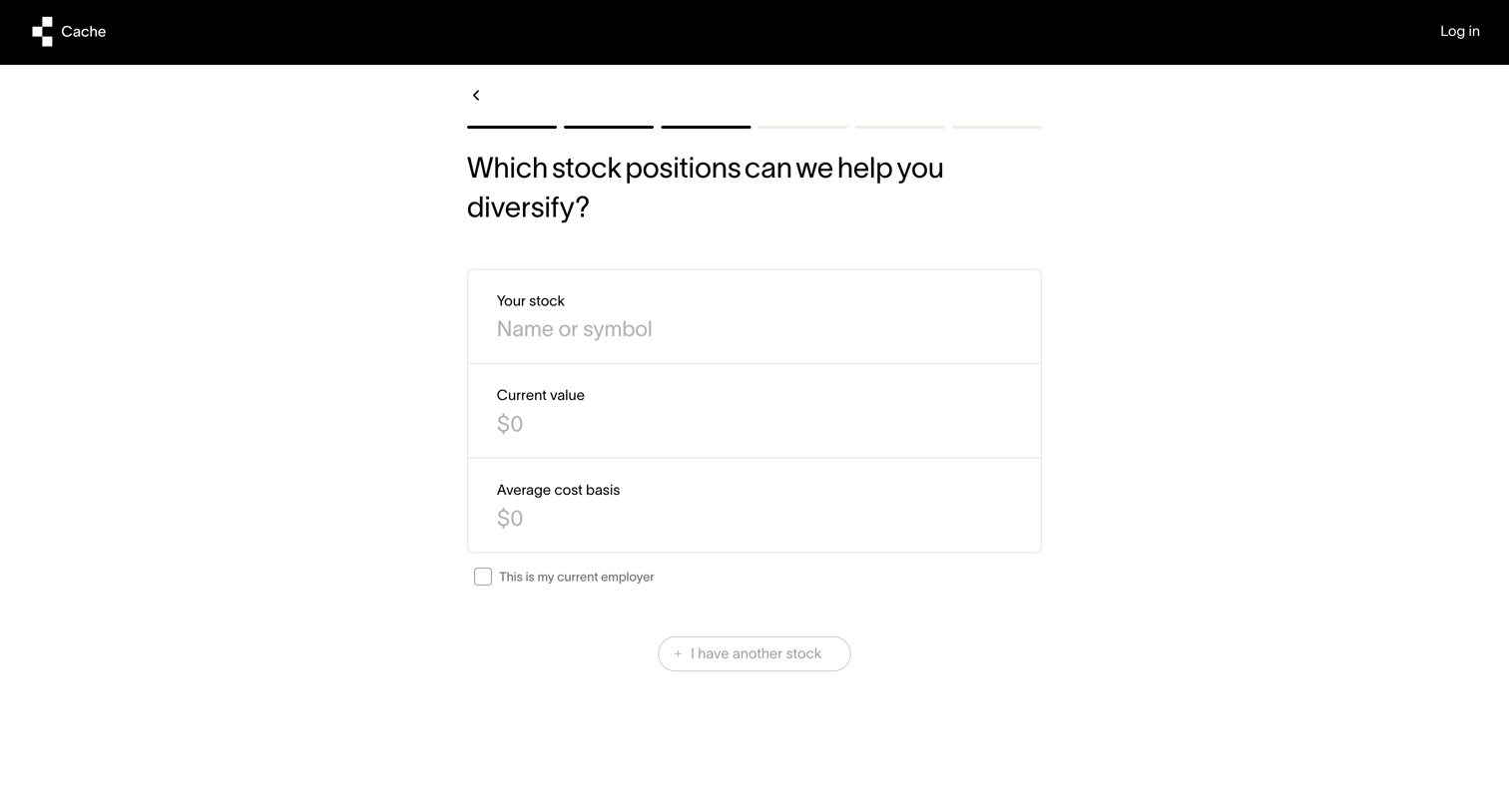
Onboarding step where the user enters their stock positions, including name, current value, and average cost basis, to explore diversification options.
Explore the full SaaS screen library
Upgrade to unlock the full library.
Trusted by the best teams







