Skip to content

Axiom UI components examples

Browse Axiom UI component design examples. Preview individual interface elements and explore related component categories. The modern machine data platform.

Explore the examples
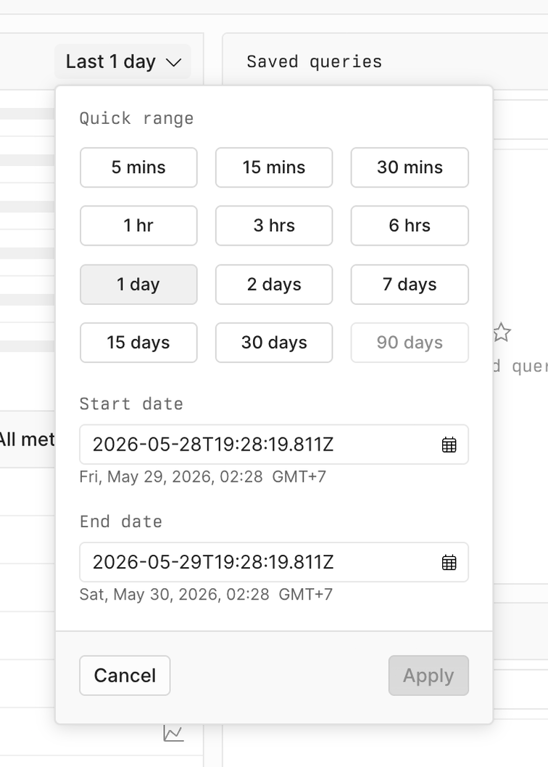
Axiom — Dropdown menu component
Axiom logo
Axiom

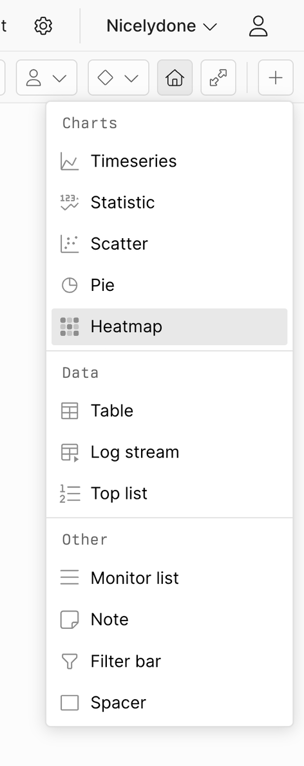
A dropdown menu displaying various options categorized into charts, data, and other, with an item in a hover state.
Axiom — Charts component
Axiom logo
Axiom

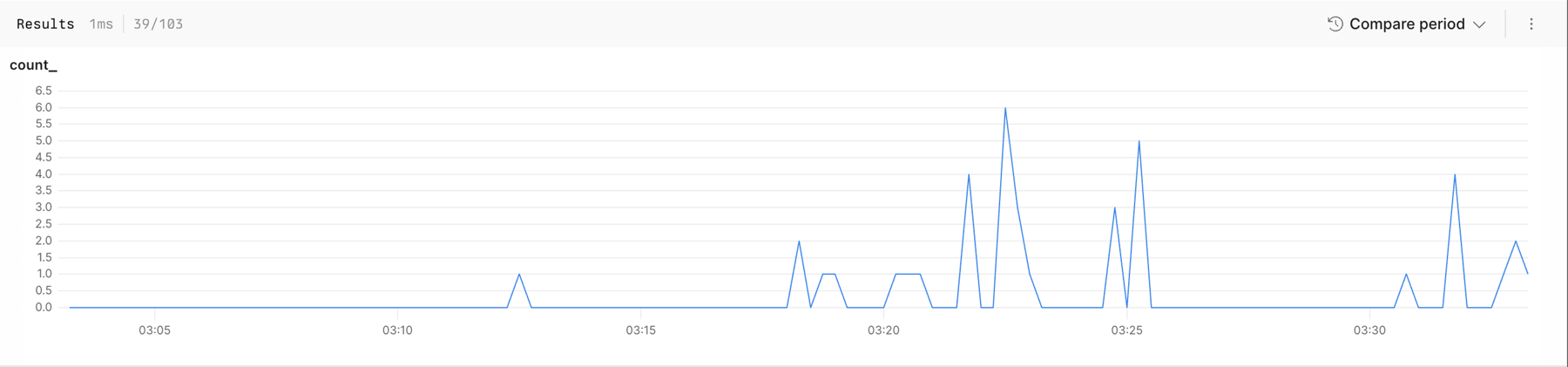
A line chart displaying time-series data with a header showing results and comparison options.

Axiom — Code block component
Axiom logo
Axiom

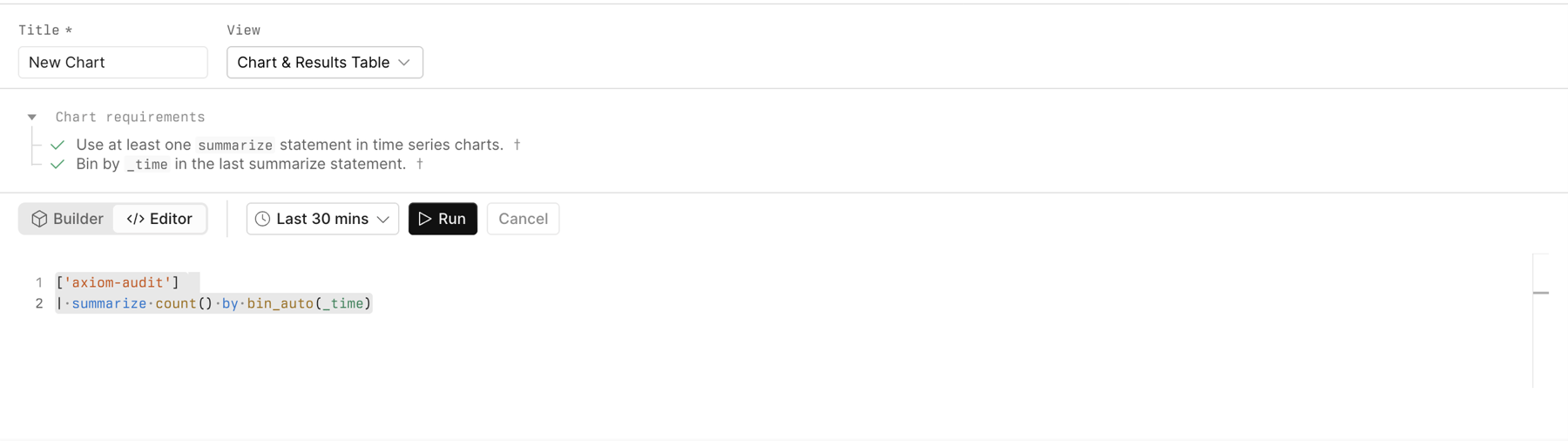
An interface for building and editing data queries to generate charts and results tables.
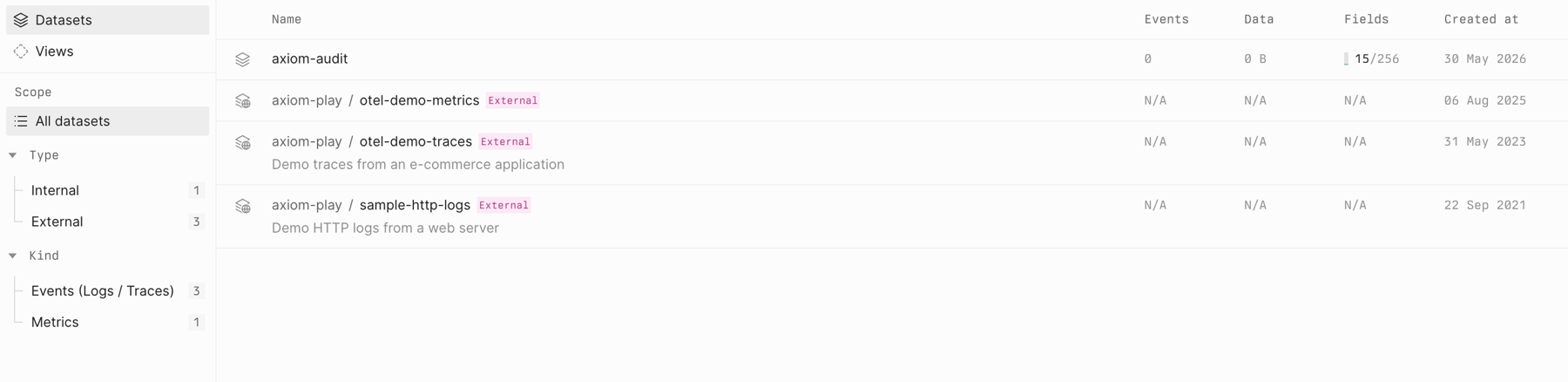
Axiom — Table component
Axiom logo
Axiom

A data management interface displaying a list of datasets with filtering options in a two-column layout.

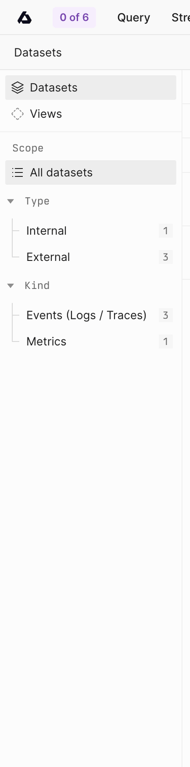
Axiom — Vertical navigation component
Axiom logo
Axiom

A sidebar navigation panel displaying dataset categories and filters with counts.

Axiom — Horizontal navigation component
Axiom logo
Axiom

An application interface featuring a global navigation bar, a page title, a search input, and a call to action button.
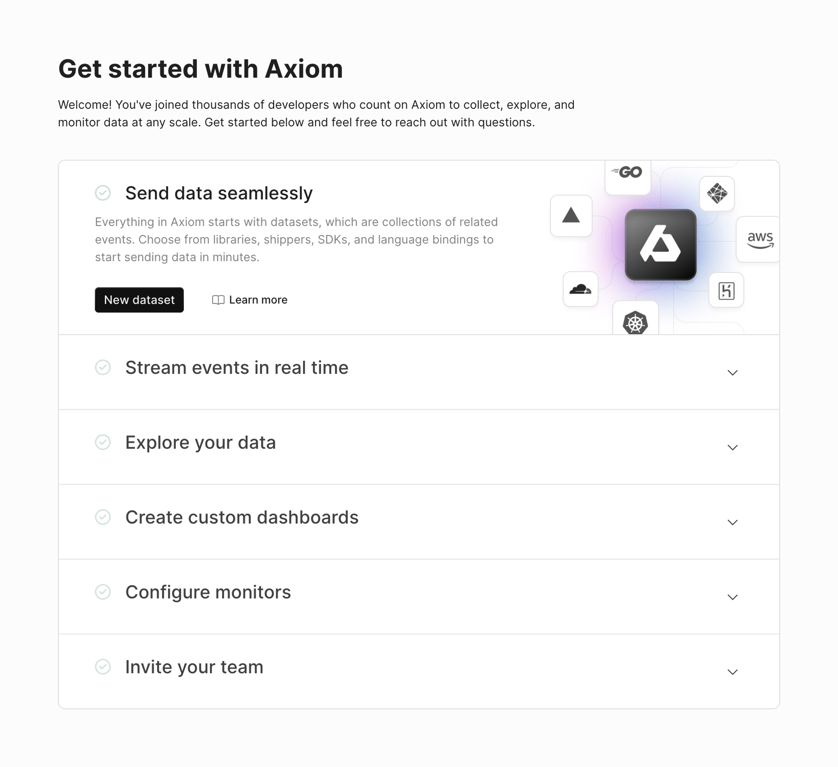
Axiom — Stepper component
Axiom logo
Axiom

A 'Get started' page for a data platform, guiding users through initial setup steps and showcasing integrations.

Axiom — Testimonial component
Axiom logo
Axiom

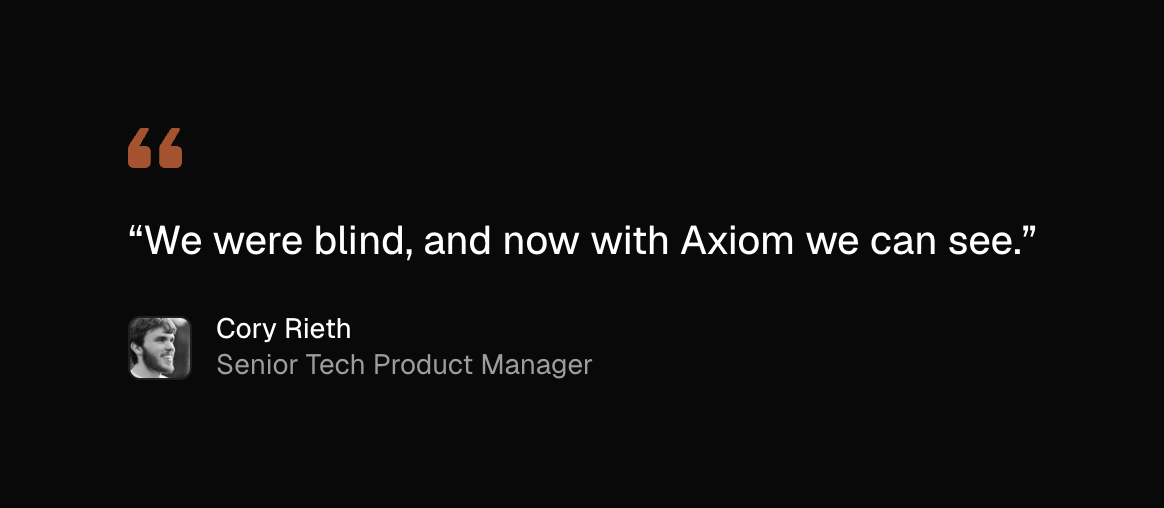
A customer testimonial featuring a quote and the author's name and title.

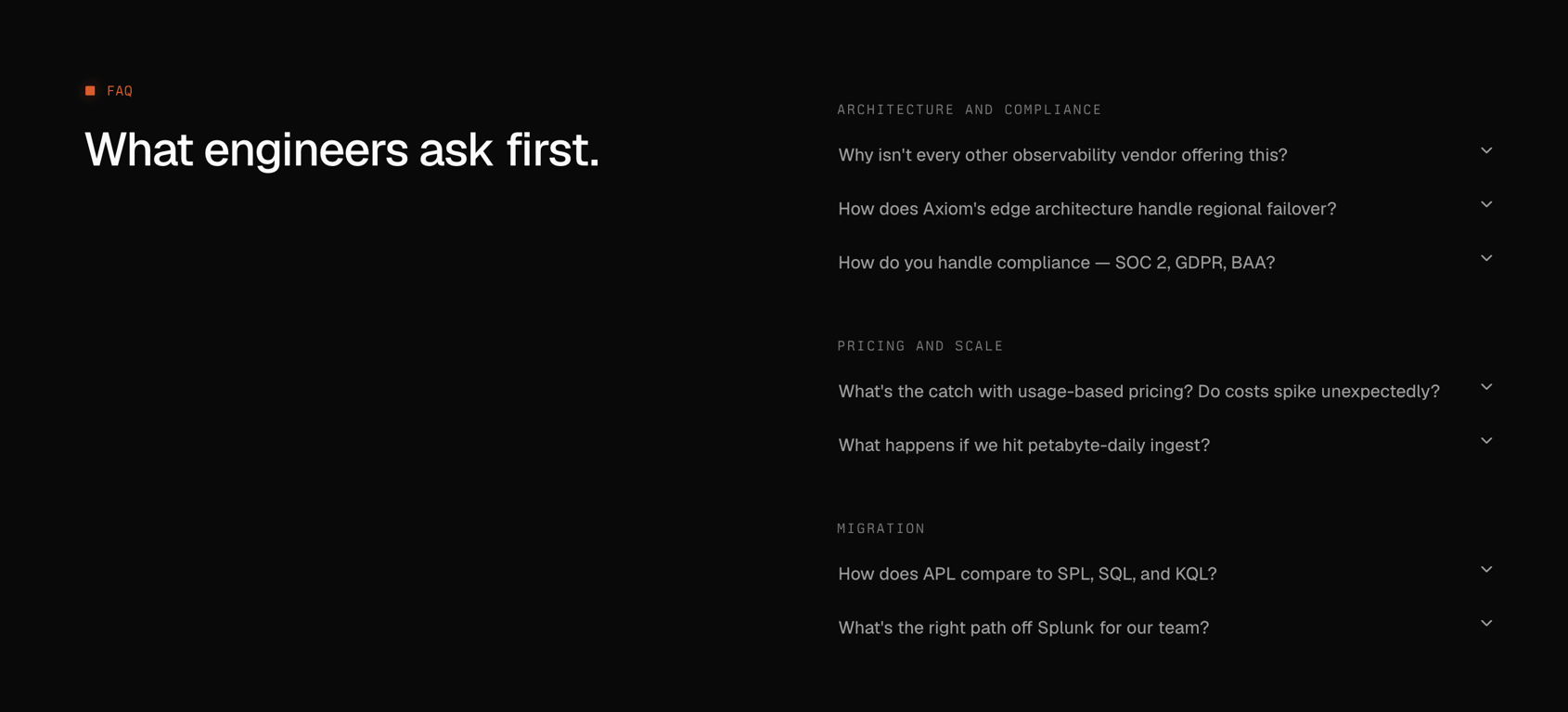
Axiom — FAQ component
Axiom logo
Axiom

A frequently asked questions section with categories like architecture, pricing, and migration, presented in a dark mode interface.

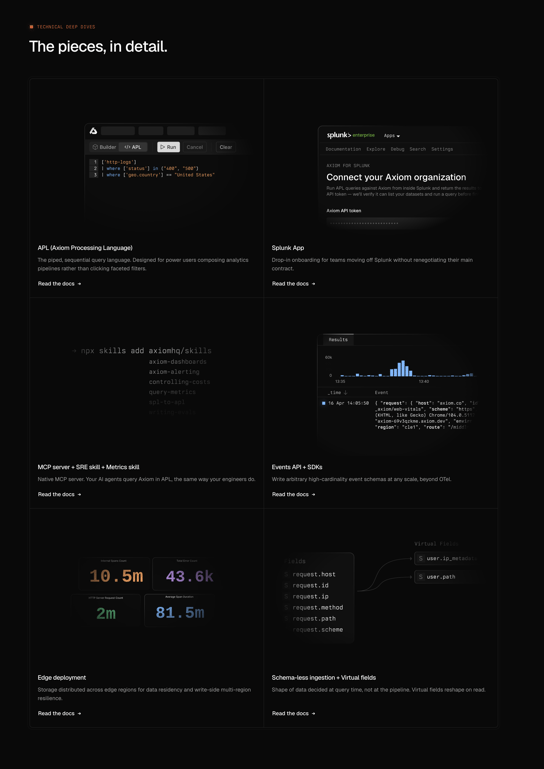
Axiom — Bento box component
Axiom logo
Axiom

A technical overview page showcasing various features of a data processing and analytics platform with code examples, data visualizations, and conceptual diagrams.

Axiom — Flyout menu component
Axiom logo
Axiom

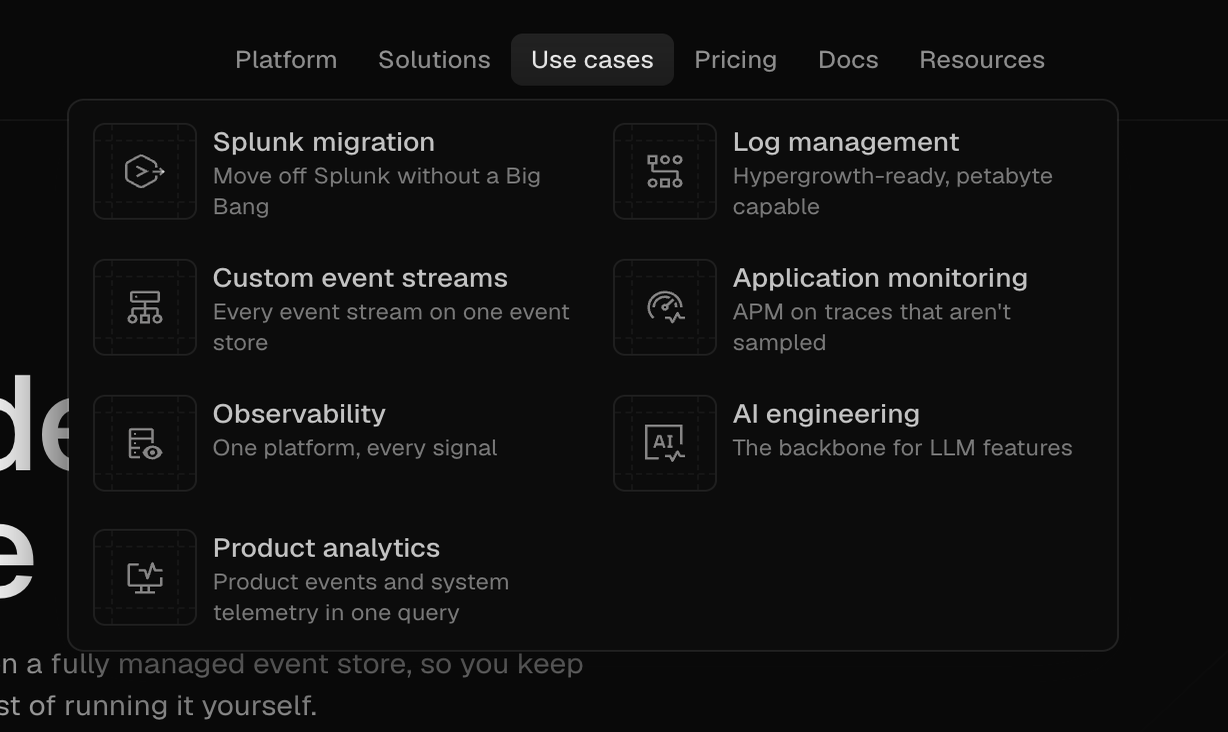
A dark mode dropdown menu displaying various product use cases with icons and descriptions.

Browse the full component library

Browse the full UI component library.

Trusted by the best teams