Auth0 product screens examples
Browse Auth0 screen design examples. Preview the interface screenshots and explore related UI patterns. Secure access for everyone. But not just anyone.
Explore the examples
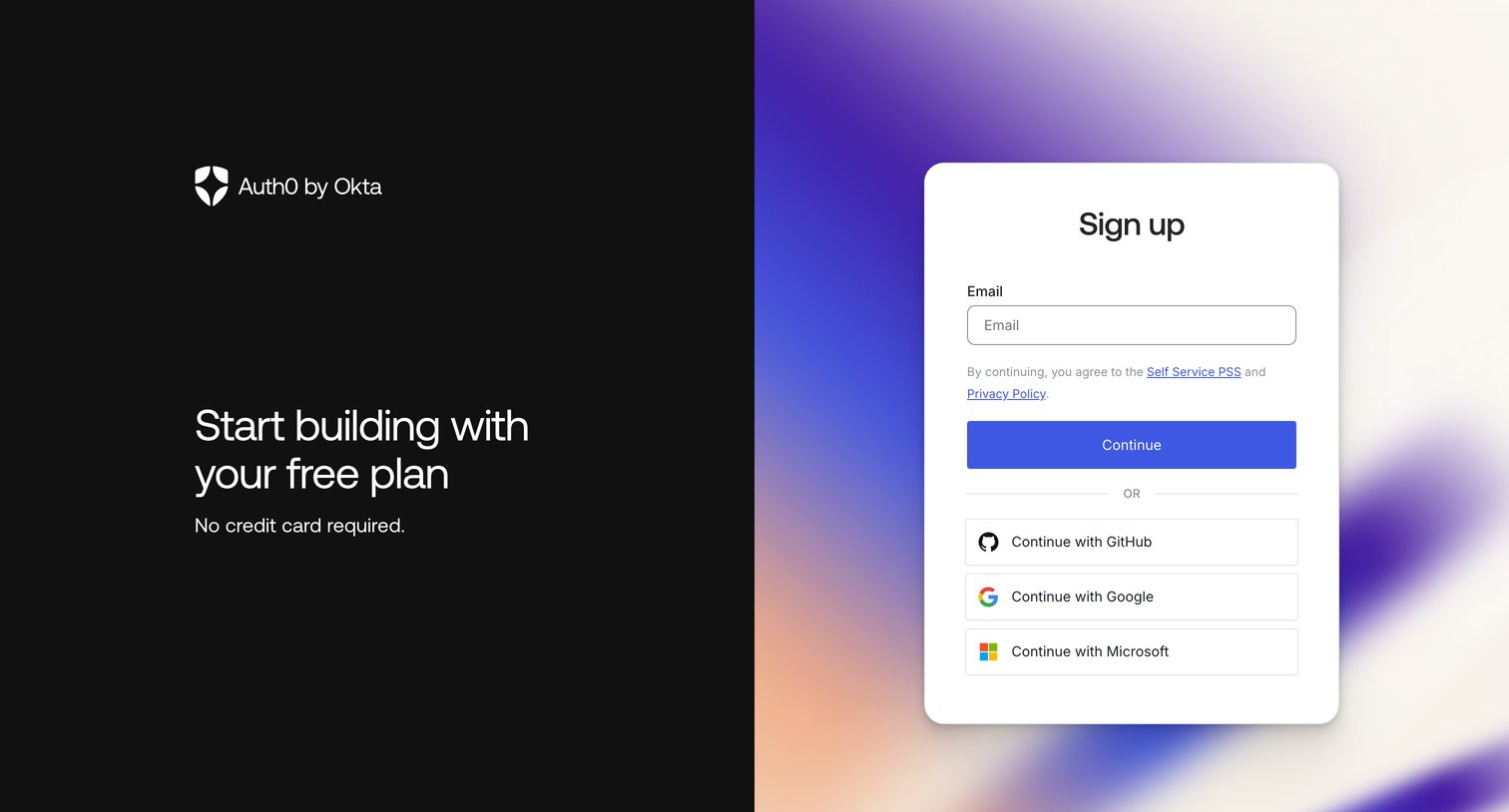
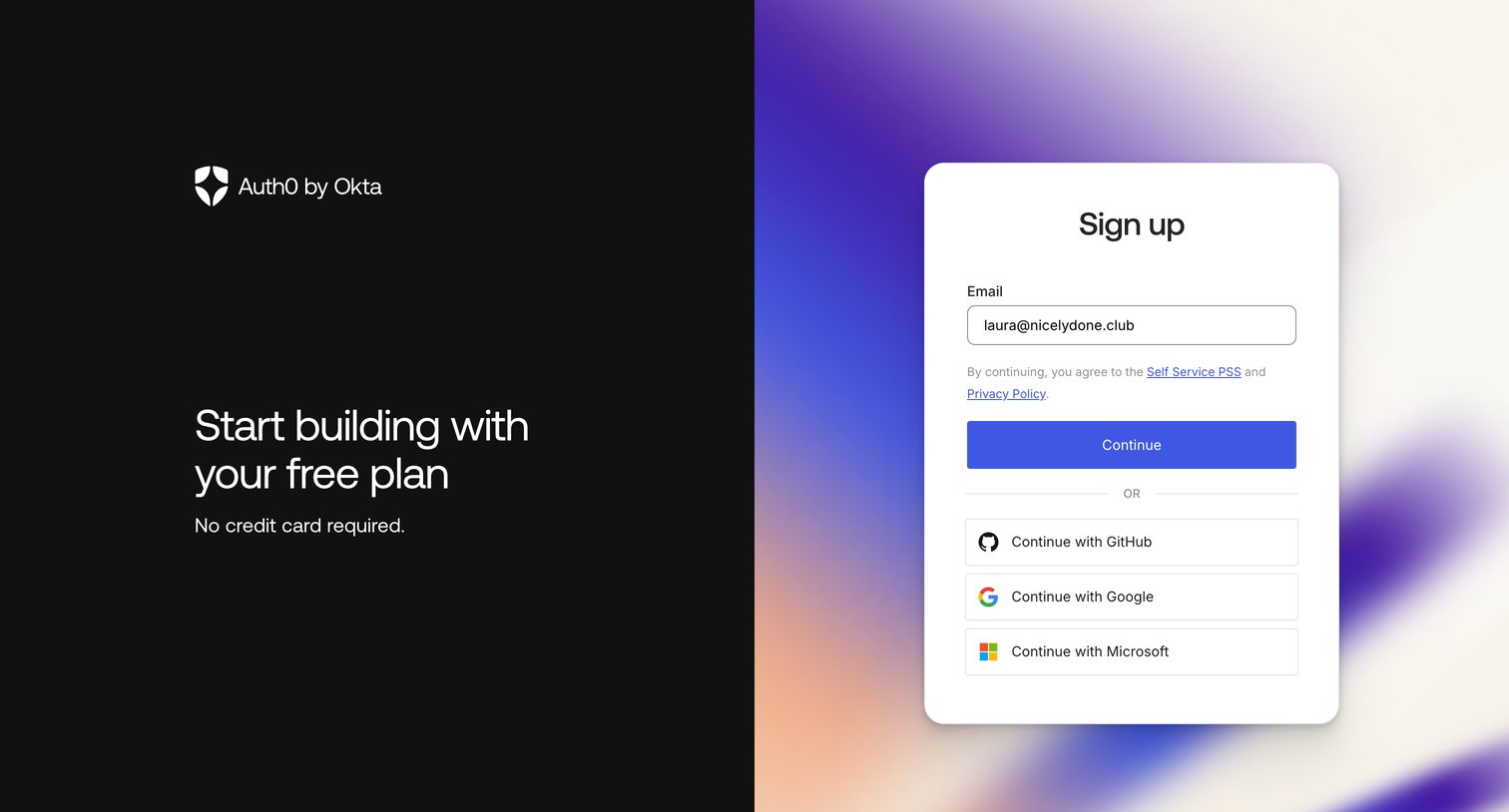

Sign-up screen where the user enters their email or authenticates with GitHub, Google, or Microsoft to start a free plan.
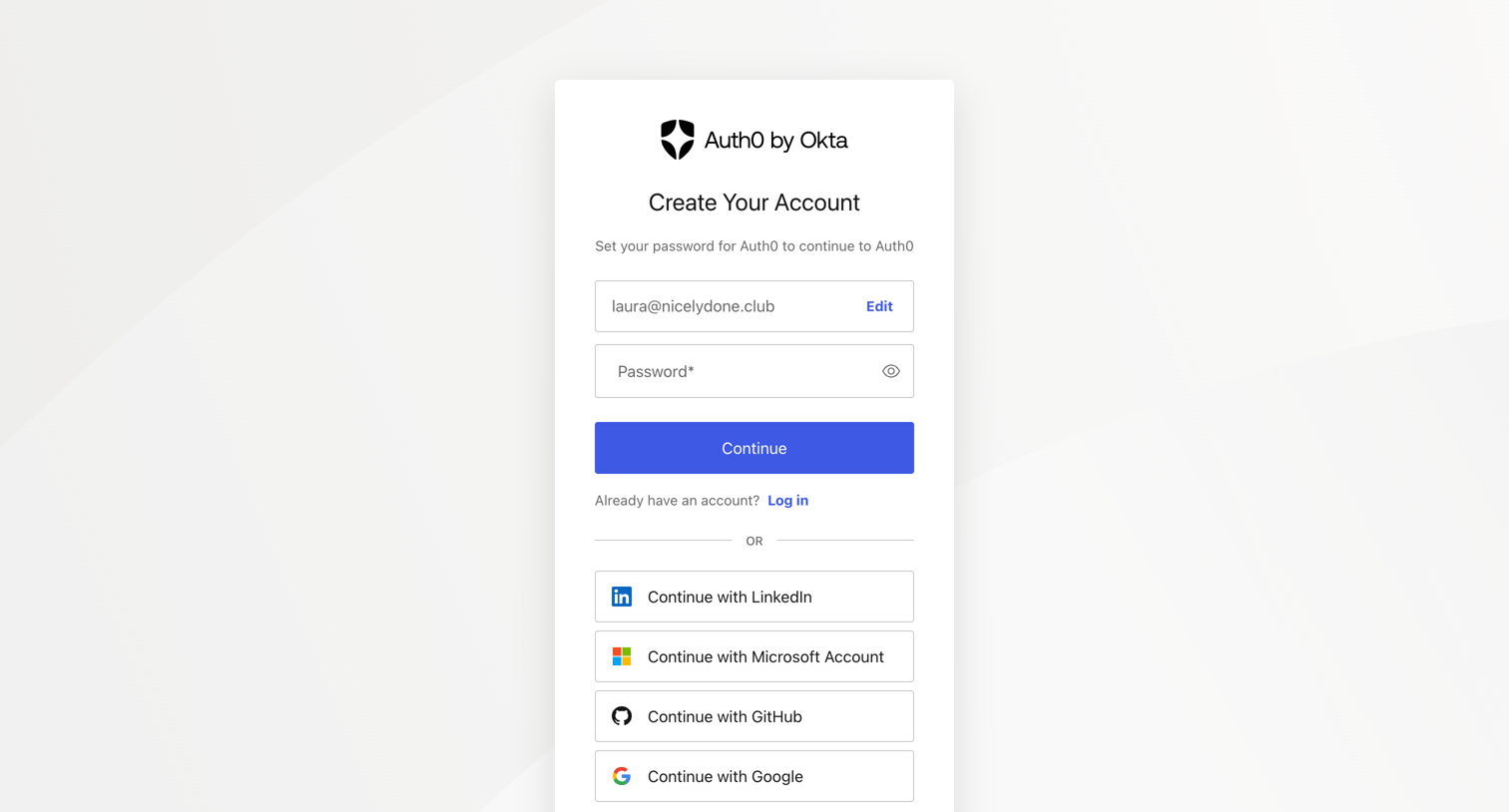
Signup page where the user sets a password for a pre-filled email or authenticates via LinkedIn, Microsoft, GitHub, or Google.
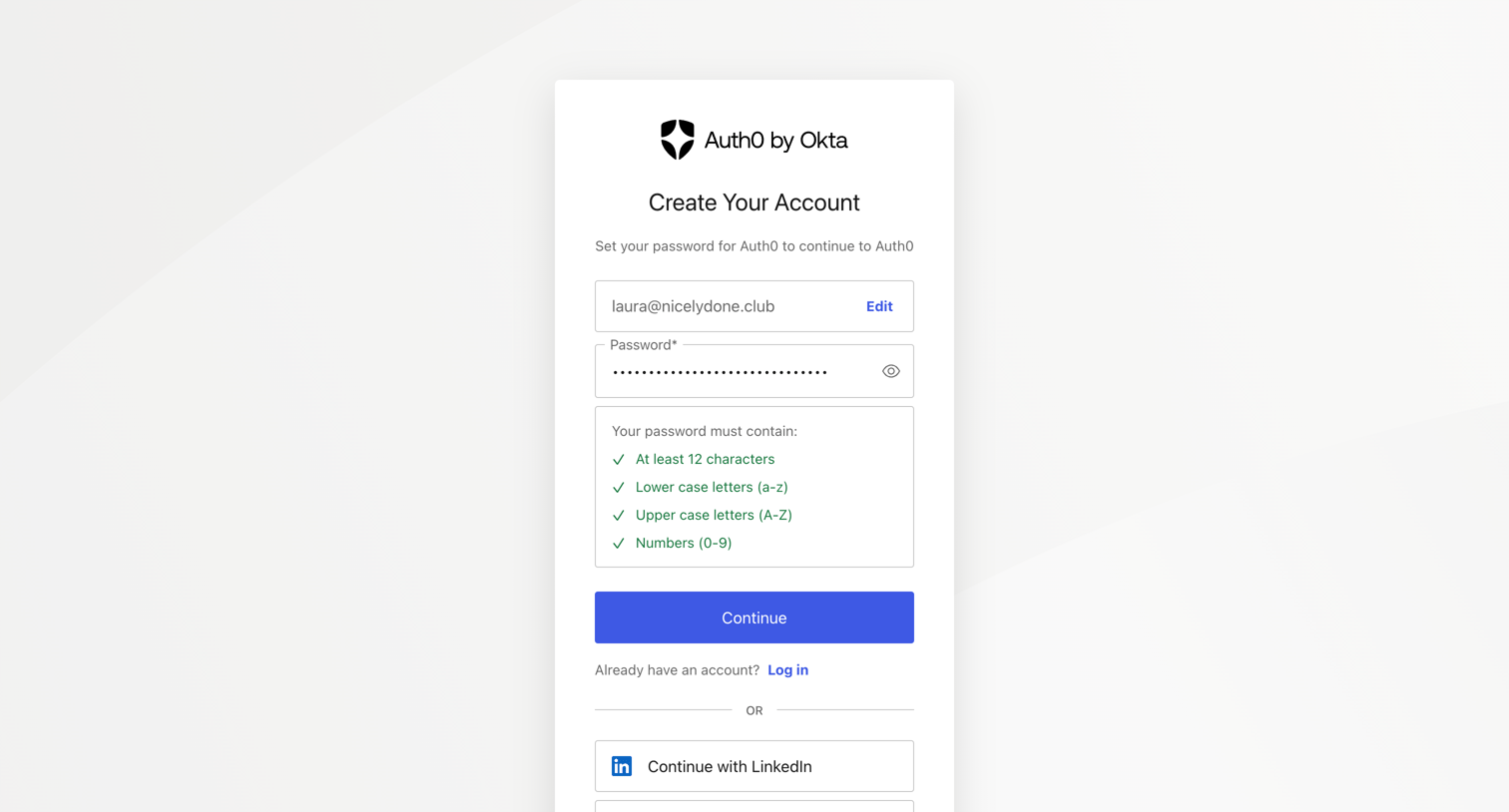
Signup screen where the user sets a password meeting 12-character and complexity requirements for their pre-filled email, or chooses to continue with LinkedIn, Microsoft, GitHub, or Google.
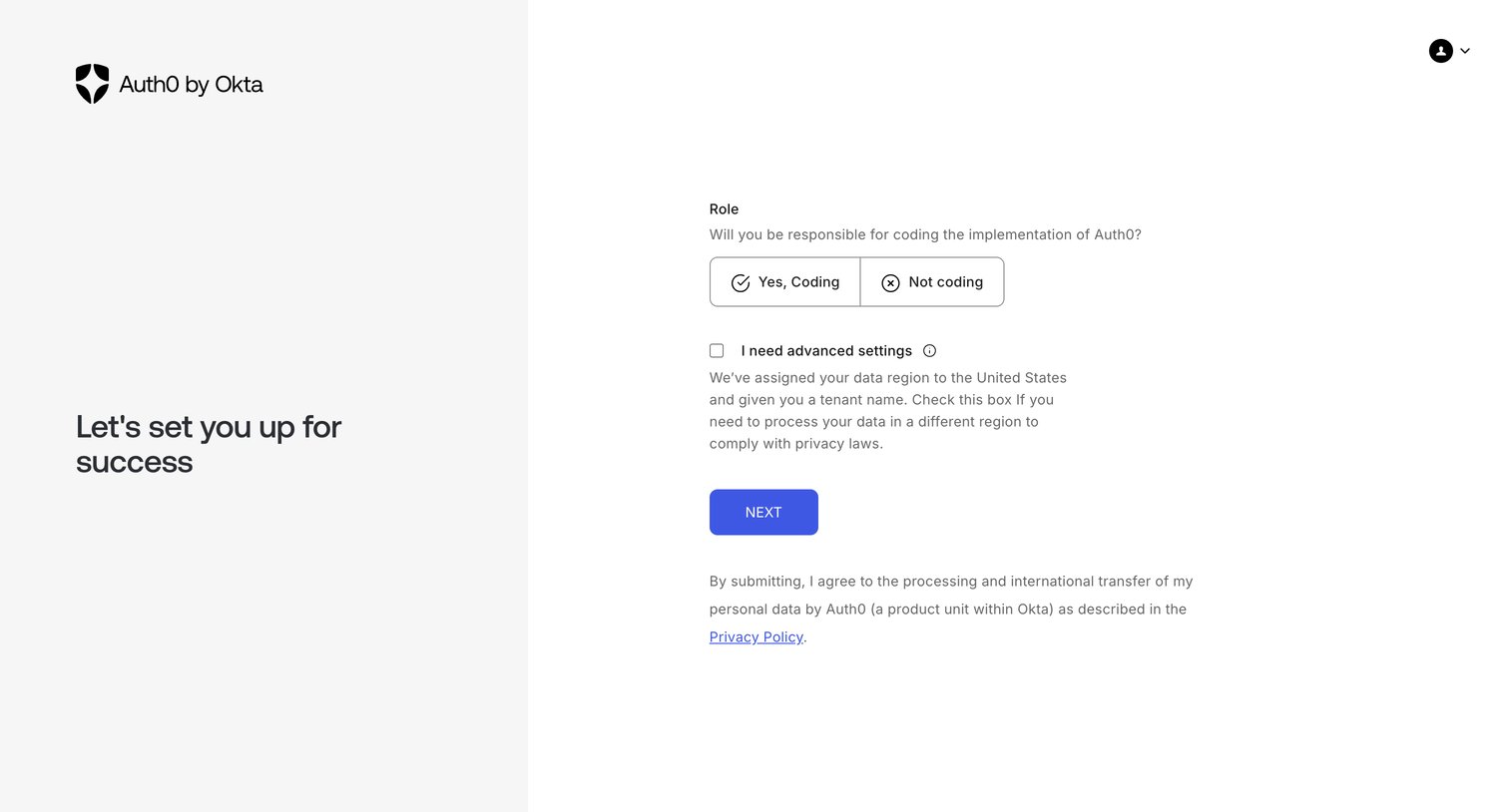
Onboarding step where the user specifies if they will be coding the implementation and can optionally enable advanced settings for data region compliance.
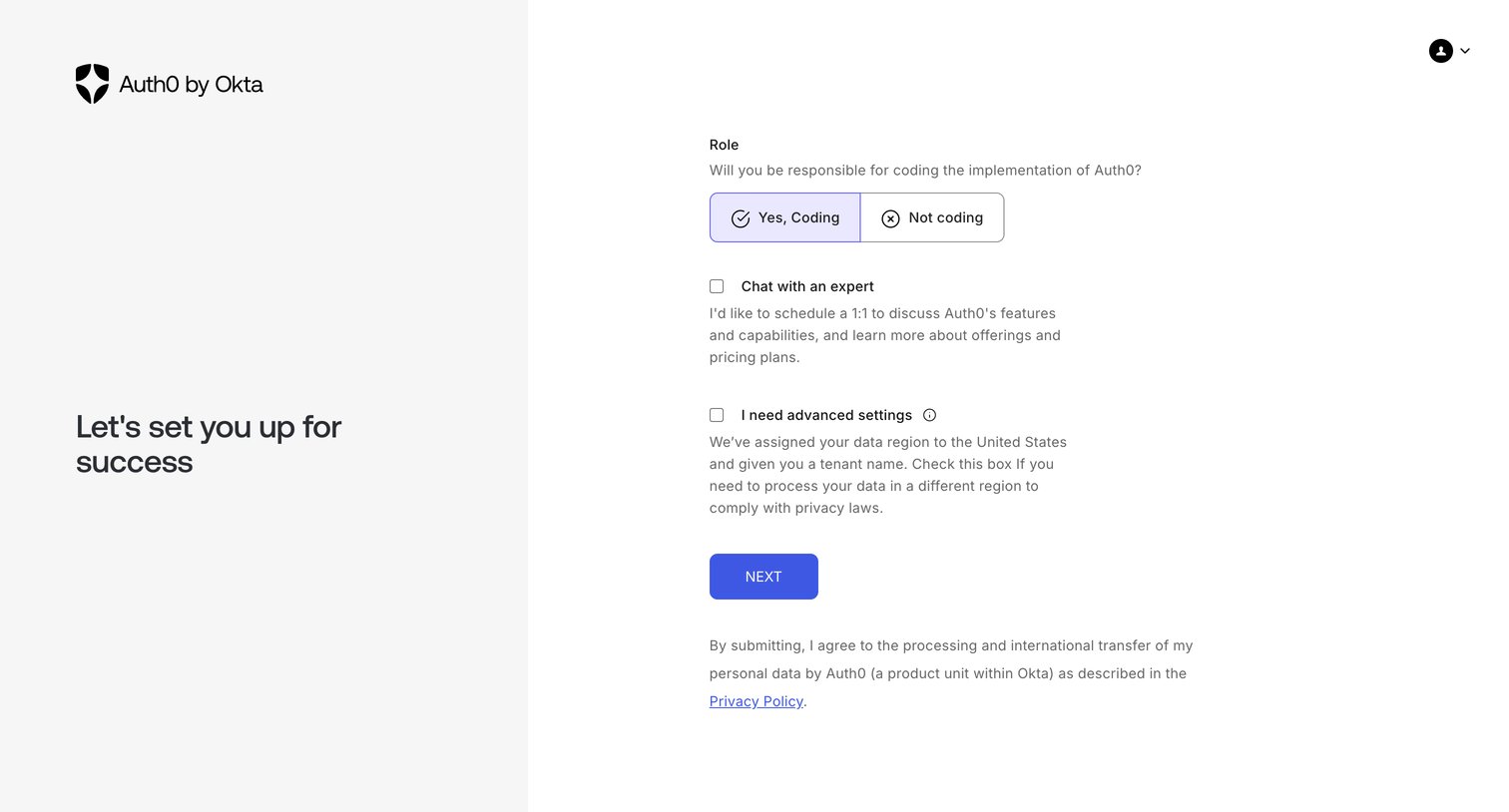
Onboarding step where the user selects their role, opts into expert chat, and configures advanced settings like data region.
Onboarding screen showing a loading spinner while the user's new tenant is being provisioned.
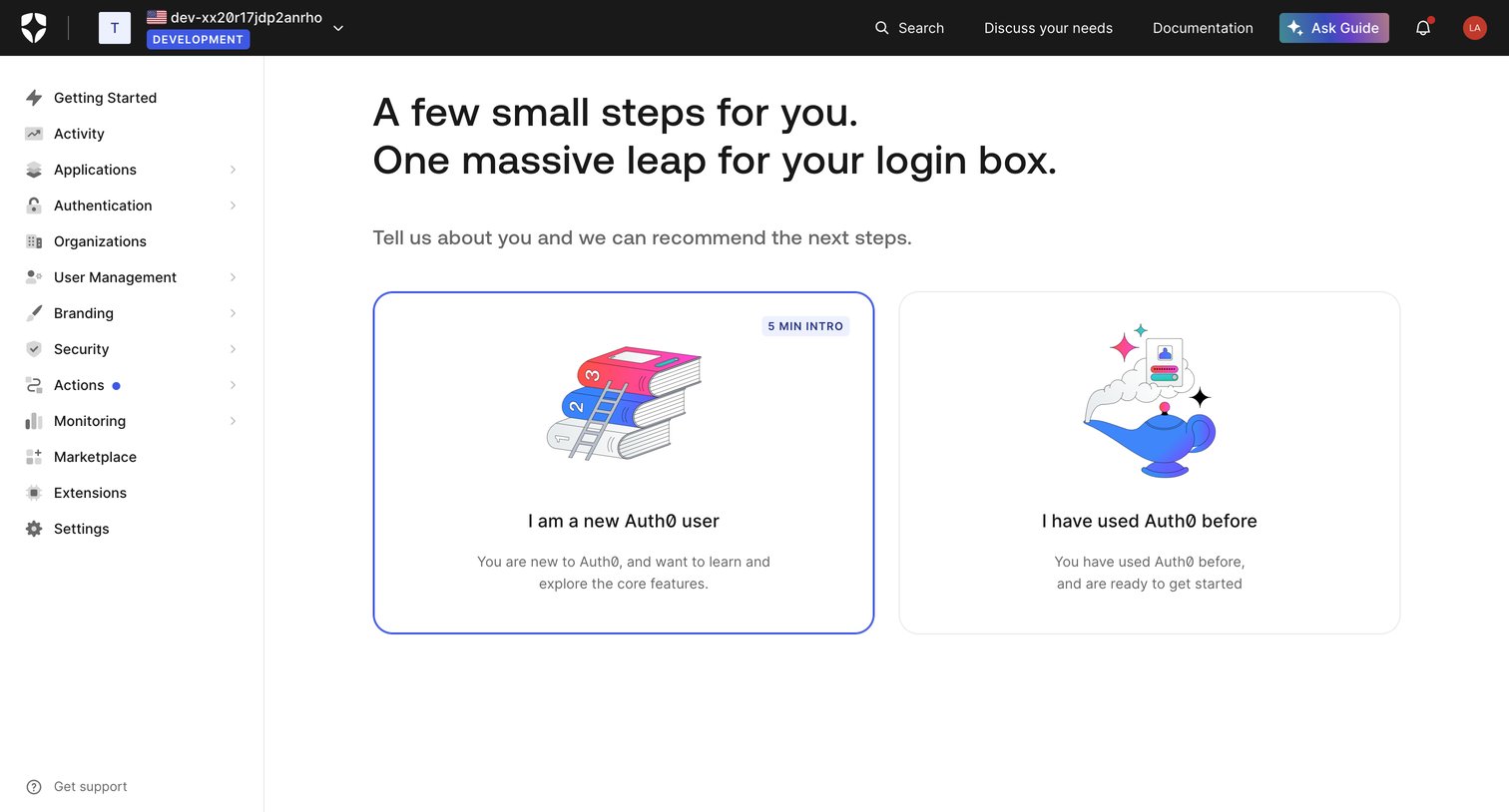
Onboarding screen where the user selects whether they are a new or returning Auth0 user to tailor their setup path.
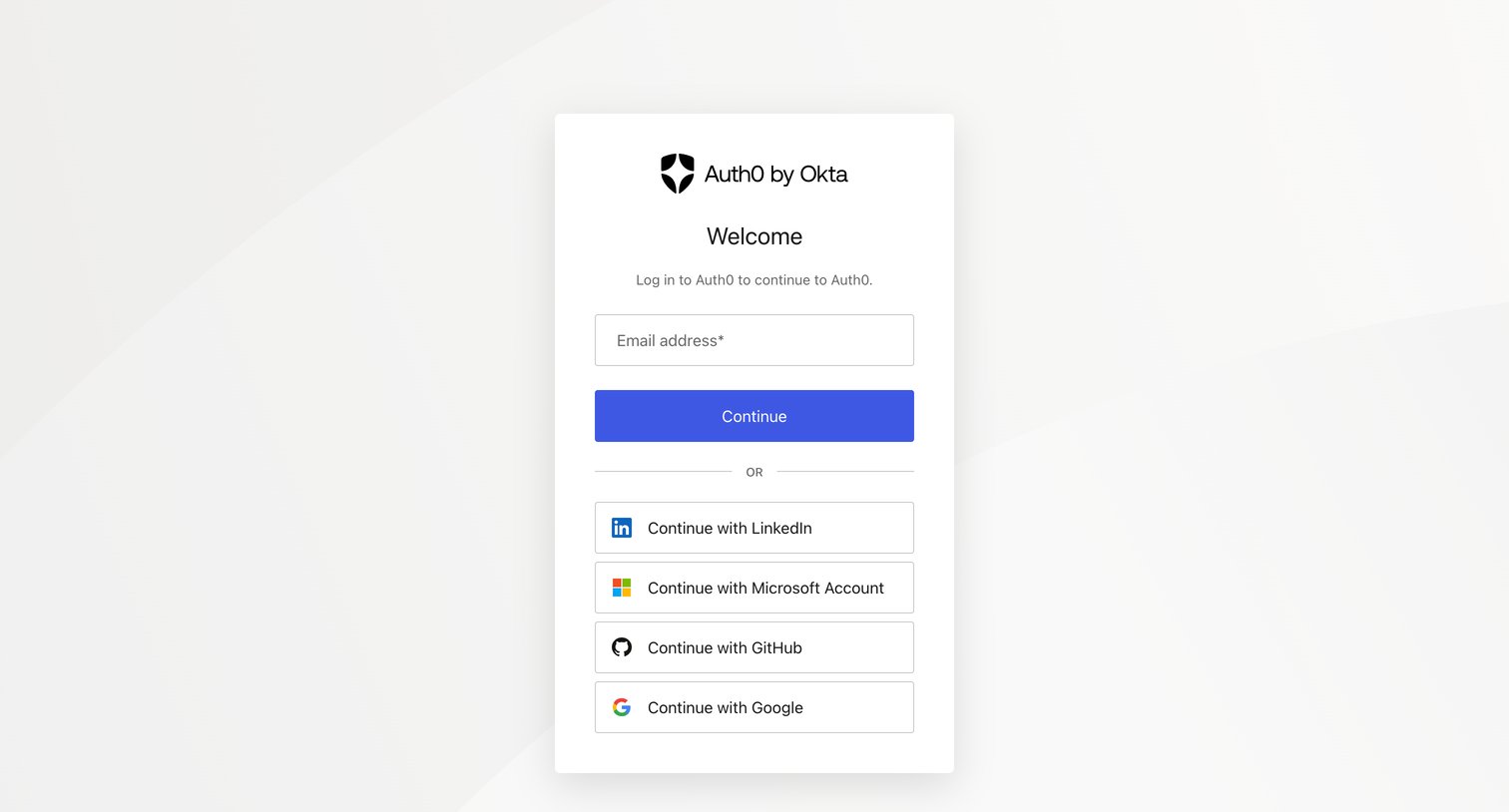
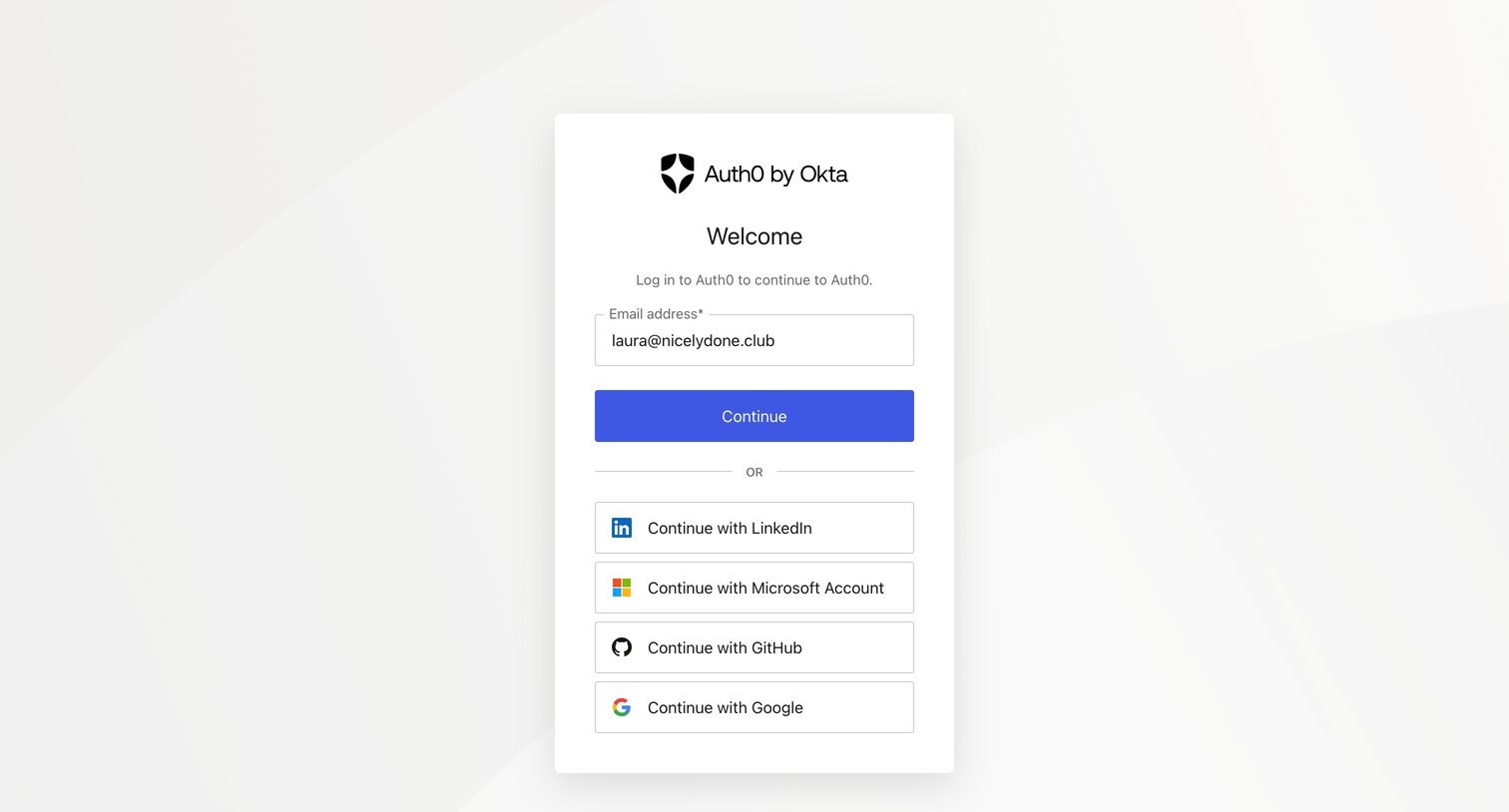
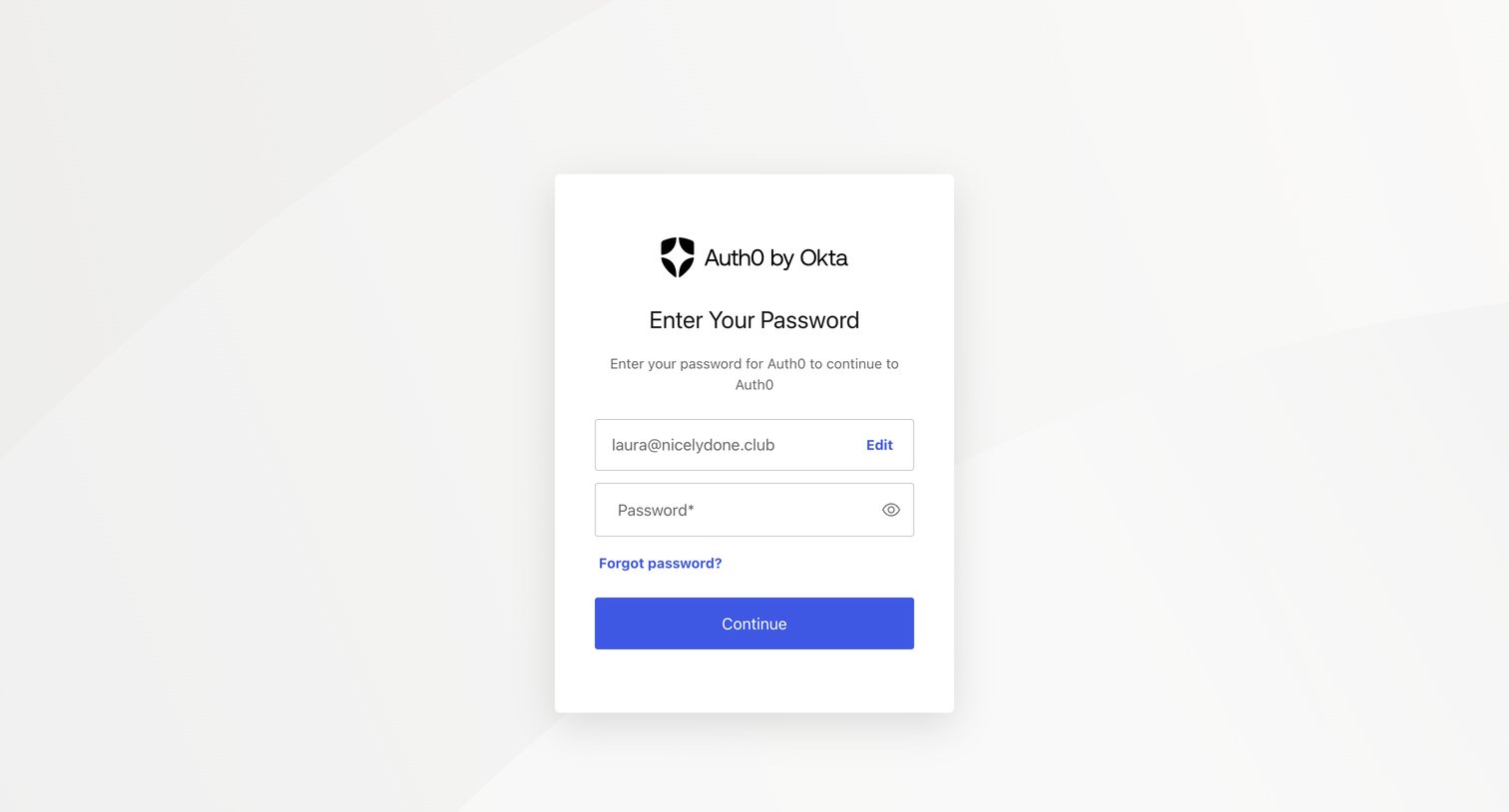
Sign-in screen where the user enters their password for a pre-filled email address to authenticate with Auth0.
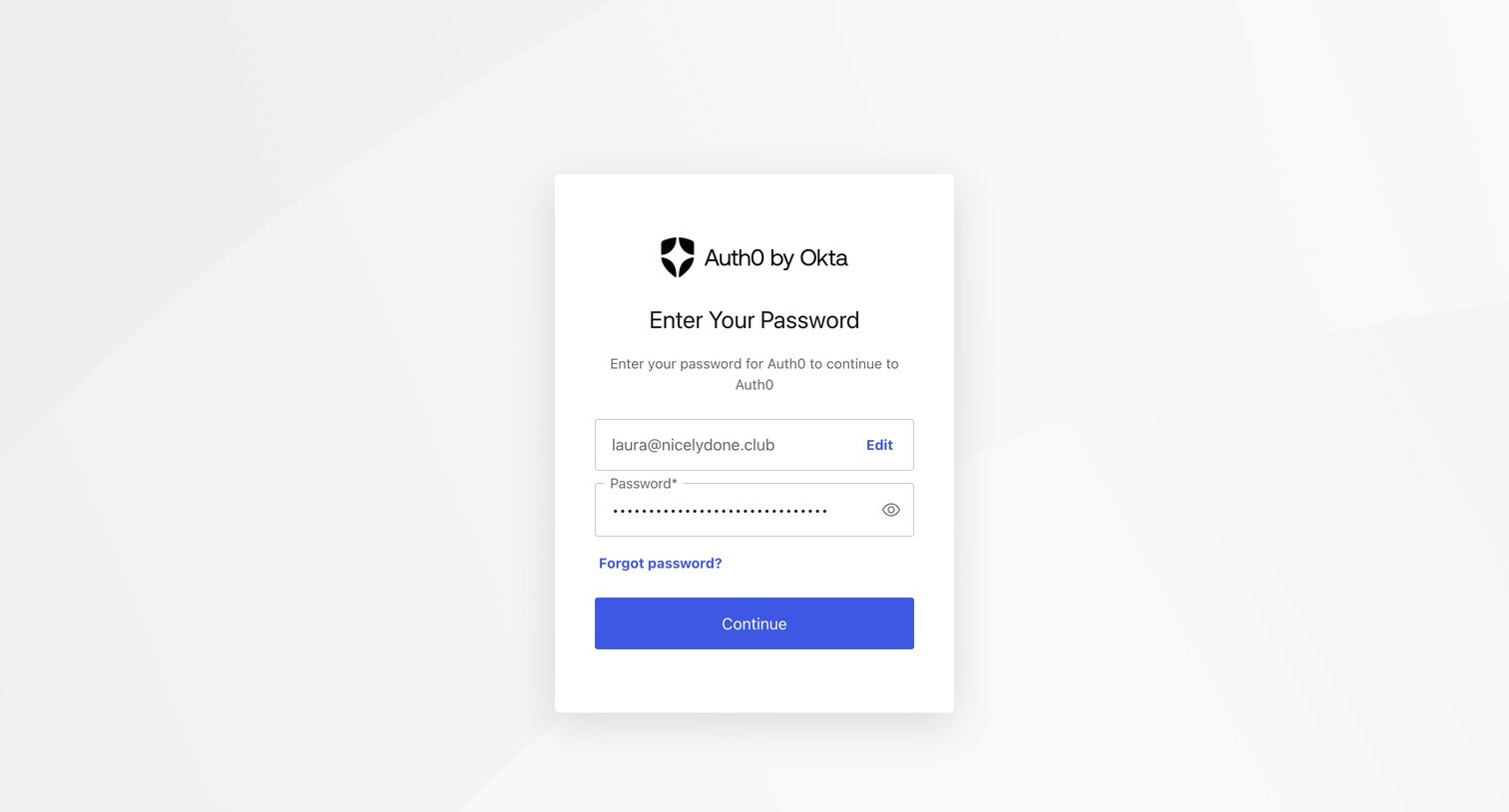
Sign-in screen where the user enters their password to authenticate, with their previously entered email displayed in a read-only field.
Explore the full SaaS screen library
Upgrade to unlock the full library.
Trusted by the best teams







