Vertical list UI examples
Vertical list UI design examples from SaaS apps. Explore how interfaces arrange items in a sequence of rows. Look at how repeated labels, supporting details, and actions establish a consistent structure…
Explore the examples
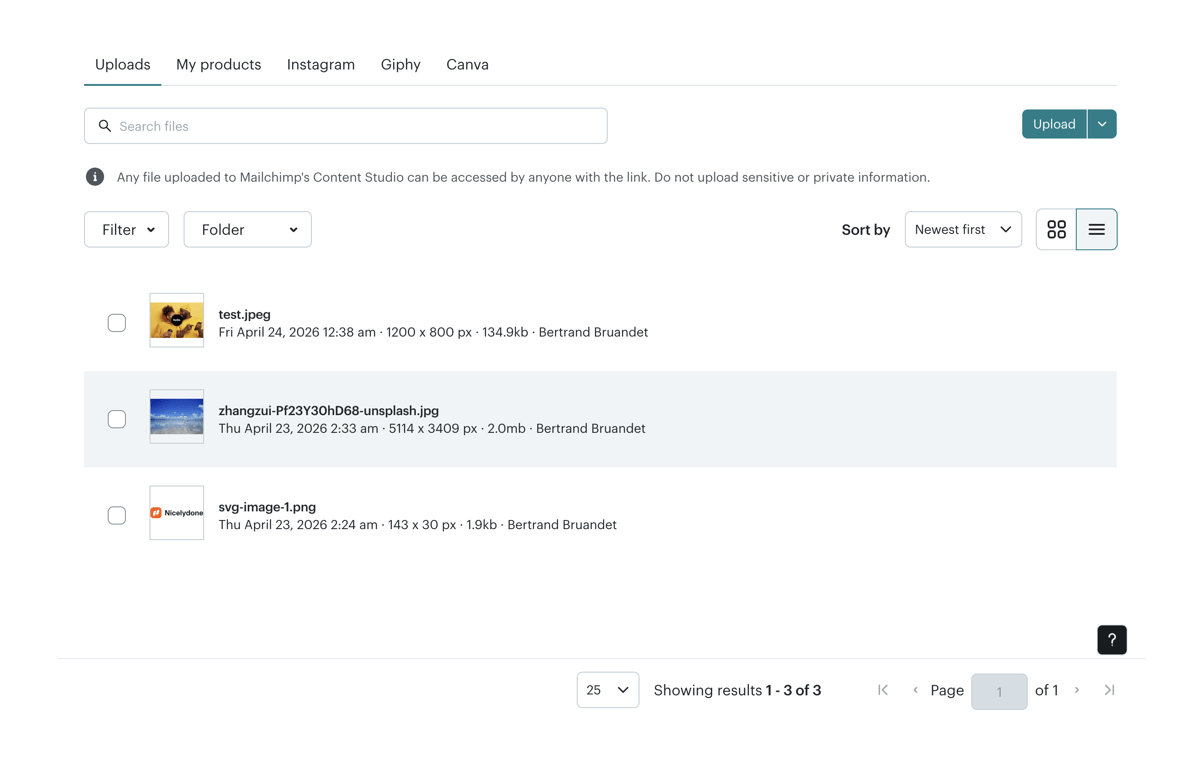

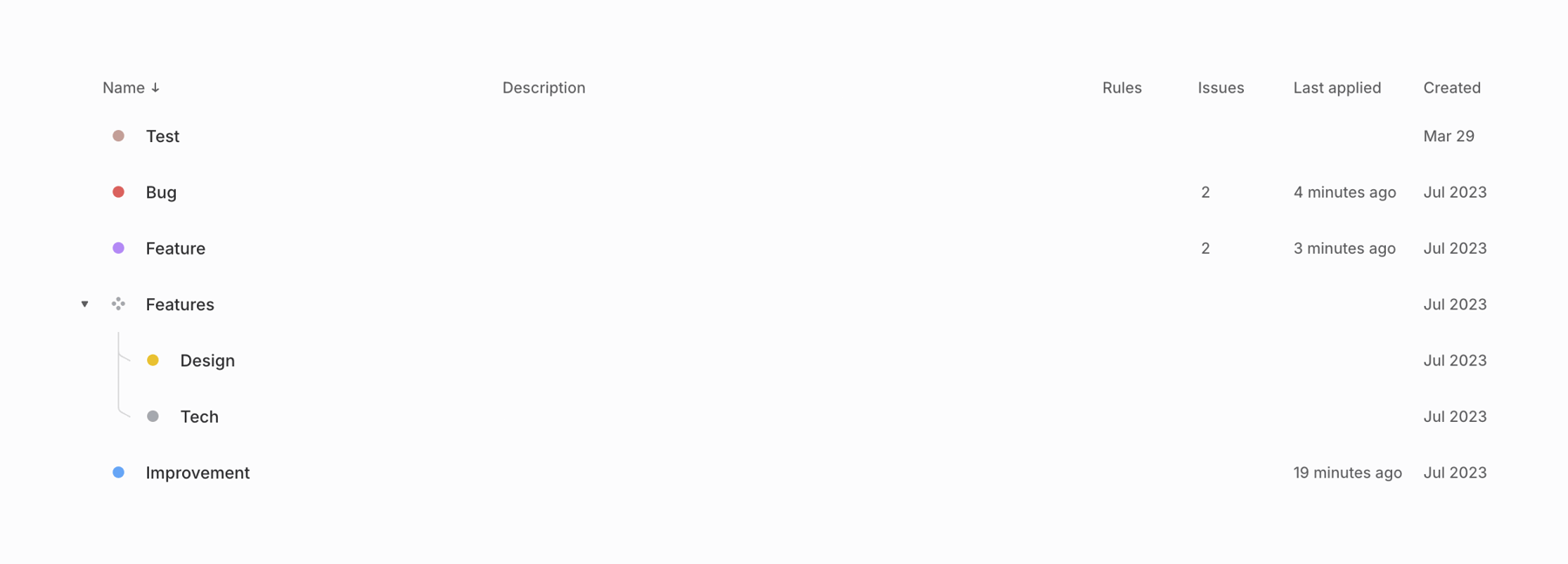

A data table displaying a hierarchical list of items with associated details and sorting options.
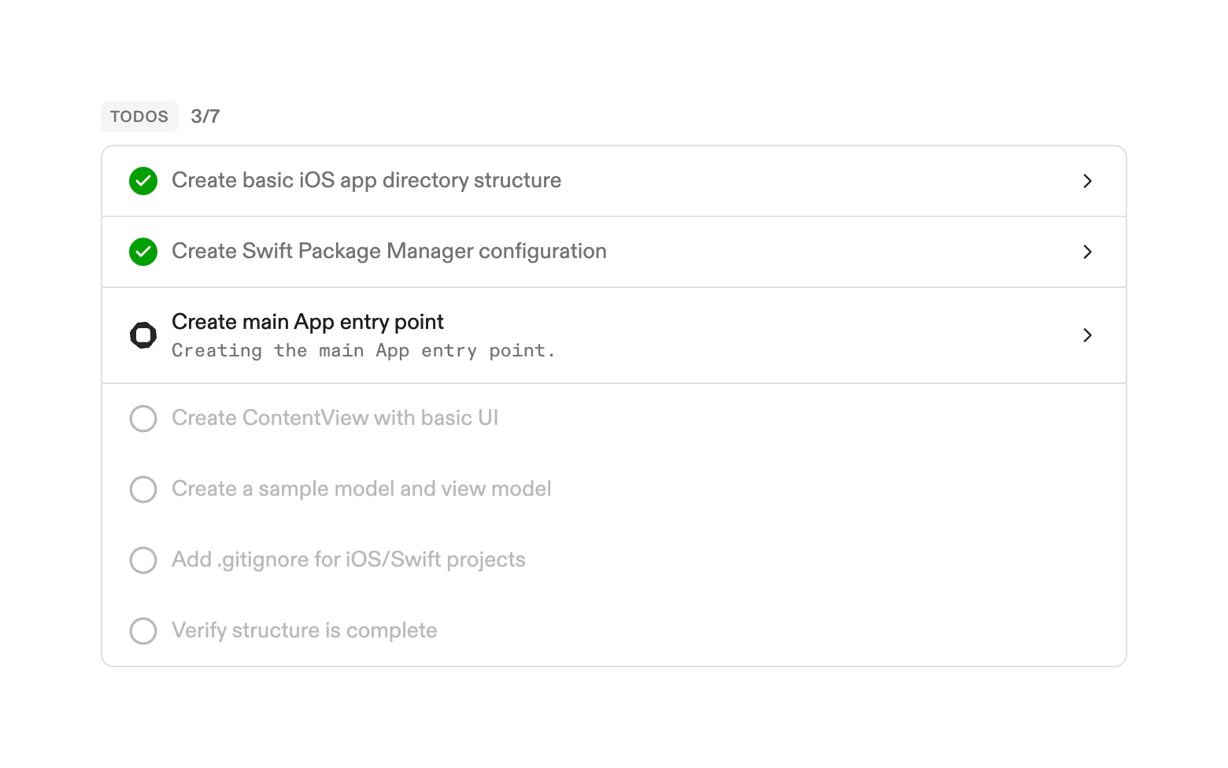

A task list displaying development-related to-do items with completion status and progress.
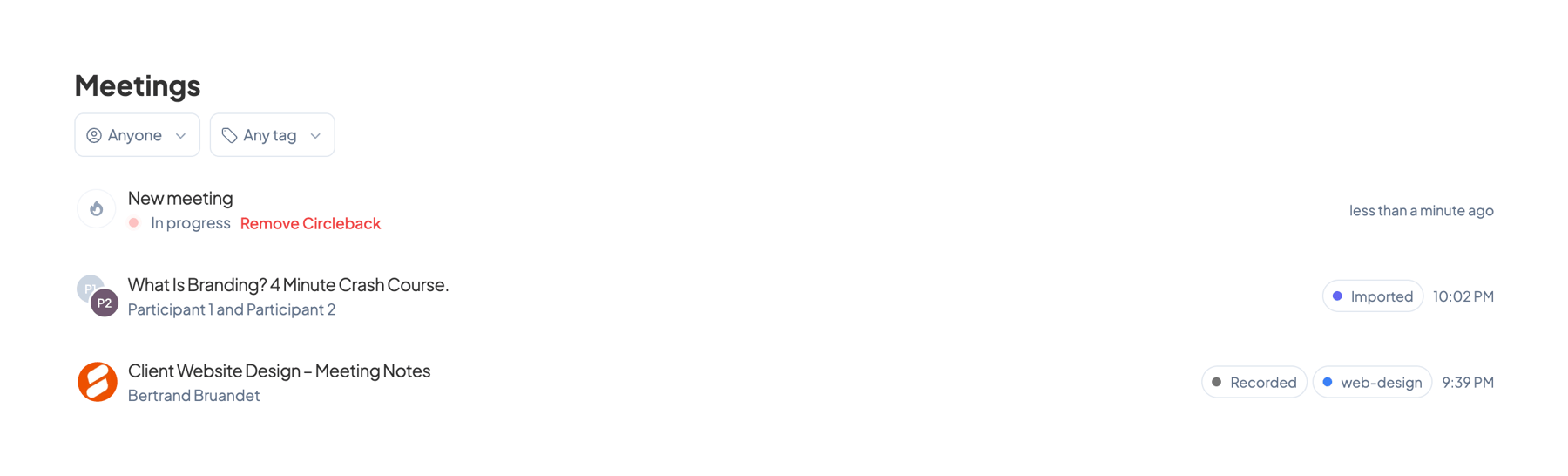

The screenshot displays a meeting list interface.
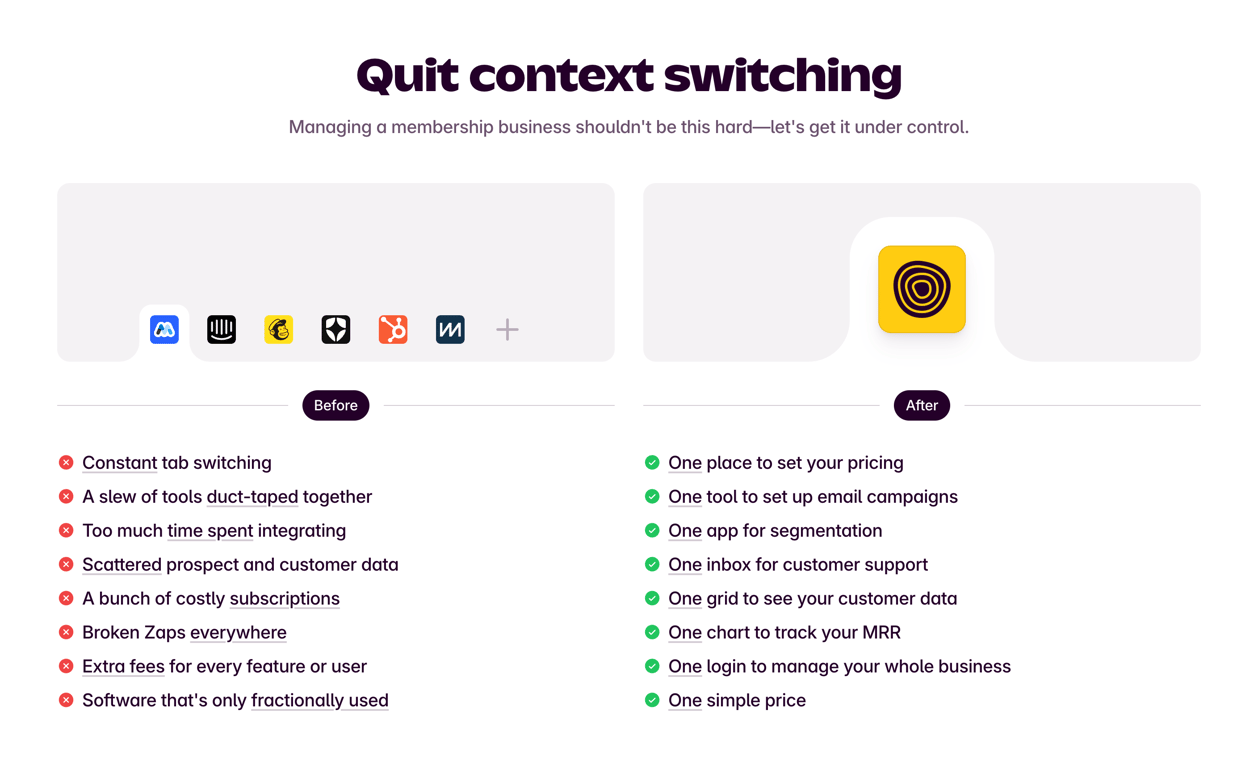

A comparison of before and after states, highlighting the benefits of using a single platform to manage a membership business.
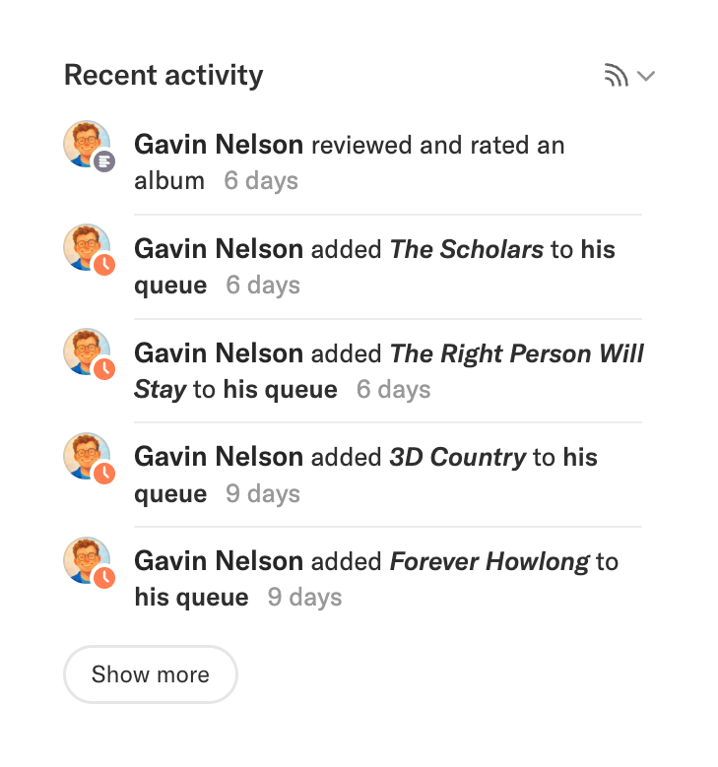

A list of recent activity.
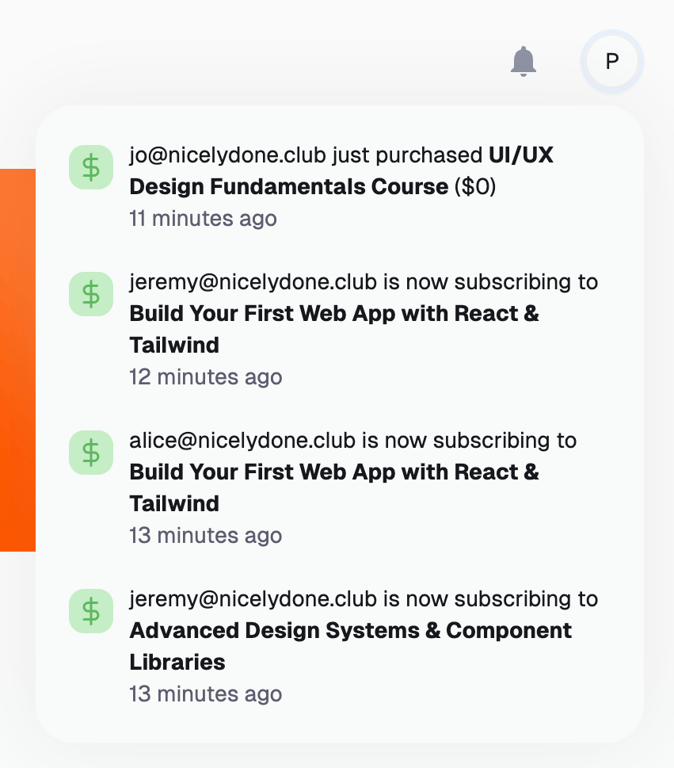

A list of recent user activity notifications.
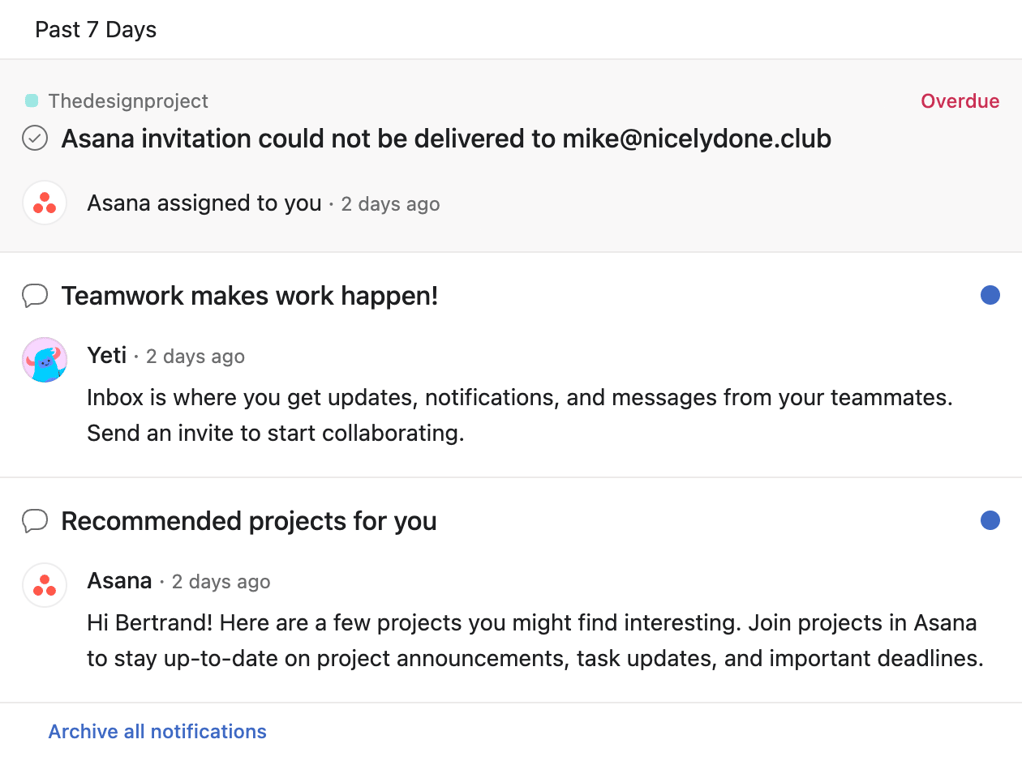

A notification feed with various updates and messages.
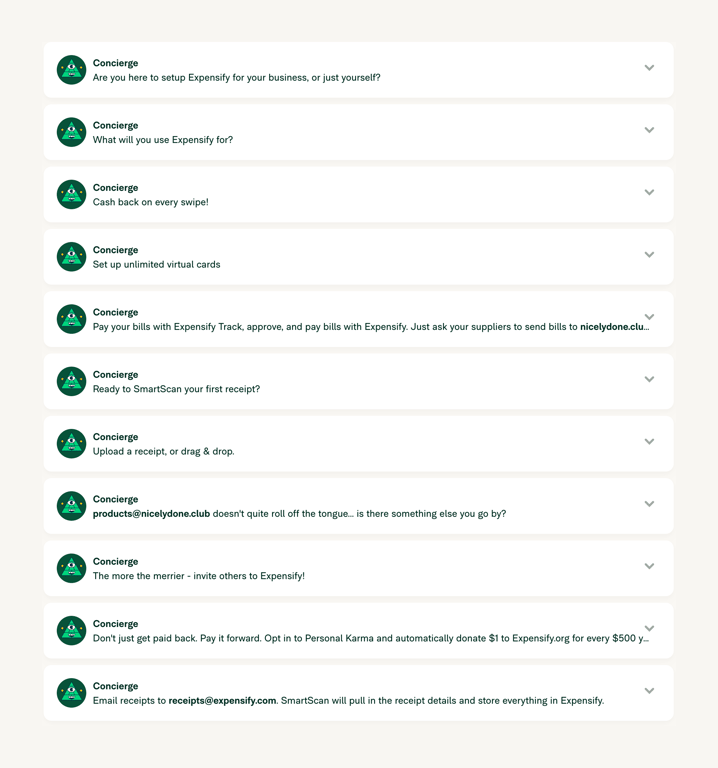

A vertical list of expandable cards, each presenting a task or message from a virtual concierge. Each card features an avatar, a title, a brief description, and a chevron icon indicating it can be expanded.
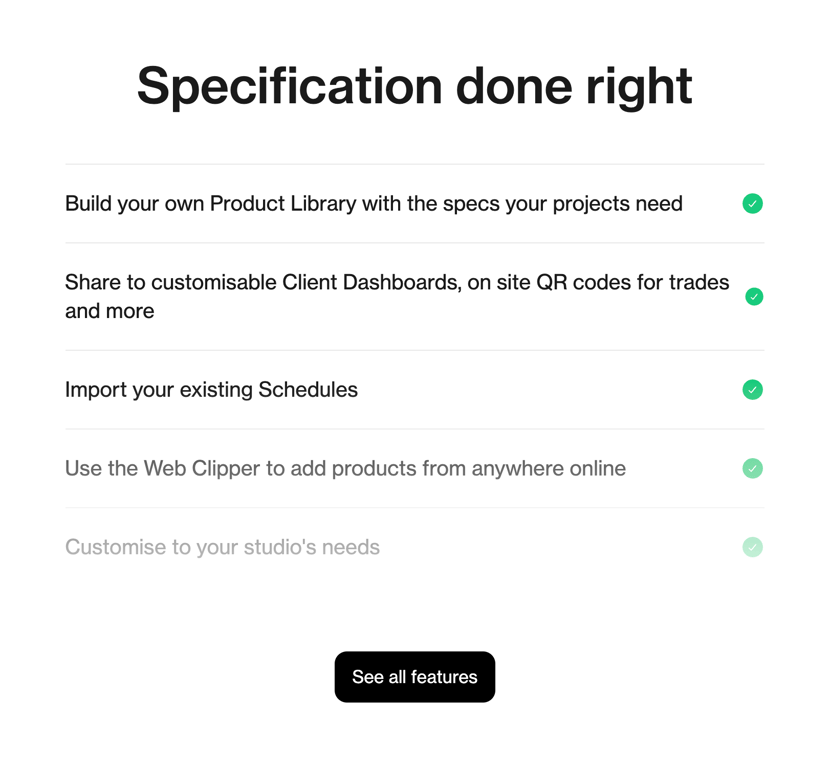

A vertical list of features with checkmark icons, presented under a bold heading, followed by a call-to-action button.
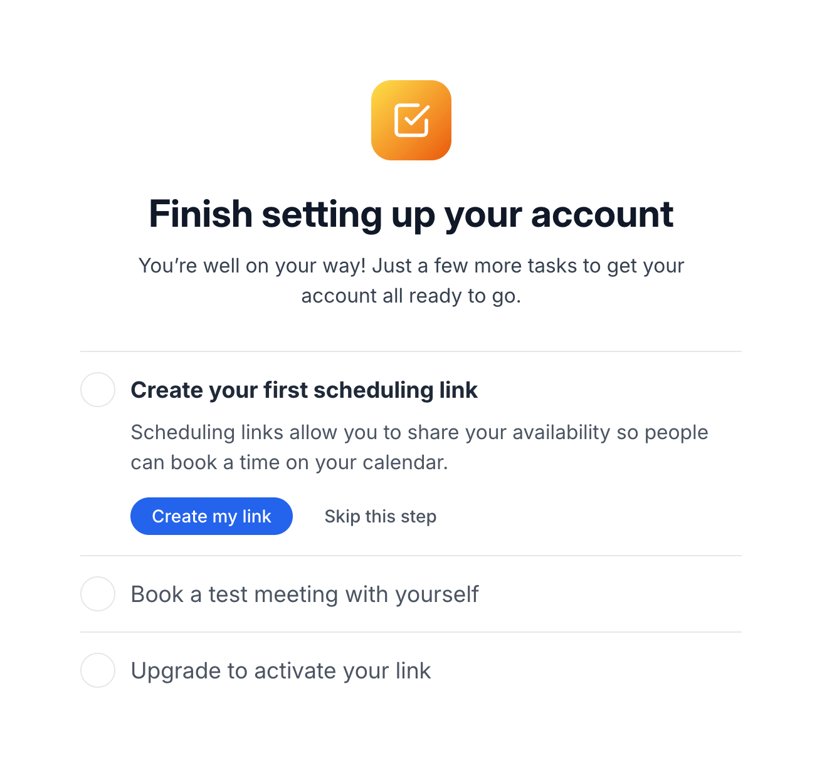

A vertical list of onboarding tasks with a header section containing an icon, title, and description. The first task is expanded, showing a description and action buttons.
Browse the full component library
See 20 more Components.
Trusted by the best teams








About Vertical list
Explore how interfaces arrange items in a sequence of rows. Look at how repeated labels, supporting details, and actions establish a consistent structure down the list.