
Wealthsimple design examples
Explore Wealthsimple UI design examples. Invest in future you
Product screens
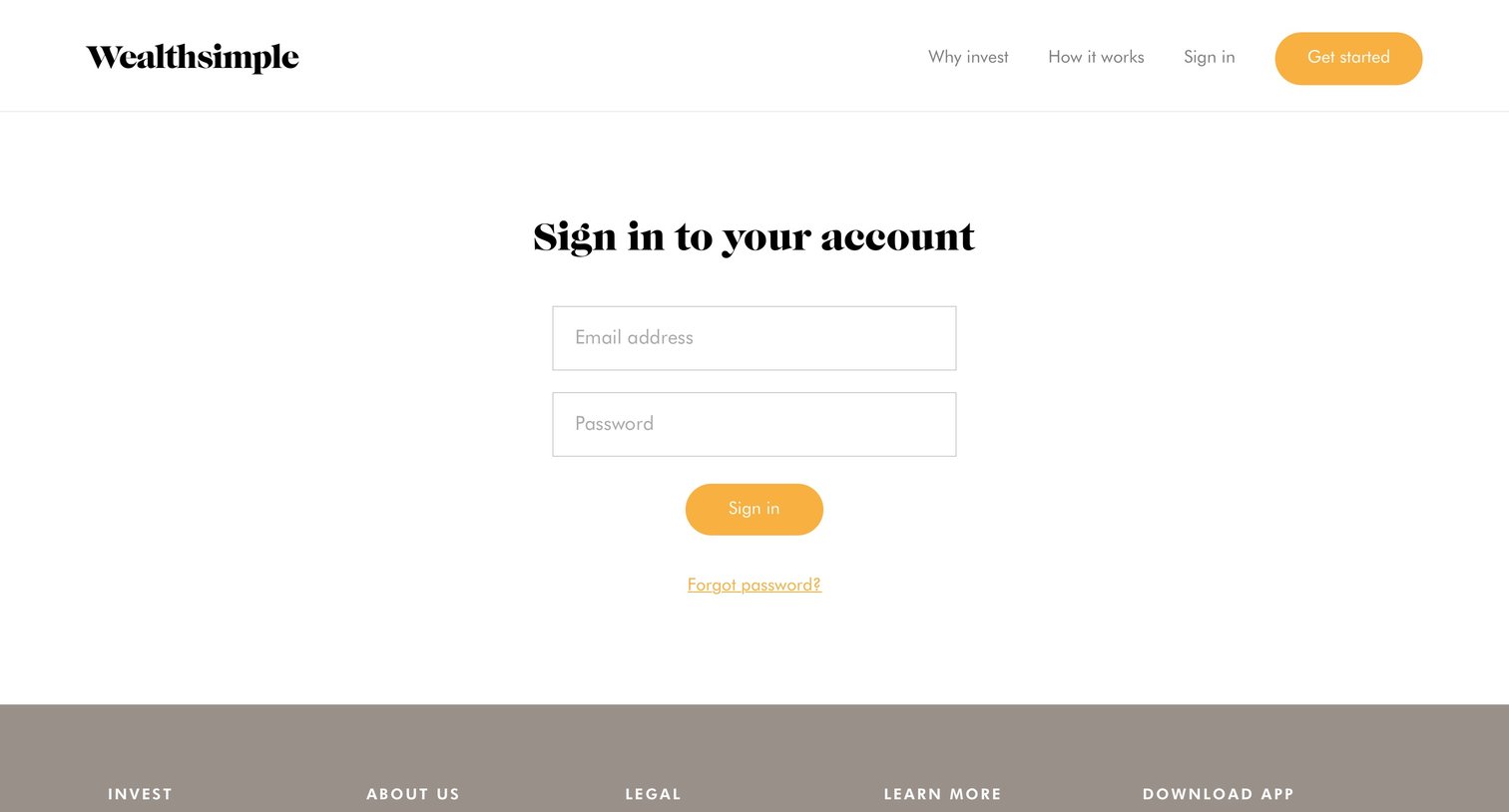
Authentication screen where the user enters their email address and password to access their account.
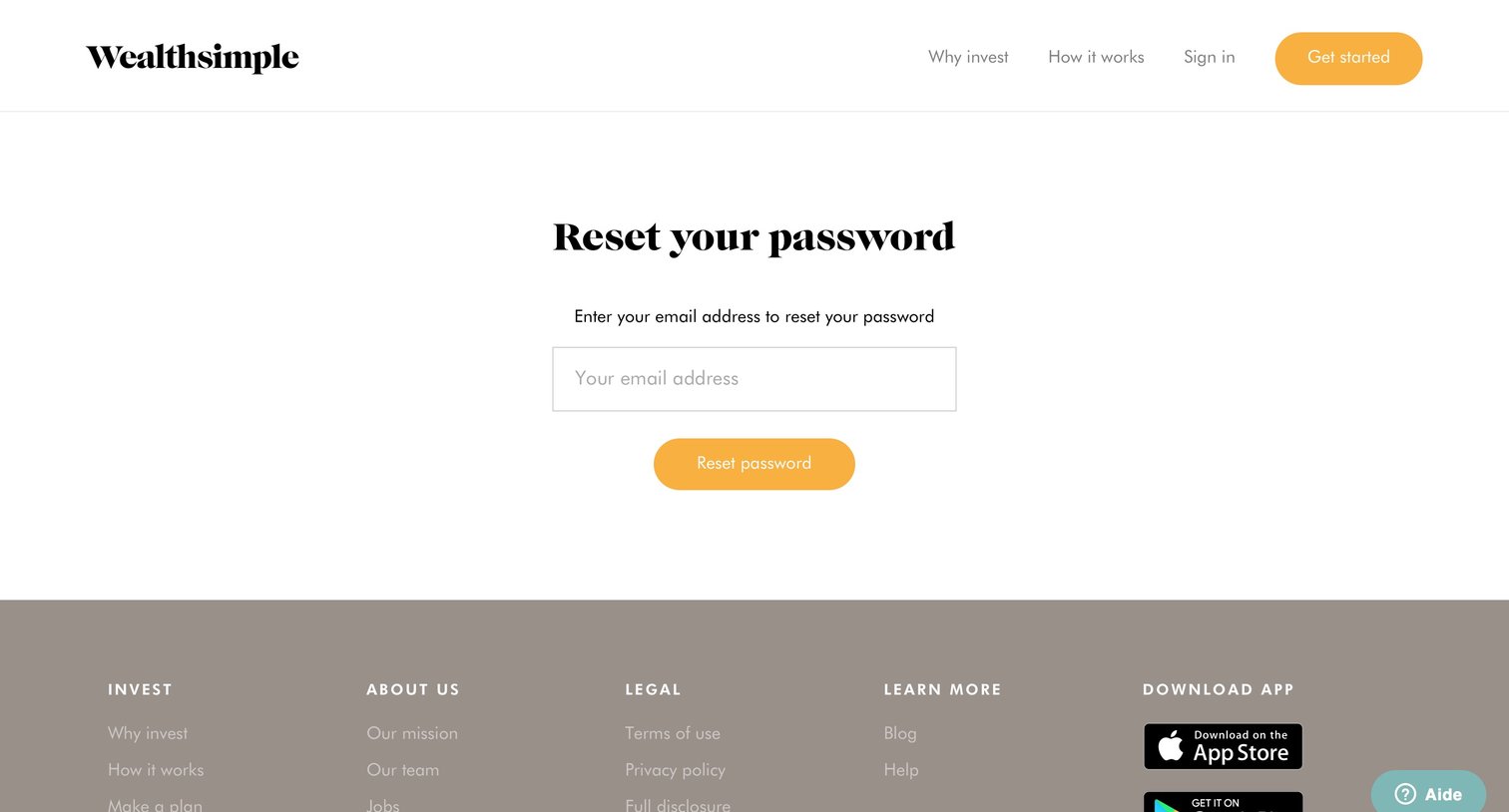
Password recovery screen where the user enters their email address to request a reset link.
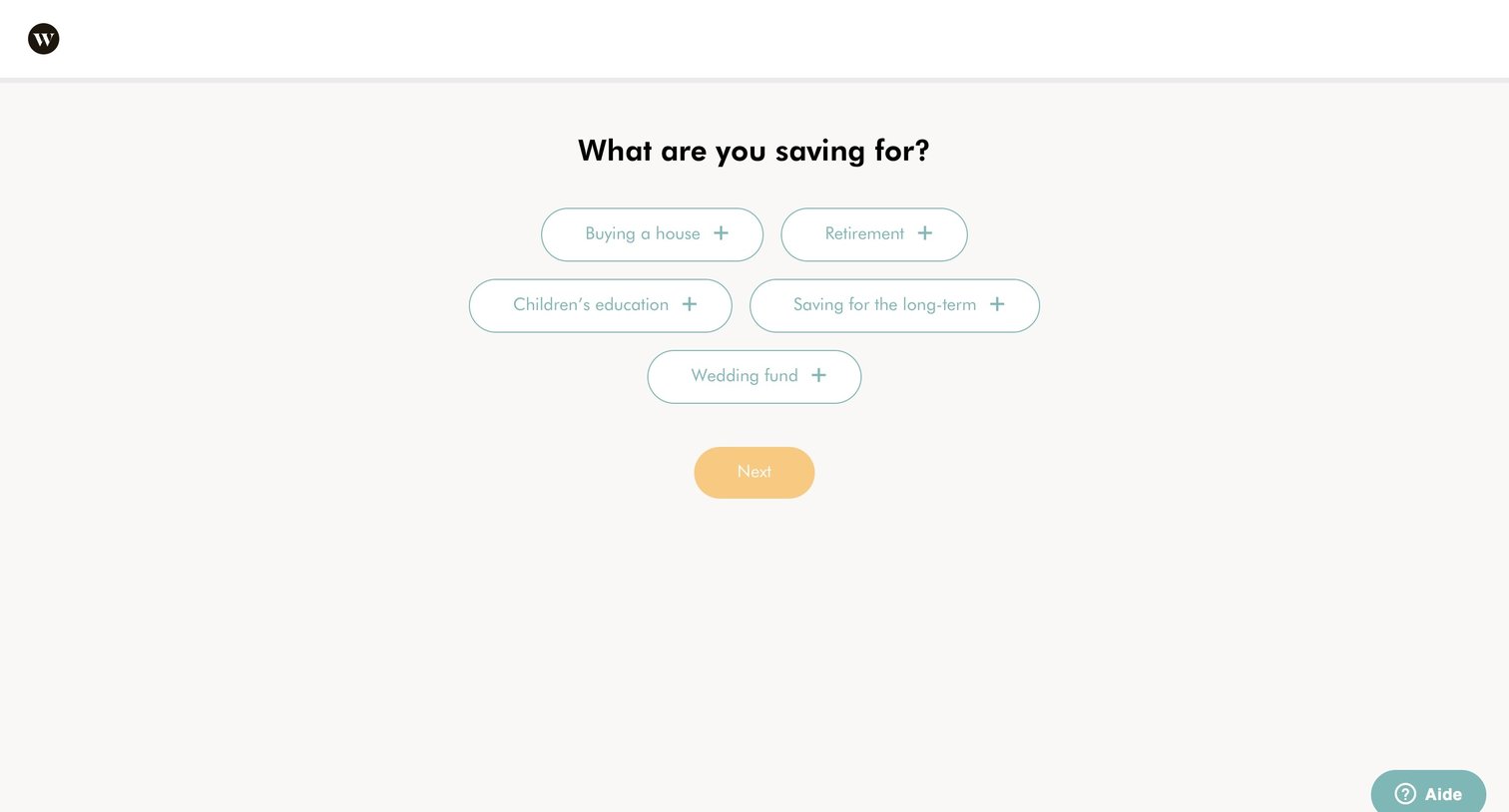
Onboarding step where the user selects their primary savings goals from a list of predefined options like buying a house or retirement.
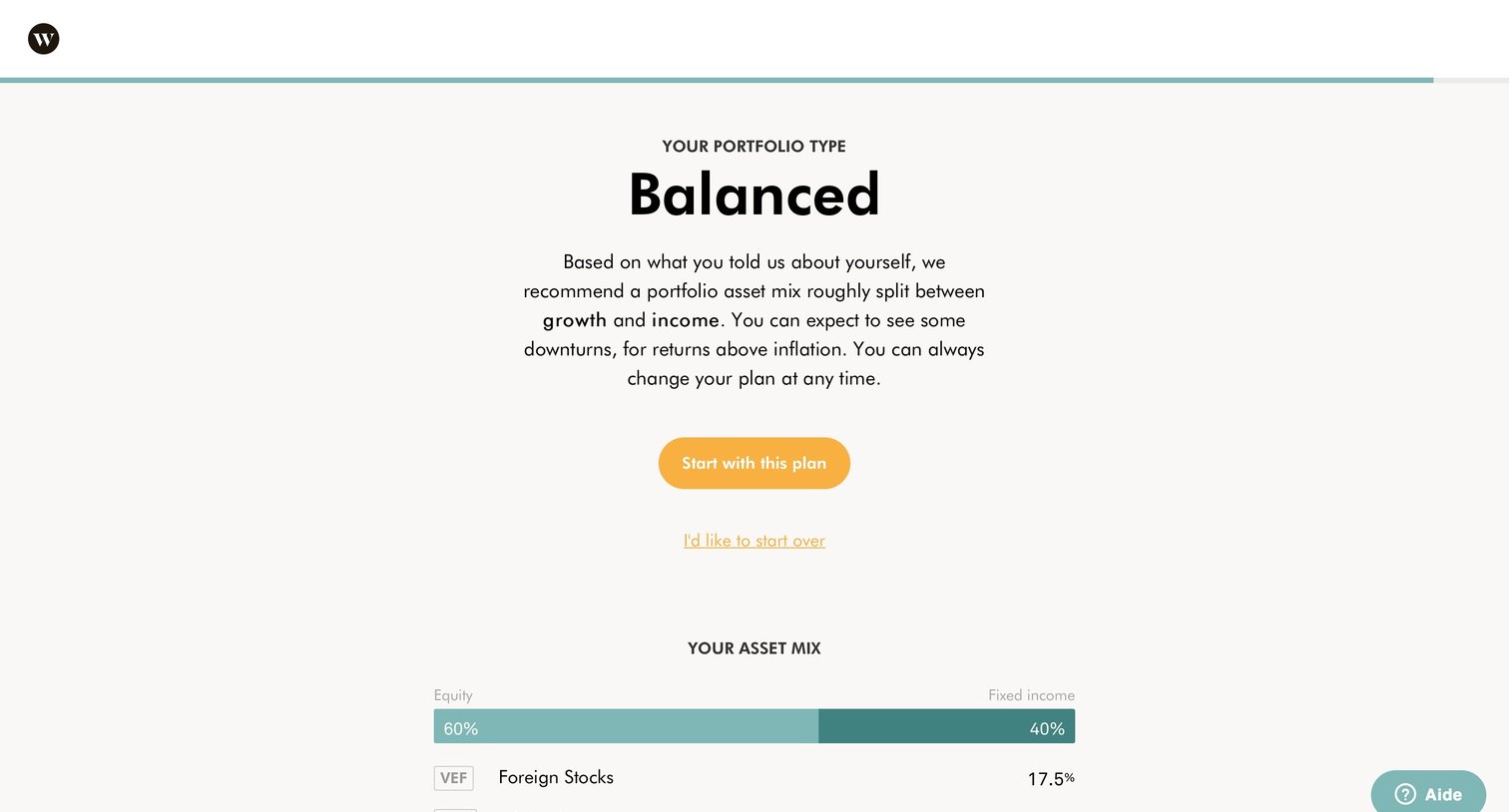
Onboarding step where the user reviews their recommended balanced portfolio asset mix and can choose to start with the plan or start over.
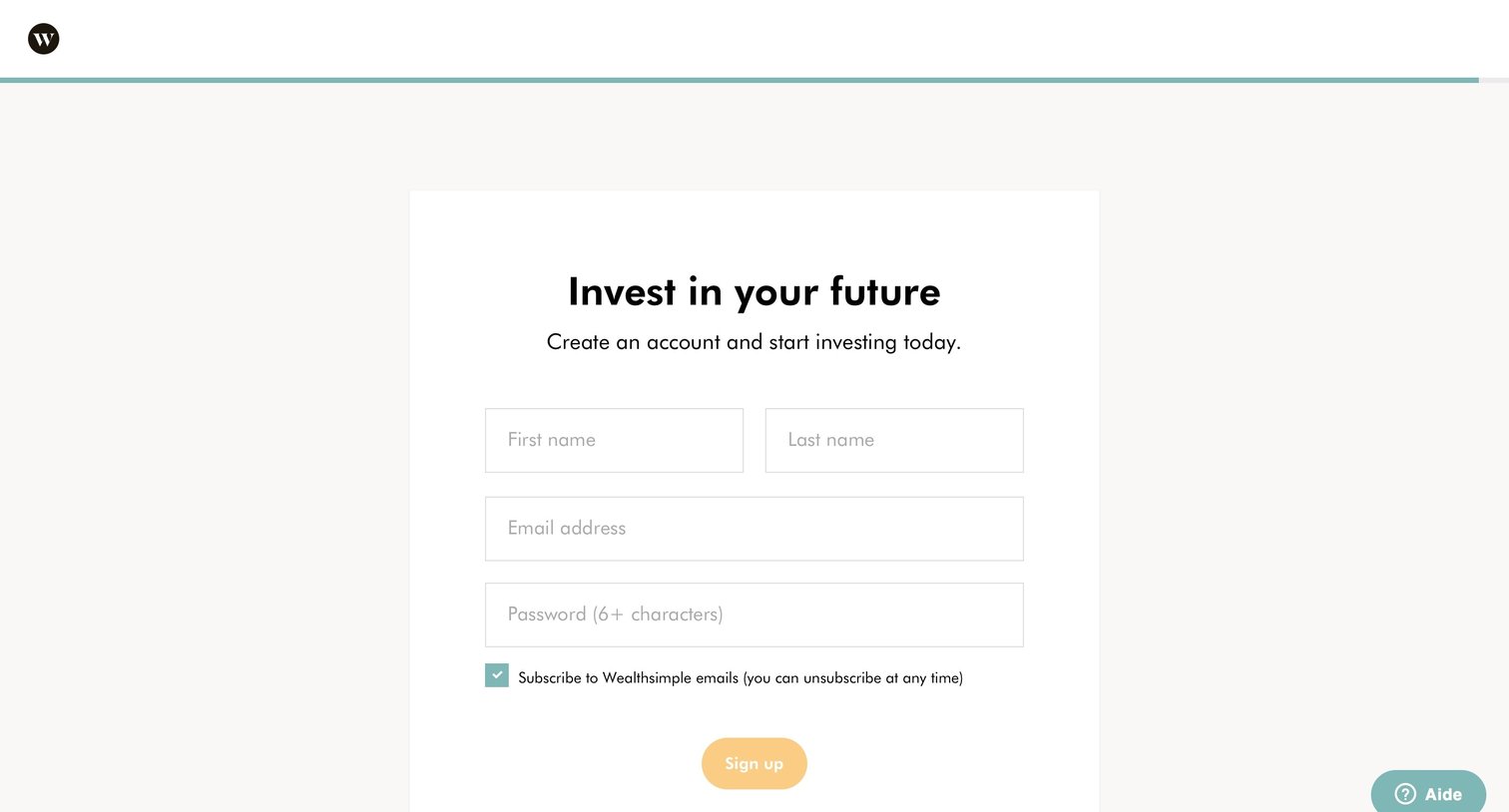
Signup screen where the user enters their name, email, and password to create a new investment account.
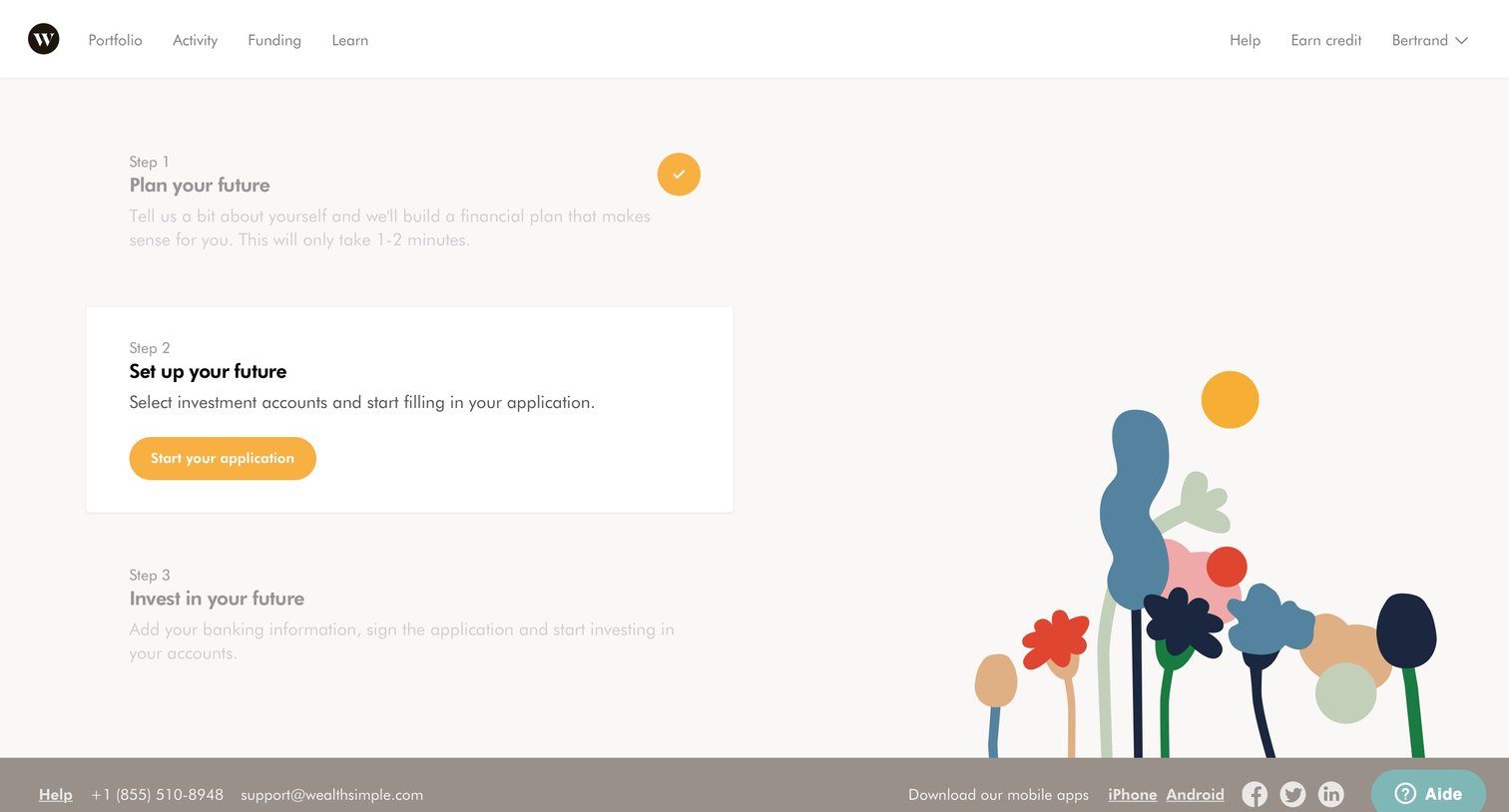
Onboarding screen where the user is prompted to start their application as the second step in setting up their financial future.
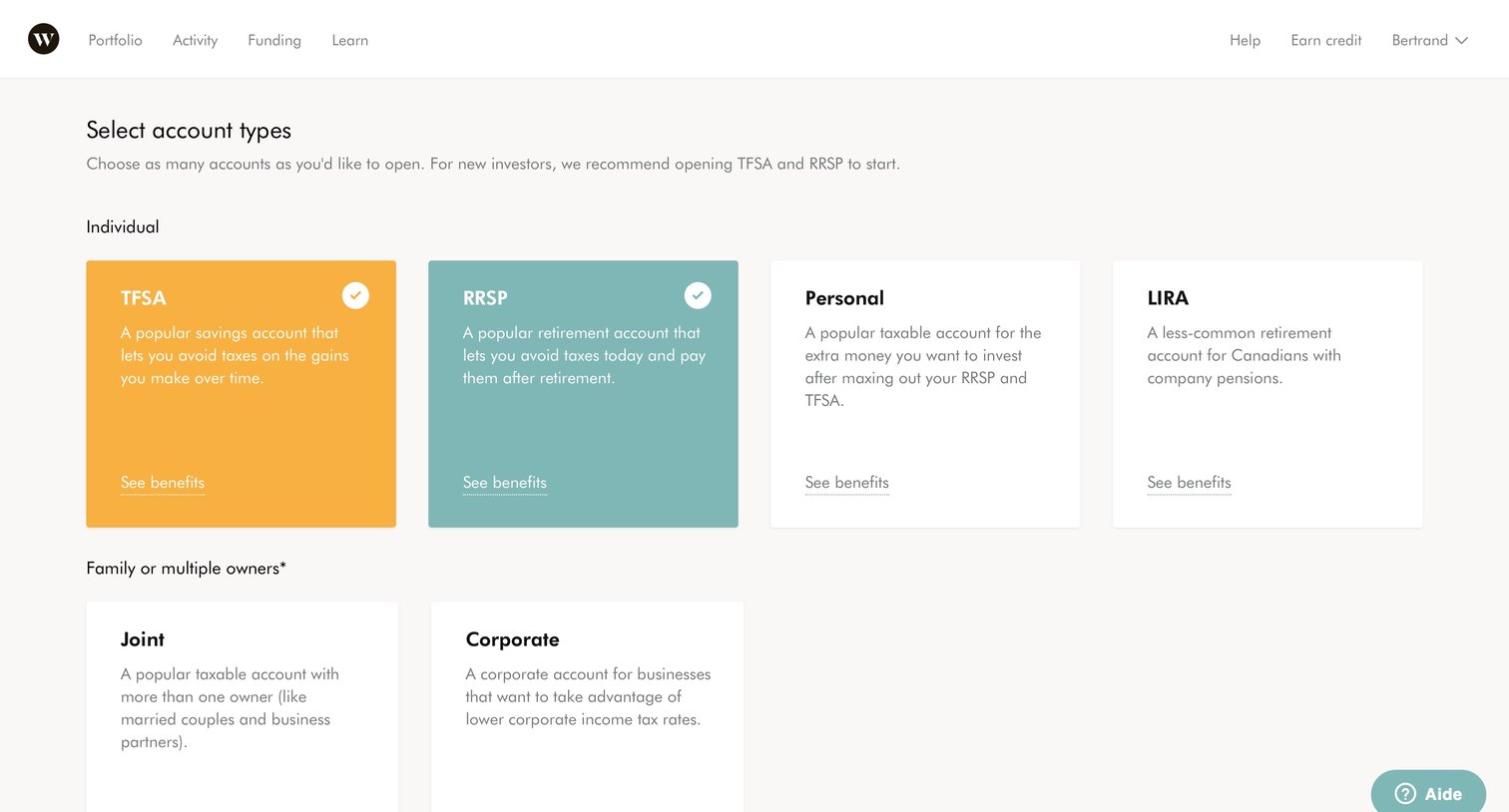
Onboarding step where the user selects one or more investment account types like TFSA, RRSP, or Personal to open.
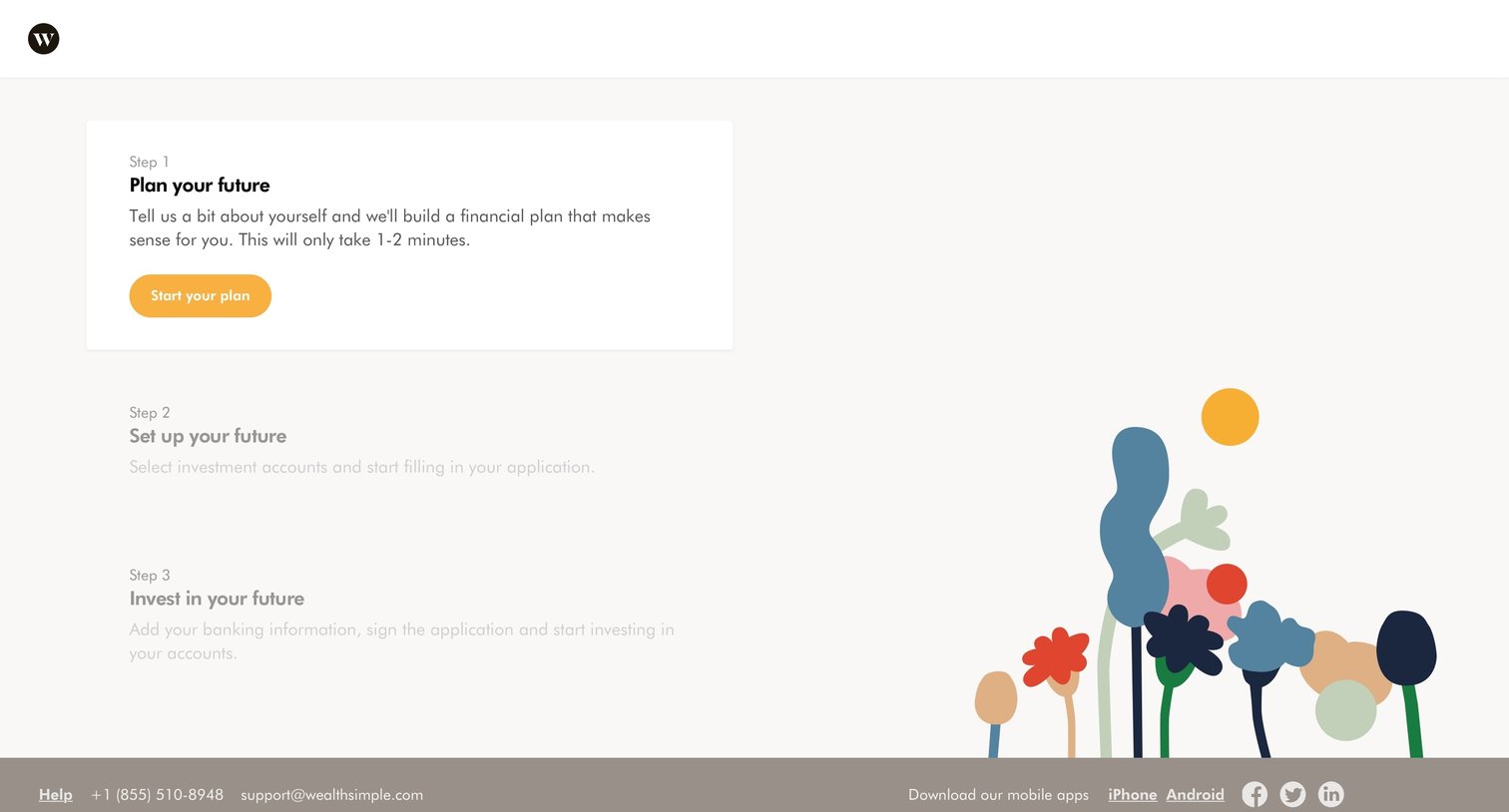
Onboarding Finance
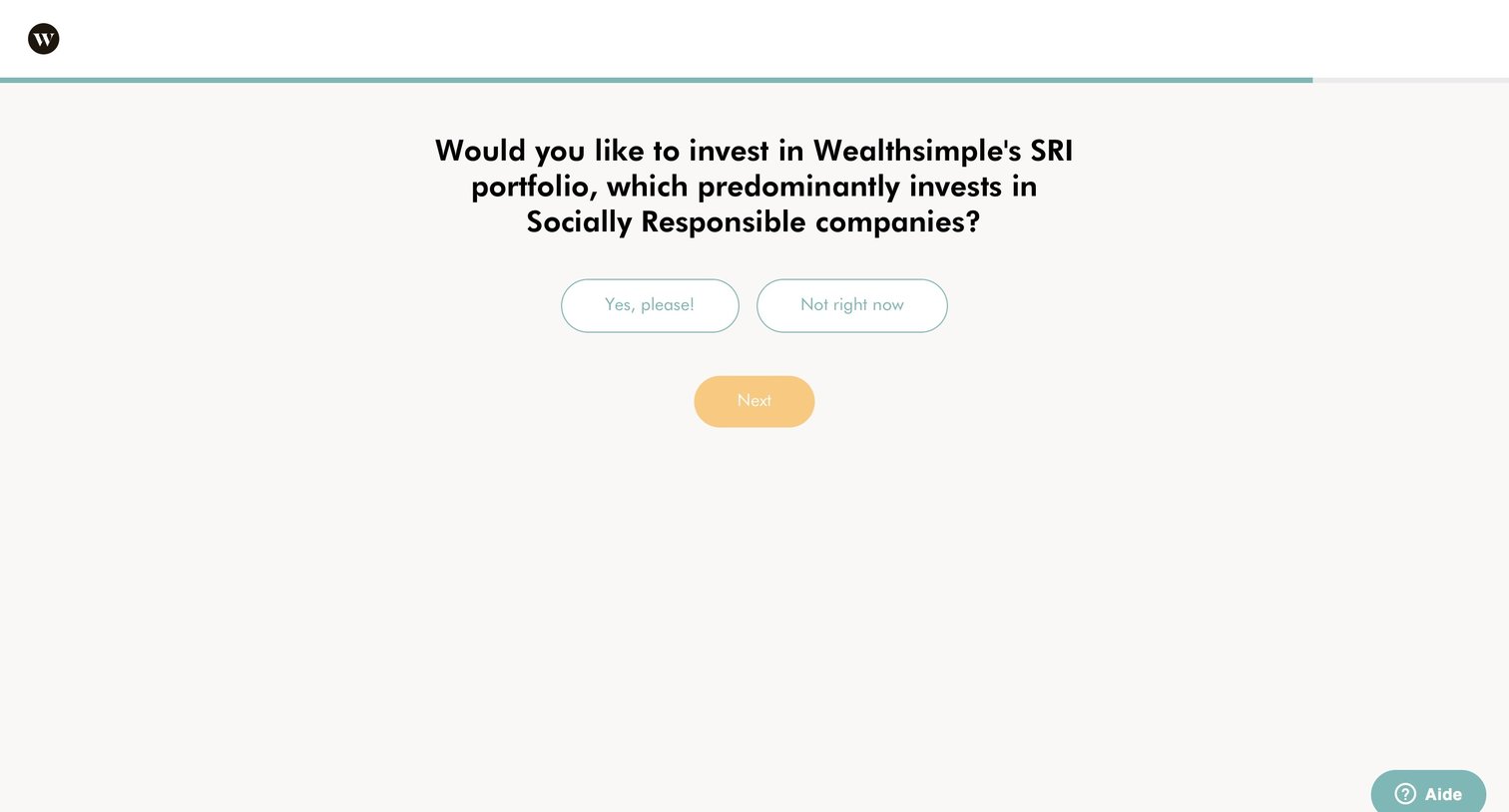
Onboarding step where the user chooses whether to invest their portfolio in Socially Responsible companies.
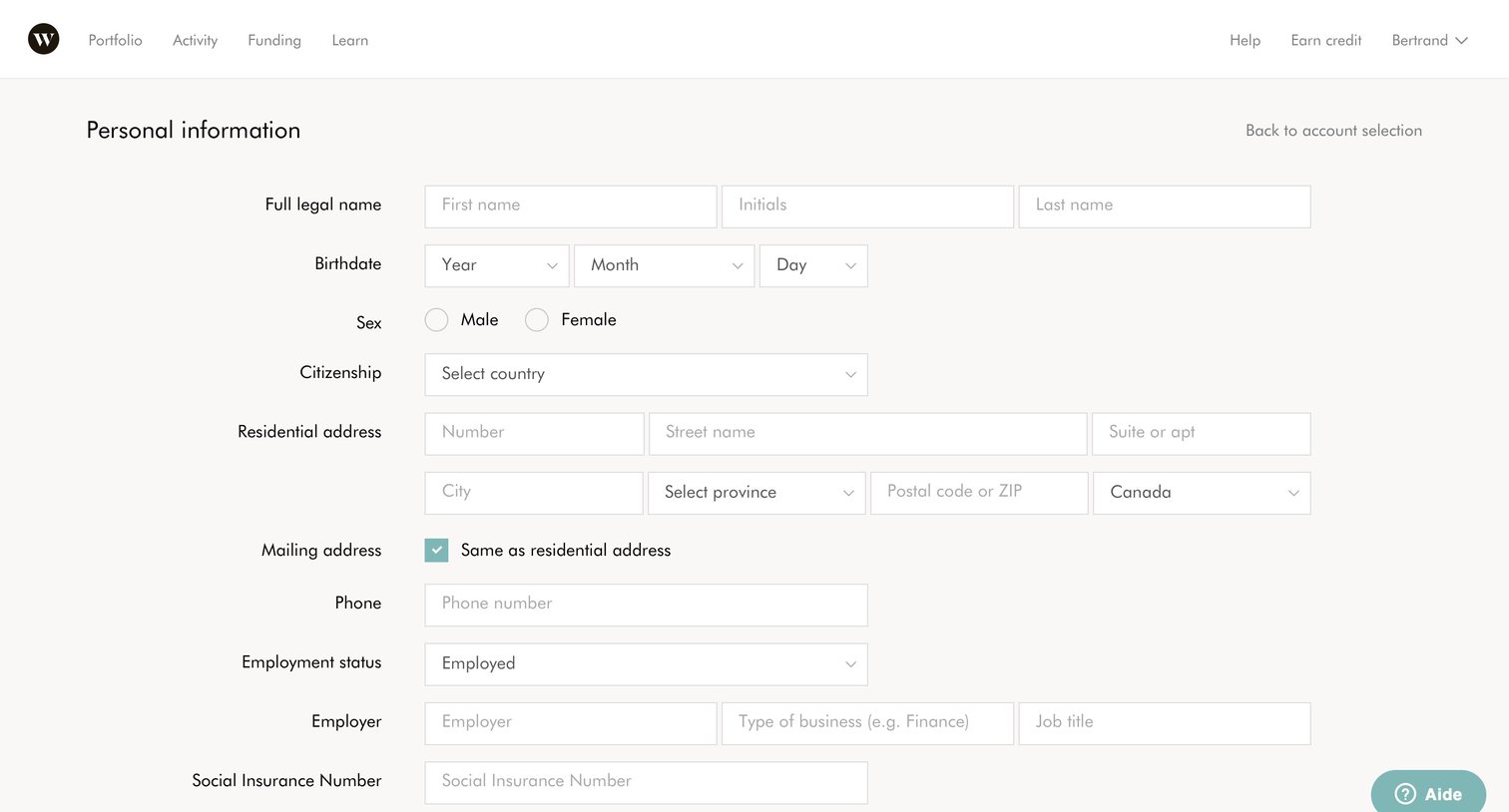
Onboarding step where the user enters their personal information, residential address, and employment details to set up their account.
Browse the full SaaS app library
Explore real SaaS apps with their product screens, marketing screens, flows, and components.
Trusted by the best teams







