Jasper design examples
Explore Jasper UI design examples. AI Copywriter
Product screens

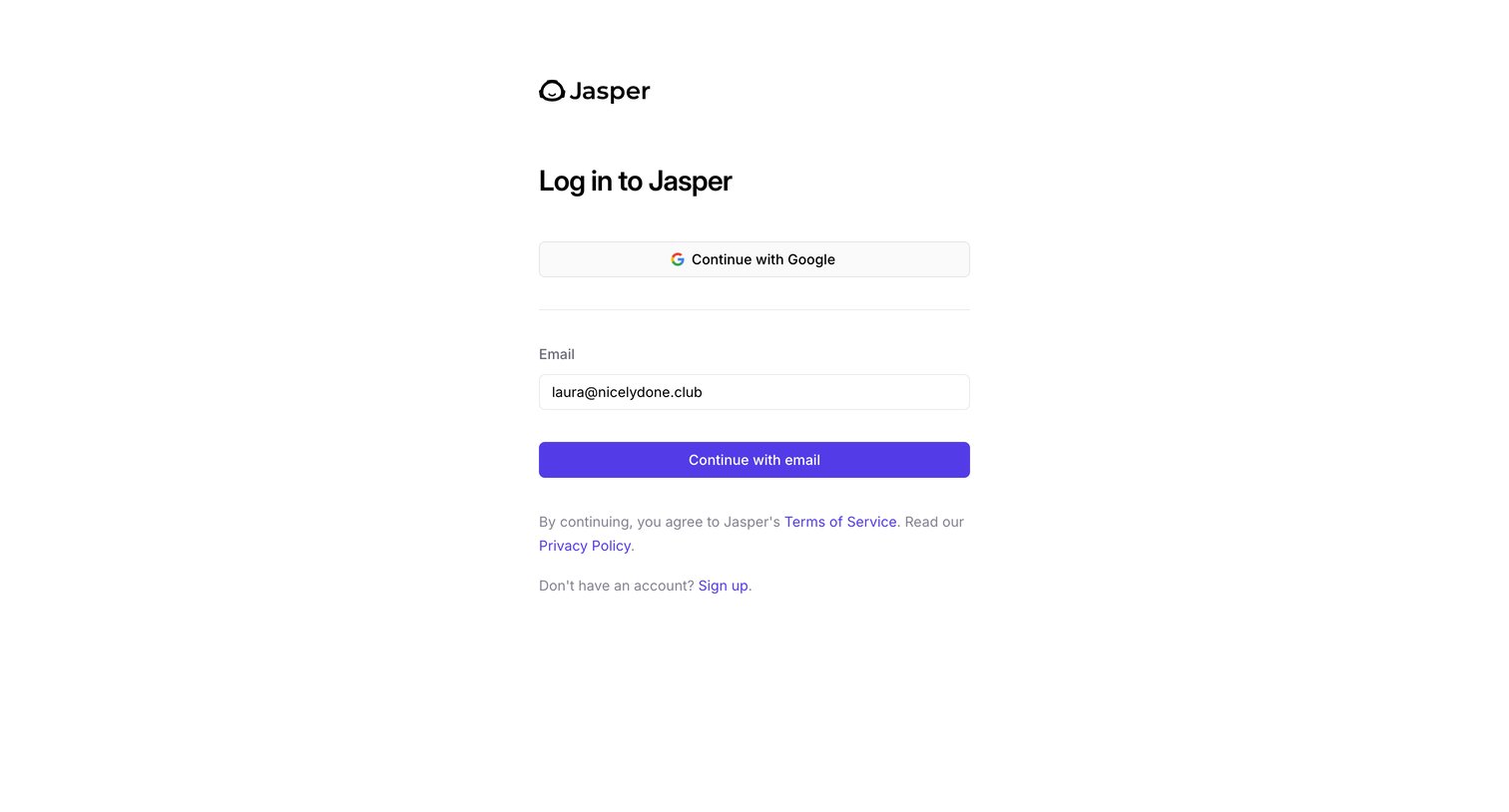
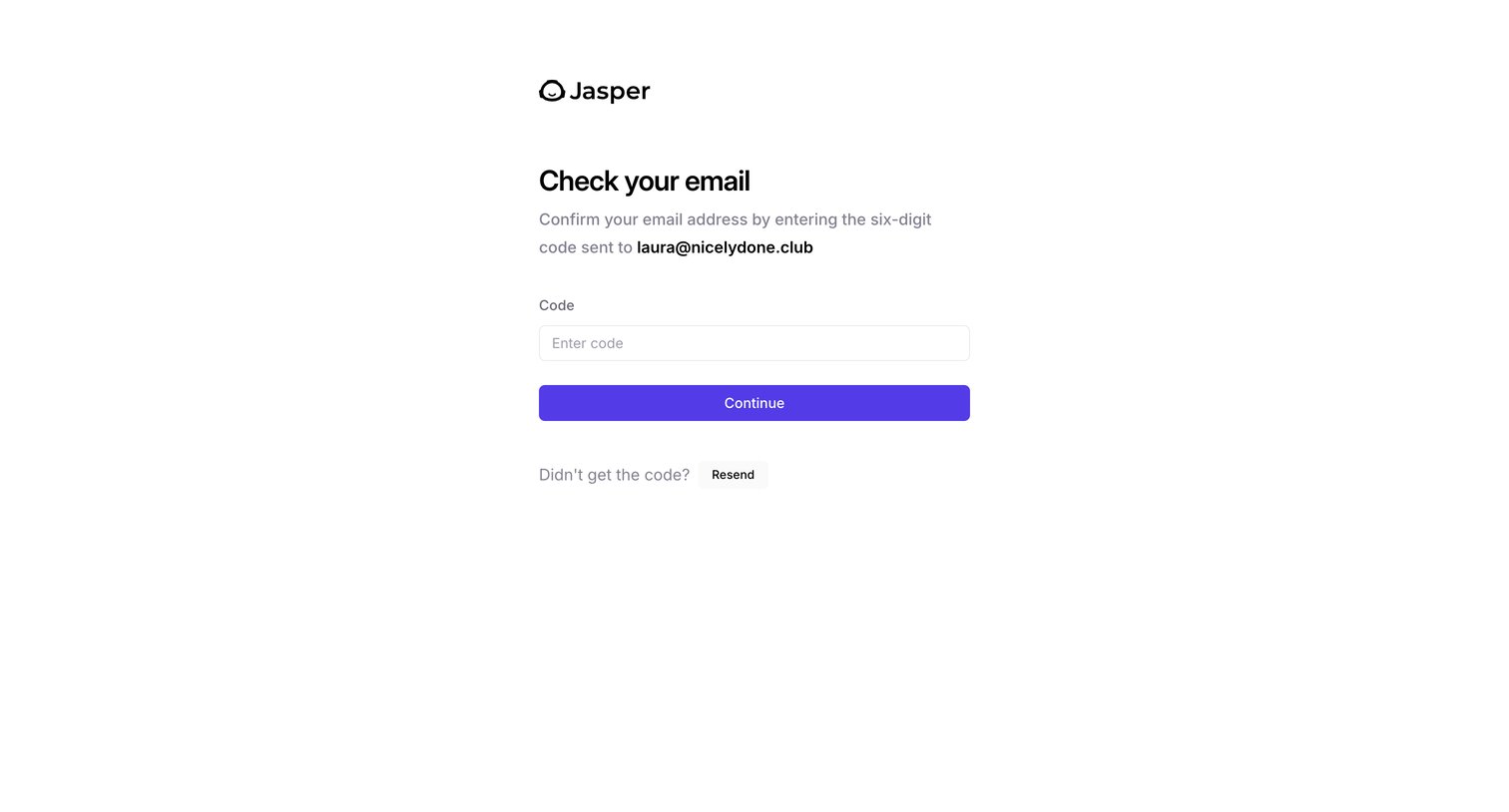

Verification screen where the user enters a six-digit code sent to their email address to confirm their account.
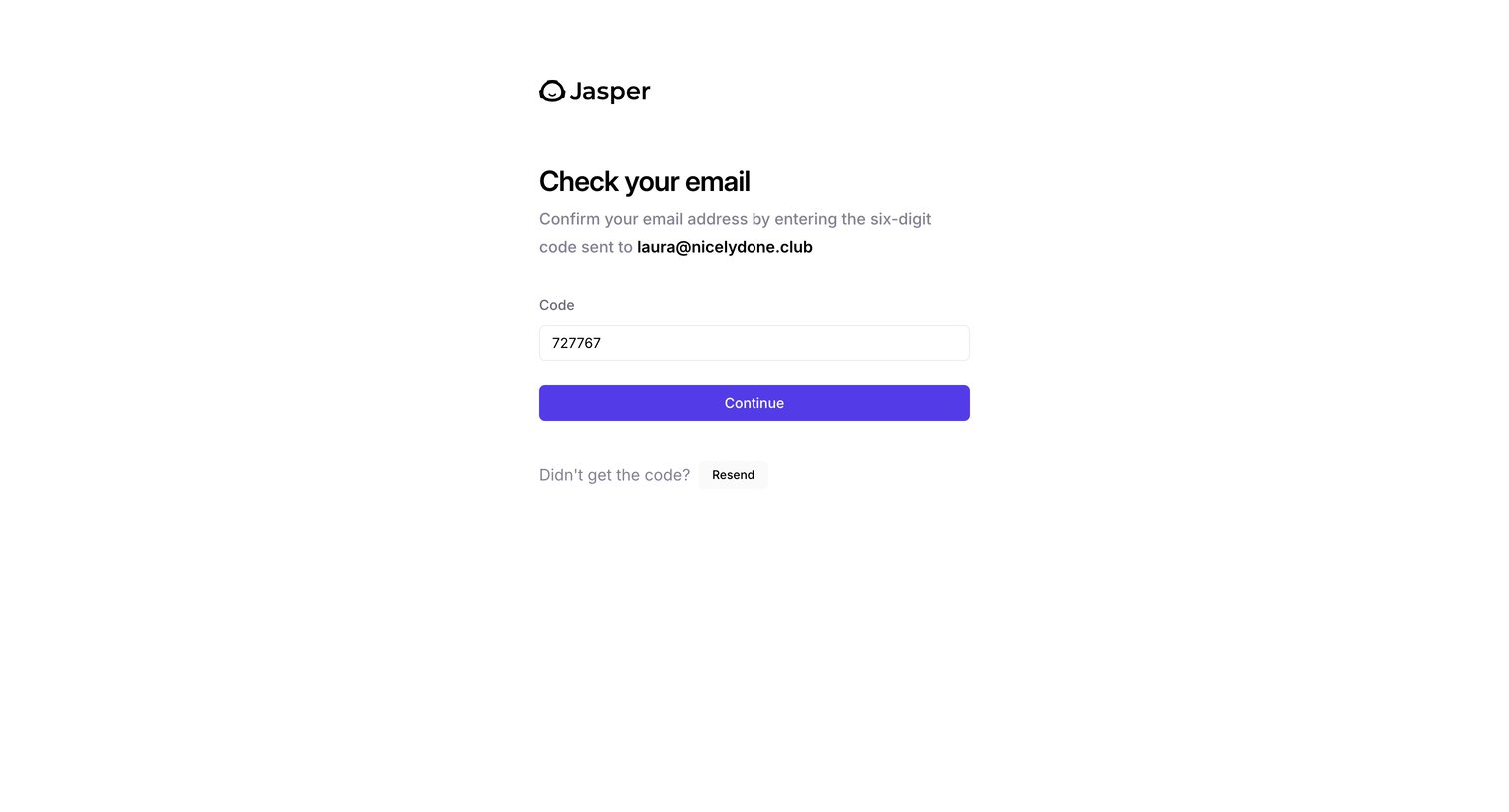
Verification screen where the user enters a six-digit code sent to their email address to confirm their account.
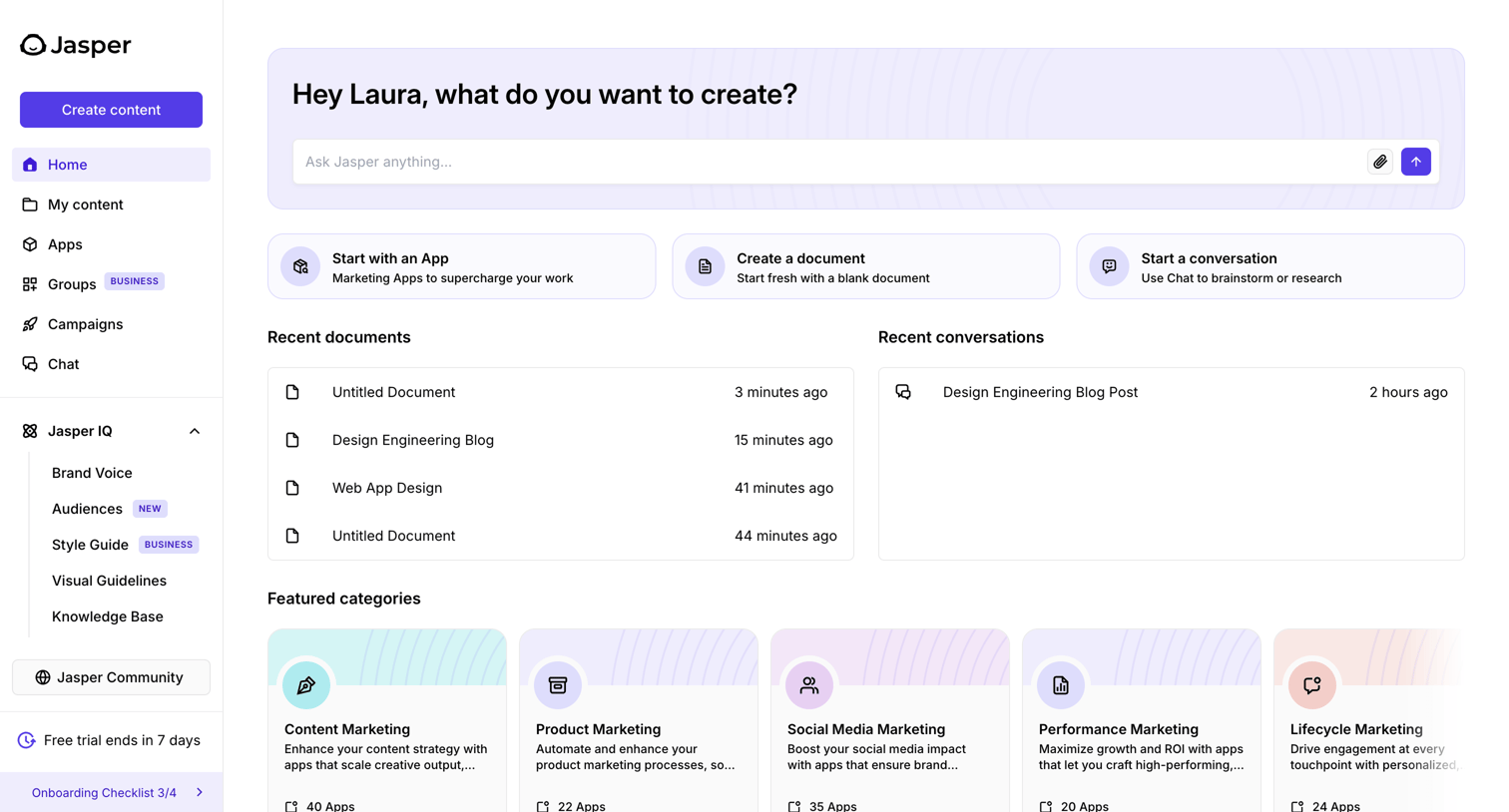
Home screen for an AI assistant where the user can start a new prompt, access recent documents and conversations, or browse featured apps and categories.
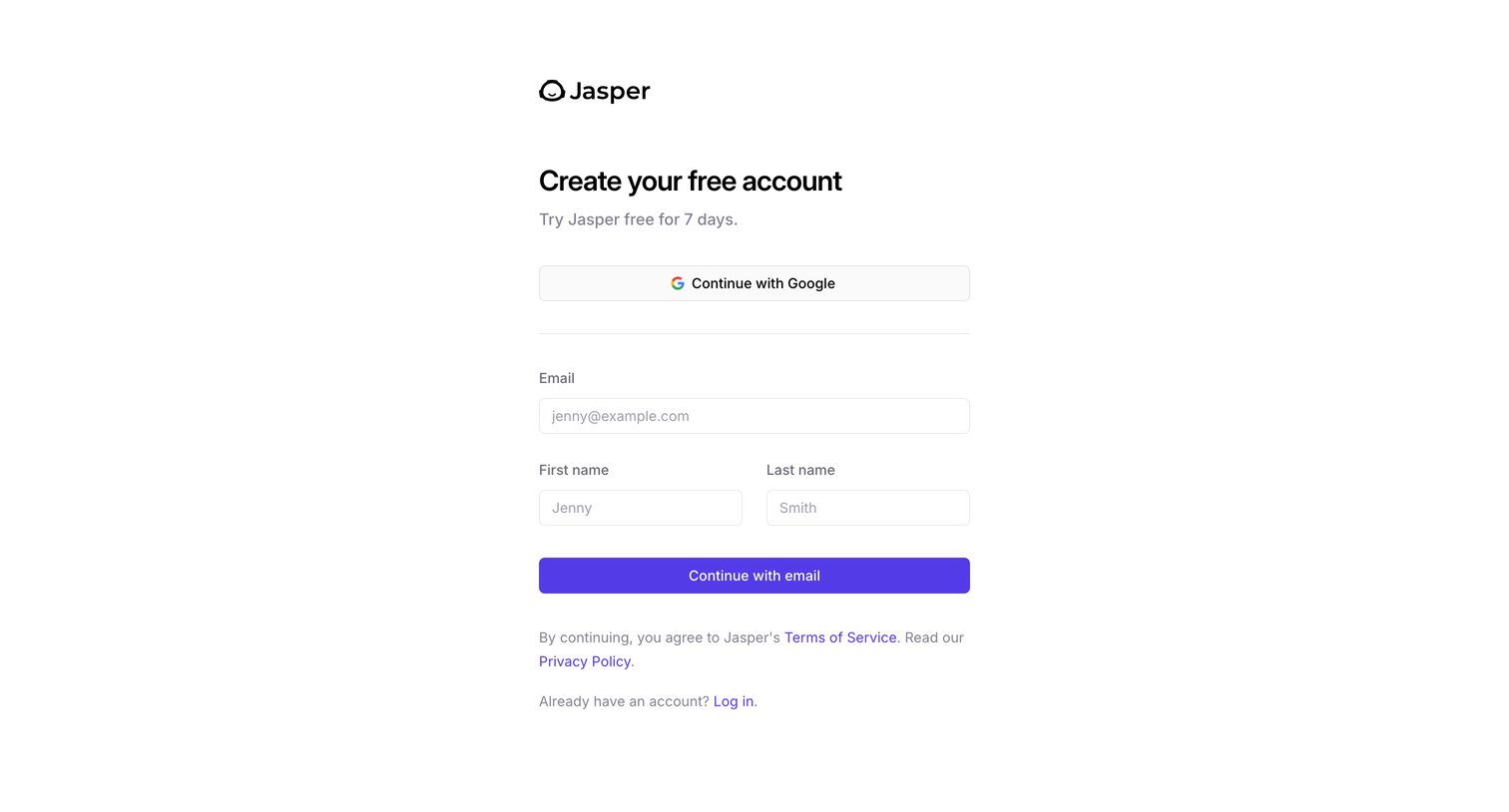
Signup screen where the user creates a free account using Google SSO or their email address to start a 7-day trial.
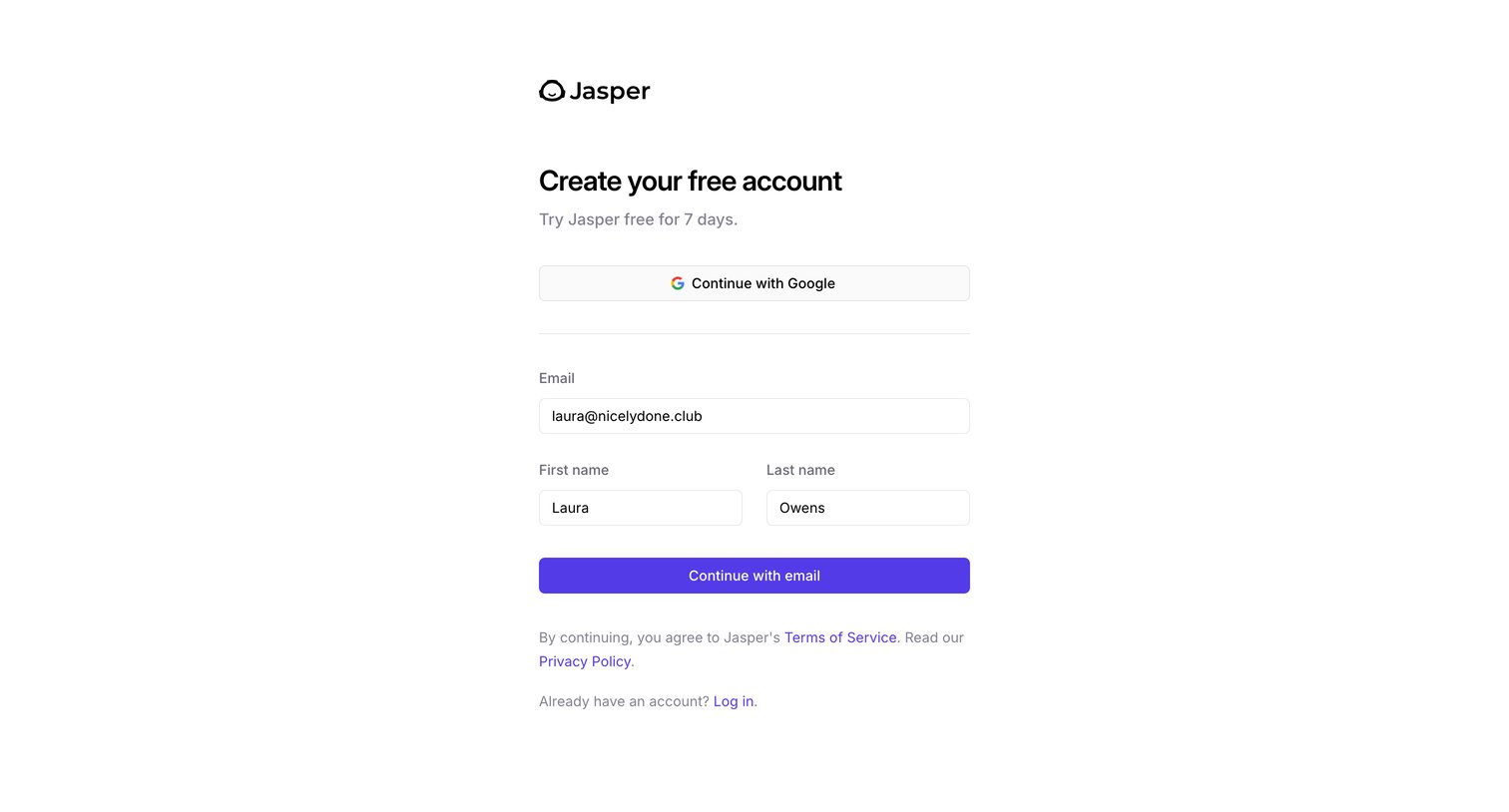
Signup screen where the user creates a free account to start a 7-day trial, offering Google OAuth or standard email registration.
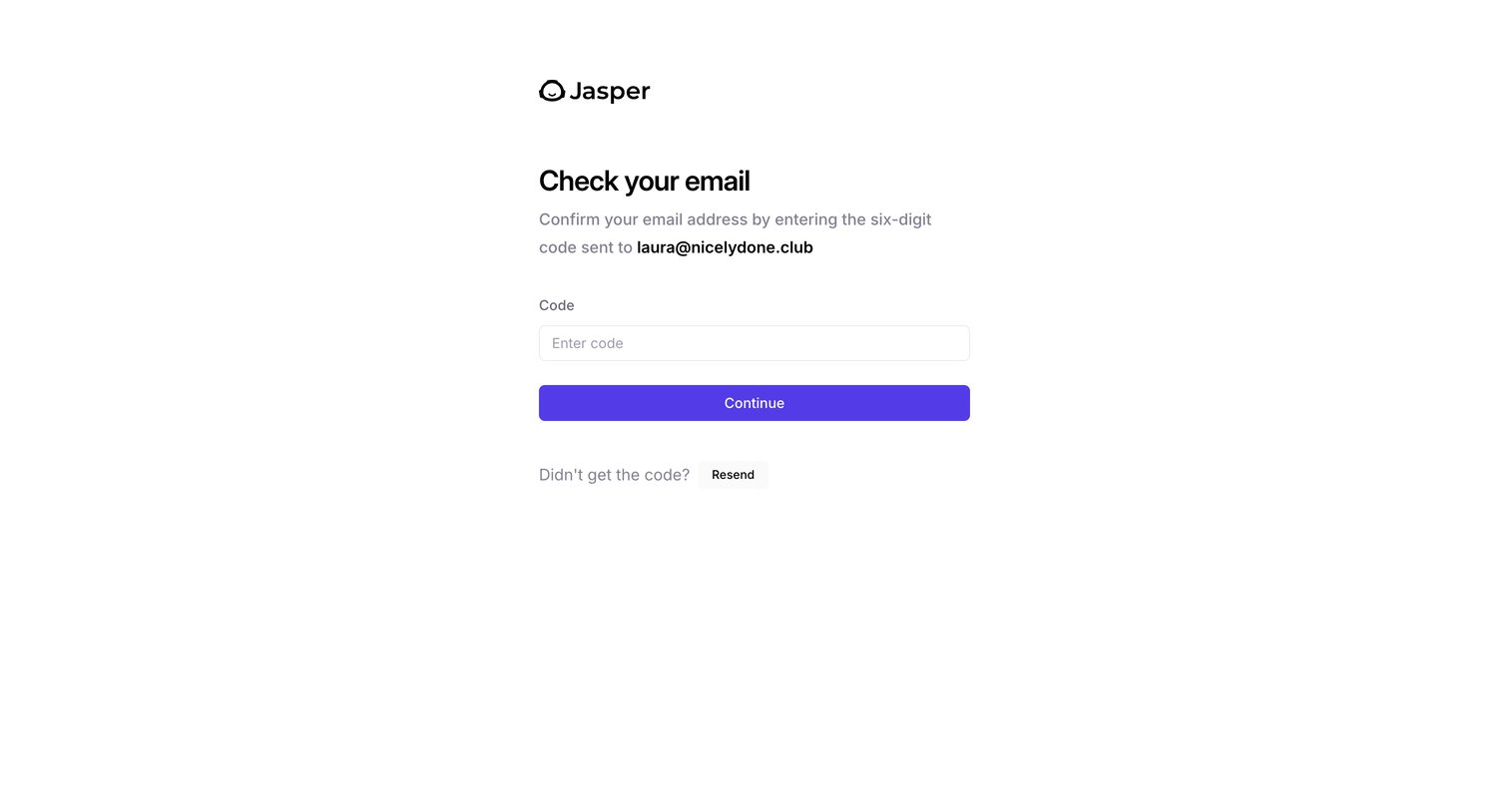
Verification screen where the user confirms their email address by entering a six-digit code sent to their inbox.
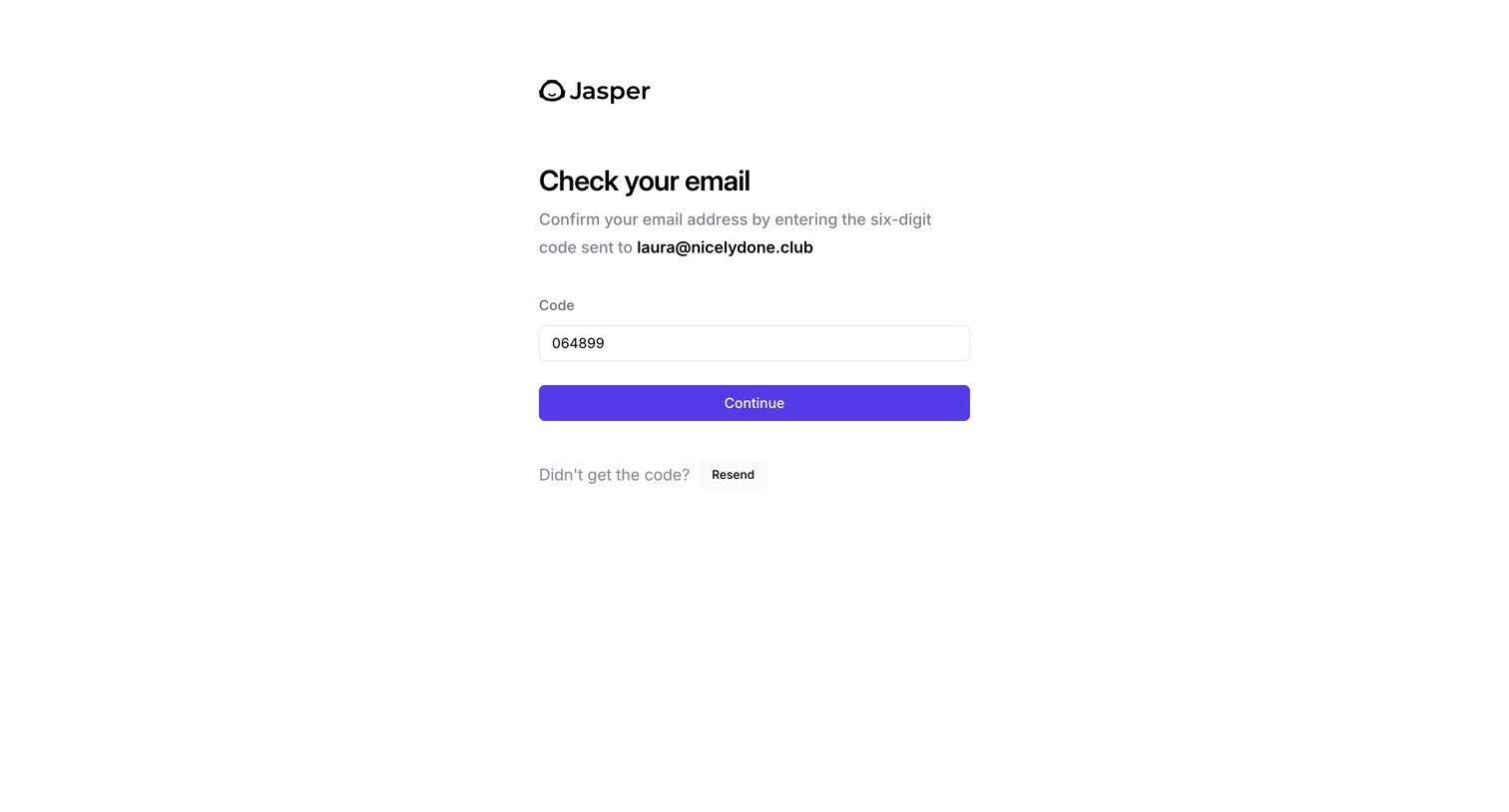
Verification screen where the user enters a six-digit code sent to their email address to confirm their account.

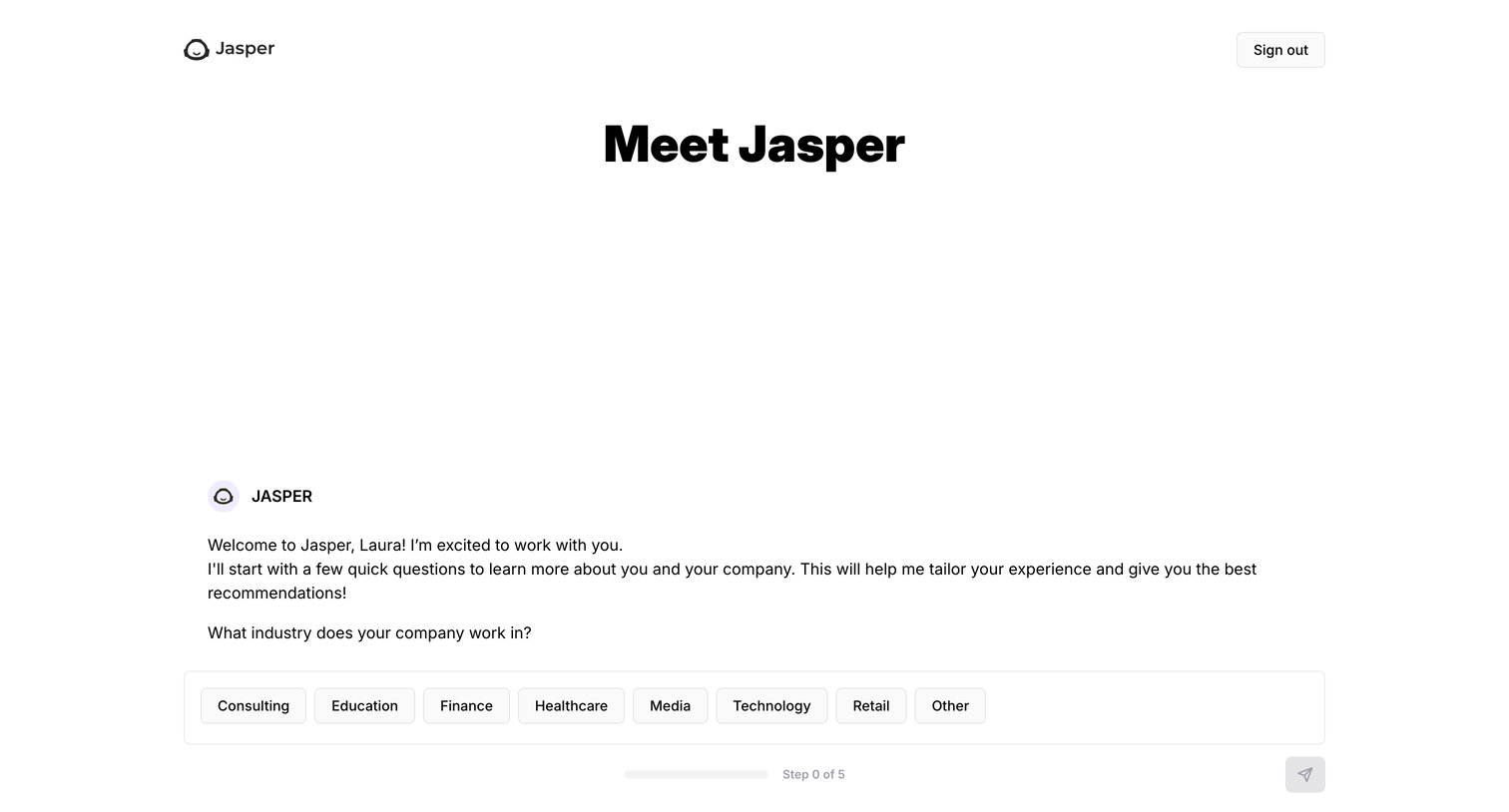
Onboarding step where an AI assistant welcomes the user and asks them to select their company's industry from a list of options to tailor the experience.
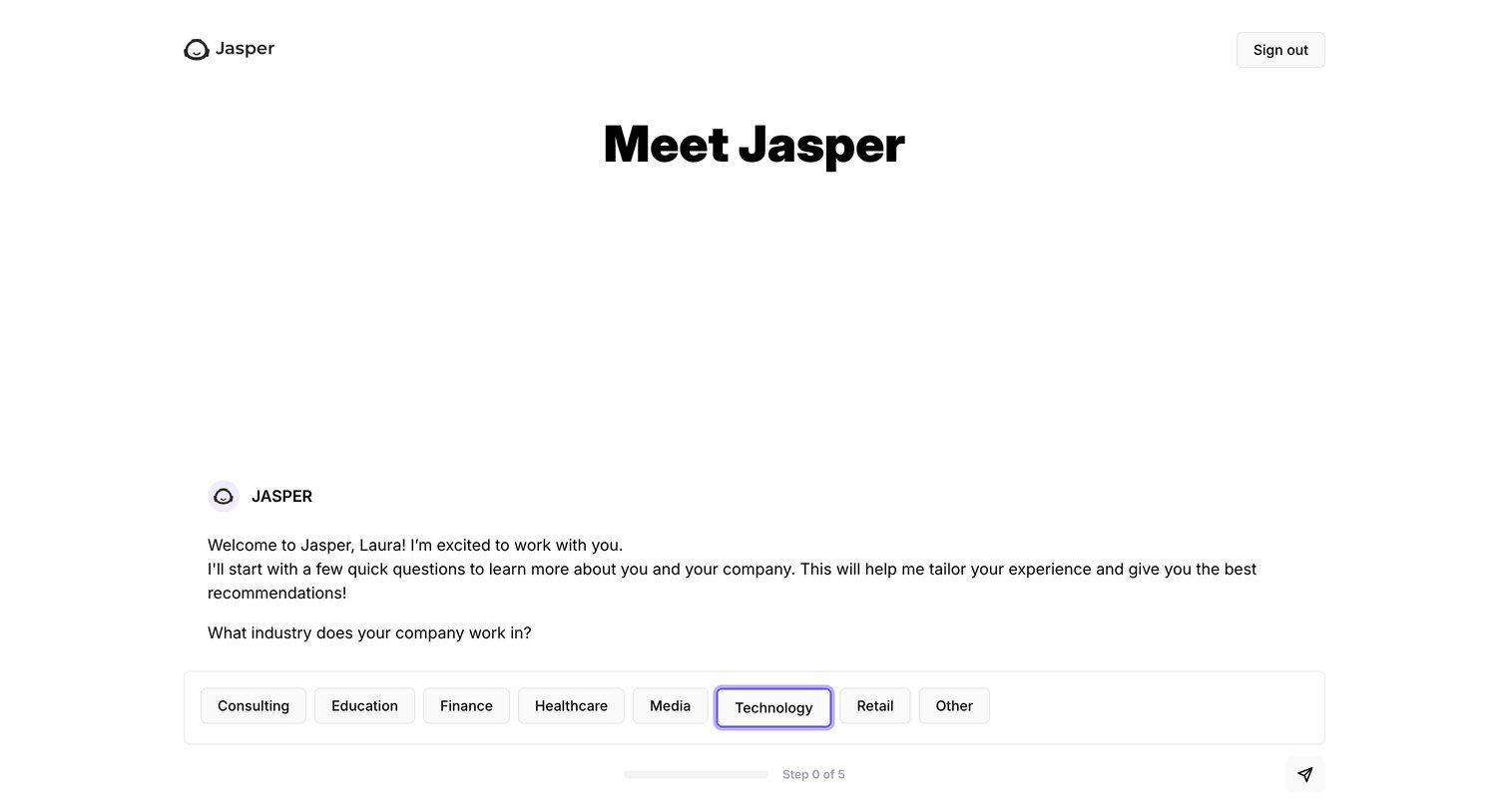
Onboarding screen where the user is greeted by an AI assistant and asked to select their company's industry from a list of options.
Browse the full SaaS app library
Explore real SaaS apps with their product screens, marketing screens, flows, and components.
Trusted by the best teams







