Linkedin Flow Example: Scheduling post
This user flow guides a LinkedIn user through the process of creating and scheduling a post to be published at a later date and time.

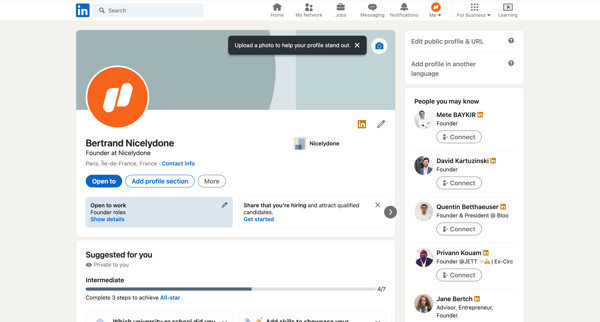
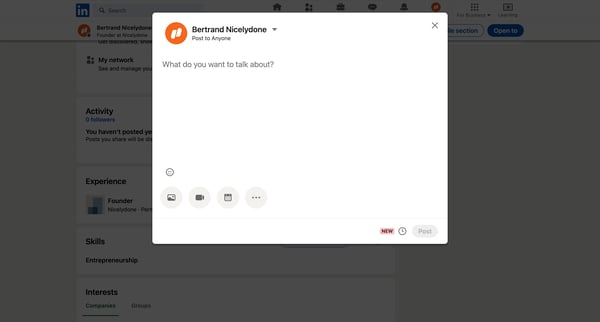
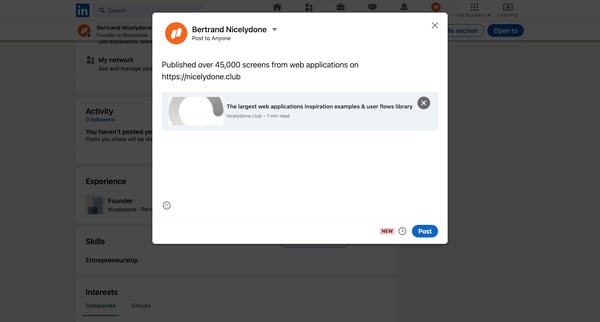
This user flow guides a LinkedIn user through the process of creating and scheduling a post to be published at a later date and time.
Related user flows

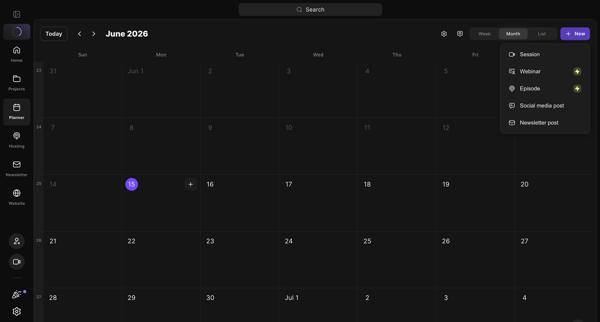
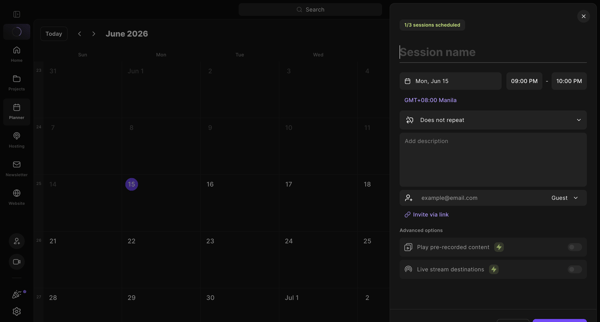
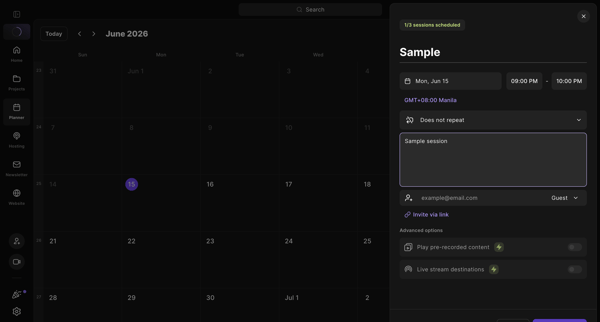
User schedules a new studio recording session from the content planner calendar by opening a side drawer to set date, time, description, and invite guests

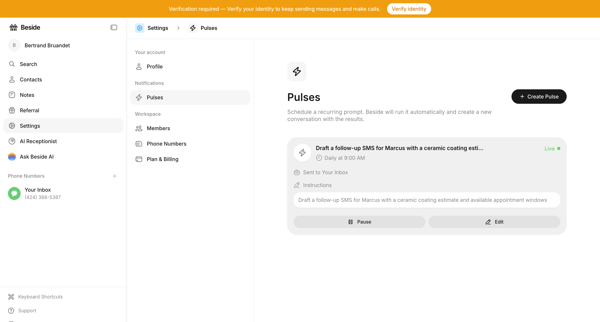
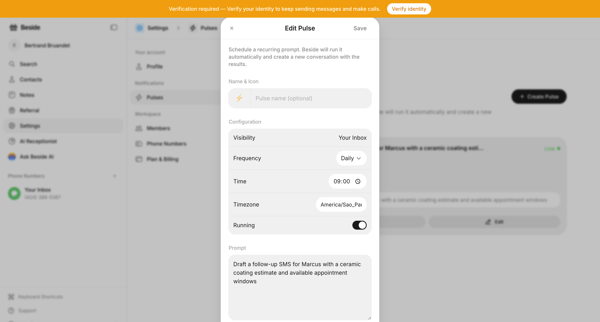
User opens Pulses settings page and edits an existing recurring AI prompt via modal


Explore the full SaaS flow library
Browse the full SaaS flow library.
Trusted by the best teams







