Linkedin user flows examples
Explore Linkedin user flow examples. Preview the opening screens and steps for each task. Connect to Opportunity
Preview these flows

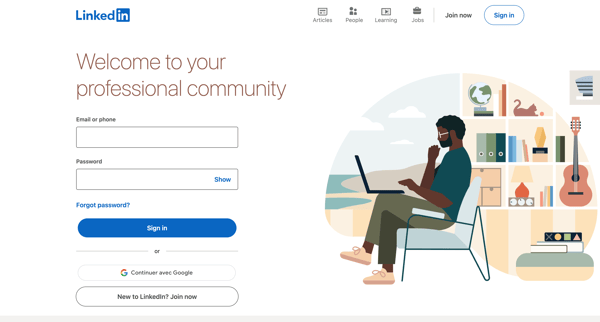
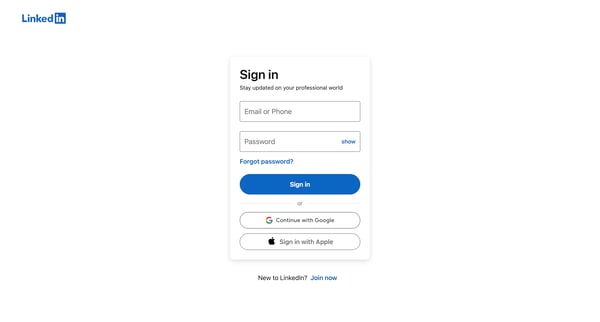
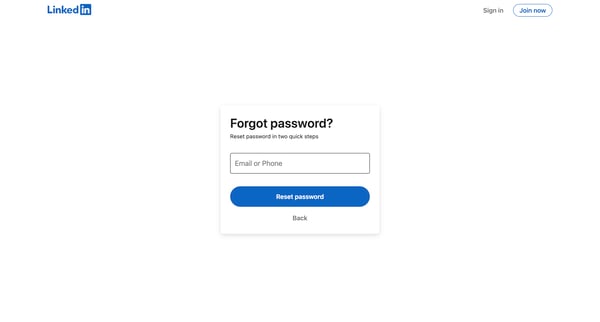
This flow guides a user through the process of resetting their LinkedIn password, from identifying themselves to trying to perform a security check, ultimately finding no account associated w
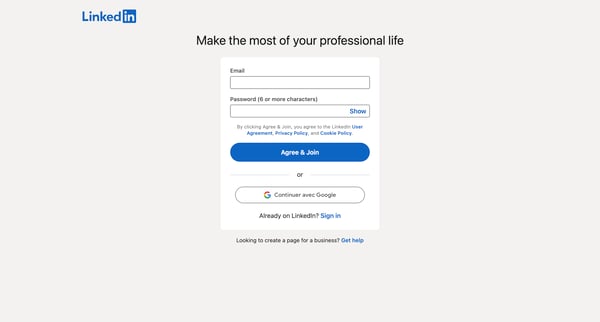
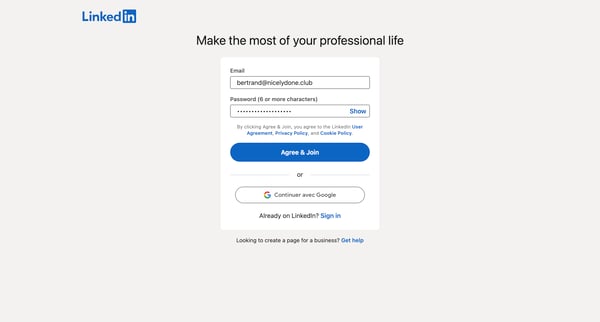
This flow guides a new user through the process of creating a LinkedIn account, providing personal and professional information, and customizing their initial experience to make the most of t
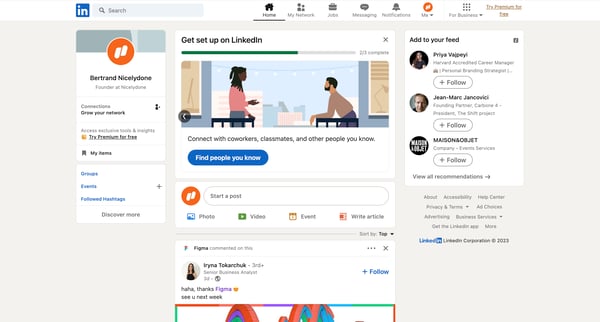
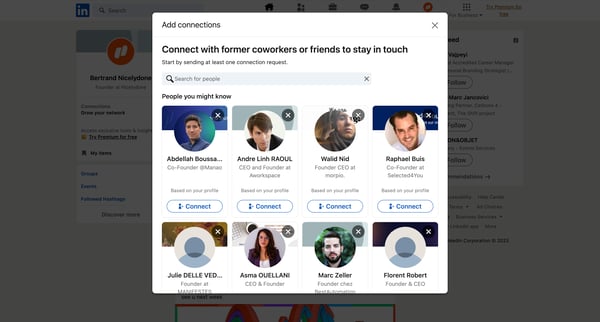
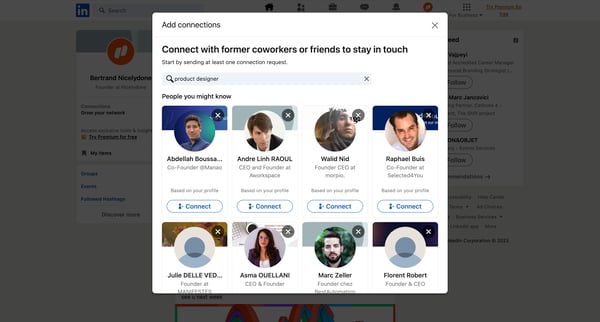
This flow guides a user through the process of searching for, selecting, and sending a connection request to another LinkedIn member, thereby expanding their professional network.
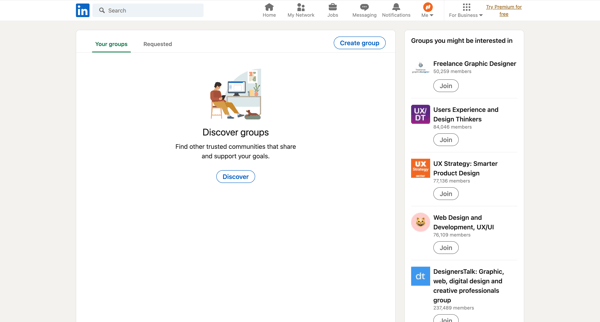
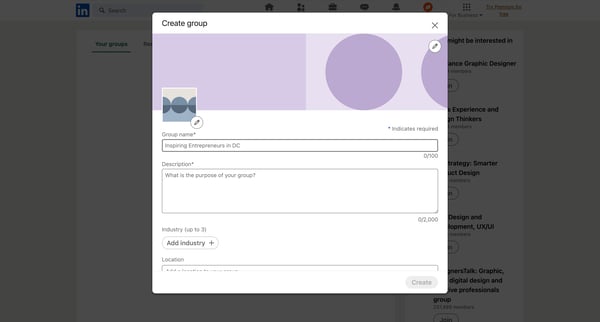
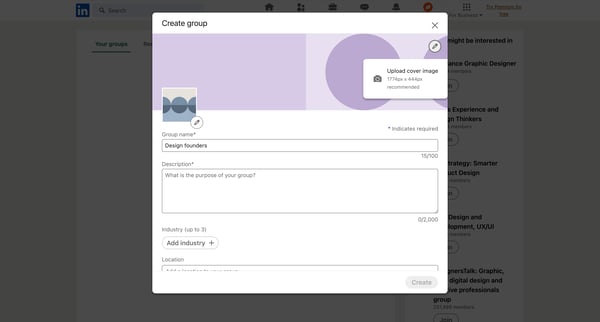
This flow guides a user through the process of discovering and joining LinkedIn groups, creating a new group including setting its privacy and permissions, and finalizing its creation, culmin
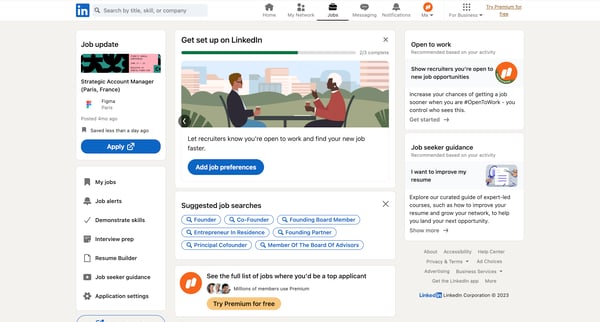
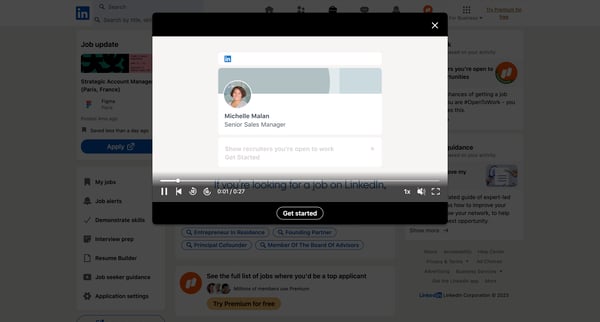
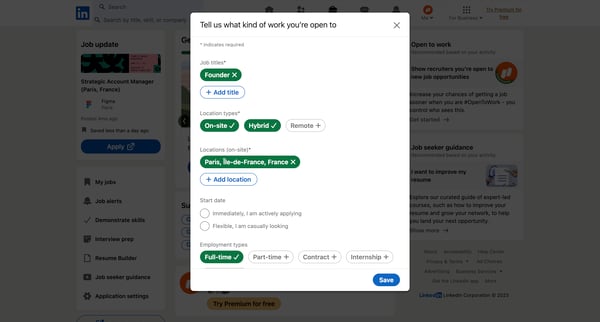
This flow enables users to set their job preferences on LinkedIn, marking themselves as open to work, which increases their visibility to recruiters and potentially speeds up their job search
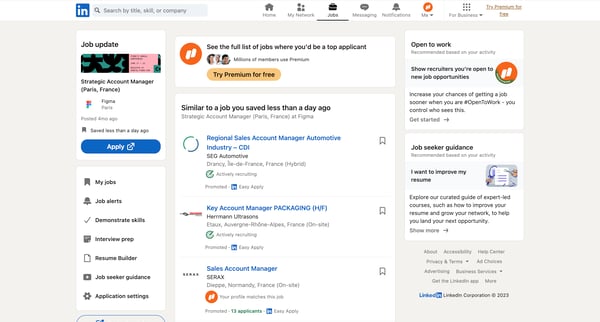
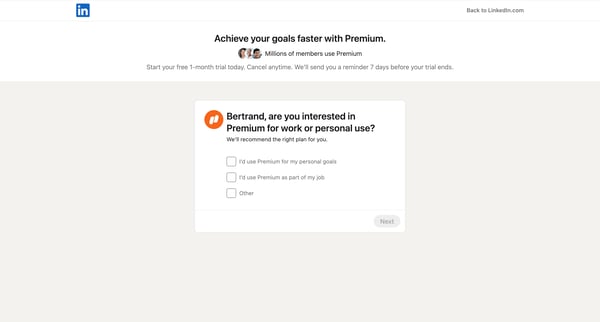
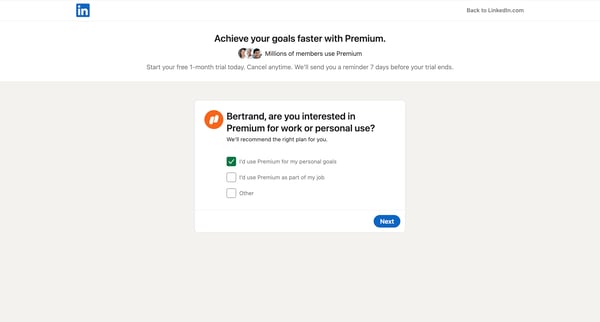
This flow guides a user through upgrading their LinkedIn account to a Premium subscription, including selecting preferences for the upgrade, authentication steps, adding a phone number for se
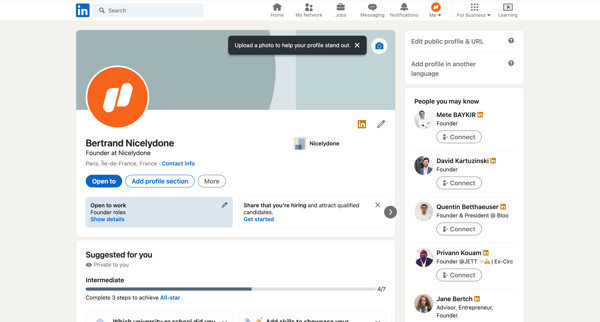
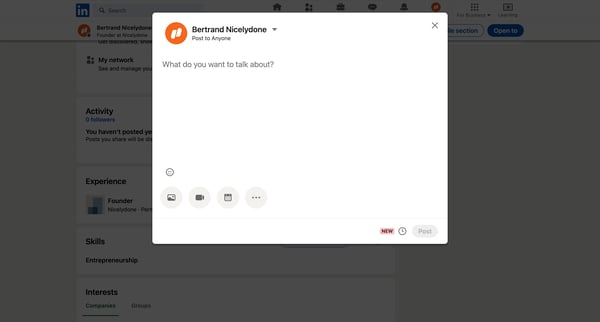
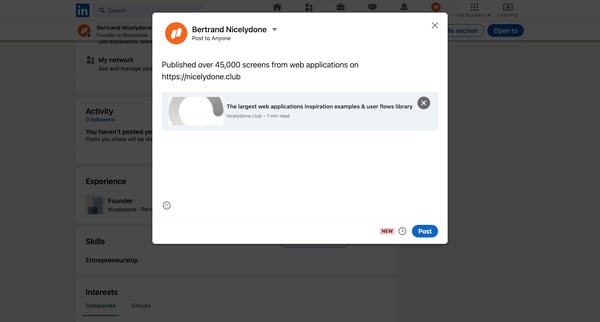
This user flow guides a LinkedIn user through the process of creating and scheduling a post to be published at a later date and time.
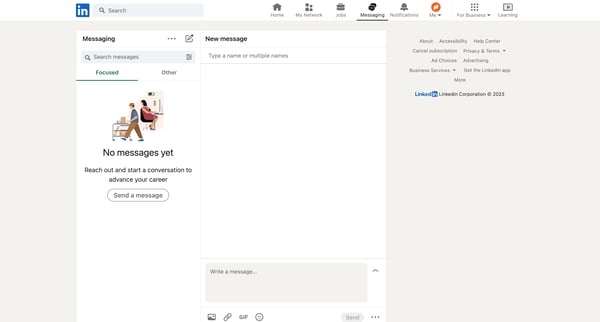
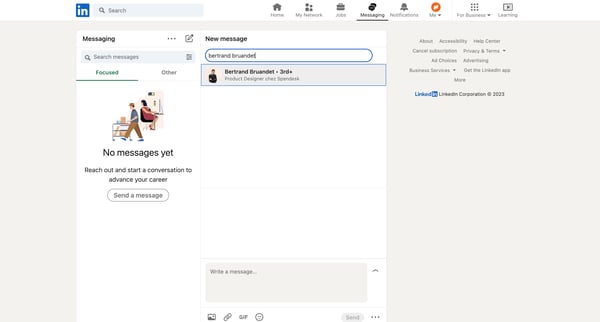
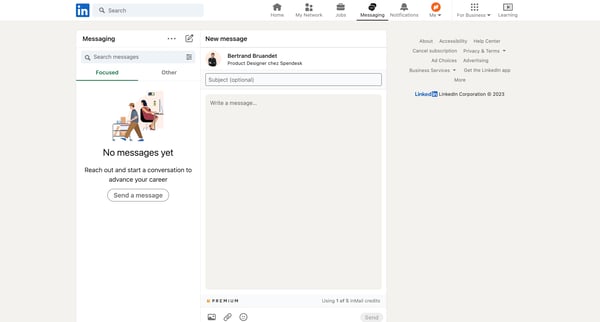
This user flow details the process of initiating and sending a new message via LinkedIn, demonstrating how users can connect with others by crafting and dispatching personalized messages.
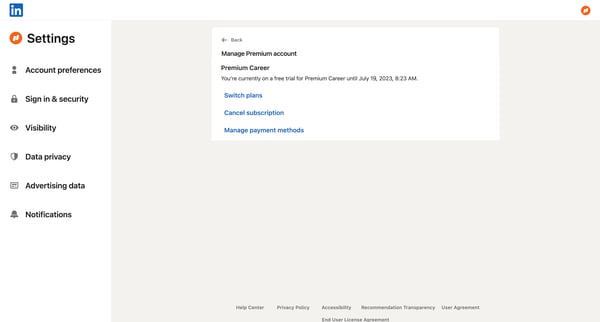
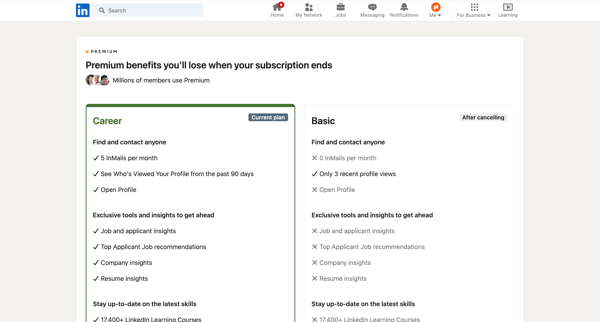
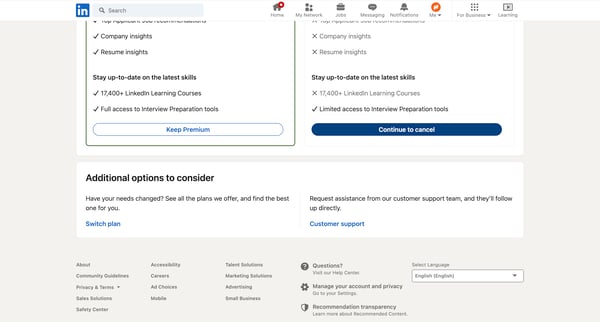
This user flow guides a user through the process of canceling their LinkedIn Premium subscription, presenting potential losses, soliciting feedback, offering a discount, and confirming the ca
Explore the full SaaS flow library
Browse the full SaaS flow library.
Trusted by the best teams







