Skip to content

Supabase Flow Example: Downgrading subscription

Preview this Supabase user flow: Downgrading subscription. Explore the opening screens.

Preview these flows

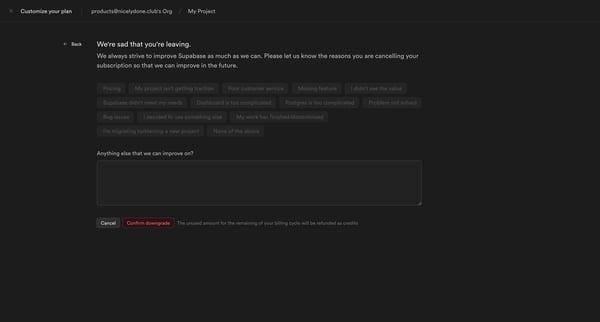
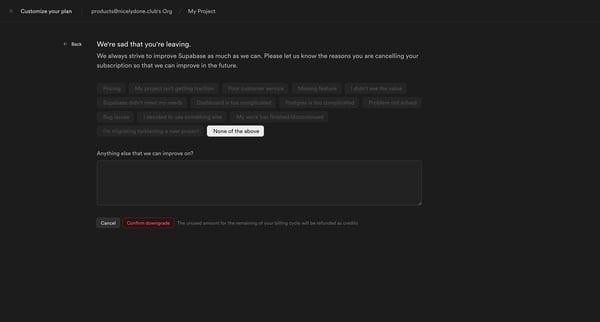
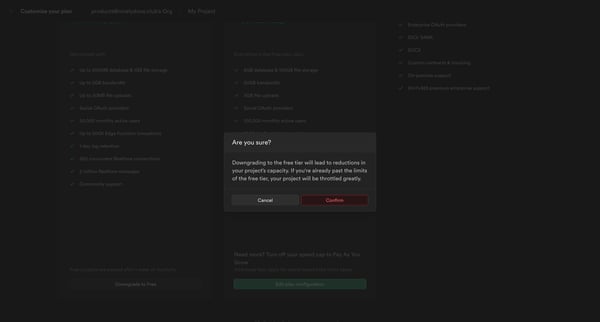
This user flow guides a user through the process of downgrading their Supabase subscription to a free tier, offering a chance to provide feedback and confirming the downgrade with a refund cr

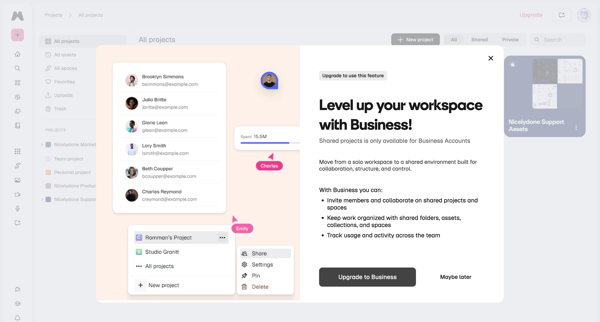
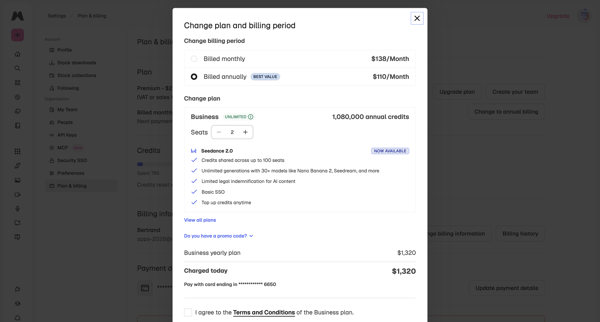
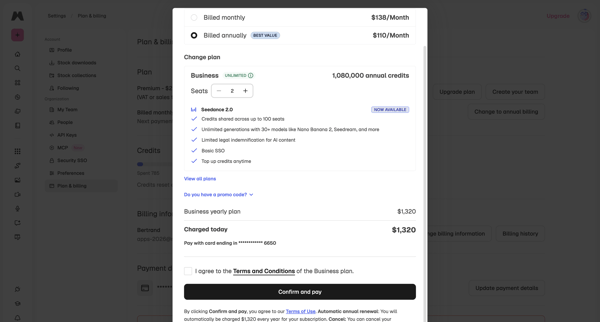
User encounters paywall on shared projects, then confirms Business yearly plan upgrade, adjusts seats, and completes checkout in billing settings

Alloy logo
Nicely Done » New view screen

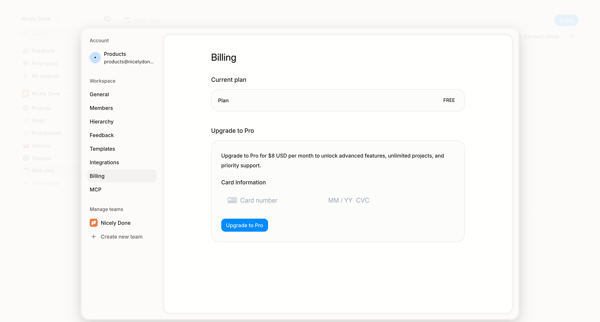
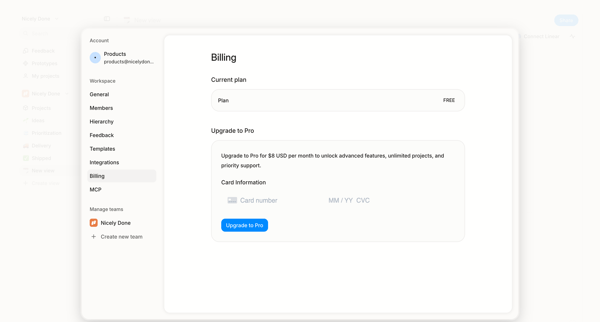
User opens billing settings overlay showing free plan and enters credit card details to upgrade to Pro

Flask logo
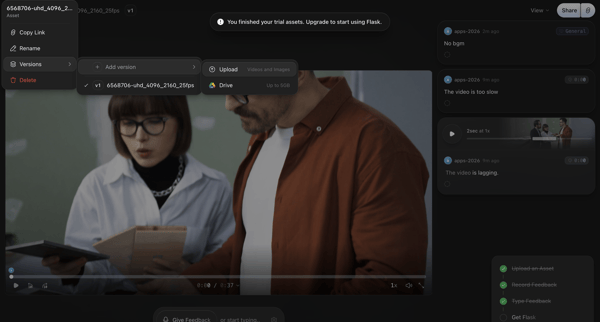
6568706-uhd_4096_2160_25fps | Flask screen

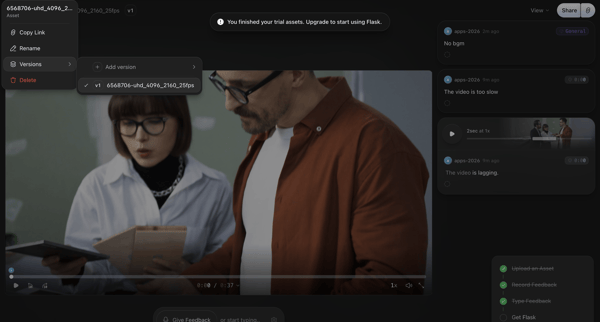
Video asset review in Flask triggers trial exhaustion paywall with upgrade prompt

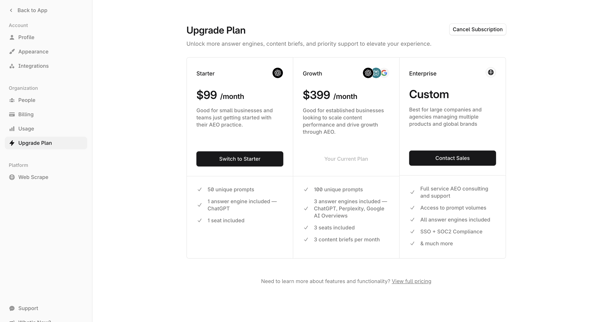
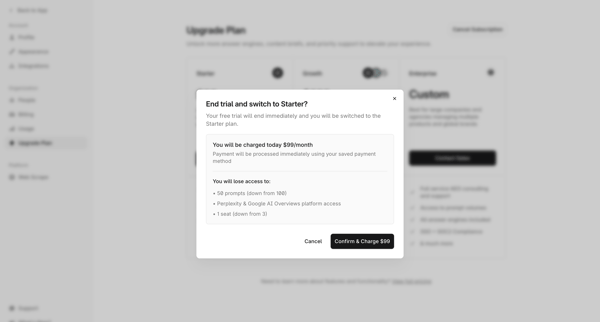
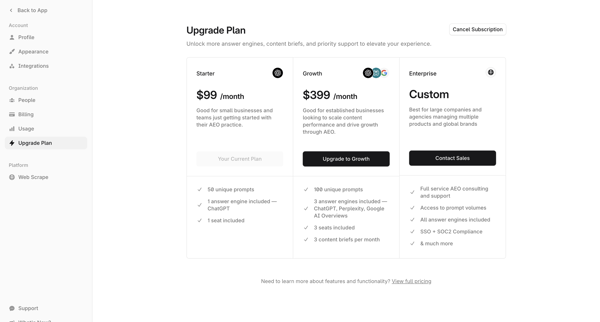
User views current Free plan and compares Starter, Growth, and Enterprise tiers in billing settings

User encounters promotional paywall modals on dashboard, proceeds through Stripe checkout with discounted yearly offer, handles payment entry and errors, completes subscription upgrade

Steel logo
Steel | Open-source Headless Browser API screen

User views current plan and usage in billing settings then selects and upgrades to a higher subscription tier

User starts in workspace memory settings, opens upgrade modal from sidebar, selects Launch tier, completes subscription checkout form, sees connecting state, and lands on billing settings page showing new plan and credits.

Axiom logo
Settings - Axiom screen

User views current Personal plan details and compares usage limits and pricing against the Axiom Cloud upgrade option in billing settings

User views free trial billing settings then opens upgrade modal to select monthly or annual billing and adjust monthly event volume via slider

User navigates to automation settings in Dock, encounters empty state with upgrade prompt, then feature-gate modals and paywalls for automation, API, and webhooks

Bloom logo
Bloom by Medusa screen

User selects and upgrades monthly credit limit via modal from billing settings in Bloom

User accesses organization billing settings to view payment history, manage payment methods and address, configure budget caps, and encounter upgrade prompts for Pro features

Explore the full SaaS flow library

Browse the full SaaS flow library.

Trusted by the best teams