WeTransfer Flow Example: Signing up
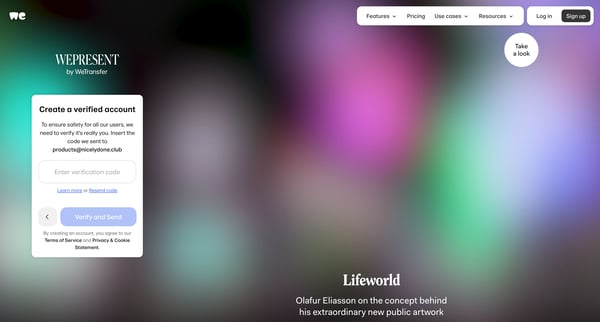
Preview this WeTransfer user flow: Signing up. Explore the opening screens.
Preview these flows



Related user flows

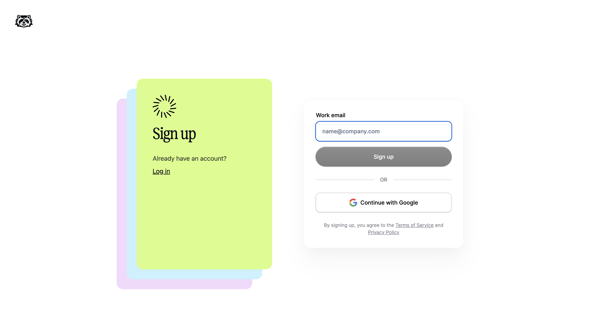
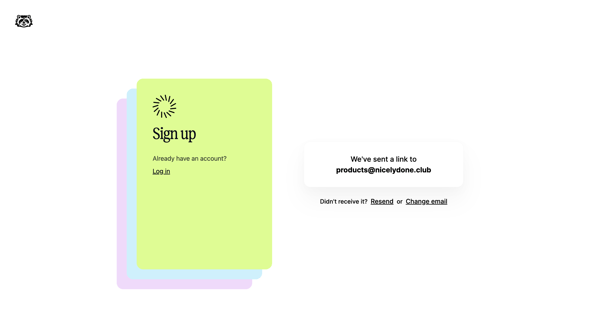
User enters work email or selects Google on signup screen then receives magic link on verification screen

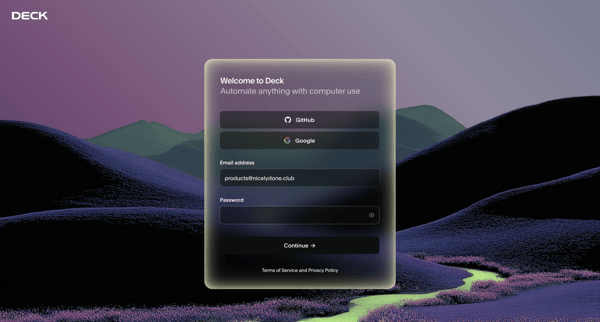
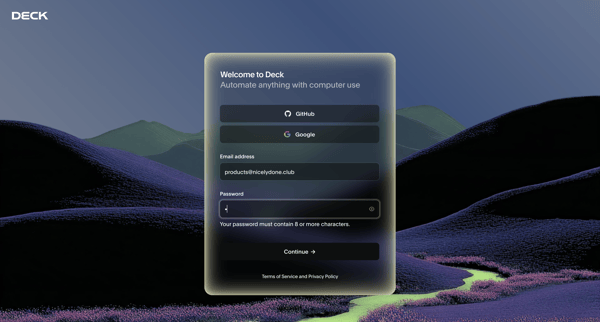
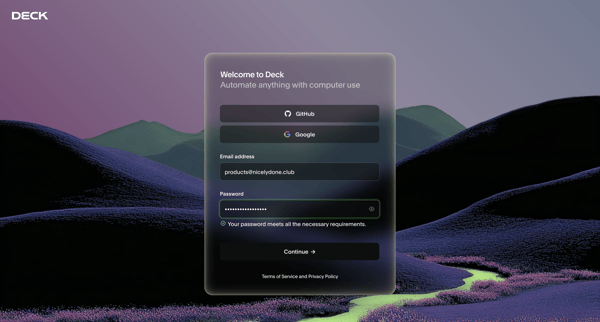
User enters email and password on unified auth screen to create Deck account, with inline password validation and social OAuth options available

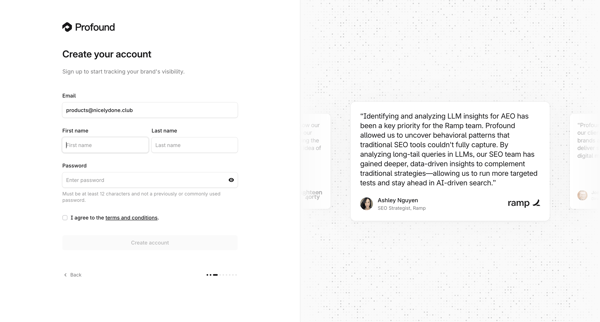
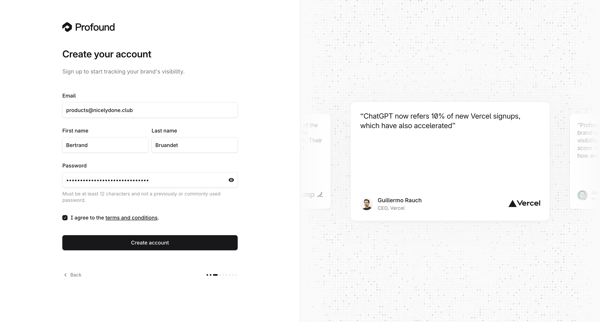
User creates an account on Tryprofound by providing email, first and last name, password, and agreeing to terms on a split-screen signup form with testimonial carousel

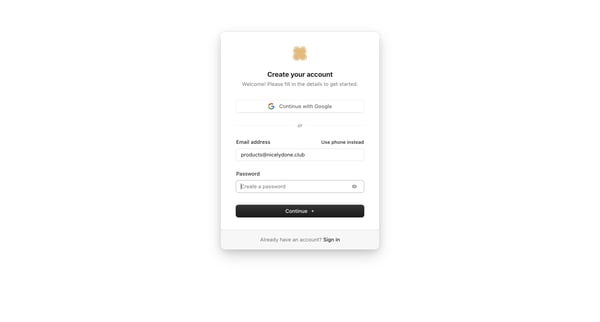
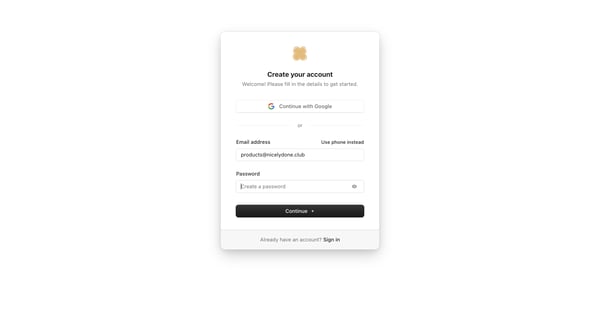
User enters email and password or selects Google SSO on the auth card to create an account


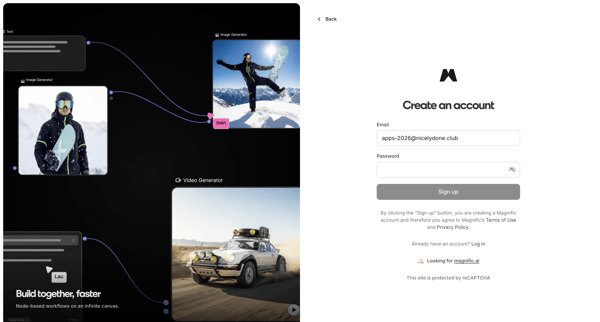
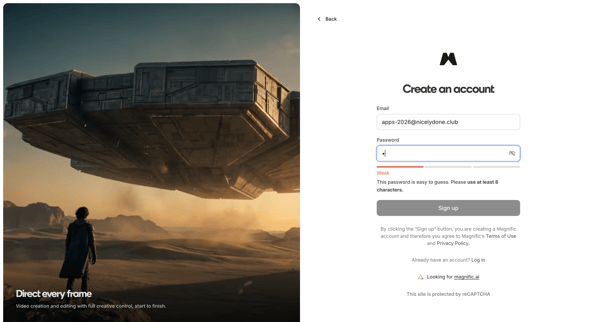
User creates a Magnific account via OAuth providers or email/password on split-screen signup pages with product previews and password strength indicators

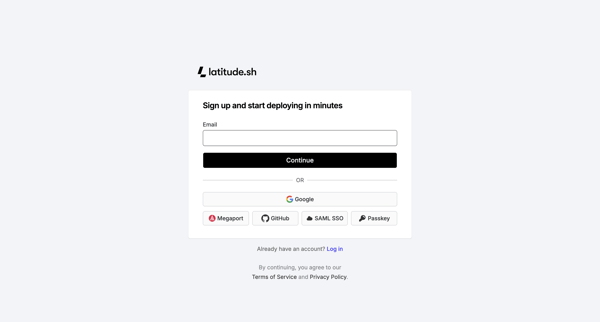
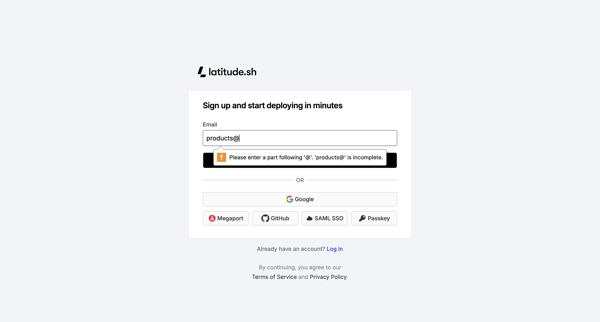
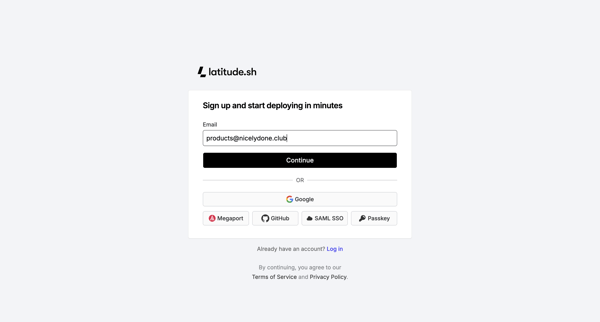
Creating a Latitude.sh account via email or third-party auth providers followed by email verification

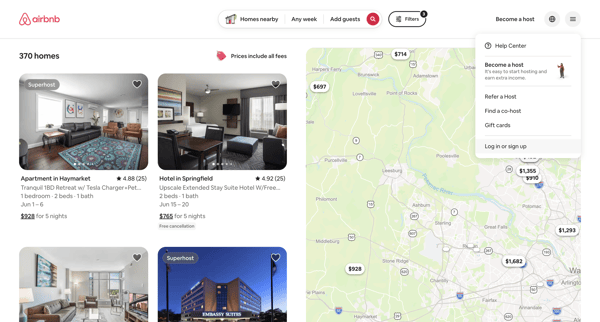
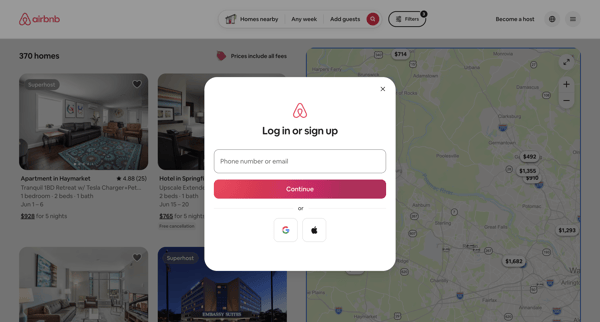
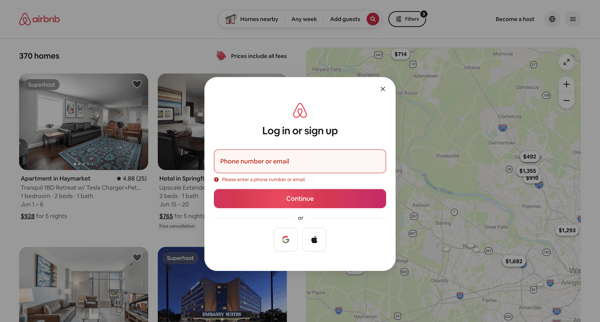
User encounters auth modal over property search results and selects from email, phone, Google, or Apple signup or login options

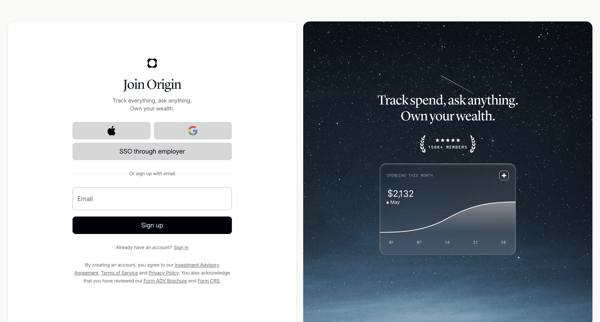
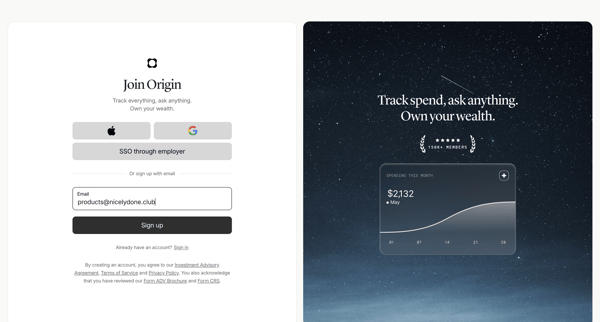
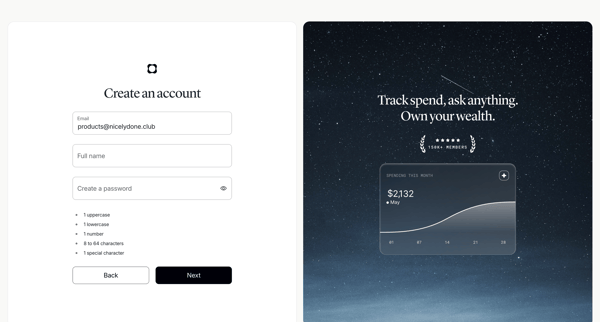
User creates an Origin Financial account via SSO options or email/password form with validation and social proof panels




User enters work email or selects OAuth provider on split-screen signup page with feature carousel

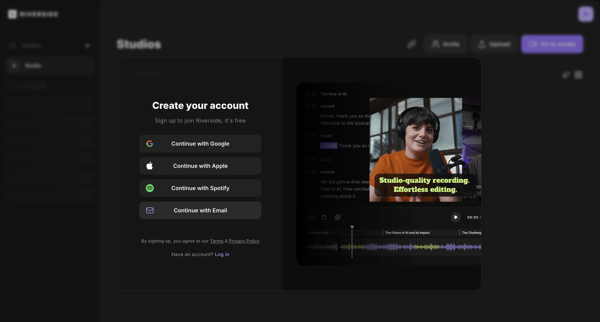
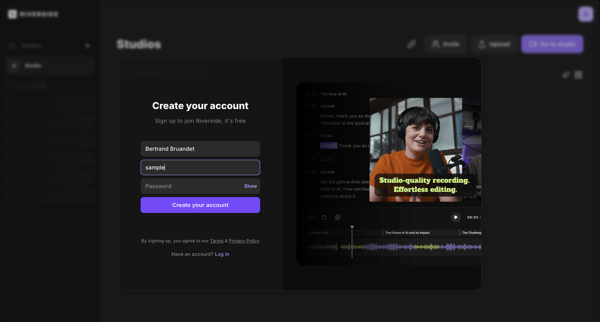
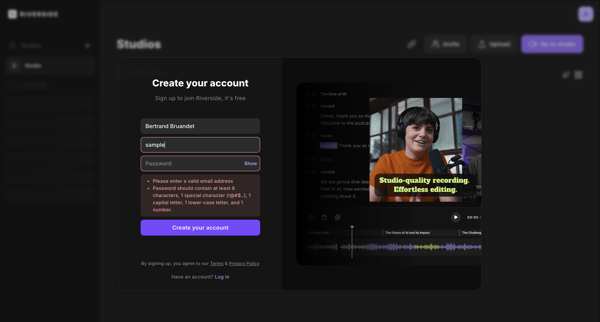
User creates a Riverside account via OAuth options or email/password form inside a split signup modal with validation states

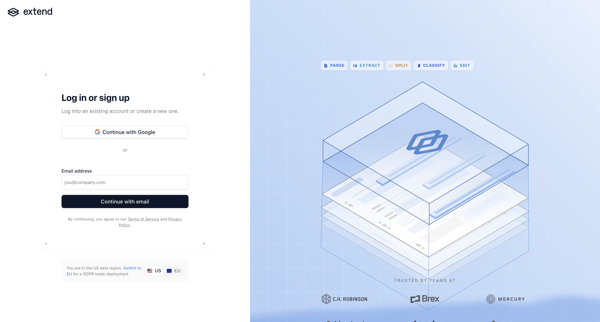
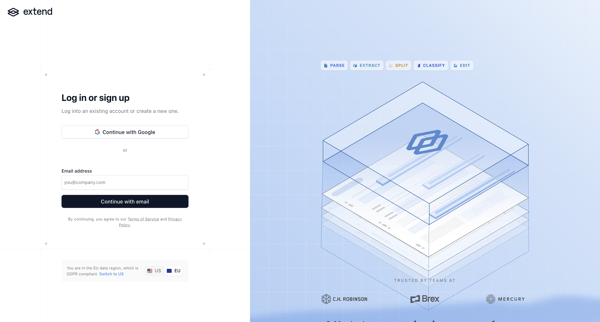
User reaches Extend authentication screen to create an account or log in via Google SSO or email magic link, with optional data region selection

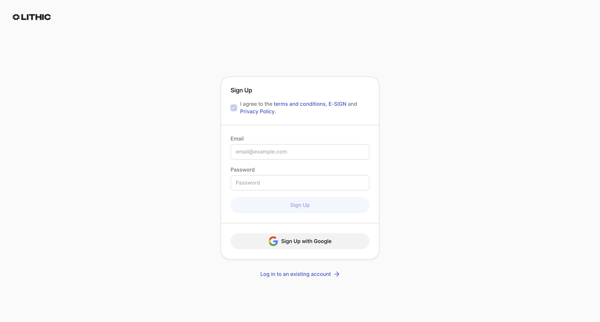
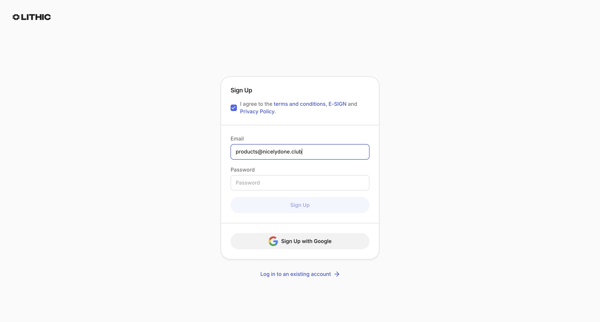
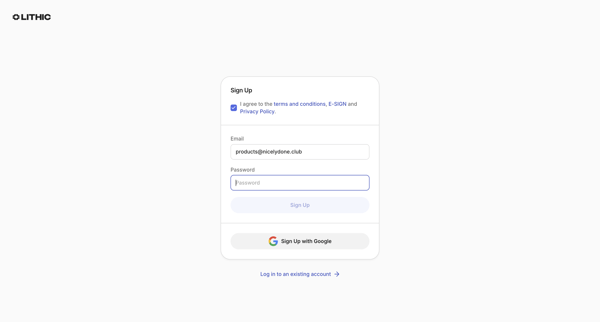
User creates a Lithic account via email/password or Google OAuth after agreeing to terms, with password strength feedback and duplicate email error handling
Explore the full SaaS flow library
Browse the full SaaS flow library.
Trusted by the best teams







