Tome Flow Example: Sharing presentation
This flow enables users to manage sharing settings for a document or project, including inviting collaborators via email and adjusting their access permissions.




This flow enables users to manage sharing settings for a document or project, including inviting collaborators via email and adjusting their access permissions.
Related user flows

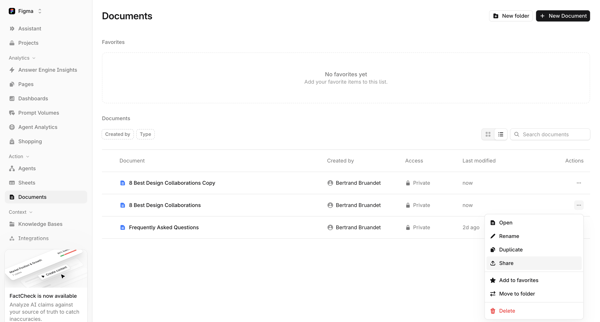
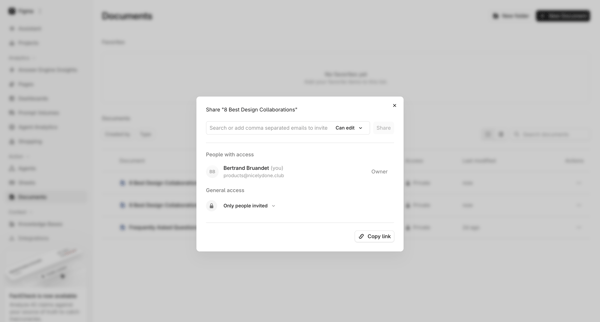
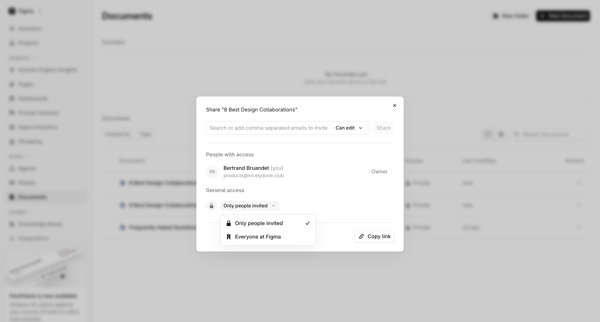

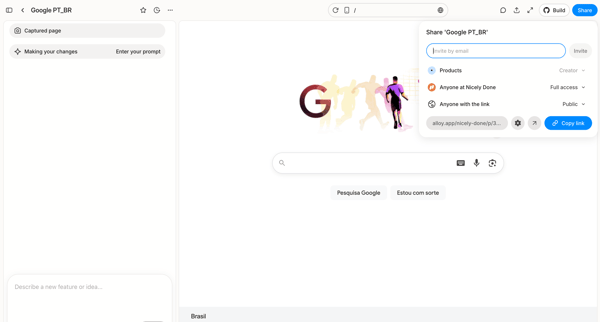
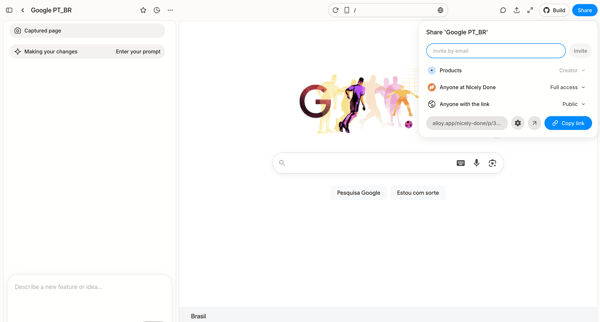
User opens share popover in AI design editor to invite collaborators by email or copy public link for a captured Google homepage prototype

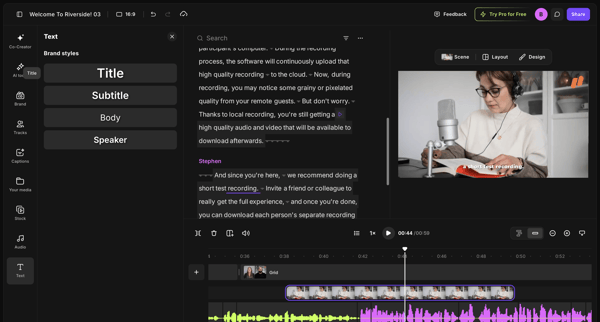
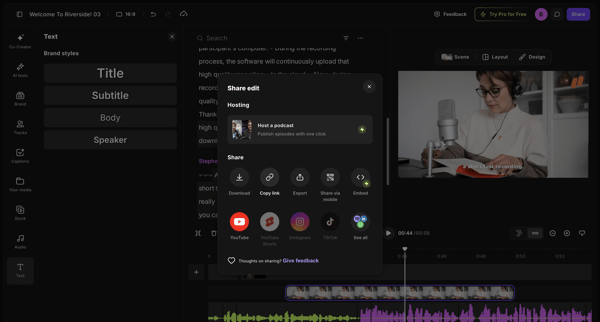
From video editor workspace to share edit modal displaying download, link, export and social options

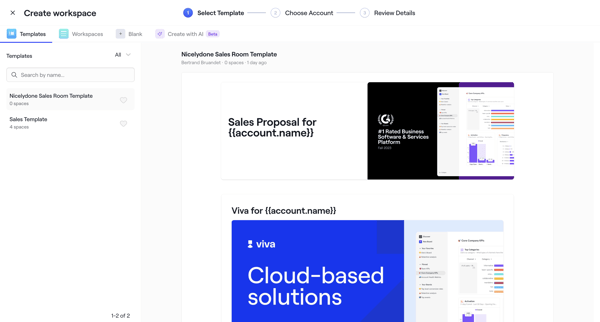
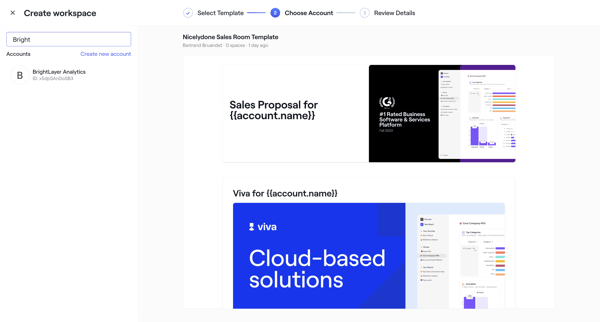
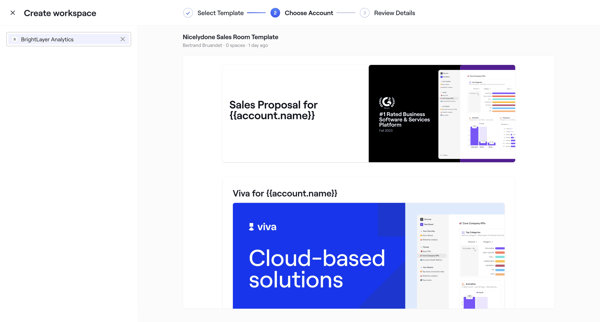
User selects sales room template, chooses account, configures roles dates and teammates through wizard steps, then publishes with shareable link
Explore the full SaaS flow library
Browse the full SaaS flow library.
Trusted by the best teams







