Jitter Flow Example: Exporting design animation
Preview this Jitter user flow: Exporting design animation. Explore the opening screens.
Preview these flows

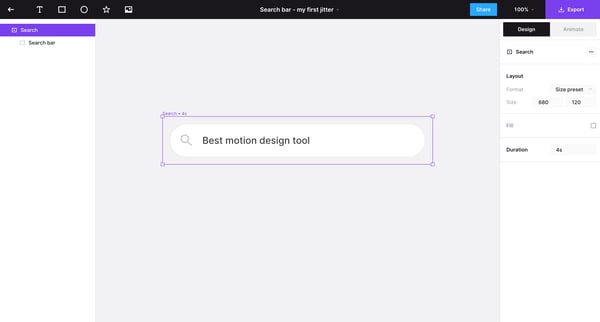
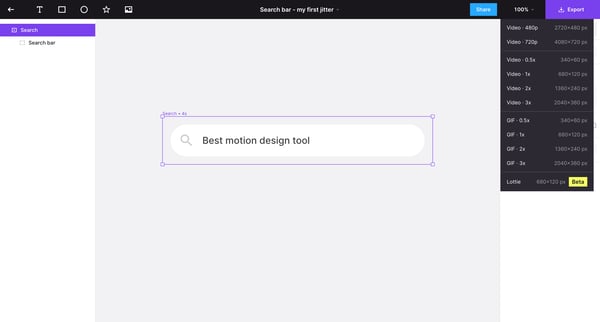
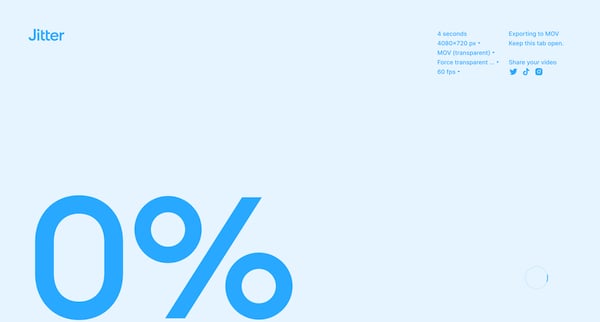
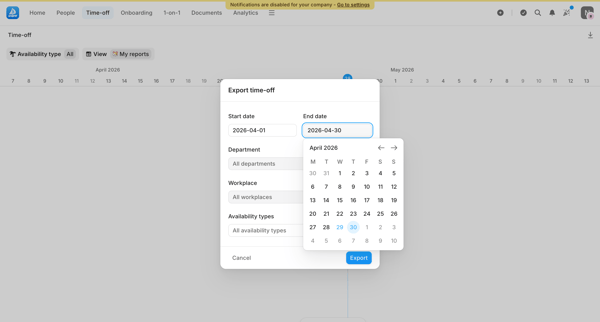
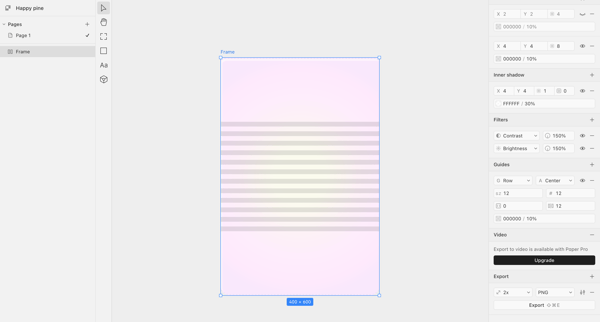
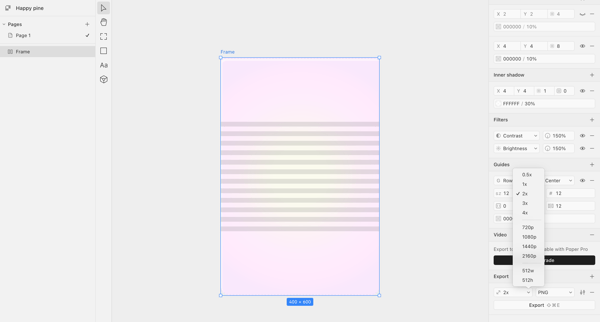
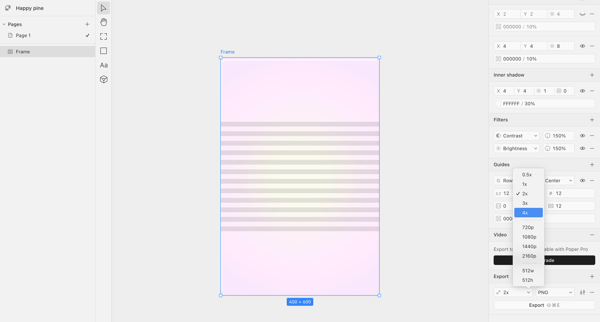
This user flow guides the user through the process of exporting a design animation as a video or GIF file in different resolutions and file formats.
Related user flows

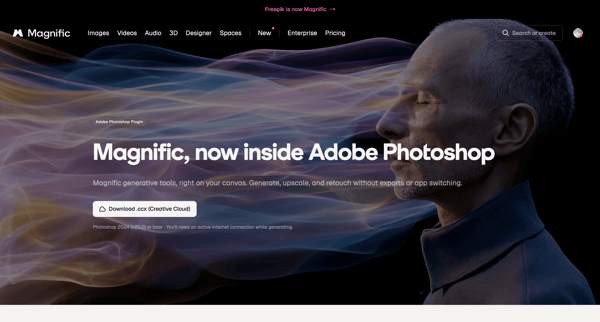
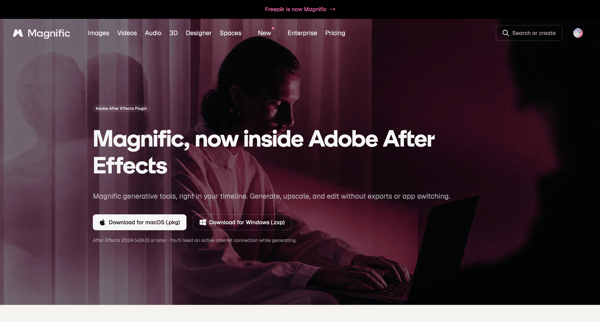
User views hero marketing pages offering direct download links for Magnific Adobe Photoshop and After Effects plugins

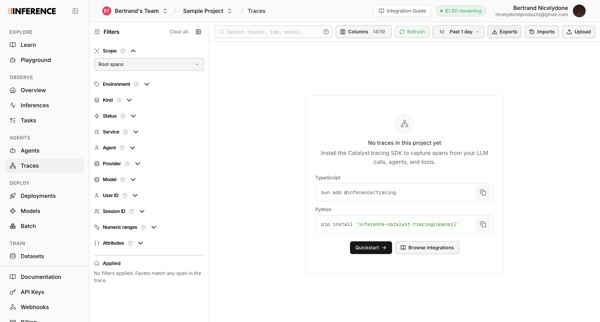
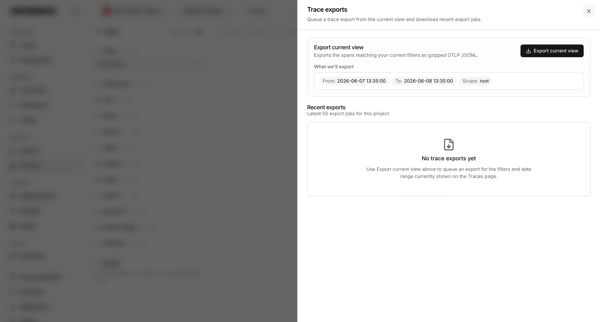
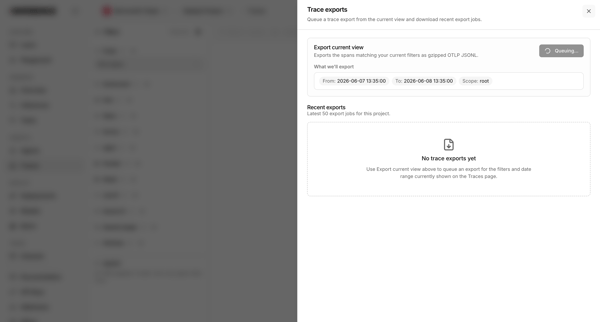
User opens export drawer from traces list to queue an export of current filters and view recent export jobs

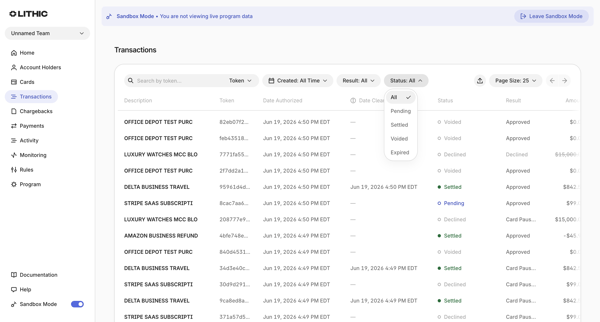
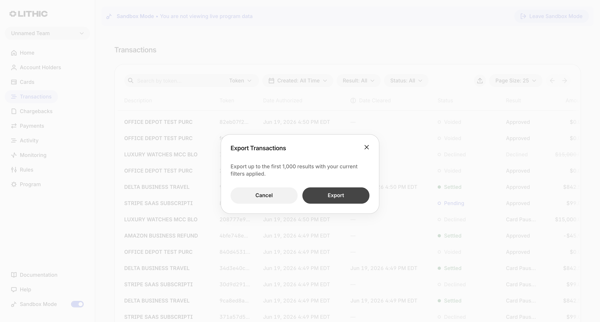
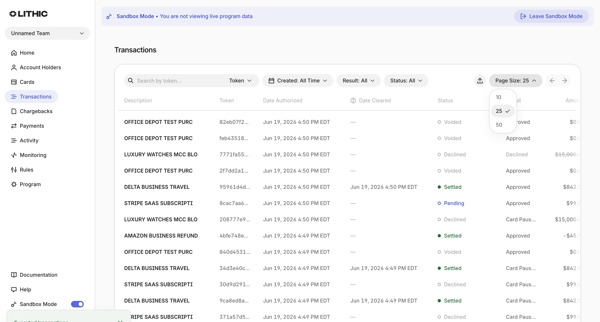
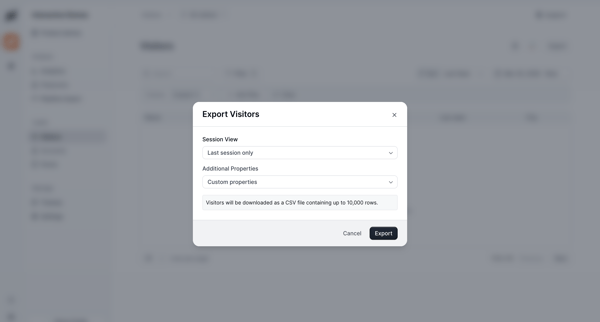
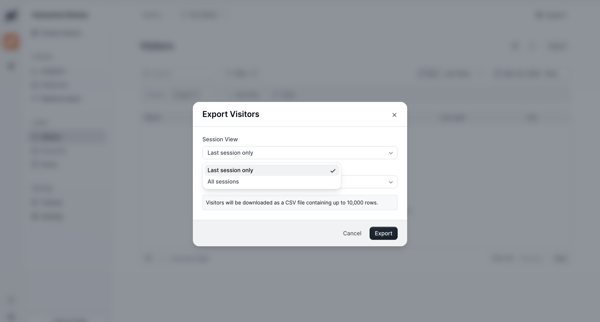
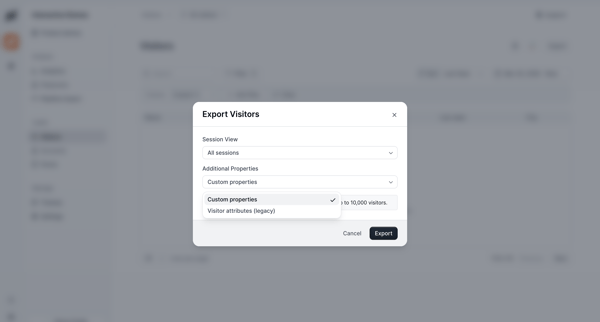
From Transactions List in sandbox, user opens export modal confirming up to 1,000 filtered results then sees success toast on list view

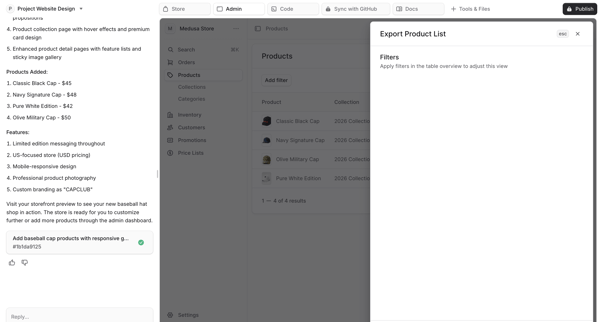
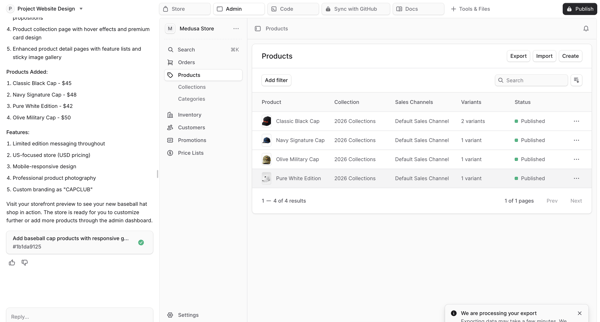
User opens export modal from product list view in admin dashboard with AI sidebar, applies filters, initiates export, and sees processing status in AI workspace

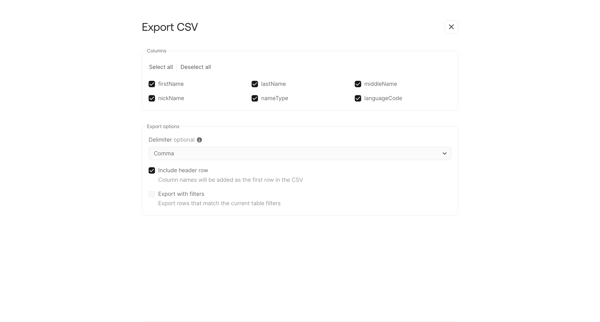
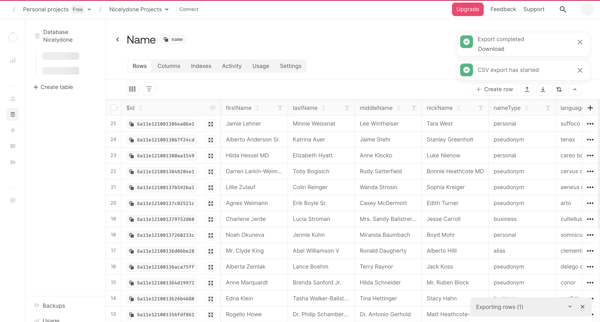
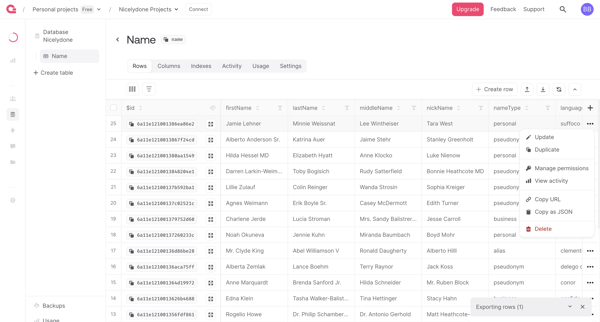
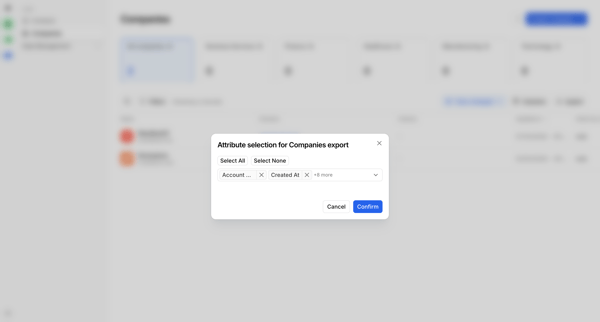
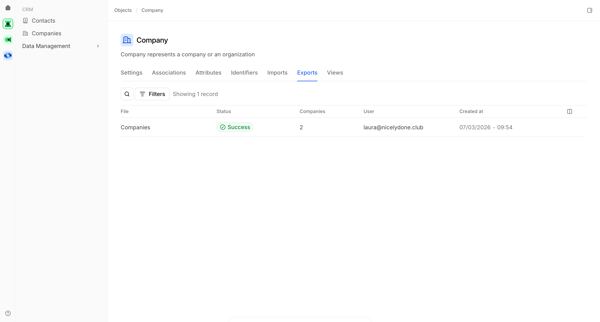
Configure CSV export options then monitor progress and completion from database table view

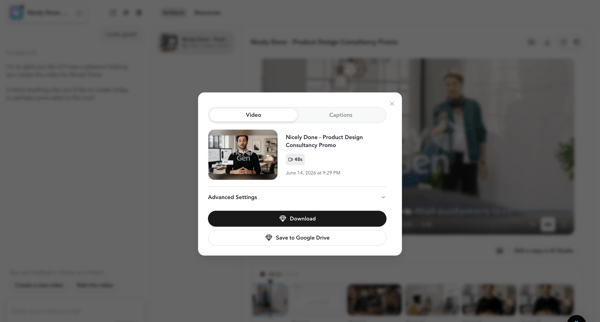
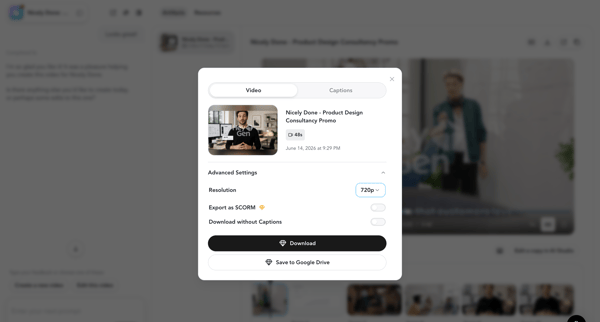
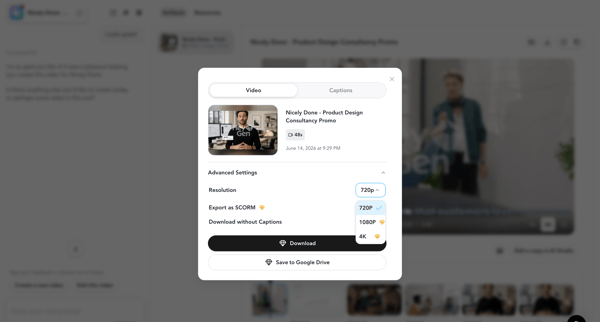
User opens Video Download Modal after AI generation to configure resolution, captions, format, and cloud options then downloads the final video or subtitles

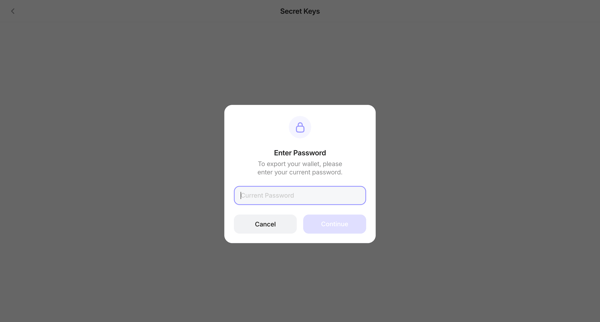
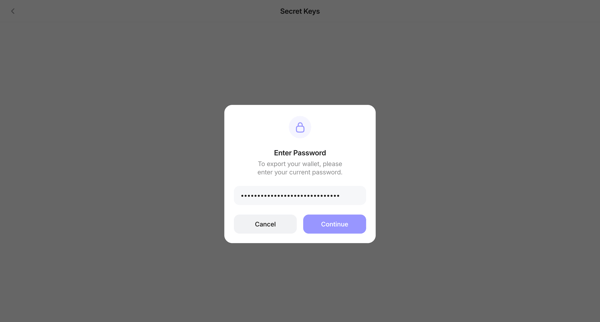
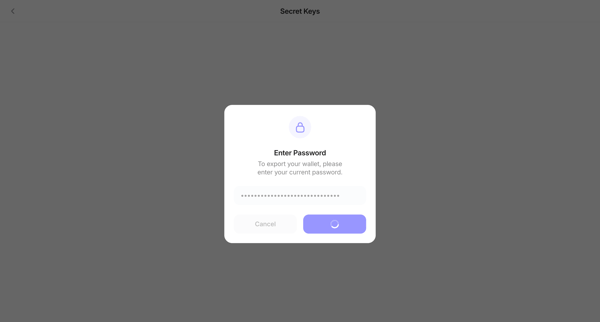
User enters password to authorize export then views and copies recovery phrase or private key with security warnings

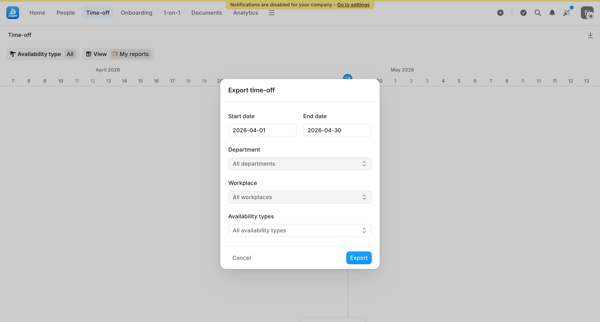
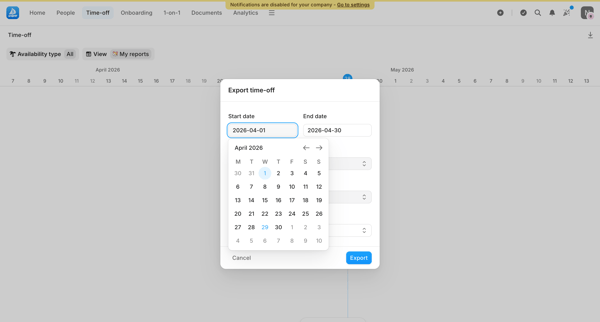




Explore the full SaaS flow library
Browse the full SaaS flow library.
Trusted by the best teams







