Linear Flow Example: Removing team member
Preview this Linear user flow: Removing team member. Explore the opening screens.
Preview these flows

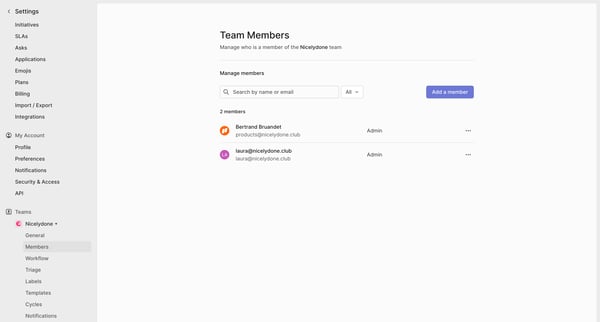
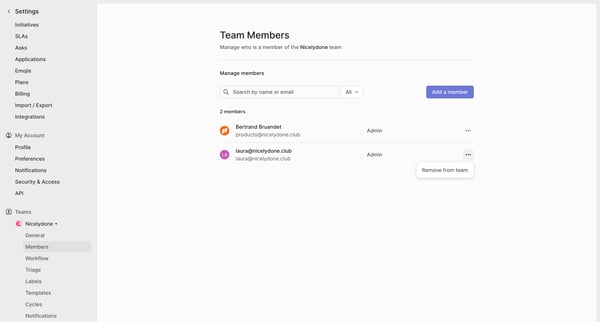
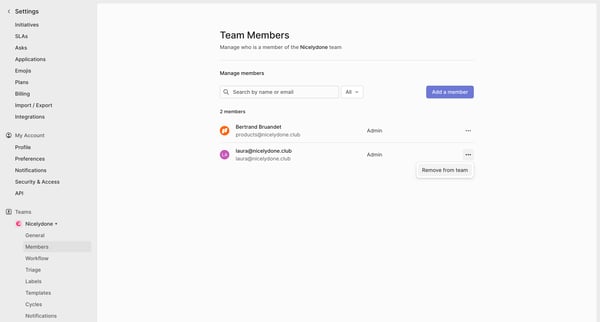
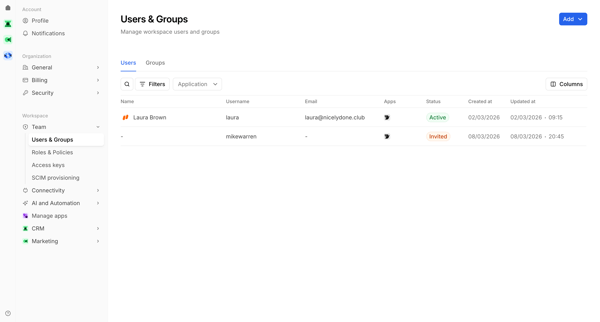
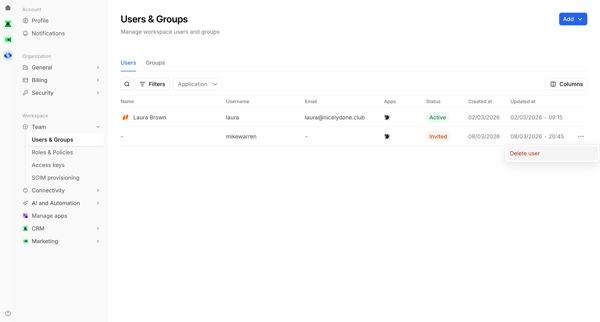
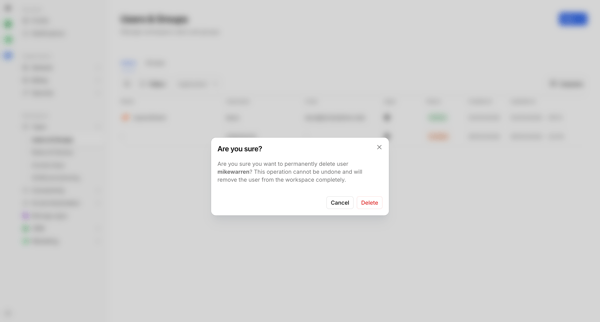
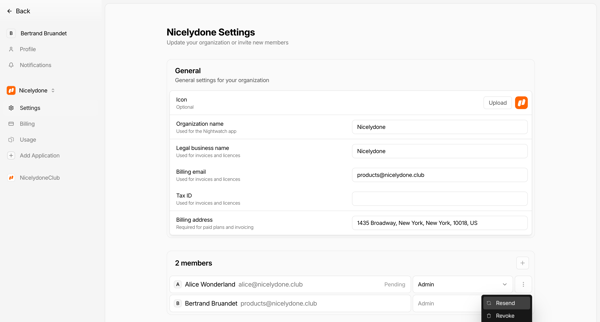
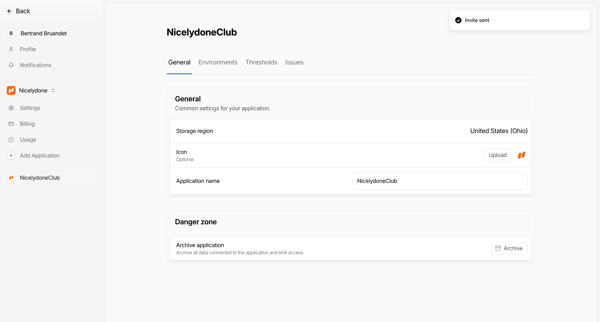
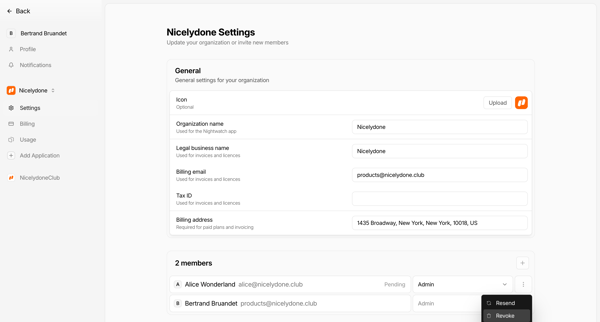
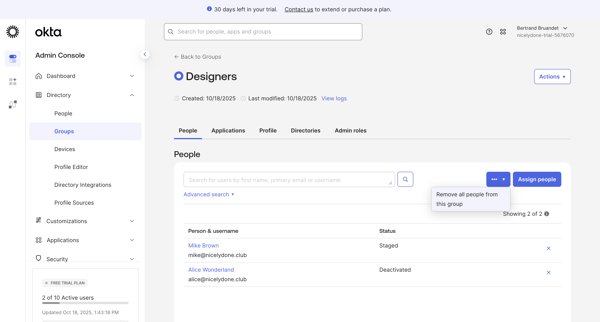
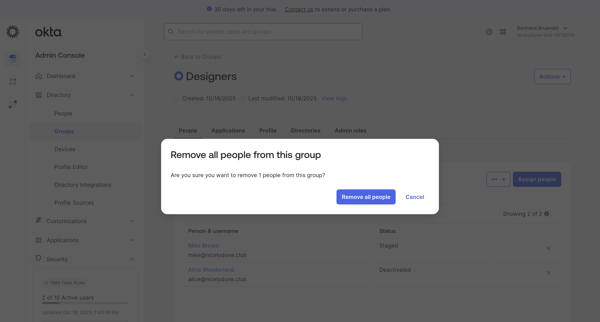
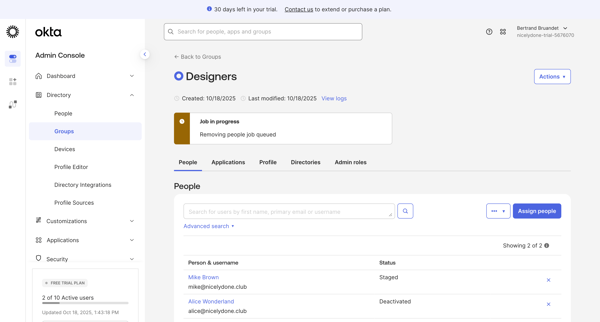
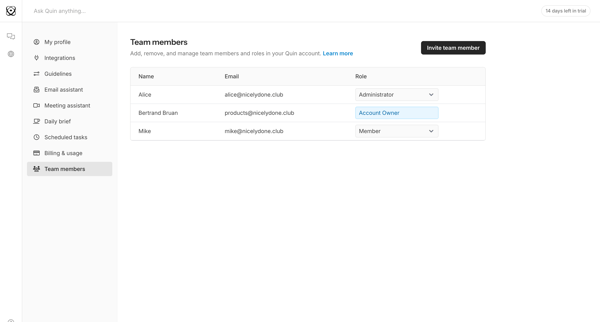
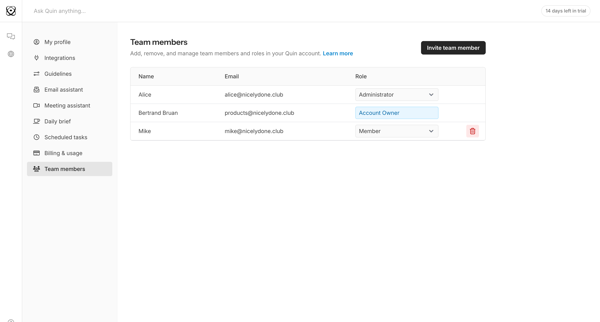
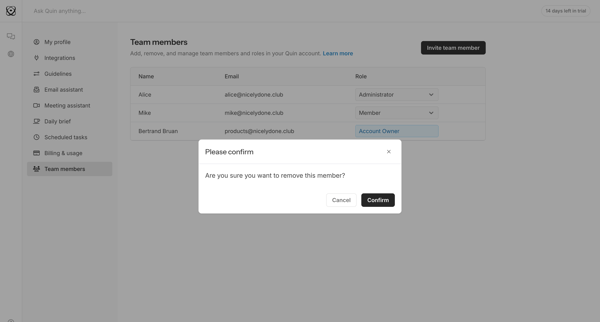
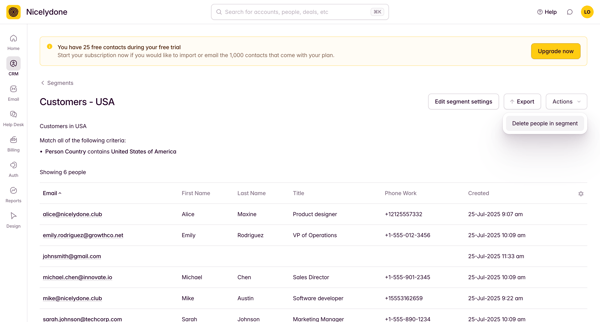
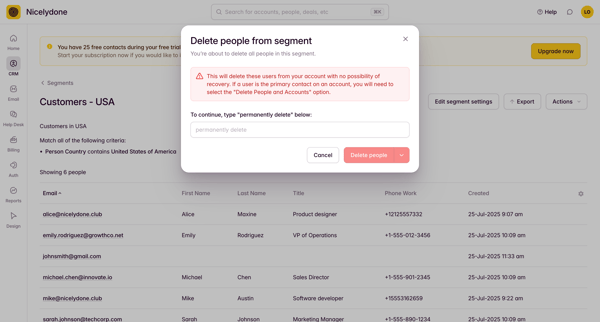
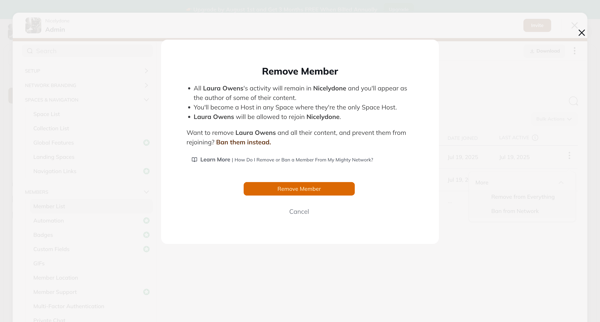
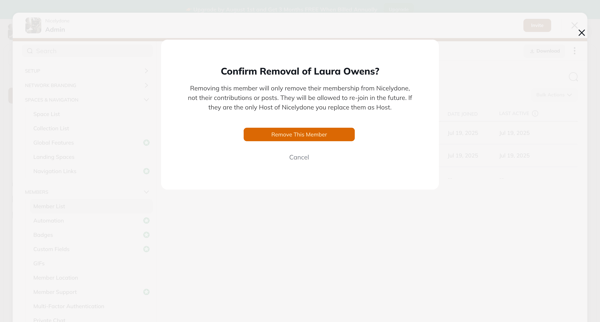
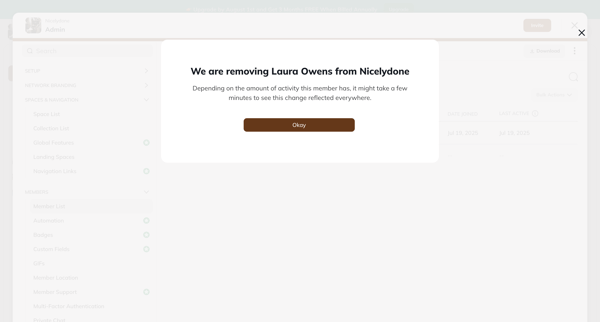
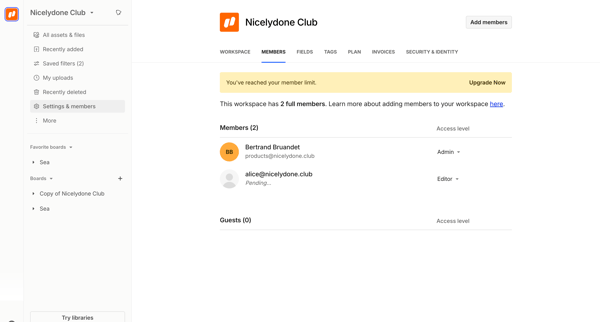
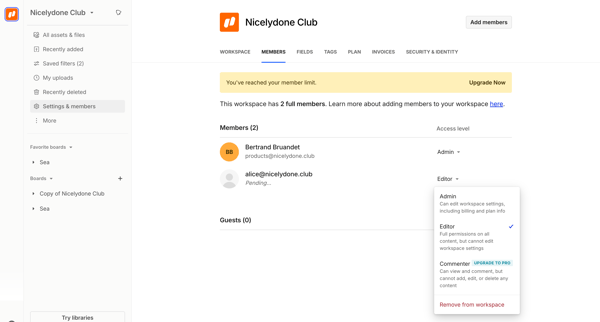
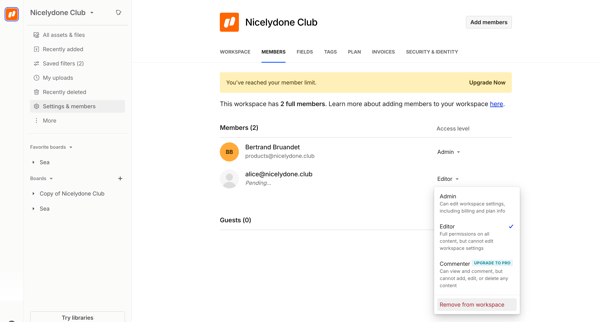
This flow allows an admin to remove a team member from a Linear team.
Related user flows

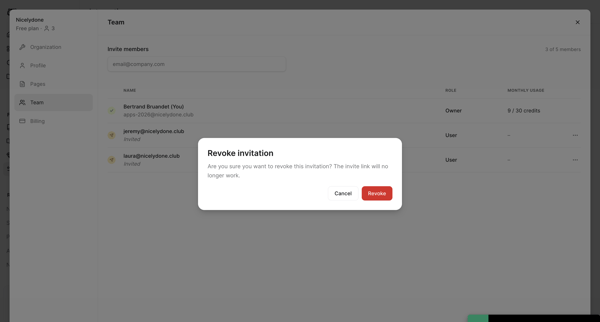
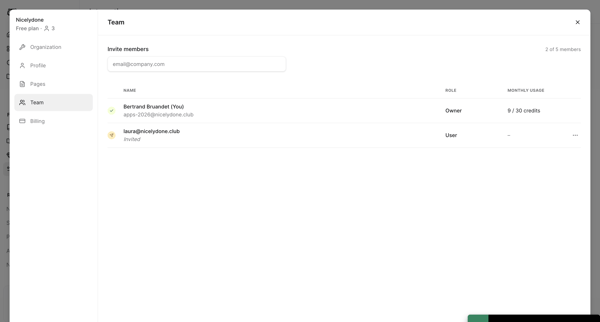
Confirming revocation of a pending team invitation from the team settings list, resulting in updated member count and success toast

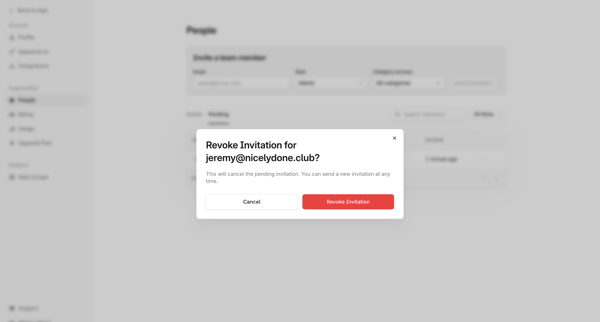
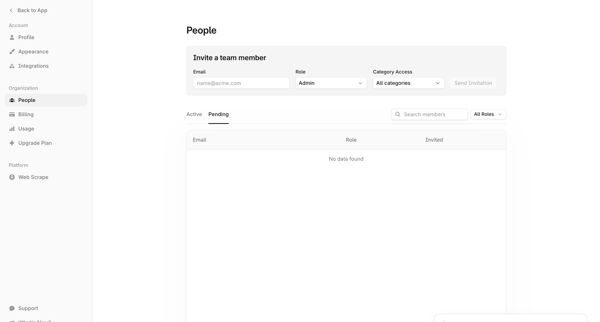
User opens revoke invitation modal from people settings and confirms cancellation of a pending team invitation, returning to the updated team list with success message

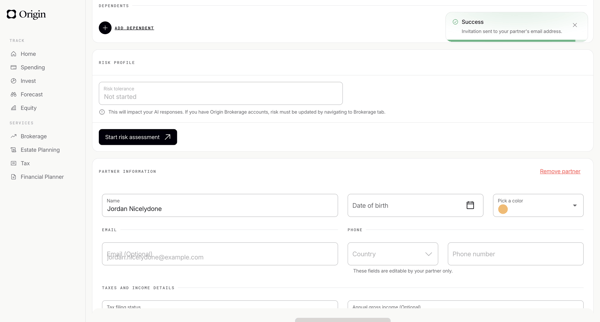
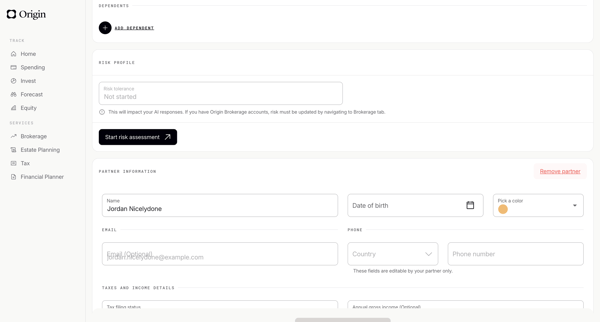
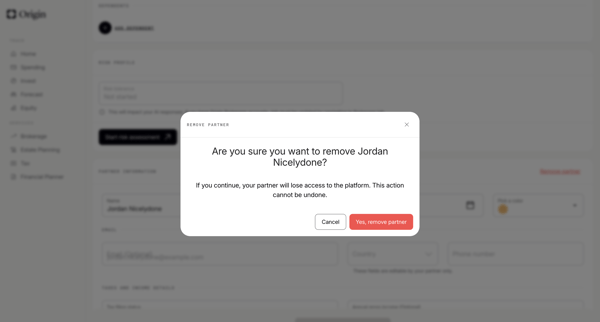
User navigates profile settings to permanently revoke a partner's platform access via confirmation modal

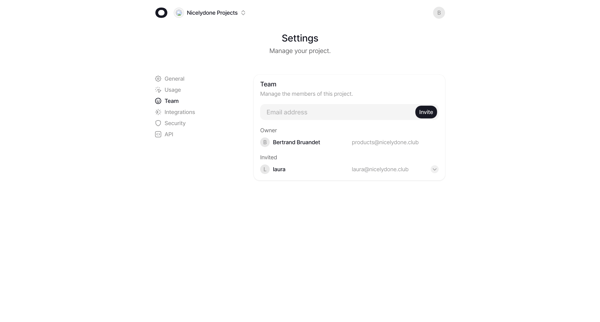
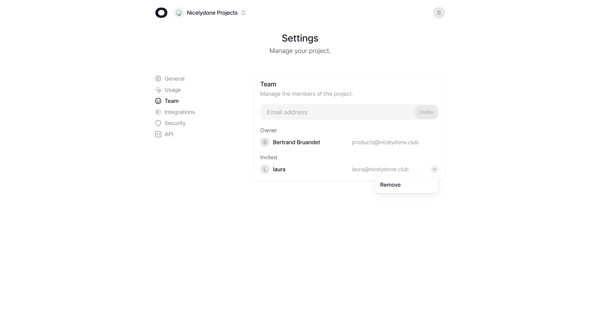
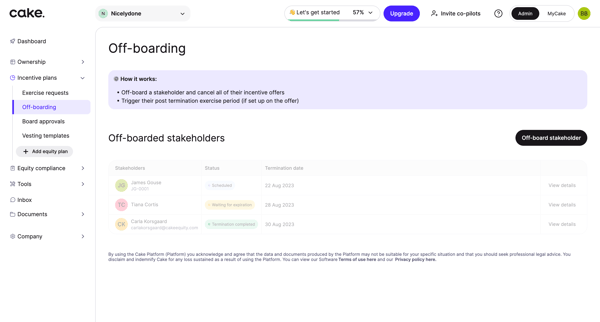
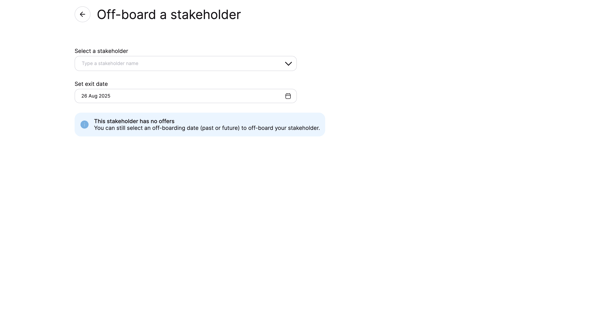
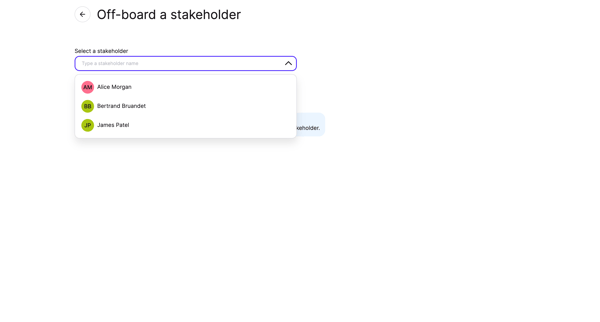
Open team settings and use dropdown to remove a member from the project roster








Explore the full SaaS flow library
Browse the full SaaS flow library.
Trusted by the best teams







