System Status page examples
System Status page design examples from SaaS websites. Explore how websites communicate service availability and incidents. Look at how component status, update times, and incident history present the current…
Explore the examples
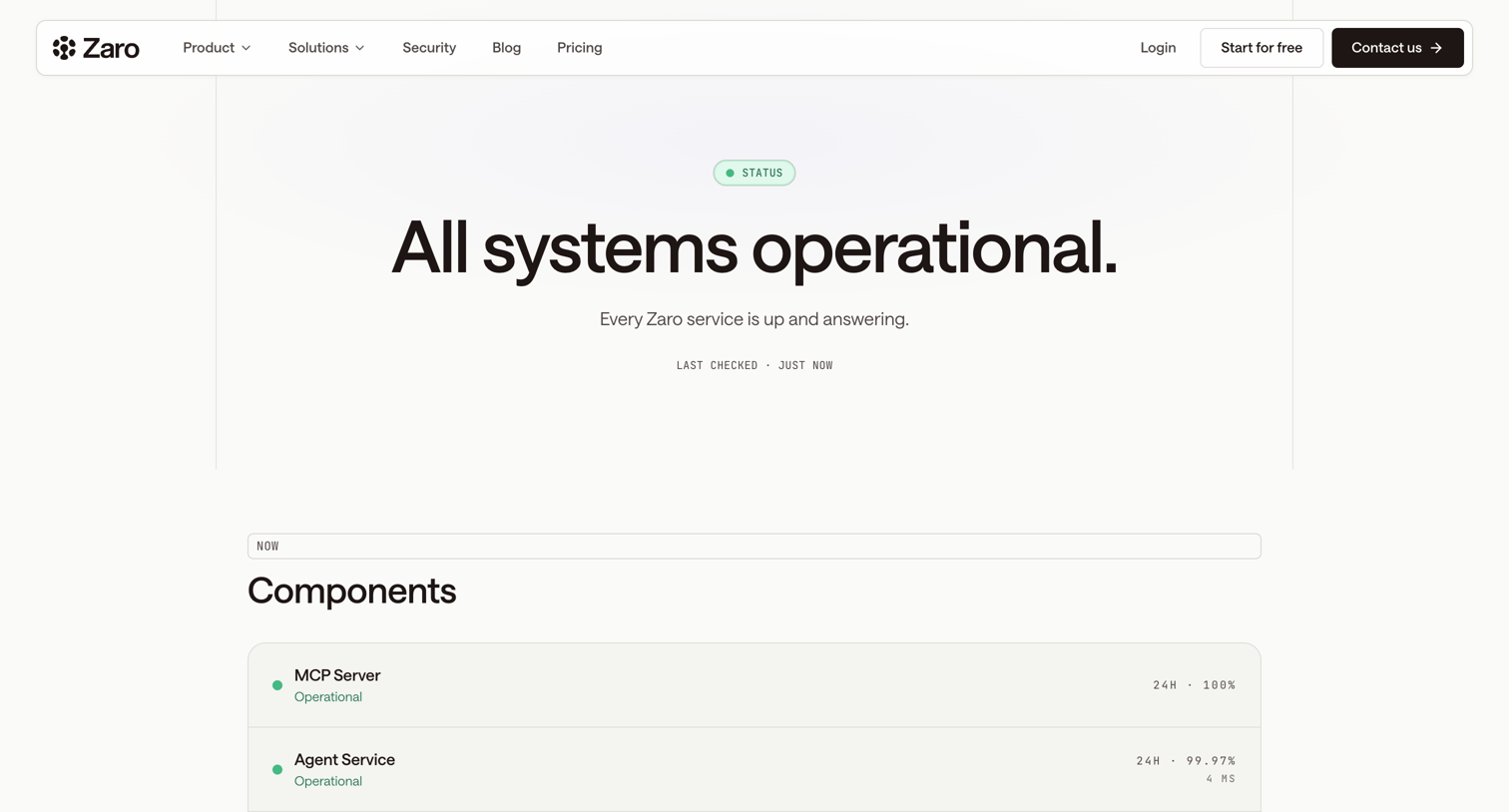

System status page displaying current operational health, component-level uptime metrics, 90-day historical activity charts, and a log of recent incidents.
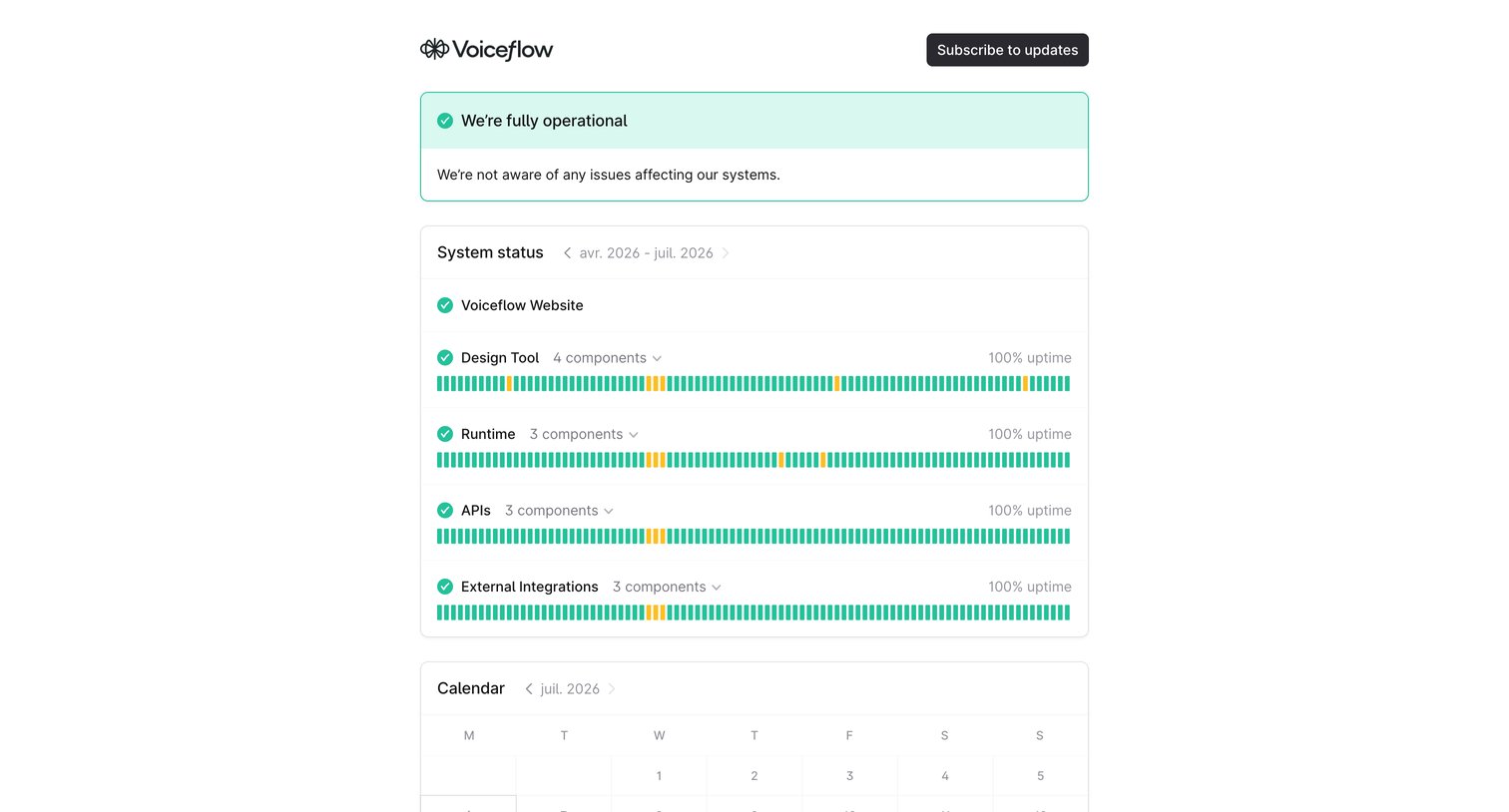

System status page showing fully operational health, historical uptime sparklines for core services like the Design Tool and APIs, and a calendar view for past incidents.
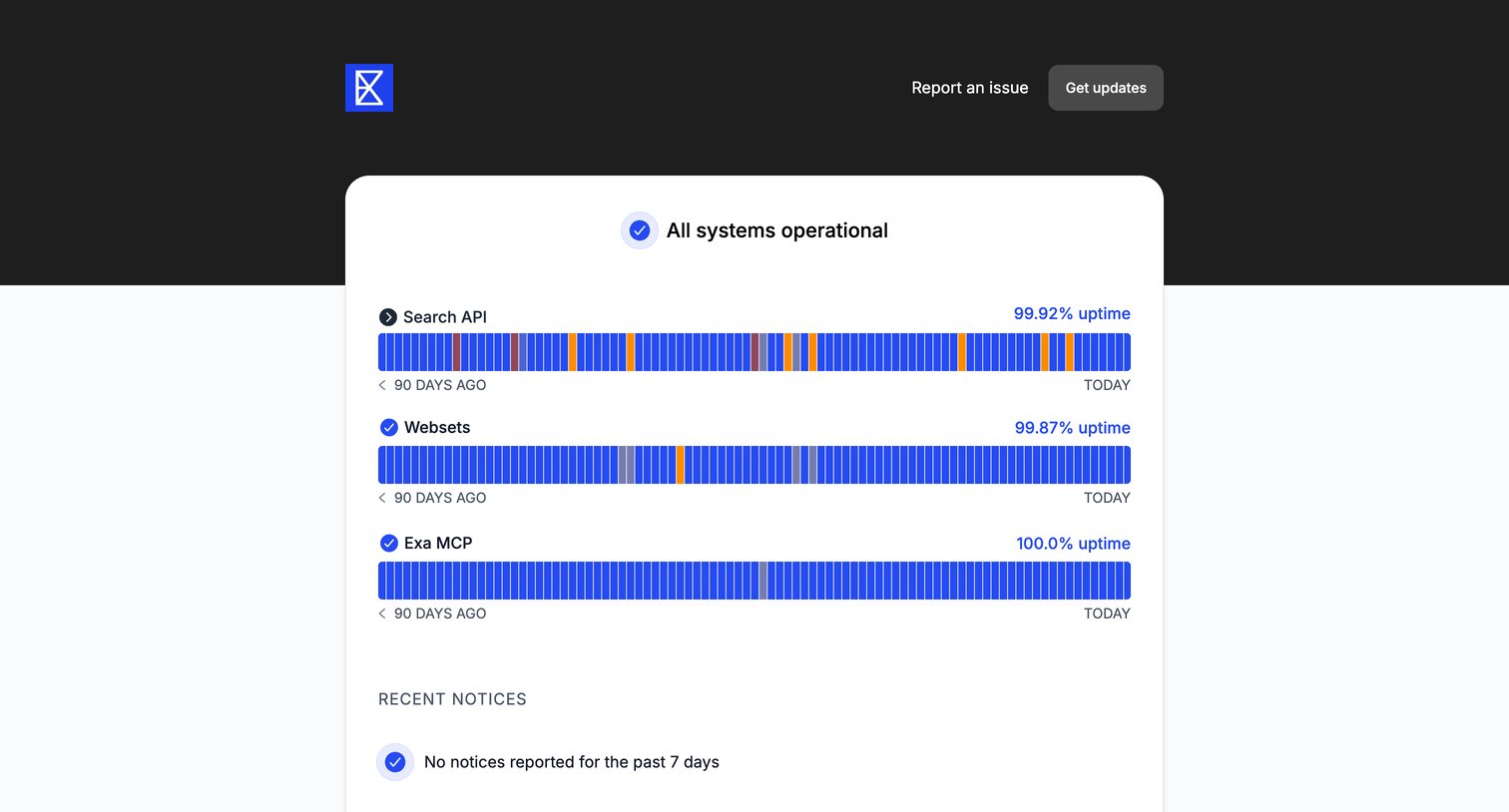

System status page showing 90-day uptime metrics for Search API, Websets, and Exa MCP, along with recent notices.
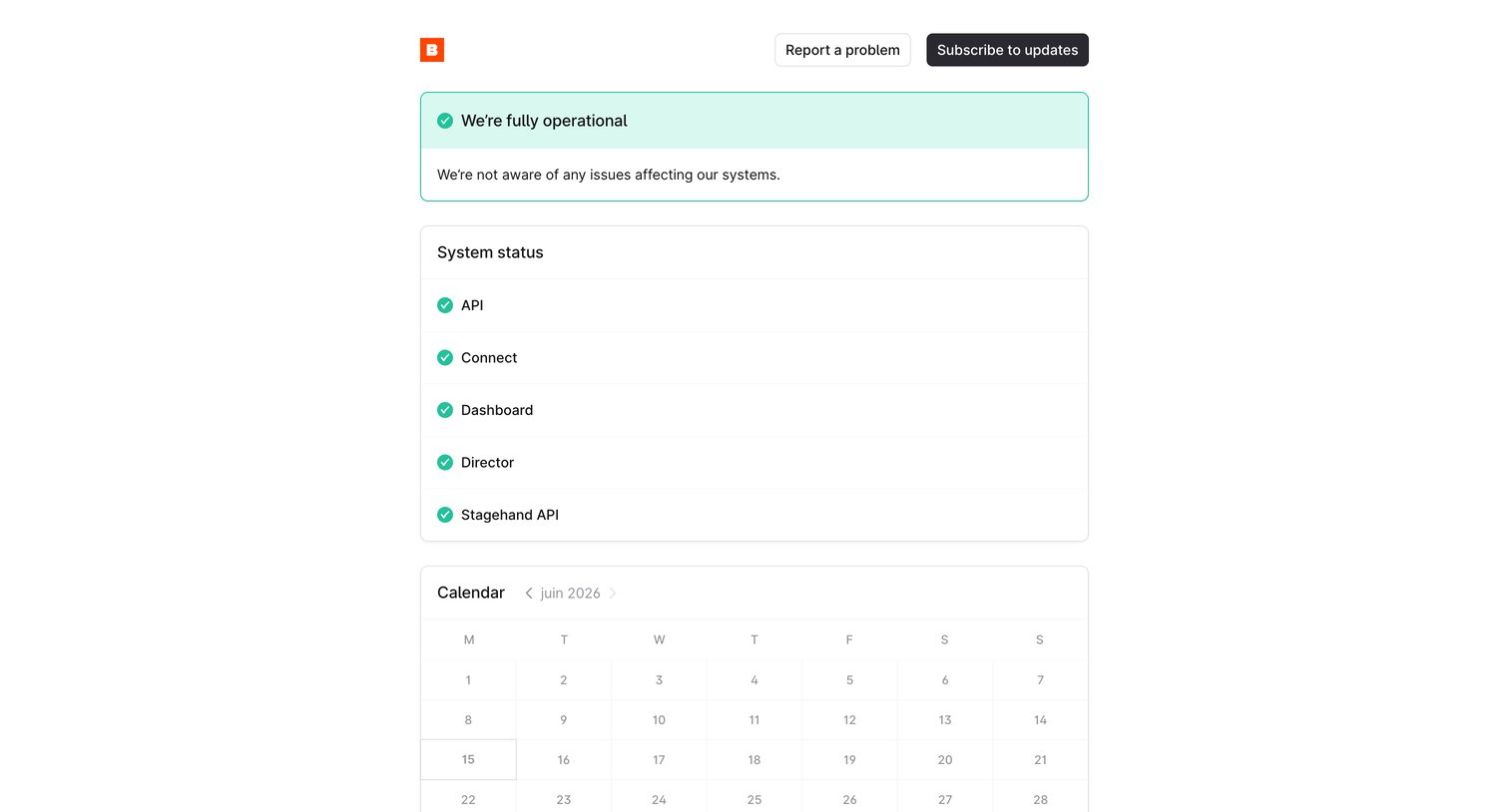

System status page showing all services are fully operational, alongside a daily incident calendar and a prompt to subscribe to updates.
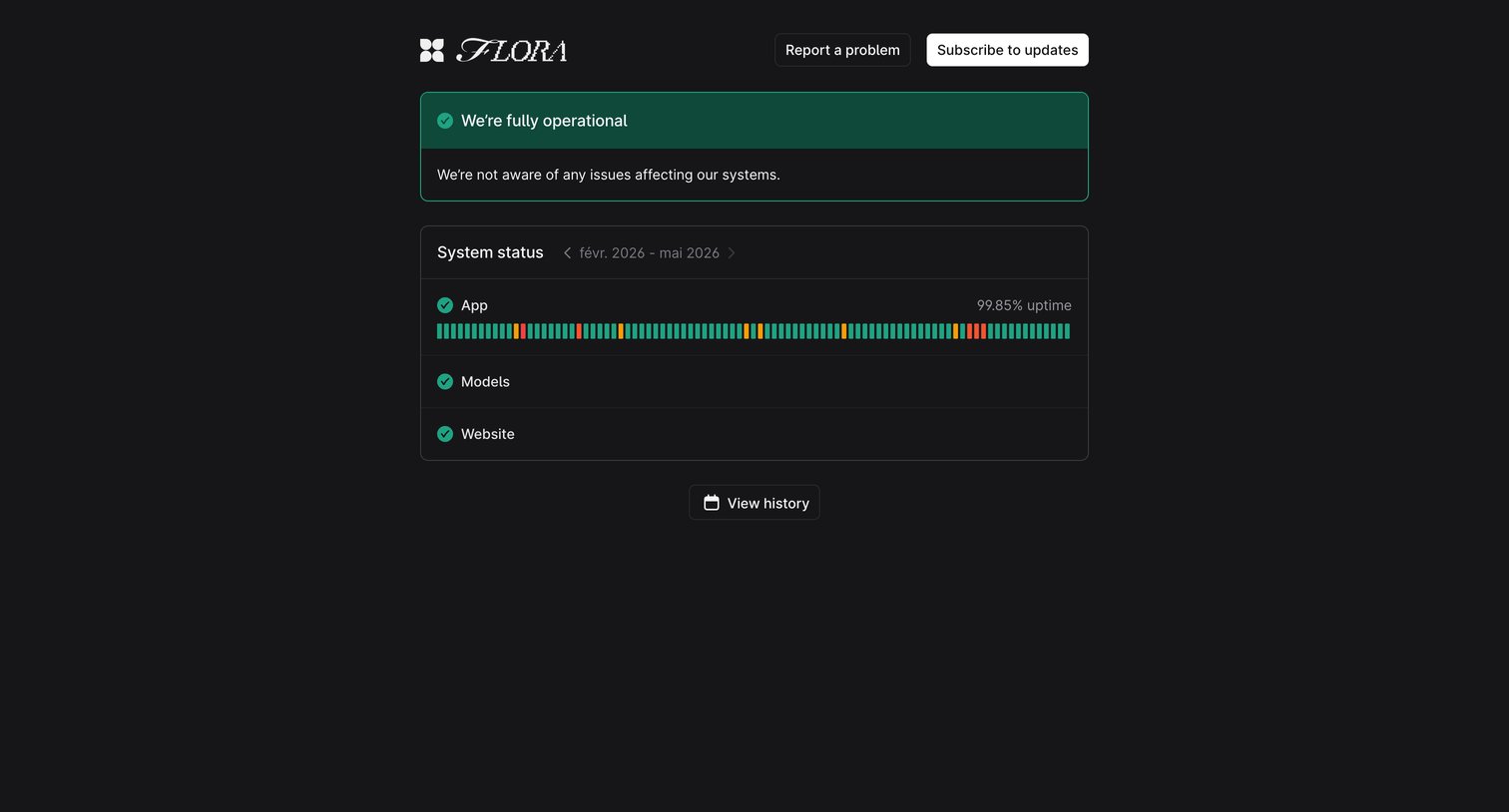

System status page showing current operational state, uptime metrics for App, Models, and Website, and options to subscribe to updates.
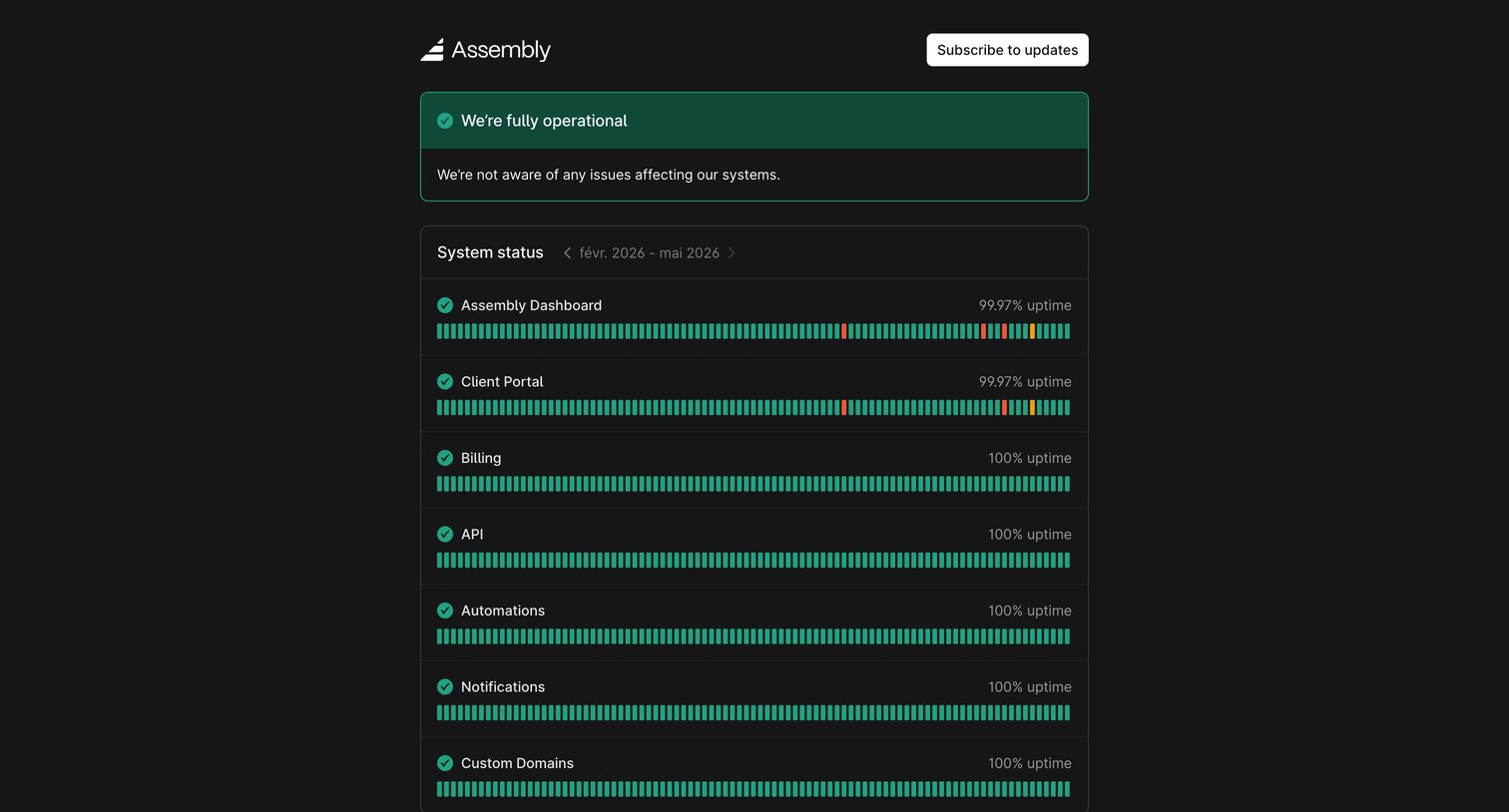

System status page showing current operational state, historical uptime for specific services, and an incident calendar.
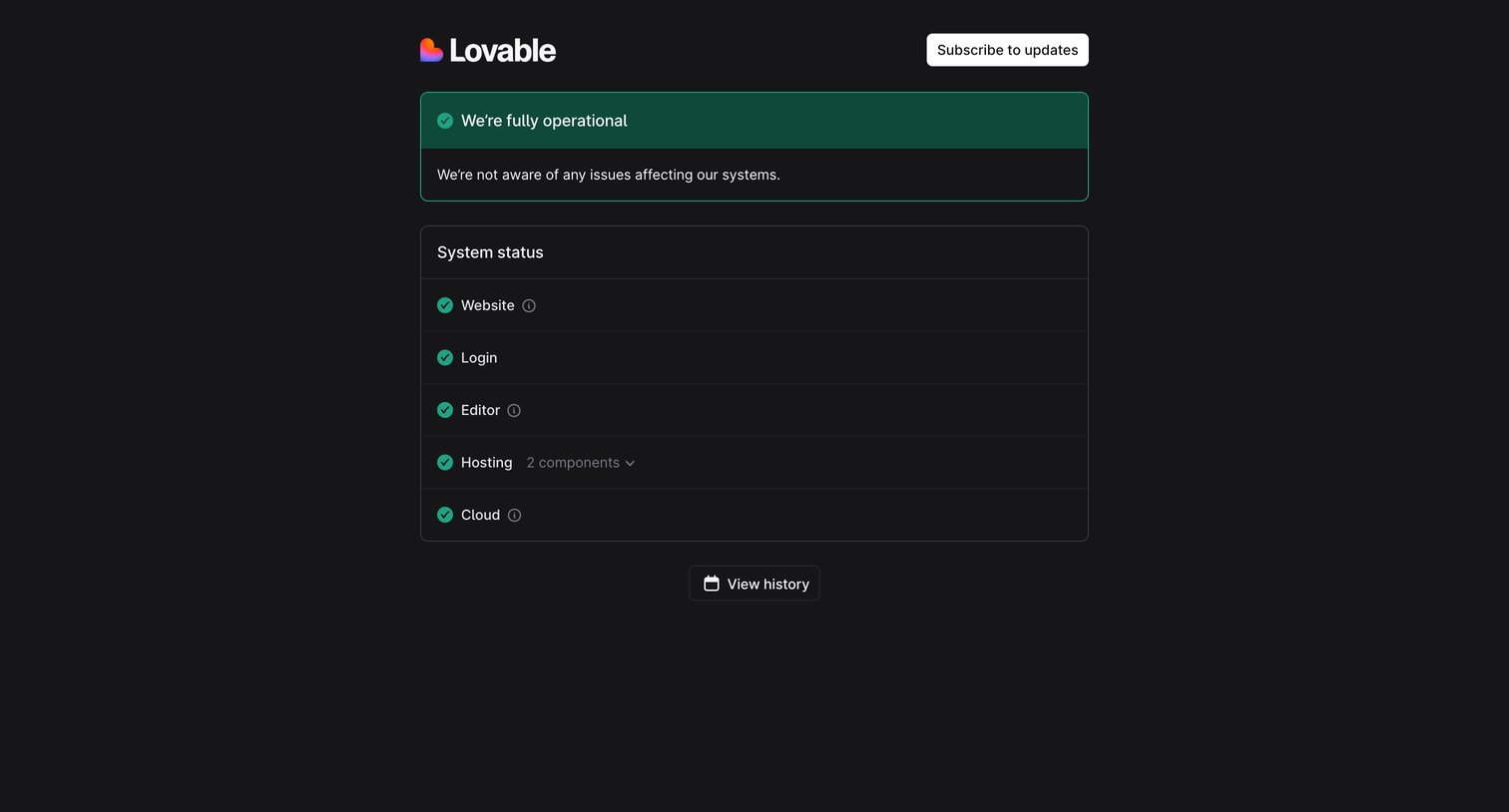

System status page showing all services are fully operational with a list of individual system components.
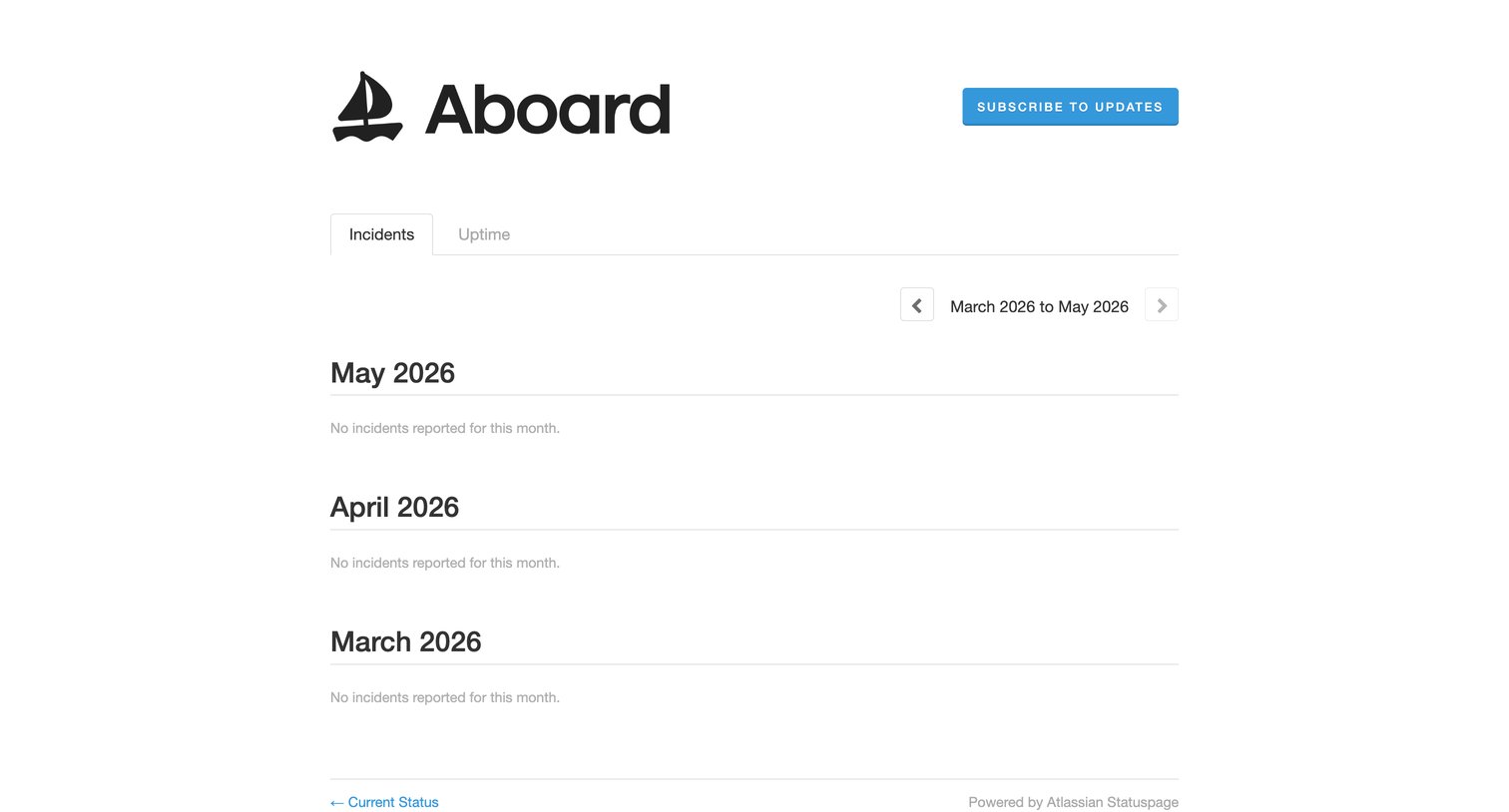

System status page showing a history of past incidents grouped by month, currently displaying an empty state with no reported incidents.
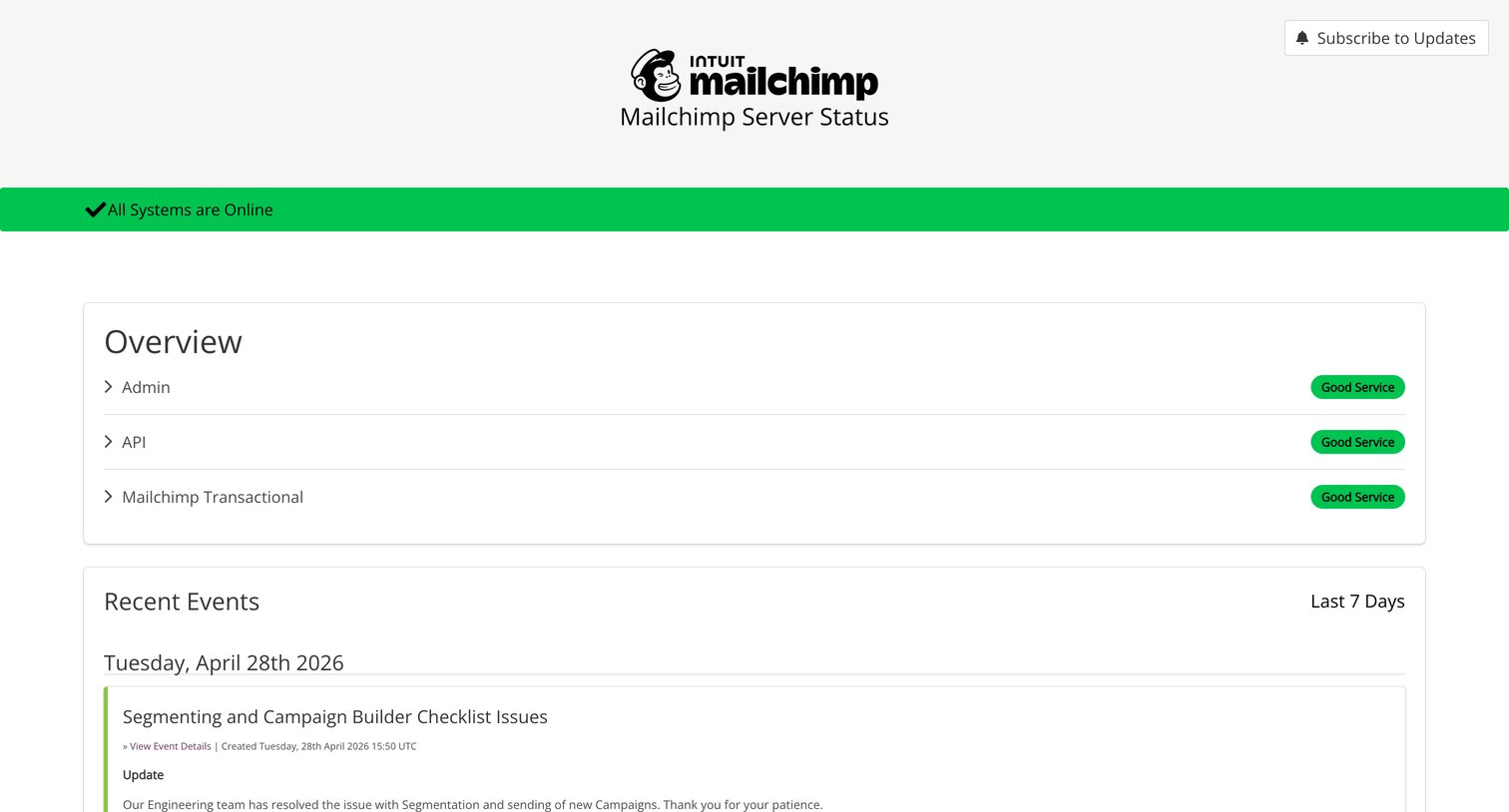

System status page displaying a global online indicator, an overview of specific service health, and a timeline of recent events and incident logs.
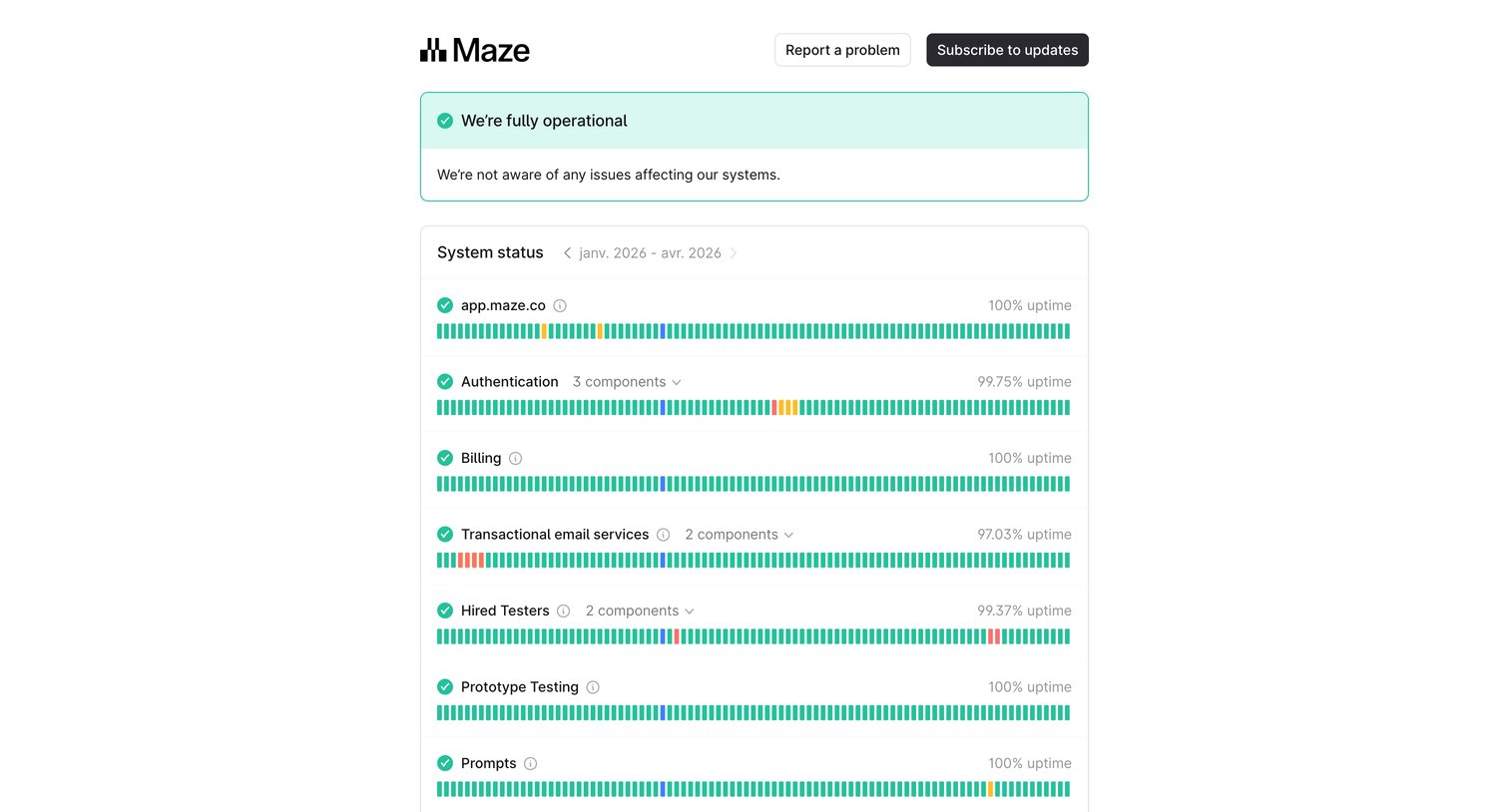

System status page displaying the current operational state, historical uptime across various services, and an incident calendar.
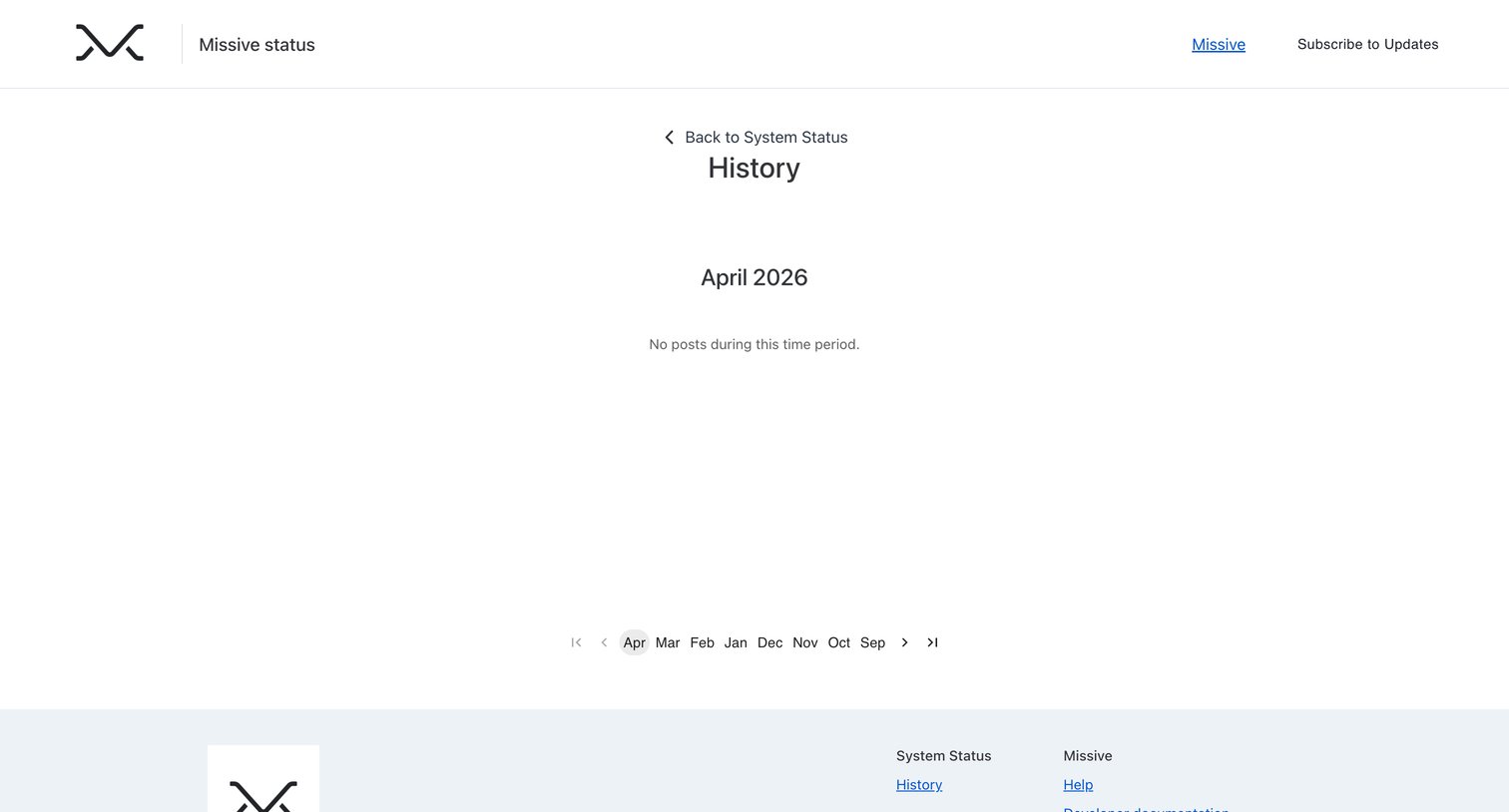

System status history page showing an empty state for April 2026 with a month-based pagination control.
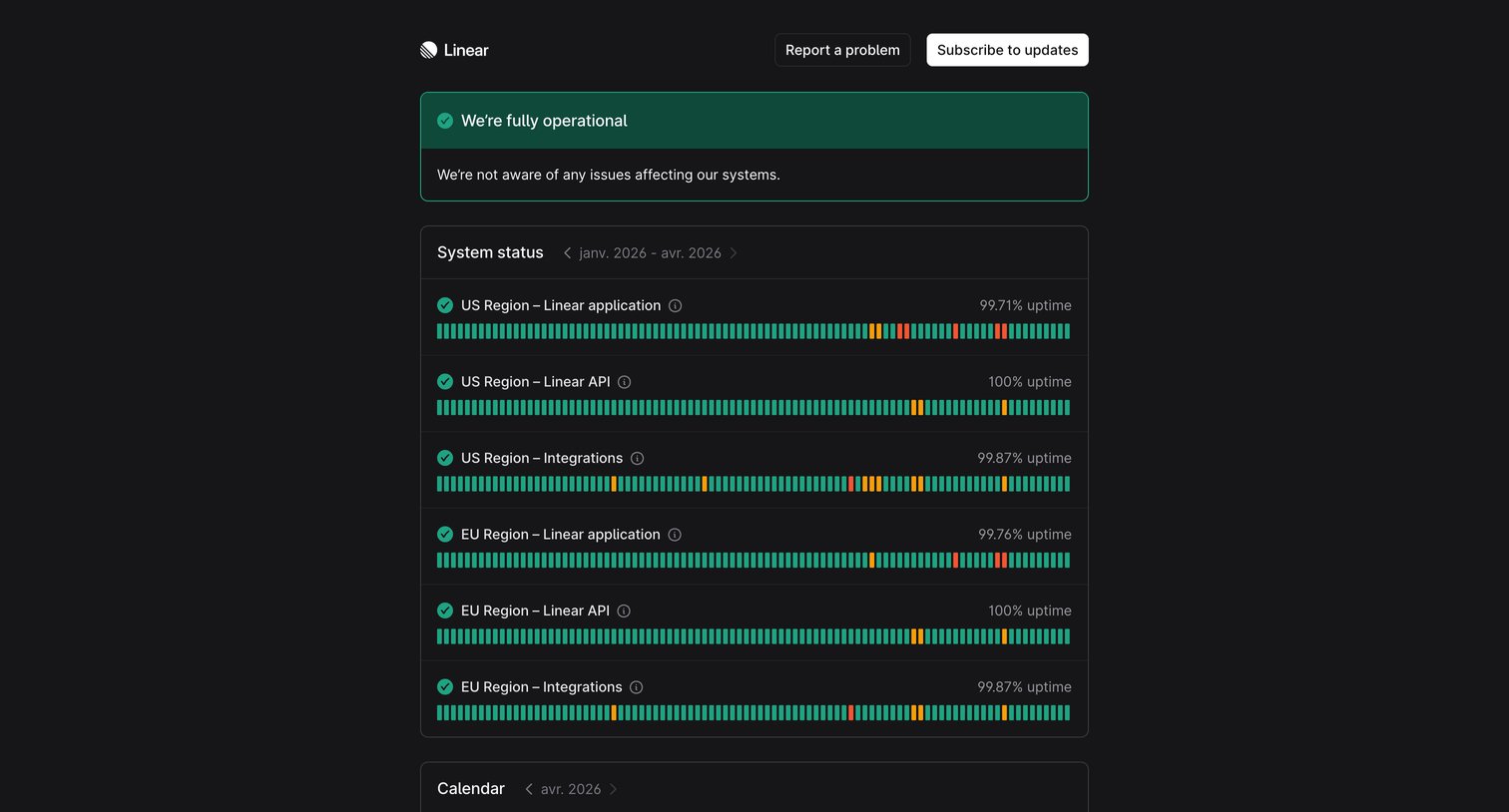

System status page showing current operational status, historical uptime bars for regional services, and an incident calendar.
Explore the full SaaS screen library
Upgrade to unlock the full library.
Trusted by the best teams








About System Status
Explore how websites communicate service availability and incidents. Look at how component status, update times, and incident history present the current state of a service.