Dynaboard Flow Example: Inviting collaborators
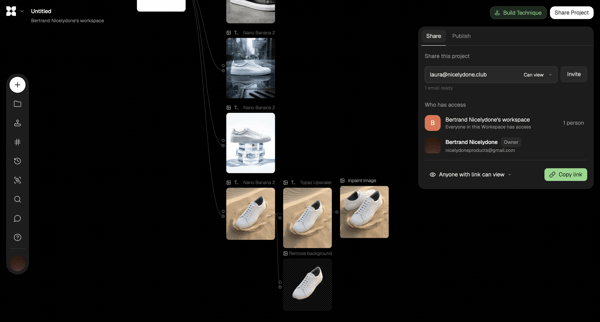
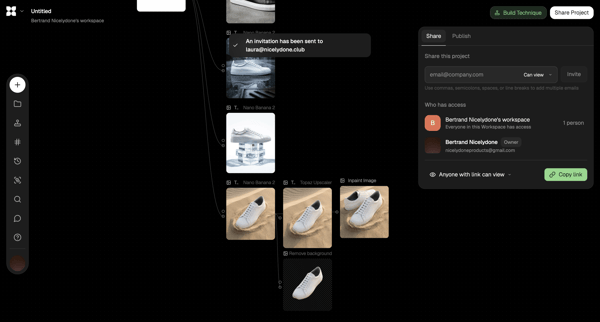
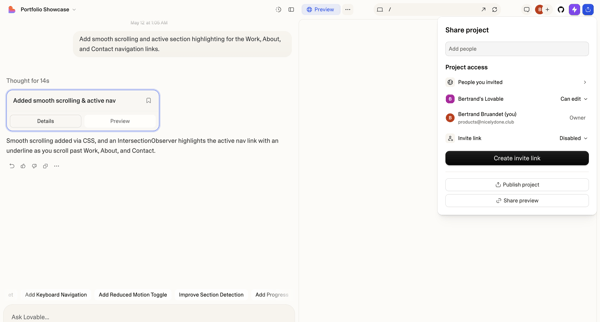
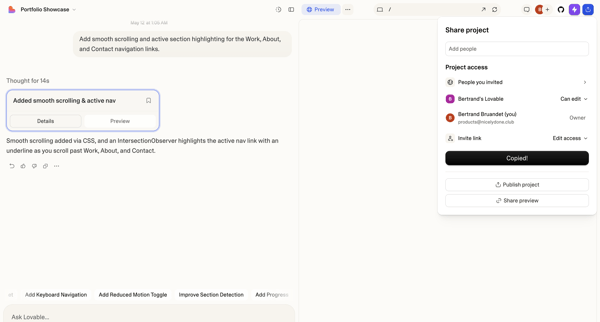
Preview this Dynaboard user flow: Inviting collaborators. Explore the opening screens.
Preview these flows

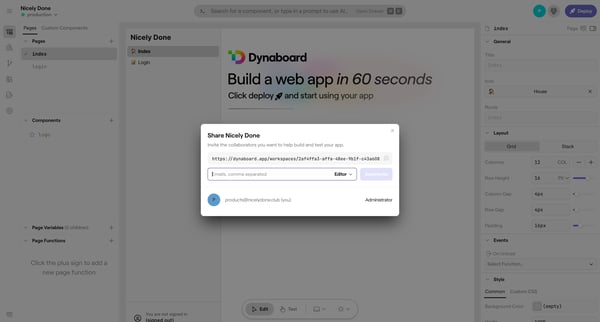
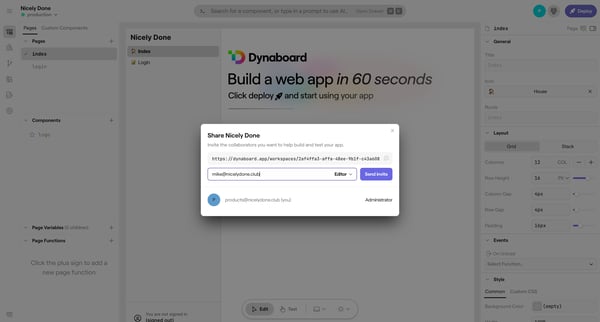
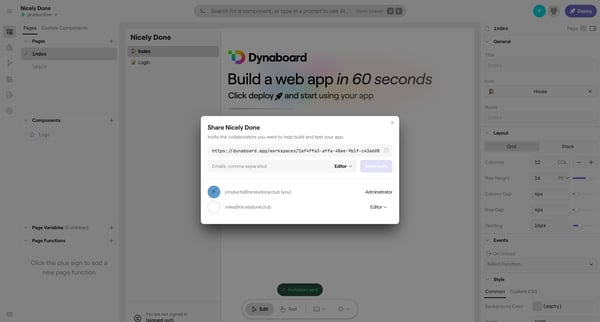
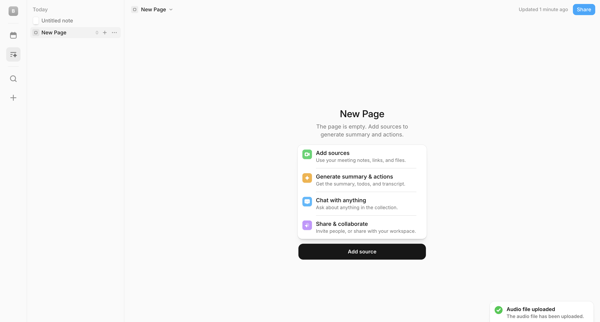
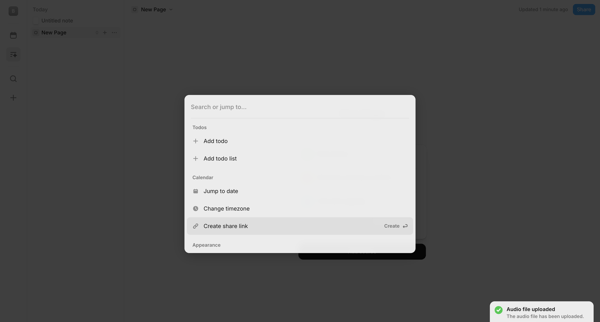
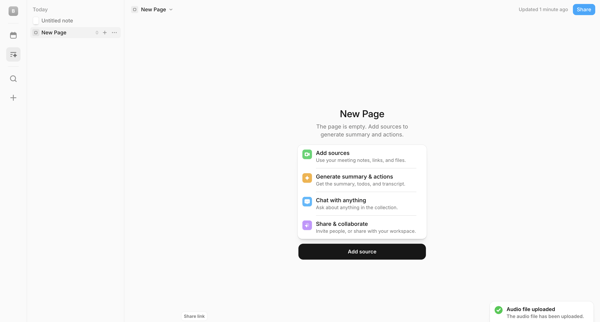
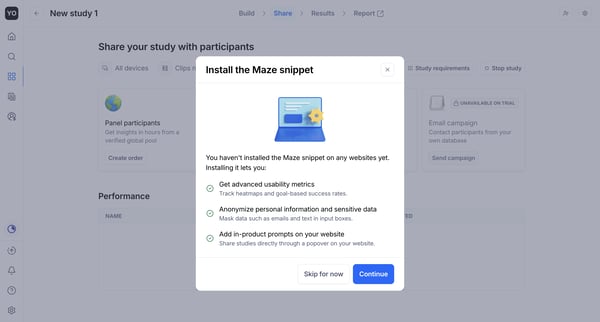
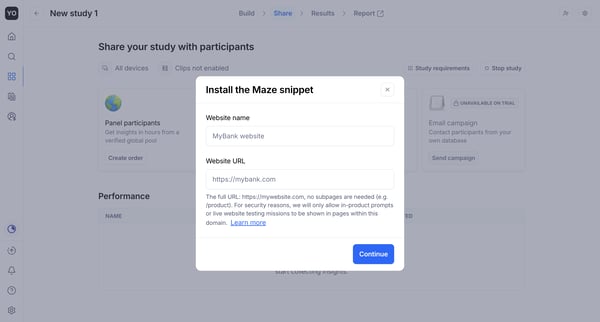
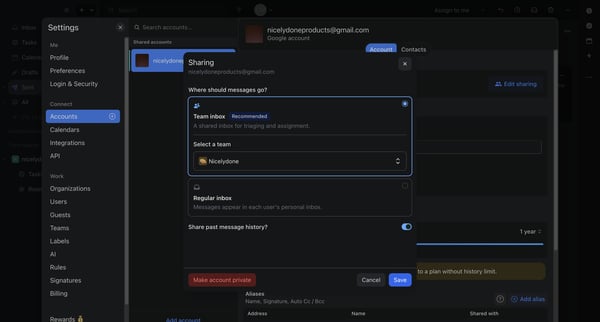
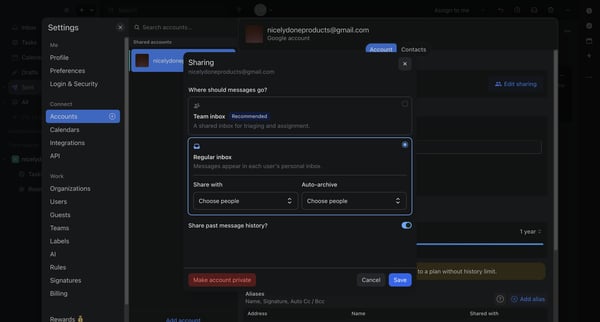
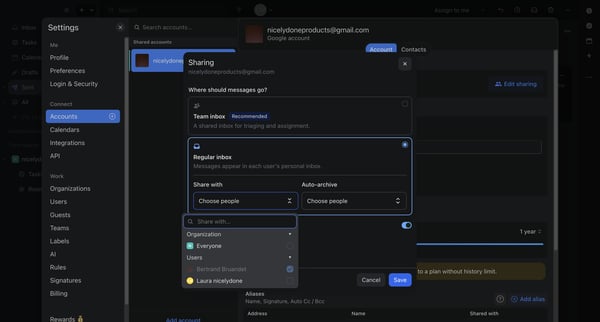
This flow facilitates the process of inviting collaborators to a platform by allowing users to enter and manage team member emails within a modal interface.
Related user flows

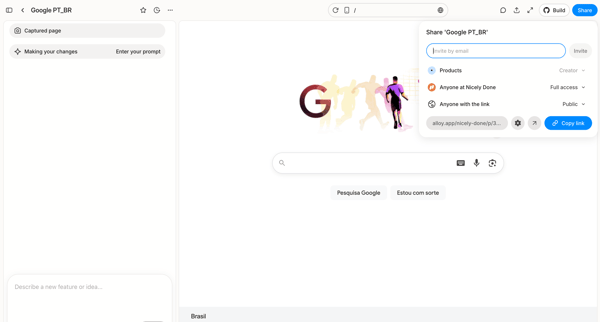
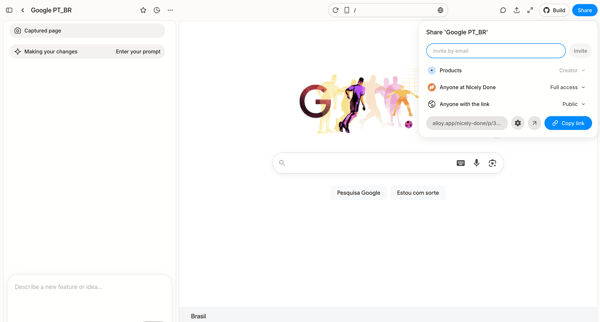
User opens share popover in AI design editor to invite collaborators by email or copy public link for a captured Google homepage prototype

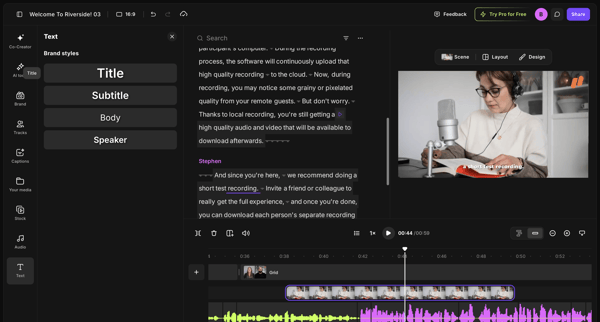
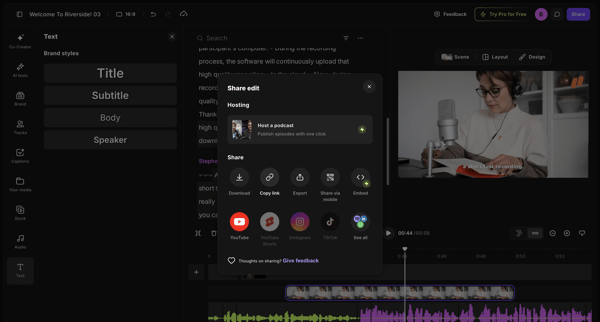
From video editor workspace to share edit modal displaying download, link, export and social options

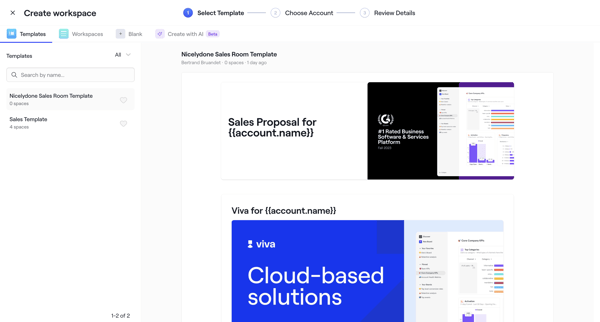
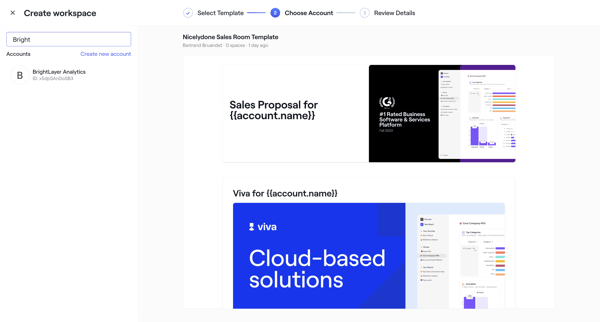
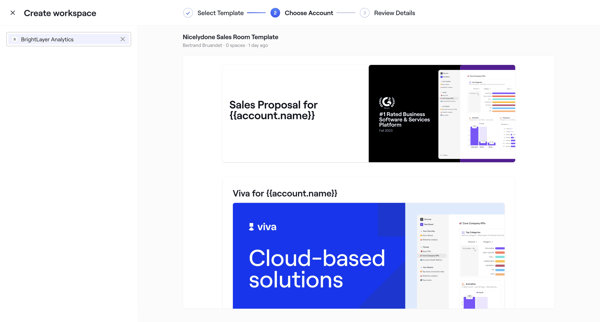
User selects sales room template, chooses account, configures roles dates and teammates through wizard steps, then publishes with shareable link

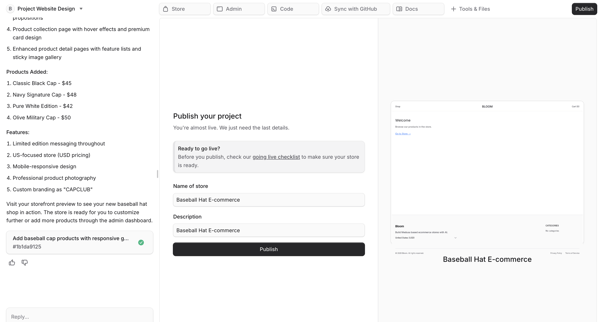
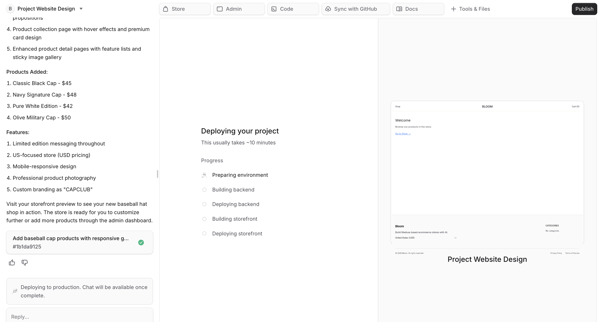
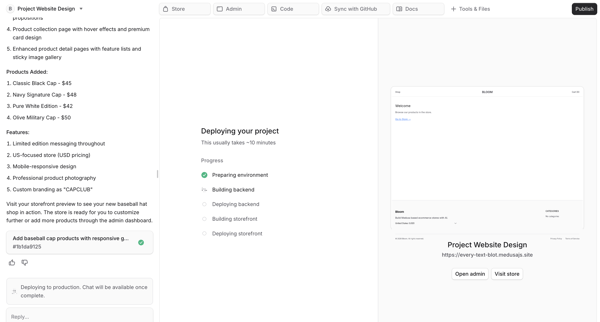
User fills publish form in AI chat then monitors multi-step AI deployment of an e-commerce storefront with live preview

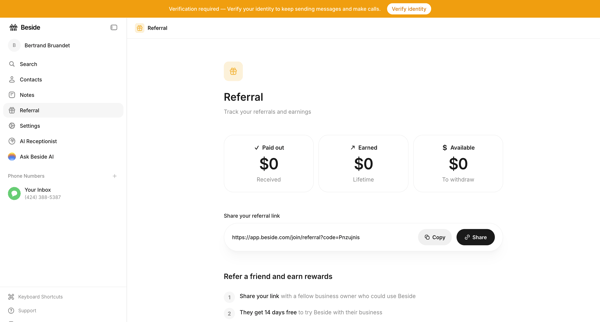
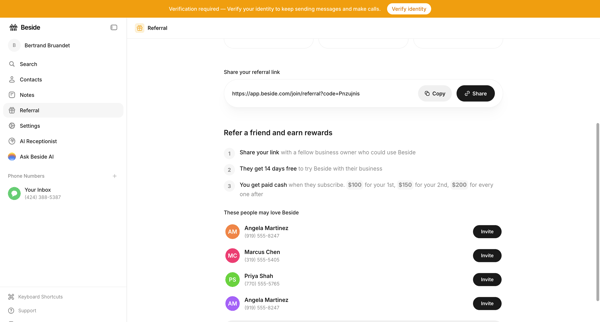
User views referral dashboard with earnings and link, then accesses detail page to copy link or invite suggested contacts

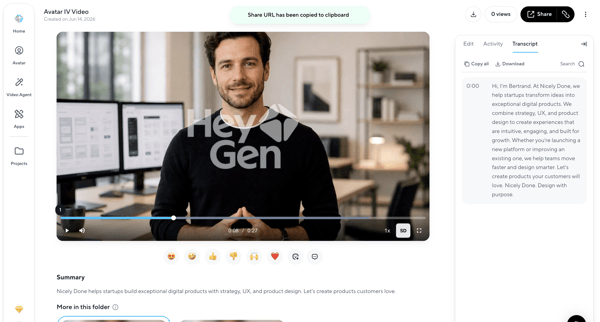
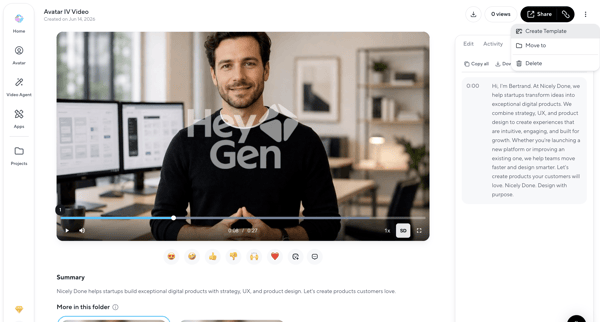
User opens an AI-generated video detail page to watch playback, review transcript and summary, and access share, download, edit, or organization actions

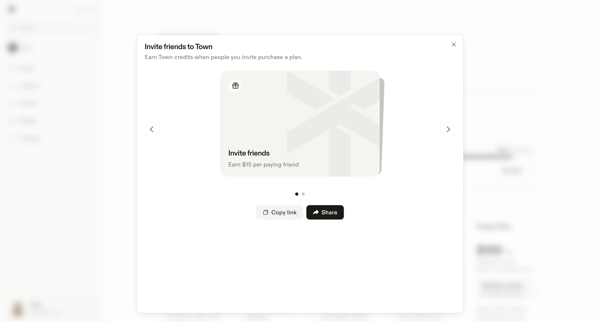
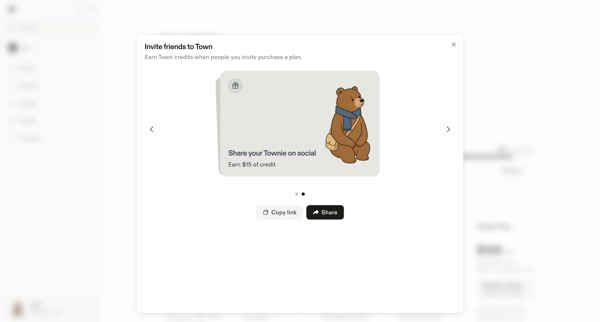
User views referral invite modal from settings to copy link or share directly and earn credits

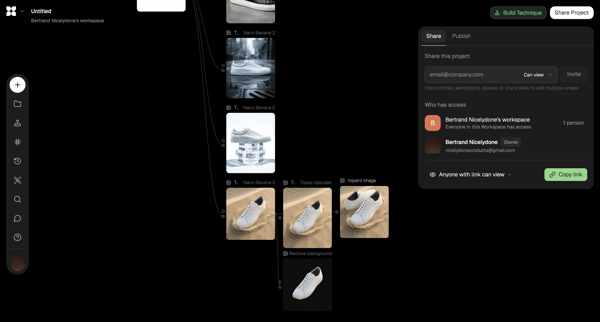




Explore the full SaaS flow library
Browse the full SaaS flow library.
Trusted by the best teams







