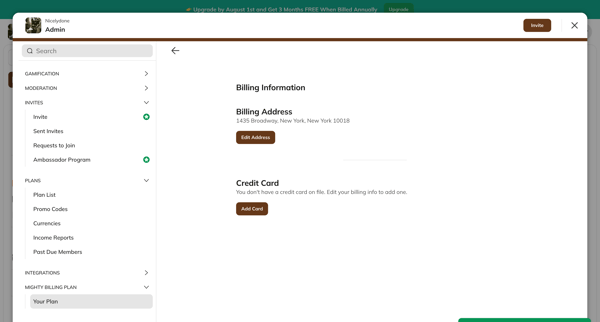
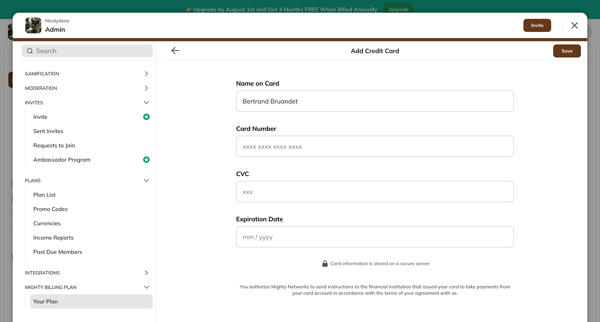
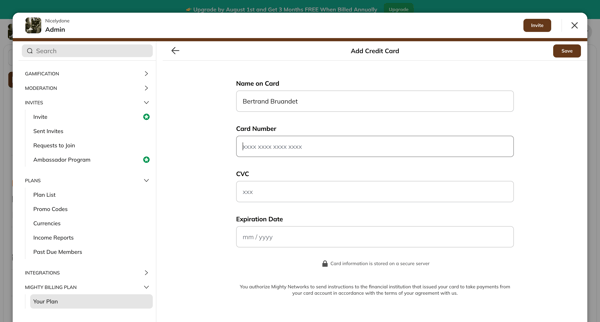
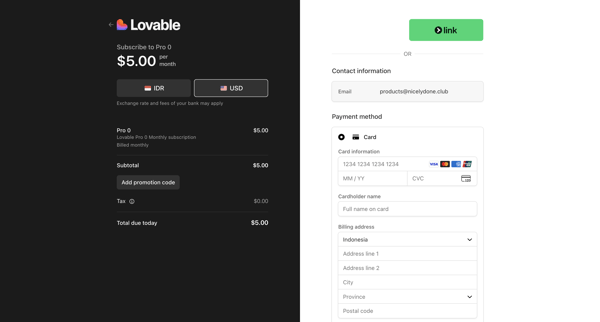
Adding credit card
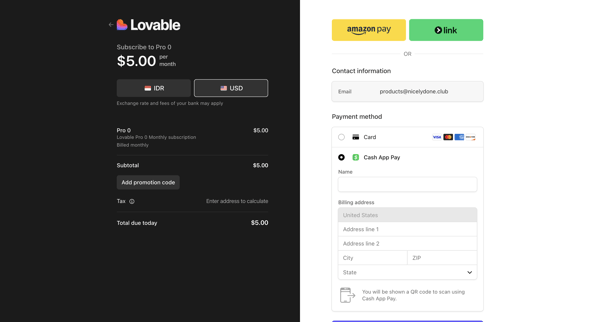
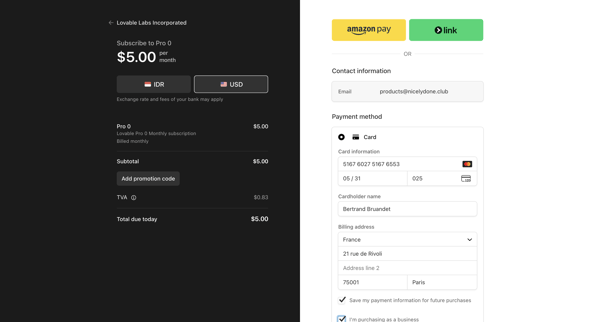
User flow from Mighty.
Preview these flows

Related user flows

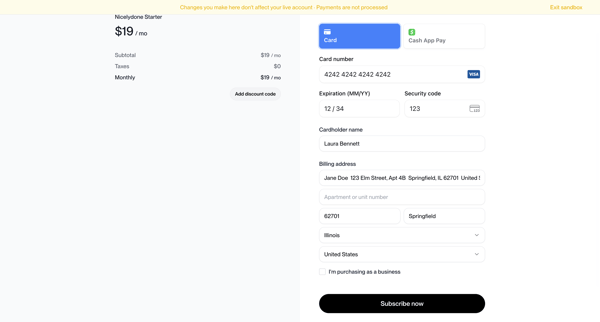
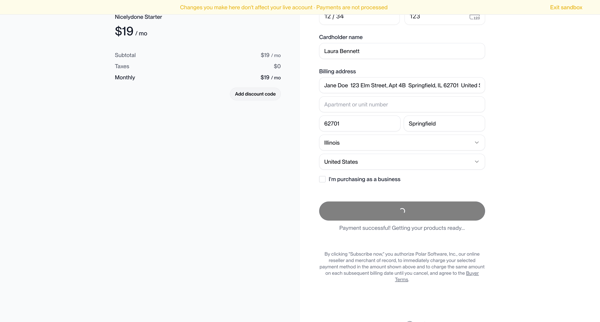
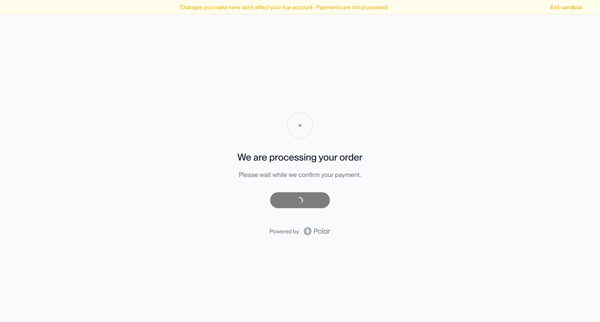
User enters card and billing details on Polar checkout for Nicelydone Starter $19/mo subscription in sandbox mode, proceeds through processing states to success confirmation

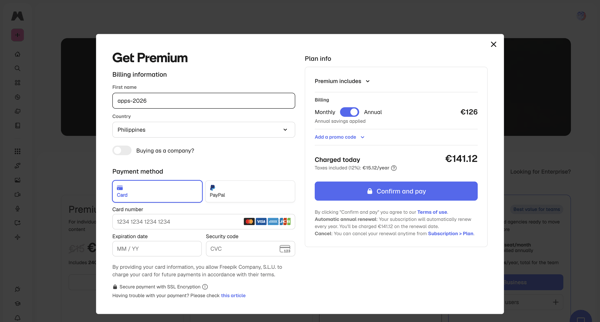
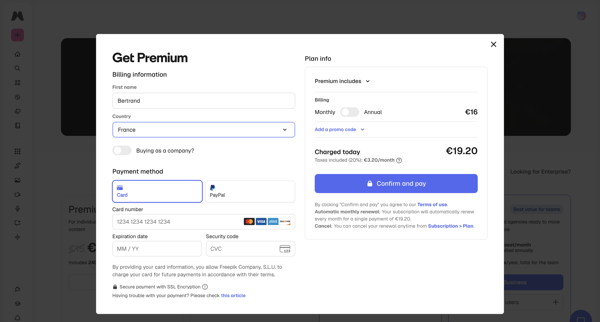
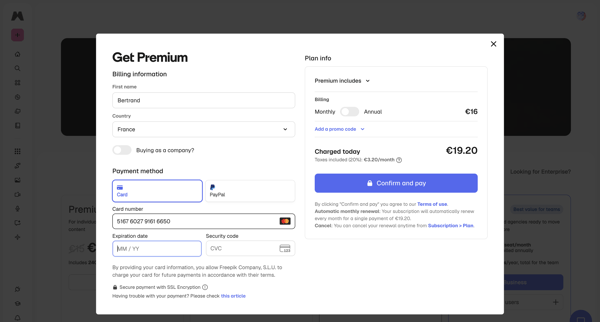
User enters billing details, selects payment method, reviews order summary, and confirms upgrade to Premium plan inside a checkout modal, handling loading and error states

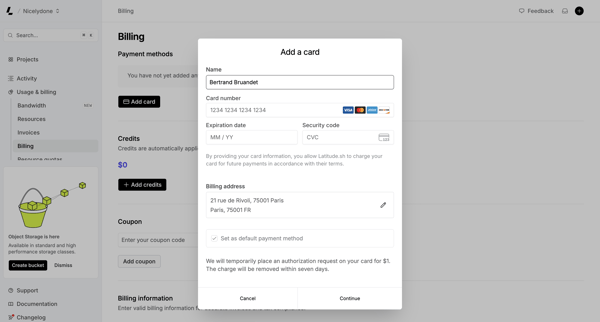
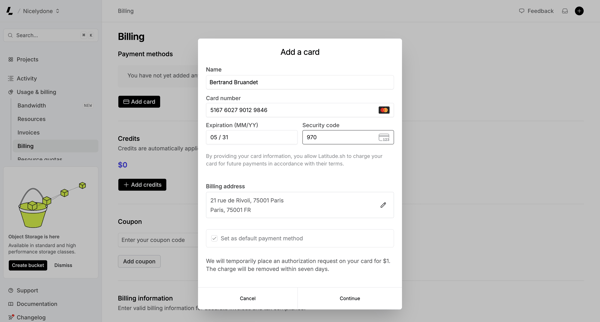
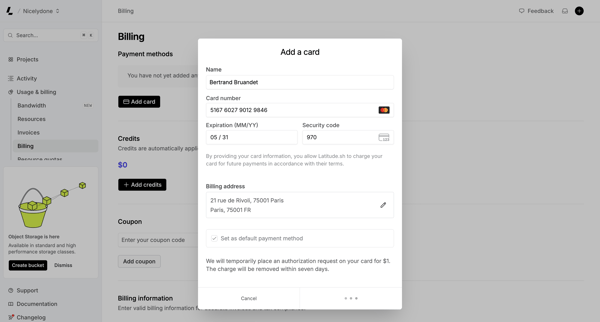
User opens Add Payment Method modal from billing settings and fills credit card and address details, encountering loading and connection error states

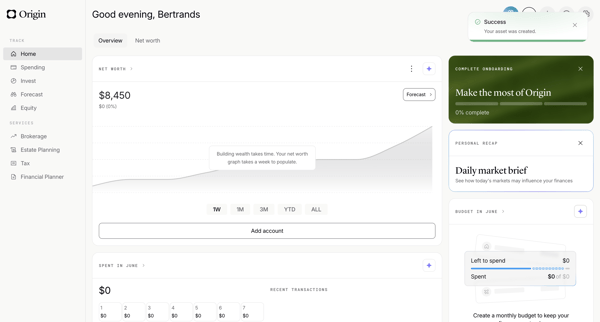
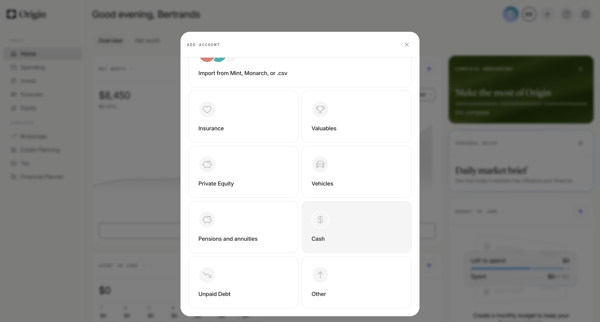
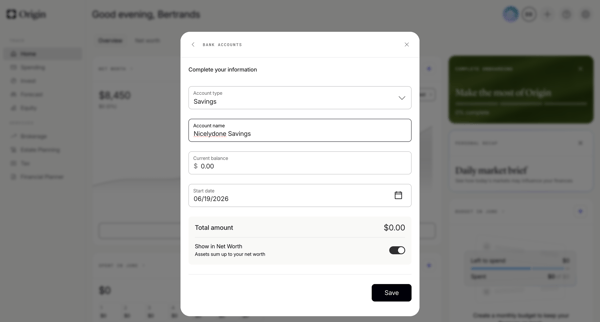
User adds a savings account manually from the personal finance dashboard by selecting asset type then completing multi-step form modals for account name, balance, type, and start date

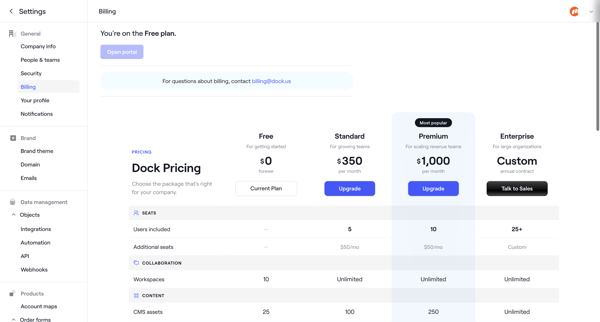
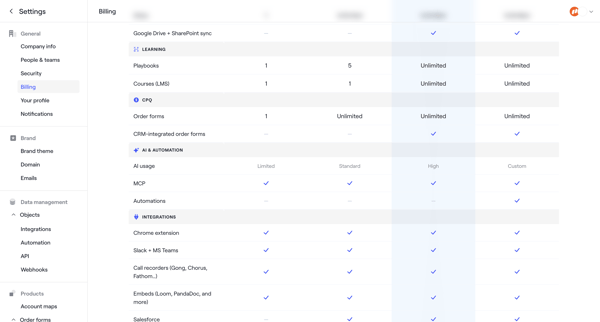
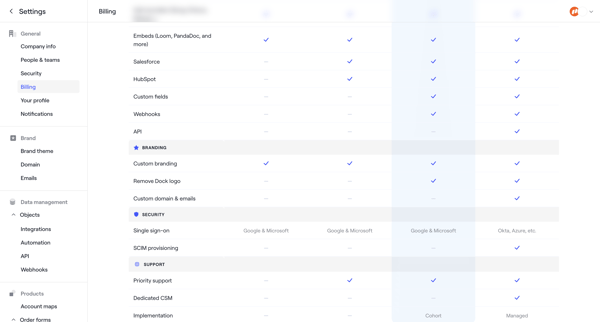
User starts in Billing Settings to compare Free/Standard/Premium/Enterprise plans then completes checkout by entering billing address, payment method, and reviewing order to upgrade.

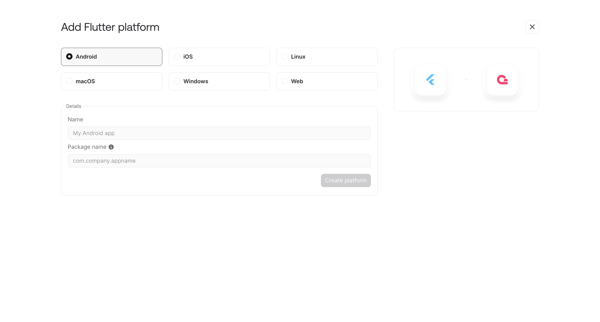
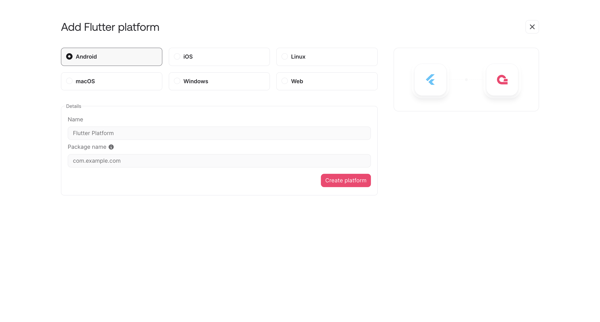
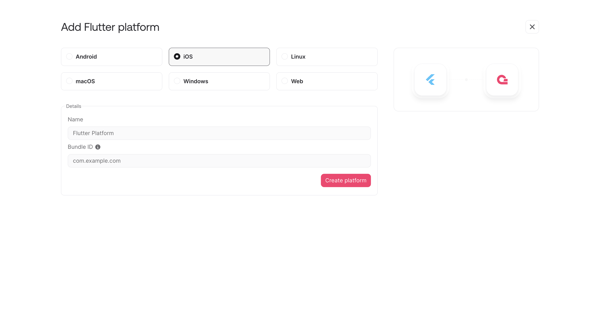
User opens add platform modal or onboarding step to register a new Flutter integration by selecting target OS and entering app details like name, package ID or bundle ID

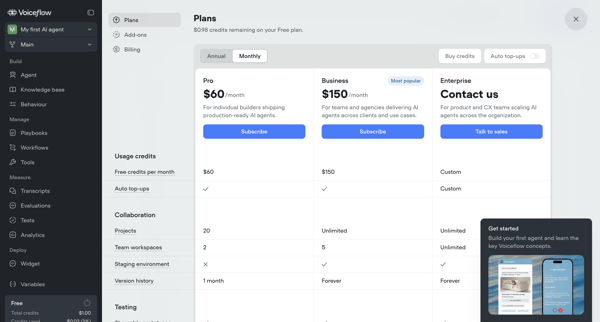
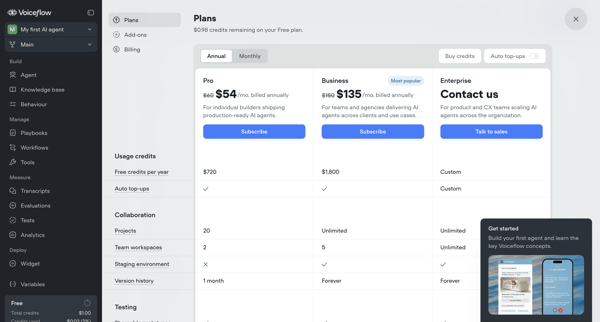
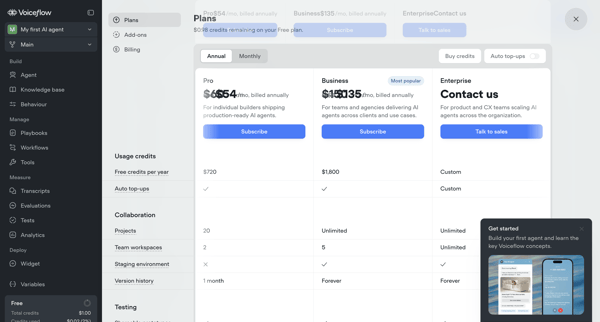
User compares Pro, Business, and Enterprise tiers across billing overlays, modals, and settings pages, toggles annual vs monthly billing, configures add-ons like seats, and manages payment details to complete an upgrade from Free tier.

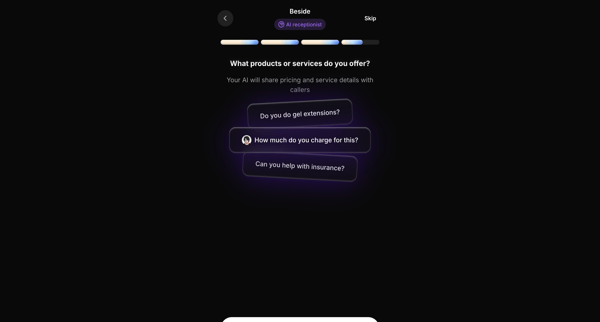
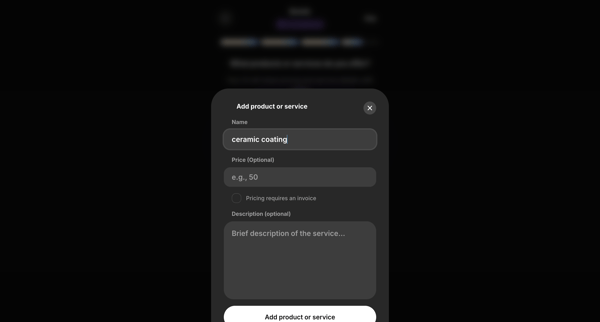
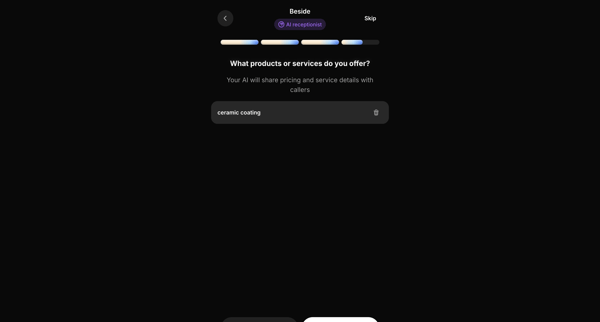
Onboarding flow to configure products and services for the AI receptionist to reference with callers




Explore the full SaaS flow library
Browse the full SaaS flow library.
Trusted by the best teams







