Bloom Flow Example: Authorizing GitHub integration
Preview this Bloom user flow: Authorizing GitHub integration. Explore the opening screens.
Preview these flows

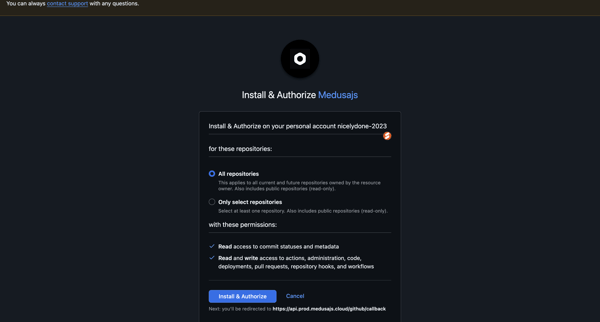
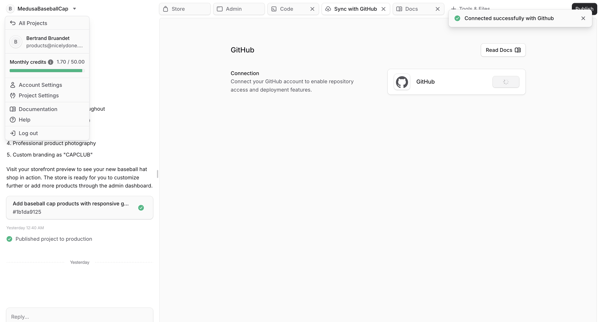
User reviews and authorizes Medusajs GitHub app installation with repository permissions then sees successful connection in workspace integration tab
Related user flows

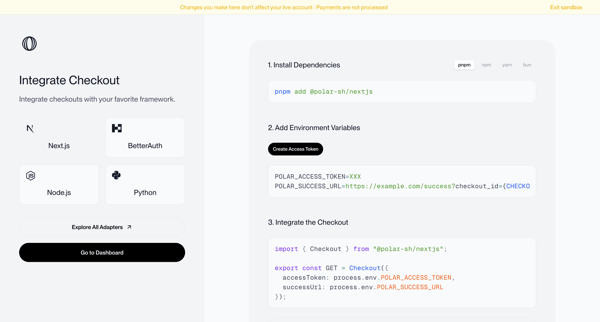
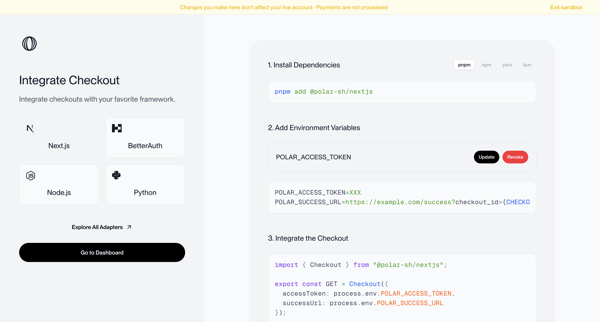
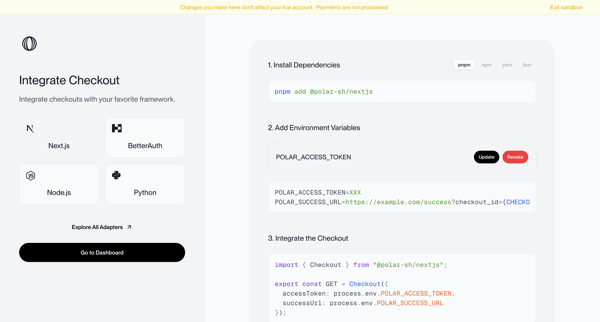
Onboarding journey selecting a framework and following numbered steps to install dependencies, configure environment variables, and integrate checkout code in sandbox mode


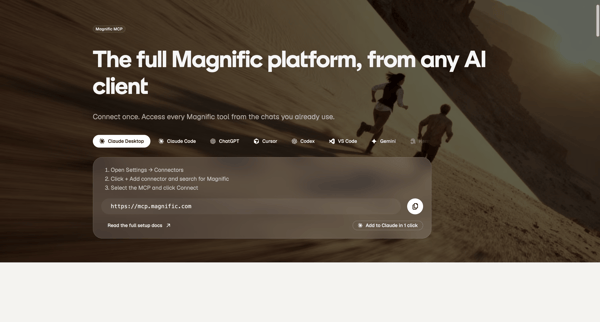
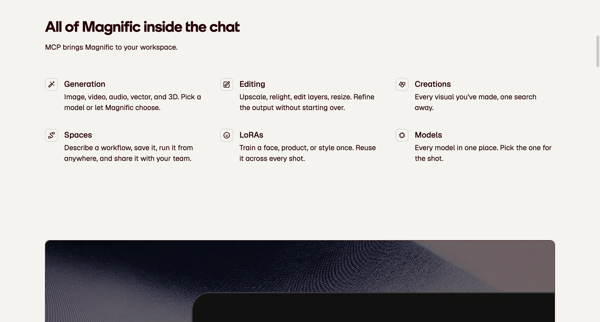
Marketing feature page sequence presenting MCP server URL, setup instructions, capabilities, and FAQ for connecting Magnific to AI clients like Claude and ChatGPT

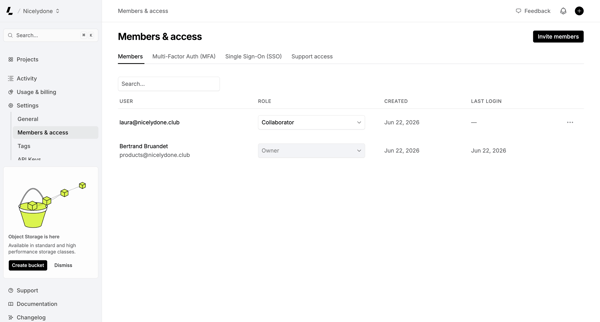
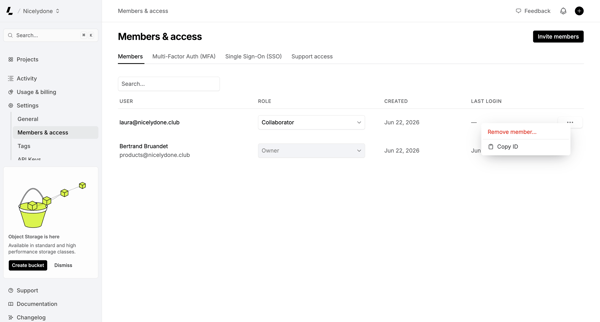
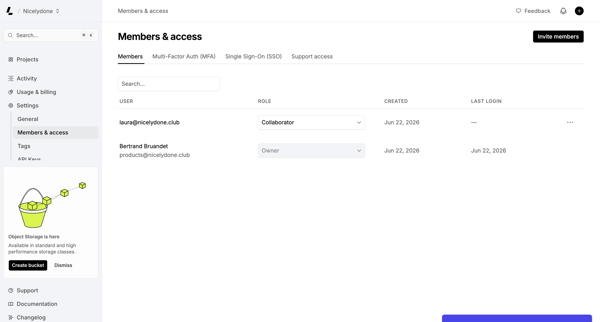
Admin manages workspace members, assigns roles, and configures MFA/SSO from the Members & permissions settings page

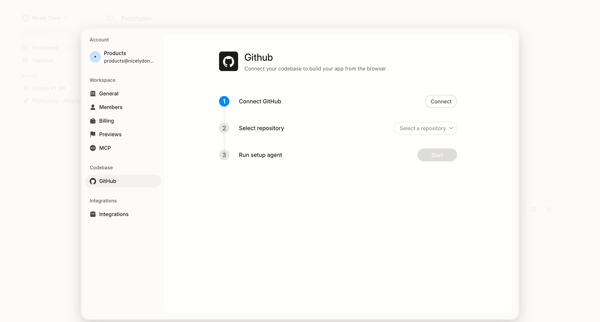
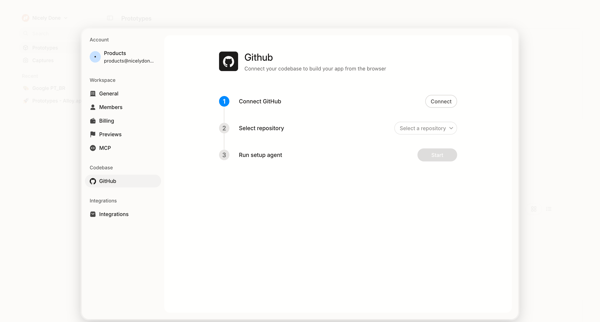
User initiates GitHub integration from settings to connect account, select repository, and run setup agent for browser-based app building

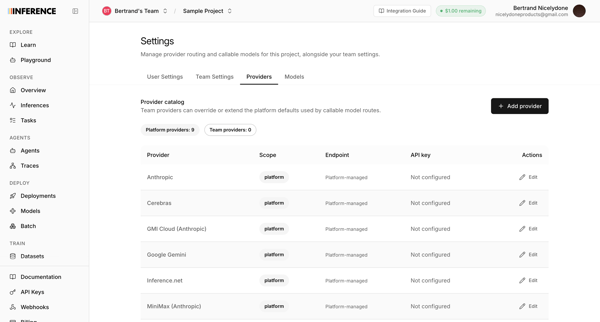
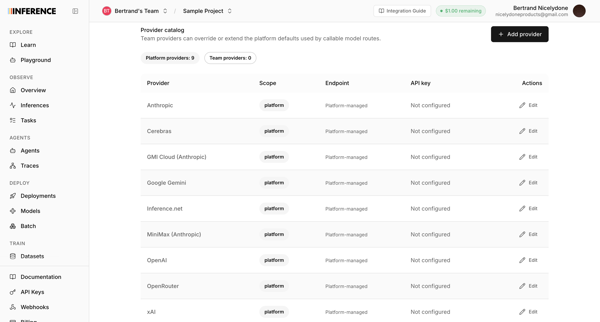
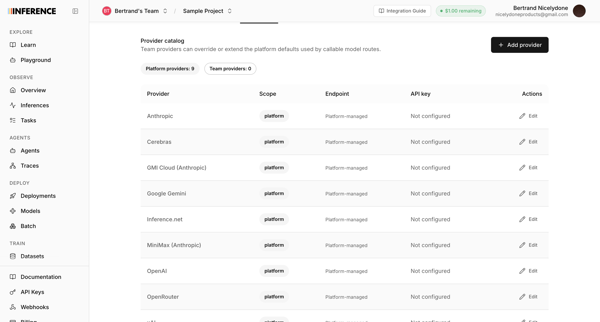
User configures AI provider routing, API keys, and model providers like Anthropic and OpenAI across three sequential settings screens.


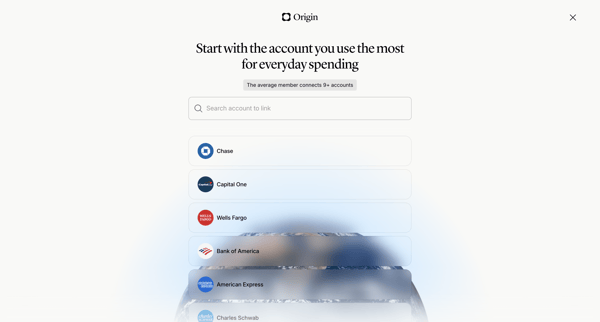
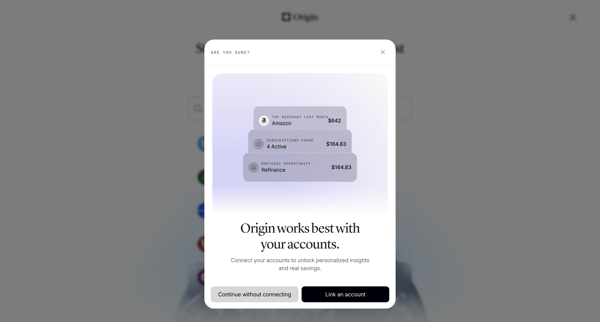
Onboarding flow prompting user to link primary bank accounts via search or selection for subscription detection and cash flow insights, with skip confirmation modals

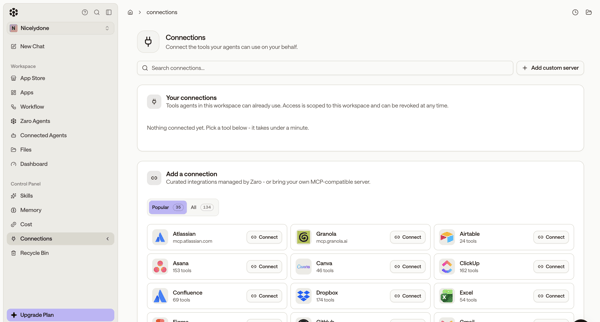
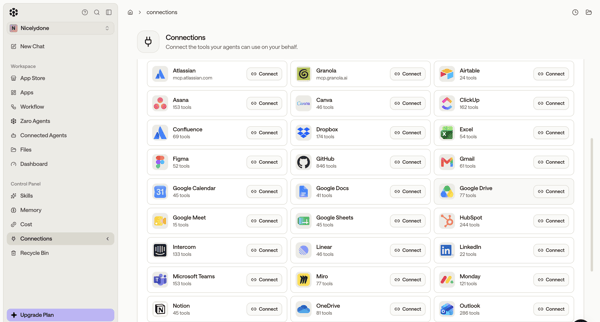
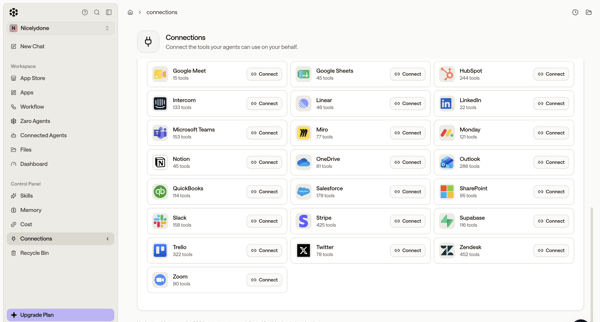
User browses integration directory in settings and connects third-party tools like Atlassian, GitHub, Figma, Asana, Slack for AI agents

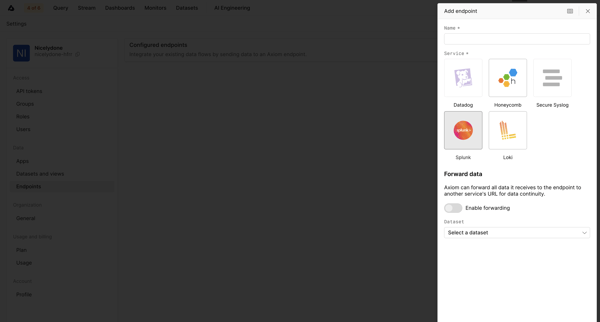
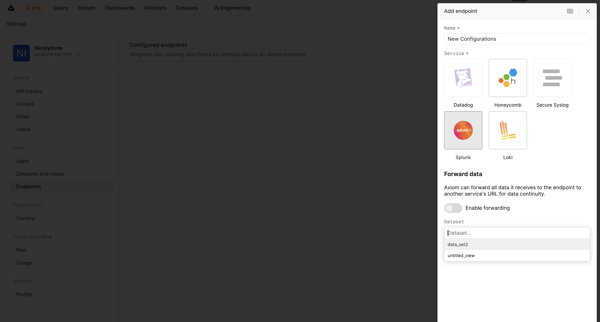
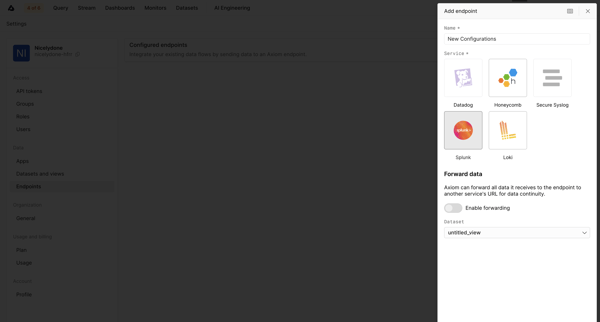
User opens Add Endpoint Drawer in Settings to select a third-party service like Datadog or Splunk, configure dataset and forwarding rules, then views the new endpoint in Endpoints Settings.

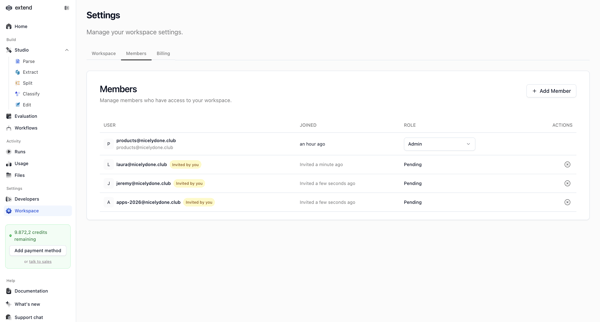
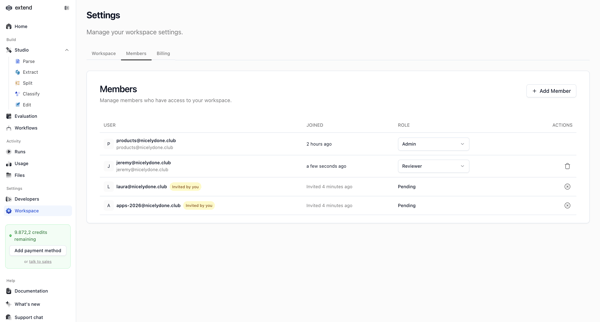
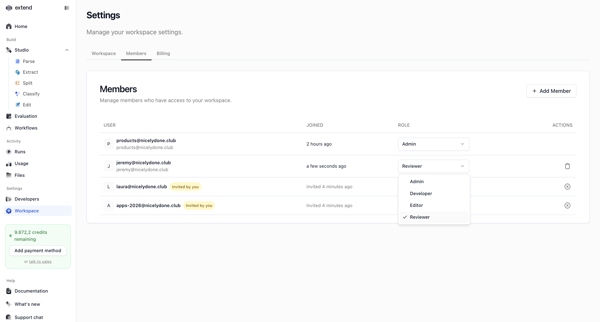
Workspace admin views and edits member list, roles, and pending invitations from settings page

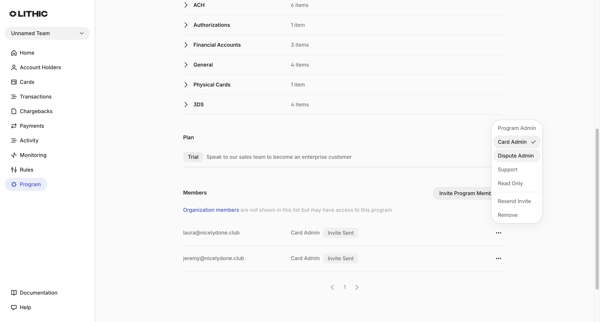
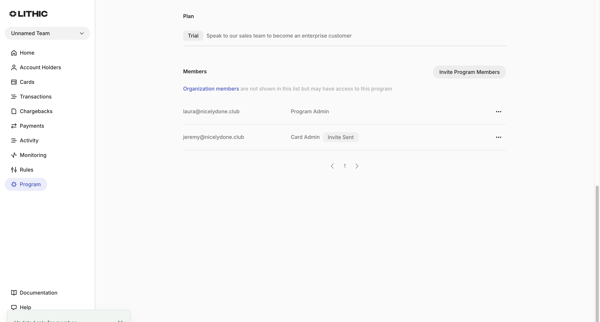
User views program members list in settings, selects role options, and sees success toast after role update completes

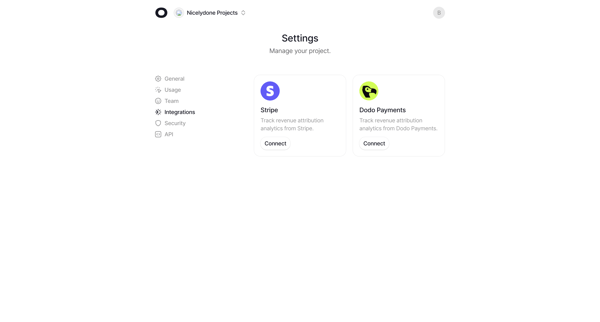
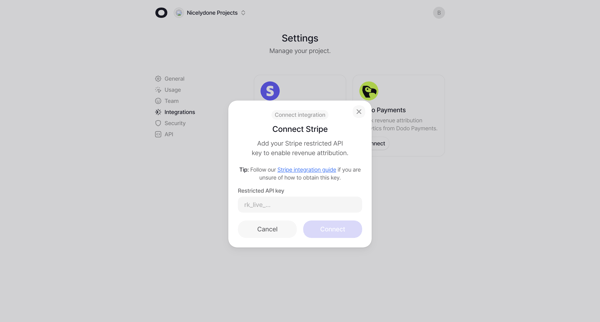
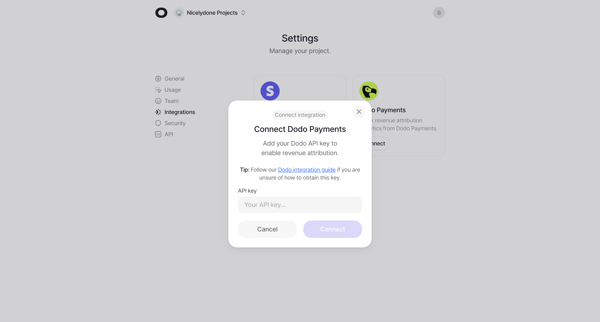
User navigates from integrations settings to connect Stripe or Dodo Payments via API key modals for revenue attribution analytics

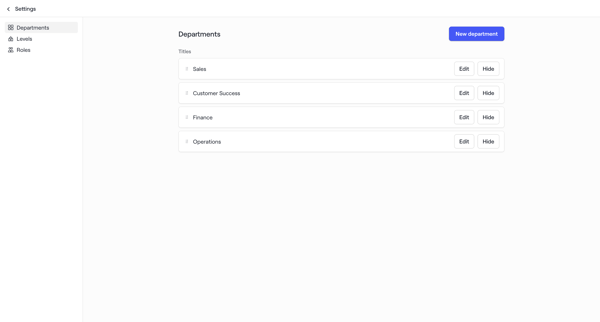
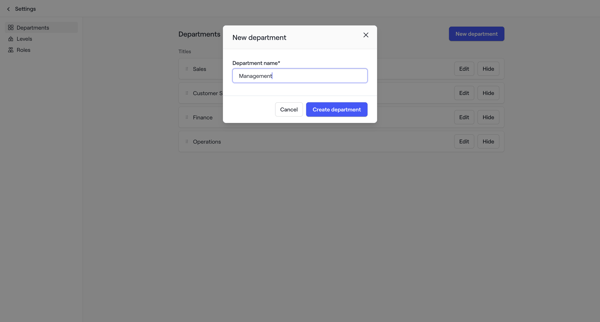
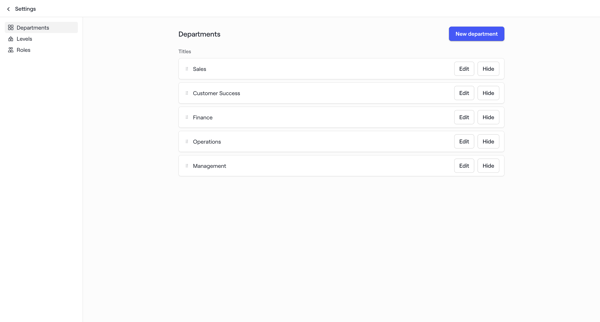
Admin configures organizational structure by managing departments, levels, and roles in workspace settings for account maps
Explore the full SaaS flow library
Browse the full SaaS flow library.
Trusted by the best teams







