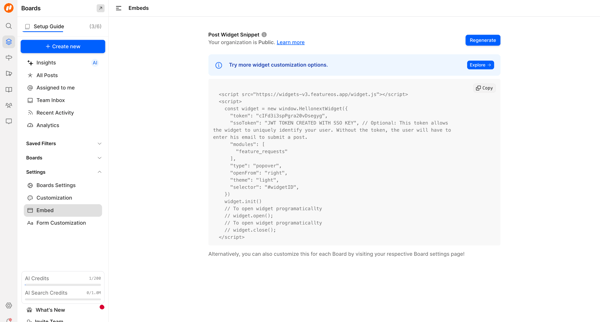
Exa Flow Example: Copying setup prompt
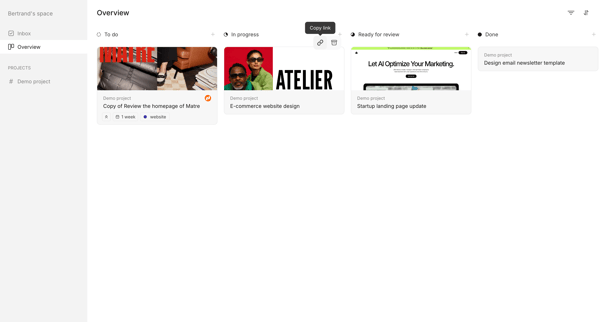
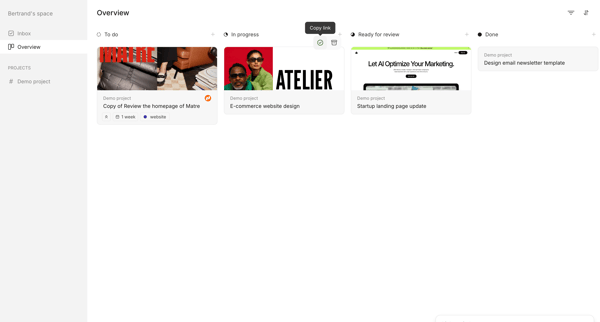
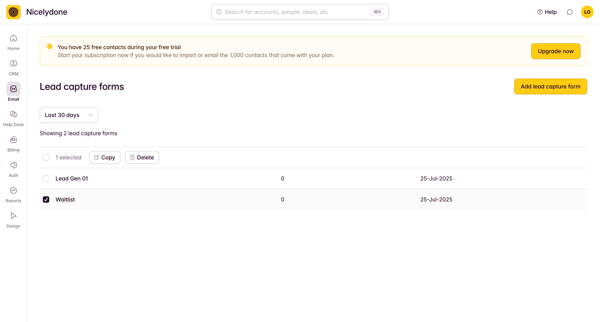
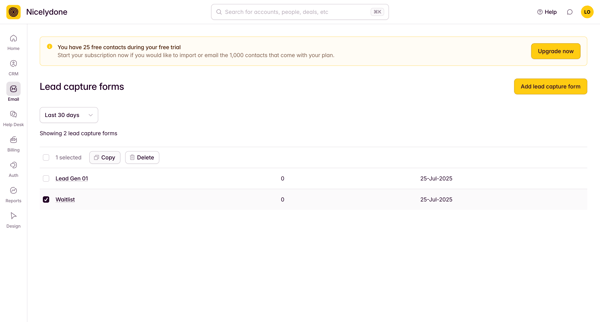
Preview this Exa user flow: Copying setup prompt. Explore the opening screens.
Preview these flows

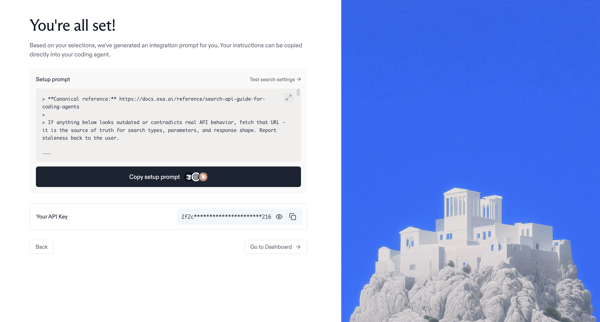
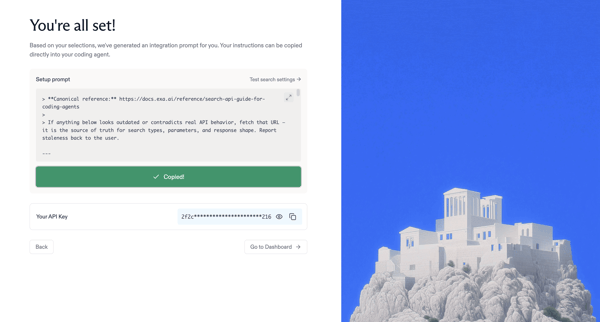
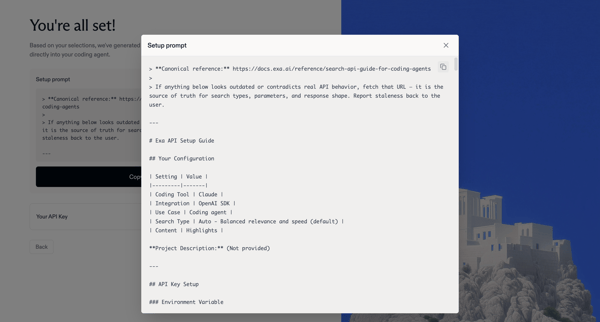
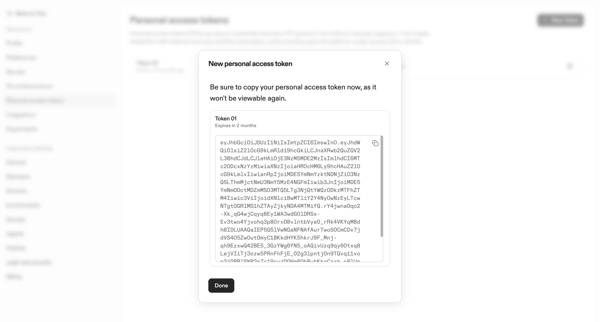
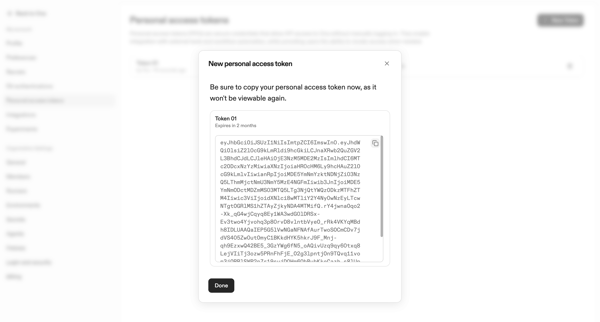
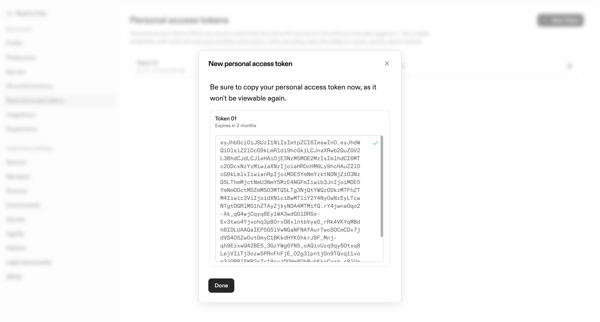
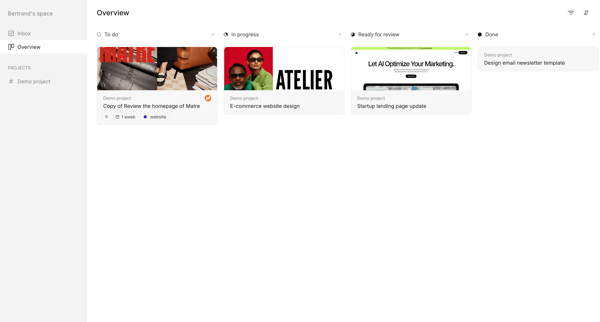
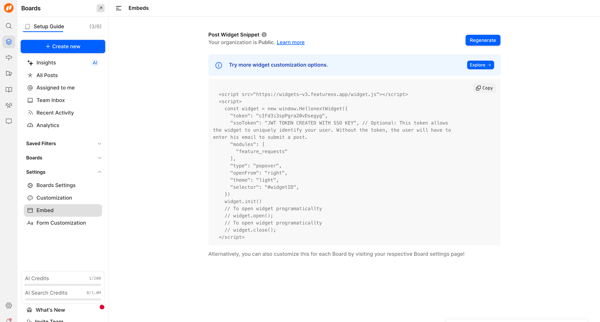
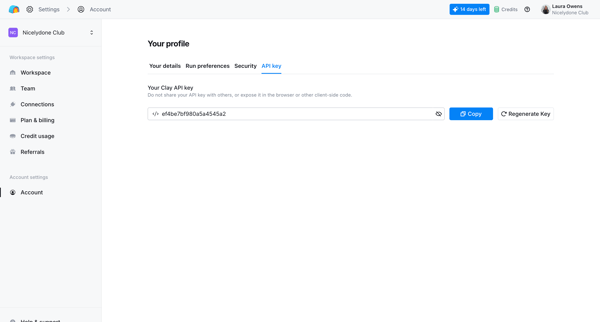
Onboarding completion step where user receives generated integration prompt and API key, copies the prompt, and proceeds to dashboard
Related user flows

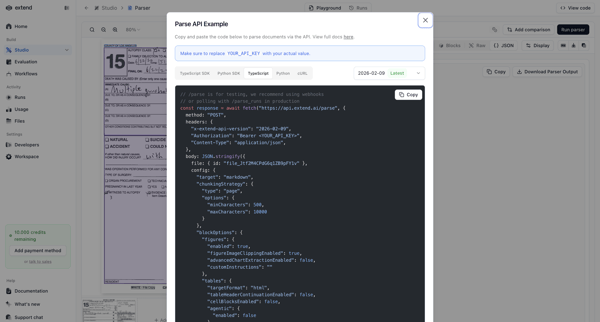
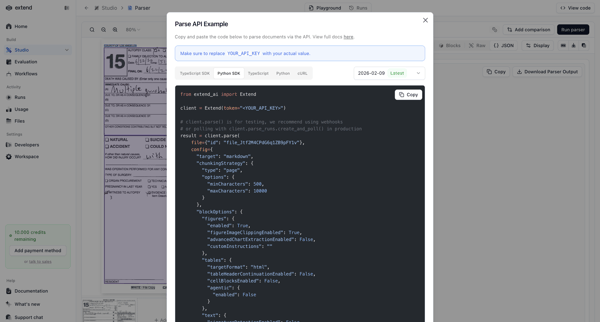
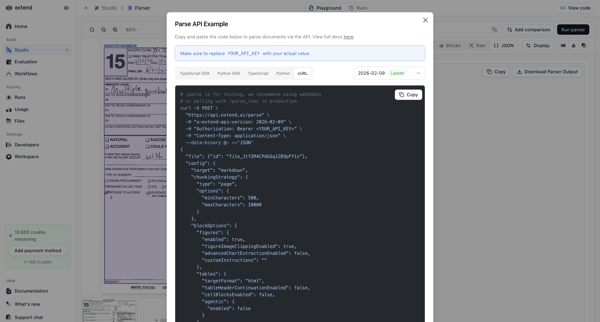
User opens API integration modal on parser detail page and views code snippets across TypeScript, Python, and cURL tabs

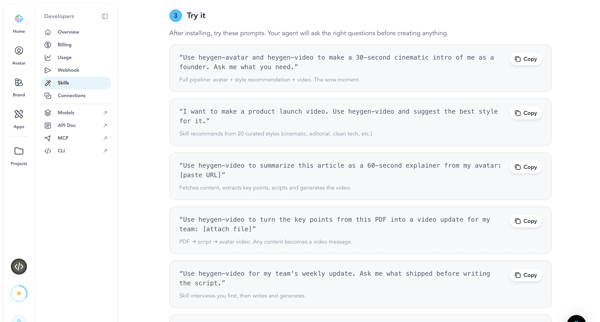
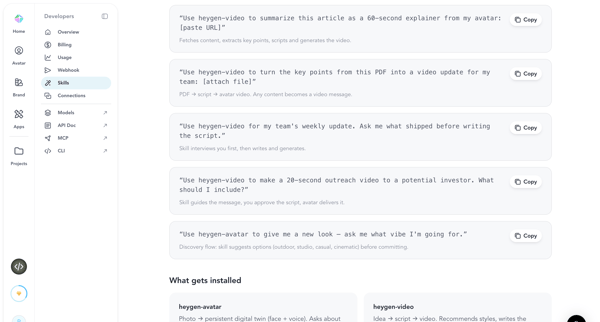
Browsing and copying example prompts from developer settings to test agent skills in HeyGen

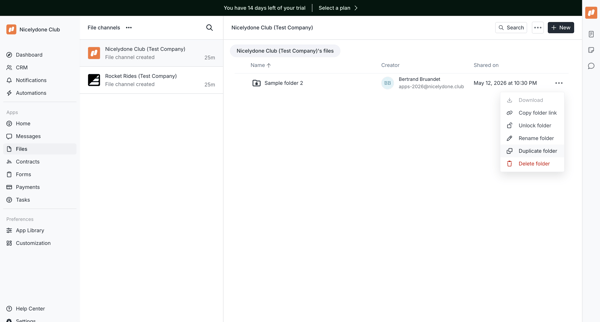
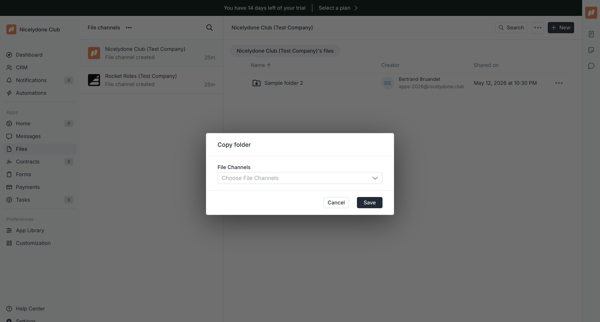
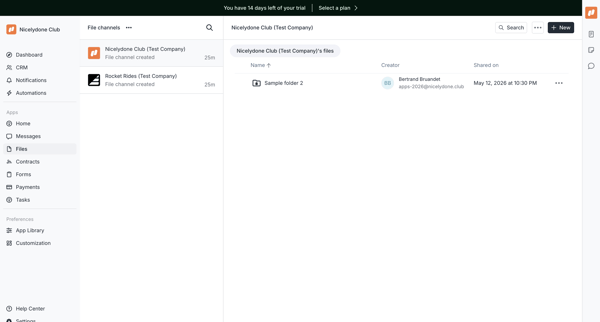

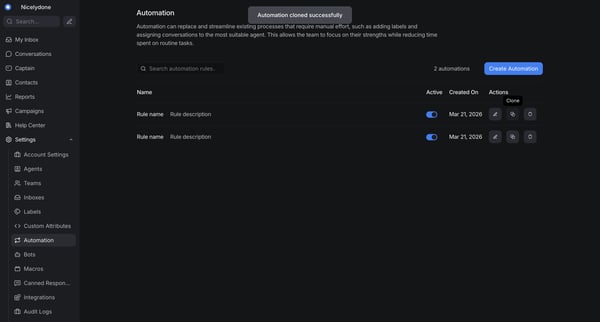








Explore the full SaaS flow library
Browse the full SaaS flow library.
Trusted by the best teams







