Resetting password
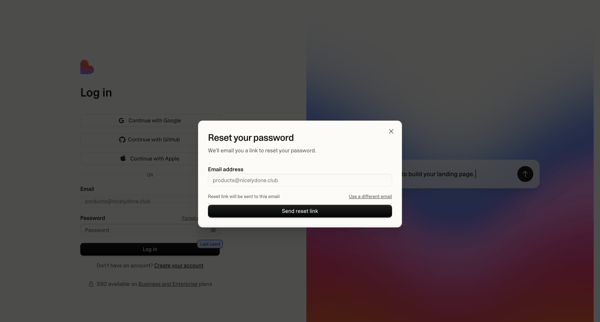
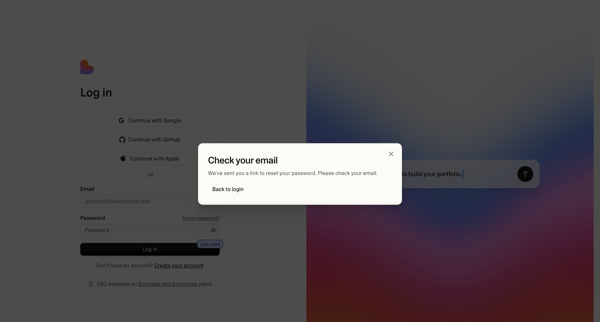
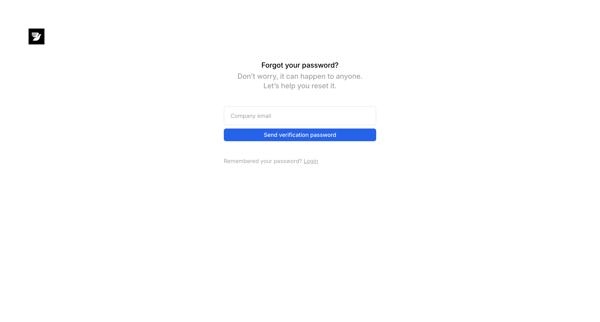
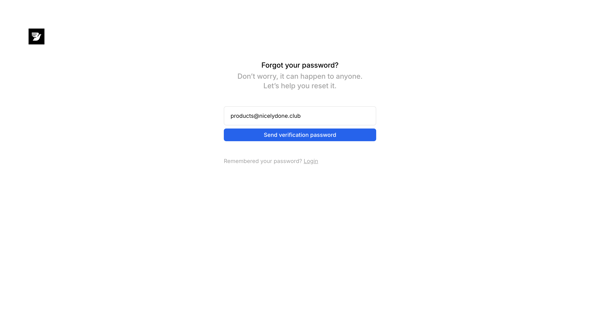
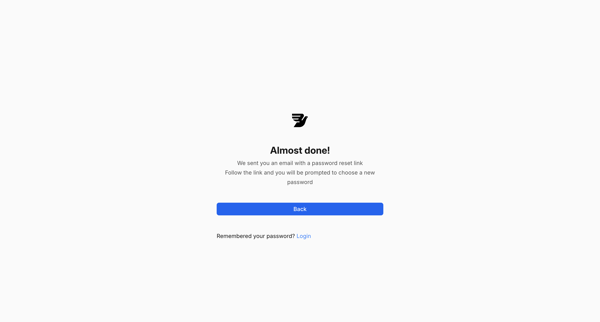
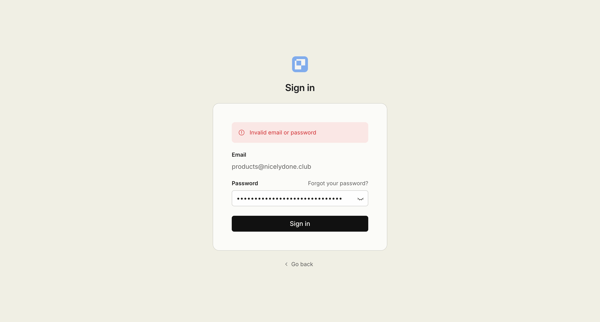
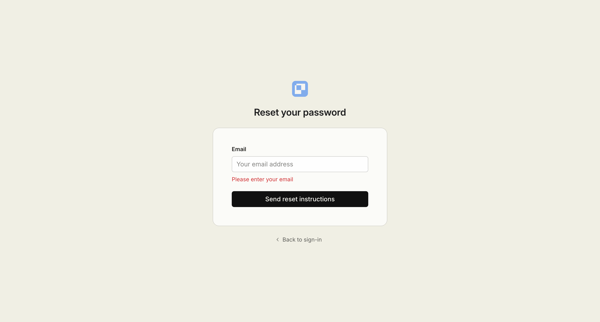
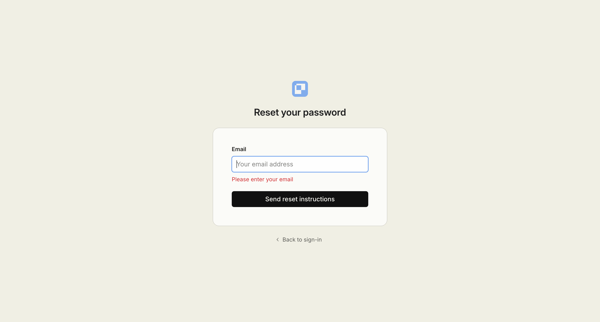
This user flow guides a user through the process of resetting their forgotten password on Fibery, from initiating the password reset request to receiving the reset link via email.
Preview these flows

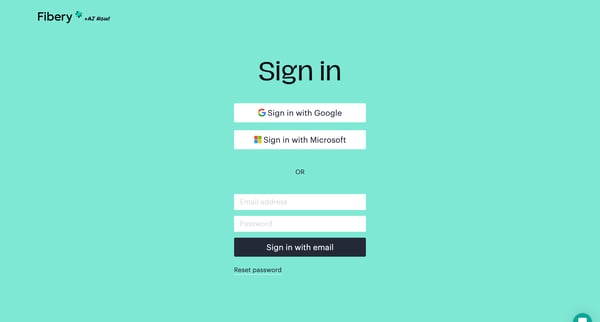
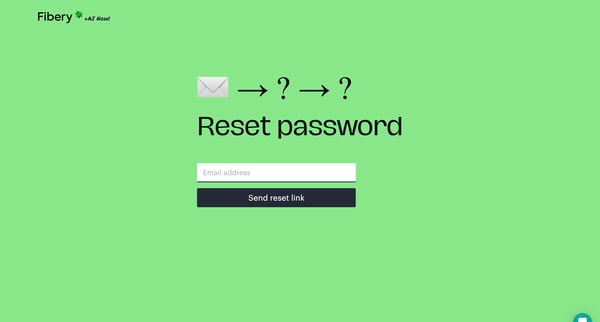
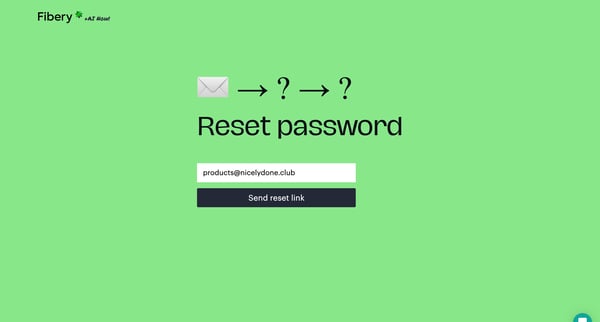
This user flow guides a user through the process of resetting their forgotten password on Fibery, from initiating the password reset request to receiving the reset link via email.
Related user flows

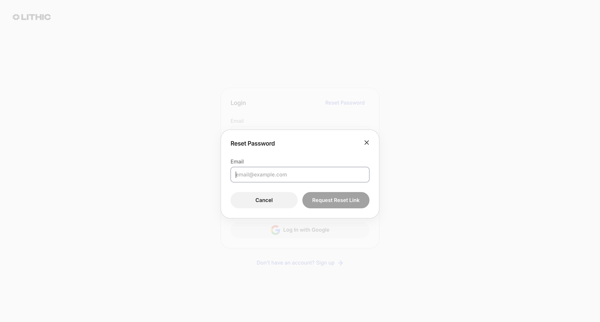
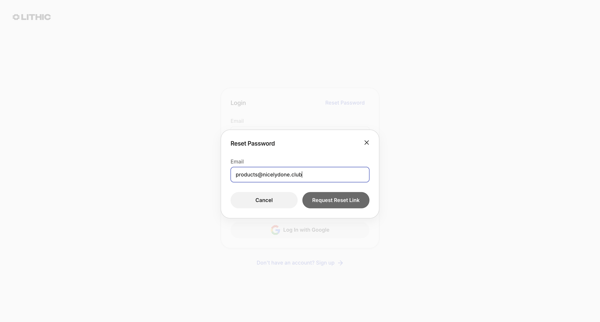
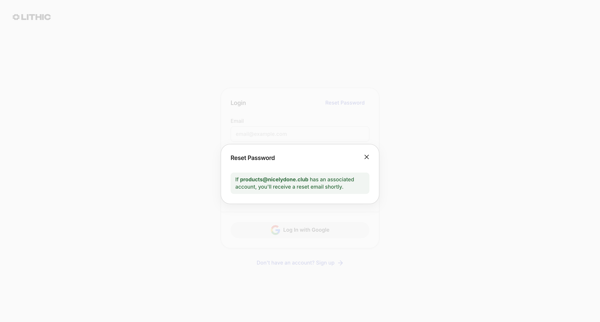
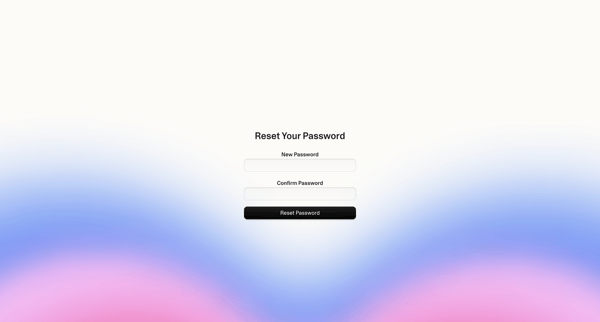
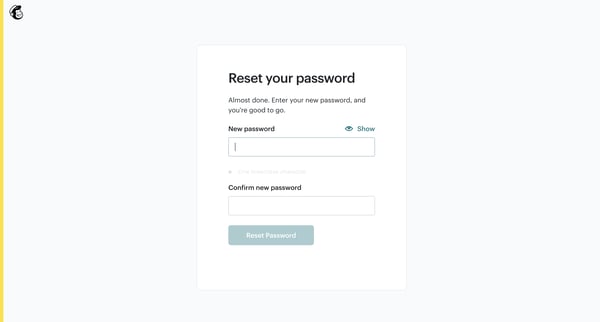
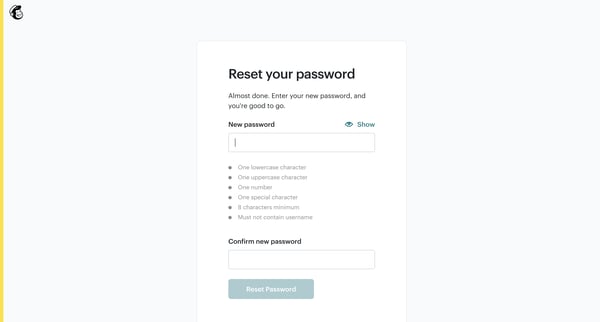
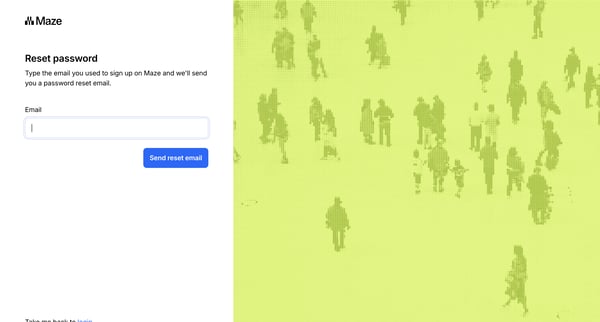
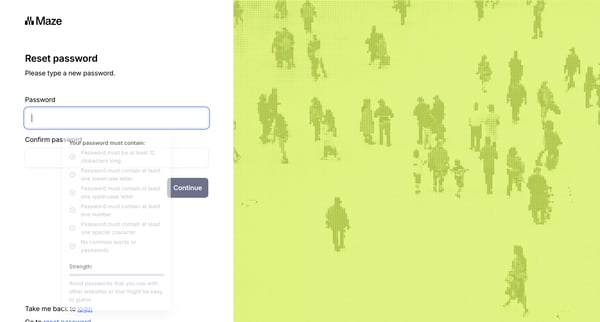
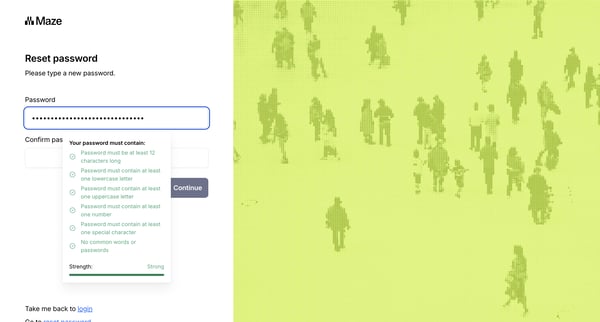
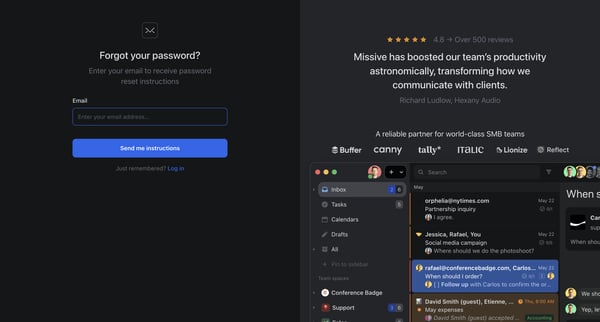
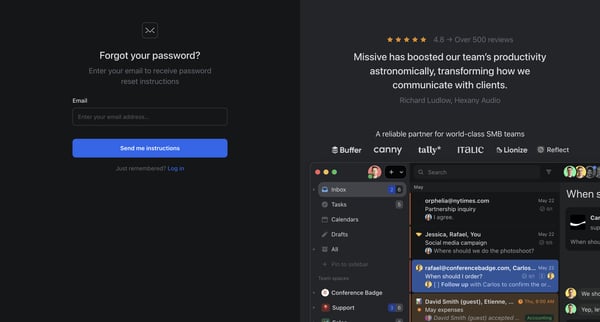
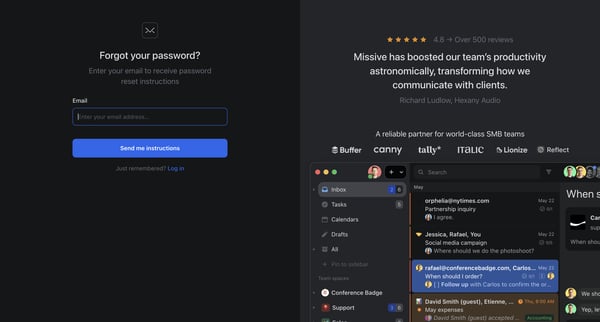
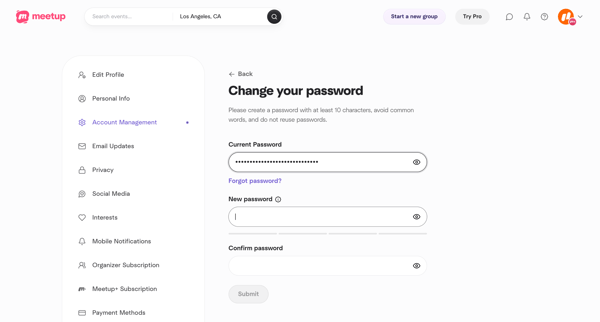
User requests a password reset link via email from the login modal, receives confirmation, then enters and confirms a new password on the reset form, ending at a success alert

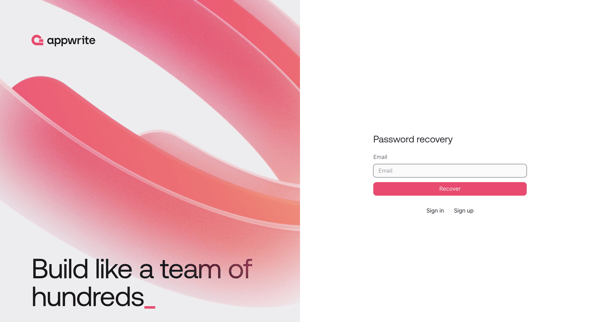
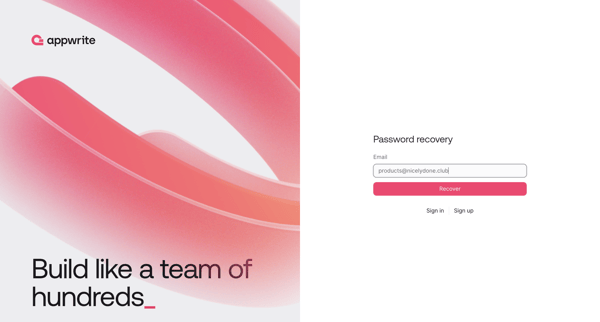
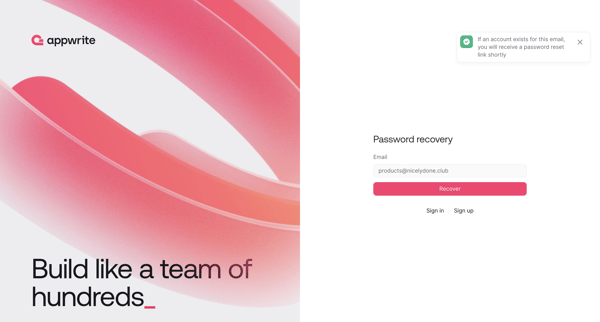
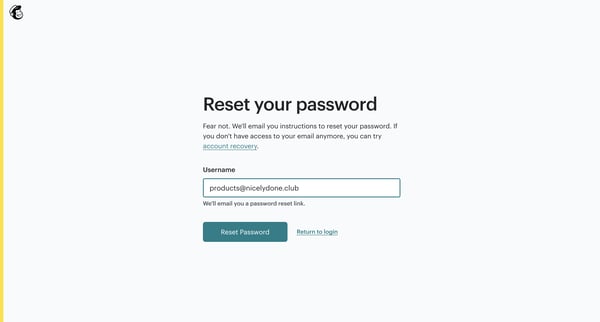
Password recovery flow where user requests reset link via email then sets new password

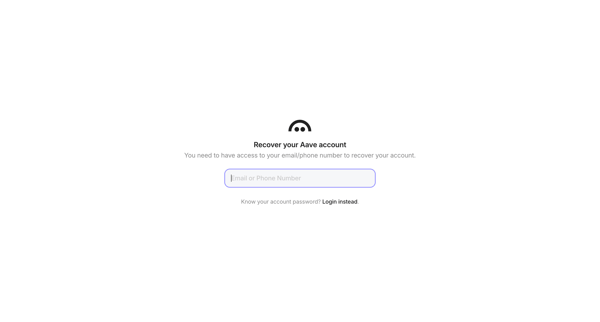
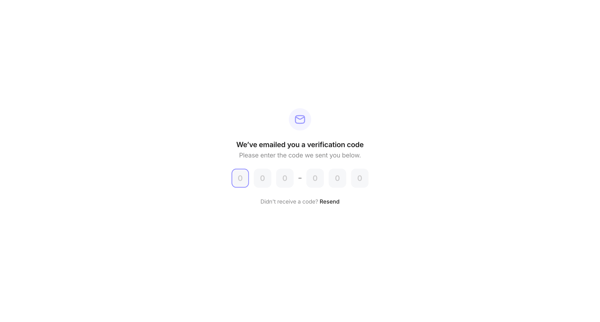
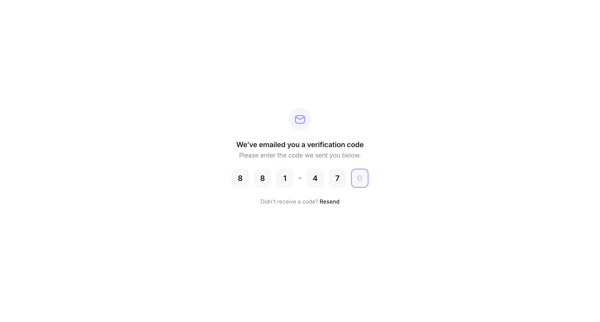
Multi-step account recovery for Family crypto wallet using email or phone request, OTP verification, MFA challenge, and new password setup












Explore the full SaaS flow library
Browse the full SaaS flow library.
Trusted by the best teams







