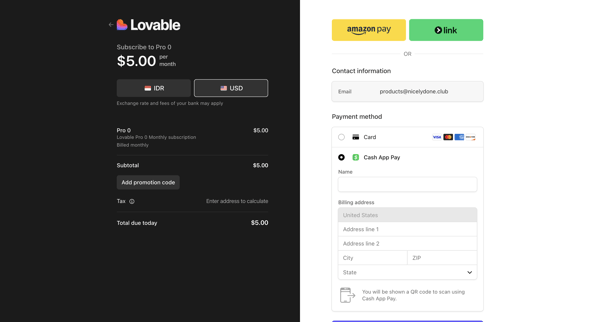
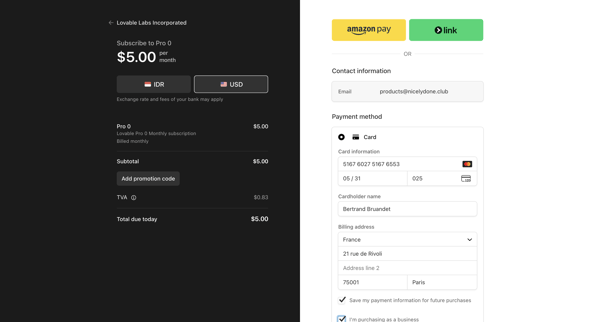
Assembly AI App Builder Flow Example: Adding payment method
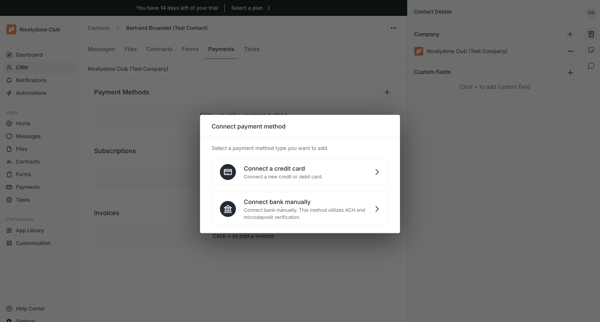
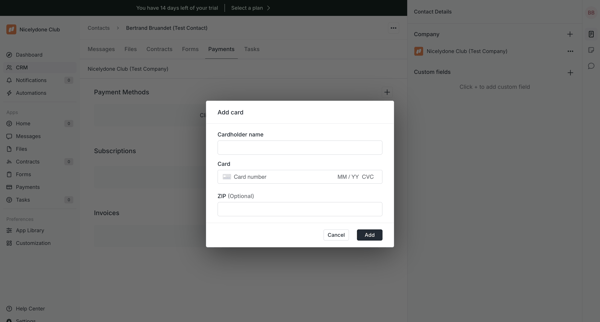
Preview this Assembly AI App Builder user flow: Adding payment method. Explore the opening screens.
Preview these flows

Related user flows

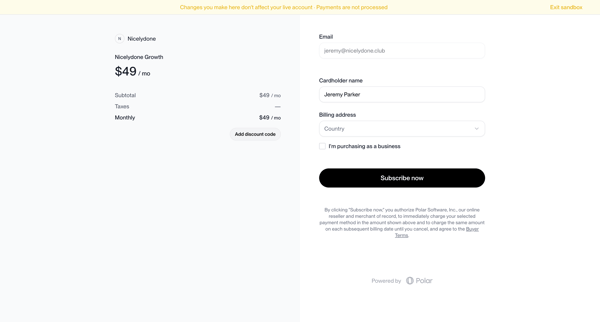
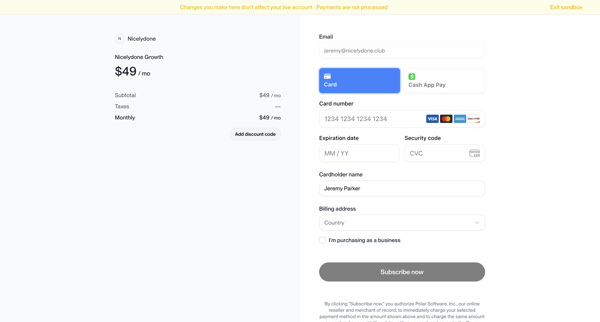
User reviews Nicelydone Growth order summary and enters payment details on checkout form in sandbox mode

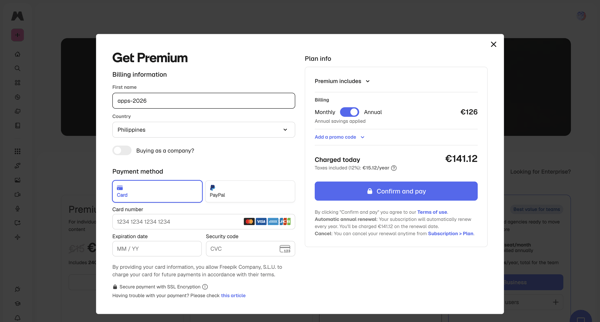
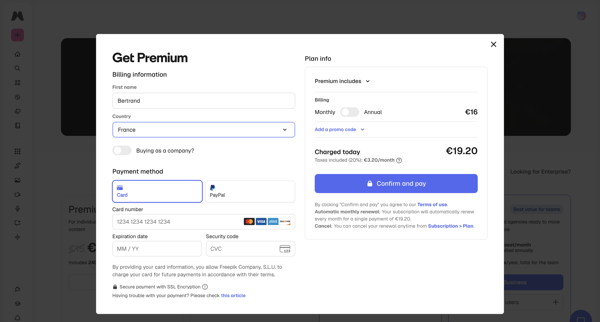
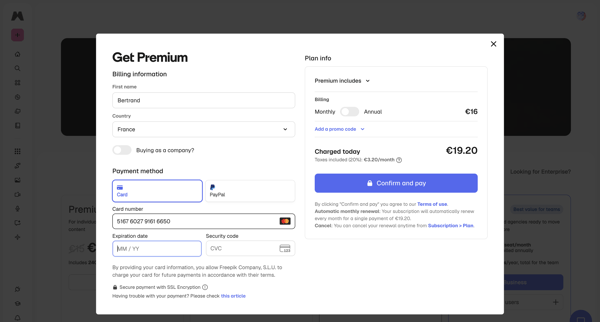
User enters billing details, selects payment method, reviews order summary, and confirms upgrade to Premium plan inside a checkout modal, handling loading and error states

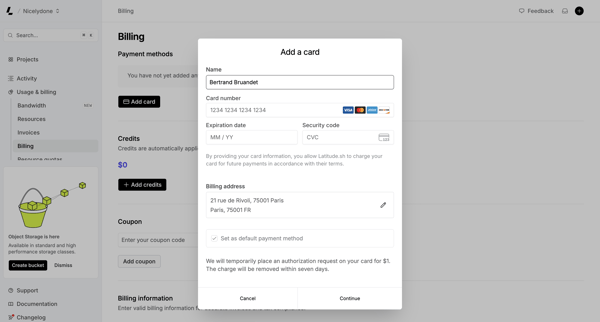
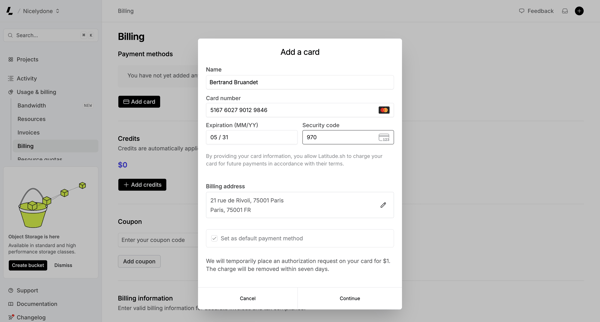
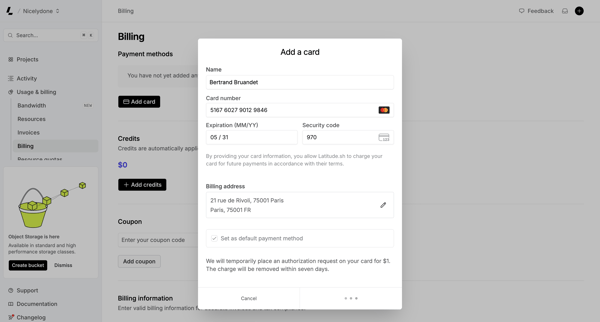
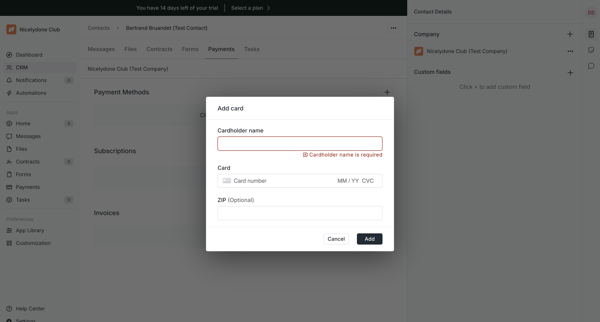
User opens Add Payment Method modal from billing settings and fills credit card and address details, encountering loading and connection error states

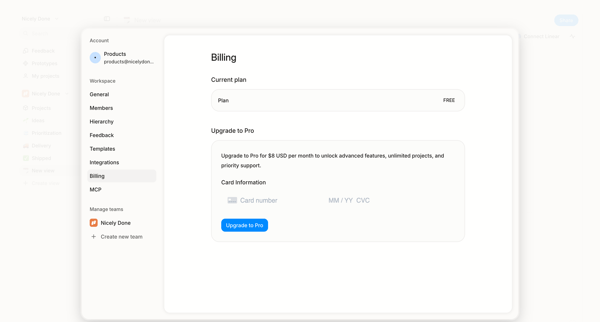
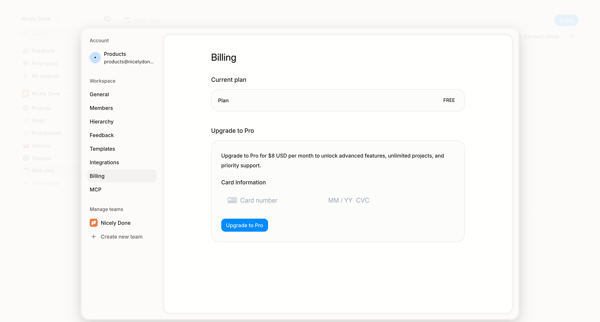
User opens billing settings overlay showing free plan and enters credit card details to upgrade to Pro

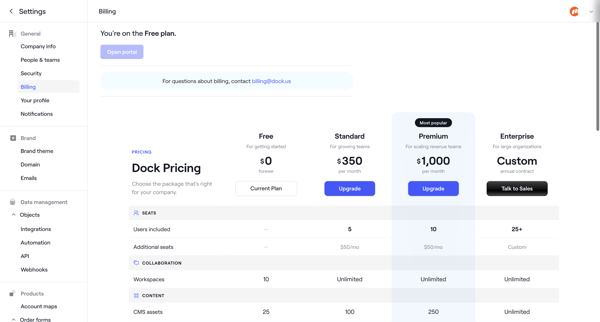
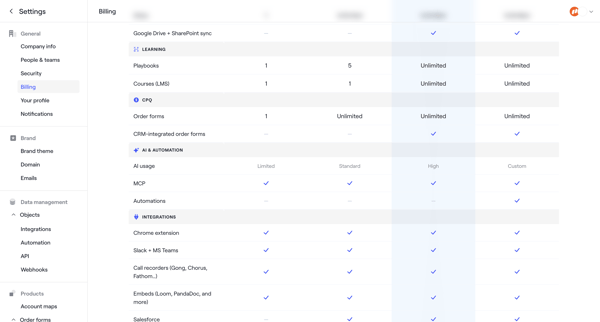
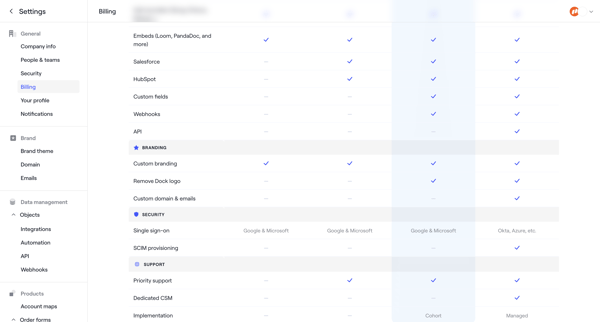
User starts in Billing Settings to compare Free/Standard/Premium/Enterprise plans then completes checkout by entering billing address, payment method, and reviewing order to upgrade.

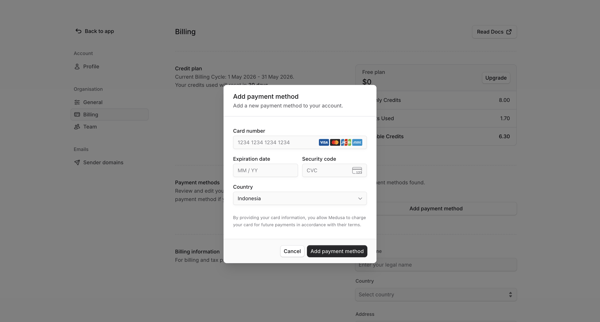
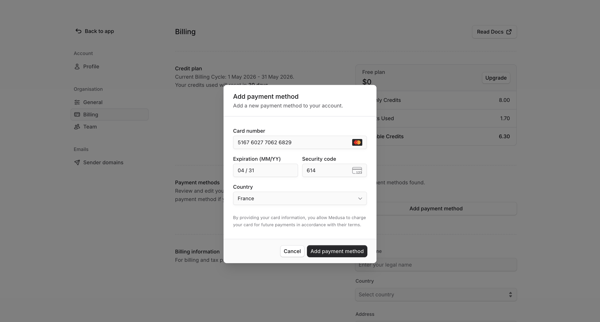
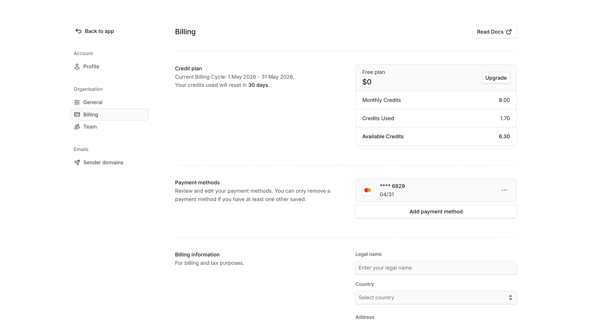
User opens Add Payment Method modal from billing settings, enters card details and country, then views updated billing settings with saved payment method

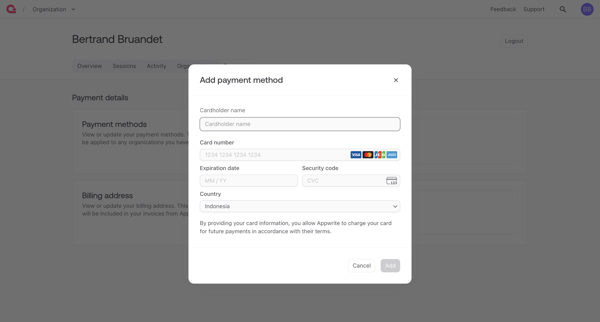
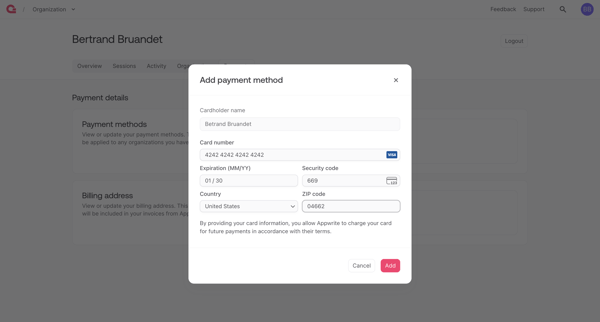
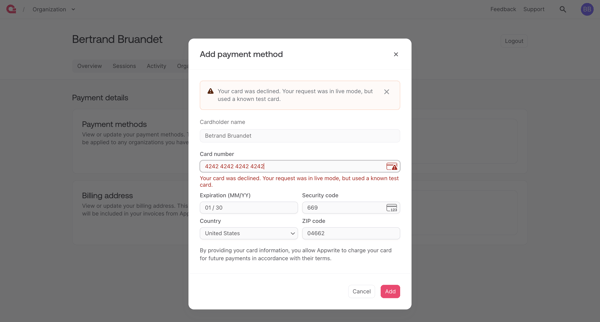
Adding credit card payment method via modal form in billing settings with error handling for declined cards

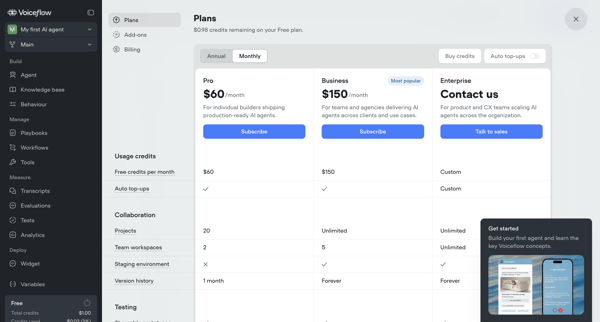
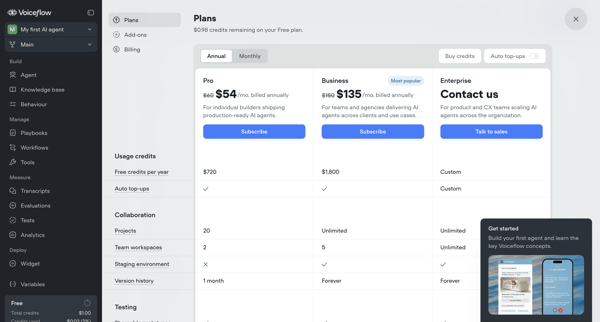
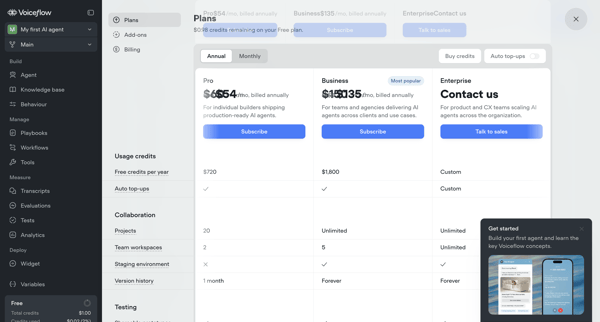
User compares Pro, Business, and Enterprise tiers across billing overlays, modals, and settings pages, toggles annual vs monthly billing, configures add-ons like seats, and manages payment details to complete an upgrade from Free tier.

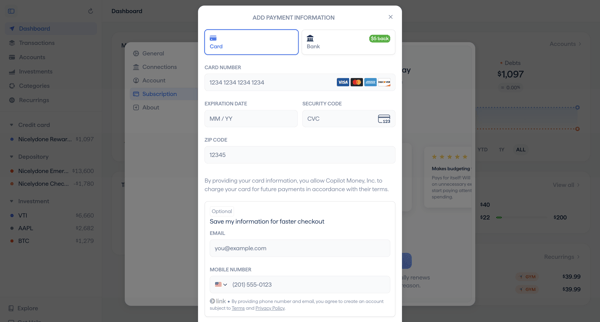
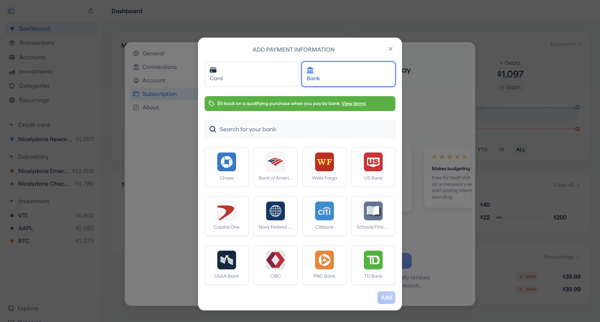
User opens Add Payment Method modal from billing settings and enters credit card details or selects a bank account via Plaid-style integrations

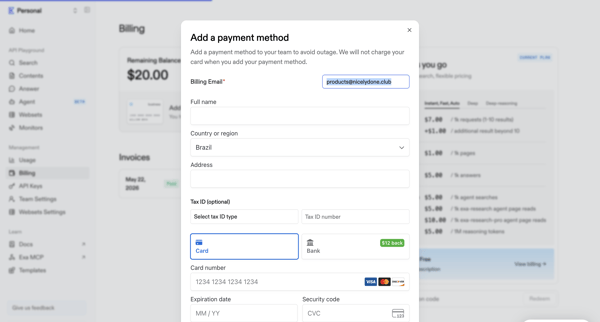
Adding a payment method via modal in billing settings to avoid service outage

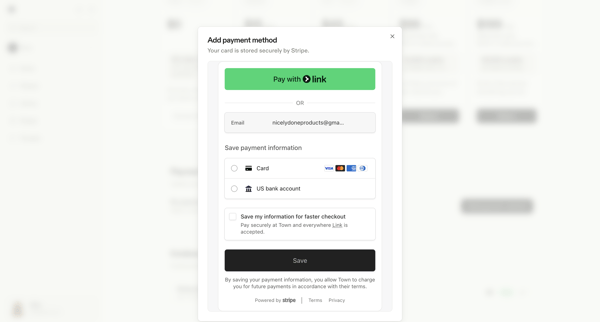
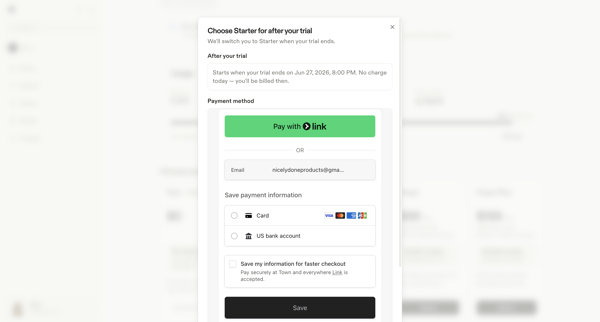
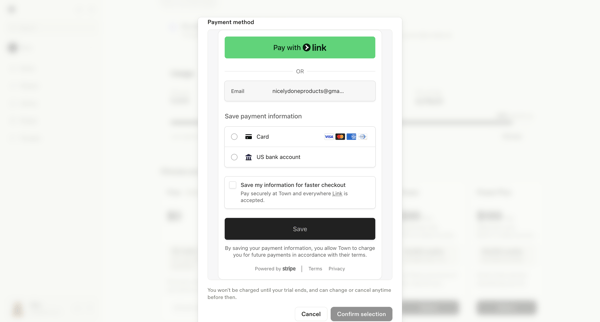
User opens billing settings to add a payment method through Stripe modal, selecting Link, card, or US bank account in context of trial conversion to Starter plan

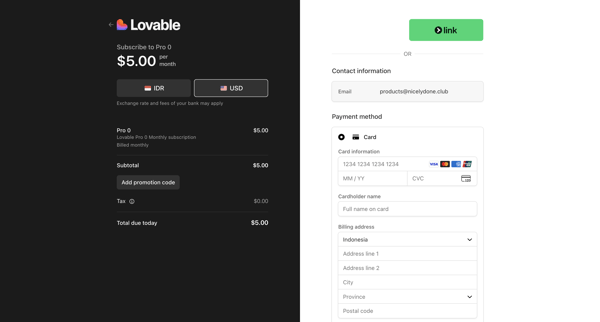
Explore the full SaaS flow library
Browse the full SaaS flow library.
Trusted by the best teams







