Managing members
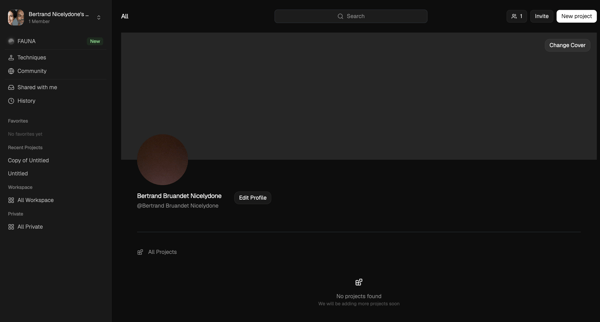
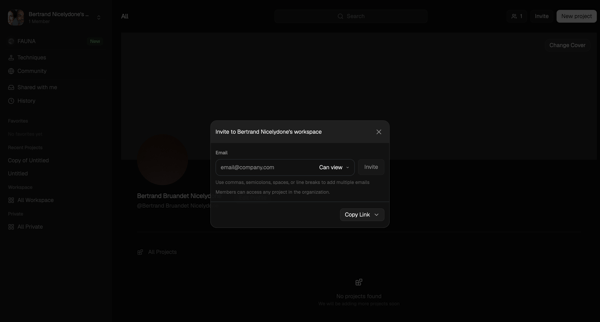
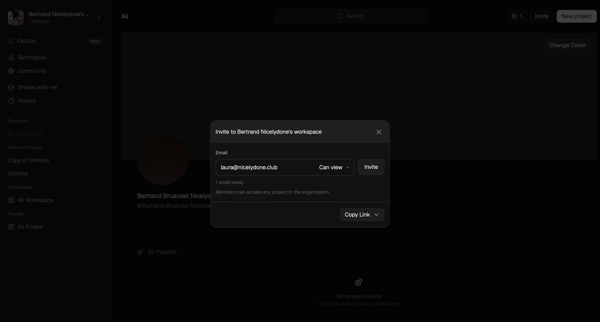
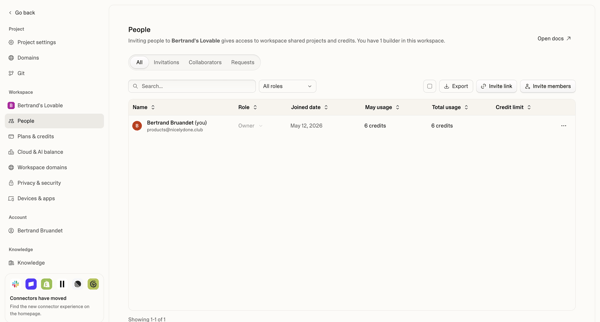
User flow from Slack.
Preview these flows

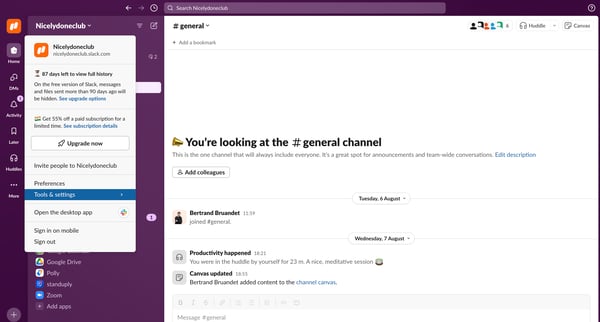
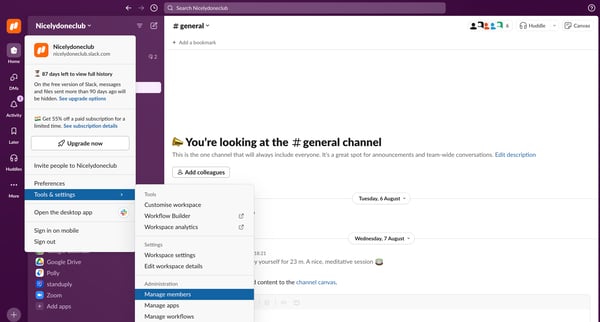
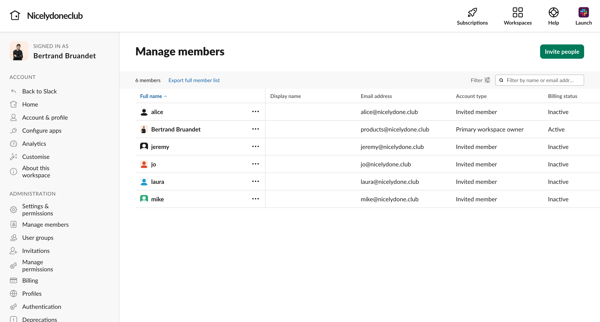
Related user flows

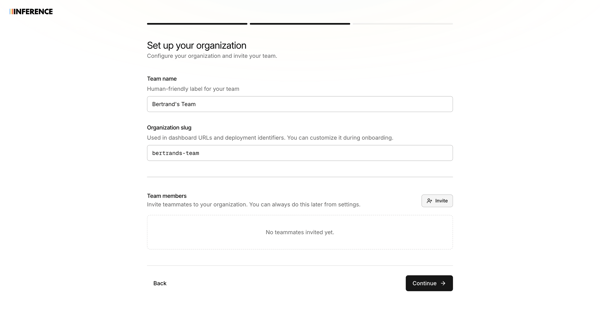
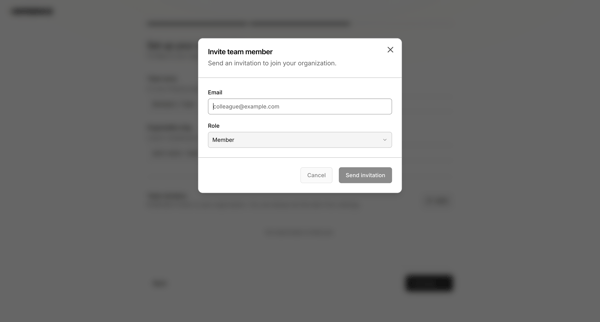
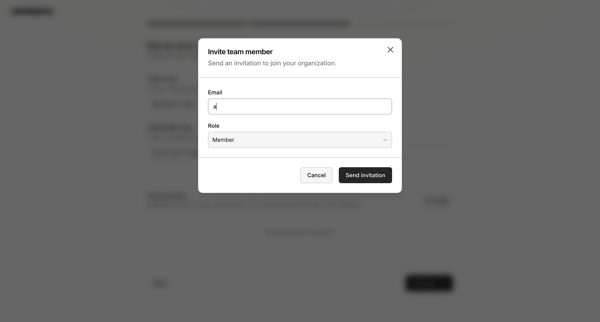
Onboarding flow to name organization, configure custom slug, and invite initial team members via modal with role assignment and validation

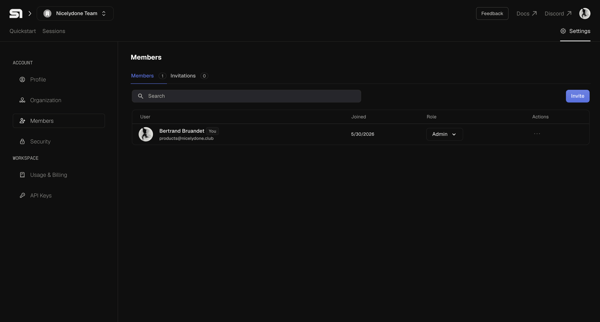
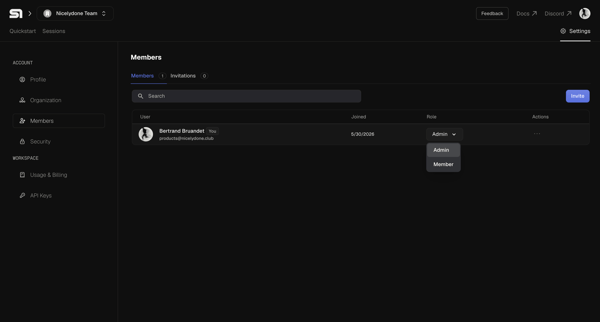
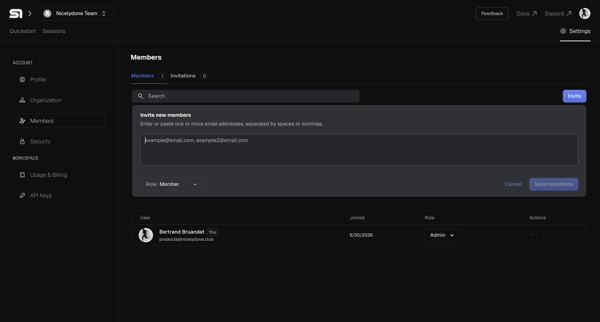
User opens organization members settings, enters email addresses in inline invite form, selects role, and sends invitations

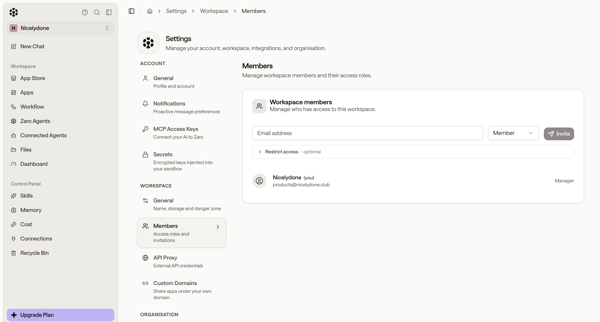
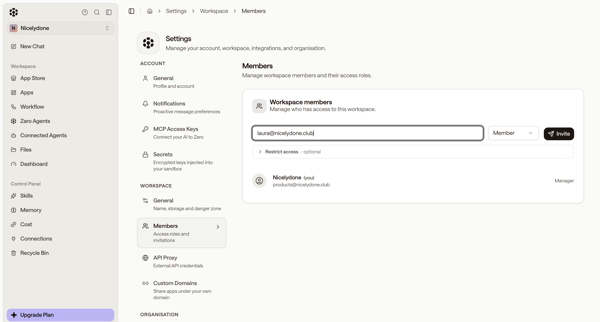
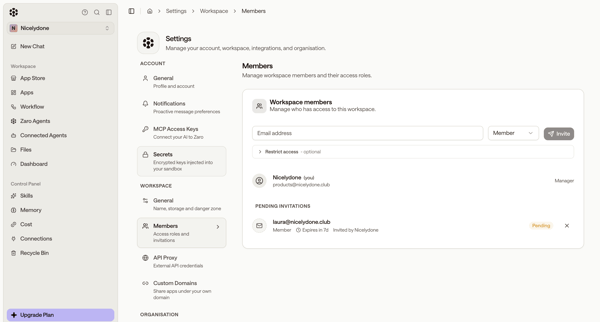
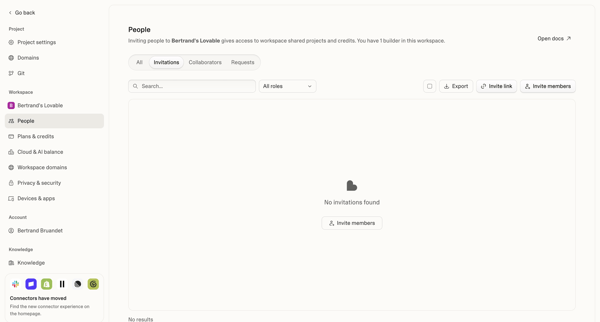
Inviting new workspace members by email, assigning roles, and managing pending invitations from the members settings page

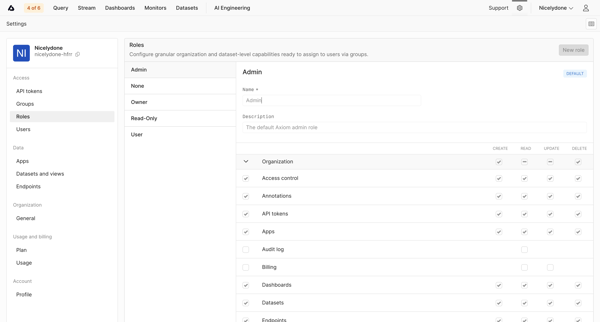
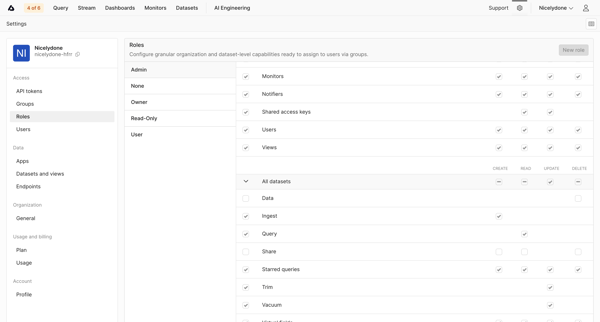
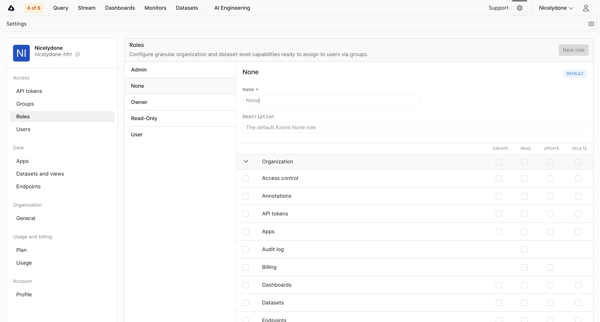
Admin configures granular create, read, update, and delete permissions for roles like Admin, Owner, User, and Read-Only across organization and dataset capabilities using a permission matrix

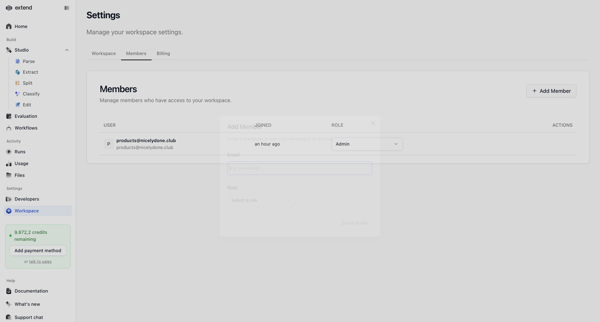
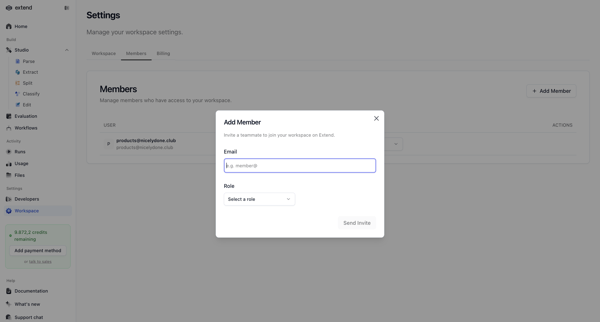
Inviting new teammates to the workspace via email with role assignment from the members and permissions settings page

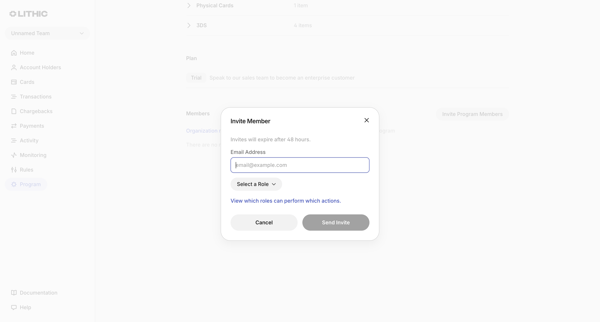
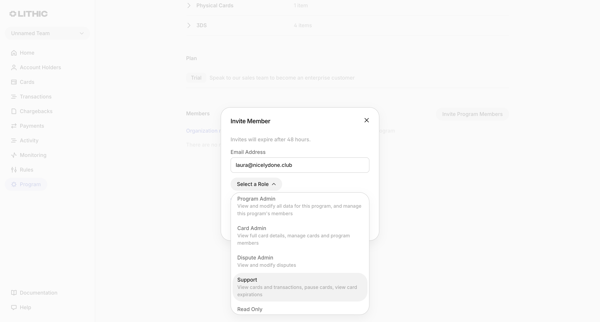
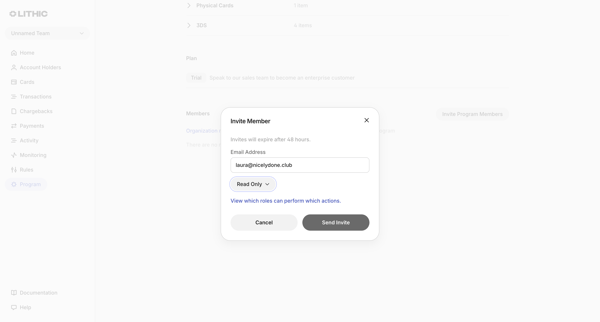
Admin opens Team Invite Modal from Members & permissions settings to enter email and assign role for a new program member

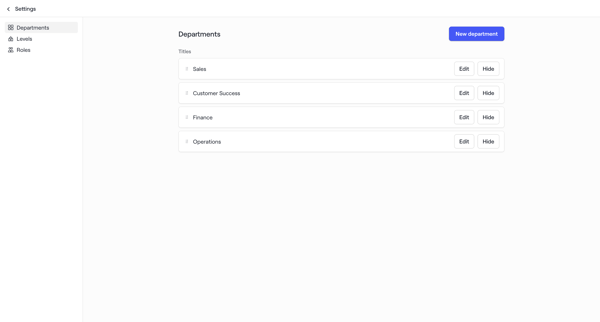
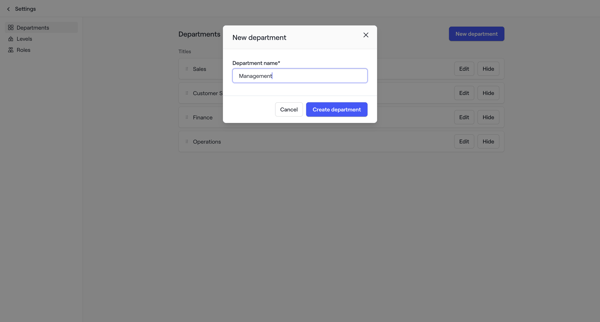
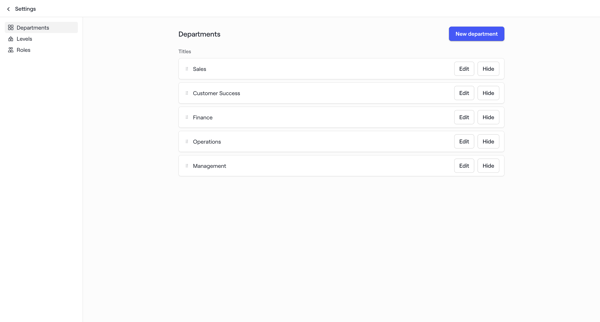
Admin configures organizational structure by managing departments, levels, and roles in workspace settings for account maps

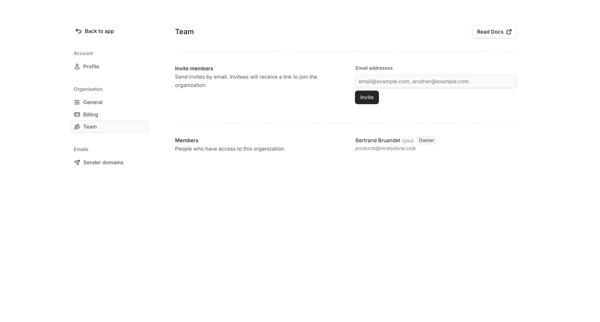
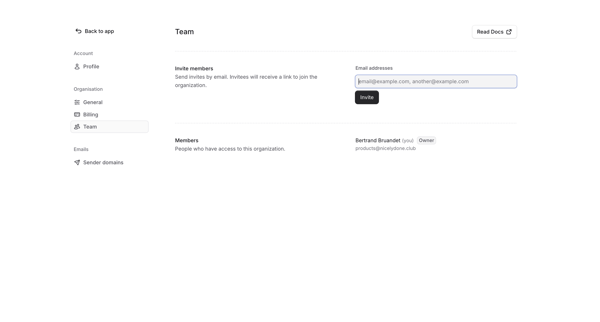
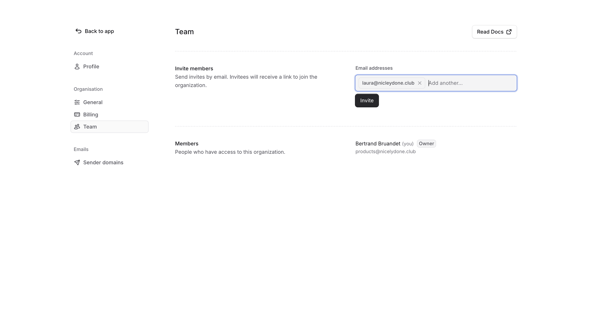
Admin enters Team Settings, fills email invite form, sends invitations, and sees success state with pending invites listed

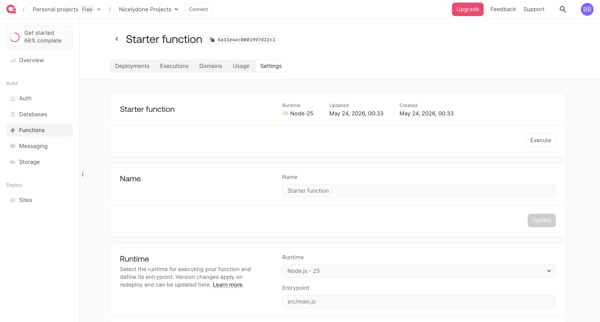
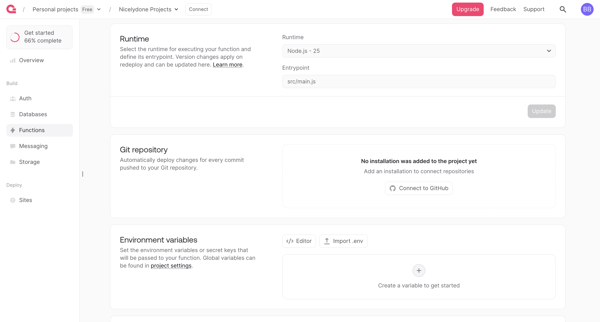
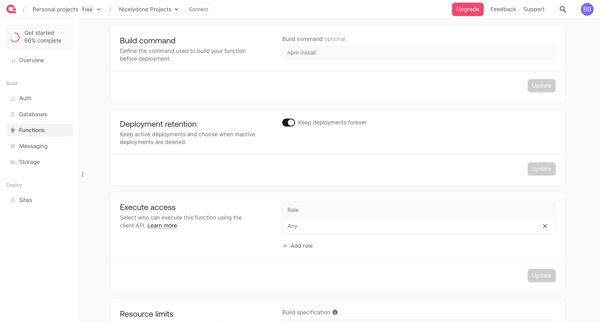
User configures serverless function runtime, integrations, permissions, limits and scopes across sequential settings screens in Appwrite console

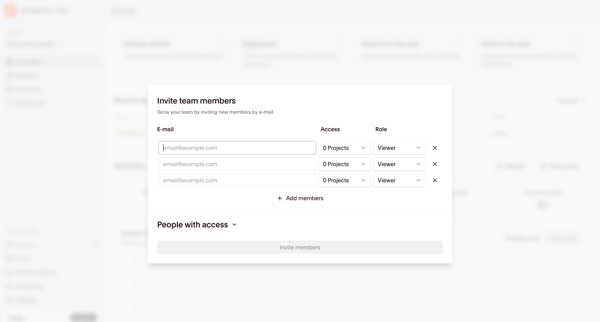
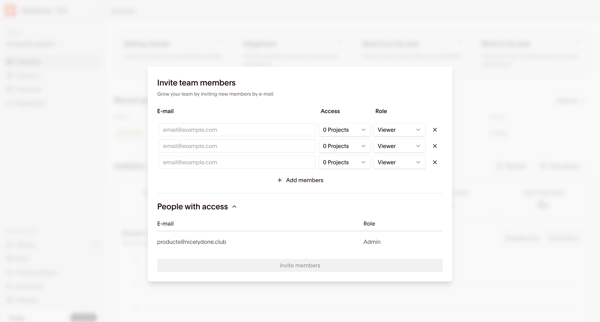
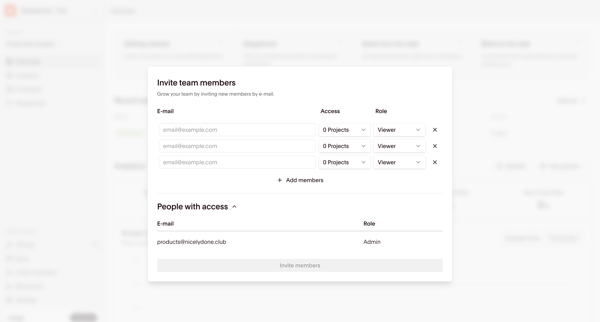
Open team invite modal from dashboard to add members by email, select project access, and assign roles such as Admin, Contributor, or Viewer


Explore the full SaaS flow library
Browse the full SaaS flow library.
Trusted by the best teams







