Asana Flow Example: Setting up account
Preview this Asana user flow: Setting up account. Explore the opening screens.
Preview these flows




This user flow guides a new user through the process of setting up their account in Asana, including selecting their work type, defining objectives, creating a project with tasks, and invitin
Related user flows

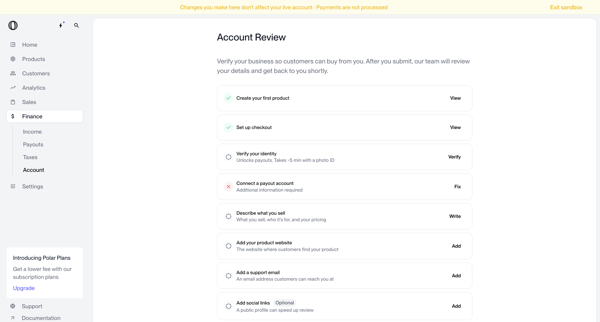
User navigates account review screens in Polar to verify business identity and complete onboarding checklist items before submitting for manual review

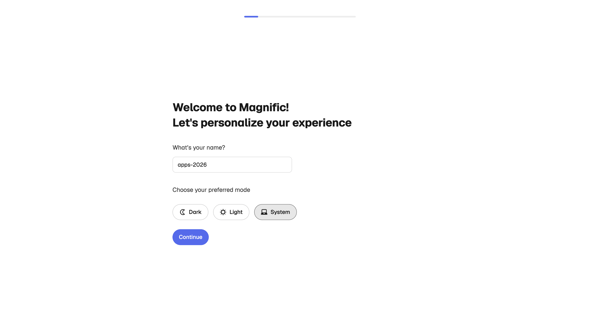
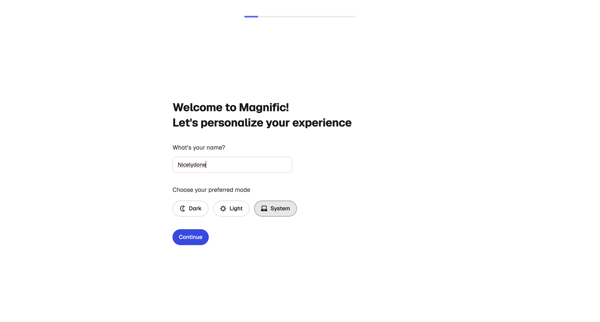
Onboarding personalization step where user enters name and selects display theme before entering the app

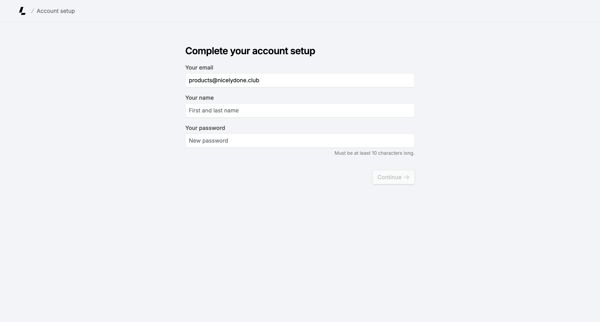
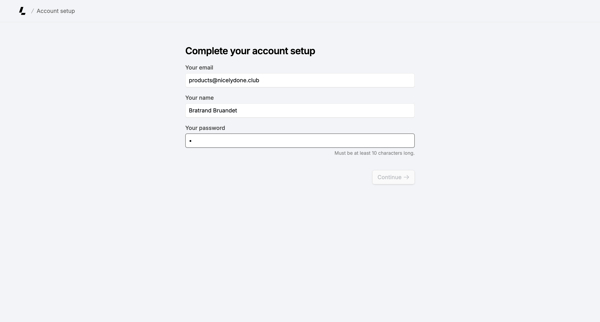
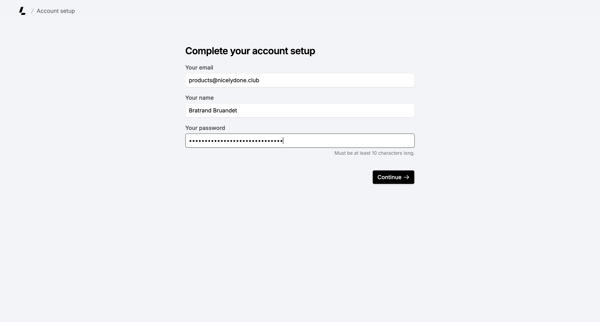
Onboarding form where user confirms email, enters name, and sets password to finish account creation

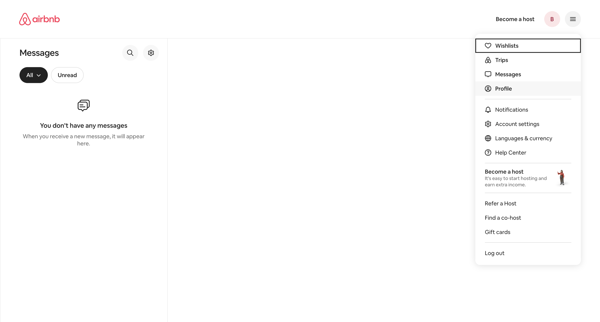
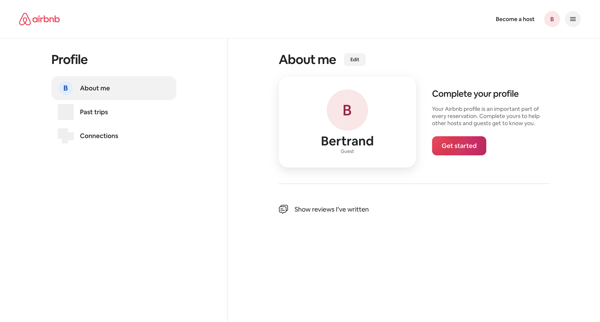
From empty messages inbox, open profile dropdown to reach profile settings page showing completion prompt and Get started action

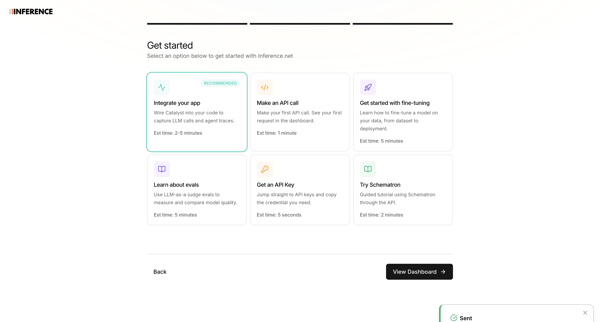
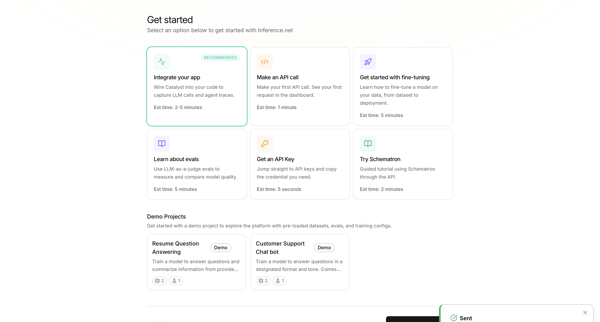
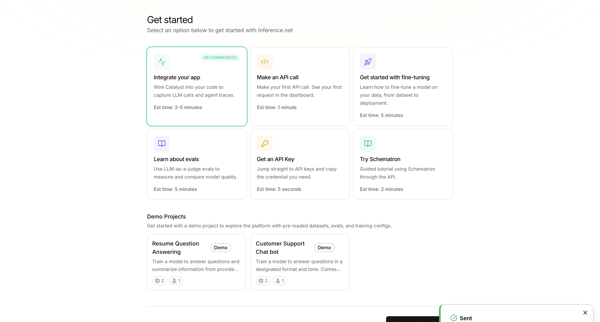
User selects primary goal such as integrating an app or making an API call during onboarding, with a toast confirming teammate invitation

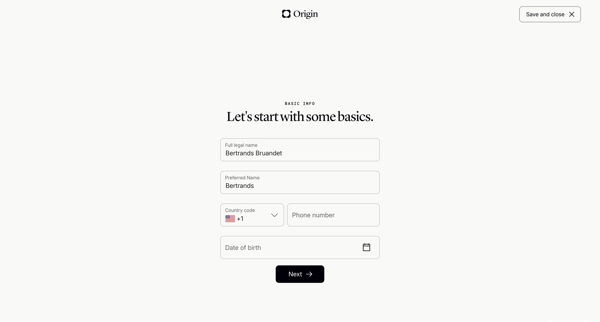
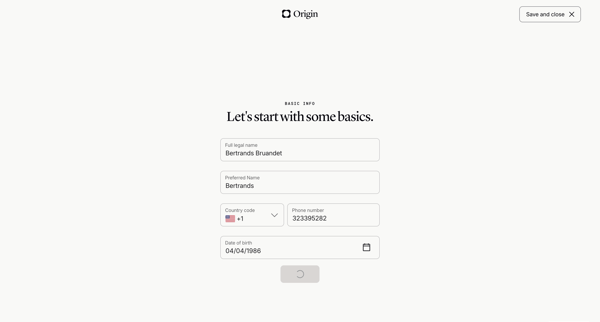
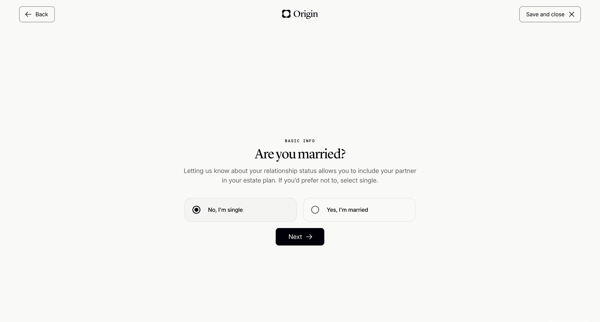
Onboarding wizard collecting personal details, relationship status, children info, state of residence, and executor names to generate a basic will

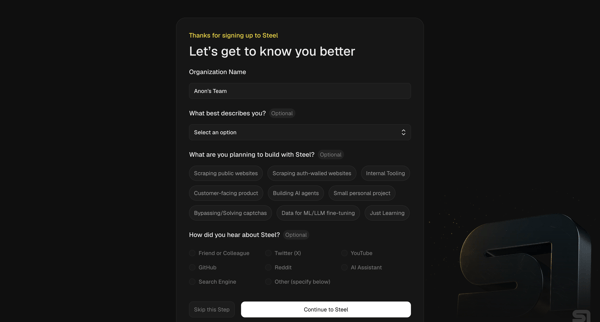
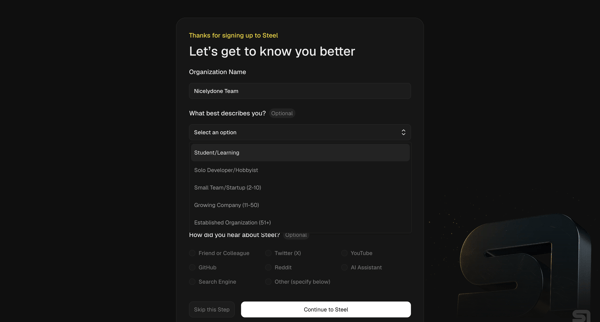
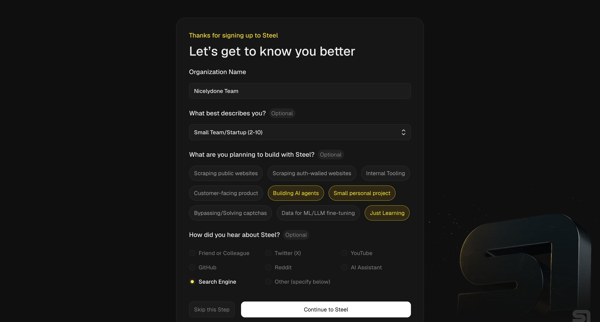
User completes organization questionnaire then developer quickstart to generate API key, install SDK, and pick starter templates for browser automation agents

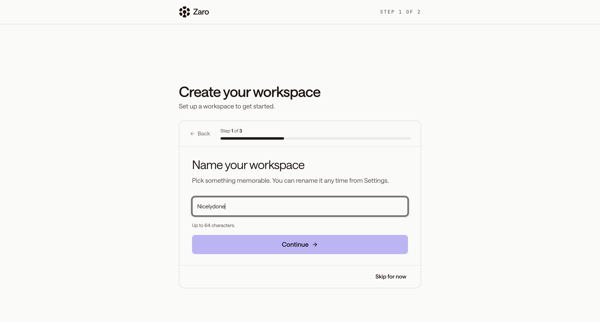
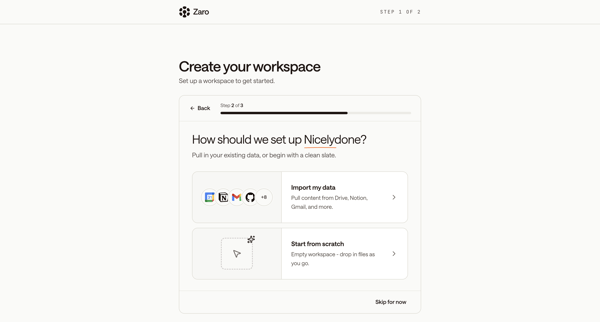
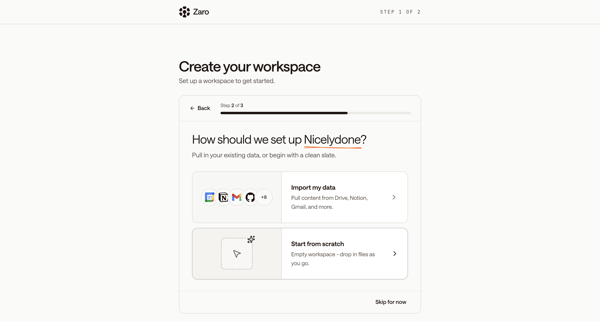
New user names workspace, chooses data import or integrations, connects tools, then follows multi-step product tour across modals and AI chat interface

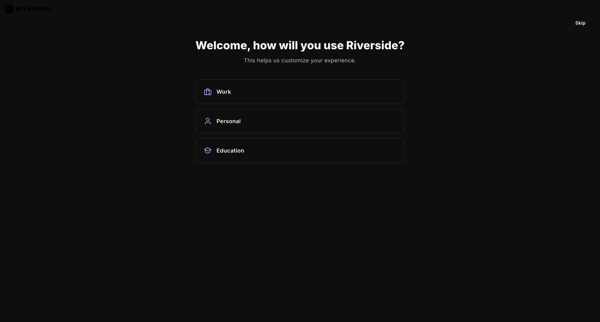
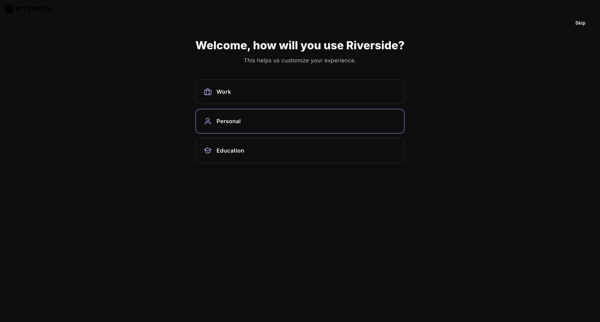

User selects primary use case, content goals, discovery source, and starting tools to personalize workspace in Riverside

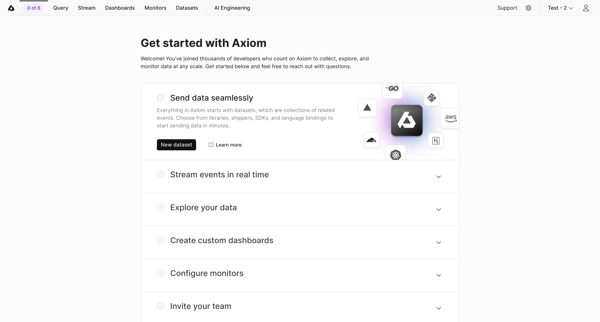
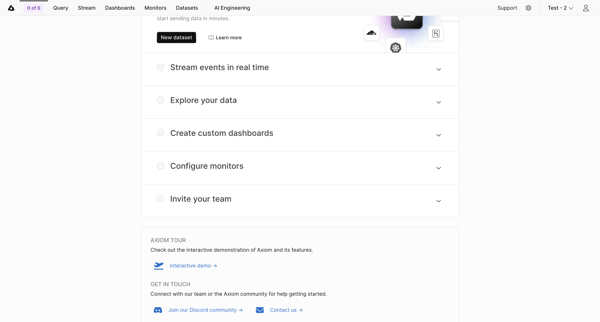
User views and interacts with Getting Started Checklist to begin workspace setup tasks in Axiom

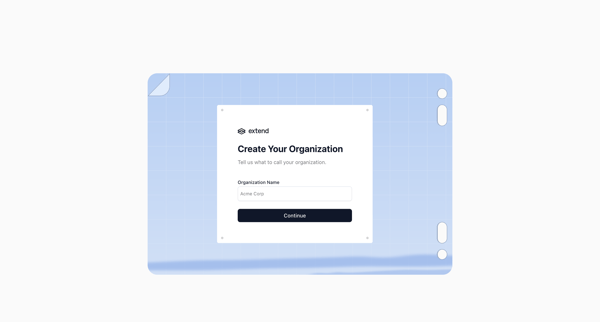
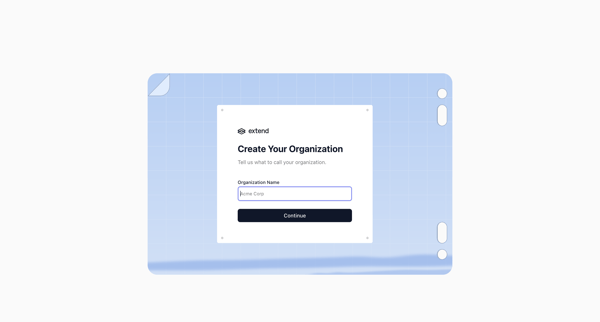
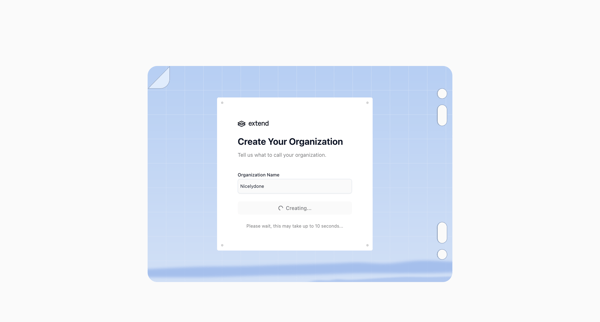
Onboarding flow to name an organization and trigger workspace creation in Extend

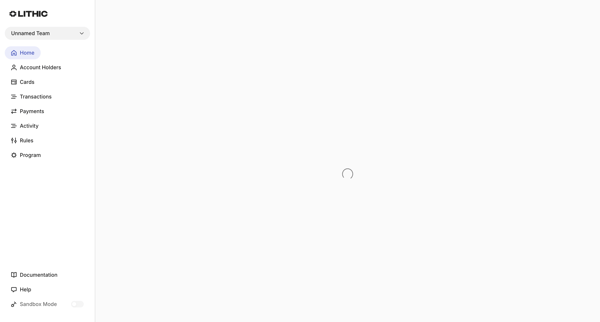
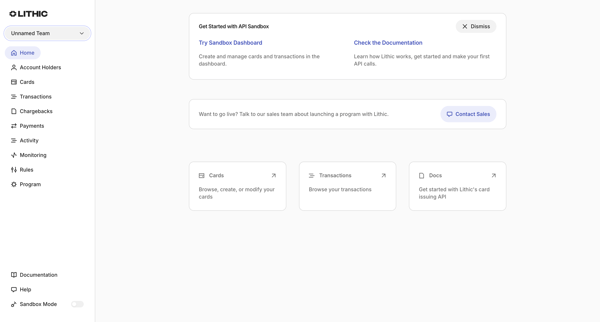
User loads sandbox dashboard to view getting-started resources and begin testing card issuing features
Explore the full SaaS flow library
Browse the full SaaS flow library.
Trusted by the best teams







